Employee Sql
Description



Get your form ready online
Our built-in tools help you complete, sign, share, and store your documents in one place.
Make edits, fill in missing information, and update formatting in US Legal Forms—just like you would in MS Word.
Download a copy, print it, send it by email, or mail it via USPS—whatever works best for your next step.
Sign and collect signatures with our SignNow integration. Send to multiple recipients, set reminders, and more. Go Premium to unlock E-Sign.
If this form requires notarization, complete it online through a secure video call—no need to meet a notary in person or wait for an appointment.
We protect your documents and personal data by following strict security and privacy standards.

Make edits, fill in missing information, and update formatting in US Legal Forms—just like you would in MS Word.

Download a copy, print it, send it by email, or mail it via USPS—whatever works best for your next step.

Sign and collect signatures with our SignNow integration. Send to multiple recipients, set reminders, and more. Go Premium to unlock E-Sign.

If this form requires notarization, complete it online through a secure video call—no need to meet a notary in person or wait for an appointment.

We protect your documents and personal data by following strict security and privacy standards.
Looking for another form?


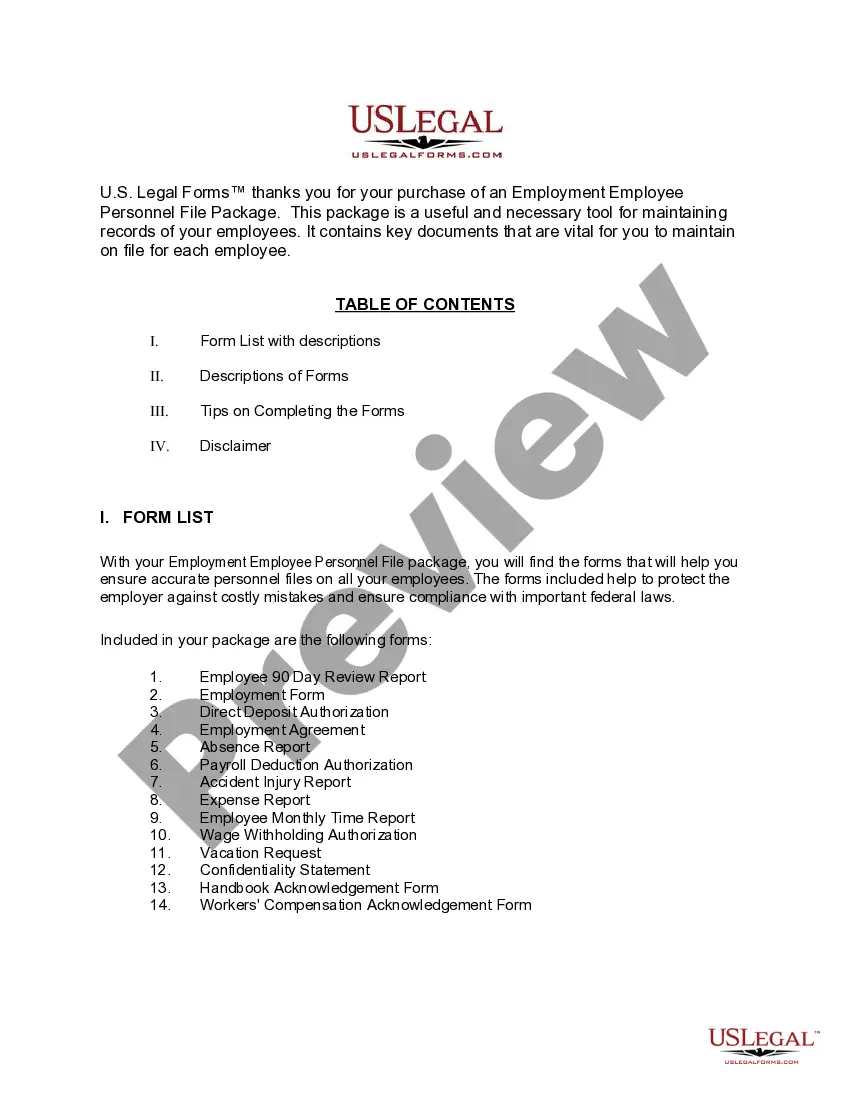
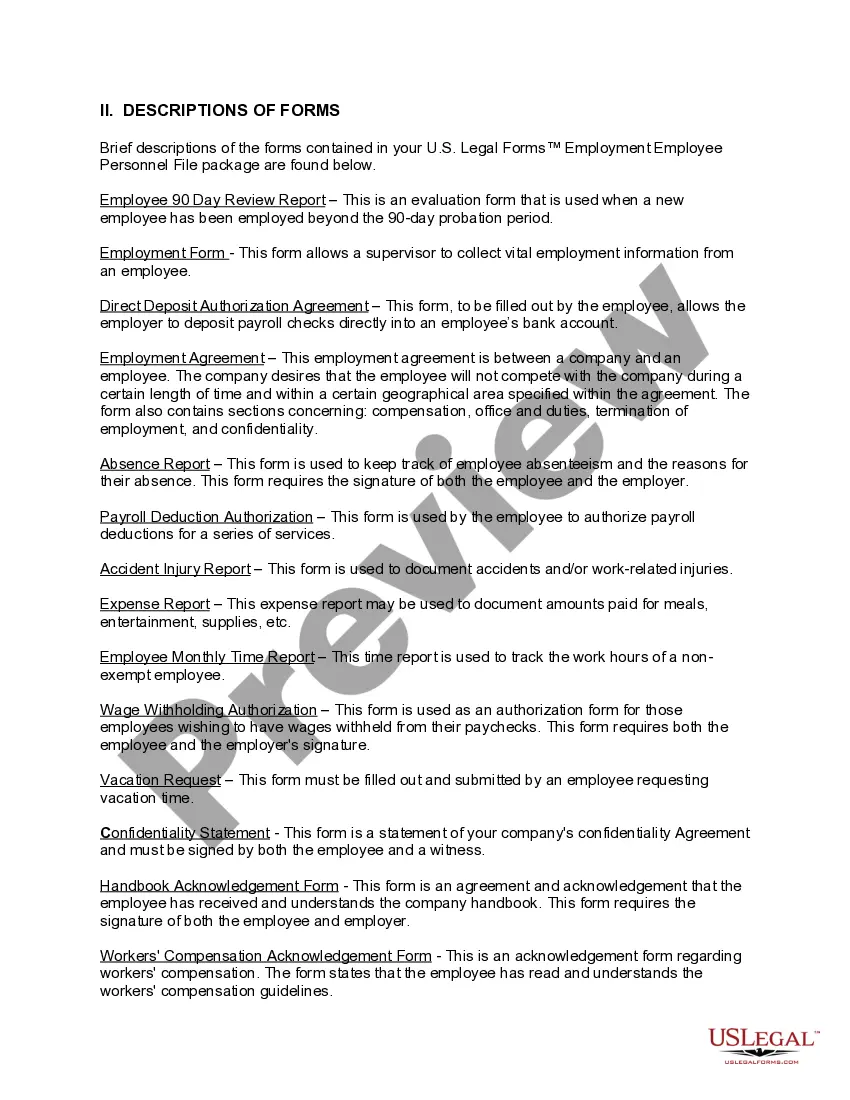
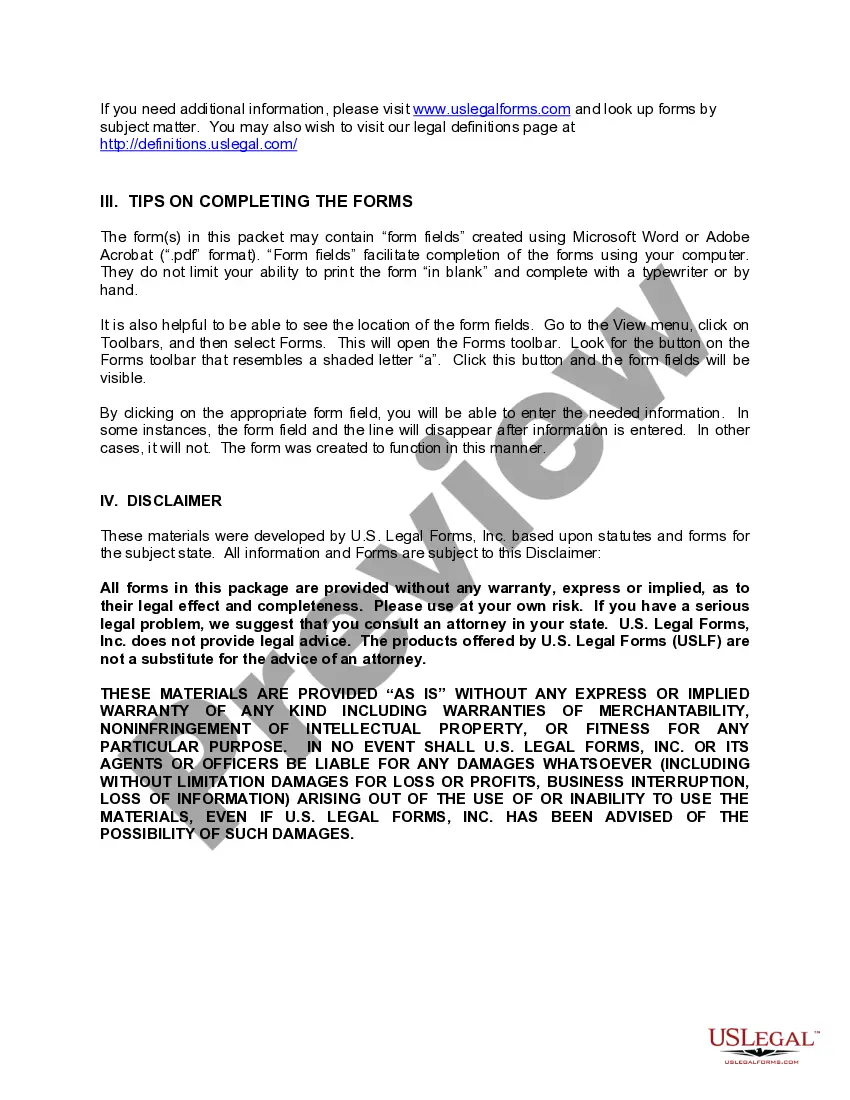
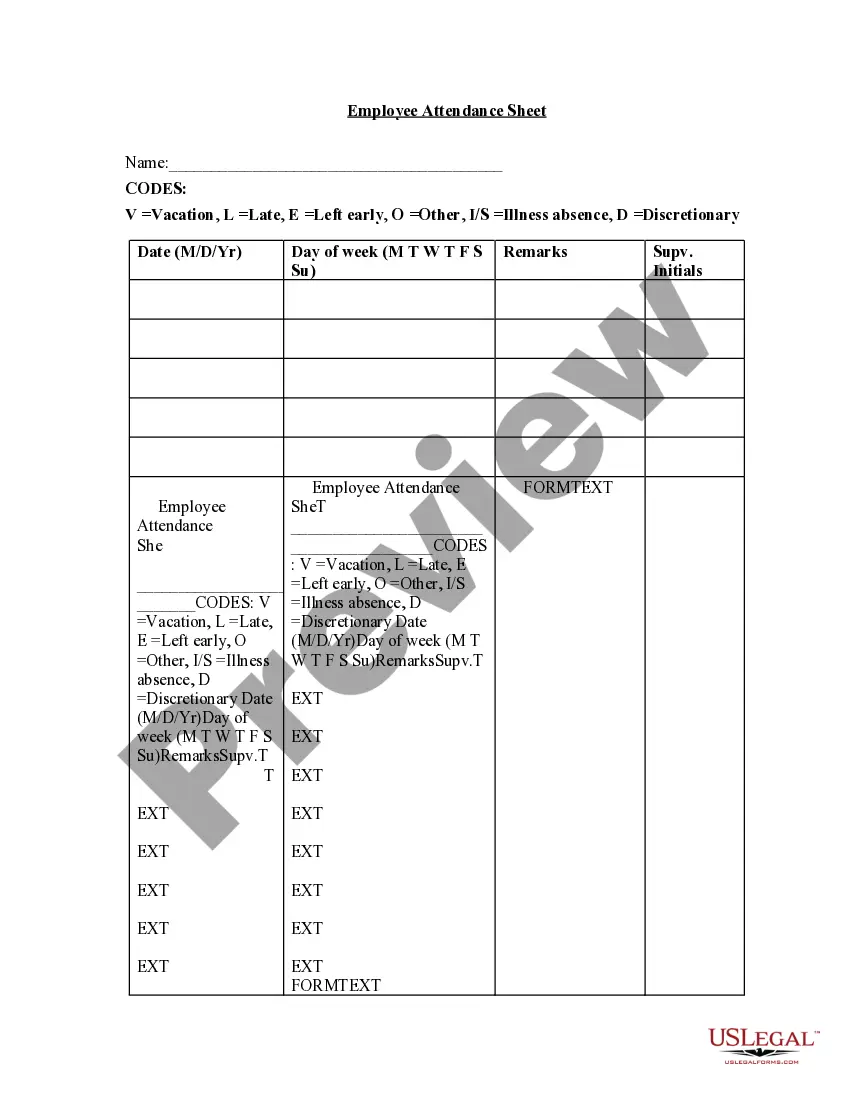
How to fill out Georgia Employment Employee Personnel File Package?
- If you’re a returning user, log into your account and access your desired form template from your library. Ensure your subscription is still active; if it has expired, renew it to maintain access.
- For new users, begin by previewing the available forms. Make sure you select the template that aligns with your needs and complies with local legal requirements.
- If the form isn’t quite right, utilize the Search feature above to find alternatives. Once you identify a suitable template, you can proceed to the next step.
- Complete your purchase by selecting the Buy Now button and choosing a subscription plan that fits your needs. Registration of an account is necessary to unlock full access.
- Provide payment details, either through credit card or PayPal, to finalize your subscription and gain full access to the document library.
- Download your selected form. It will be saved on your device, and you can always retrieve it later from your profile under the My Forms section.
By using US Legal Forms, you can take advantage of a robust collection of legal documents and expert assistance, ensuring that your legal needs are met with accuracy and ease.
Start your journey today and experience the benefits of US Legal Forms for all your legal documentation needs!
Form popularity
FAQ
The IN clause, when used in a SELECT statement from an employees table, allows you to filter results based on specific criteria that you define. For instance, you can retrieve records of employees whose IDs fall within a particular set. This feature enhances your ability to conduct targeted queries and gain insights from your employee SQL data.
To get an employee table in MySQL, you can use the SELECT statement, specifying the table name in your query. This command retrieves all or specific columns of employee data stored within your database. By effectively accessing the employee SQL table, you can perform analysis and generate reports that inform business decisions.
To create a table for an employee in SQL, you utilize the CREATE TABLE statement, specifying the table name and defining the necessary columns and data types. Ensure to include primary keys to uniquely identify each record and foreign keys for any related data. This capability allows you to establish a structured framework for your employee SQL database.
An employee database is an organized collection of employee-related data designed for easy access and management. It typically includes various tables, including employee details, roles, and performance records. Implementing an employee SQL database streamlines HR processes, enhances reporting capabilities, and provides insights into workforce management.
To insert data into an employee table in SQL, use the INSERT INTO statement followed by the table name and the specific columns. Provide the appropriate values for each column in parentheses. This method allows you to add new employees seamlessly into your employee SQL structure, supporting HR updates and organizational growth.
To get user roles in SQL, you can query the relevant system views that store role information. Typically, you would join tables that contain user and role data to retrieve the desired information. This process allows you to understand user permissions and access levels, ensuring proper security and role management within your employee SQL database.
An employee table in SQL is a structured format used to store employee data in a database. It typically includes columns for employee ID, name, position, department, and contact information. By organizing this data, businesses can efficiently manage and query employee information to support HR functions and analytics.
An SQL example can be demonstrated with a simple SELECT query. For instance, you can write SELECT name, position FROM employee_table to fetch the names and positions of all employees from your employee sql database. This showcases how to effectively retrieve specific information tailored to your requirements.
To show the employee table in SQL, use the SELECT statement, specifying the columns you want to retrieve from your employee sql database. If you wish to display all columns, simply use SELECT FROM employee_table_name. This query will deliver all relevant employee information, giving you a clear view of your employee data.
Writing data in SQL typically involves using the INSERT INTO statement. You specify the table name, followed by the columns where data will be inserted, and finally provide the corresponding values. This straightforward approach allows you to populate your employee sql database with critical employee information efficiently.