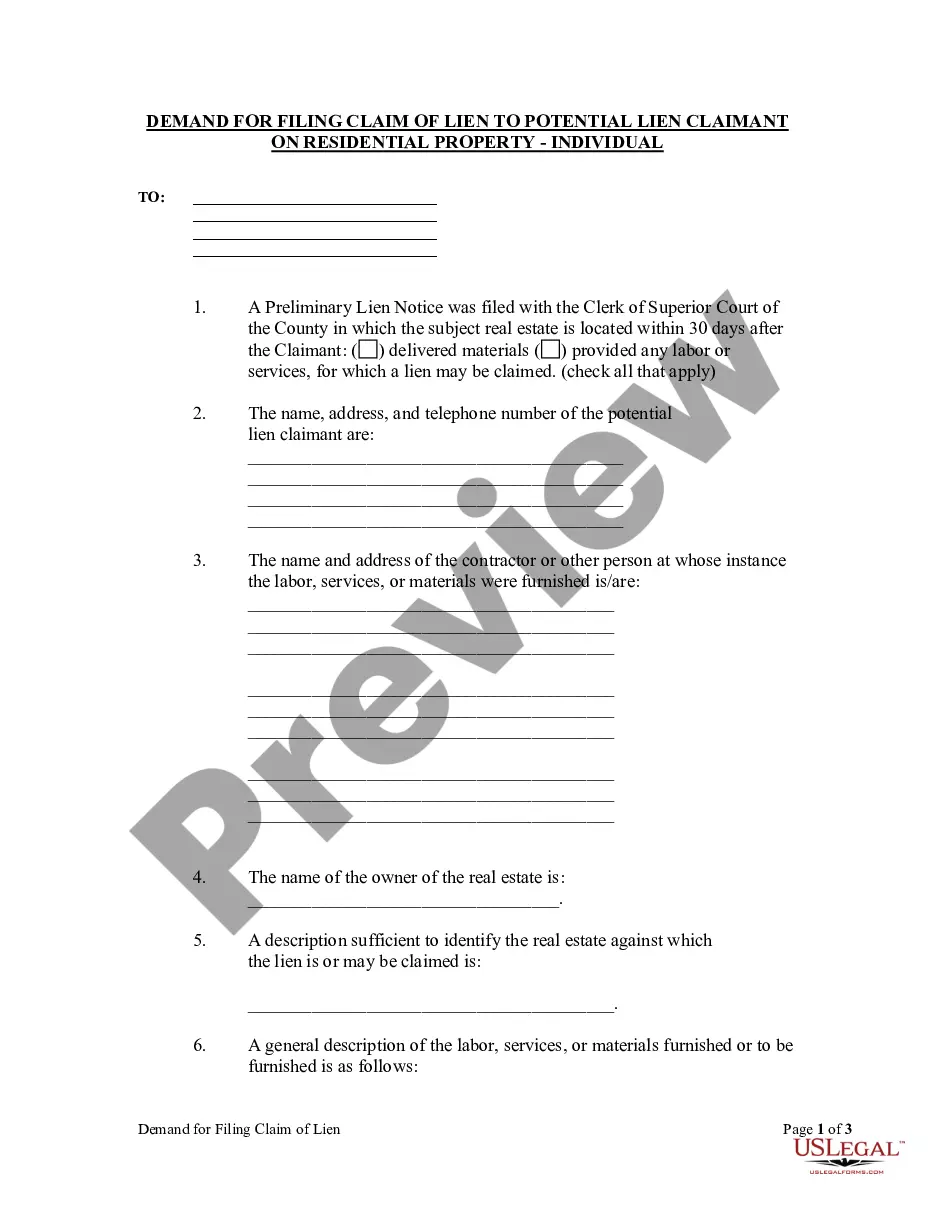
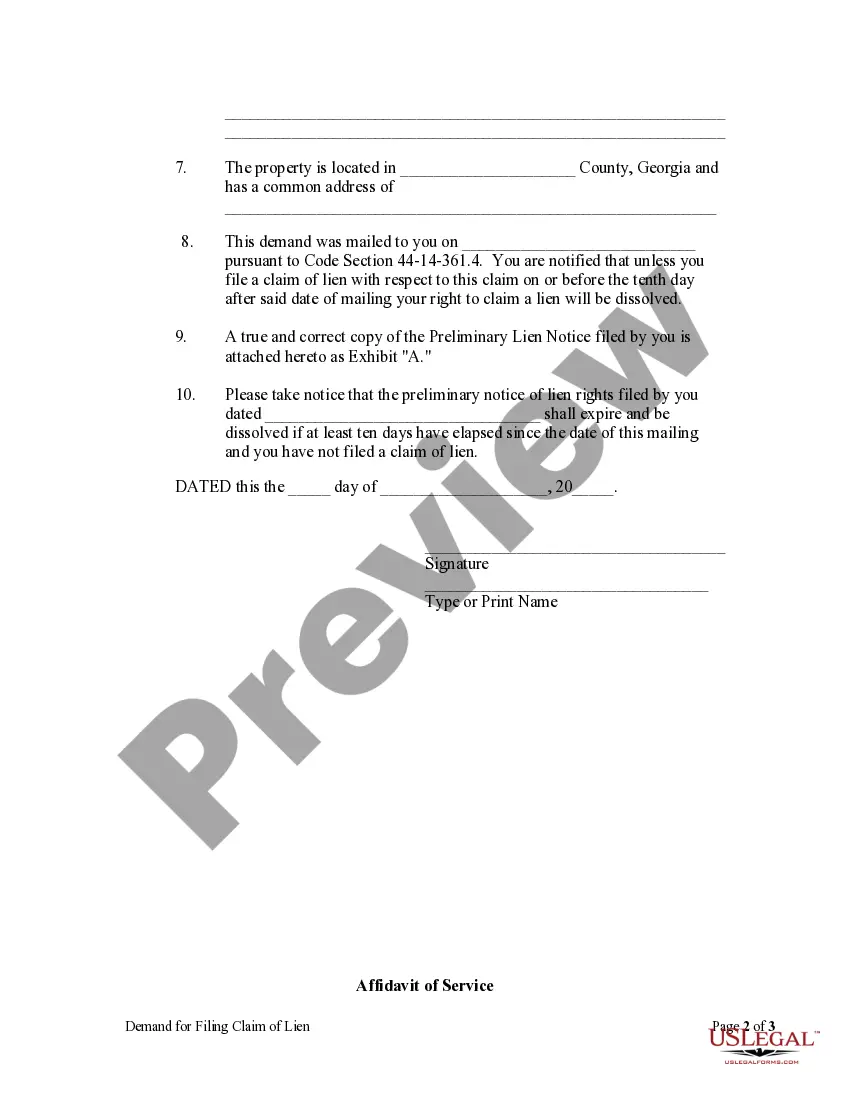
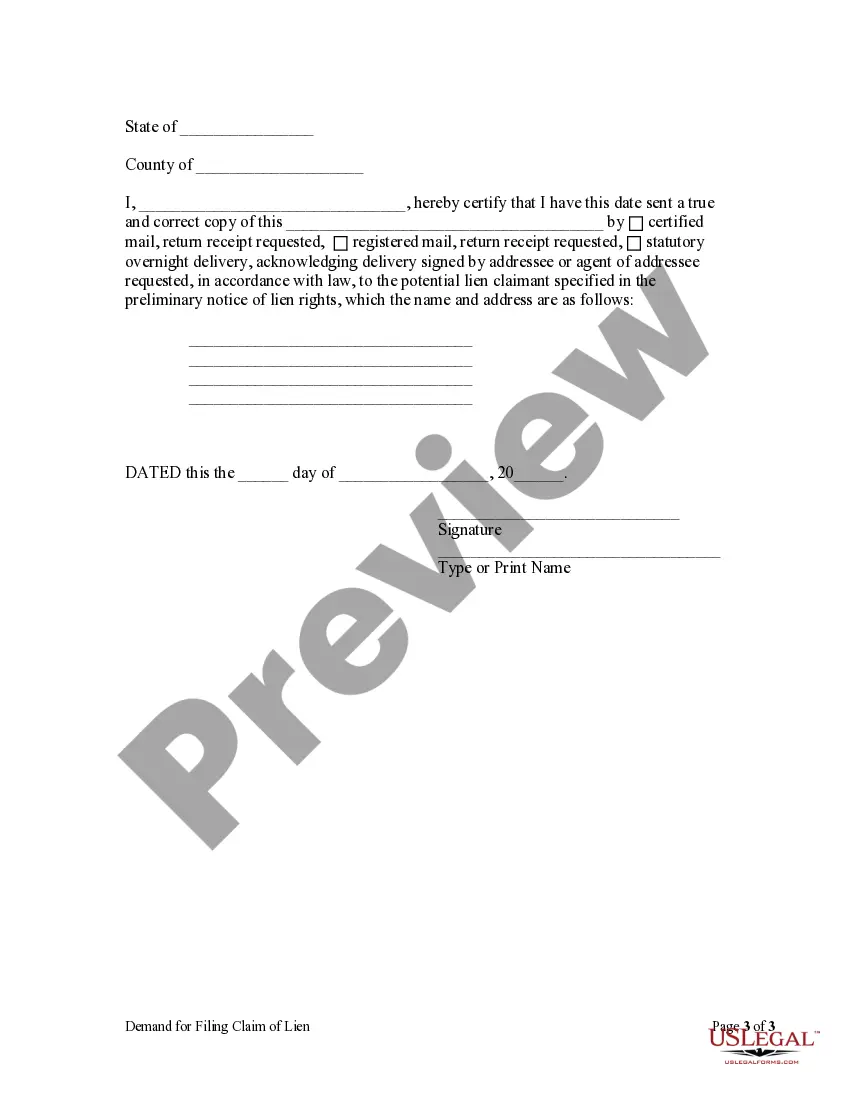
Notice to File Claim of Lien - Residential Property - Individual
Contractors - Construction Liens - Georgia
GEORGIA CONSTRUCTION LIEN LAW SUMMARY
Note: This summary is not intended to be an all inclusive discussion of Georgia’s construction lien laws, but does include the basic provisions.
What statues govern the “creation” of a Mechanic's Lien on Real Property in Georgia?
Georgia Code §§ 44-14-361 and 361.1 govern the creation, recording, notice and filing of Mechanics and Materialmen Liens in Georgia.
Who can claim a Construction Lien on Real Property in Georgia?
Ga. Code § 44-14–361 very broadly defines the persons who can claim a lien on real property in Georgia:
All mechanics of every sort who have taken no personal security for work done and material furnished in building, repairing, or improving any real estate of their employers; All contractors, all subcontractors and all materialmen furnishing material to subcontractors, and all laborers furnishing labor to subcontractors, materialmen, and persons furnishing material for the improvement of real estate; All registered architects furnishing plans, drawings, designs, or other architectural services on or with respect to any real estate; All registered foresters performing or furnishing services on or with respect to any real estate; All registered land surveyors and registered professional engineers performing or furnishing services on or with respect to any real estate; All contractors, all subcontractors and materialmen furnishing material to subcontractors, and all laborers furnishing labor for subcontractors for building factories, furnishing material for factories, or furnishing machinery for factories; All machinists and manufacturers of machinery, including corporations engaged in such business, who may furnish or put up any mill or other machinery in any county or who may repair the same; All contractors to build railroads; and All suppliers furnishing rental tools, appliances, machinery, or equipment for the improvement of real estate.
When and where must the Lien be filed and when must the suit be filed?
The lien must be filed within three (3) months of the last time the person or entity claiming the lien worked on the property or within three (3) of the last time materials were delivered to or installed upon the property. OCGA Section 44-14-361.1(a)(2). At the time of filing for record of his claim of lien, the lien claimant shall send a copy of the claim of lien by registered or certified mail to the owner of the property or the contractor, as the agent of the owner. ”
Many liens are paid off between the 3 and 12 month deadline to file suit. If not, to maintain the lien against the property, suit must be filed within twelve (12) months from the last date the person or entity claiming the lien worked on the property the last time materials were delivered to or installed upon the property. Note: the 12 month period does not run 12 months from the date of the filing of the lien, which, potentially could extend the time to 15 months. But rather, is a fixed 12 month period to sue or not sue. The 3 month filing timeframe is part of the 12 month timeframe to sue.
Note:That within fourteen (14) days of the filing of a lawsuit to enforce the lien a commencement notice must be filed. The Notice of Action is filed with the Clerk of the Superior Court where the lien was filed and is recorded and indexed so as to provide notice of the action.
The notice must:
1. Include a caption referring to the owner of the property against which the lien was filed;
2. Must refer to a deed or other recorded instrument in the chain of title of the affected property;
3. Must be executed, under oath, by the party claiming the lien or by his attorney of record;
4. Must identify the court wherein the action is brought; the style and number of the action, including the names of all parties thereto; the date of the filing of the action; and the book and page number of the records of the county wherein the subject lien is recorded; and
5. Is then indexed under the name of the owner as specified in the caption included in the notice.
The Notice of Action makes a lis pendens unnecessary. See Ga. Code § 44-14–361.1(a)(3).
Rules Governing the Creation and Cancellation of "Preliminary" Lien Notice?
The Preliminary Notice of Lien to be recorded and indexed by the Clerk of the Superior Court is optional for those in categories (1) through (8) of Ga. Code § 44-14-361, but mandatory for all others. The Notice must contain information identifying:
(1) the potential lien claimant,
(2) the person instigating the furnishing of material or services by the potential lien claimant,
(3) the owner of the real property,
(4) the real property to be subjected to the with the potential lien,
(5) the labor, materials or services provided or to be provided in the future. Ga. Code § 44-14–361.3 (a) and (b)
A copy of the preliminary notice is then mailed by certified or registered mail to the contractor or to the owner of the property. Ga. Code § 44-14–361.3 (c).
The Preliminary Notice of Lien Rights, once made a matter of record, is dissolved when it is canceled or under any of the following conditions:
1. Waived in writing by the lien claimant;
2. The time for following the claim of lien as provided by Ga. Code § 44-14– 361.1 expires – i.e. three (3) months after providing labor, materials or qualifying services or after completion of the work;
3. On residential property, a demand for filing a claim of lien has been properly served on the potential lien claimant and at least 10 days have elapsed since the date of mailing and a claim of lien has NOT been filed;
4. On all except residential property, the same requirement as for residential property with the proviso that the demand for filing the claim of lien may not be sent until: (a) the contractor’s contract is substantially complete, (b) the potential lien claimant’s contract has been terminated, or (c) the potential lien claimant has abandoned the contract.
The actual “demand” must contain the same information required to be in a preliminary notice of lien rights and contain the following warning:
"This demand was mailed to you on ____________ pursuant to Code Section 44-14-361.4. You are notified that unless you file a claim of lien with respect to this claim on or before the tenth day after said date of mailing your right to claim a lien will be dissolved."
Assuming that the demand for filing lien claim is properly done and no claim of lien filed within the 10 days after the date of mailing, cancellation of the preliminary notice of lien rights by the clerk of the superior court requires that the party mailing the demand file with the clerk of the superior court a copy of the demand and his affidavit establishing that the demand was properly mailed and that the requisite ten days have elapsed since the mailing with filing of a claim of lien by the potential lien claimant.
The preliminary notice of lien rights is also to be canceled following final payment. It is the duty of the lien claimant to either delivery a cancellation at the time of final payment or cause the notice to be canceled of record within ten days of final payment. Failure to timely cancel the preliminary notice of lien rights can lead to actual damages, costs and reasonable attorney’s fees incurred by the owner in having the preliminary notice canceled. Ga. Code § 44-14–362.
How a Contractor's Affidavit Dissolves an OCGA 44-14-361(a) Mechanic's Lien
The “special” lien specified in Code Section 44-14-361 is dissolved upon proof that:
1. The lien has been waived in writing by the lien claimant; or
2. Based on the written statement of one, other than the owner, at whose request the lien claimant furnished labor, supplies or materials, or the owner when transferring title as part of a bona fide loan or sales transaction, that the lien claimant was paid and waived the lien in writing and where the written statement was obtained or given as part of a transaction involving a conveyance of title in a bona fide sale, involving a loan in which the real estate is serving as collateral, or where final disbursement is made to the contractor at a time when there was not a valid preliminary notice or claim of lien of record which had not been canceled, dissolved or expired. See Ga. Code § 44-14–361.4(a)(3) and GA-LIEN-26.
The Creation of Mechanics or Materialmen's Liens by one not in a Direct Contractual Relationship (NO Privity of Contract)
The point at which the improvement to the real property actually begins is established by the filing of a Notice of Commencement by the owner or the contractor with the clerk of the superior court in the county where the property is located. The Notice of Commencement must be filed not later than 15 days after the contractor physically commences work on the property. A copy of the Notice of Commencement must also be posted on the project site. Ga. Code § 44-14–361.5(b).
The Notice of Commencement must include:
(1) The name, address, and telephone number of the contractor;
(2) The name and location of the project being constructed and the legal description of the property upon which the improvements are being made;
(3) The name and address of the true owner of the property;
(4) The name and address of the person other than the owner at whose instance the improvements are being made, if not the true owner of the property;
(5) The name and the address of the surety for the performance and payment bonds, if any; and
(6) The name and address of the construction lender, if any.
The contractor is also required to provide a copy of the Notice of Commencement to any subcontractor, materialman, or person who makes a written request of the contractor. Failure to give a copy of the Notice of Commencement within ten calendar days of receipt of the written request from the subcontractor, materialman, or person shall render the provision of this Code section inapplicable to the subcontractor, materialman, or person making the request. See Ga. Code § 44-14– 361.5(b).”
To qualify the liens specified in paragraphs (1), (2), and (6) through (9) of subsection (a) of Code Section 44-14-361, any person having a right to a lien who does not have privity of contract with the contractor and is providing labor, services, or materials for the improvement of property shall, within 30 days from the filing of the Notice of Commencement or 30 days following the first delivery of labor, services, or materials to the property, whichever is later, give a written Notice to Contractor as set out in subsection (c) of this Code section to the owner or the agent of the owner and to the contractor for a project on which there has been filed with the clerk of the superior court a Notice of Commencement setting forth therein the information required in subsection (b) of this Code section. Ga. Code § 44-14–361.5.
A Notice to Contractor shall be given to the owner or the agent of the owner and to the contractor at the addresses set forth in the Notice of Commencement and shall state:
(1) The name, address, and telephone number of the person providing labor, services, or materials;
(2) The name and address of each person at whose instance the labor, services, or materials are being furnished;
(3) The name of the project and location of the project set forth in the Notice of Commencement; and
(4) A description of the labor, services, or materials being provided and, if known, the contract price or anticipated value of the labor, services, or materials to be provided or the amount claimed to be due, if any.
Failure to file a Notice of Commencement excuses the non-privity provider from the requirement that a Notice to Contractor be provided contractor or owner.
The clerk of each superior court shall file the Notice of Commencement within the records of that office and maintain an index separate from other real estate records or an index with the preliminary notices specified in subsection (a) of Code Section 44-14-361.3. Each such Notice of Commencement shall be indexed under the name of the true owner and the contractor as contained in the Notice of Commencement.
How does an Owner Bond off a Mechanics and Materialmen's Lien filed on real property?
GA Code § 44-14-364 provides for the release of lien on filing of bond in the proper form.
The bond must be conditioned to pay to the holder of the lien the sum that may be found to be due the holder upon the trial of any action that may be filed by the lienholder to recover the amount of his claim within 12 months from the time the claim becomes due. The bond shall be in double the amount claimed under that lien and shall be either a bond with good security approved by the clerk of the court or a cash bond, except in cases involving a lien against residential property, in which event the bond shall be in the amount claimed under the lien. Upon the filing of the bond provided for in this Code section, the real estate shall be discharged from the lien. With respect to property bonds, the clerk shall not accept any real property bond unless the real property is scheduled in an affidavit attached thereto setting forth a description of the property and indicating the record owner thereof, including any liens and encumbrances and amounts thereof, the market value, and the value of the sureties' interest therein, which affidavit shall be executed by the owner or owners of the interest; the bond and affidavit shall be recorded in the same manner and at the same cost as other deeds of real property. So long as the bond exists, it shall constitute a lien against the property described in the attached affidavit.
The Rules Concerning Waiver of Liens.
OCGA Section 44-14-366 governs waiver of lien or claim upon bond in advance of furnishing labor, services, or materials void; interim waiver and release upon payment; unconditional waiver and release upon final payment; and affidavit of nonpayment.
Any attempt to waive a lien or claim upon a bond is null and void. An oral or written waiver is enforceable if:
a. It is based on the statutory form included; and
b. The claimant actually receives payment. Ga. Code § 44-14–366(b)
When a claimant is requested to execute a waiver and release in exchange for or in order to induce payment other than final payment, the waiver and release must follow substantially the statutory form, and the priority of such claimant's lien rights, except as to retention, shall thereafter run from the day after the date specified in such Interim Waiver and Release upon Payment form. See Ga. Code § 44-14–366(c).
A waiver and release upon final payment must follow substantially the statutory form.
The claimant executing a waiver and release has thirty days from the date of the execution of the waiver and release in which to file a claim or lien or an Affidavit of Nonpayment using the statutory form. See Ga. Code § 44-14–366(f).
A claimant who is paid, in full, the amount set forth in the waiver and release form after filing an Affidavit of Nonpayment shall upon request execute in recordable form an affidavit swearing that payment in full has been received. Upon recordation thereof in the county in which the Affidavit of Nonpayment was recorded, the Affidavit of Nonpayment to which it relates shall be deemed void.
Requirements for acceptable “Service of Notice:”
Service of Notice under the Construction Lien Laws of Georgia is usually by one or all of the following methods:
Registered Mail:
Certified Mail; or
Statutory Overnight Delivery.
Whenever any law, statute, Code section, ordinance, rule, or regulation of this state or any officer, department, agency, municipality, or governmental subdivision thereof provides that a notice shall be given by "registered mail," the notice may be given by "certified mail."
Notice by "statutory overnight delivery," shall be sufficient if:
(1) Such notice is delivered through the United States Postal Service or through a commercial firm which is regularly engaged in the business of document delivery or document and package delivery;
(2) The terms of the sender's engagement of the services of the United States Postal Service or commercial firm call for the document to be delivered not later than the next business day following the day on which it is received for delivery by the United States Postal Service or the commercial firm; and
(3) The sender receives from the United States Postal Service or the commercial firm a receipt acknowledging receipt of the document which receipt is signed by the addressee or an agent of the addressee. See Georgia Code § 9-10-12.