Fort-21.03
Description

Get your form ready online
Our built-in tools help you complete, sign, share, and store your documents in one place.
Make edits, fill in missing information, and update formatting in US Legal Forms—just like you would in MS Word.
Download a copy, print it, send it by email, or mail it via USPS—whatever works best for your next step.
Sign and collect signatures with our SignNow integration. Send to multiple recipients, set reminders, and more. Go Premium to unlock E-Sign.
If this form requires notarization, complete it online through a secure video call—no need to meet a notary in person or wait for an appointment.
We protect your documents and personal data by following strict security and privacy standards.

Make edits, fill in missing information, and update formatting in US Legal Forms—just like you would in MS Word.

Download a copy, print it, send it by email, or mail it via USPS—whatever works best for your next step.

Sign and collect signatures with our SignNow integration. Send to multiple recipients, set reminders, and more. Go Premium to unlock E-Sign.

If this form requires notarization, complete it online through a secure video call—no need to meet a notary in person or wait for an appointment.

We protect your documents and personal data by following strict security and privacy standards.
Looking for another form?
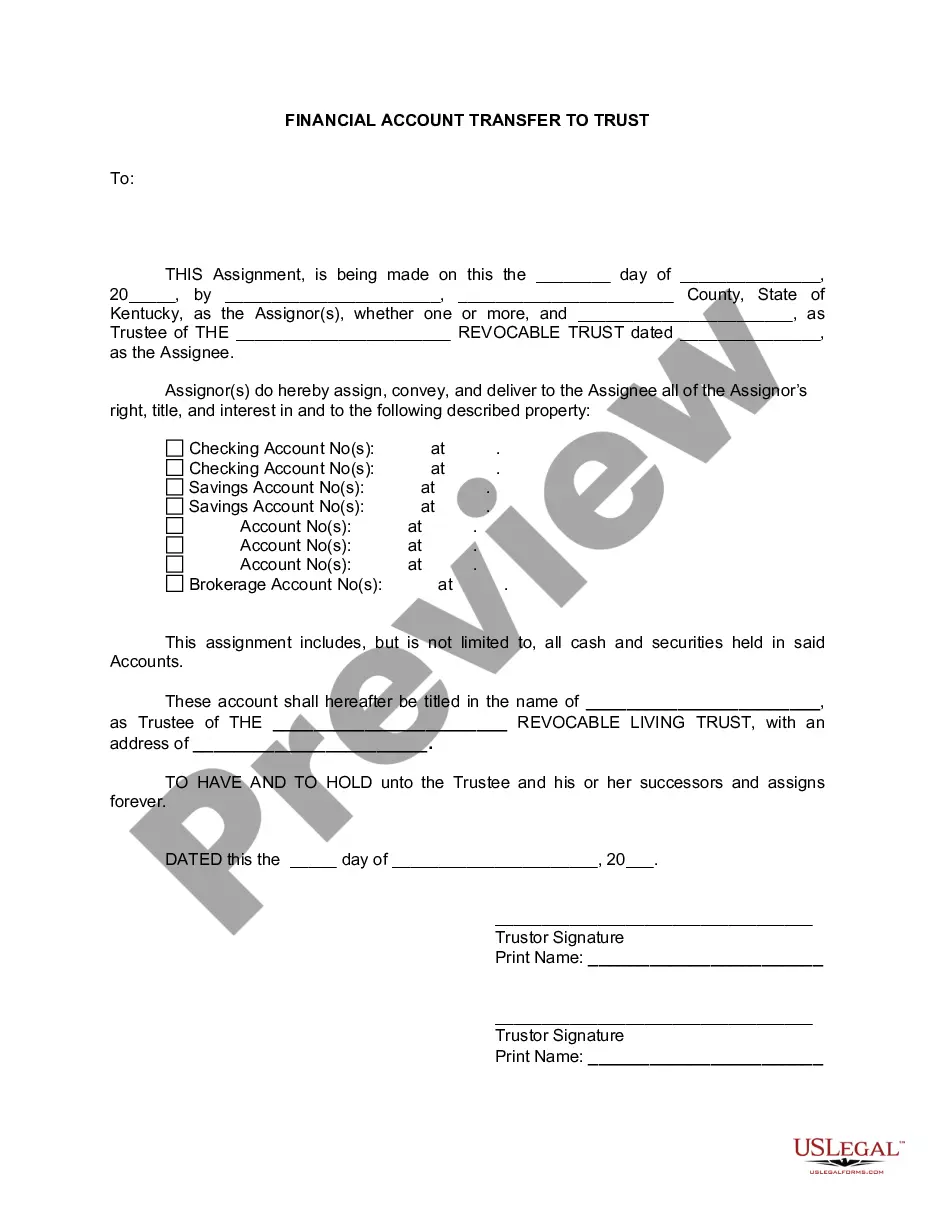



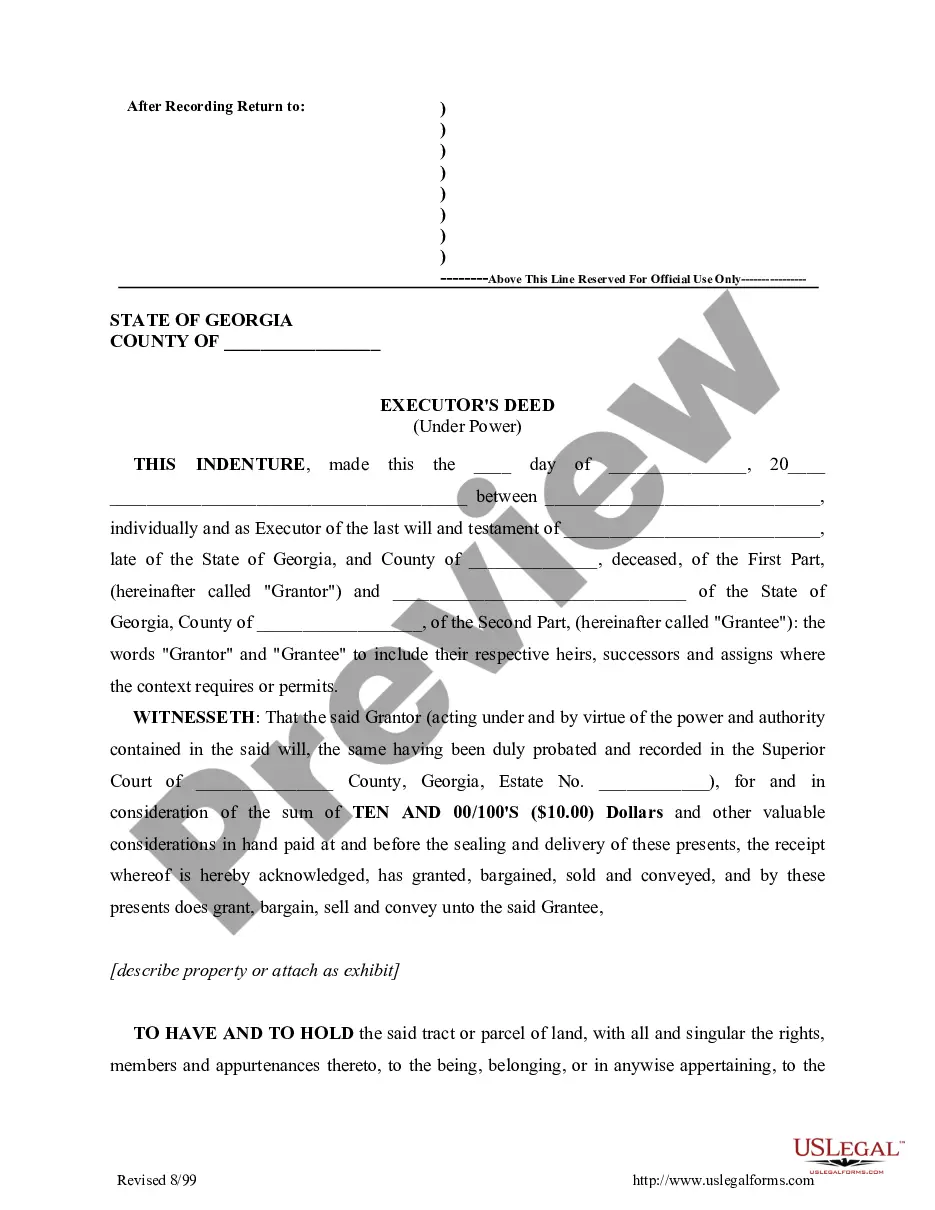
How to fill out Georgia Administrator's Deed?
- Log in to your existing US Legal Forms account to download necessary templates. Check your subscription status to ensure access.
- For first-time users, start by checking the available form descriptions and previews to find the document that best suits your needs.
- If the chosen template doesn’t fit, utilize the Search tab to find alternative forms that meet your jurisdiction requirements.
- Once you locate the right document, click on the Buy Now button and select your preferred subscription plan. Registration is required for access.
- Complete your purchase by providing credit card details or using your PayPal account for subscription payment.
- After purchasing, download your form and save it on your device for easy access anytime in the My Forms section.
US Legal Forms stands out with its robust collection of forms, offering more options than competitors at a similar price. Users also have access to expert assistance for form completion, enhancing document accuracy and compliance.
Start using US Legal Forms today for all your legal document needs and experience peace of mind with Fort-21.03. Click now to access our comprehensive library.
Form popularity
FAQ
The Harran pistol does not possess infinite ammo, and players must manage their ammunition wisely during gameplay. It is essential to search for additional bullets regularly to ensure ongoing combat effectiveness. Utilizing smart strategies can help you conserve resources while using this weapon. Consider exploring the mechanics with Fort-21.03 for better resource management.
To locate the Harran pistol, immerse yourself in quests that specifically mention valuable weapons. Many players find it after completing essential story missions or by searching abandoned military sites. Engaging with the game community can lead to helpful hints. Implementing Fort-21.03 can streamline your search for this unique item.
In Dying Light 2, players can acquire the Pistol by scavenging in urban areas or eliminating specific enemies who may drop better gear. It's valuable to explore every corner and open locked storage areas to increase your chances. Fellowship with other gamers can lead you to hidden spots. With Fort-21.03, players can enhance their exploration strategies.
To find enhanced guns in Fortnite, players should gather resources and visit different locations for chests and supply drops. Completing missions and challenges can also reward you with upgraded weapons. Building and strategizing during a game can lead to discovering these powerful firearms. Don't forget that the Fort-21.03 approach assists in maximizing your gaming experience.
In Dying Light 2, the military rifle can be acquired by clearing out specific locations or completing challenging quests. Look for military zones or missions that offer high-level rewards. Be prepared for intense conflicts as you pursue this weapon. Utilizing Fort-21.03 can help you navigate efficiently towards these challenging locales.
To obtain the rifle in Dying Light 1, players must complete certain missions that involve special quests or challenges. Once you achieve key objectives, the rifle will become available in your inventory. It's critical to interact with NPCs who might give you hints. The Fort-21.03 method can streamline your gaming journey for better item acquisition.
To find the dying night Pistol, players should explore specific regions within the game where loot is common. Look in old military outposts, abandoned buildings, and behind locked doors. Engaging with other players in community forums can also provide tips about locations. Remember, using Fort-21.03 may enhance your search efficiency.
Form 104 Colorado is the state income tax form used by residents to report their income for tax purposes. This form allows individuals to claim various deductions and credits, which can help reduce their overall tax liability. Whether you’re filing your taxes for the first time or seeking to amend a previous return, understanding this form is crucial. Tools like Fort-21.03 offer comprehensive guidance on completing Form 104 accurately.
To file a protest with the Colorado Department of Revenue, begin by preparing a letter that outlines your concerns and the reasons for your protest. Include any necessary documentation or evidence that supports your case. After compiling these materials, submit them to the appropriate division within the department. Helpful resources like Fort-21.03 can assist in ensuring your protest is submitted correctly.
Filing a protest with the Colorado Department of Revenue involves submitting a written notice that clearly states your intent to protest. You must include pertinent details such as your case number and any supporting documents. Once your protest is submitted, you will receive a response from the department detailing the next steps. Make the process easier by using guidance found in Fort-21.03.