Field Center F0
Description

Get your form ready online
Our built-in tools help you complete, sign, share, and store your documents in one place.
Make edits, fill in missing information, and update formatting in US Legal Forms—just like you would in MS Word.
Download a copy, print it, send it by email, or mail it via USPS—whatever works best for your next step.
Sign and collect signatures with our SignNow integration. Send to multiple recipients, set reminders, and more. Go Premium to unlock E-Sign.
If this form requires notarization, complete it online through a secure video call—no need to meet a notary in person or wait for an appointment.
We protect your documents and personal data by following strict security and privacy standards.

Make edits, fill in missing information, and update formatting in US Legal Forms—just like you would in MS Word.

Download a copy, print it, send it by email, or mail it via USPS—whatever works best for your next step.

Sign and collect signatures with our SignNow integration. Send to multiple recipients, set reminders, and more. Go Premium to unlock E-Sign.

If this form requires notarization, complete it online through a secure video call—no need to meet a notary in person or wait for an appointment.

We protect your documents and personal data by following strict security and privacy standards.
Looking for another form?



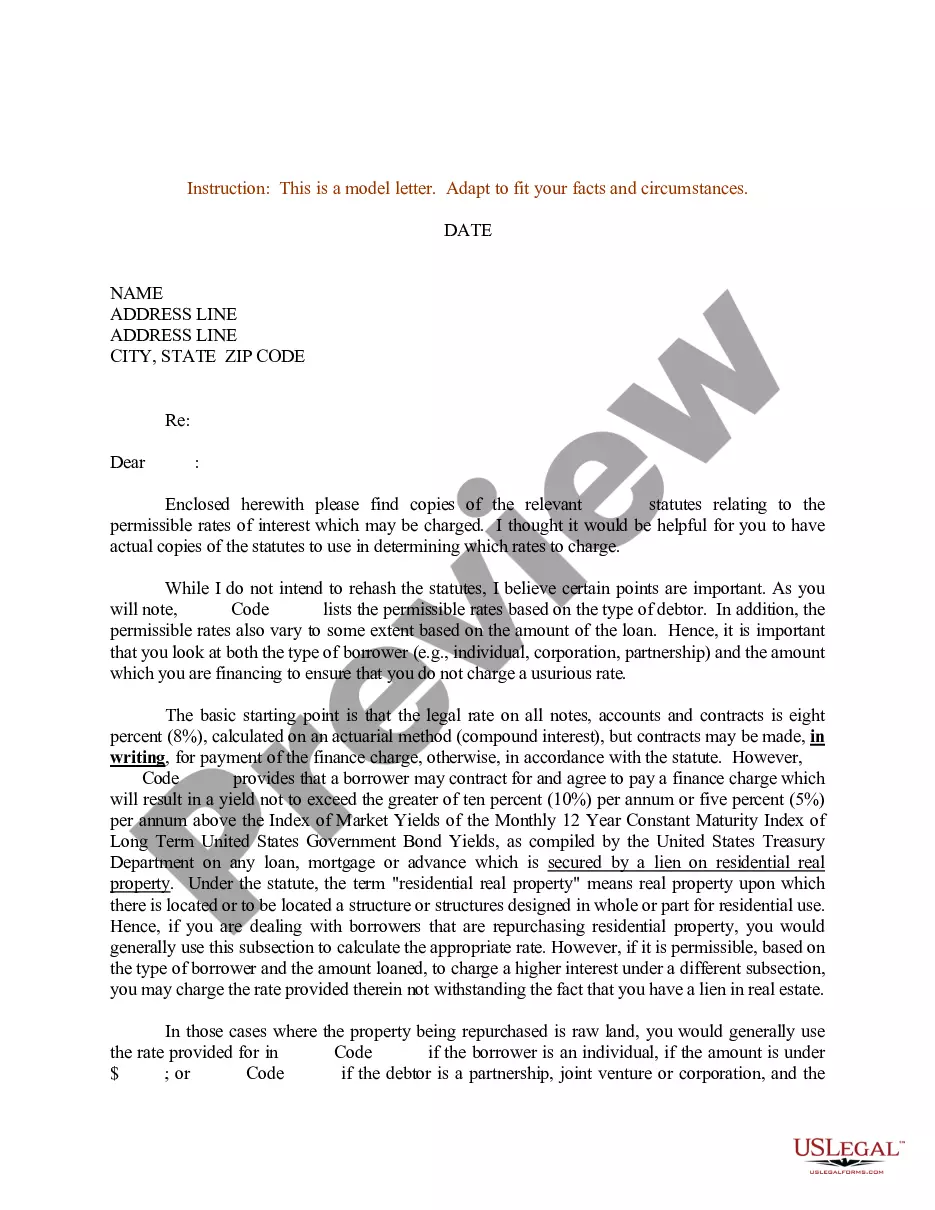




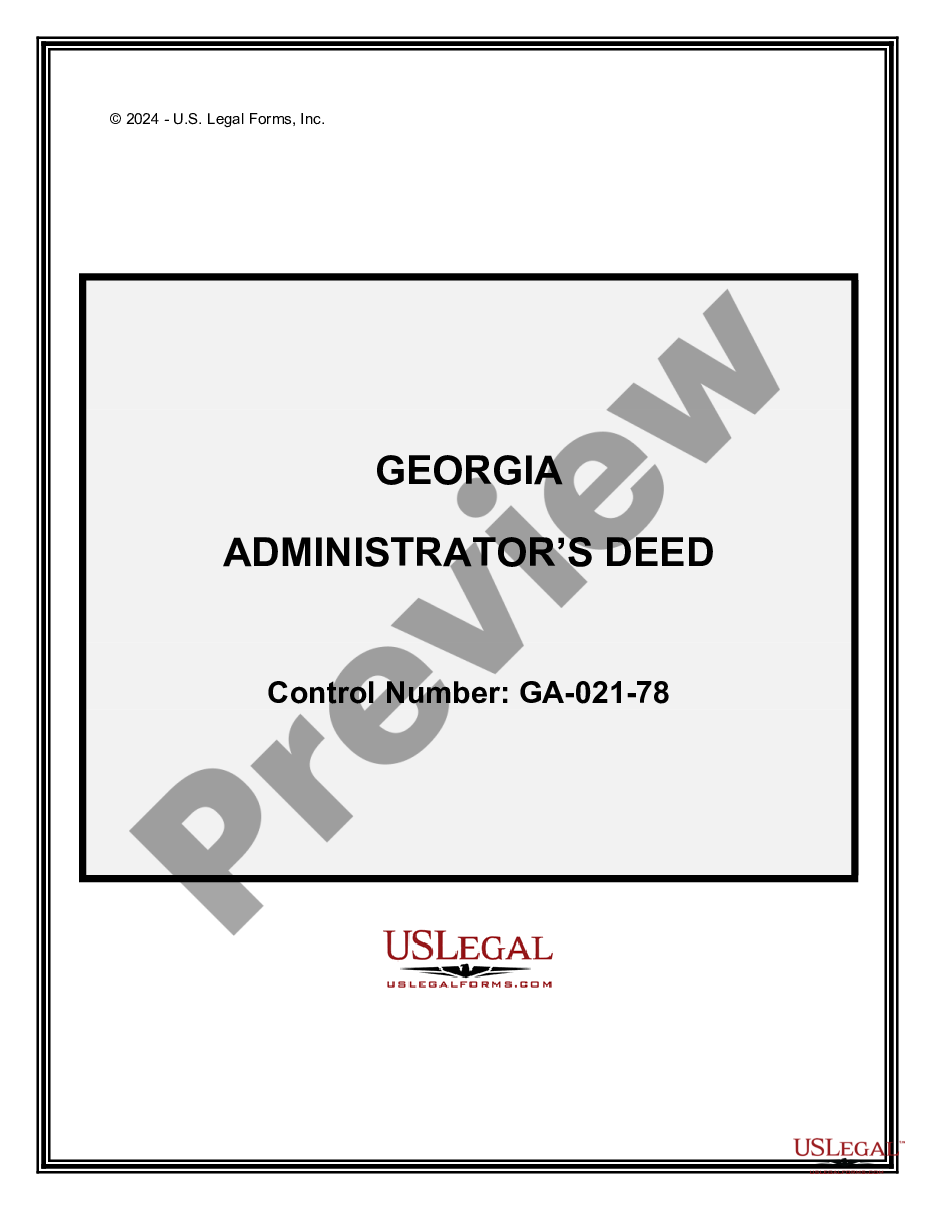
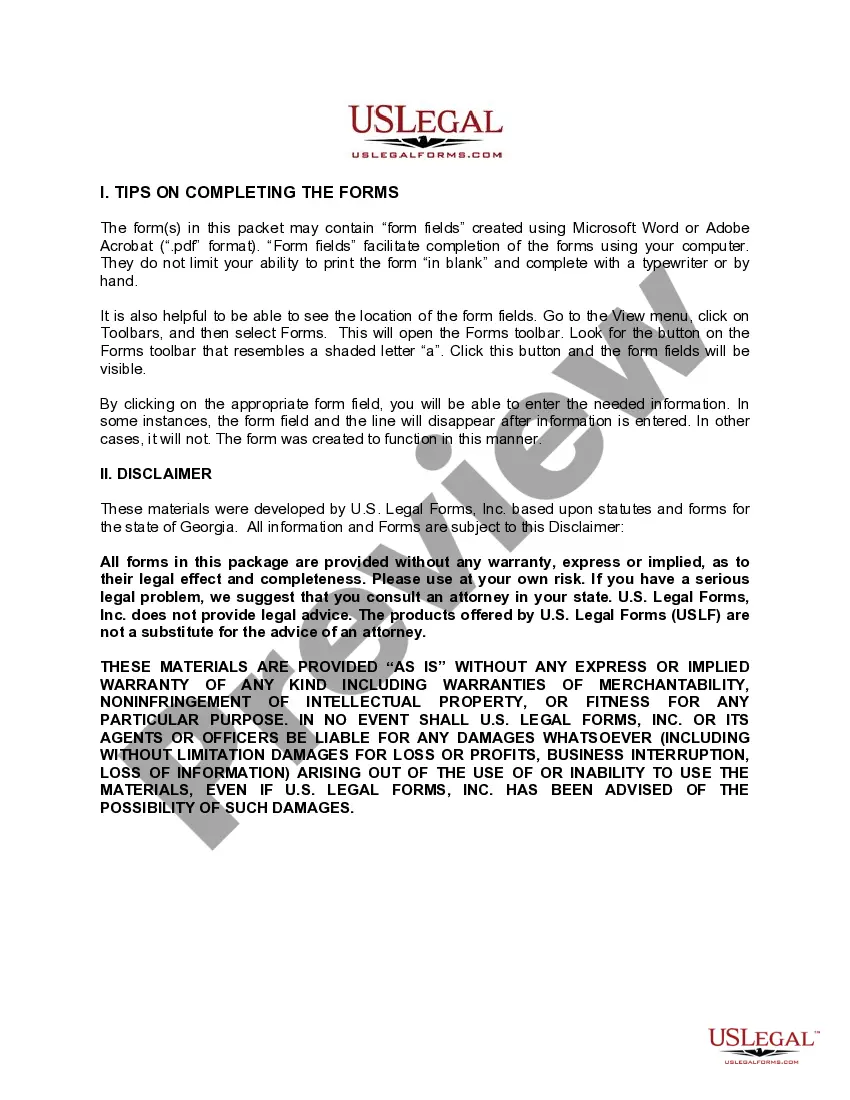
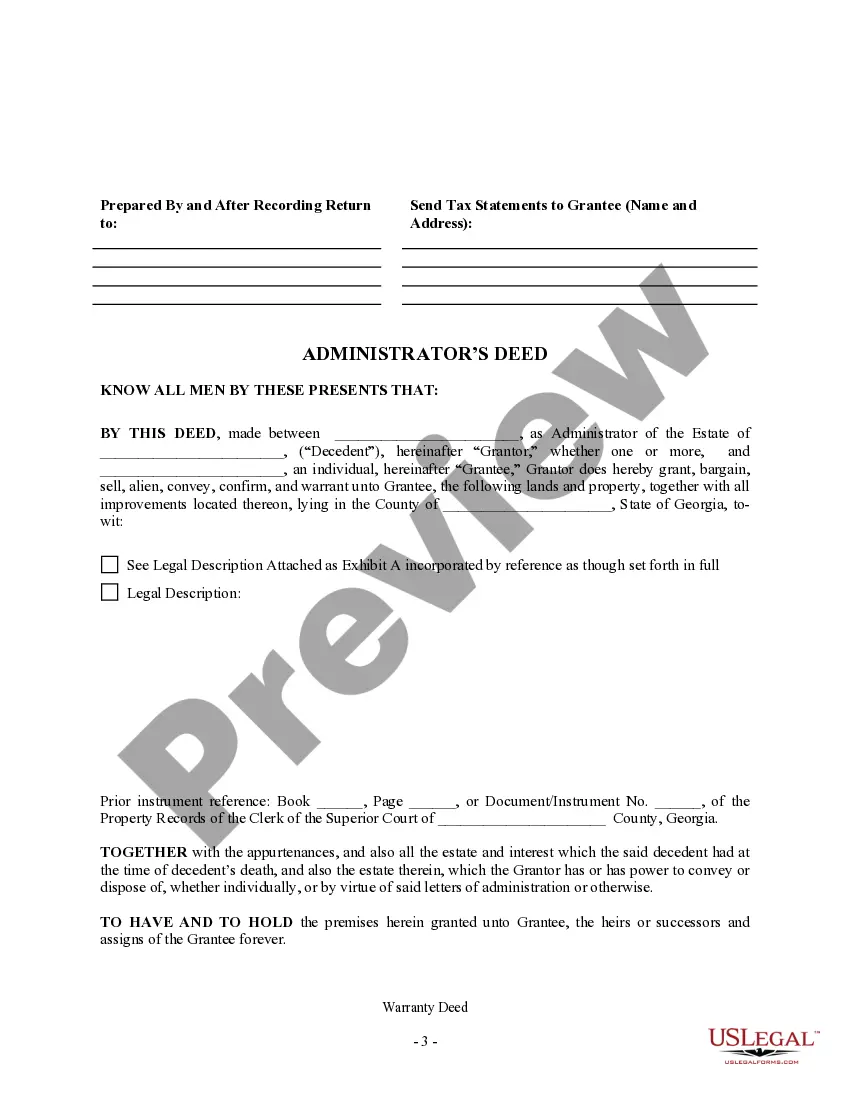
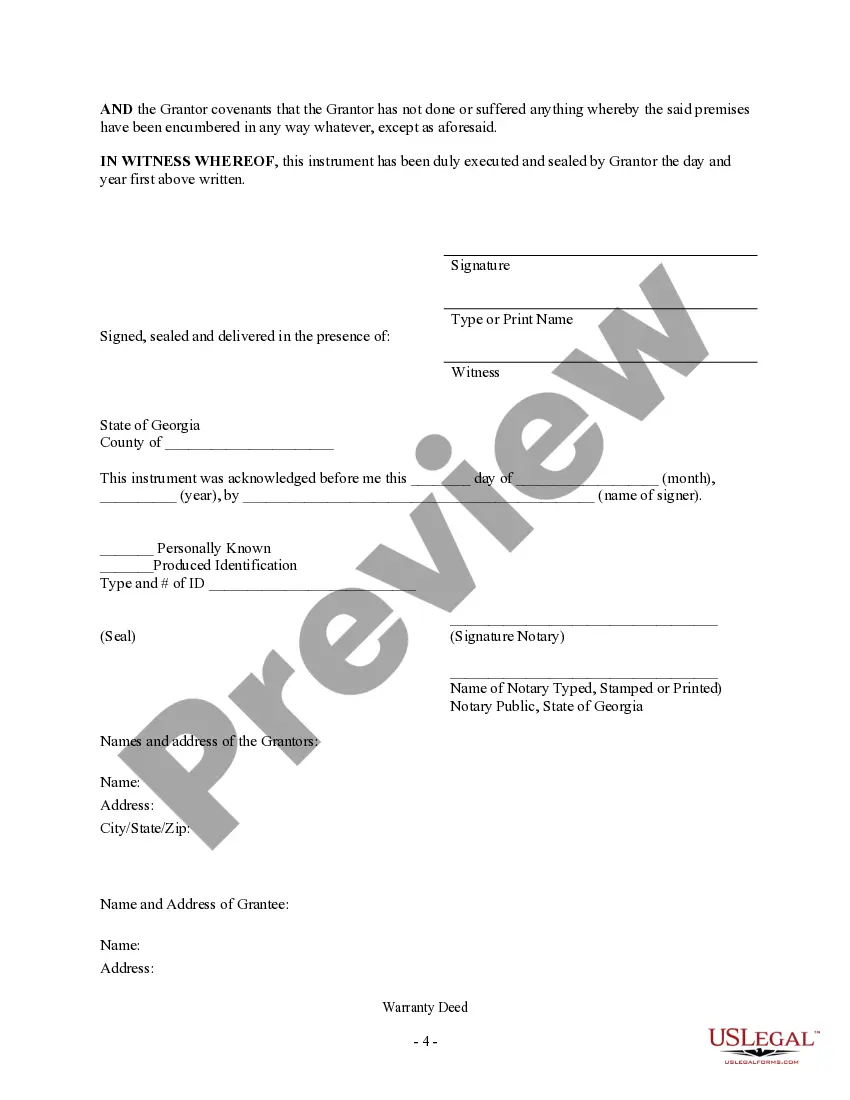
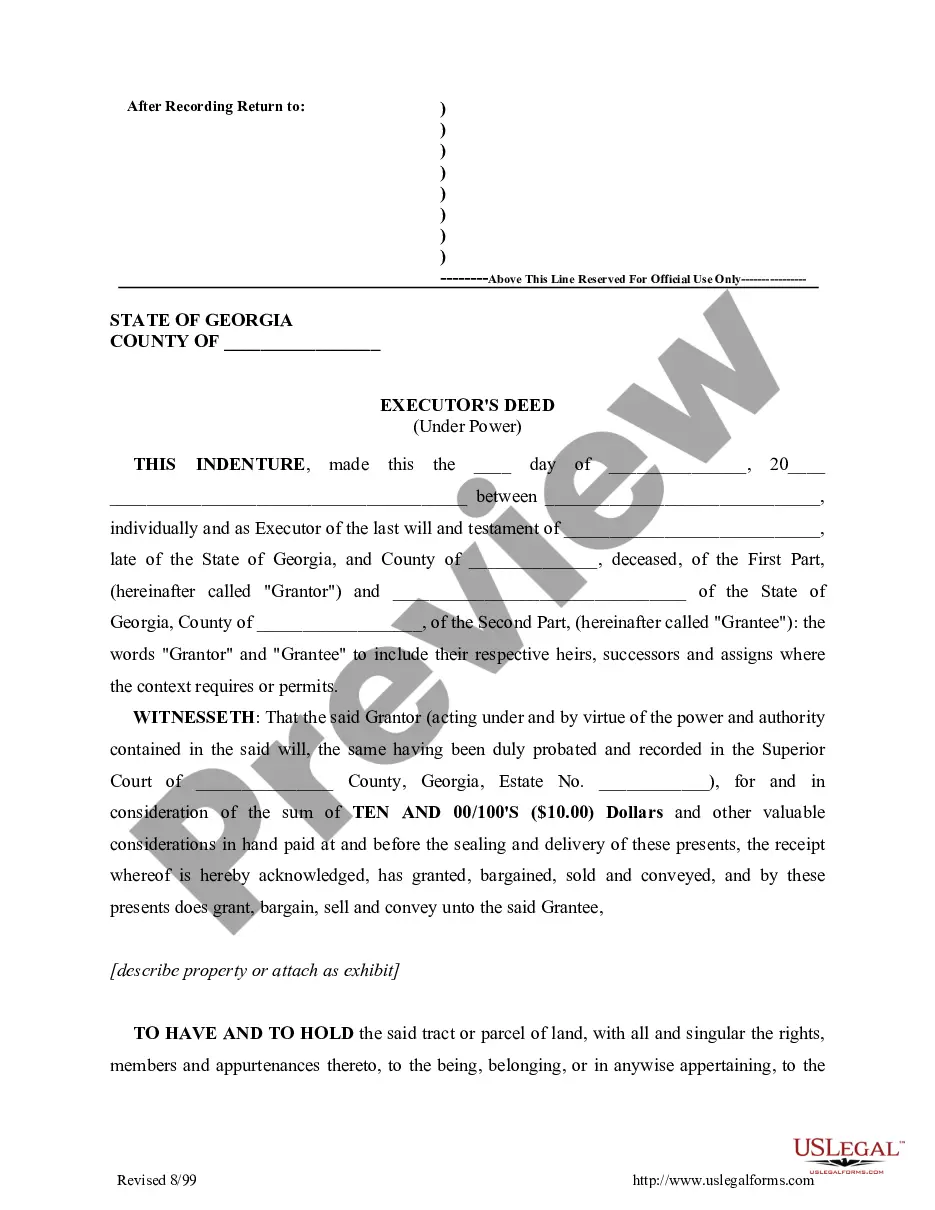
How to fill out Georgia Administrator's Deed?
- If you're a returning user, log into your account and check the validity of your subscription before downloading the necessary form template.
- For first-time users, start by exploring the Preview mode and form descriptions to ensure you select the appropriate document compliant with your jurisdiction.
- Should you find any discrepancies or need a different template, utilize the Search tab to locate the accurate form that fits your requirements.
- Once you've found the correct document, click the Buy Now button and select your desired subscription plan. You will need to create an account to access the library.
- Complete your purchase by entering your credit card information or opting for payment via PayPal.
- Finally, download the form to your device for completion and easy retrieval from the My Forms section of your profile whenever necessary.
US Legal Forms stands out from competitors with its robust form collection and accessible premium expert assistance for form completion, allowing users to submit legally sound documents confidently.
Start utilizing the field center f0 today to streamline your legal document needs! Sign up now and explore the vast resources available.
Form popularity
FAQ
To align text in the center using CSS, apply the 'text-align: center;' property on the parent block element that contains the text. This method ensures that any text inside is centrally aligned within the given space. By implementing this straightforward rule, you create a visually comprised layout that attracts your audience.
Aligning a form button to the center can be done by wrapping the button in a container element and setting 'text-align: center;' on the container. Additionally, using 'margin: auto;' on the button itself can help in centering it. By ensuring your forms look organized, you enhance the overall user experience on your site.
To move text to the center, you should apply CSS styles to the container holding the text. Use 'margin: auto;' along with a set width to center block elements, or use 'text-align: center;' for inline text. This adjustment creates visually balanced content that looks appealing to your visitors.
Centering text in HTML can be easily achieved by wrapping your text within a block-level element, like a div or a paragraph, and applying the 'text-align: center;' style. This approach aligns your text in the middle of the container, enhancing readability. Utilizing this simple technique on your web page can greatly improve user experience.
To center text in HTML, you can use the 'text-align' property within a style tag or an inline style. Simply apply the CSS property 'text-align: center;' to the parent element of your text. This method ensures that your content looks neat and organized, giving it a more polished appearance.