Articles Of Incorporation For Florida
Description
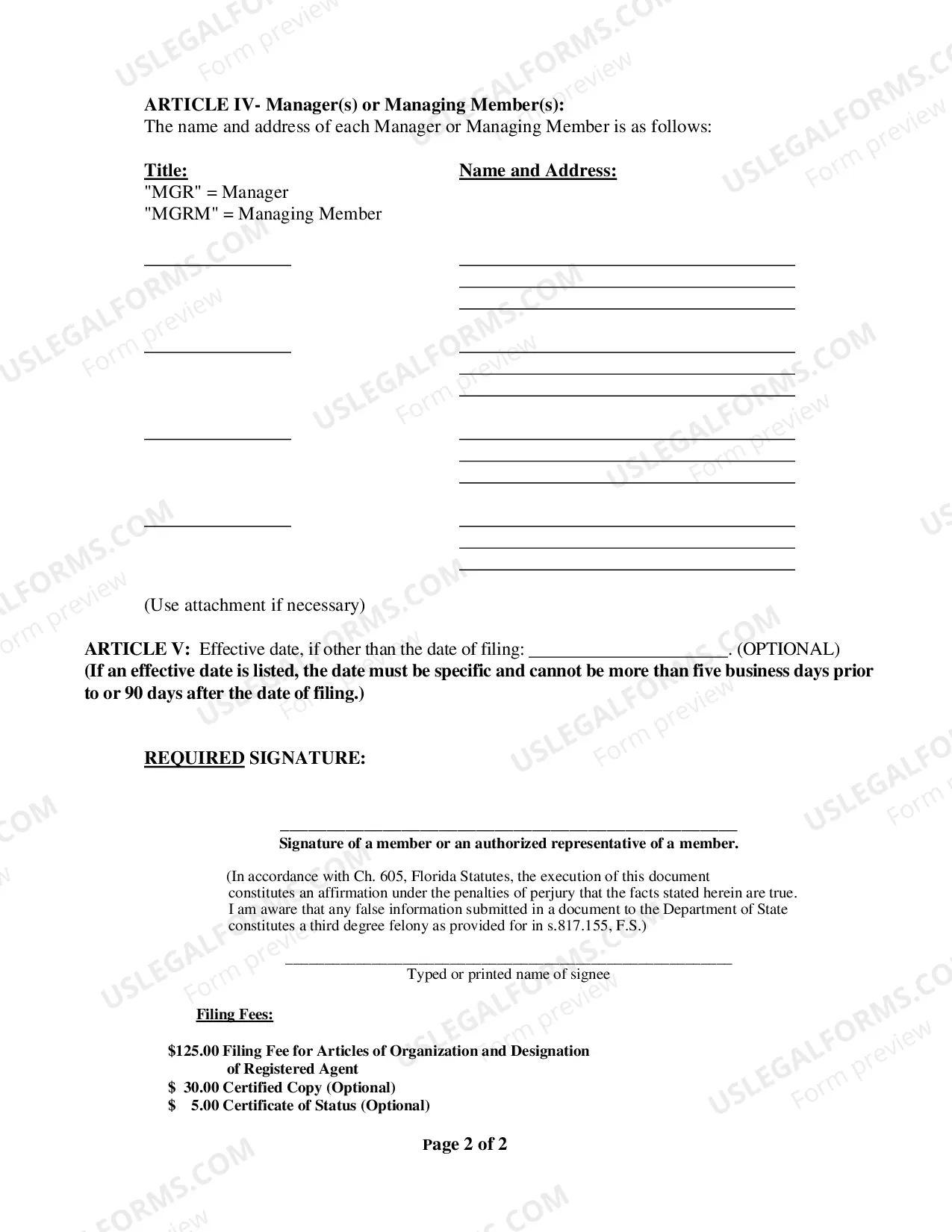
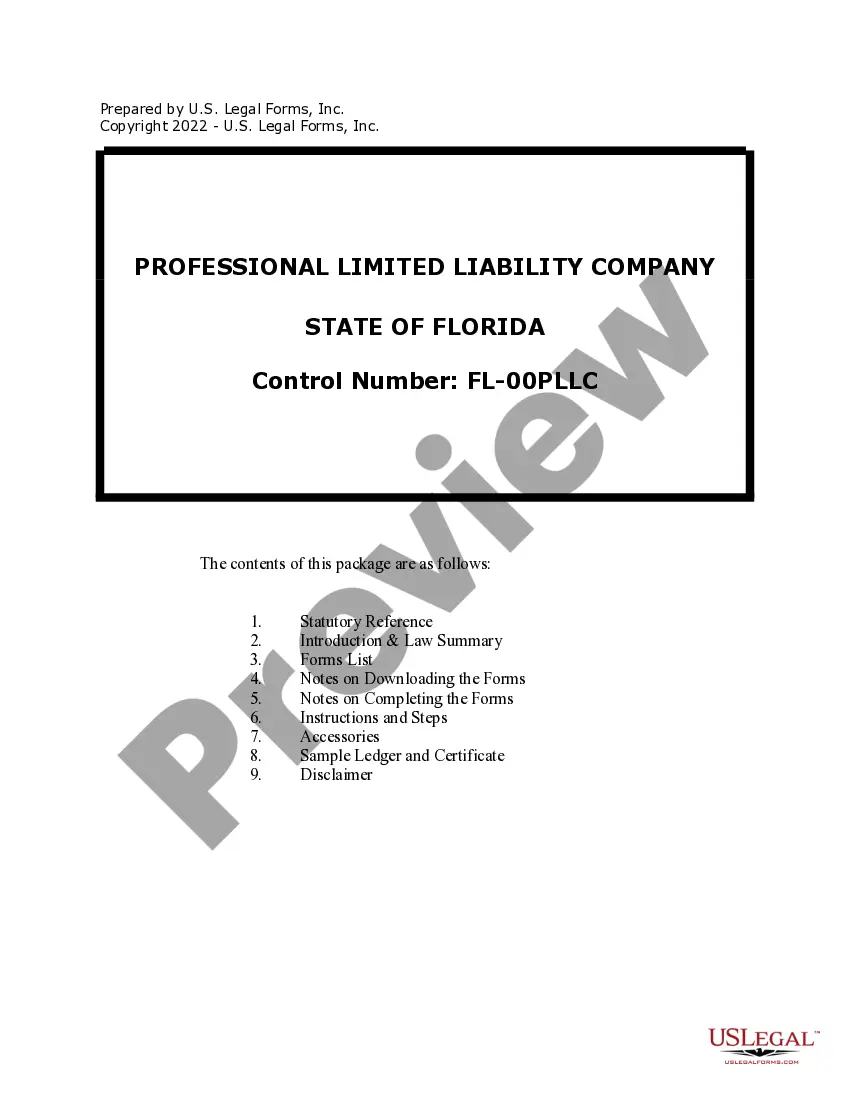
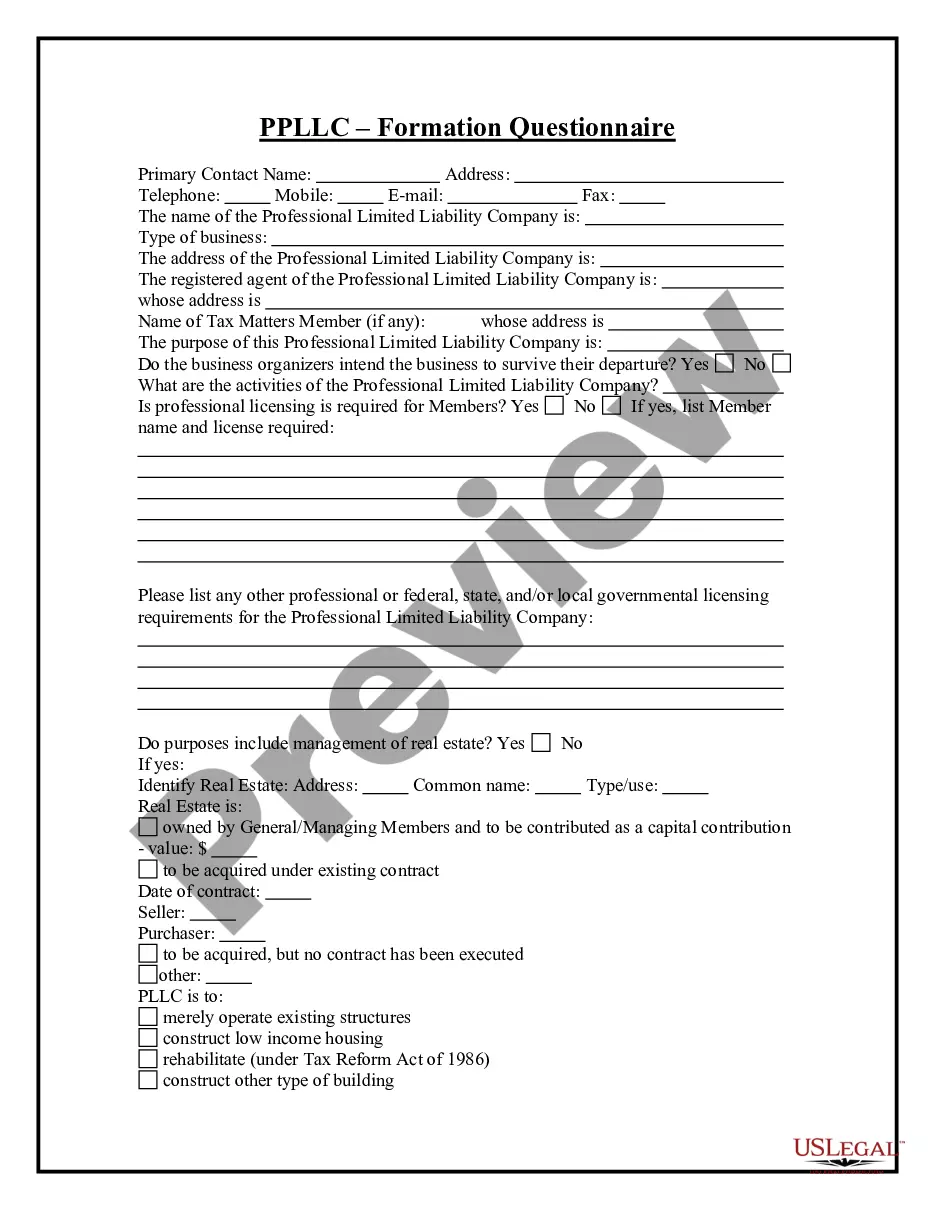
Get your form ready online
Our built-in tools help you complete, sign, share, and store your documents in one place.
Make edits, fill in missing information, and update formatting in US Legal Forms—just like you would in MS Word.
Download a copy, print it, send it by email, or mail it via USPS—whatever works best for your next step.
Sign and collect signatures with our SignNow integration. Send to multiple recipients, set reminders, and more. Go Premium to unlock E-Sign.
If this form requires notarization, complete it online through a secure video call—no need to meet a notary in person or wait for an appointment.
We protect your documents and personal data by following strict security and privacy standards.

Make edits, fill in missing information, and update formatting in US Legal Forms—just like you would in MS Word.

Download a copy, print it, send it by email, or mail it via USPS—whatever works best for your next step.

Sign and collect signatures with our SignNow integration. Send to multiple recipients, set reminders, and more. Go Premium to unlock E-Sign.

If this form requires notarization, complete it online through a secure video call—no need to meet a notary in person or wait for an appointment.

We protect your documents and personal data by following strict security and privacy standards.
Looking for another form?






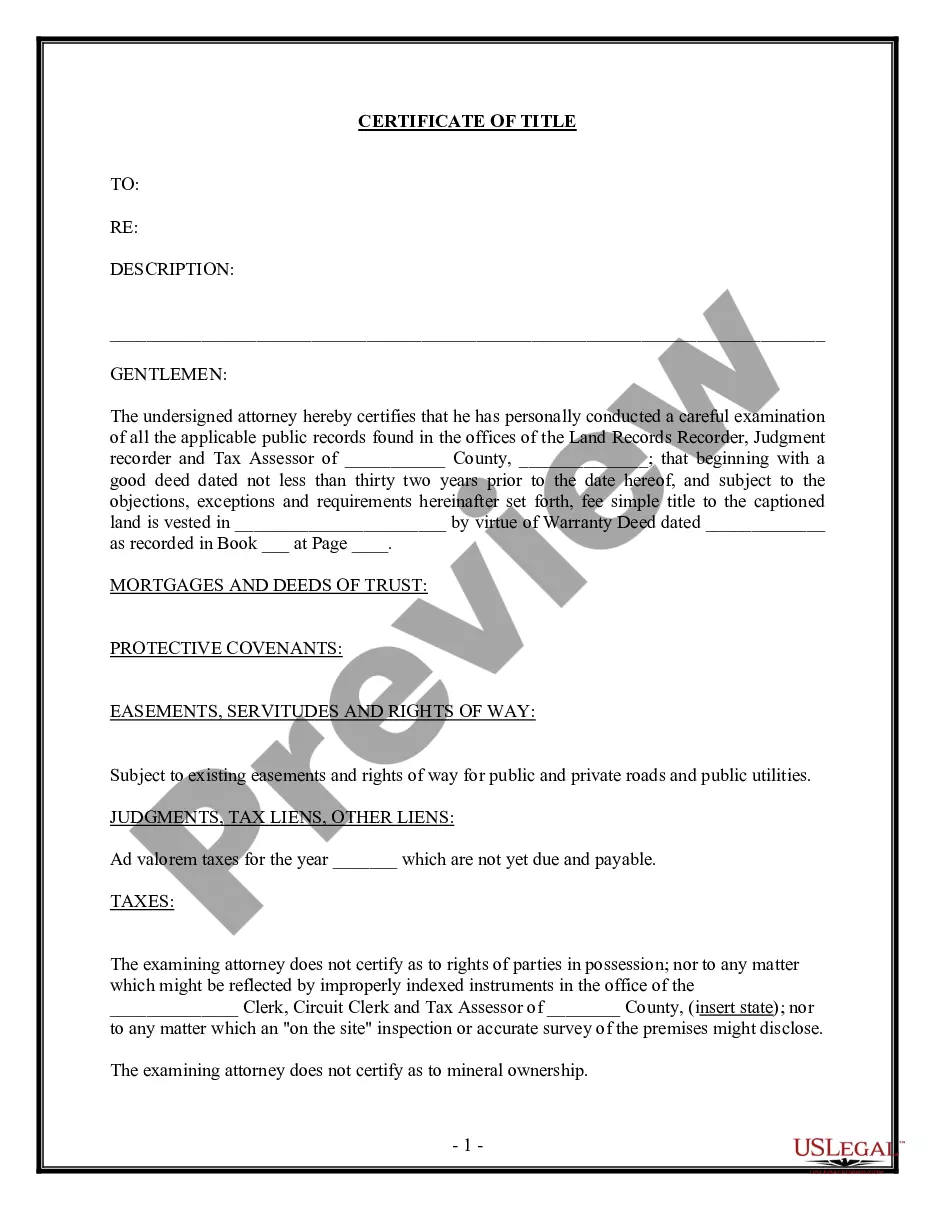

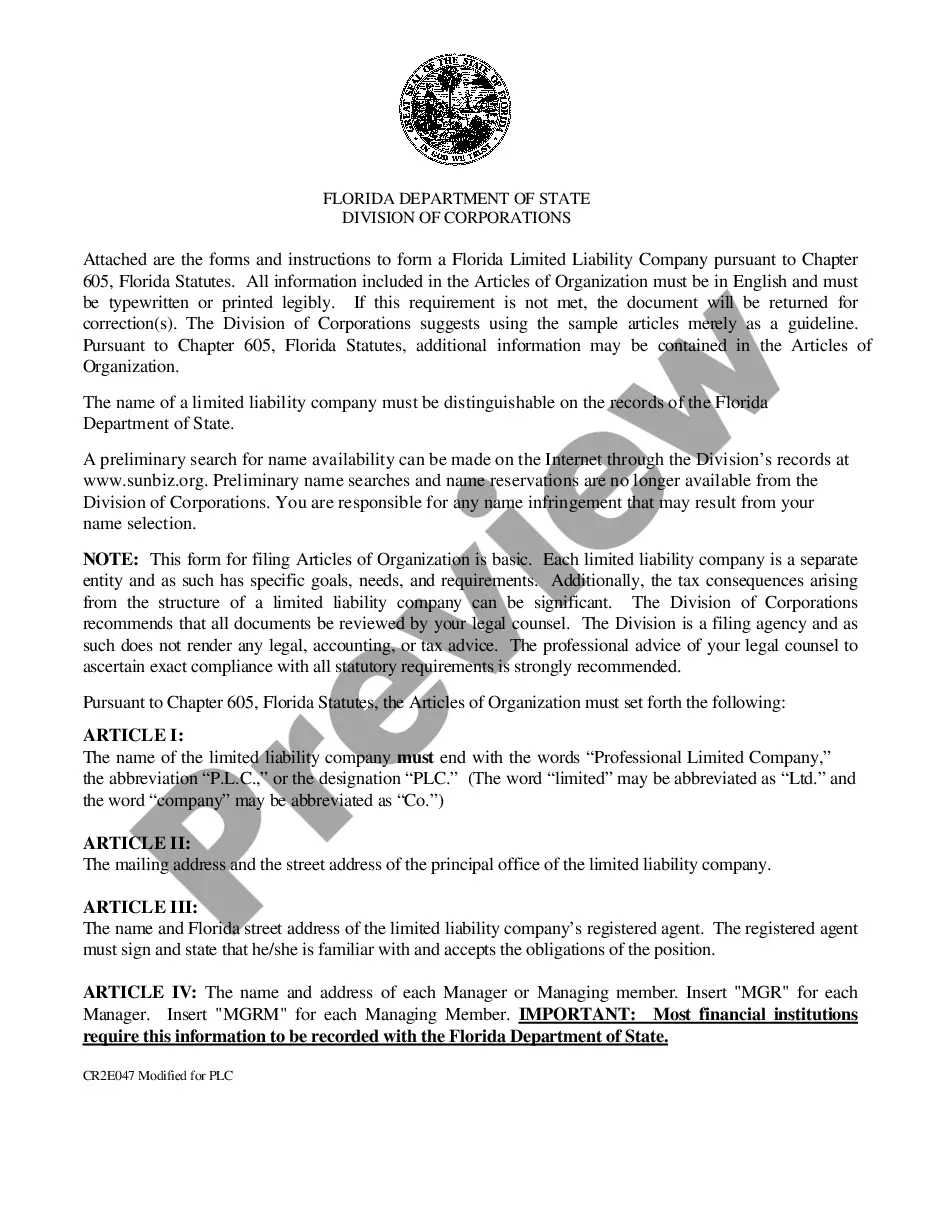
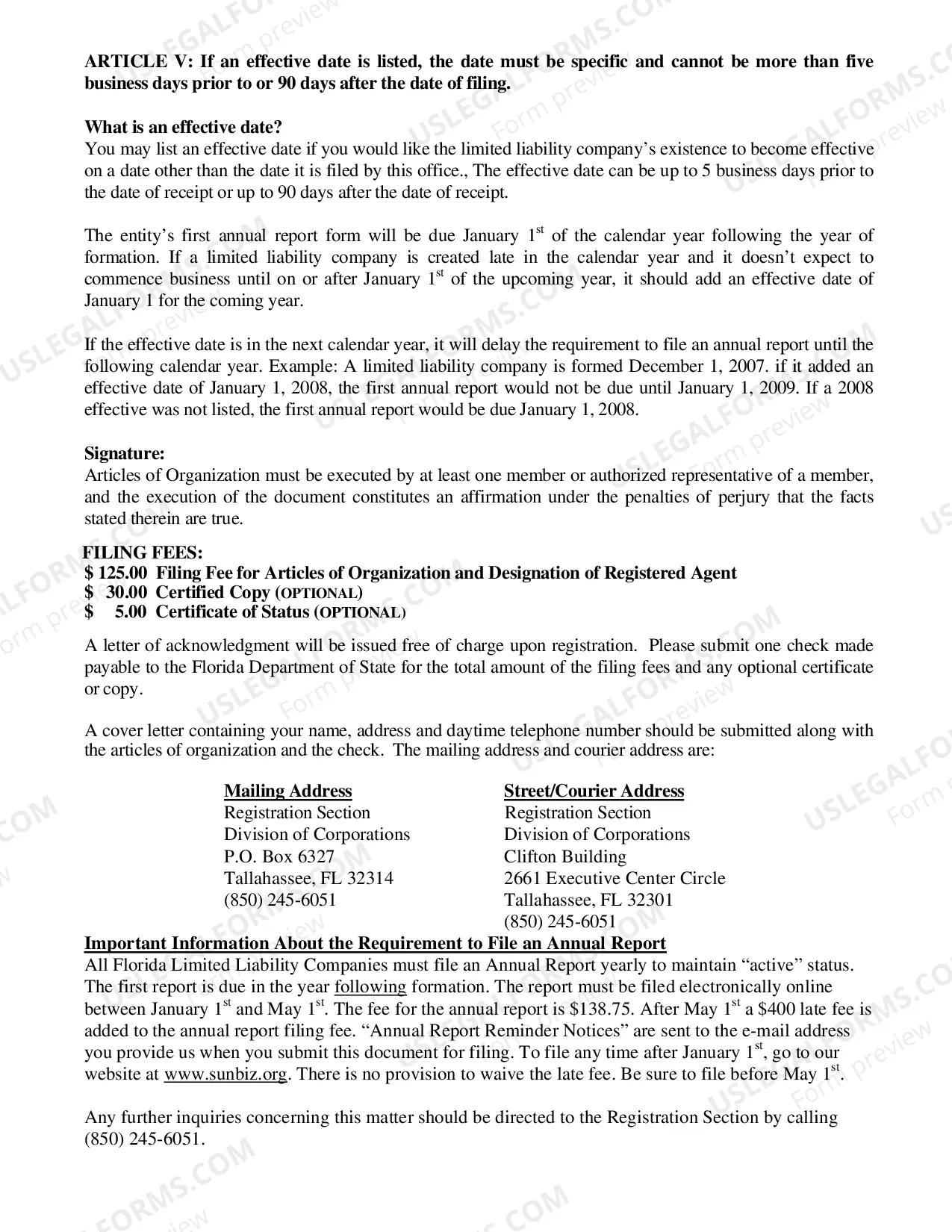
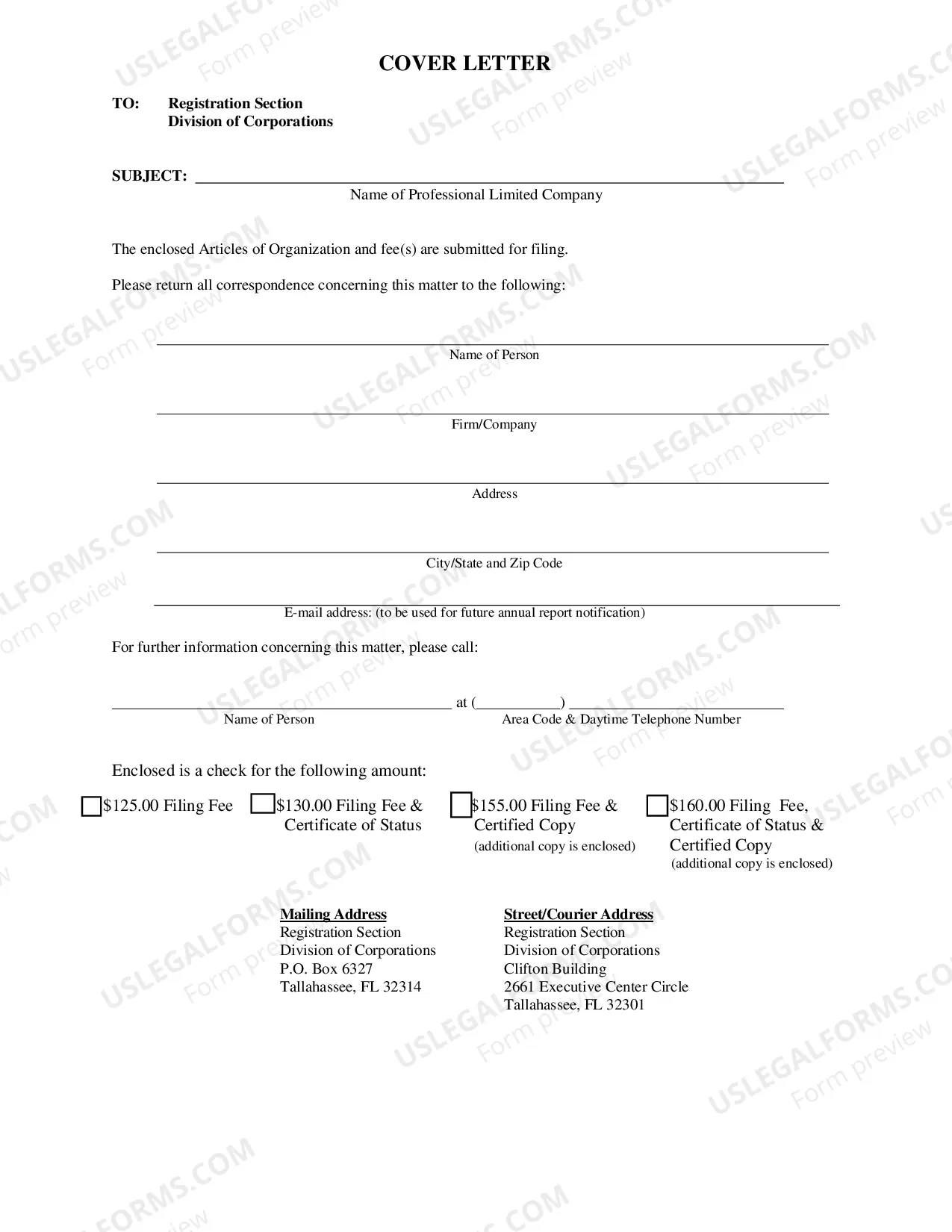
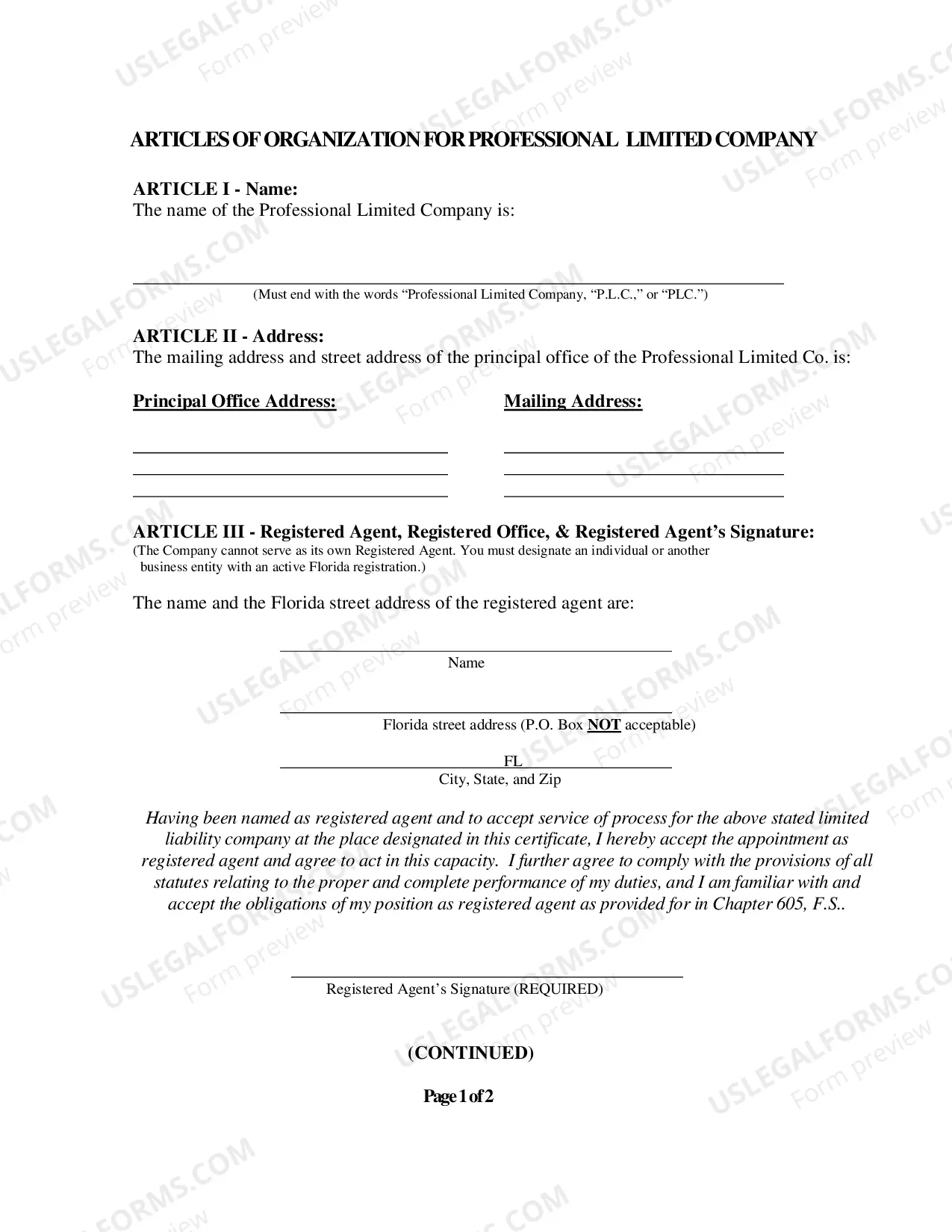
How to fill out Articles Of Organization For A Florida Professional Limited Liability Company PLLC?
Obtaining legal document examples that adhere to national and regional regulations is essential, and the internet provides numerous alternatives to choose from.
However, what is the benefit of spending time searching for the correct Articles of Incorporation for Florida template online when the US Legal Forms digital library already has such documents gathered in one location.
US Legal Forms is the largest online legal repository with over 85,000 editable templates created by lawyers for various business and personal situations. They are straightforward to navigate, with all documents organized by state and intended purpose. Our specialists stay updated on legal modifications, so you can always trust that your form is current and compliant when obtaining an Articles of Incorporation for Florida from our platform.
Click Buy Now when you’ve found the appropriate form and select a subscription plan. Create an account or sign in and complete the payment using PayPal or a credit card. Choose the format for your Articles of Incorporation for Florida and download it. All documents you find through US Legal Forms are reusable. To re-download and complete previously acquired forms, navigate to the My documents section in your account. Take advantage of the most extensive and user-friendly legal document service!
- Acquiring an Articles of Incorporation for Florida is quick and easy for both existing and new users.
- If you already possess an account with an active subscription, Log In and download the necessary document sample in your desired format.
- If you are a newcomer to our site, follow the steps outlined below.
- Review the template using the Preview function or via the text description to ensure it suits your requirements.
- Search for an additional sample using the search feature at the top of the page if needed.
Form popularity
FAQ
Steps to Create a Will in Wisconsin Decide what property to include in your will. Decide who will inherit your property. Choose an executor to handle your estate. Choose a guardian for your children. Choose someone to manage children's property. Make your will. Sign your will in front of witnesses.
Unfortunately, the remote online notarization law does not apply to estate planning documents, including wills. Under current law, the self-proving affidavit to your will must be notarized in person for it to be valid in Wisconsin.
No, you do not need to notarize your will in Wisconsin to make it legal. You may, however, make your will "self-proving" in Wisconsin, but you'll need to go to a notary to do so. The court will consider a self-proving will without contacting the witnesses who signed it, which speeds up probate.
Type and print your will using a computer, or you can use a typewriter. To finalize your will in Wisconsin: you must sign or acknowledge your will in front of two witnesses, and. your witnesses must sign your will within a "reasonable time" after your signing or acknowledgment.
To be valid, your will must be in writing, and you must date and sign it. At least two witnesses also must sign the will. They can do this after they watch you sign it.
To be valid, your will must be in writing, and you must date and sign it. At least two witnesses also must sign the will. They can do this after they watch you sign it. If they weren't present then, you can state to them that the signature is yours, and then the witnesses can sign.
Grounds for Contesting a Will in Wisconsin The Will does not comply with the state's legal requirements by, for example, not having enough witnesses or having a witness that was also a beneficiary. Ambiguous provisions exist. The Will was revoked. A new Will exists.
No, you do not need to notarize your will in Wisconsin to make it legal. You may, however, make your will "self-proving" in Wisconsin, but you'll need to go to a notary to do so. The court will consider a self-proving will without contacting the witnesses who signed it, which speeds up probate.