Company Formation Form For Offshore
Description
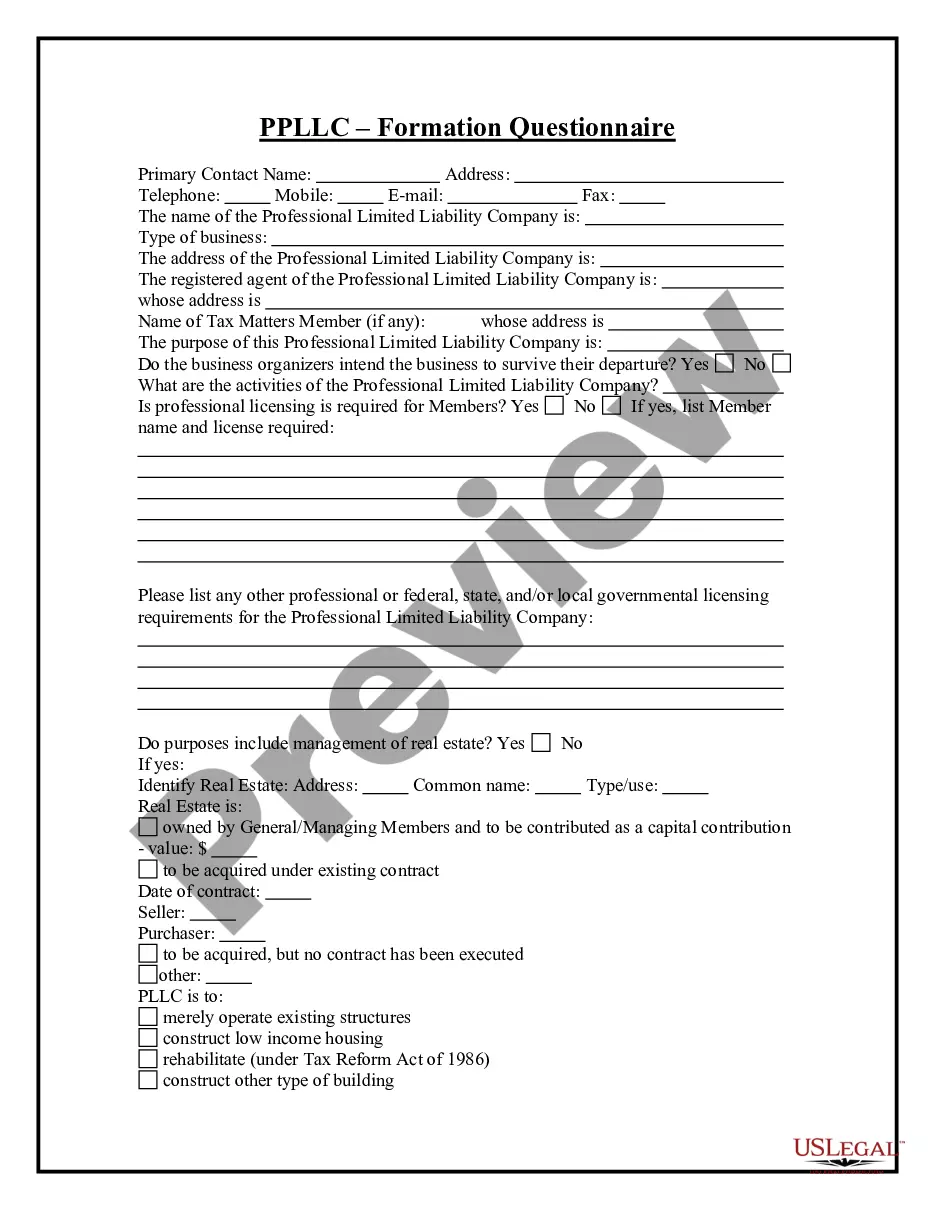
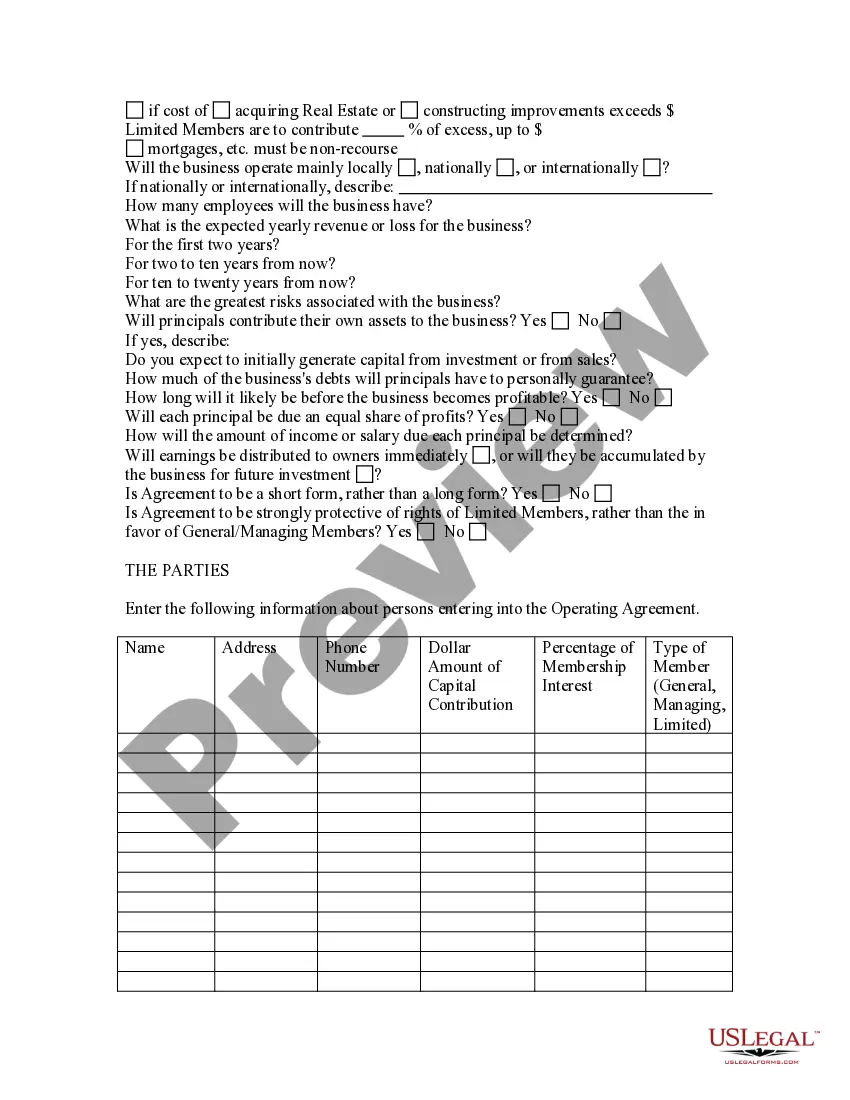
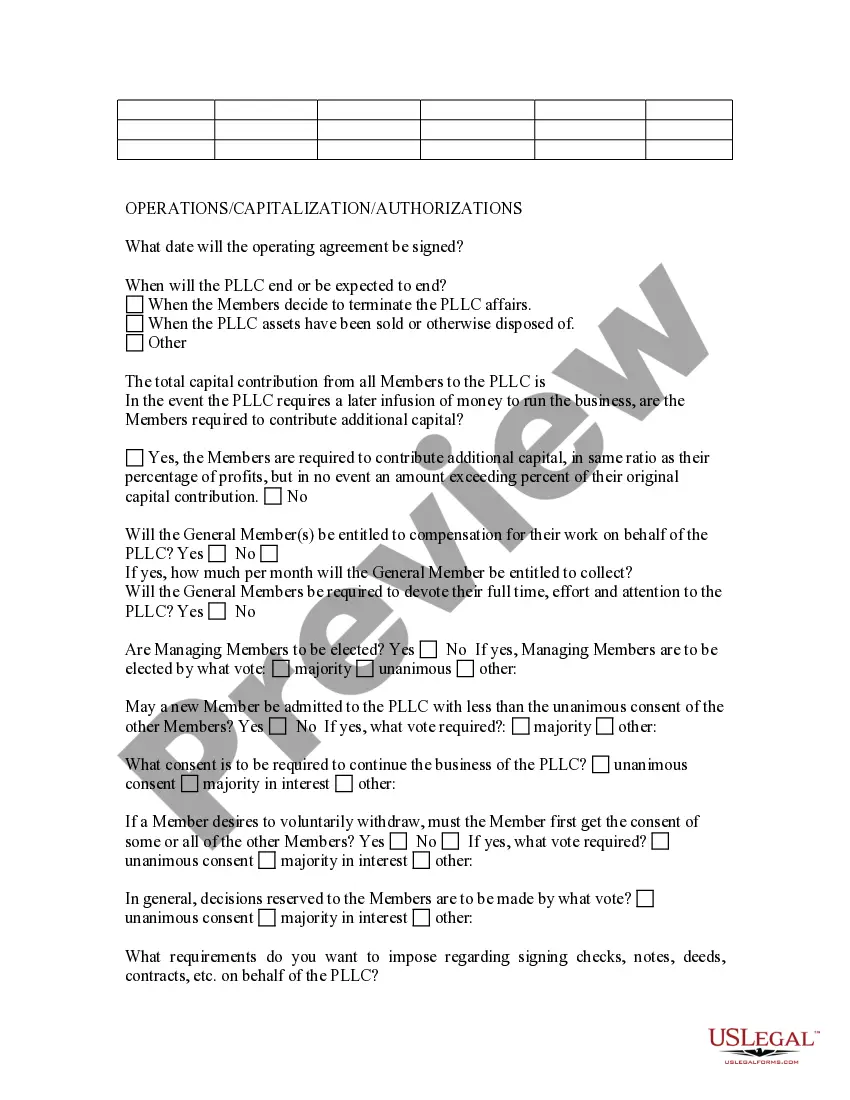
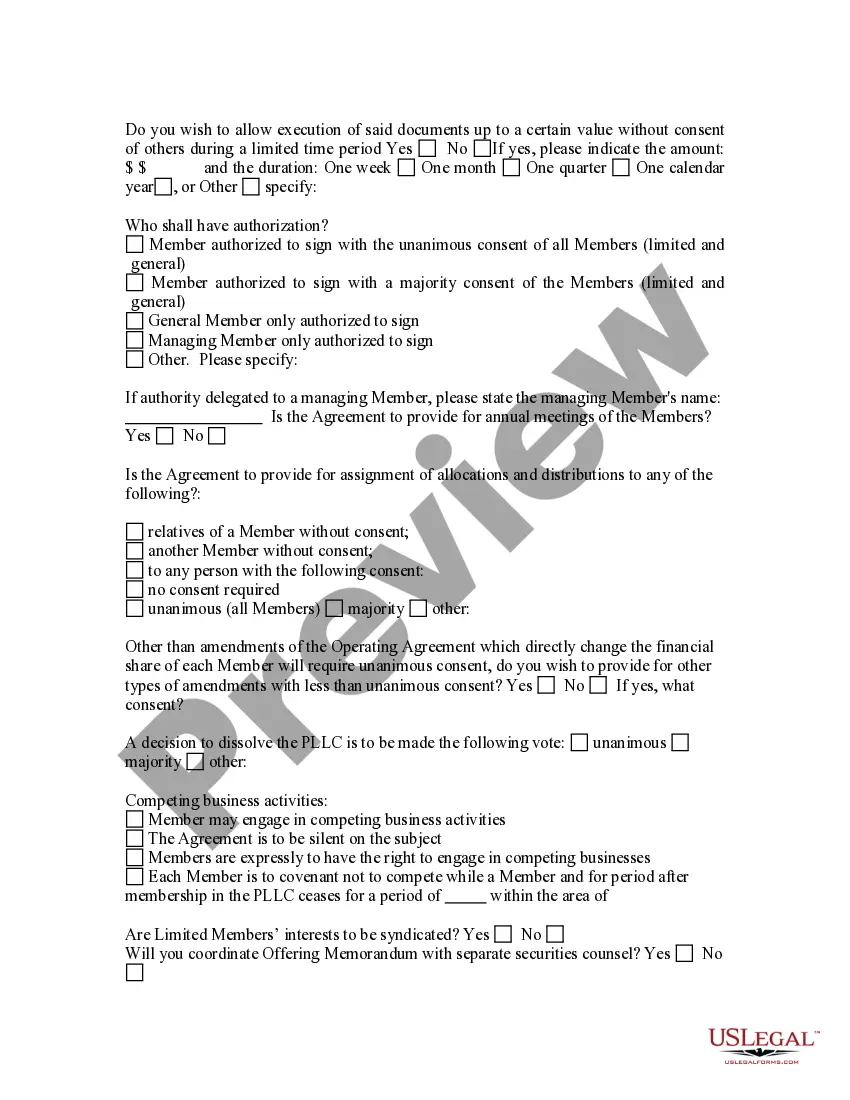
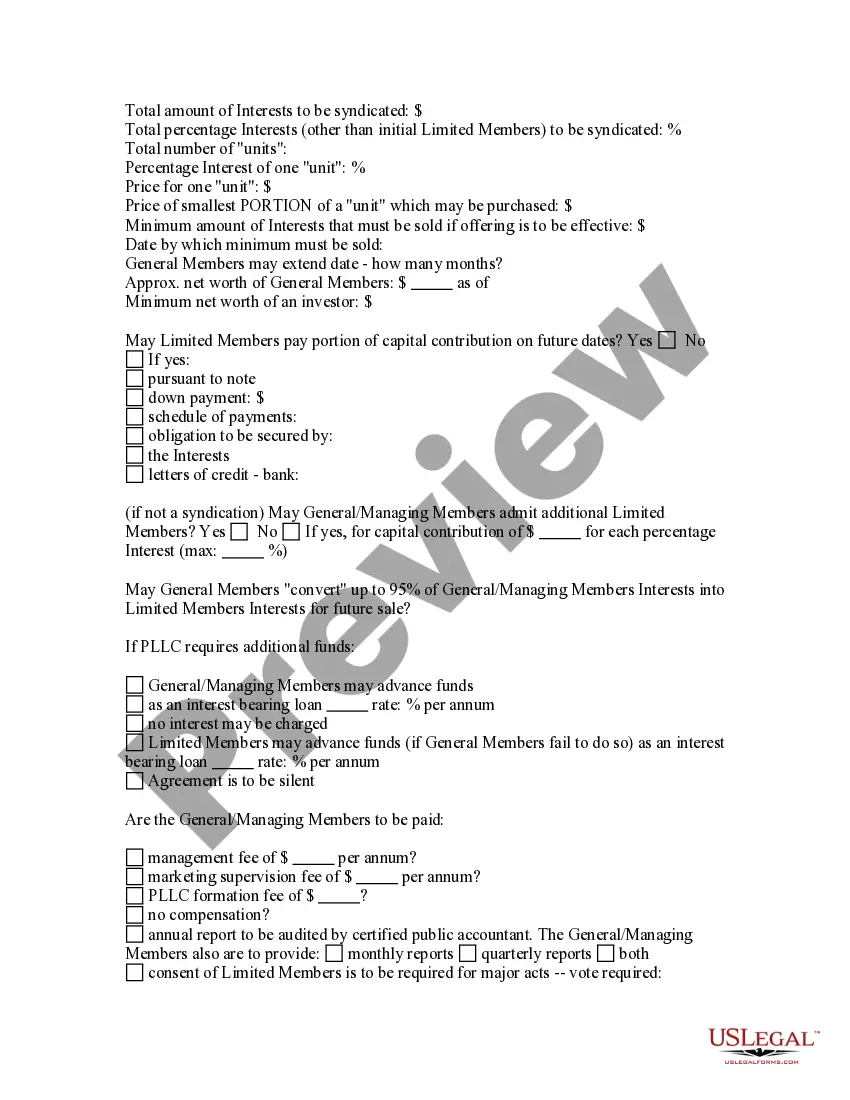
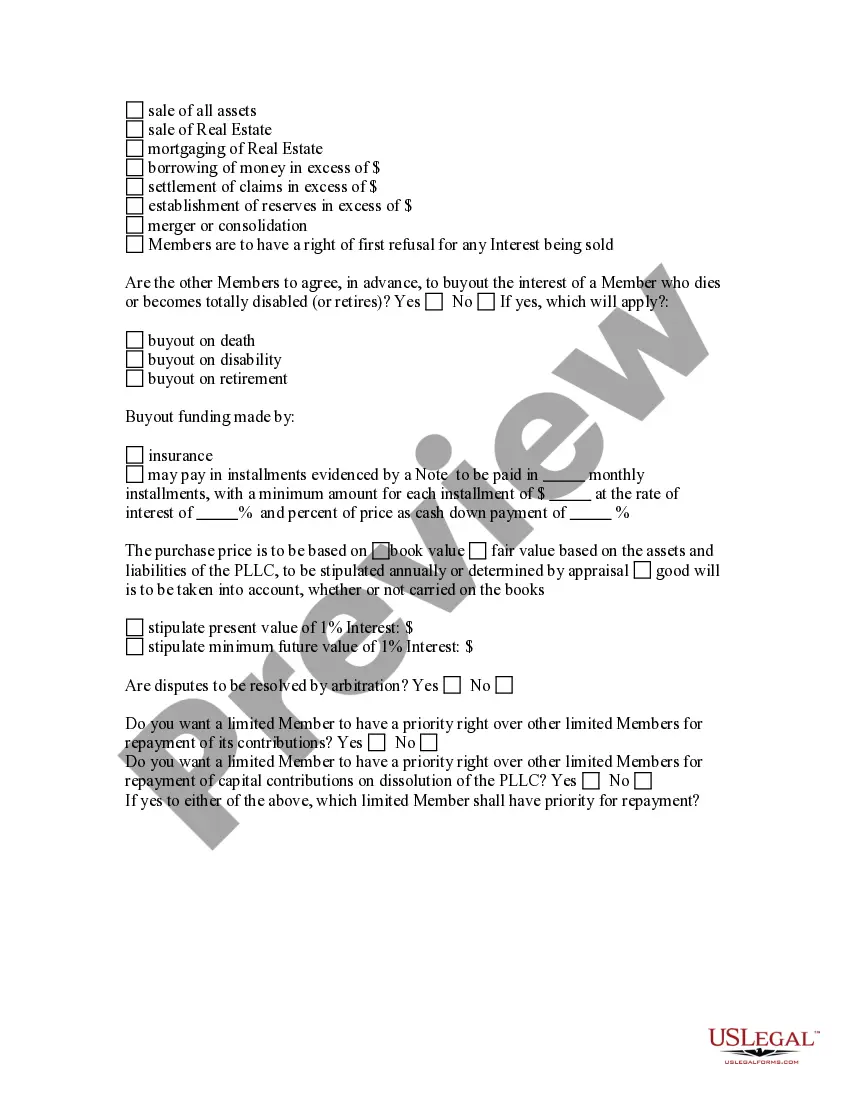
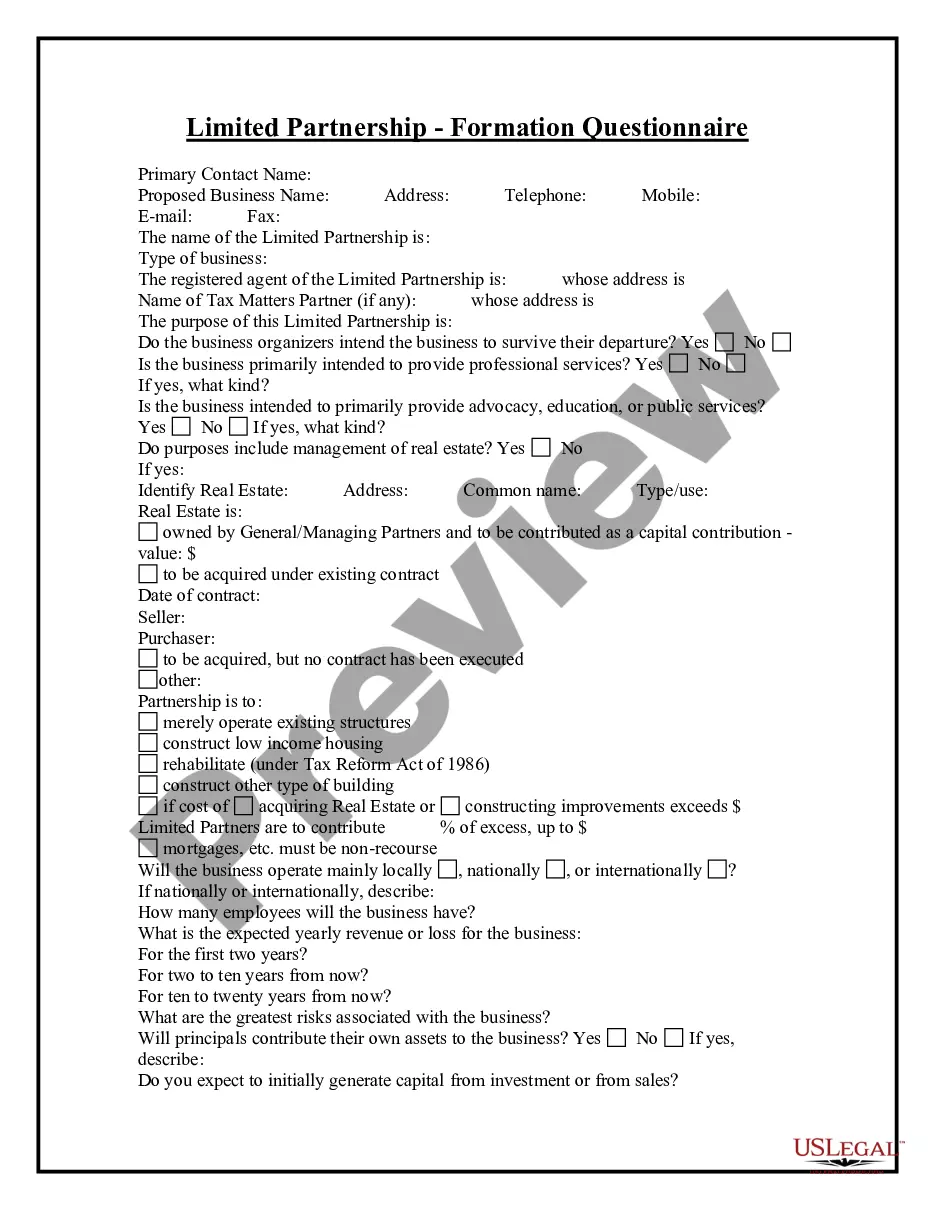
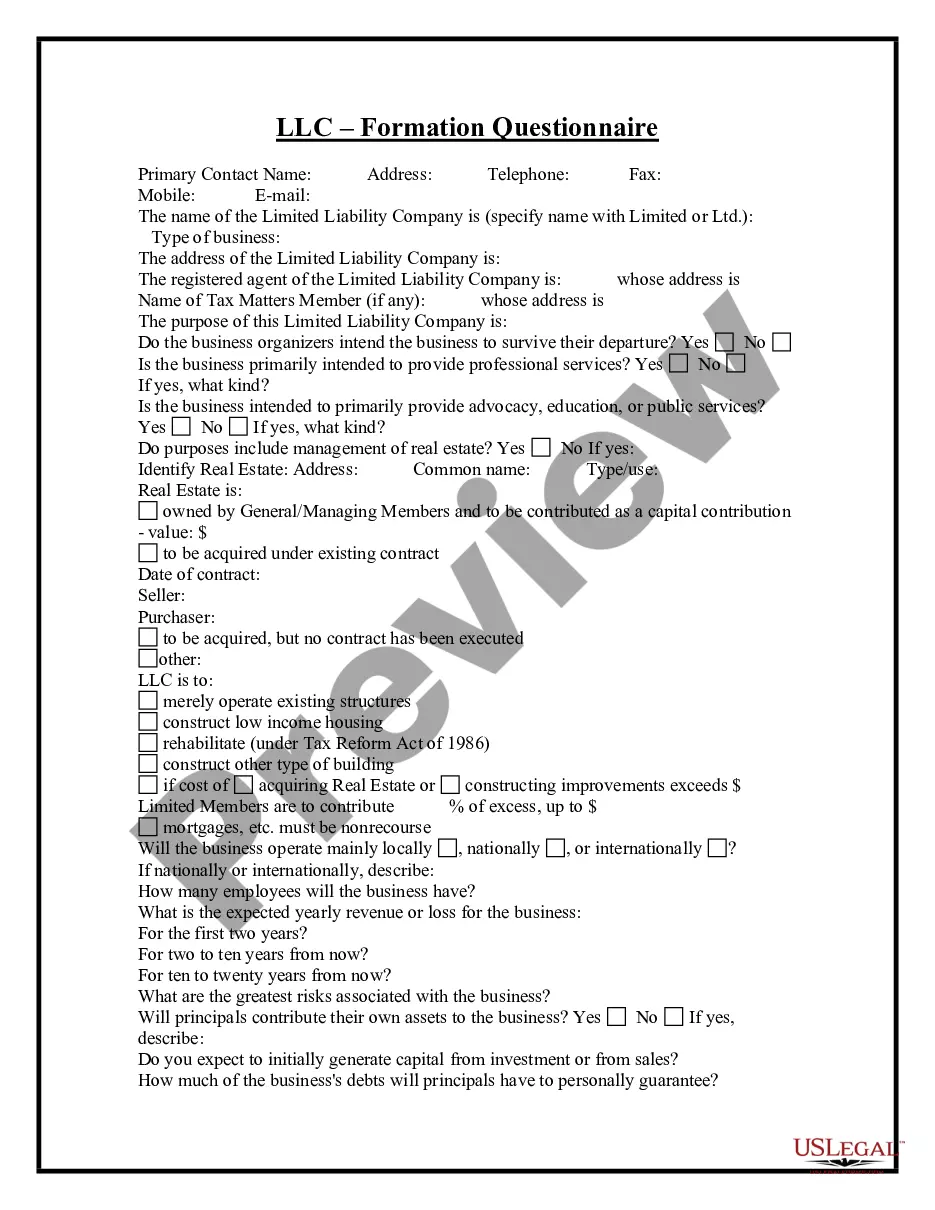
Get your form ready online
Our built-in tools help you complete, sign, share, and store your documents in one place.
Make edits, fill in missing information, and update formatting in US Legal Forms—just like you would in MS Word.
Download a copy, print it, send it by email, or mail it via USPS—whatever works best for your next step.
Sign and collect signatures with our SignNow integration. Send to multiple recipients, set reminders, and more. Go Premium to unlock E-Sign.
If this form requires notarization, complete it online through a secure video call—no need to meet a notary in person or wait for an appointment.
We protect your documents and personal data by following strict security and privacy standards.

Make edits, fill in missing information, and update formatting in US Legal Forms—just like you would in MS Word.

Download a copy, print it, send it by email, or mail it via USPS—whatever works best for your next step.

Sign and collect signatures with our SignNow integration. Send to multiple recipients, set reminders, and more. Go Premium to unlock E-Sign.

If this form requires notarization, complete it online through a secure video call—no need to meet a notary in person or wait for an appointment.

We protect your documents and personal data by following strict security and privacy standards.
Looking for another form?








How to fill out Professional Limited Liability Company - PLLC - Formation Questionnaire?
Locating a reliable source for obtaining the latest and pertinent legal templates is a significant part of navigating bureaucracy.
Identifying the appropriate legal documents requires precision and careful consideration, which is why it is essential to acquire samples of the Company Formation Form For Offshore exclusively from trustworthy providers, such as US Legal Forms. An incorrect template can consume your time and delay your current situation.
Once you have the form on your device, you can either edit it using the editor or print it to fill it out manually. Alleviate the hassles associated with your legal paperwork. Browse the comprehensive US Legal Forms catalog to discover legal templates, assess their applicability to your situation, and download them immediately.
- Utilize the library menu or search option to locate your template.
- Examine the description of the form to verify that it aligns with the specifications of your state and county.
- Access the form preview, if available, to confirm that the template is indeed the one you seek.
- Return to the search and find the correct template if the Company Formation Form For Offshore does not suit your requirements.
- Once you are confident about the form's appropriateness, download it.
- If you are a registered user, click Log in to verify your identity and access your chosen forms in My documents.
- If you do not possess an account yet, click Buy now to acquire the form.
- Choose the payment plan that suits your needs.
- Proceed to registration to complete your transaction.
- Conclude your purchase by selecting a payment method (credit card or PayPal).
- Select the file format for downloading the Company Formation Form For Offshore.
Form popularity
FAQ
Read on for our step-by-step guide on how to set up an offshore company in the USA. Choose Your State. The first step is to choose which state you want your offshore company to be registered in. ... Select A Business Entity. ... Get A Tax ID Number. ... Open A Bank Account. ... Conclusion.
An overseas corporation may establish a US subsidiary, but the subsidiary must register in the state where it's headquartered ? in other words, where it does business. The subsidiary will pay federal and state income taxes on money it earns, including capital raised by issuing shares or contracting for loans.
Procedure for incorporating an offshore company Choosing the perfect name. Choosing the name is the most crucial part of incorporating, as there are strict guidelines that restrict you from choosing your desired name. ... Fulfilling the legal requirements. ... Sending the documents. ... Open a bank account.
Offshore LLC is a legal form of business, which gives limited liability to its owners (members). It is not a corporation, but, like a regular corporations, offshore LLCs share limited liability. Offshore LLC shares the availability of pass-through income taxation with a partnership. Owners of an LLC are called members.
Owning an offshore company is not illegal all by itself, you just need to make sure you give the IRS all the new paperwork it wants. To cause your offshore company to be disregarded as a separate entity from you as of its formation date, you must make an election within 75 days of formation.