Employee File Format
Description


Get your form ready online
Our built-in tools help you complete, sign, share, and store your documents in one place.
Make edits, fill in missing information, and update formatting in US Legal Forms—just like you would in MS Word.
Download a copy, print it, send it by email, or mail it via USPS—whatever works best for your next step.
Sign and collect signatures with our SignNow integration. Send to multiple recipients, set reminders, and more. Go Premium to unlock E-Sign.
If this form requires notarization, complete it online through a secure video call—no need to meet a notary in person or wait for an appointment.
We protect your documents and personal data by following strict security and privacy standards.

Make edits, fill in missing information, and update formatting in US Legal Forms—just like you would in MS Word.

Download a copy, print it, send it by email, or mail it via USPS—whatever works best for your next step.

Sign and collect signatures with our SignNow integration. Send to multiple recipients, set reminders, and more. Go Premium to unlock E-Sign.

If this form requires notarization, complete it online through a secure video call—no need to meet a notary in person or wait for an appointment.

We protect your documents and personal data by following strict security and privacy standards.
Looking for another form?






How to fill out Florida Employment Employee Personnel File Package?
Using legal document samples that comply with federal and state laws is a matter of necessity, and the internet offers numerous options to choose from. But what’s the point in wasting time searching for the appropriate Employee File Format sample on the web if the US Legal Forms online library already has such templates gathered in one place?
US Legal Forms is the largest online legal library with over 85,000 fillable templates drafted by attorneys for any professional and life situation. They are easy to browse with all documents collected by state and purpose of use. Our specialists stay up with legislative updates, so you can always be sure your paperwork is up to date and compliant when obtaining a Employee File Format from our website.
Obtaining a Employee File Format is quick and easy for both current and new users. If you already have an account with a valid subscription, log in and save the document sample you need in the preferred format. If you are new to our website, follow the instructions below:
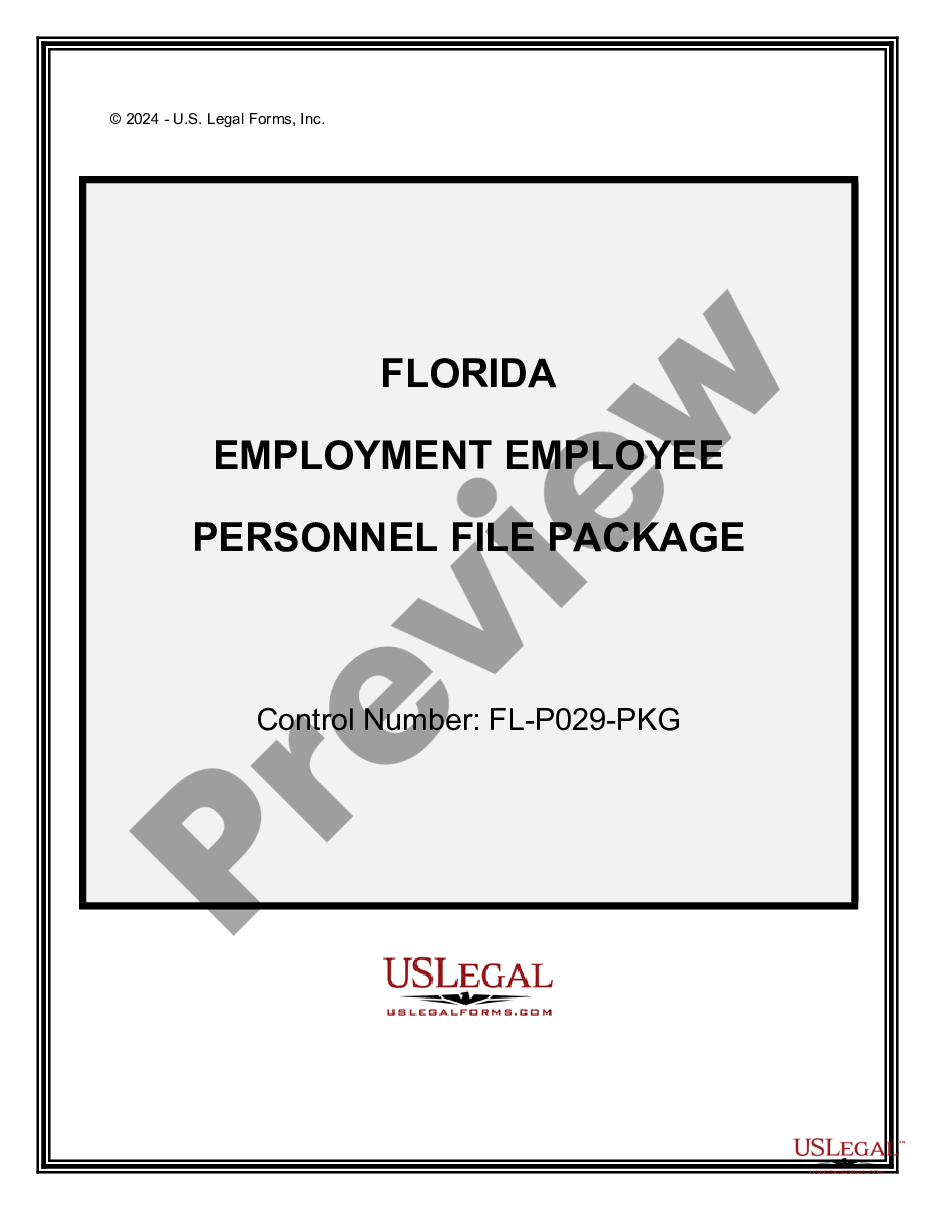
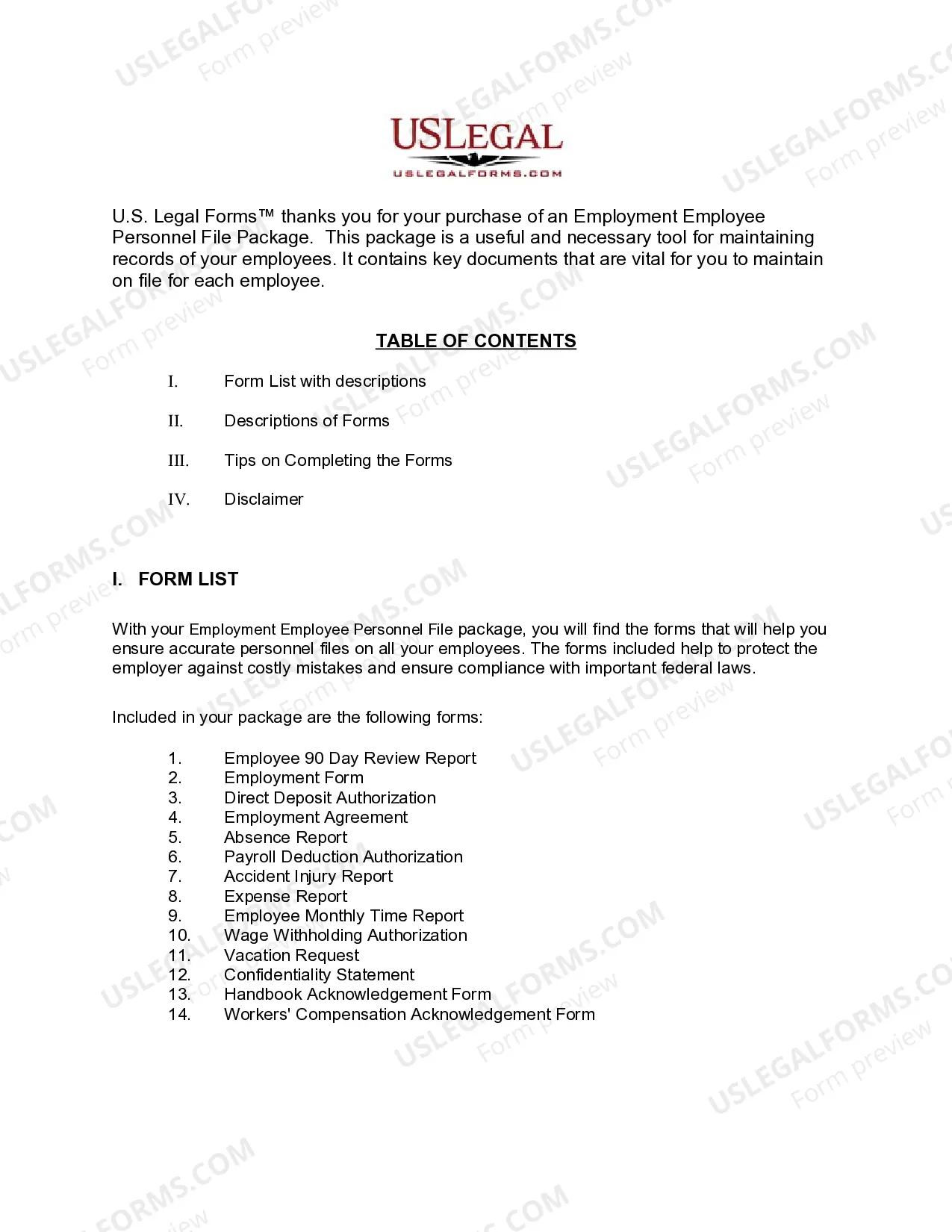
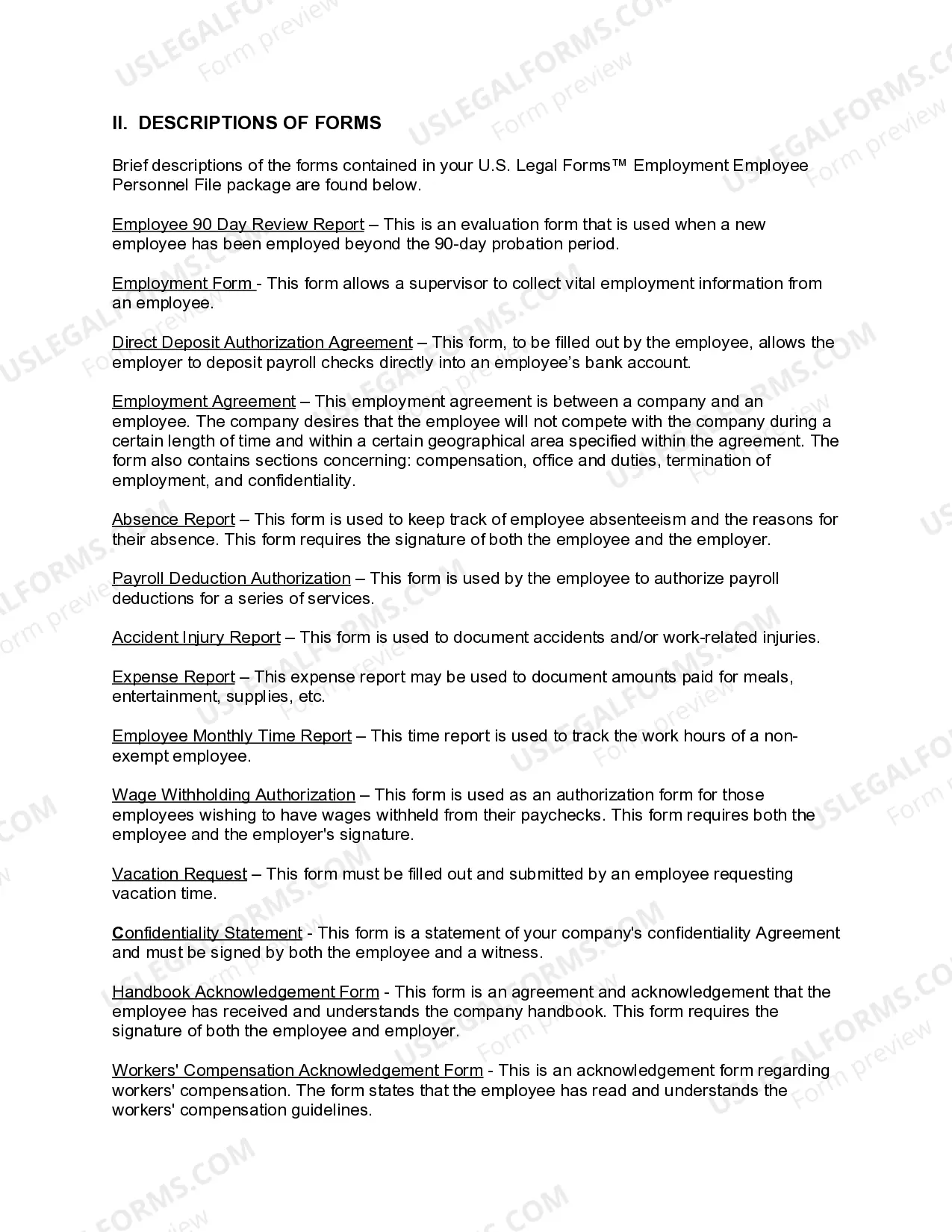
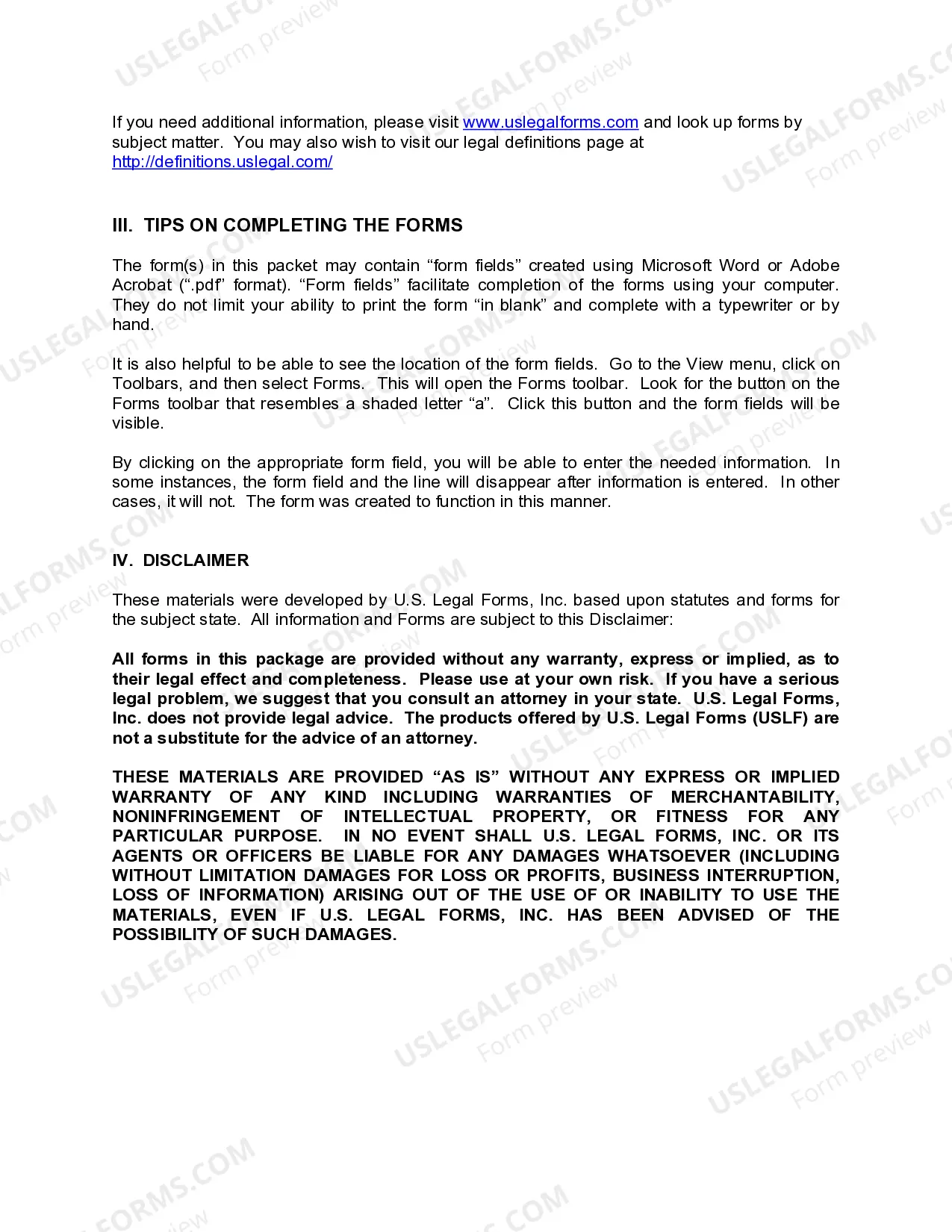
- Take a look at the template utilizing the Preview option or via the text outline to make certain it meets your needs.
- Browse for another sample utilizing the search function at the top of the page if necessary.
- Click Buy Now when you’ve located the suitable form and opt for a subscription plan.
- Register for an account or sign in and make a payment with PayPal or a credit card.
- Choose the right format for your Employee File Format and download it.
All templates you locate through US Legal Forms are multi-usable. To re-download and fill out earlier saved forms, open the My Forms tab in your profile. Take advantage of the most extensive and easy-to-use legal paperwork service!
Form popularity
FAQ
In each employee's personnel file, include signed copies of the following: Employee handbook acknowledgments. Policy acknowledgments (such as harassment prevention policies, social media policies, etc.) Confidentiality agreements. Noncompete agreements. Relocation agreements. Other signed contracts or agreements.
Payroll records are the combined documents pertaining to payroll that businesses must maintain for each individual that they employ. This includes pay rates, total compensation, tax deductions, hours worked, benefit contributions and more.
What Should an Employee Personnel File Contain? (with Free Checklist) Personal information. Pre-hire and hiring information. Employment history. Agreements and policy acknowledgments. Performance records. Termination records.
How to organize personnel files Determine which documents to store. Review company policy, federal law and state regulations to learn which documents to include in a personnel file. ... Choose a filing method. ... Format your documents. ... Learn who can access the files. ... Create a file retention policy. ... Update the files as needed.
In general, employers should not include the following information in an employee's personnel file: documents relating to the applicant's interview notes. employment tests. reference/background checks. employment/payroll verification. drug tests. immigration forms. payroll and benefits. medical/insurance records.