Minutes Organizational Sample Format For A Meeting
Description
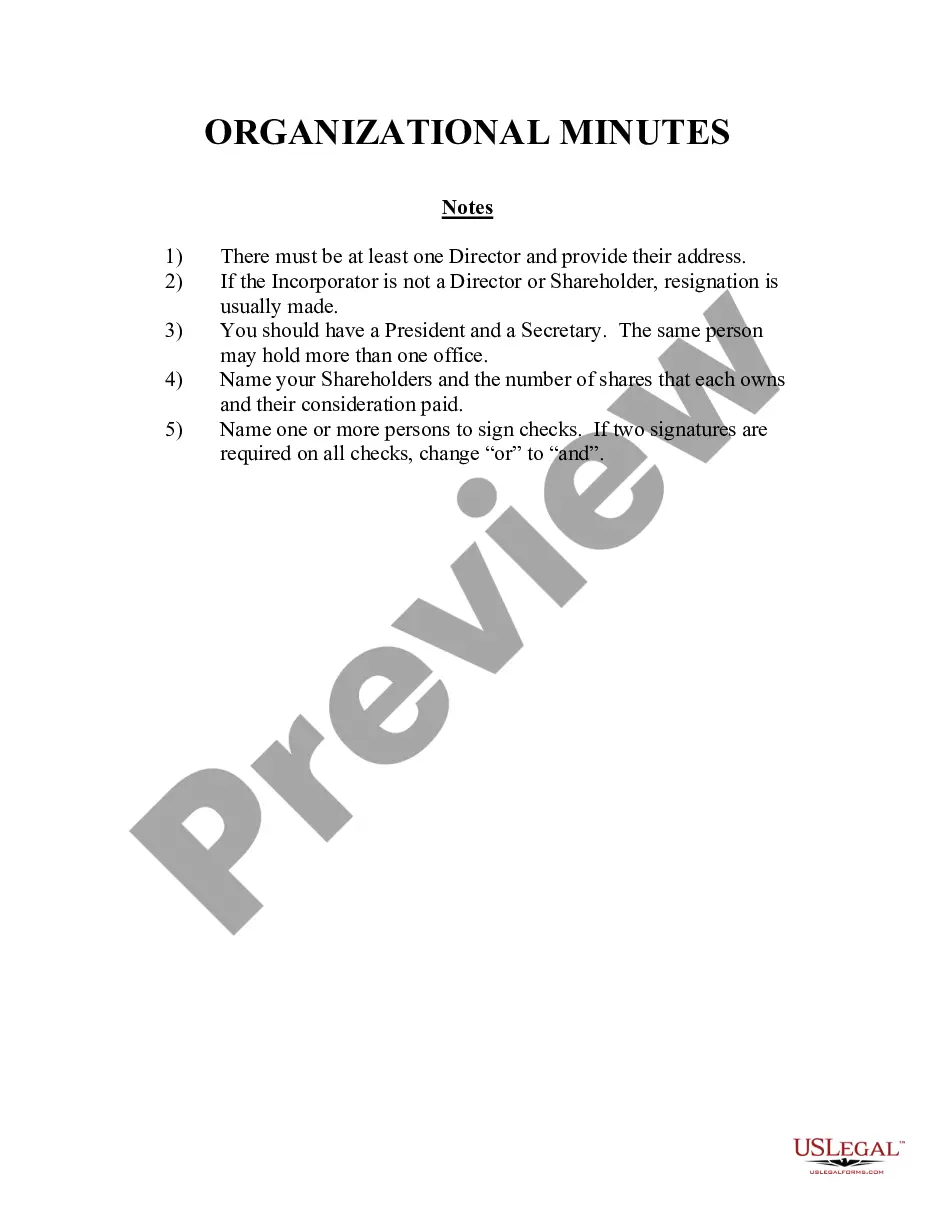
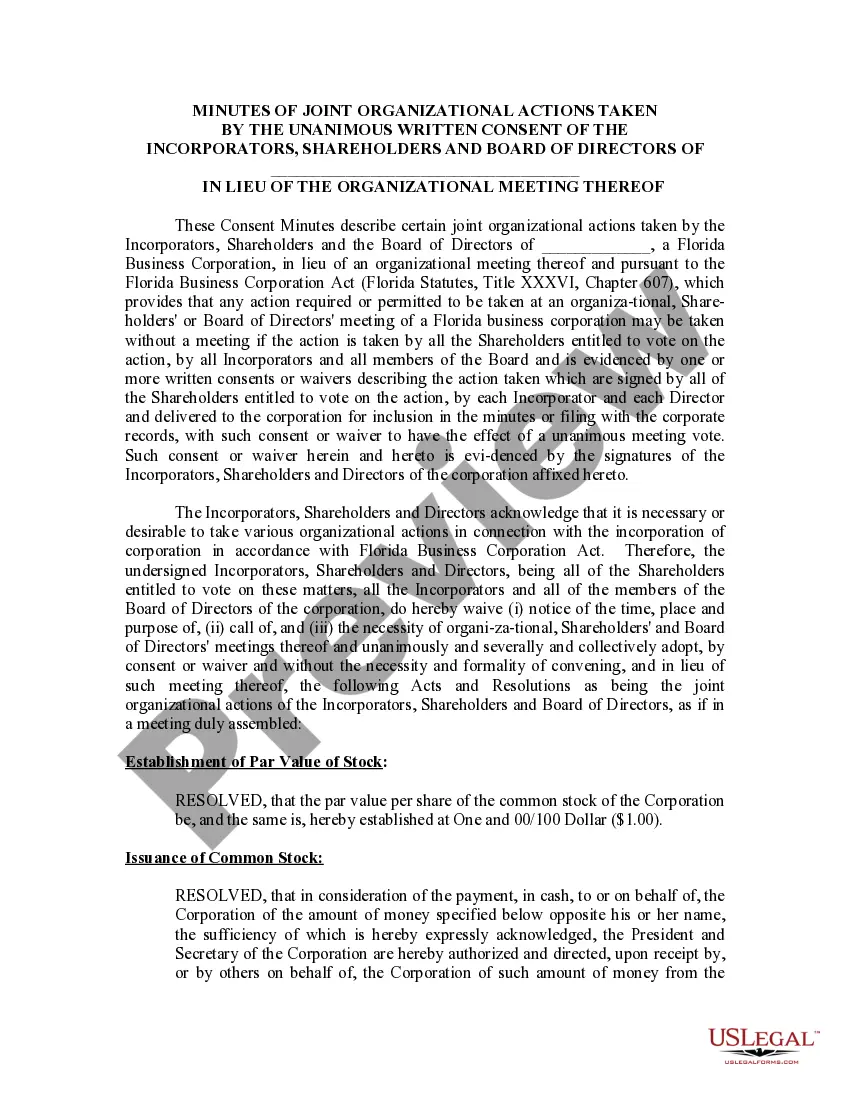
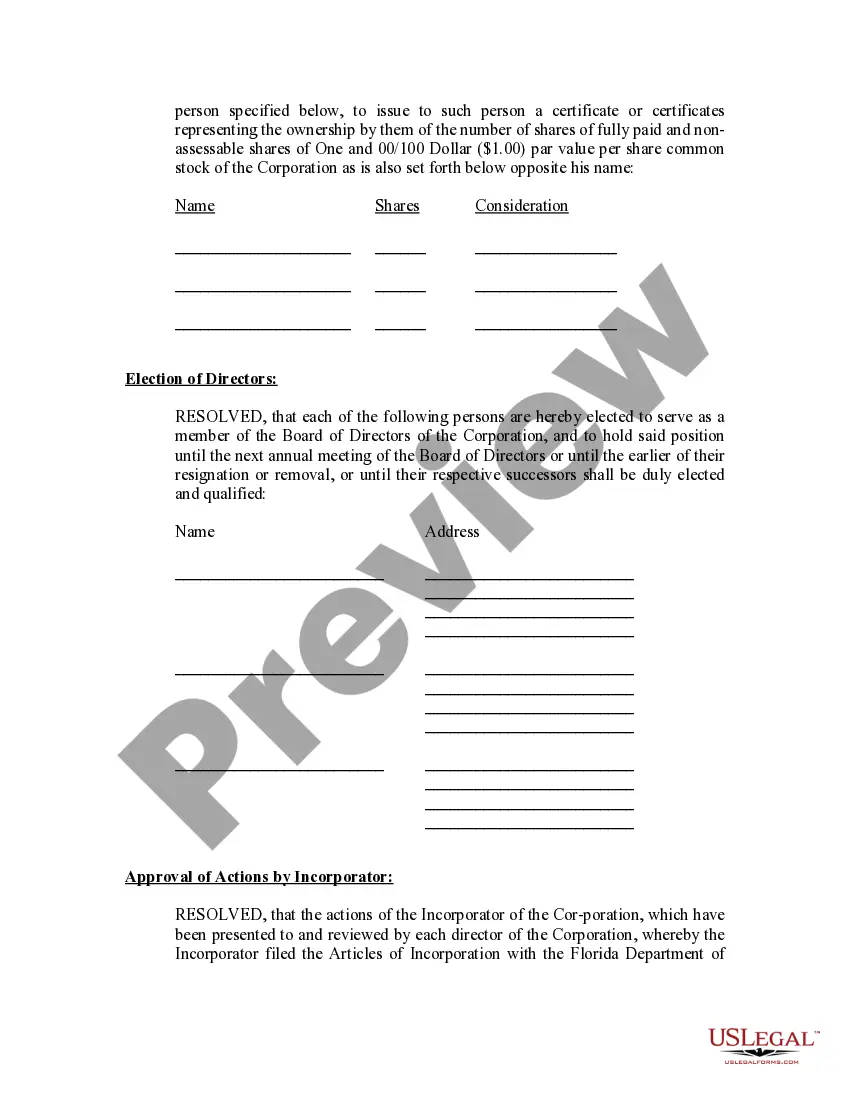
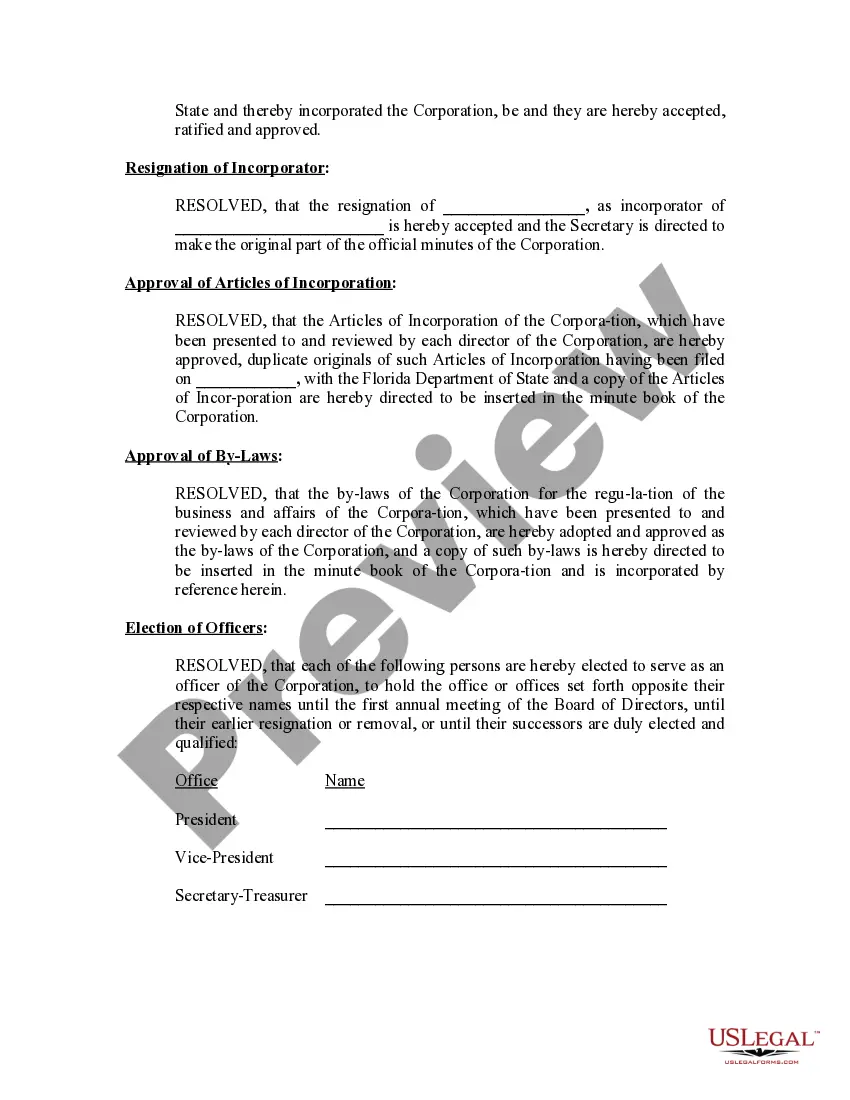
Get your form ready online
Our built-in tools help you complete, sign, share, and store your documents in one place.
Make edits, fill in missing information, and update formatting in US Legal Forms—just like you would in MS Word.
Download a copy, print it, send it by email, or mail it via USPS—whatever works best for your next step.
Sign and collect signatures with our SignNow integration. Send to multiple recipients, set reminders, and more. Go Premium to unlock E-Sign.
If this form requires notarization, complete it online through a secure video call—no need to meet a notary in person or wait for an appointment.
We protect your documents and personal data by following strict security and privacy standards.

Make edits, fill in missing information, and update formatting in US Legal Forms—just like you would in MS Word.

Download a copy, print it, send it by email, or mail it via USPS—whatever works best for your next step.

Sign and collect signatures with our SignNow integration. Send to multiple recipients, set reminders, and more. Go Premium to unlock E-Sign.

If this form requires notarization, complete it online through a secure video call—no need to meet a notary in person or wait for an appointment.

We protect your documents and personal data by following strict security and privacy standards.
Looking for another form?










How to fill out Florida Minutes For Organizational Meeting?
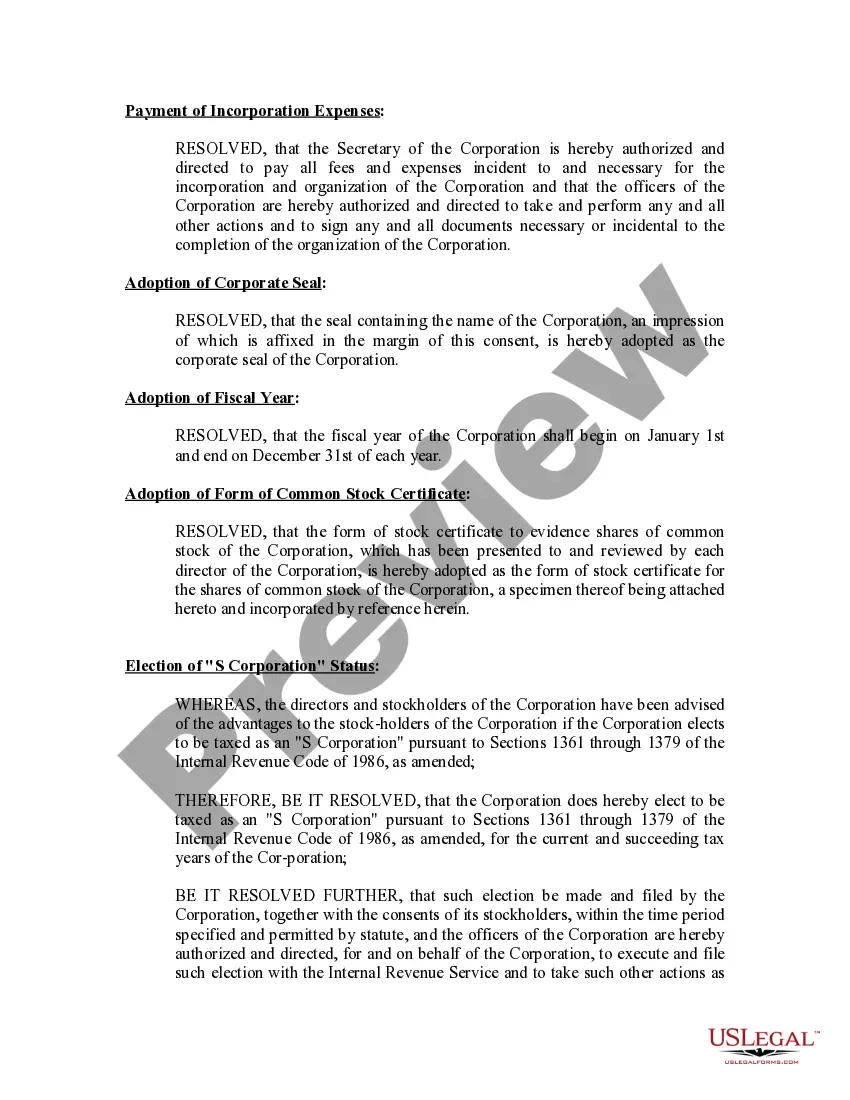
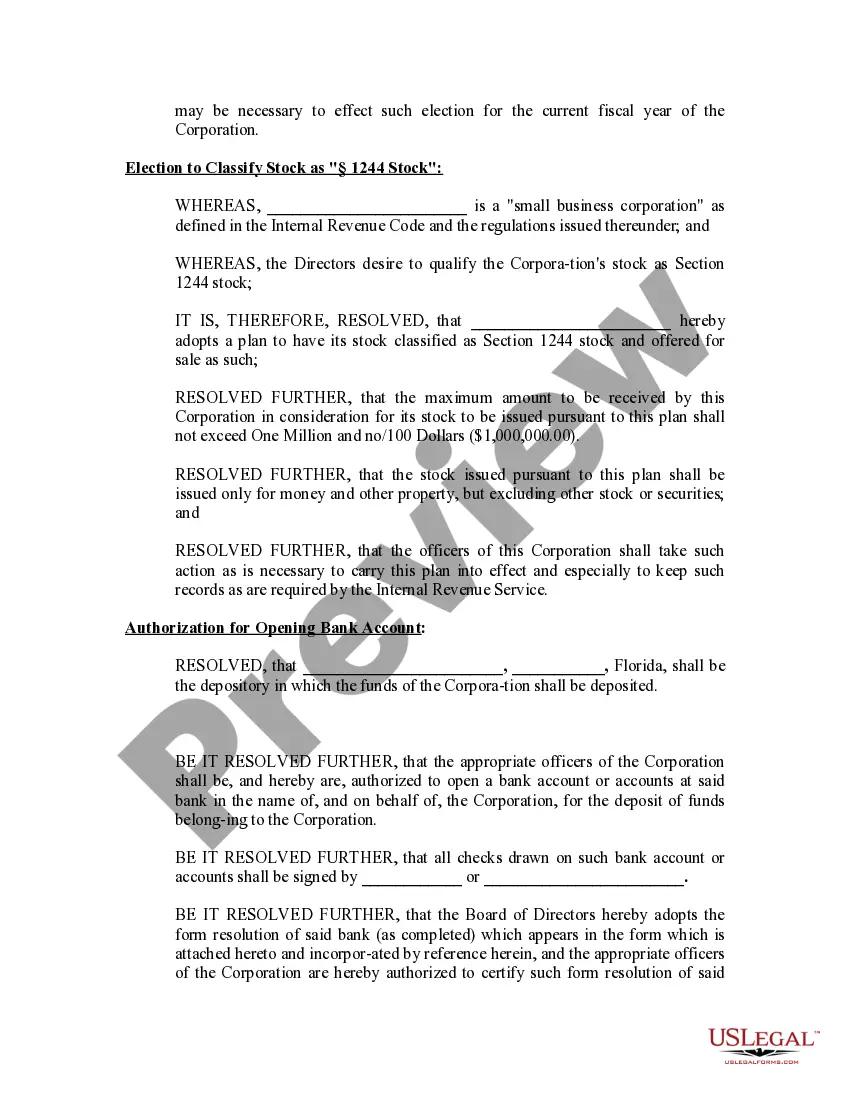
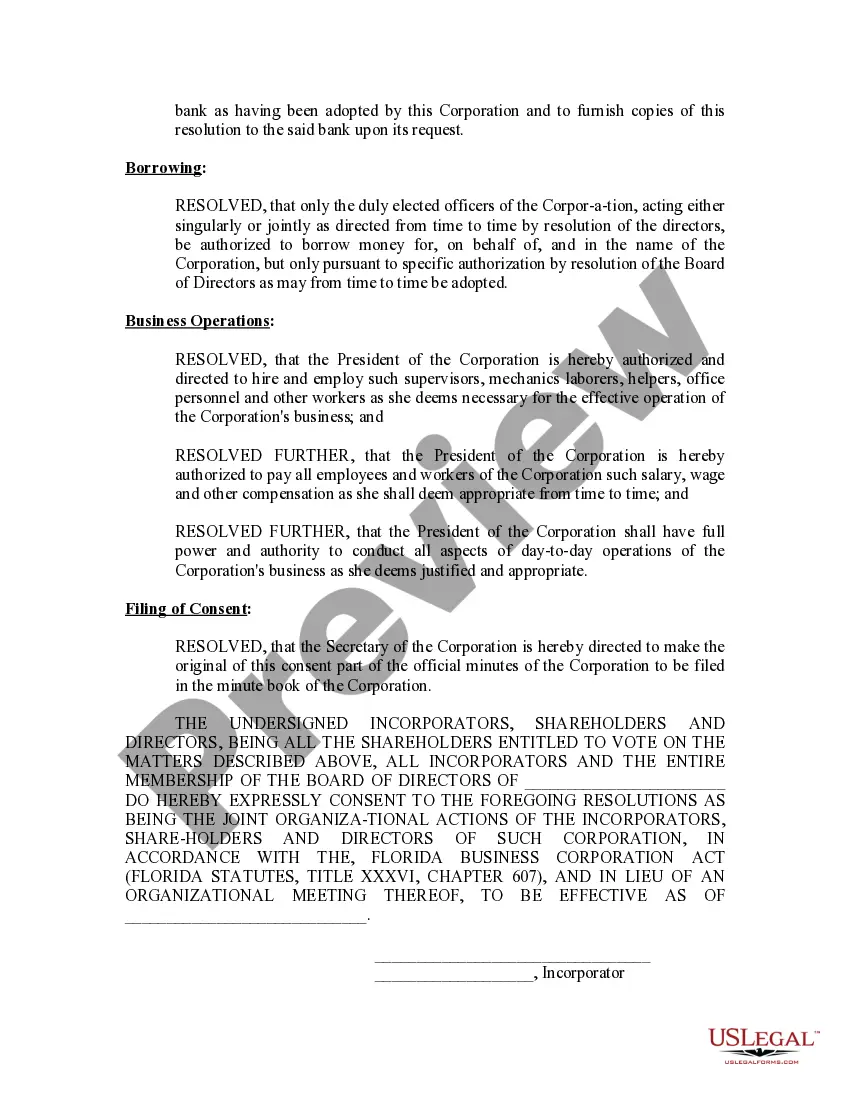
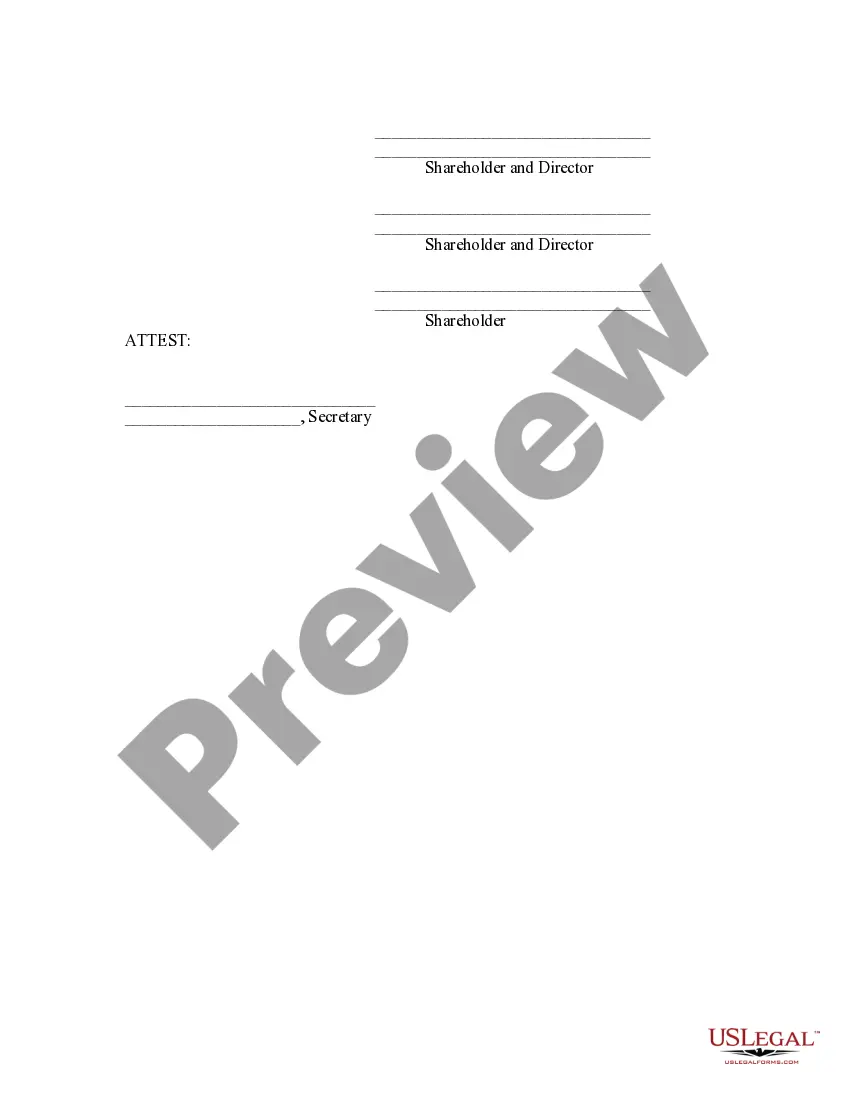
The Minutes Organizational Sample Layout For A Meeting you observe on this page is a versatile legal template crafted by qualified attorneys in accordance with federal and state regulations and standards.
For over 25 years, US Legal Forms has offered individuals, businesses, and legal professionals more than 85,000 verified, state-specific documents for any business and personal event. It is the fastest, easiest, and most reliable means to obtain the papers you require, as the service assures the utmost level of data safety and anti-malware safeguard.
Re-download your documents whenever necessary. Access the My documents tab in your profile to retrieve any previously purchased forms.
- Search for the document you need and review it.
- Examine the file you sought and preview it or review the form description to confirm it meets your requirements. If it doesn't, utilize the search feature to locate the appropriate one. Click Buy Now when you have found the template you seek.
- Select and Log In.
- Choose the subscription plan that fits you and set up an account. Utilize PayPal or a credit card for a swift transaction. If you already possess an account, Log In and verify your subscription to continue.
- Obtain the fillable template.
- Choose the format you desire for your Minutes Organizational Sample Layout For A Meeting (PDF, Word, RTF) and store the sample on your device.
- Fill out and sign the document.
- Print the template to complete it by hand. Alternatively, employ an online multifunctional PDF editor to quickly and accurately complete and sign your form digitally.
Form popularity
FAQ
Let's discuss these steps on how to take minutes for a meeting in more detail: Create an outline. ... Check off attendees as they enter. ... Previous meeting notes. ... Don't write everything down. ... Don't forget to record. ... Put down meeting minutes as they're discussed. ... Review with attendees at the end of the meeting.
Following are 10 steps that can help you compose an effective meeting minutes report: Make an outline. ... Include factual information. ... Write down the purpose. ... Record decisions made. ... Add details for the next meeting. ... Be concise. ... Consider recording. ... Edit and proofread.
You will find that meeting minutes can be written in many formats, but they generally include similar key information. Meeting minutes should include the following information: The date and time of the meeting. What board members attended the meeting and who was not present.
2. What Should Be Included in Meeting Minutes? Date and time of the meeting. Names of the meeting participants and those unable to attend (e.g., ?regrets?) Acceptance or corrections/amendments to previous meeting minutes. Decisions made about each agenda item, for example: Actions taken or agreed to be taken. Next steps.
What to include when writing meeting minutes? Meeting basics like name, place, date and time? ... List of meeting participants. ... Meeting purpose. ... Agenda items. ... Next meeting date and place. ... Documents to be included in the meeting report. ... Key action items.