Minutes Organizational Sample For Small Business
Description
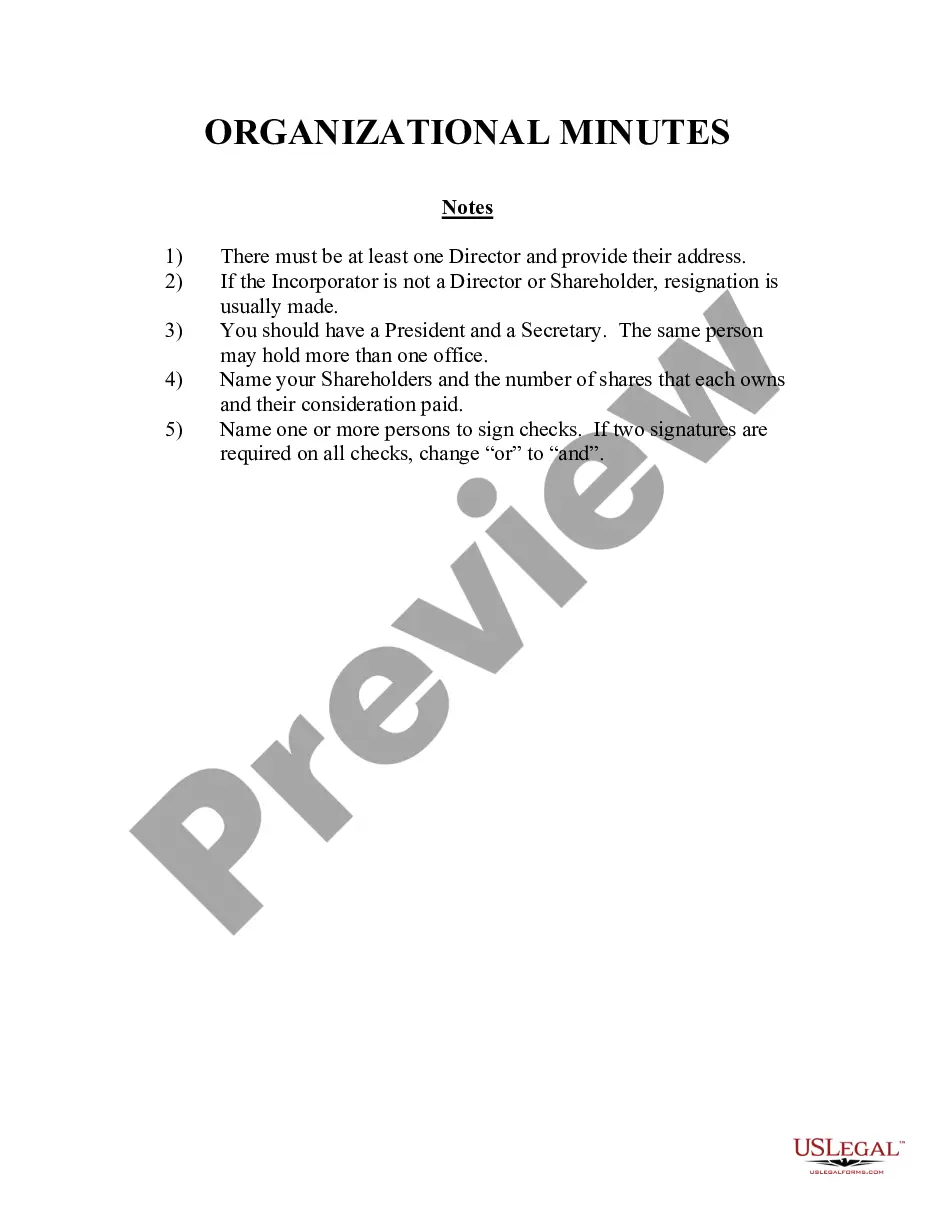
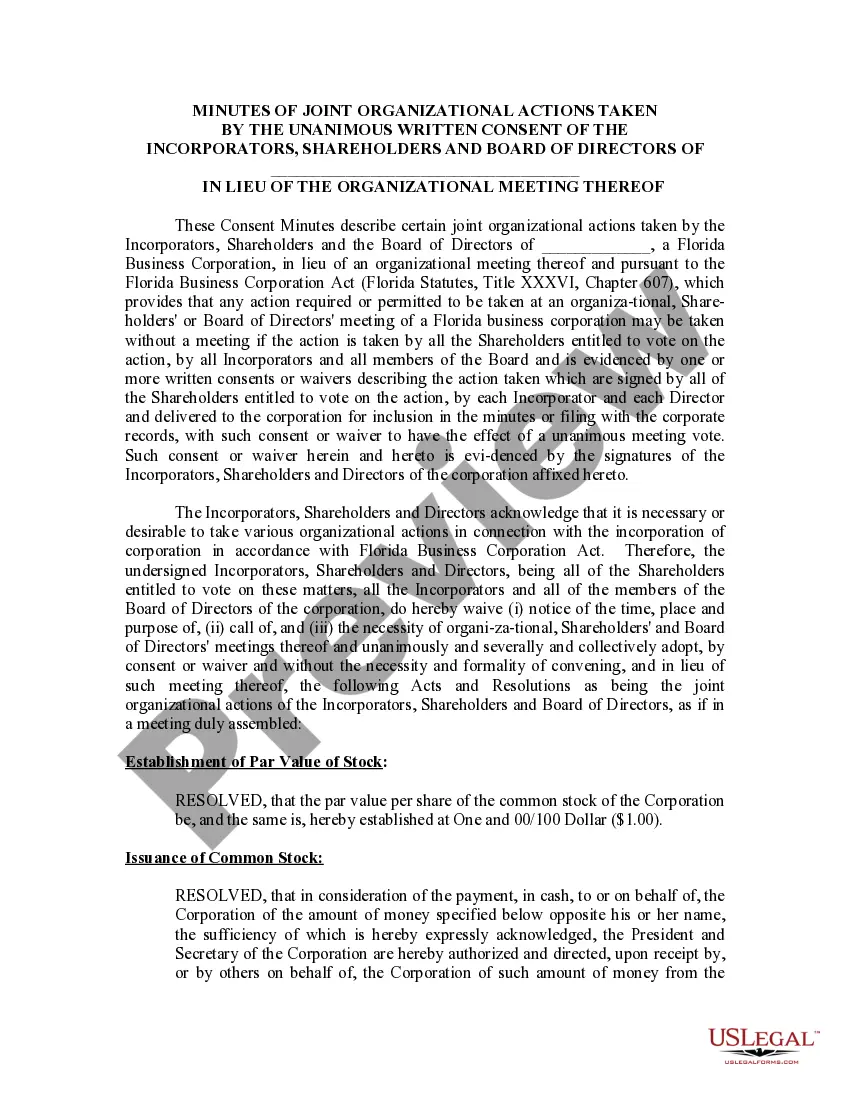
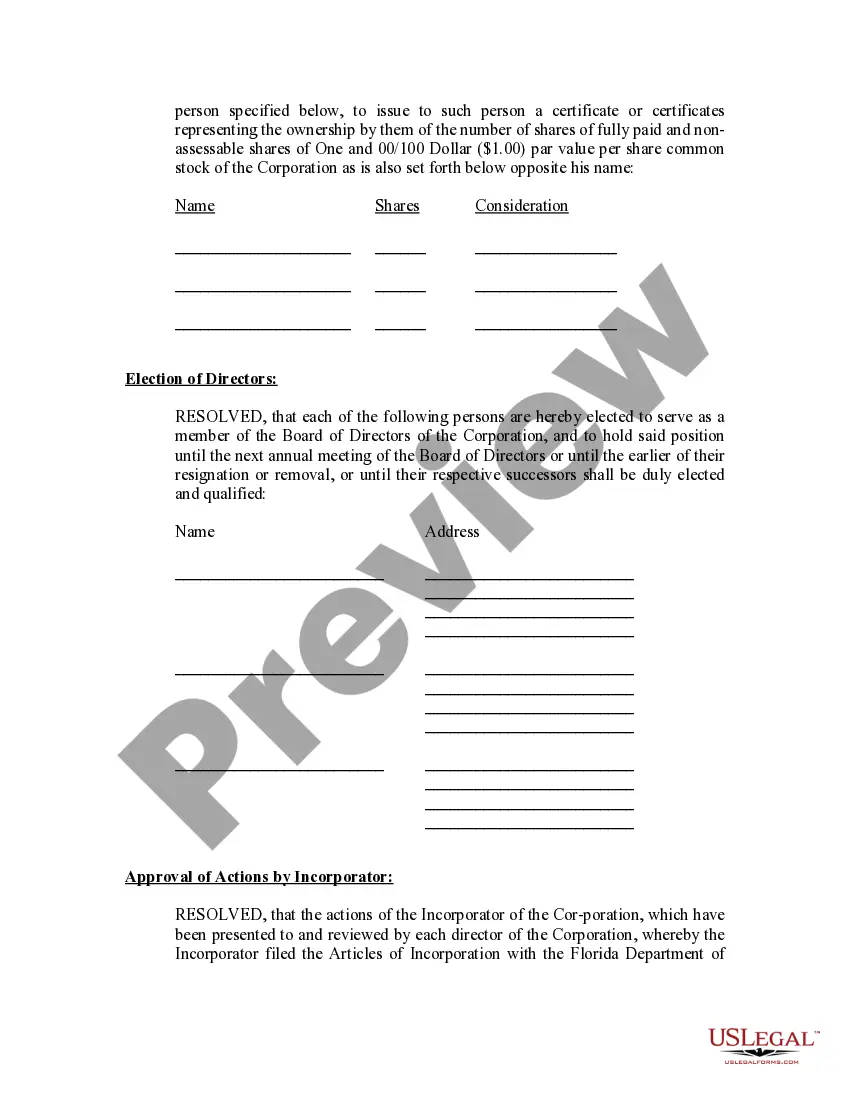
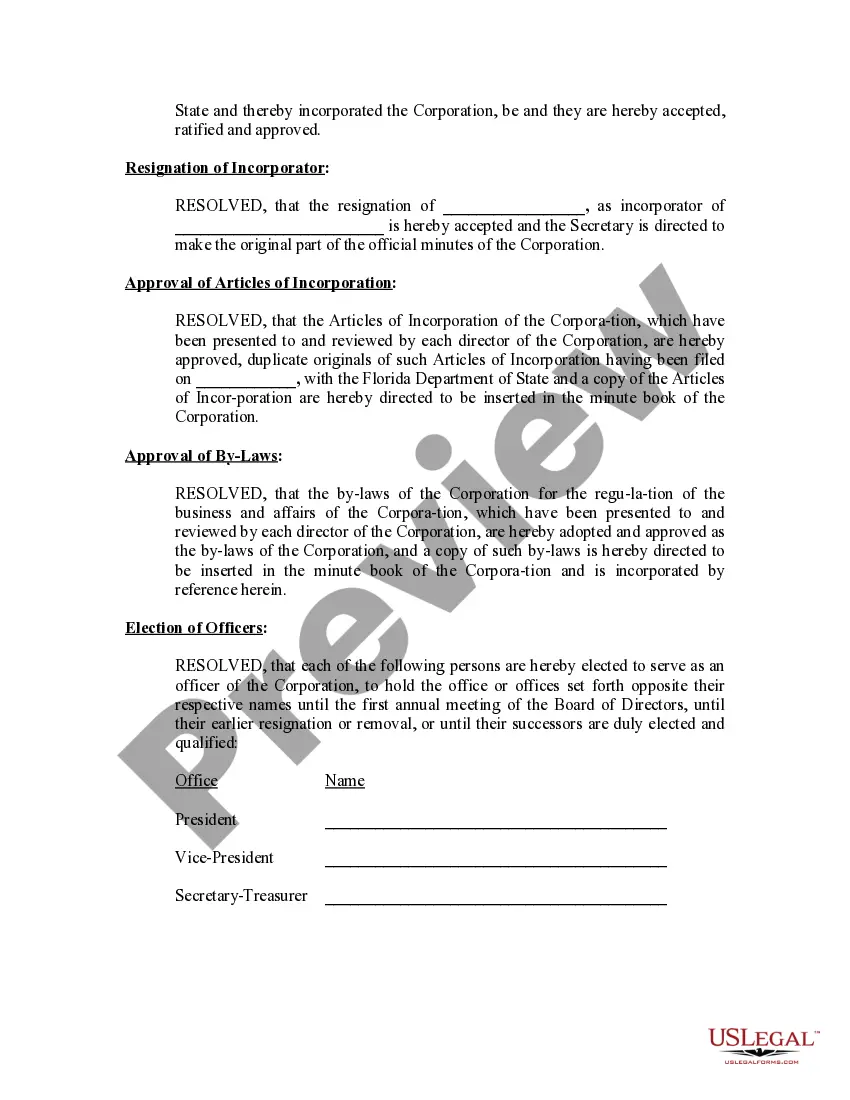
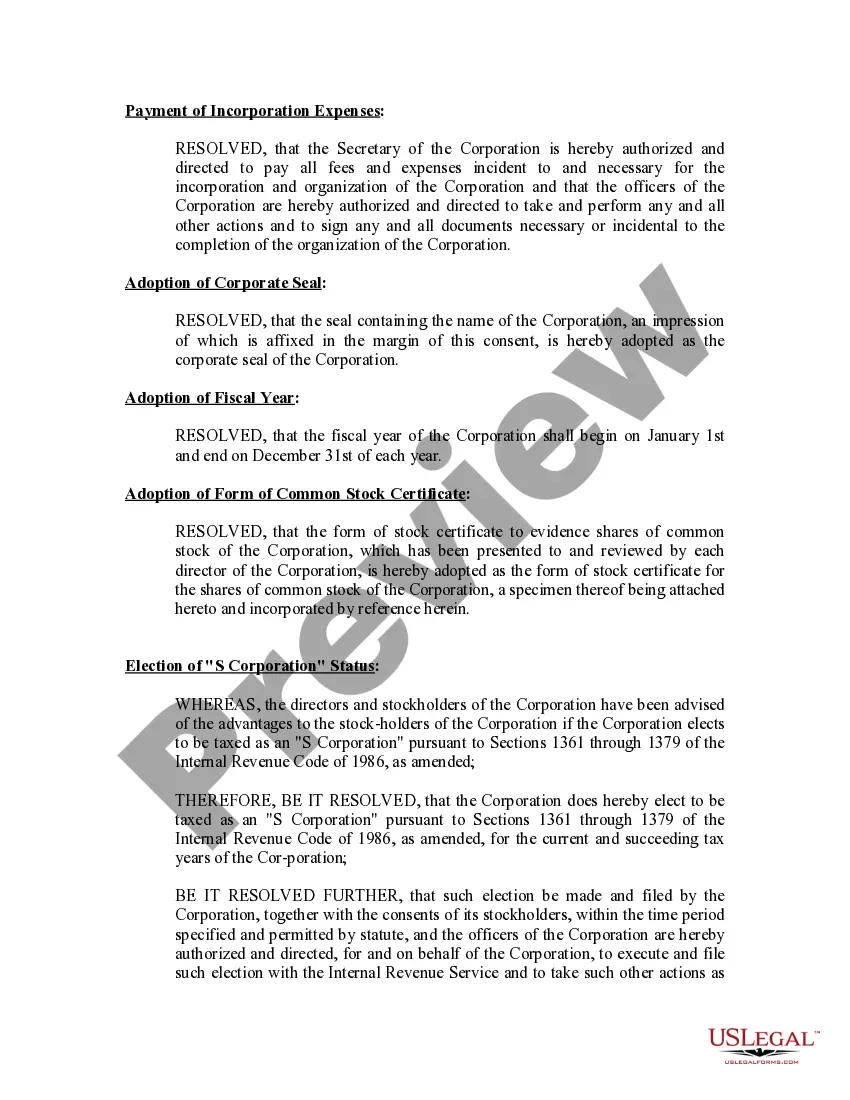
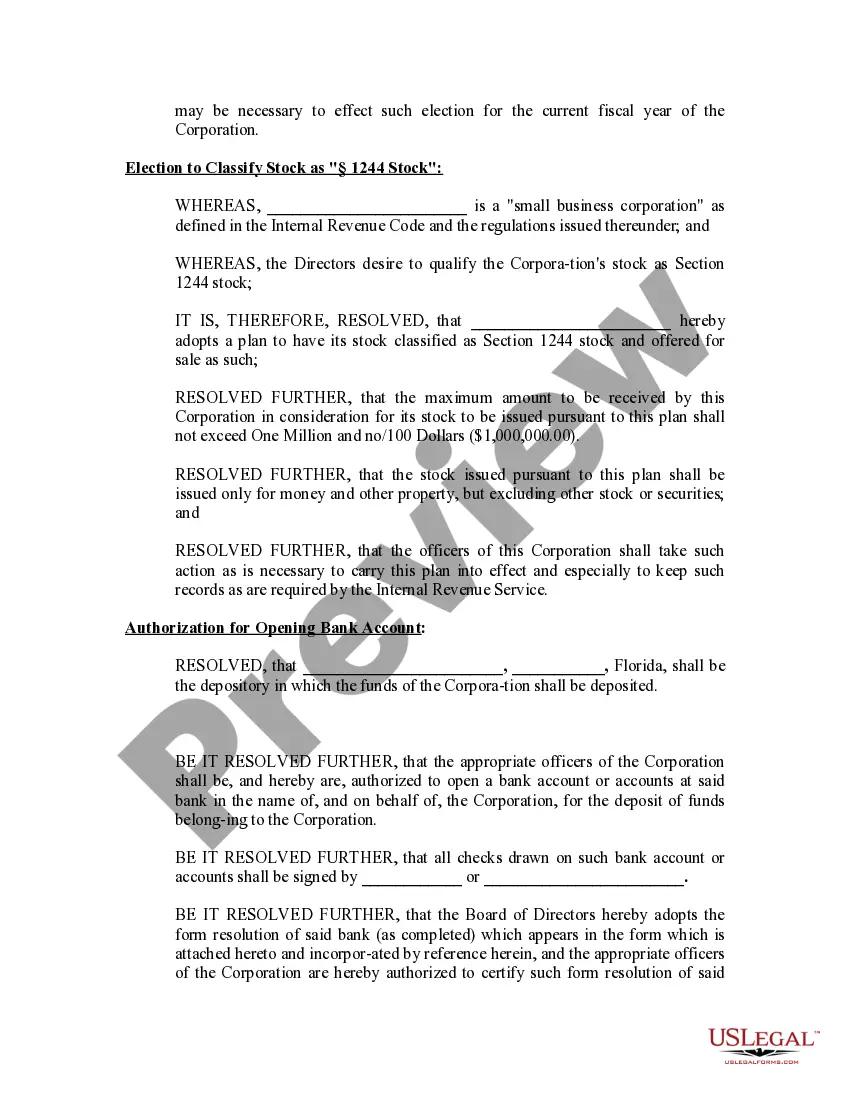
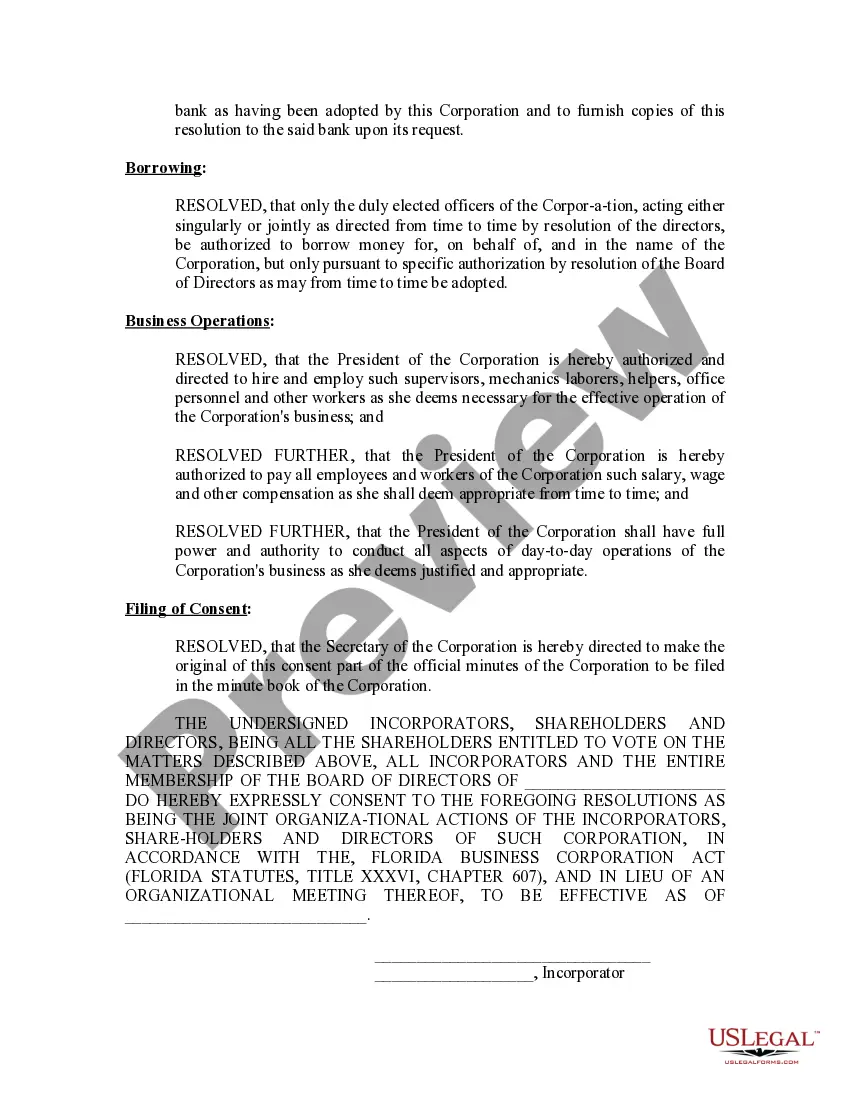
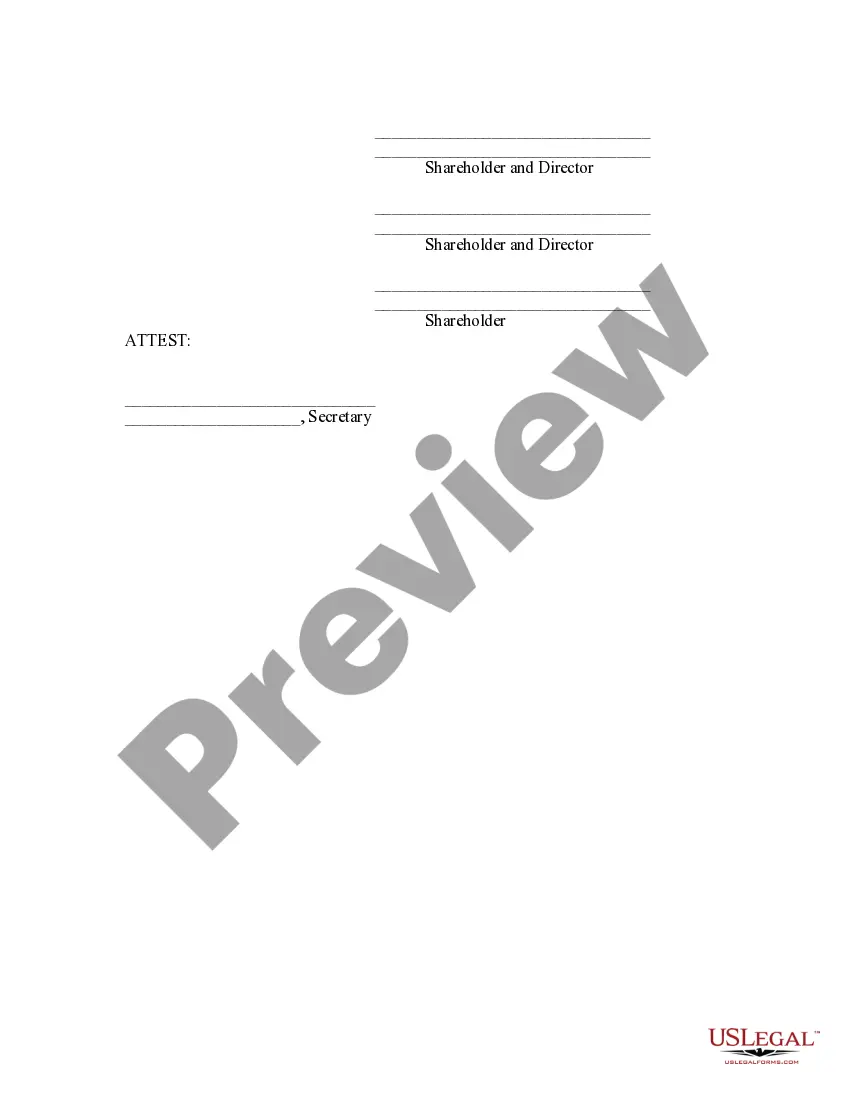
Get your form ready online
Our built-in tools help you complete, sign, share, and store your documents in one place.
Make edits, fill in missing information, and update formatting in US Legal Forms—just like you would in MS Word.
Download a copy, print it, send it by email, or mail it via USPS—whatever works best for your next step.
Sign and collect signatures with our SignNow integration. Send to multiple recipients, set reminders, and more. Go Premium to unlock E-Sign.
If this form requires notarization, complete it online through a secure video call—no need to meet a notary in person or wait for an appointment.
We protect your documents and personal data by following strict security and privacy standards.

Make edits, fill in missing information, and update formatting in US Legal Forms—just like you would in MS Word.

Download a copy, print it, send it by email, or mail it via USPS—whatever works best for your next step.

Sign and collect signatures with our SignNow integration. Send to multiple recipients, set reminders, and more. Go Premium to unlock E-Sign.

If this form requires notarization, complete it online through a secure video call—no need to meet a notary in person or wait for an appointment.

We protect your documents and personal data by following strict security and privacy standards.
Looking for another form?
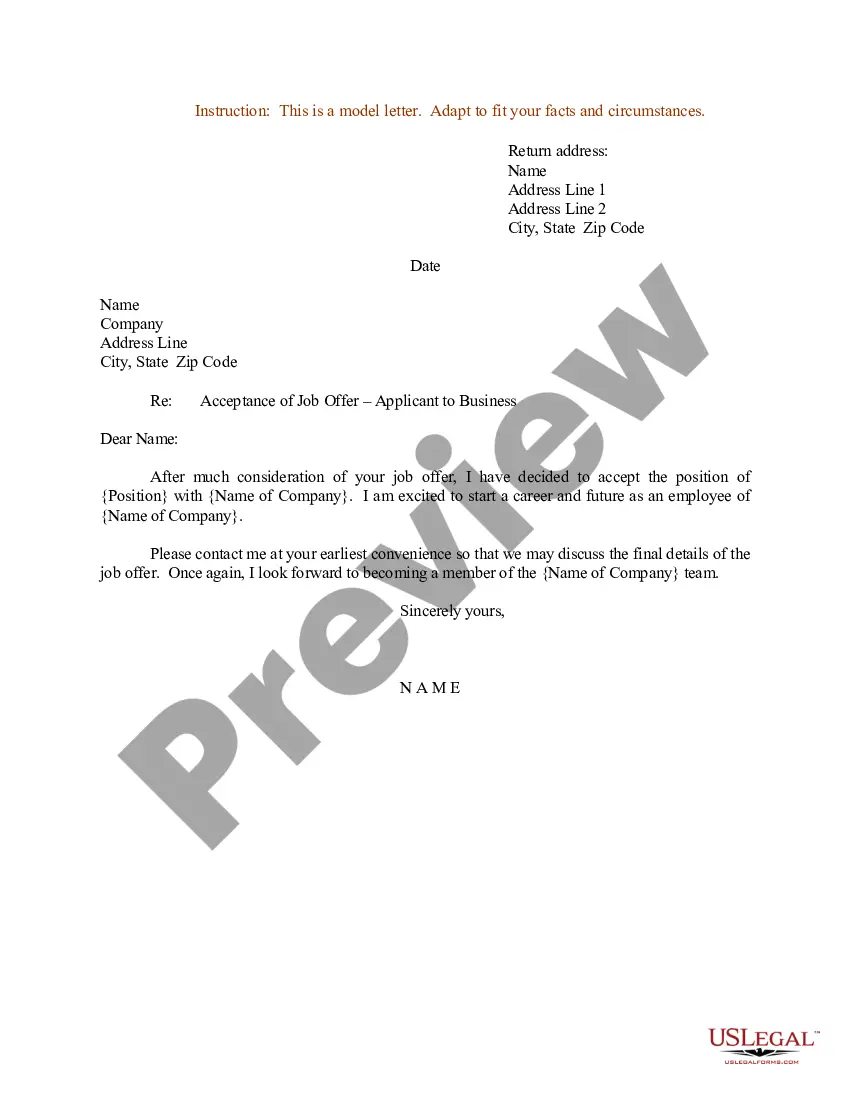







How to fill out Florida Minutes For Organizational Meeting?
Regardless of whether for corporate objectives or personal issues, everyone inevitably confronts legal circumstances at some stage in their lives. Finalizing legal paperwork requires thorough diligence, starting from choosing the appropriate form template.
For example, if you select an incorrect version of the Minutes Organizational Template for Small Business, it will be rejected upon submission. Thus, it's essential to have a reliable source for legal forms like US Legal Forms.
With an extensive catalog from US Legal Forms available, you will never need to waste time searching for the correct template online. Utilize the library's intuitive navigation to find the right template for any situation.
- Obtain the template you require by utilizing the search bar or browsing the catalog.
- Review the form’s details to ensure it aligns with your circumstances, state, and county.
- Click on the preview of the form to inspect it.
- If it's the wrong document, return to the search function to locate the Minutes Organizational Template for Small Business sample you need.
- Acquire the template if it meets your requirements.
- If you possess a US Legal Forms profile, simply click Log in to access previously saved documents in My documents.
- In case you do not have an account yet, you can download the form by clicking Buy now.
- Select the suitable pricing option.
- Complete the profile registration form.
- Choose your payment method: either credit card or PayPal account.
- Select the desired document format and download the Minutes Organizational Template for Small Business.
- Once saved, you can fill out the form using editing software or print it to complete it manually.
Form popularity
FAQ
The minutes should include corporation details like the name of the corporation and the names of the chairperson and secretary of the meeting. The meeting place and time should also be found somewhere in the minutes, along with the names of the shareholders.
Quick Tips on Writing Meeting Minutes Include who was present at the meeting as well as their role (if relevant). ?Note decisions that were made. If something is decided upon, always state what decision was made so that future actions can be assigned and held accountable.? Keep track of votes.
2. What Should Be Included in Meeting Minutes? Date and time of the meeting. Names of the meeting participants and those unable to attend (e.g., ?regrets?) Acceptance or corrections/amendments to previous meeting minutes. Decisions made about each agenda item, for example: Actions taken or agreed to be taken. Next steps.
How to write meeting minutes Organization name. Meeting purpose. Start and end times. Date and location. List of attendees and absentees, if necessary. Space for important information like motions passed or deadlines given. Space for your signature and the meeting leader's signature.
How to write meeting minutes reports Make an outline. Prior to the meeting, create an outline by picking or designing a template. ... Include factual information. ... Write down the purpose. ... Record decisions made. ... Add details for the next meeting. ... Be concise. ... Consider recording. ... Edit and proofread.