Name Changer F1
Description
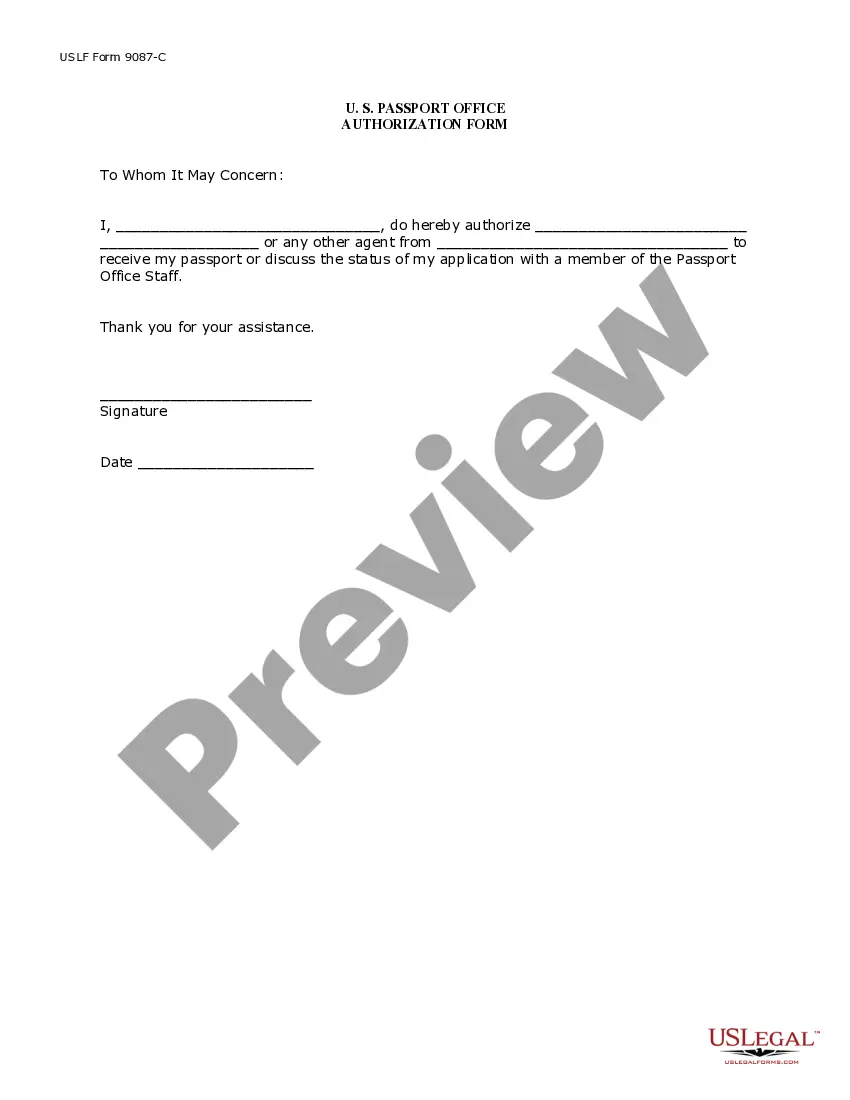
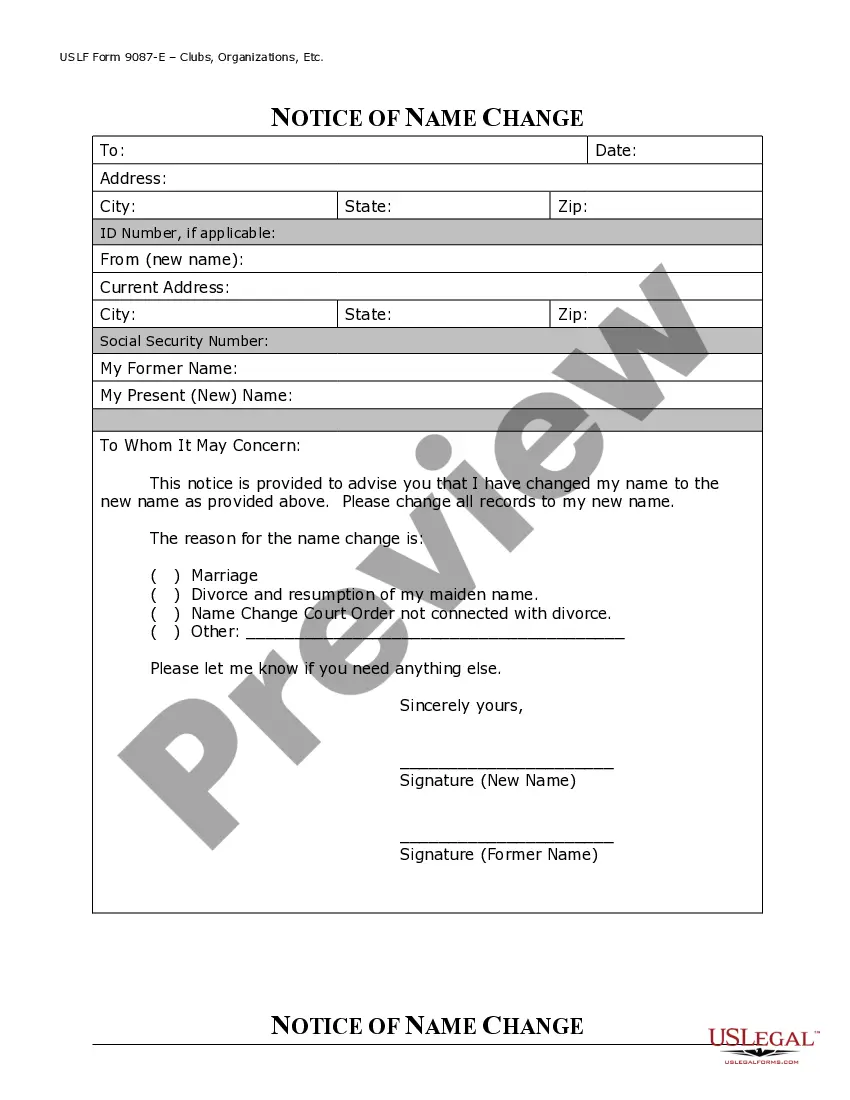
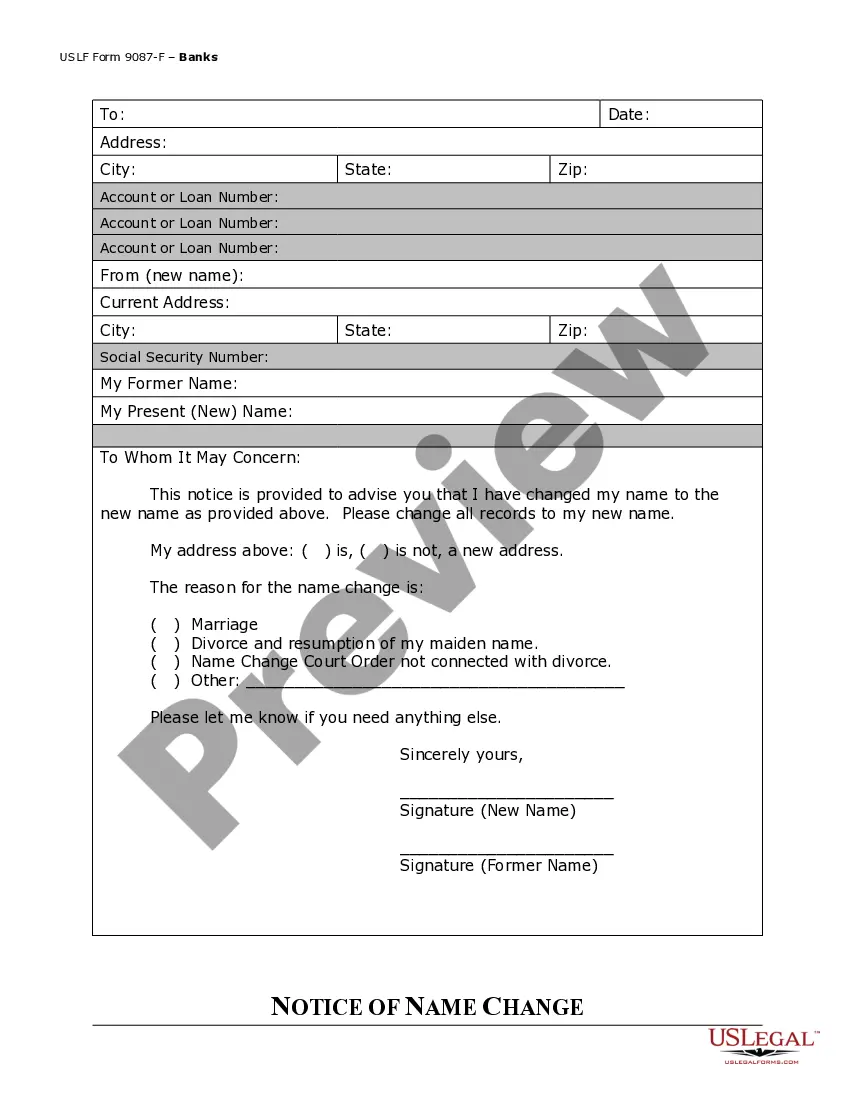
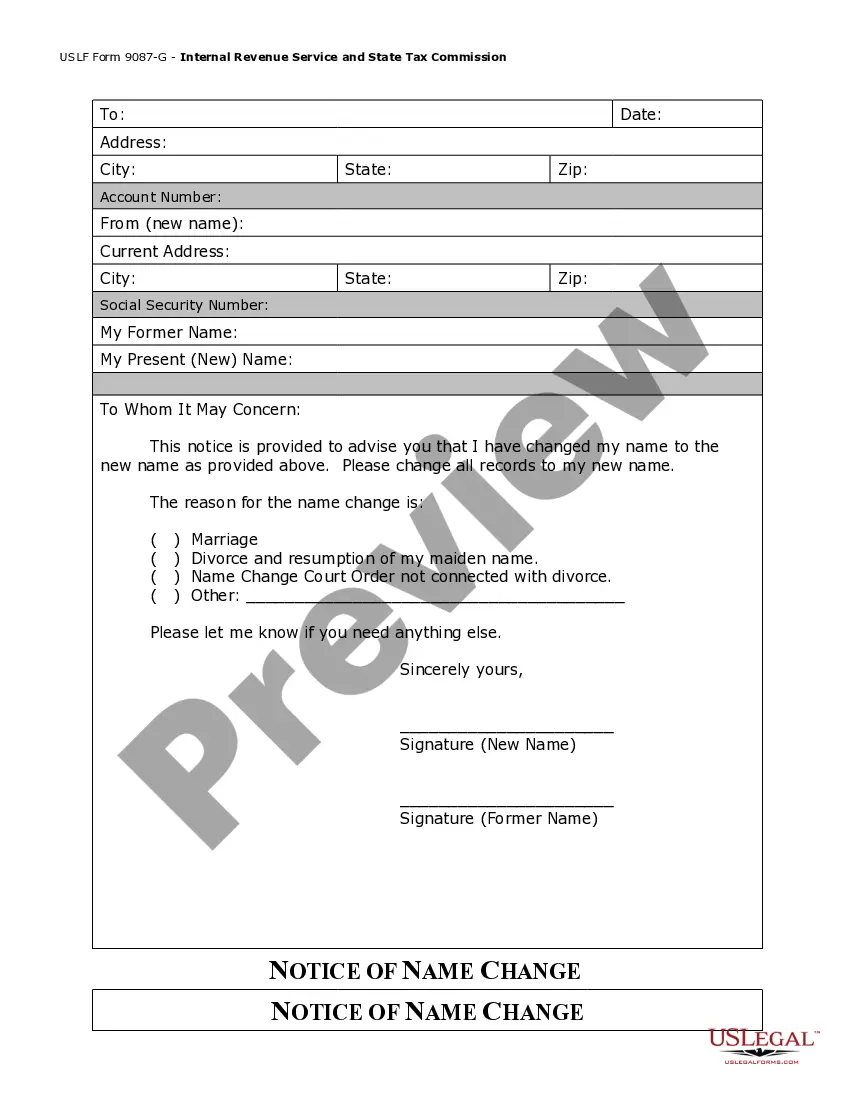
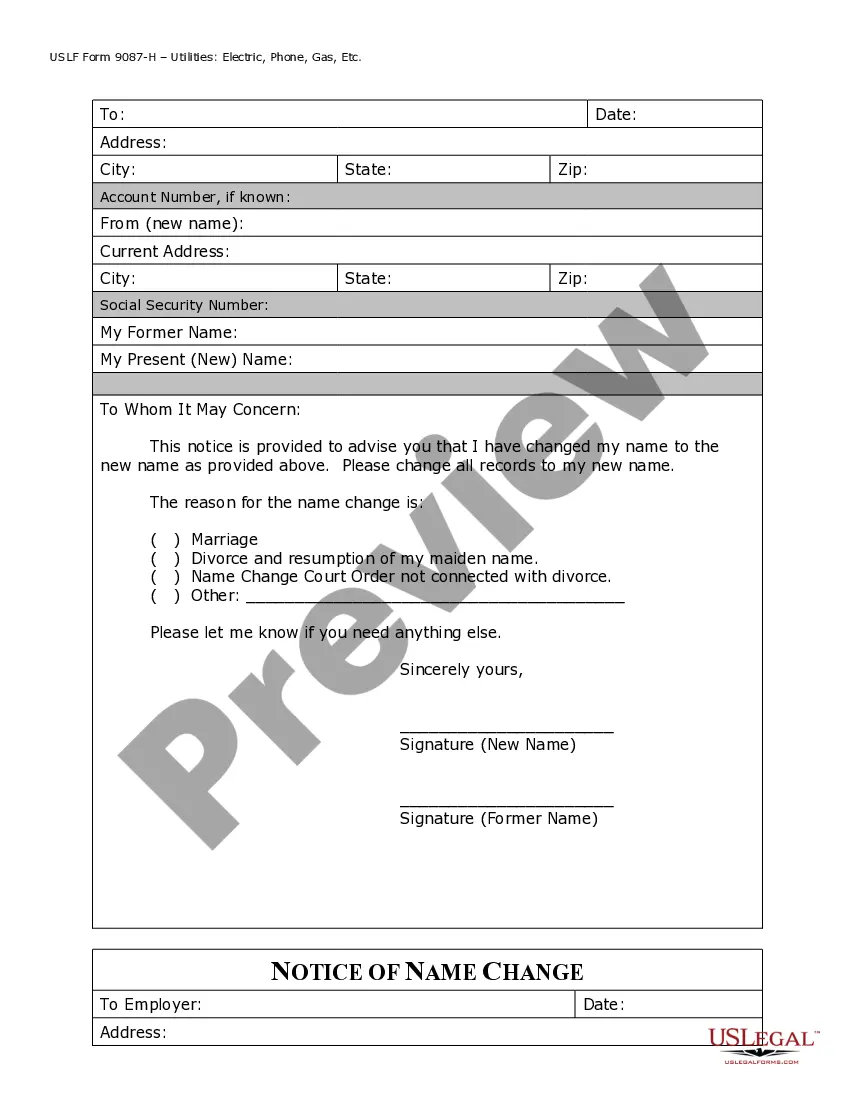




Get your form ready online
Our built-in tools help you complete, sign, share, and store your documents in one place.
Make edits, fill in missing information, and update formatting in US Legal Forms—just like you would in MS Word.
Download a copy, print it, send it by email, or mail it via USPS—whatever works best for your next step.
Sign and collect signatures with our SignNow integration. Send to multiple recipients, set reminders, and more. Go Premium to unlock E-Sign.
If this form requires notarization, complete it online through a secure video call—no need to meet a notary in person or wait for an appointment.
We protect your documents and personal data by following strict security and privacy standards.

Make edits, fill in missing information, and update formatting in US Legal Forms—just like you would in MS Word.

Download a copy, print it, send it by email, or mail it via USPS—whatever works best for your next step.

Sign and collect signatures with our SignNow integration. Send to multiple recipients, set reminders, and more. Go Premium to unlock E-Sign.

If this form requires notarization, complete it online through a secure video call—no need to meet a notary in person or wait for an appointment.

We protect your documents and personal data by following strict security and privacy standards.
Looking for another form?






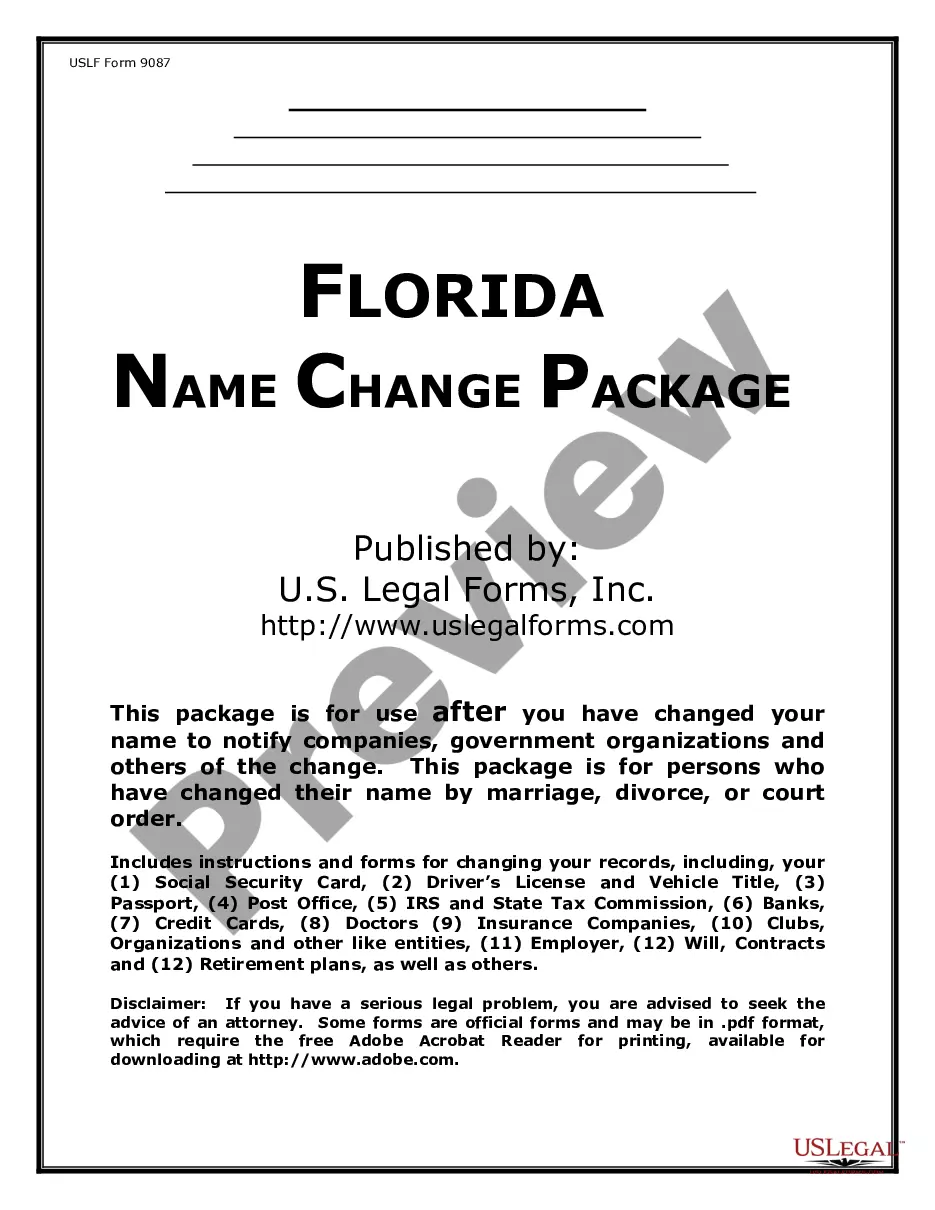
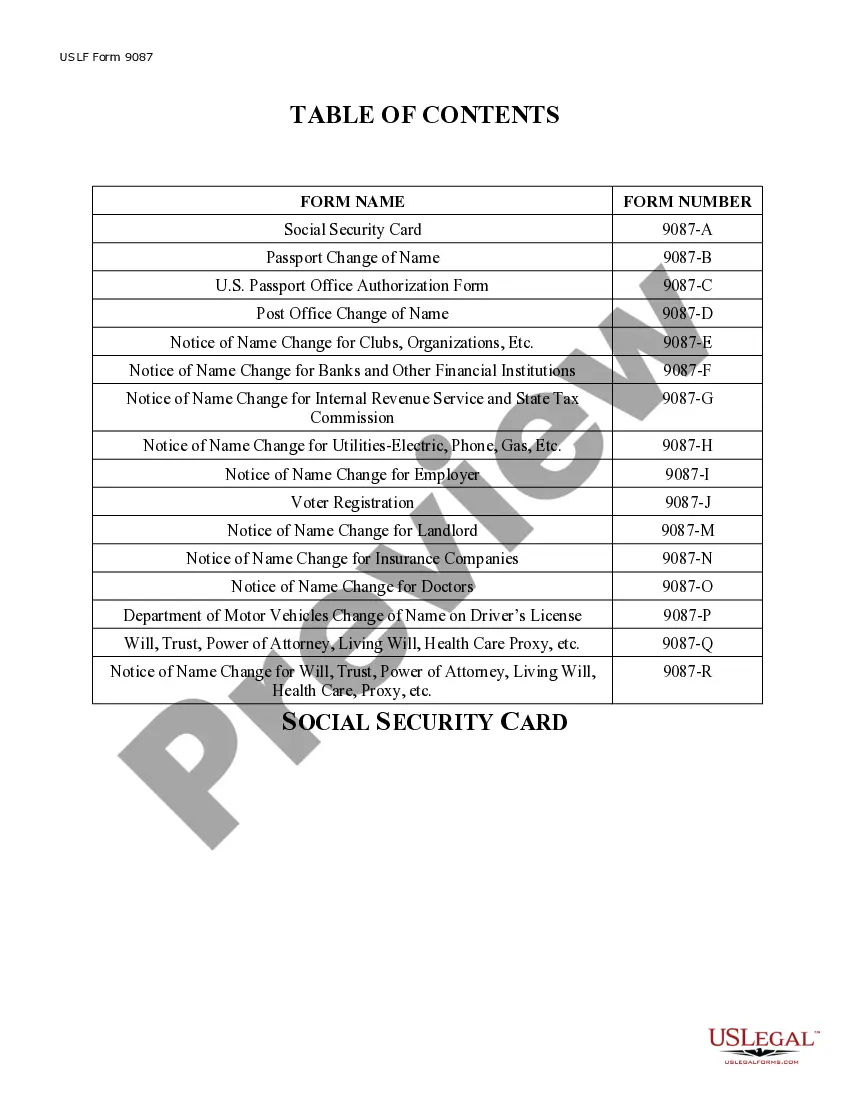
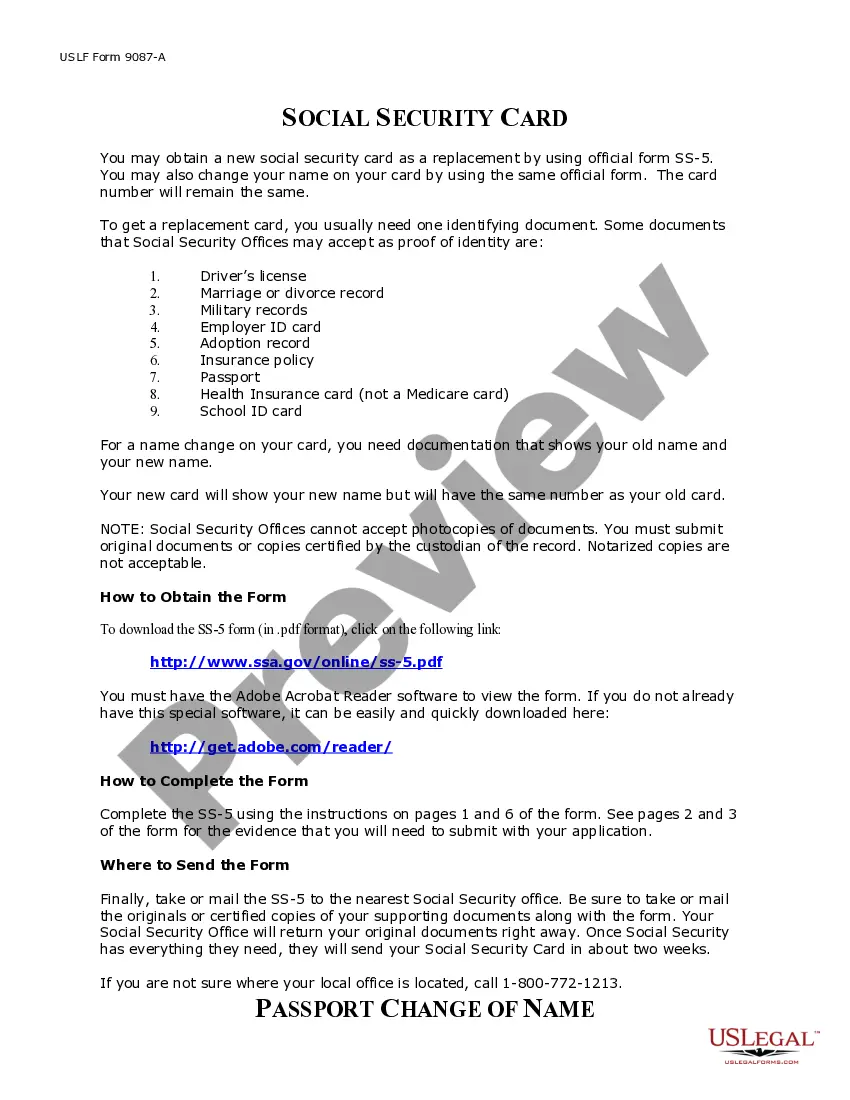
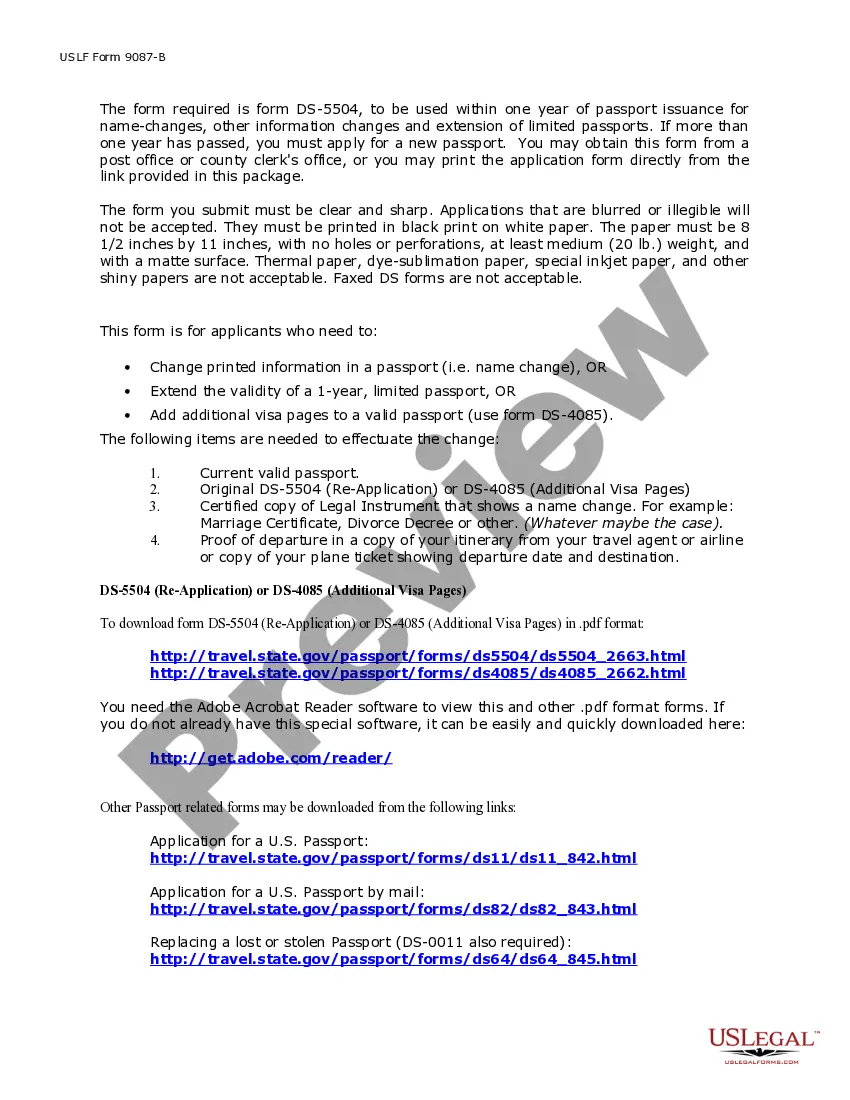
How to fill out Florida Name Change Notification Package For Brides, Court Ordered Name Change, Divorced, Marriage?
- If you're a returning user, log in to your account and select the needed template. Ensure your subscription is active; renew if necessary.
- For first-time users, start by previewing the templates to identify the one that meets your requirements according to your jurisdiction.
- Use the Search function if needed, to find an appropriate alternative form that matches your criteria.
- Purchase the selected document by clicking on the Buy Now button and choosing your preferred subscription plan.
- Complete your transaction using credit card details or a PayPal account to finalize your subscription.
- Download your legal form to your device and access it anytime via the My Forms section.
US Legal Forms not only offers a robust collection of forms, but it also provides valuable resources, including expert assistance in completing legal documents accurately.
Start simplifying your legal document needs today with US Legal Forms. Explore our extensive library and experience the ease of efficient legal solutions!
Form popularity
FAQ
To change your team name in F1 Manager, access the team management section of the game. Here, you will find the name changer F1 feature that allows you to rename your team. Choose a name that reflects your team's spirit and strategy. Make sure to save the new name for it to take effect in your gameplay.
Changing your name on F1 is a simple task. Go to the account settings where you will find the name changer F1 option. Enter your desired name and follow the prompts to confirm your changes. This customization enables you to represent your unique identity on the track.
To change how your name appears on your F1 team, navigate to the settings menu within the game. This allows you to utilize the name changer F1 option to personalize your team’s identity. It's a straightforward process that enhances your gaming experience. Just remember to save your changes to make them effective.
Yes, you can swap teams in F1 Manager. This feature allows you to explore different strategies by changing your allegiance to another team. When you engage the name changer F1 tool, it makes the transition smoother. Keep in mind, switching teams can impact your overall game strategy, so choose wisely.
Changing your name in your F1 career mode involves accessing the customization options from the main menu. Here, you can modify your player profile and update your name accordingly. Using the name changer f1 tool can help ensure that the new name aligns with the latest trends in the sport. Keeping your career identity current adds to your overall gaming experience.
To change your name in the F1 game, you navigate to the settings menu and select the player profile option. This allows you to enter a new name, which will be displayed in the game and online rankings. Utilizing a name changer f1 tool simplifies this process and keeps your gaming experience fresh and personalized. Regularly updating your name can enhance your enjoyment and competition level.
The numbers next to driver names in F1 represent their racing numbers assigned for the season. Each driver has a unique number that is often linked to their career or personal significance. Understanding these numbers enhances the user experience when engaging with F1 content, and tools like a name changer f1 help clarify any changes over time. It makes following your favorite drivers much easier.
F1 teams may change their names for several reasons, including sponsorship deals or changes in ownership. These name modifications can enhance the team's brand and appeal to a broader audience. Using a name changer f1 tool allows fans to quickly understand these shifts, ensuring they are aware of which teams are on the grid. Staying informed makes your F1 experience more enjoyable and engaging.
In F1, teams and drivers can undergo significant changes to their names. This could involve a complete rebranding of a team or a simple alteration of a driver's nickname. Embracing a name changer f1 tool helps fans and players stay updated with the latest name changes effectively. By keeping track of these changes, enthusiasts can maintain their connection to the sport.
The most notable team to change their name recently is Toro Rosso, which rebranded to AlphaTauri in a move to integrate its fashion brand into the Formula 1 world. This name change is part of a deliberate strategy aimed at revitalizing brand identity and enhancing market visibility. It's important for F1 fans to watch these changes, as they often indicate team ambitions and future projects. The name changer F1 trend reflects not only the individual teams but also the dynamic nature of competitive racing.