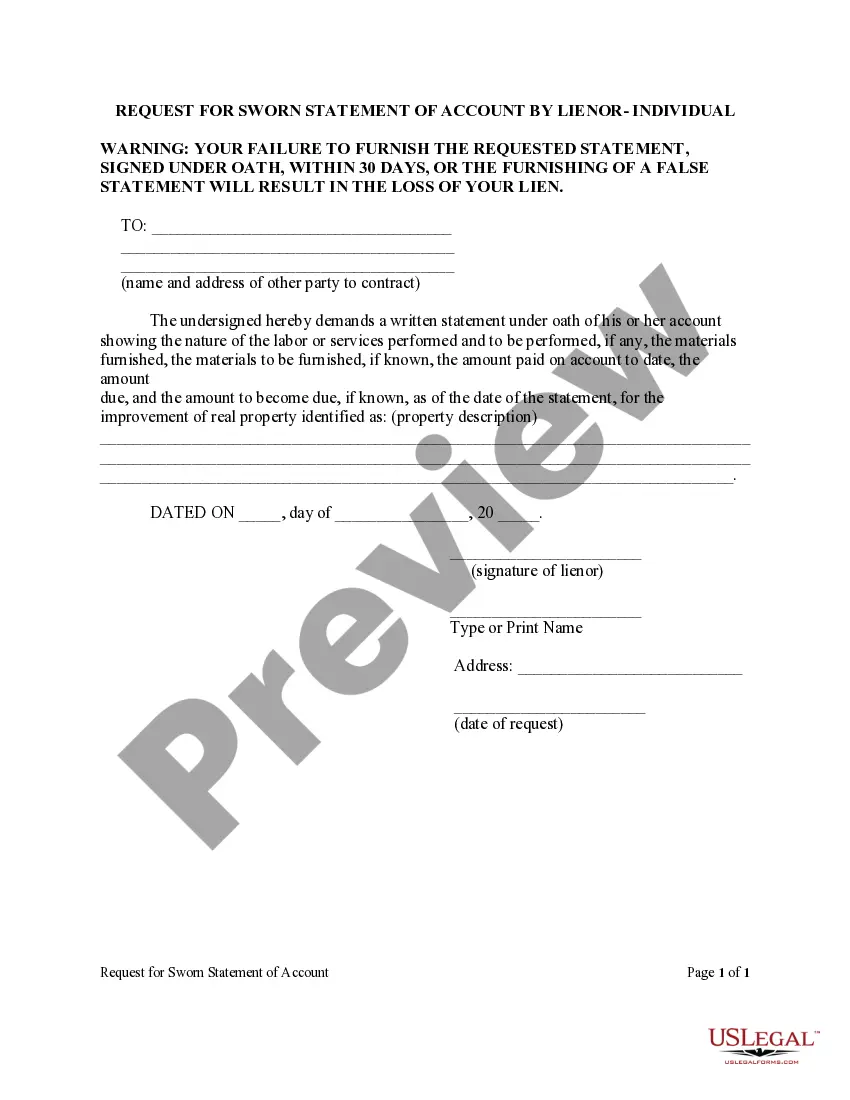
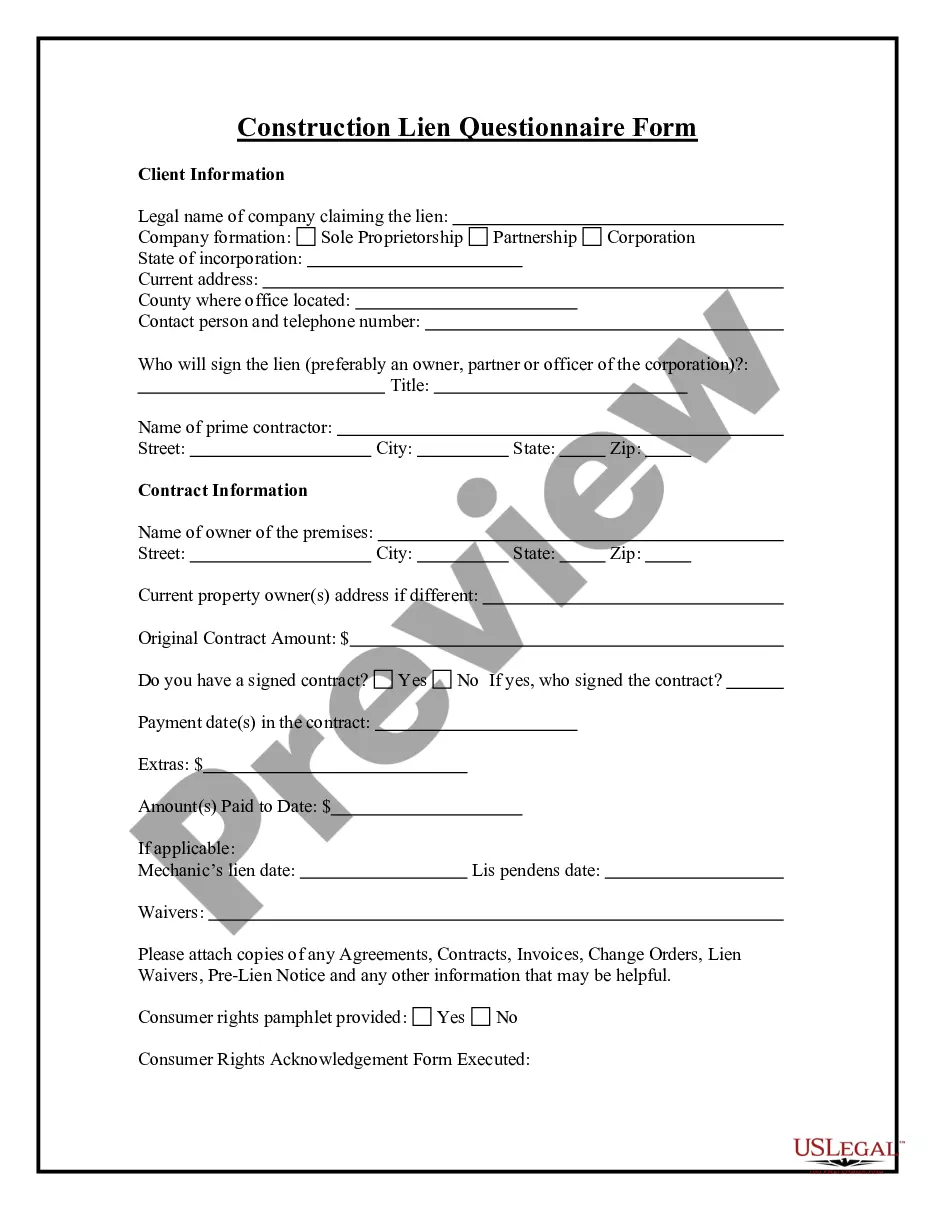
Request Mechanic Individual For The Vehicle
Description
Get your form ready online
Our built-in tools help you complete, sign, share, and store your documents in one place.
Make edits, fill in missing information, and update formatting in US Legal Forms—just like you would in MS Word.
Download a copy, print it, send it by email, or mail it via USPS—whatever works best for your next step.
Sign and collect signatures with our SignNow integration. Send to multiple recipients, set reminders, and more. Go Premium to unlock E-Sign.
If this form requires notarization, complete it online through a secure video call—no need to meet a notary in person or wait for an appointment.
We protect your documents and personal data by following strict security and privacy standards.

Make edits, fill in missing information, and update formatting in US Legal Forms—just like you would in MS Word.

Download a copy, print it, send it by email, or mail it via USPS—whatever works best for your next step.

Sign and collect signatures with our SignNow integration. Send to multiple recipients, set reminders, and more. Go Premium to unlock E-Sign.

If this form requires notarization, complete it online through a secure video call—no need to meet a notary in person or wait for an appointment.

We protect your documents and personal data by following strict security and privacy standards.
Looking for another form?
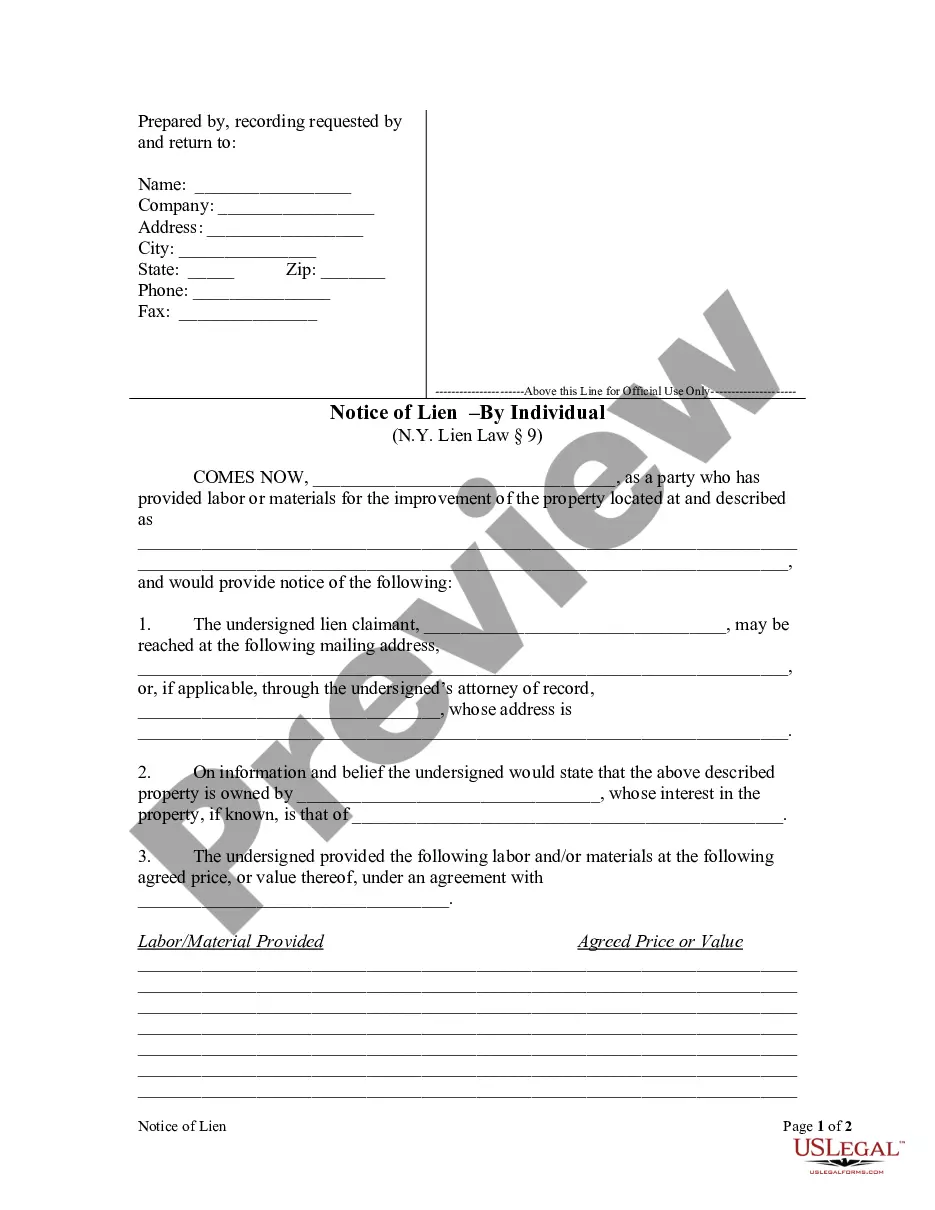









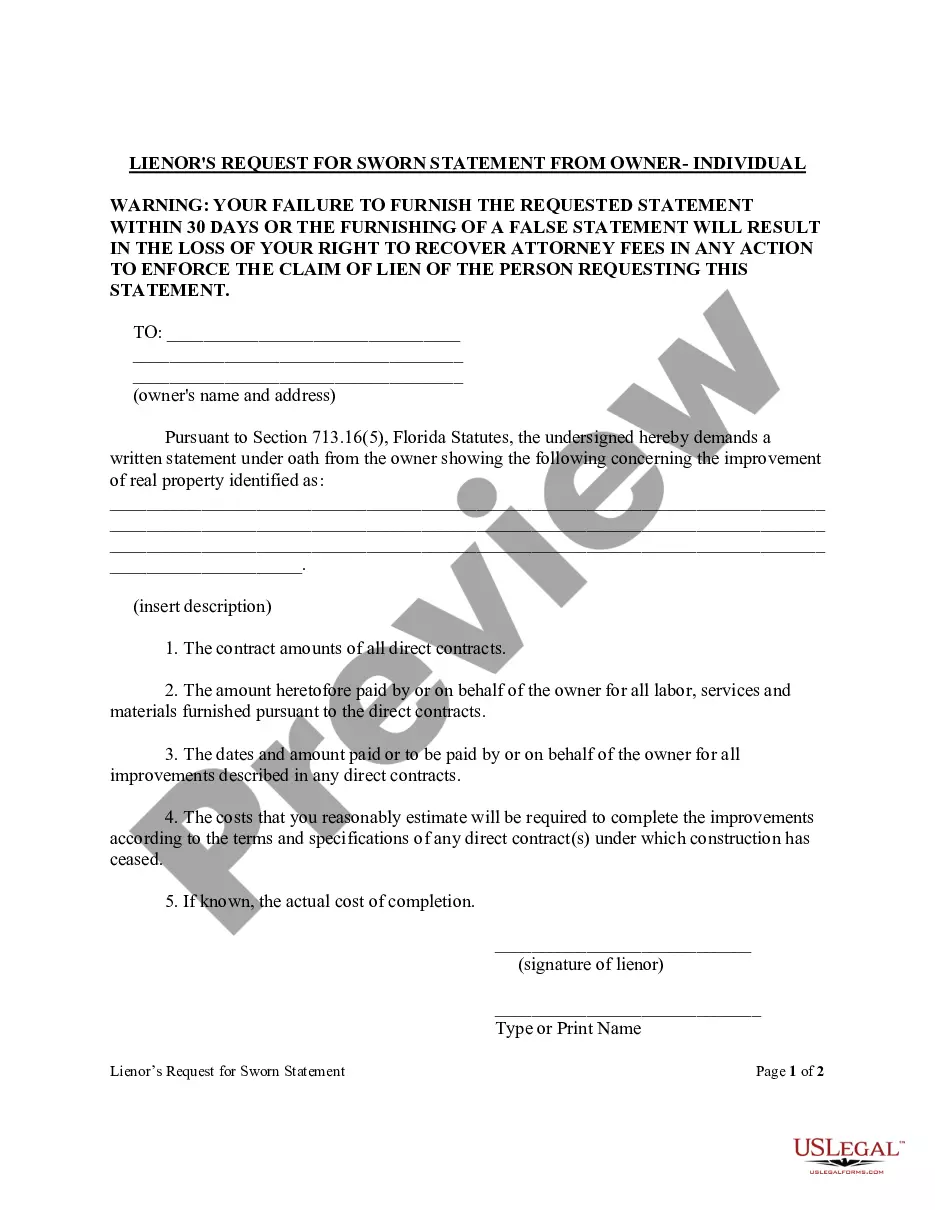
How to fill out Florida Lienors Request For Sworn Statement From Owner Form - Construction - Mechanic Liens - Individual?
- Start by logging into your US Legal Forms account. If you are new, create a new account to access the forms.
- Use the Preview mode to review form details, ensuring that it aligns with your local jurisdiction and specific requirements.
- If necessary, utilize the Search function to find alternative templates if the initial one does not meet your needs.
- Select the document by clicking on the Buy Now button and choose the subscription plan that suits you best.
- Complete your purchase by entering your payment details via credit card or PayPal.
- Once payment is confirmed, download the form directly to your device and access it through the My Forms section whenever needed.
In conclusion, US Legal Forms provides a streamlined process for anyone looking to handle vehicle mechanics legally and effectively. By following the outlined steps, you can ensure that all your legal paperwork is in order.
Start simplifying your legal documentation today by visiting US Legal Forms!
Form popularity
FAQ
To call your mechanic in GTA, use your in-game phone and navigate to your contacts list. Your mechanic should be listed there, allowing you to reach out whenever you need assistance. This feature makes it easy for you to request mechanic individual for the vehicle, ensuring your cars remain in good standing.
Your mechanic in GTA 5 is essentially a support character who helps you with your vehicles. He can deliver your personal vehicles and assist with modifications and repairs. Whenever you need adjustments or wish to request mechanic individual for the vehicle, he is the one you need to call on.
To request a personal vehicle in GTA 5, open the interaction menu and select the ‘Vehicles’ option. Here, you can request the vehicle you own to be delivered to your current location. If you are having difficulties or need specific modifications, remember to request mechanic individual for the vehicle for additional support.
In GTA 5, your mechanic generally resides in the status menu that you can access via the phone. He has various services that you can utilize for your vehicles throughout the game. When in need of repairs or something else, don’t forget to request mechanic individual for the vehicle to make your gaming experience smoother.
To reach a vehicle workshop agency in GTA 5, you can find it marked on your map. Simply drive to the agency location for vehicle modifications and repairs. While there, you may want to request mechanic individual for the vehicle to ensure your car is in top condition for racing or missions.
To call your garage in GTA 5, use the interaction menu by pressing the appropriate button on your console. From there, you can select the garage option to access your stored vehicles. If you wish to request mechanic individual for the vehicle, you can also do this right from the garage interface.
In GTA 5, there is no specific mechanic's number you can call like in traditional games. Instead, you can use the interaction menu to request mechanic individual for the vehicle whenever you need assistance with your cars. This allows you to keep your gaming experience uninterrupted and enjoyable.
To access the interaction menu in GTA 5, you need to press the designated button based on your gaming platform. For example, if you are on PlayStation, press and hold the touchpad; on Xbox, use the view button. This menu allows you to request mechanic individual for your vehicle and manage various options available in the game.
If you feel a mechanic has taken advantage of you, start by reviewing the services performed and any agreements made. Next, speak directly with the mechanic or the shop manager to resolve the issue amicably. If these steps don’t yield results, involve local consumer protection agencies. Always keep in mind, experts recommend that you request a mechanic individual for the vehicle whenever you need guidance.
When speaking to a mechanic, be clear about the issues your vehicle is experiencing. Use straightforward language to ensure effective communication. Don’t hesitate to ask questions regarding their proposed repairs or costs. If you're unsure, consider asking for a mechanic individual for the vehicle for extra assurance on the proposed services.