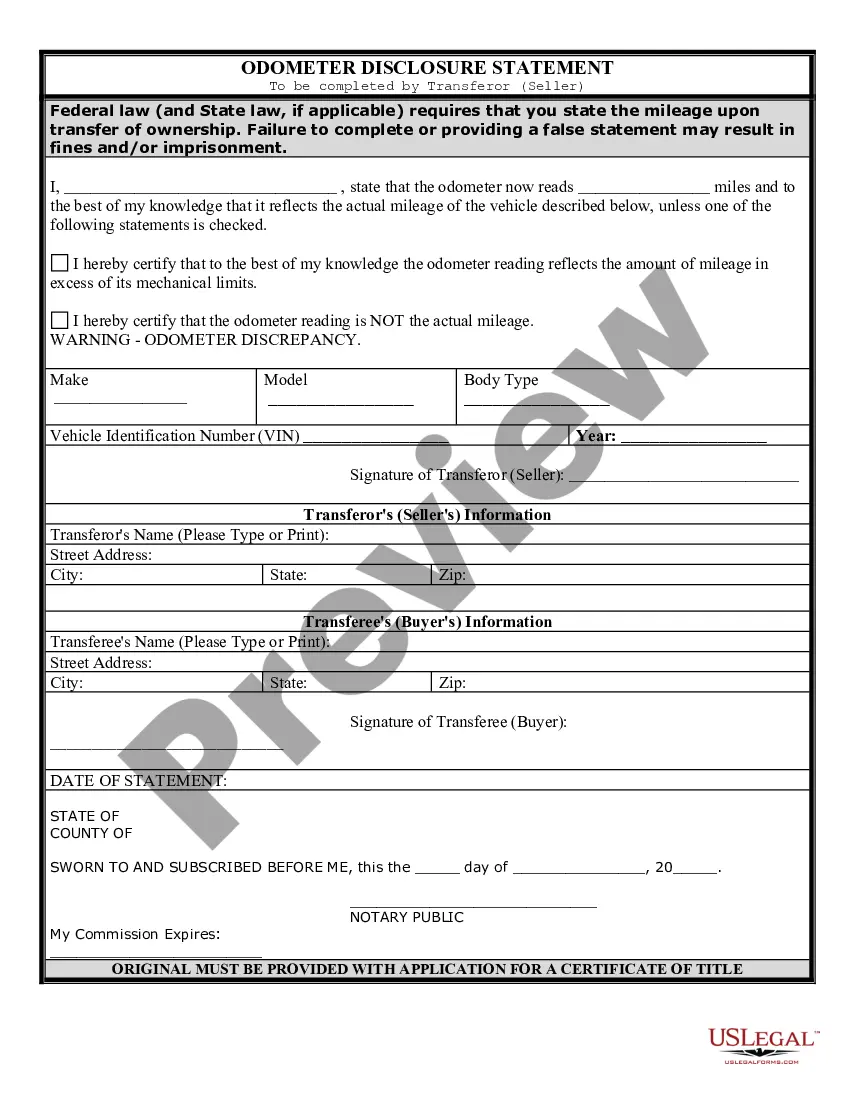
Factura De Venta De Carro With Insurance
Description
Get your form ready online
Our built-in tools help you complete, sign, share, and store your documents in one place.
Make edits, fill in missing information, and update formatting in US Legal Forms—just like you would in MS Word.
Download a copy, print it, send it by email, or mail it via USPS—whatever works best for your next step.
Sign and collect signatures with our SignNow integration. Send to multiple recipients, set reminders, and more. Go Premium to unlock E-Sign.
If this form requires notarization, complete it online through a secure video call—no need to meet a notary in person or wait for an appointment.
We protect your documents and personal data by following strict security and privacy standards.

Make edits, fill in missing information, and update formatting in US Legal Forms—just like you would in MS Word.

Download a copy, print it, send it by email, or mail it via USPS—whatever works best for your next step.

Sign and collect signatures with our SignNow integration. Send to multiple recipients, set reminders, and more. Go Premium to unlock E-Sign.

If this form requires notarization, complete it online through a secure video call—no need to meet a notary in person or wait for an appointment.

We protect your documents and personal data by following strict security and privacy standards.
Looking for another form?
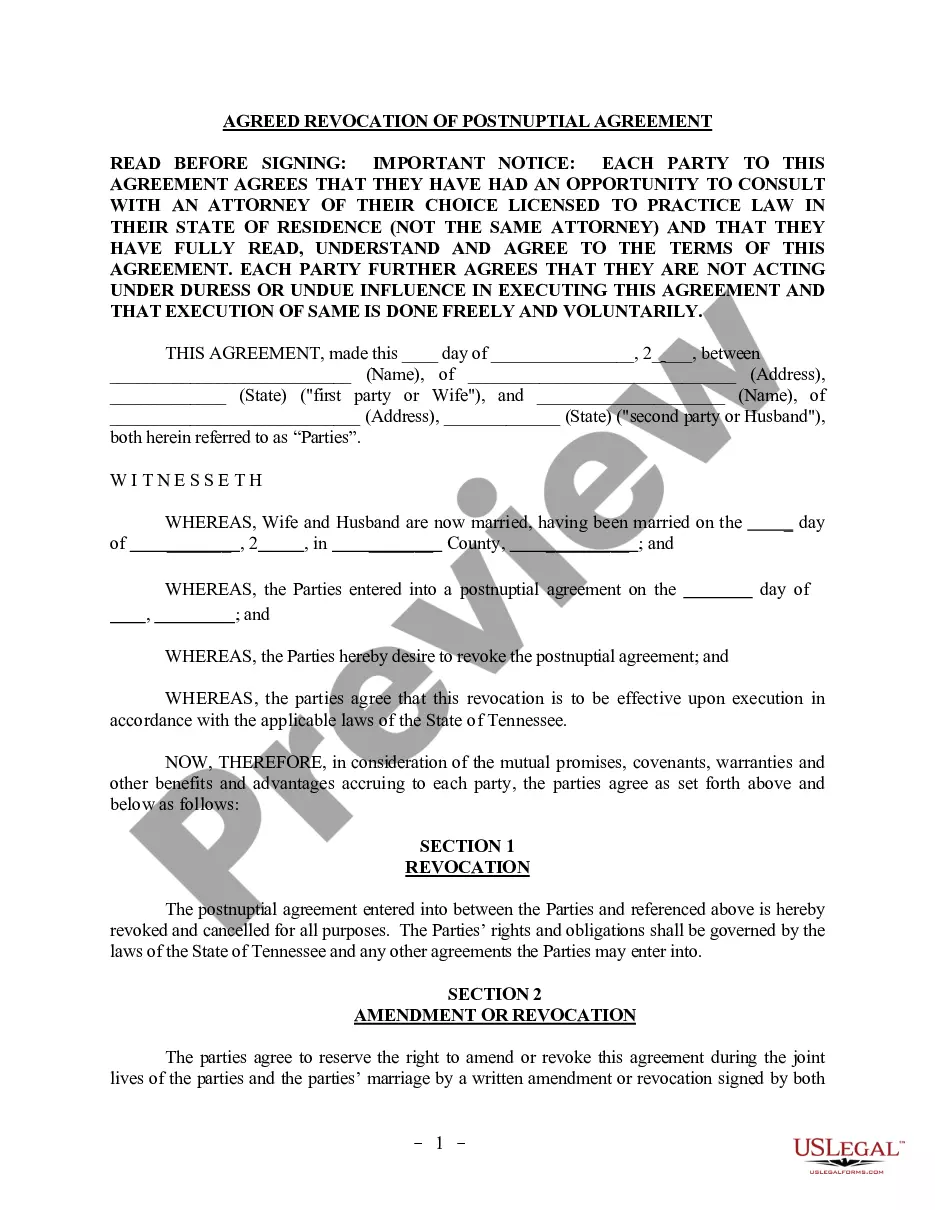
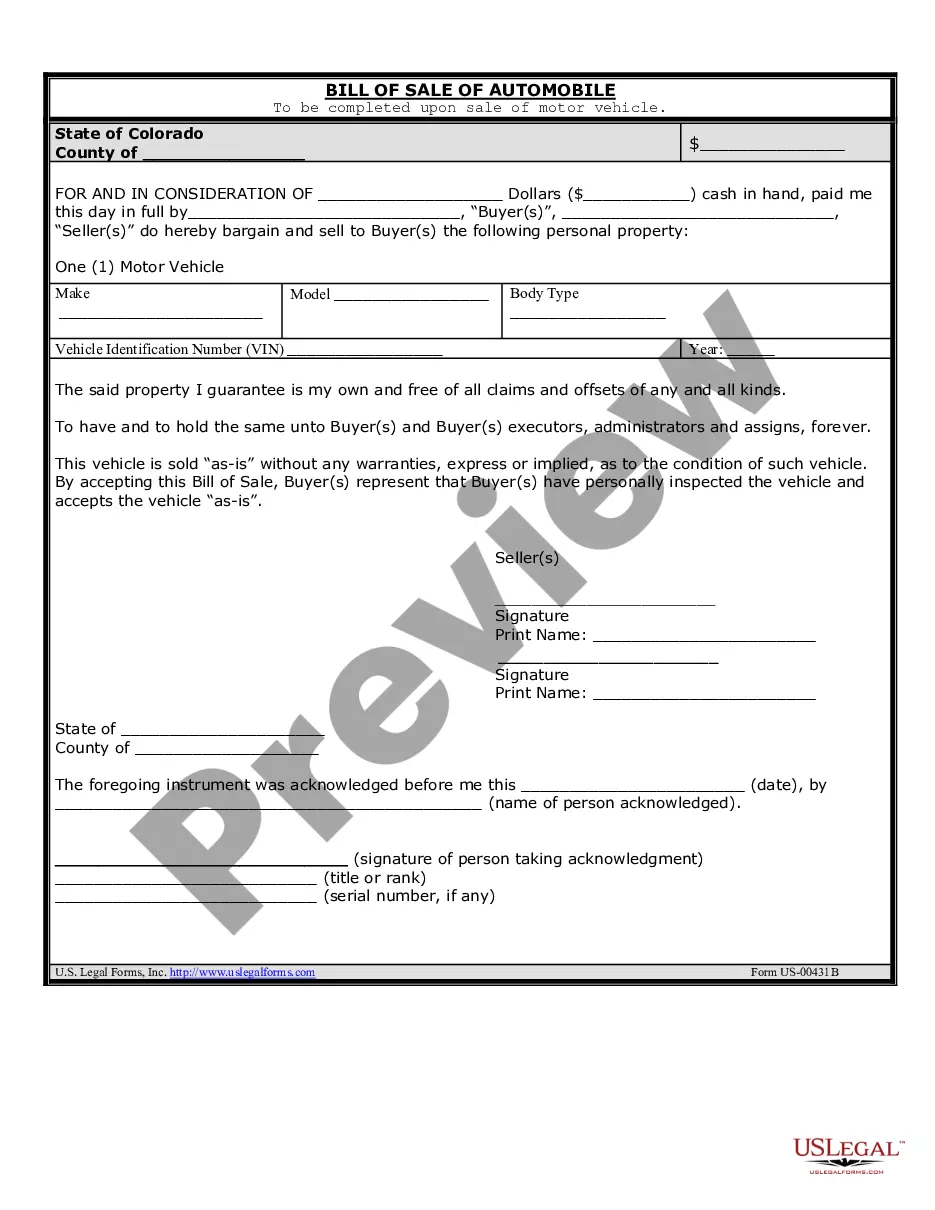
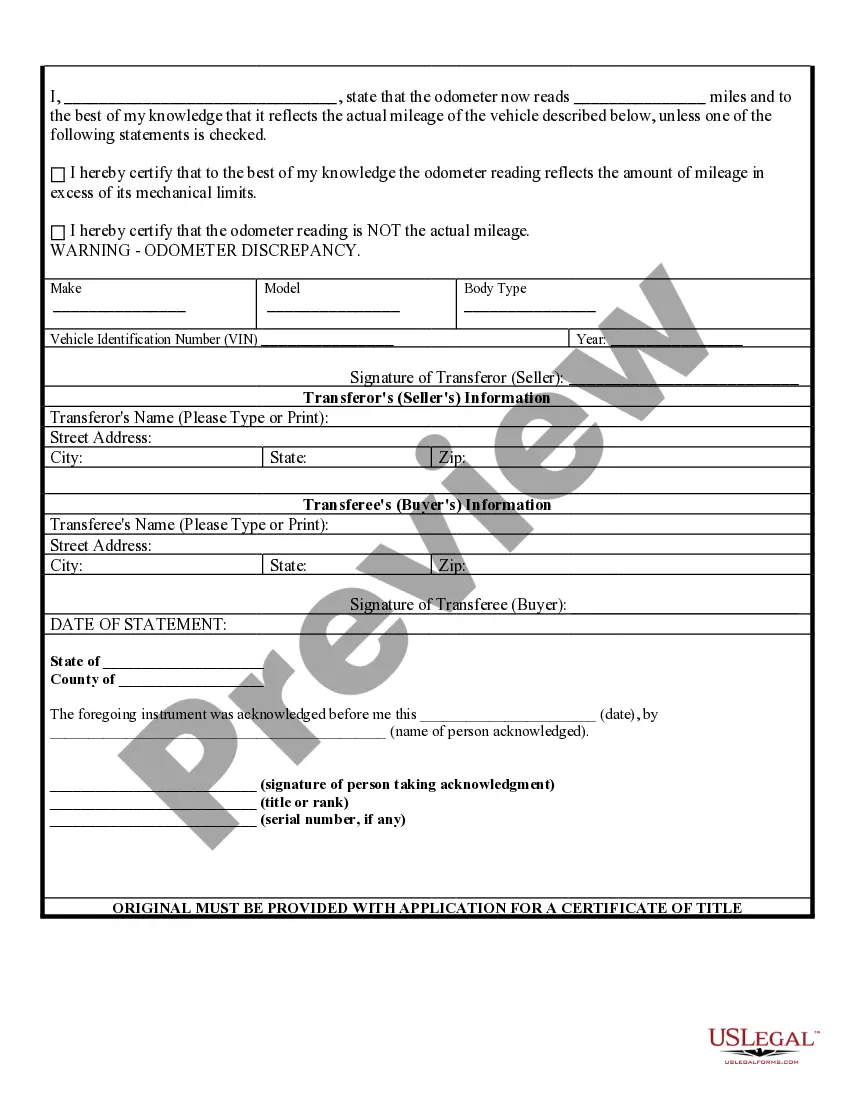
How to fill out Colorado Bill Of Sale Of Automobile And Odometer Statement For As-Is Sale?
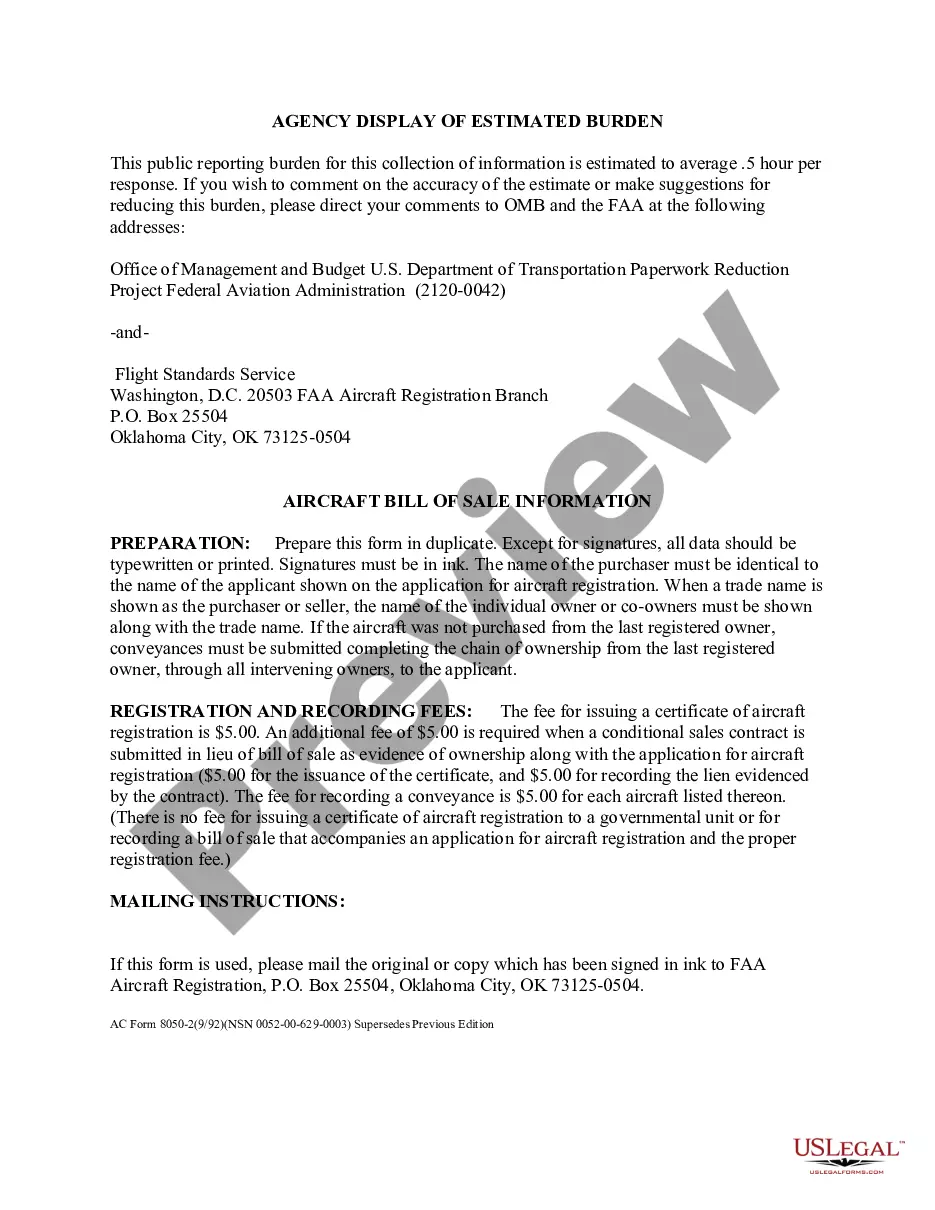
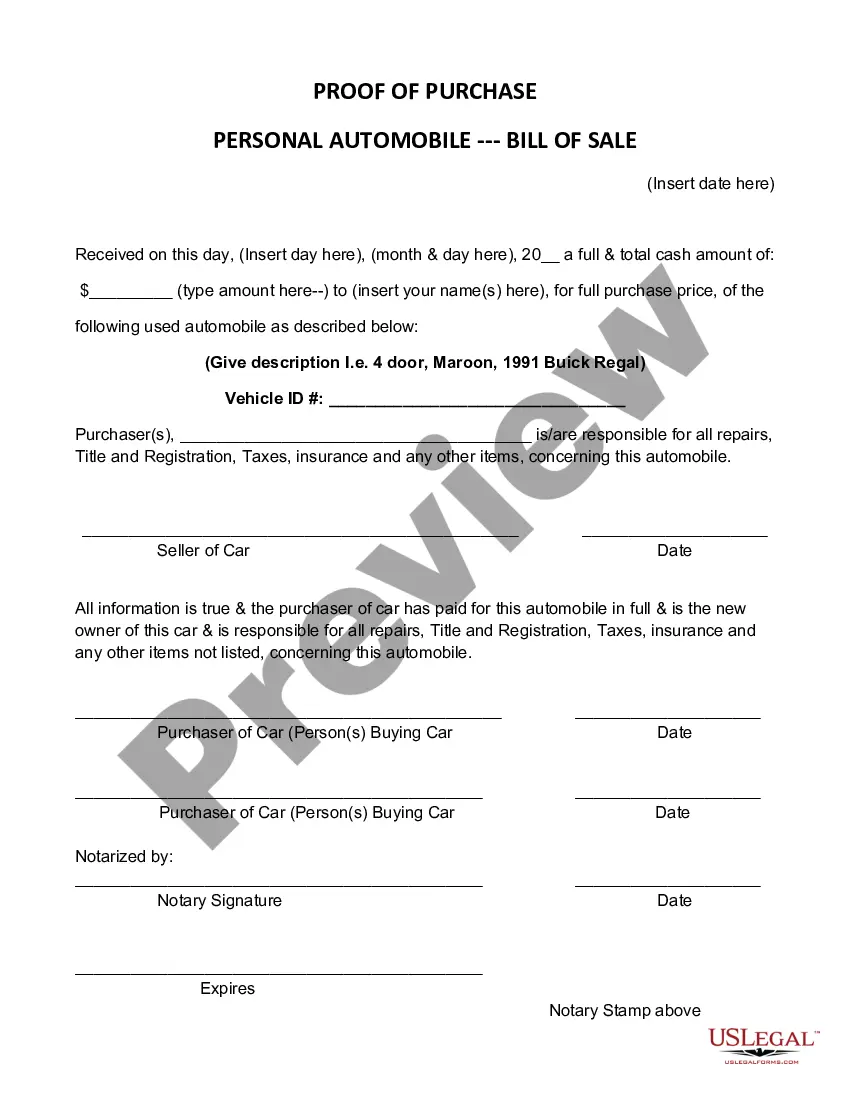
The Car Sale Invoice With Insurance displayed on this page is a versatile legal template crafted by skilled attorneys in accordance with national and local laws and ordinances.
For over 25 years, US Legal Forms has supplied individuals, businesses, and lawyers with more than 85,000 authenticated, state-specific documents for every business and personal situation. It’s the quickest, most straightforward, and most reliable means to acquire the paperwork you require, as the service ensures bank-level data protection and anti-malware safeguards.
Choose the format you prefer for your Car Sale Invoice With Insurance (PDF, DOCX, RTF) and download the template to your device. Fill out and sign the document. Print the template to complete it manually. Alternatively, use an online versatile PDF editor to swiftly and accurately fill out and sign your document with a valid signature. Download your documents again. Use the same template whenever necessary. Access the My documents tab in your profile to redownload any previously saved forms. Subscribe to US Legal Forms to have validated legal templates for all of life’s situations at your fingertips.
- Search for the document you require and examine it.
- Browse through the sample you searched and preview it or check the form description to verify it meets your requirements. If it does not, utilize the search bar to locate the appropriate one. Click Buy Now when you have found the template you are looking for.
- Register and Log In.
- Select the pricing plan that best suits your needs and create an account. Use PayPal or a credit card for a swift payment. If you already possess an account, Log In and review your subscription to continue.
- Obtain the editable template.
Form popularity
FAQ
To register a trademark with the U.S. Patent and Trademark Office (USPTO), you will need to fill out and submit a trademark application. You can do this online, using the Trademark Electronic Application System (TEAS), an online trademark filing service, or you can submit a paper application.
Filing a trademark for your business name with the U.S. Patent and Trademark Office (USPTO) will cost between $225 and $600, plus legal fees. You can register with most states for $50-$150 if you don't want protection outside your state.
What's the cheapest way to get a trademark? The cheapest way to file for a trademark is simply to do it yourself. You can start by searching for the United States Patent and Trademark Office's State (USPTO) website. Then file out the online forms and pay their fees.
If the name is a personal name you may use it a trademark, as long as a namesake does not beat you to the punch, meaning that your proposed personal name would not cause a likelihood of confusion with a similar name already in use for related goods or services.
You can do this online, using the Trademark Electronic Application System (TEAS), an online trademark filing service, or you can submit a paper application. Before the trademark application process, you want to start with a trademark search and make sure your trademark is available.
$75 Non-Refundable Filing Fee: The cost to file an application to register a trademark or service mark in North Carolina is $75. The fee is non-fundable, which means you will not be refunded the $75 filing fee if your mark is not approved for registration.
Yes, as long as you are an American citizen or a company domiciled in the United States, you are able to file your own trademark application.
Is There Such a Thing as Free Trademark Registration? No. To register a trademark, you must pay a non-refundable government filing fee to the United States Patent and Trademark Office (?USPTO?).