Personal Appearance Agreement With Client
Description
Get your form ready online
Our built-in tools help you complete, sign, share, and store your documents in one place.
Make edits, fill in missing information, and update formatting in US Legal Forms—just like you would in MS Word.
Download a copy, print it, send it by email, or mail it via USPS—whatever works best for your next step.
Sign and collect signatures with our SignNow integration. Send to multiple recipients, set reminders, and more. Go Premium to unlock E-Sign.
If this form requires notarization, complete it online through a secure video call—no need to meet a notary in person or wait for an appointment.
We protect your documents and personal data by following strict security and privacy standards.

Make edits, fill in missing information, and update formatting in US Legal Forms—just like you would in MS Word.

Download a copy, print it, send it by email, or mail it via USPS—whatever works best for your next step.

Sign and collect signatures with our SignNow integration. Send to multiple recipients, set reminders, and more. Go Premium to unlock E-Sign.

If this form requires notarization, complete it online through a secure video call—no need to meet a notary in person or wait for an appointment.

We protect your documents and personal data by following strict security and privacy standards.
Looking for another form?
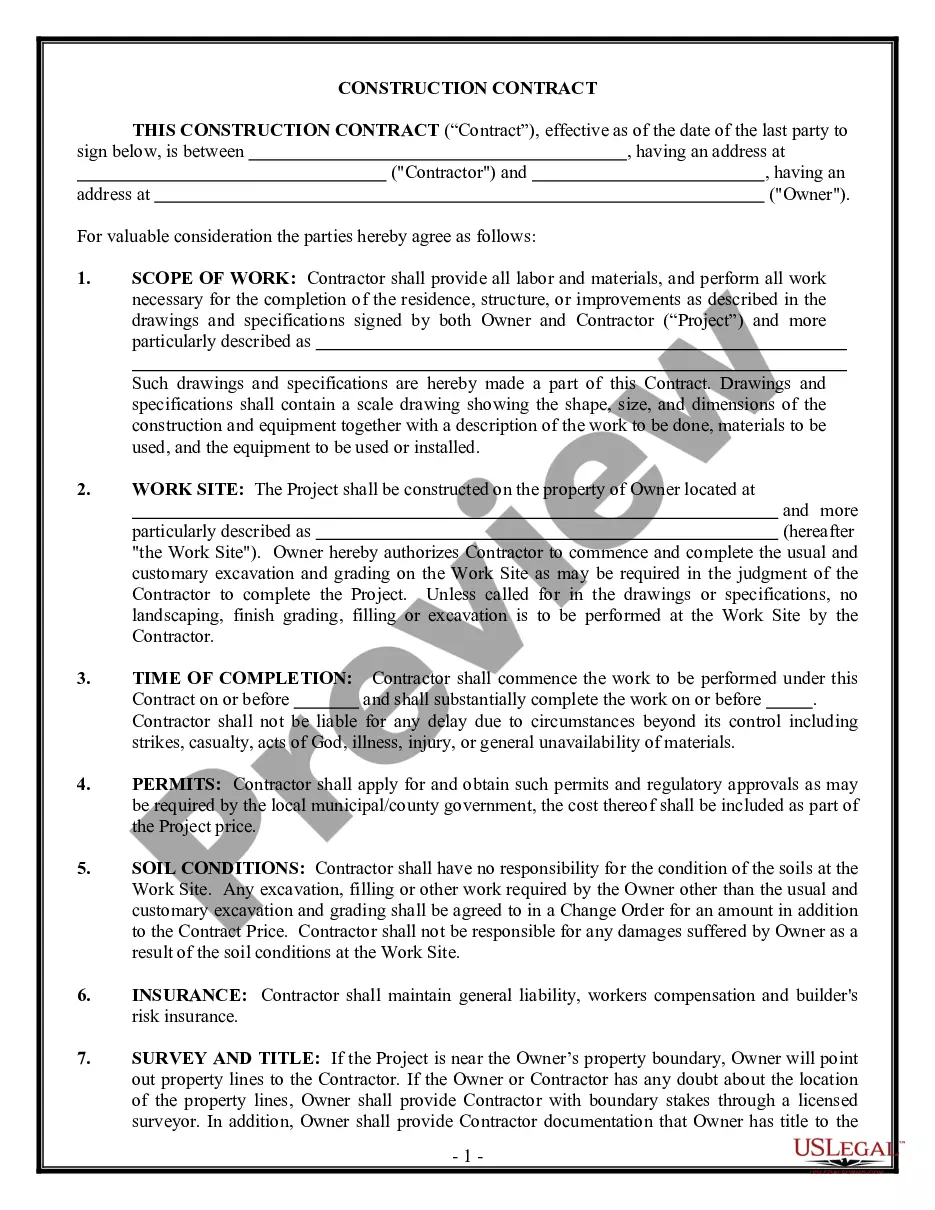


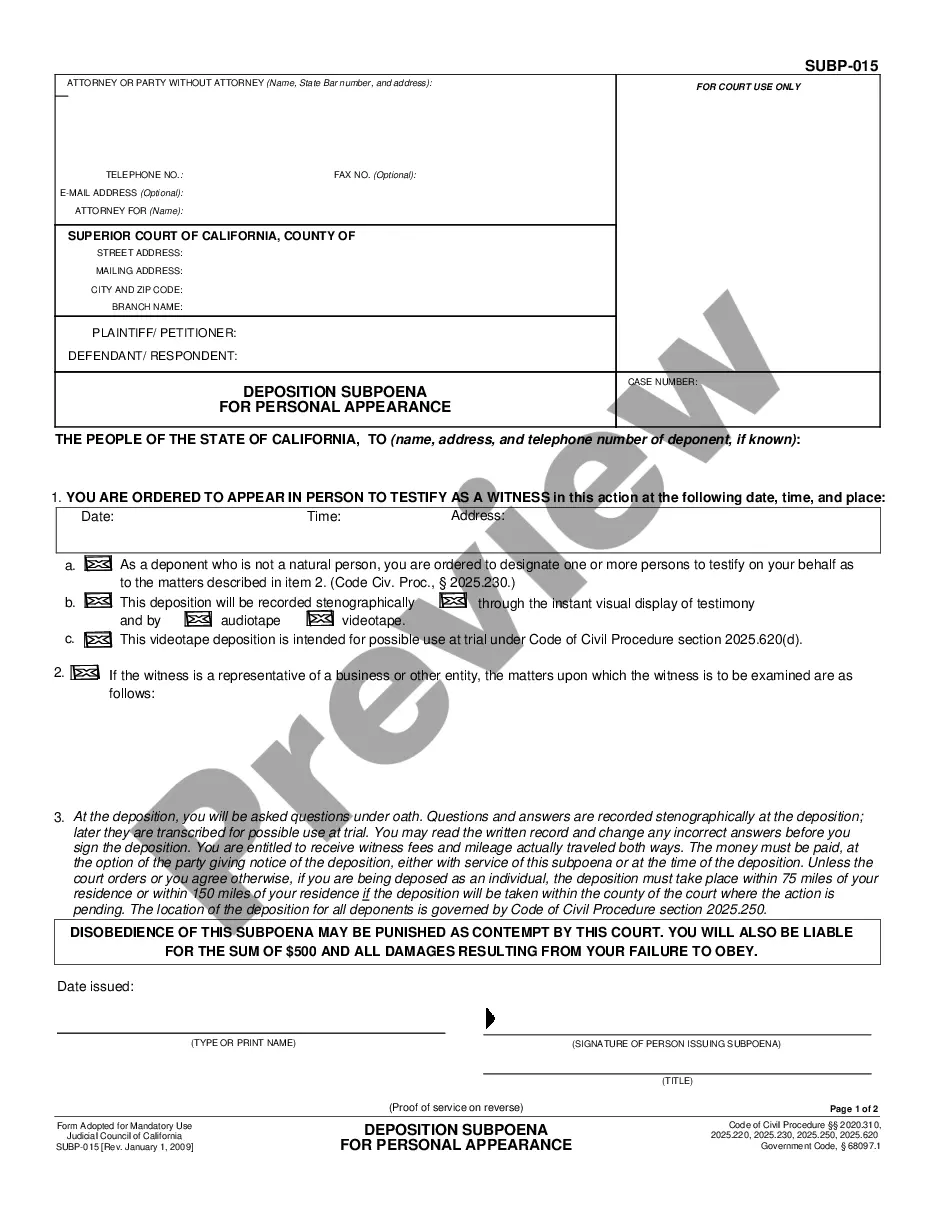
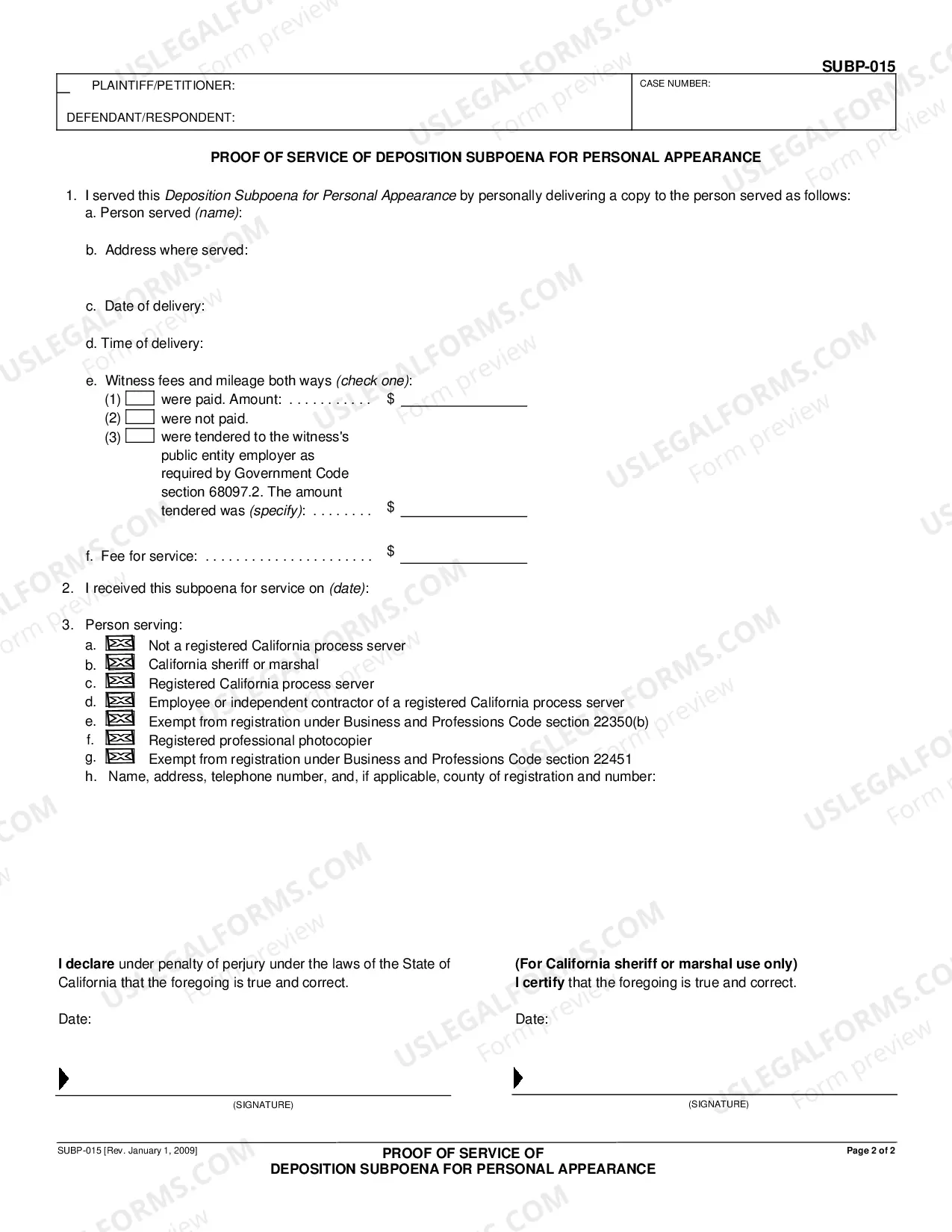
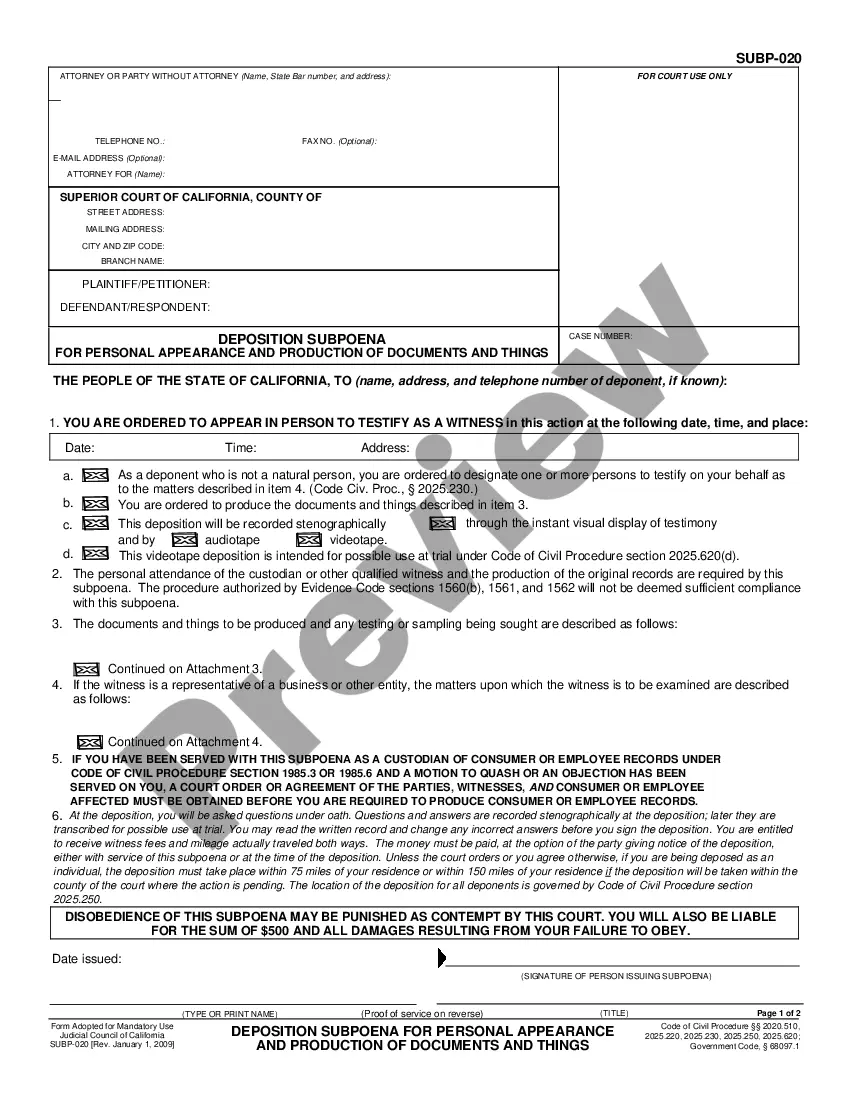
How to fill out California Deposition Subpoena For Personal Appearance?
Individuals typically link legal documentation with something intricate that only an expert can manage.
In a way, this is correct, as crafting a Personal Appearance Agreement With Client demands extensive understanding of subject matter criteria, encompassing state and local regulations.
Nevertheless, with the US Legal Forms, everything has become more straightforward: pre-prepared legal templates for any life and business event tailored to state laws are gathered in a single online repository and are now accessible to all.
Choose the format for your file and click Download. Print your document or upload it to an online editor for faster completion. All templates in our collection are reusable: once obtained, they remain saved in your profile. You can access them anytime needed via the My documents tab. Discover all advantages of utilizing the US Legal Forms platform. Subscribe now!
- US Legal Forms offers over 85,000 current documents compiled by state and area of application, so searching for a Personal Appearance Agreement With Client or any specific template only requires a few minutes.
- Registered users with a valid subscription must Log In to their account and click Download to obtain the form.
- New users to the platform will first have to create an account and subscribe before they can download any paperwork.
- Here is the detailed guide on how to obtain the Personal Appearance Agreement With Client.
- Examine the page content thoroughly to verify it meets your requirements.
- Review the form description or check it through the Preview option.
- Find another example by using the Search bar above if the previous one does not meet your needs.
- Click Buy Now when you locate the right Personal Appearance Agreement With Client.
- Select a pricing plan that suits your preferences and budget.
- Create an account or sign in to proceed to the payment page.
- Complete your subscription payment through PayPal or with your credit card.
Form popularity
FAQ
Here's a look at the basic steps you'll need to take to create a simple and effective client contract:Include Contact Information of Both Parties.Specify Project Terms and Scope.Establish Payment Terms.Set the Schedule.Decide What Happens If a Contract Is Terminated.Determine Who Owns Final Copyrights.More items...
An appearance contract compensates the athlete for appearing at a public function, sports camp, golf tournament, etc. Outline of Typical Endorsement Agreement. I.
Here are the steps to write a letter of agreement:Title the document. Add the title at the top of the document.List your personal information.Include the date.Add the recipient's personal information.Address the recipient.Write an introduction paragraph.Write your body.Conclude the letter.More items...?
The simple answer is YES. You can write your own contracts. There is no requirement that they must be written by a lawyer. There is no requirement that they have to be a certain form or font.
Select / confirm the contract due date and/or shoot date.Save the contract!Review your contract.Click the "Send to Client" button in the top right, (if you are using a second signer you can choose to send the document to both or only one of the clients on the contract), edit the email as you wish, and click "Send."
