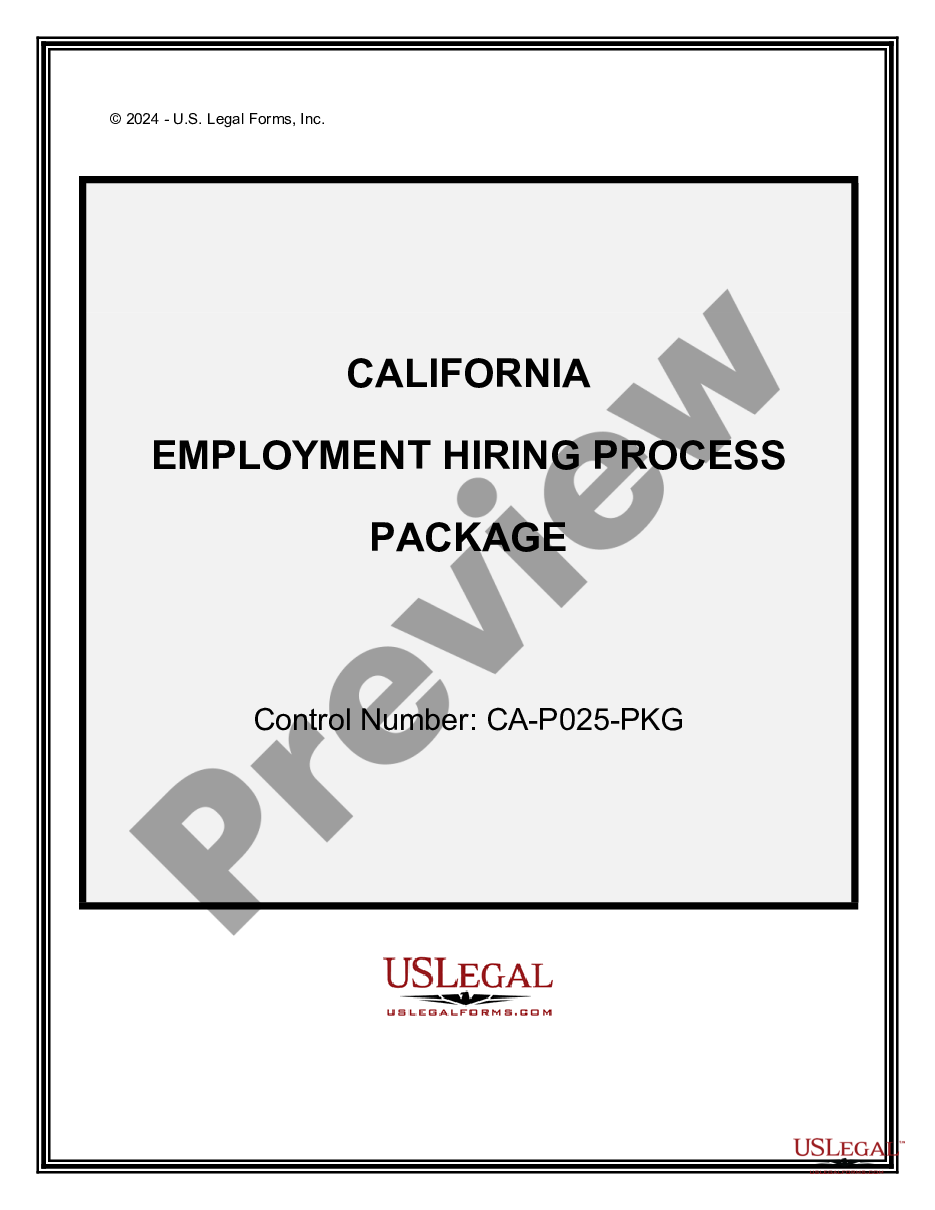
California Hiring Form For Employees
Description
Get your form ready online
Our built-in tools help you complete, sign, share, and store your documents in one place.
Make edits, fill in missing information, and update formatting in US Legal Forms—just like you would in MS Word.
Download a copy, print it, send it by email, or mail it via USPS—whatever works best for your next step.
Sign and collect signatures with our SignNow integration. Send to multiple recipients, set reminders, and more. Go Premium to unlock E-Sign.
If this form requires notarization, complete it online through a secure video call—no need to meet a notary in person or wait for an appointment.
We protect your documents and personal data by following strict security and privacy standards.

Make edits, fill in missing information, and update formatting in US Legal Forms—just like you would in MS Word.

Download a copy, print it, send it by email, or mail it via USPS—whatever works best for your next step.

Sign and collect signatures with our SignNow integration. Send to multiple recipients, set reminders, and more. Go Premium to unlock E-Sign.

If this form requires notarization, complete it online through a secure video call—no need to meet a notary in person or wait for an appointment.

We protect your documents and personal data by following strict security and privacy standards.
Looking for another form?

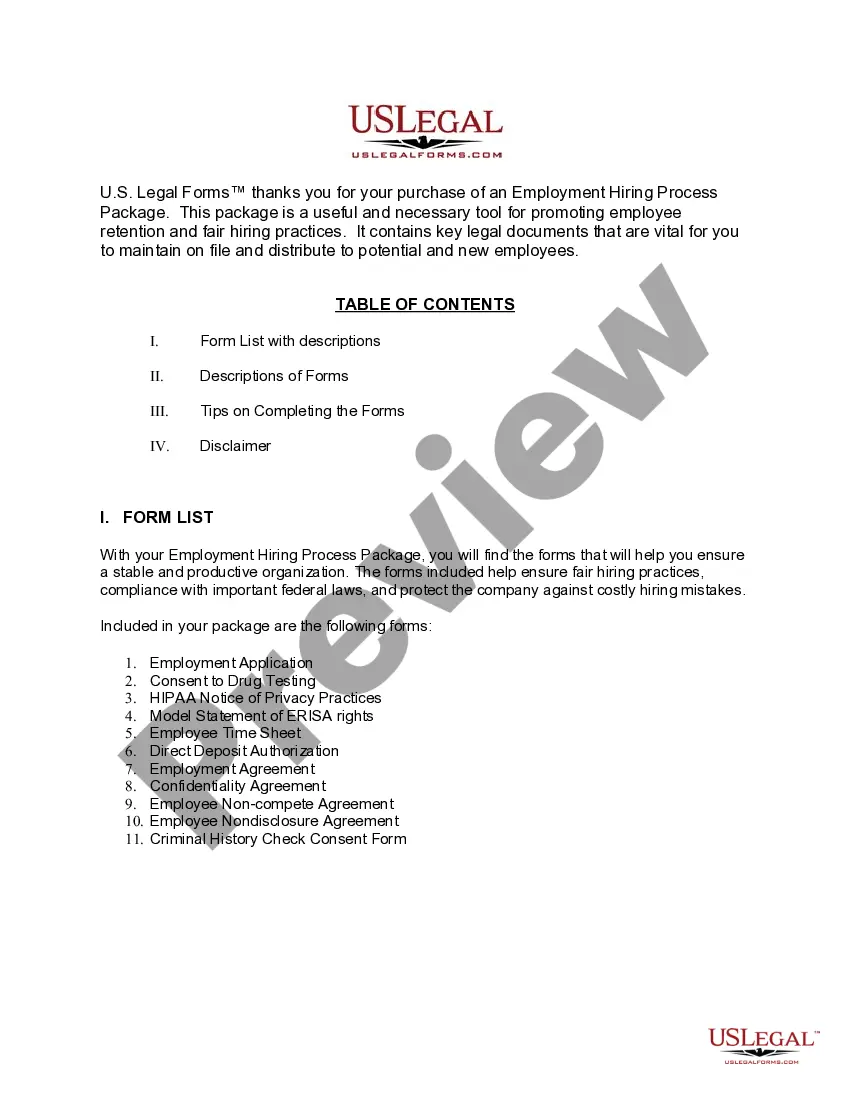
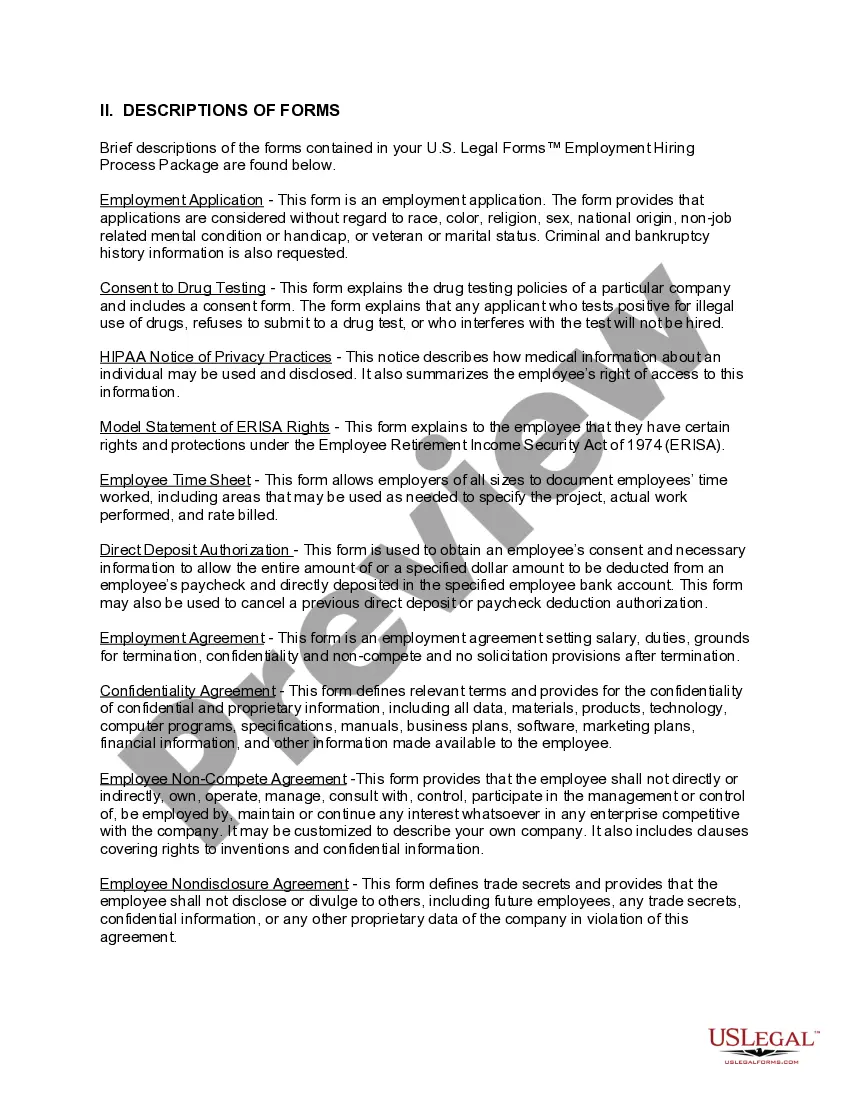
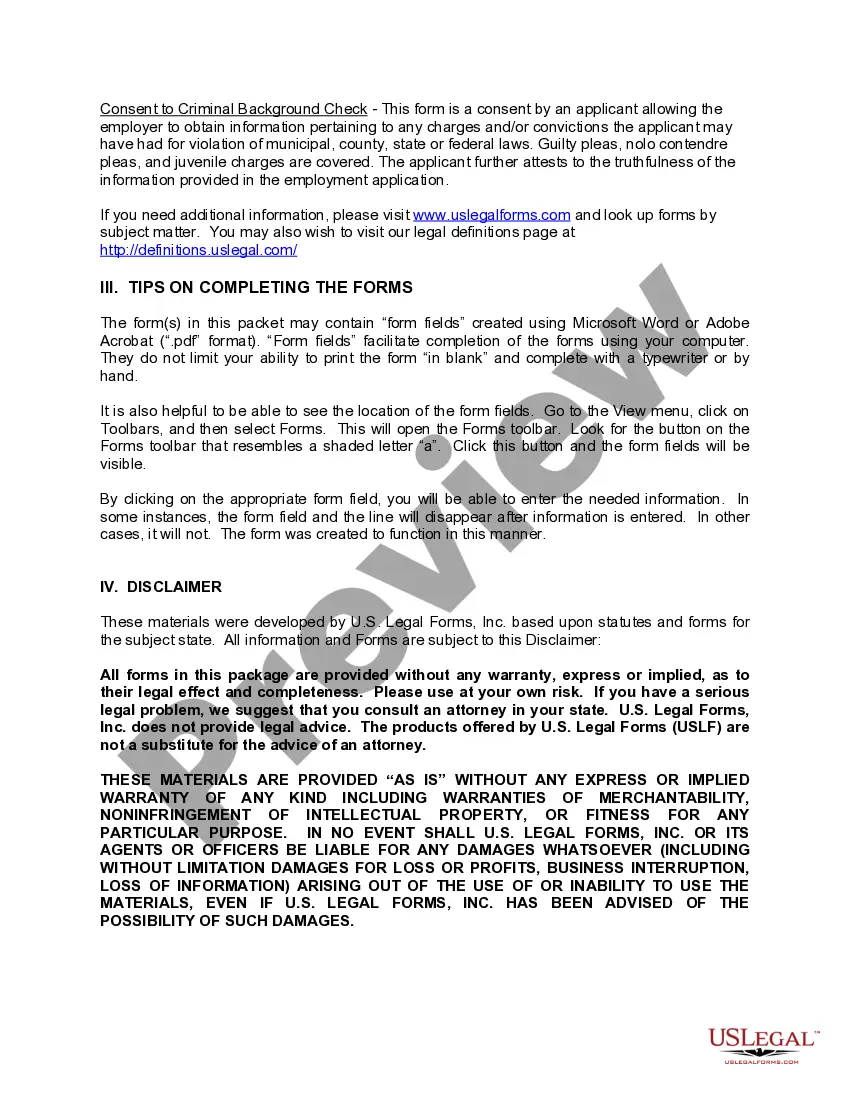
How to fill out California Employment Hiring Process Package?
Obtaining a reliable source for the latest and suitable legal templates is part of the challenge of managing bureaucracy.
Identifying the correct legal documents requires accuracy and meticulousness, which is why it's crucial to source California Hiring Form For Employees exclusively from reputable providers like US Legal Forms. A faulty template will squander your time and delay the matter at hand. With US Legal Forms, you have minimal concerns.
Once the form is on your device, you can edit it using the editor or print it to complete it manually. Alleviate the stress associated with your legal documentation. Explore the comprehensive US Legal Forms catalog where you can discover legal templates, assess their applicability to your circumstances, and download them instantly.
- Utilize the library navigation or search bar to locate your template.
- Review the form’s details to verify if it meets your state and county's criteria.
- Access the form preview, if available, to confirm that the template is indeed what you need.
- Return to the search and seek the appropriate template if the California Hiring Form For Employees does not meet your needs.
- Once you are confident about the form’s suitability, download it.
- If you're a registered user, click Log in to verify and access your selected forms in My documents.
- If you don't have an account yet, click Buy now to acquire the form.
- Choose the pricing plan that accommodates your requirements.
- Proceed to registration to finalize your purchase.
- Complete your transaction by opting for a payment method (credit card or PayPal).
- Select the document format for downloading California Hiring Form For Employees.
Form popularity
FAQ
How to Hire an Employee in California Conduct a background check. ... Execute employee offer letter. ... Employee eligibility verification form I-9. ... Execute a confidentiality and invention assignment agreement. ... Grant options or issue stock to employee. ... Provide non-exempt employee with wage theft act protection notice.
Both Federal W-4 Form and California DE 4 Withholding Certificate must be provided to newly hired employees. Generally speaking, most employers in California are required to provide the following documents with new employees upon hire: Time of Hire Pamphlet. Sexual Harassment Pamphlet (DFEH-185P)
Use Form I-9 to verify the identity and employment authorization of individuals hired for employment in the United States. All U.S. employers must properly complete Form I-9 for every individual they hire for employment in the United States.
New hire forms checklist Form I-9. W-4. State new hire tax forms. New hire reporting. Offer letter. Employment agreement. Employee handbook acknowledgment. Direct deposit authorization.
The most common types of employment forms to complete are: W-4 form (or W-9 for contractors) I-9 Employment Eligibility Verification form. State Tax Withholding form.