California Guardianship Laws

Description

Get your form ready online
Our built-in tools help you complete, sign, share, and store your documents in one place.
Make edits, fill in missing information, and update formatting in US Legal Forms—just like you would in MS Word.
Download a copy, print it, send it by email, or mail it via USPS—whatever works best for your next step.
Sign and collect signatures with our SignNow integration. Send to multiple recipients, set reminders, and more. Go Premium to unlock E-Sign.
If this form requires notarization, complete it online through a secure video call—no need to meet a notary in person or wait for an appointment.
We protect your documents and personal data by following strict security and privacy standards.

Make edits, fill in missing information, and update formatting in US Legal Forms—just like you would in MS Word.

Download a copy, print it, send it by email, or mail it via USPS—whatever works best for your next step.

Sign and collect signatures with our SignNow integration. Send to multiple recipients, set reminders, and more. Go Premium to unlock E-Sign.

If this form requires notarization, complete it online through a secure video call—no need to meet a notary in person or wait for an appointment.

We protect your documents and personal data by following strict security and privacy standards.
Looking for another form?

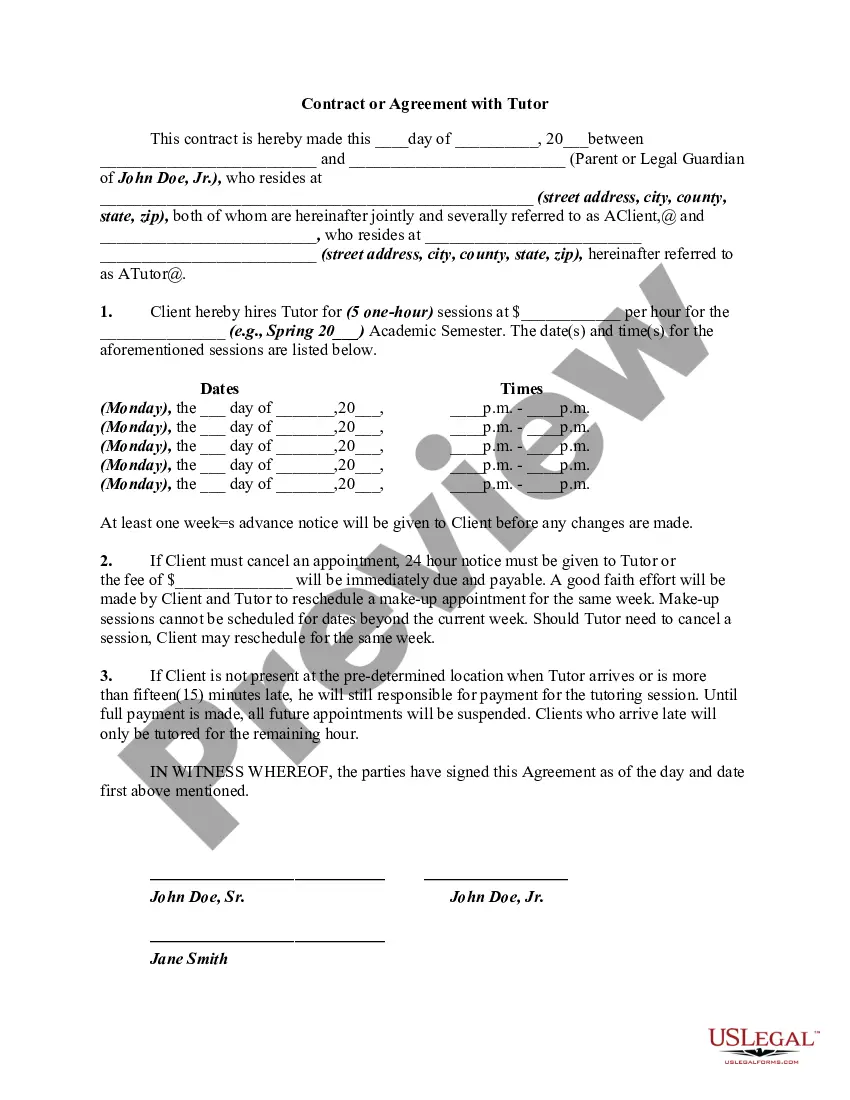
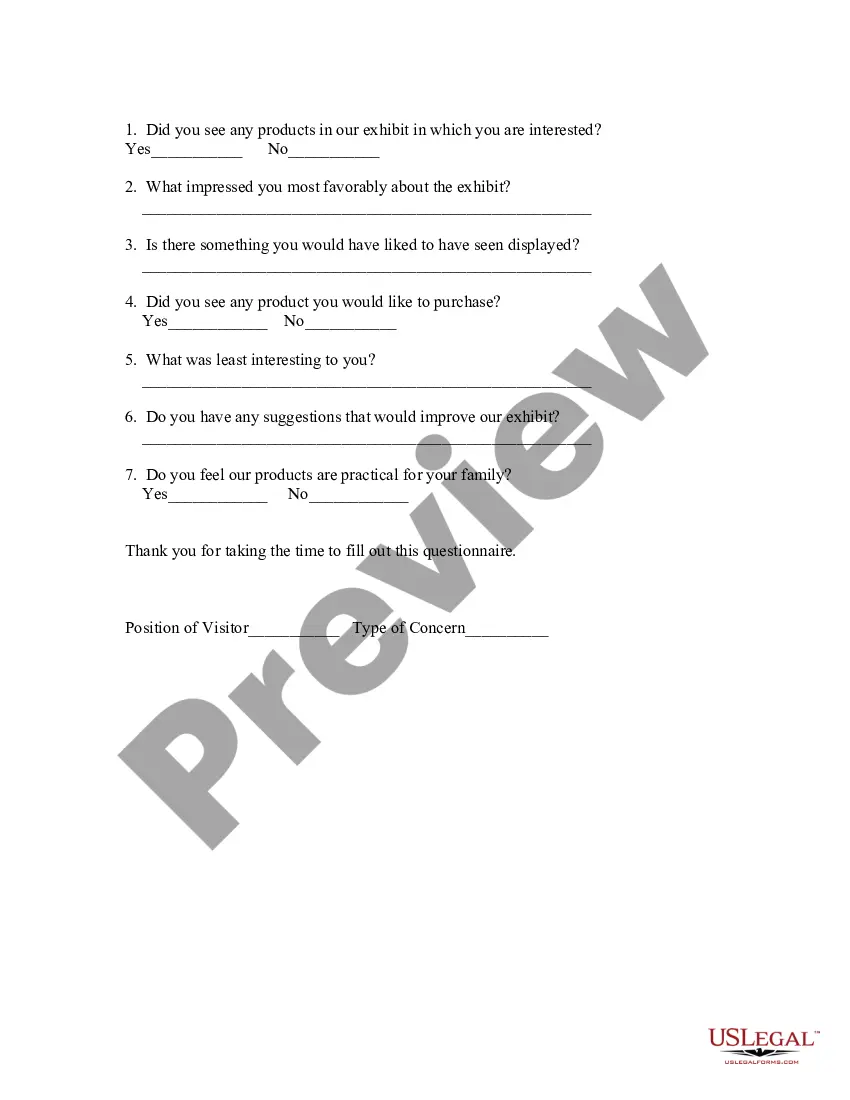
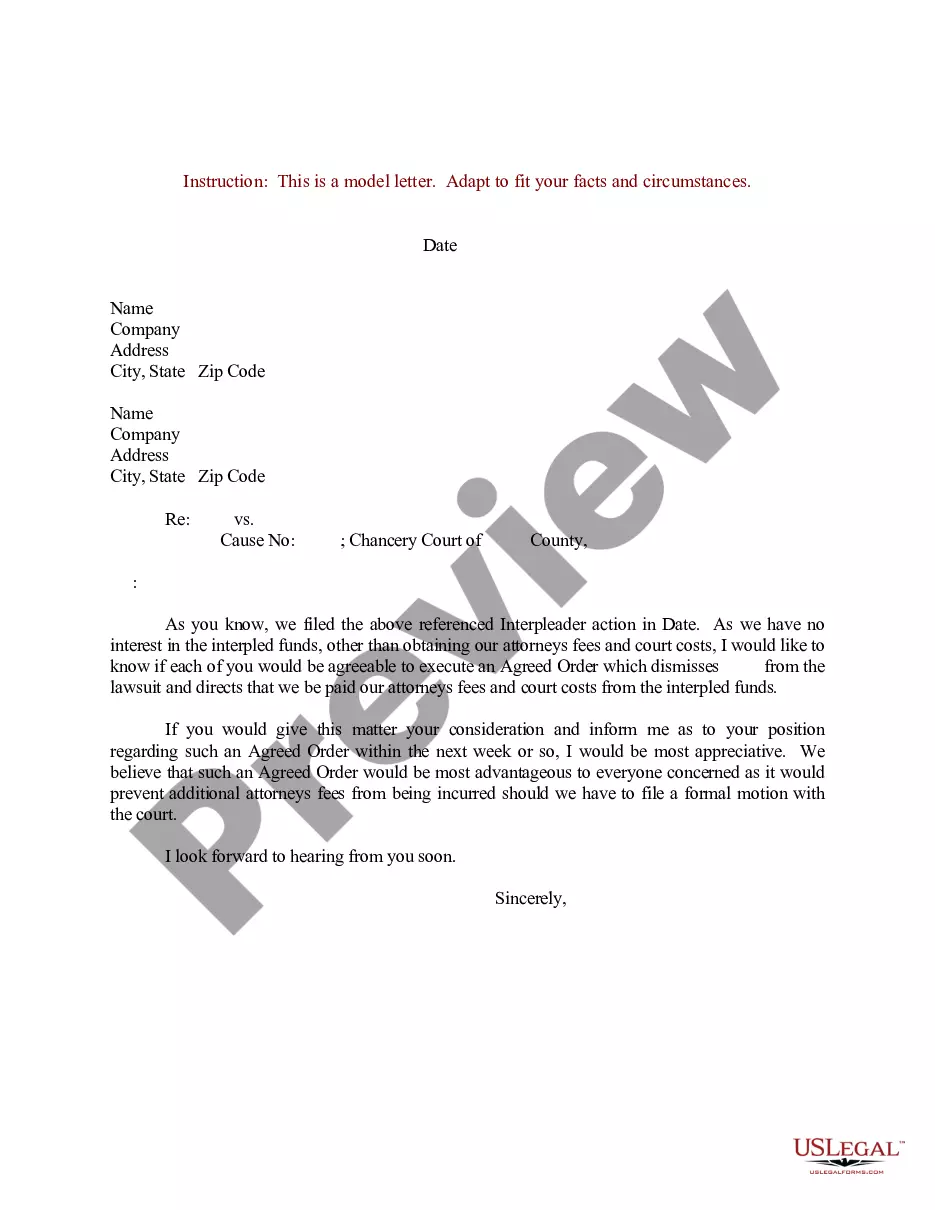
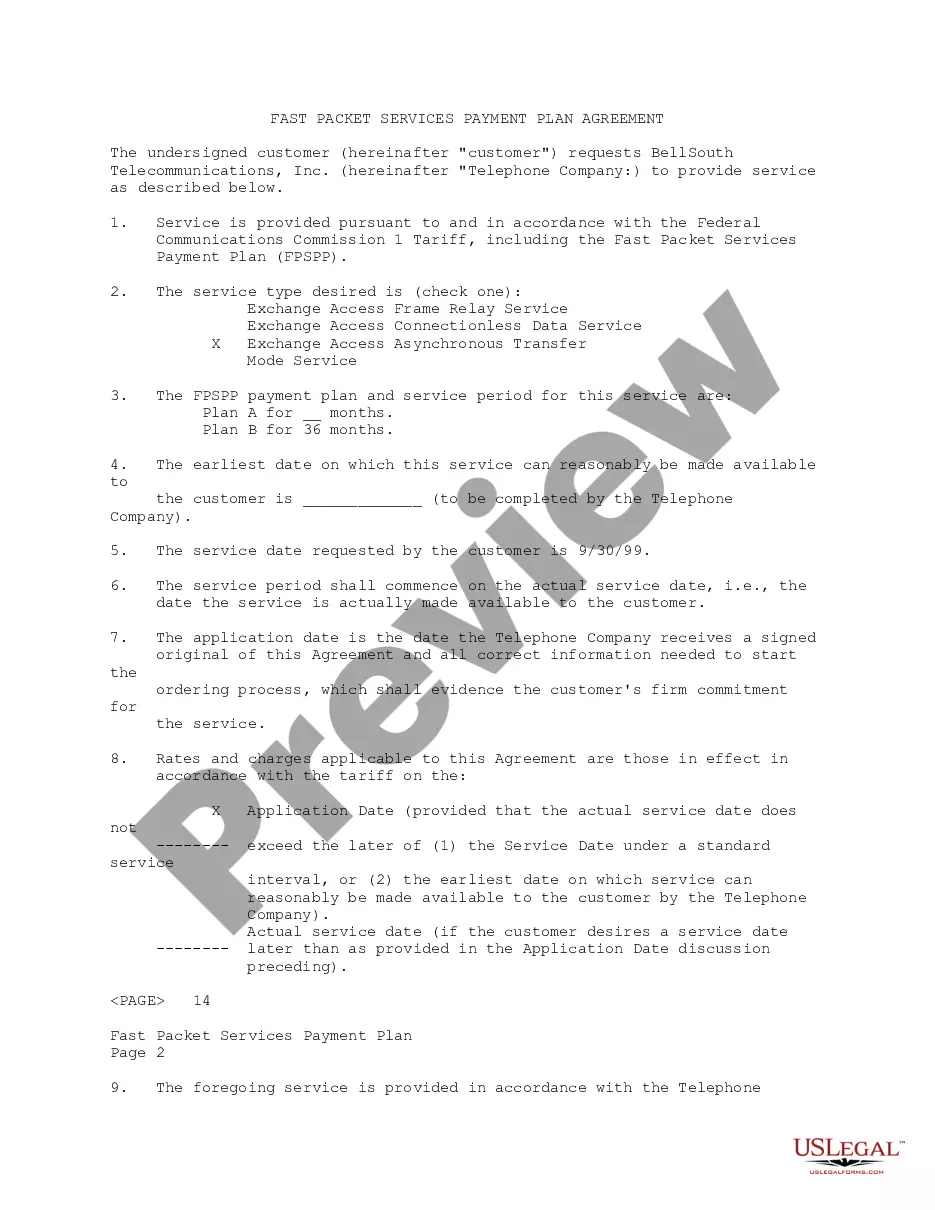
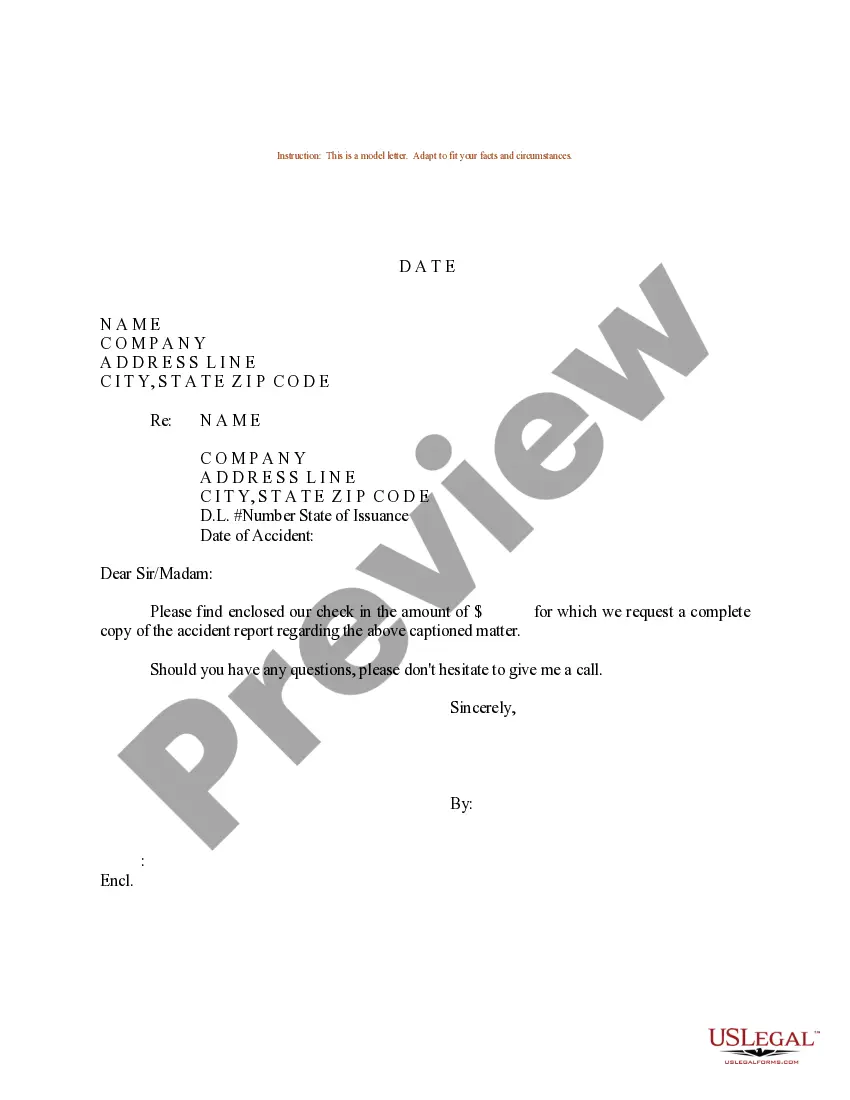

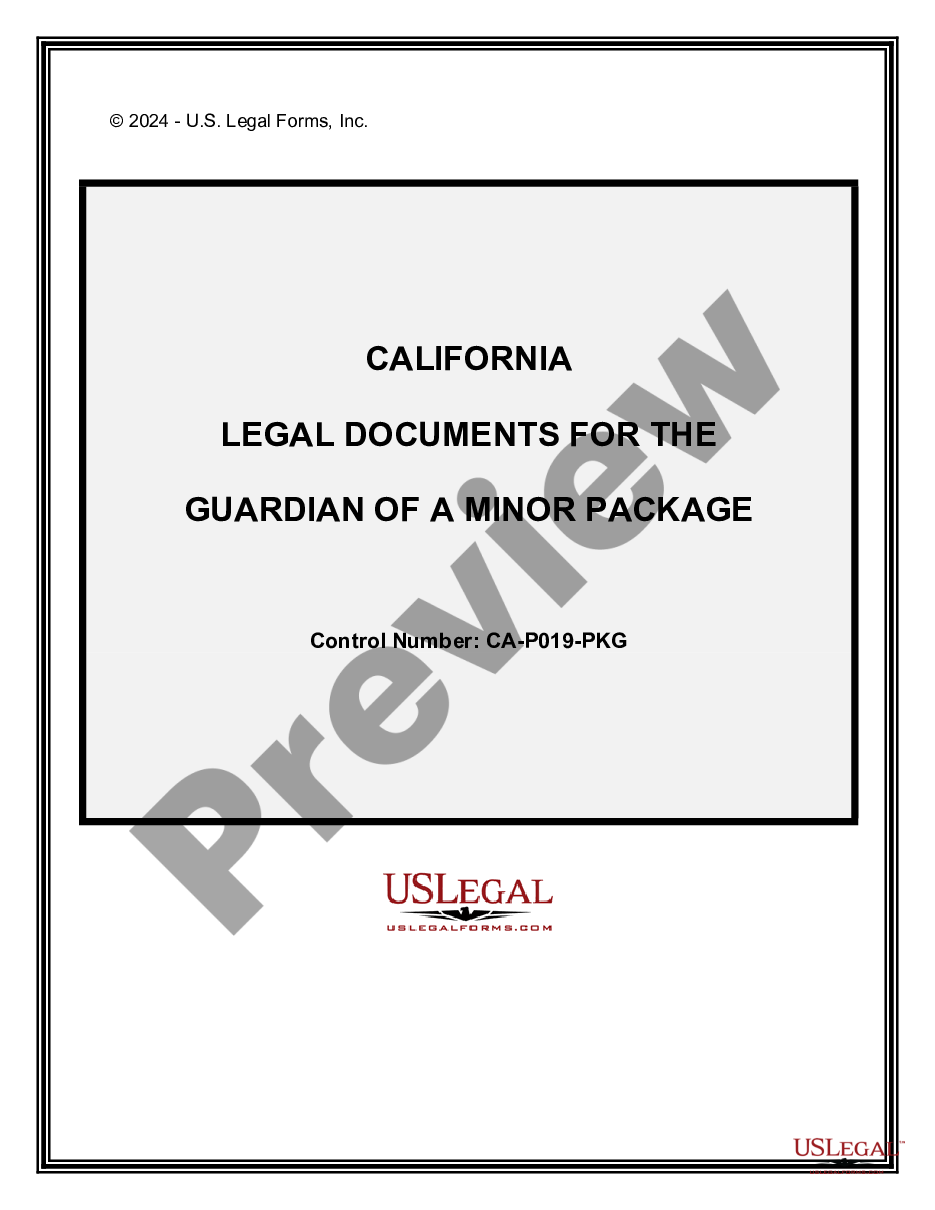
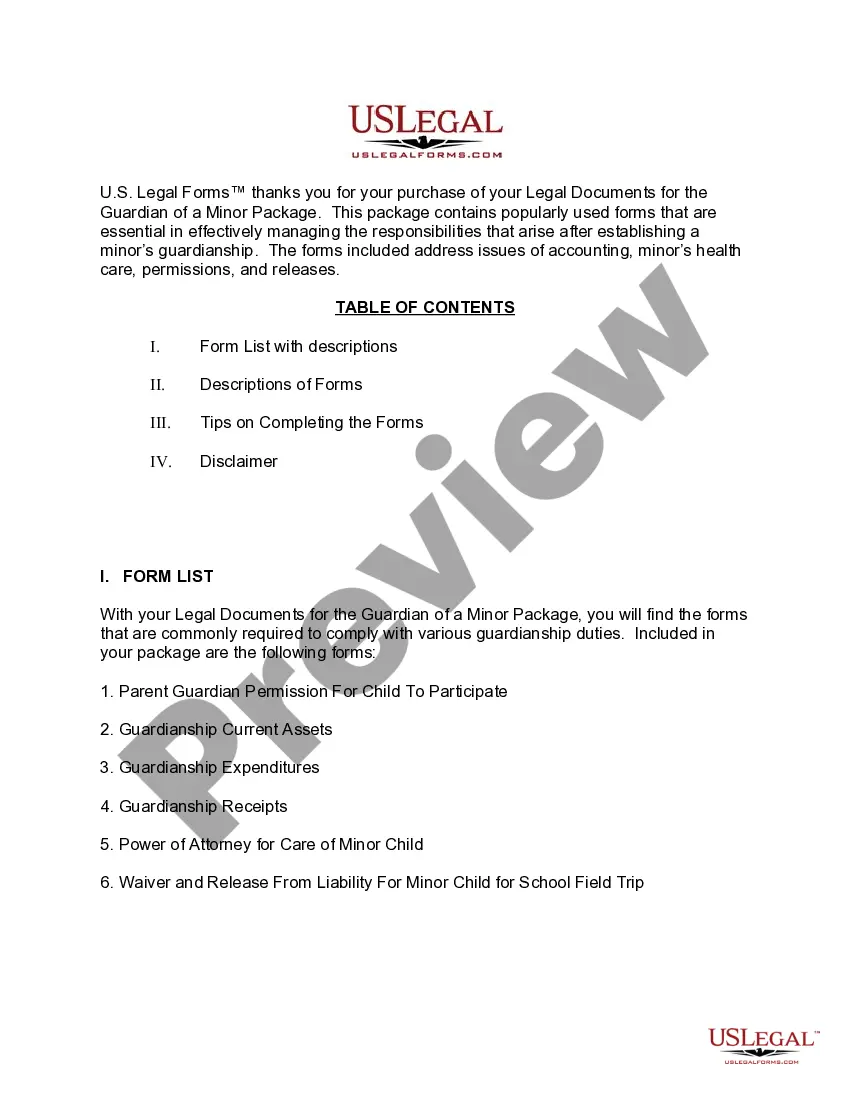
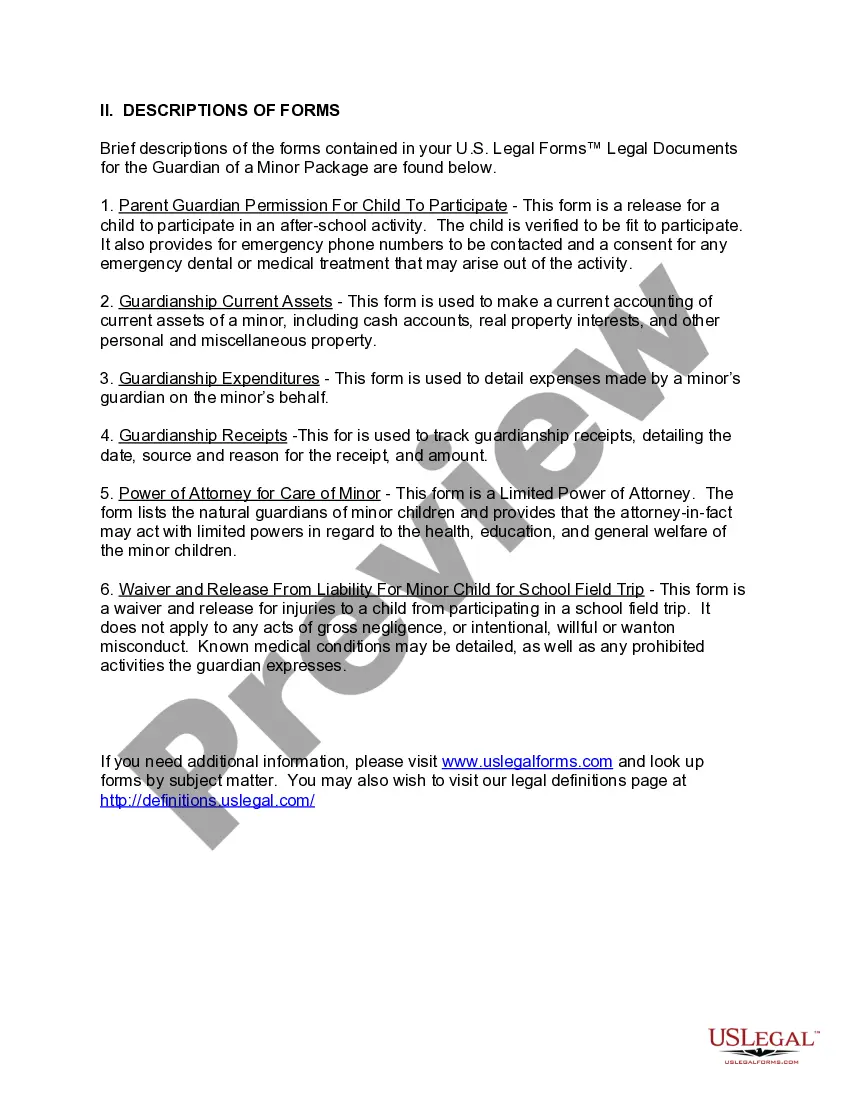
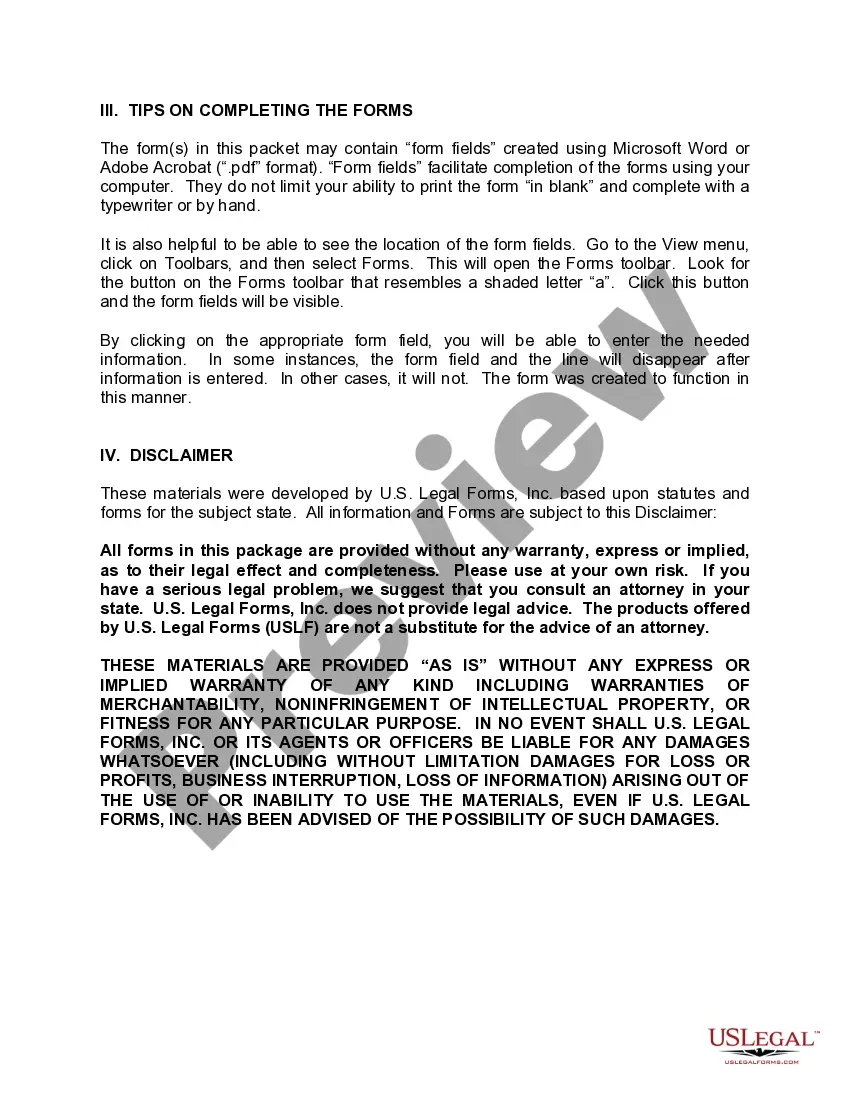
How to fill out California Legal Documents For The Guardian Of A Minor Package?
Regardless of whether for corporate dealings or personal matters, everyone must confront legal situations at some moment in their life.
Filling out legal documents requires meticulous care, starting from choosing the correct form template.
Once downloaded, you can either fill out the form using editing software or print and complete it by hand. With a comprehensive US Legal Forms library available, you won't need to waste time hunting for the correct template across the internet. Use the library’s straightforward navigation to obtain the appropriate template for any situation.
- For example, if you select an incorrect version of California Guardianship Laws, it will be rejected upon submission.
- Thus, it is crucial to find a trustworthy source of legal paperwork such as US Legal Forms.
- To obtain a California Guardianship Laws template, follow these simple steps.
- Utilize the search bar or browse the catalog to find the template you require.
- Review the form’s details to verify it aligns with your situation, state, and locality.
- Click on the form’s preview to examine it.
- If it is not the accurate form, return to the search feature to locate the California Guardianship Laws template you need.
- Download the file if it meets your requirements.
- If you possess a US Legal Forms account, simply click Log in to access previously saved documents in My documents.
- If you do not have an account yet, you can acquire the form by clicking Buy now.
- Select the suitable pricing plan.
- Fill out the profile registration form.
- Choose your payment method: use a credit card or PayPal account.
- Select the desired file format and download the California Guardianship Laws.
Form popularity
FAQ
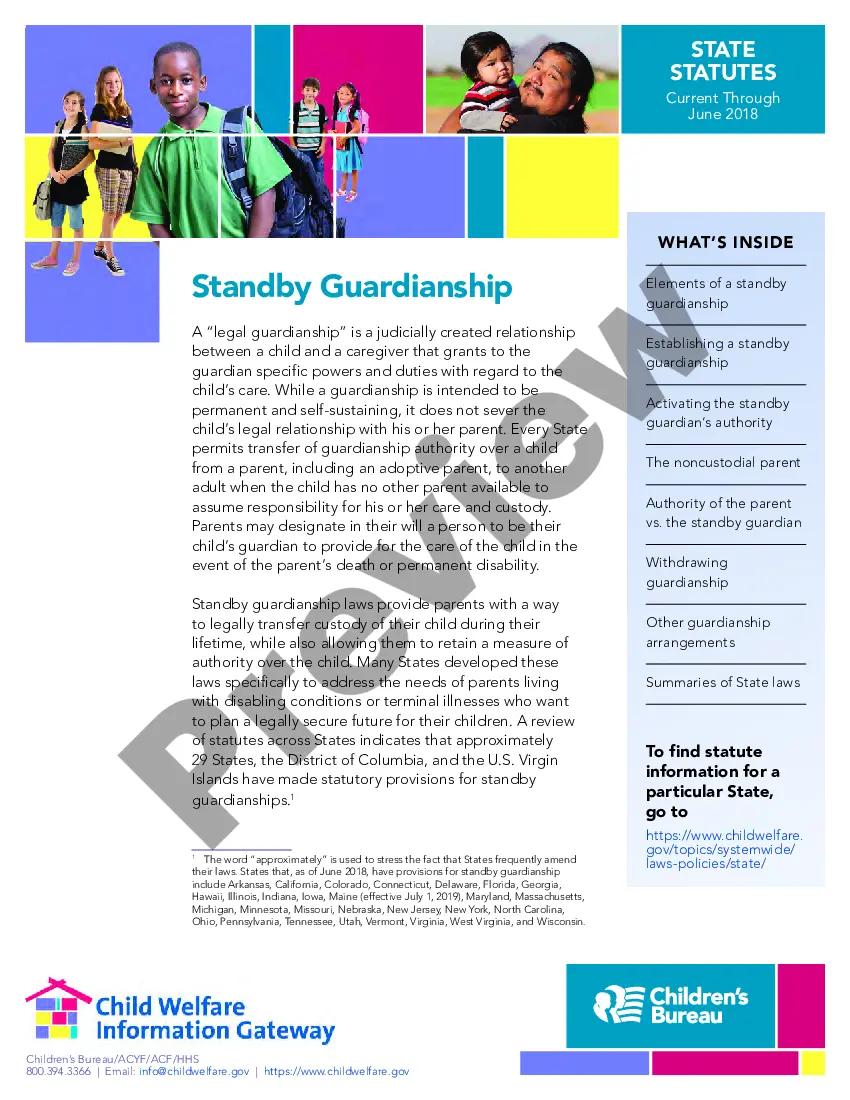
The guardianship process in California begins with filing a petition in court, along with supporting documents that demonstrate your suitability as a guardian. After filing, the court will schedule a hearing where interested parties can express their views. Following the hearing, if the court finds it in the best interest of the child, guardianship will be granted based on California guardianship laws. Using tools available from US Legal Forms can simplify the preparation and filing stages, helping you navigate the process with ease.
In Tennessee, the process begins when the executor, named in the will or an administrator appointed by the court if there's no will, files a petition with the probate court. The court then oversees the entire process ensuring all debts are paid and remaining assets are distributed to the correct heirs or beneficiaries.
Once the executor receives authority to manage the estate, they have 60 days to file an inventory of the estate with the probate court.
Not all assets need to go through probate. Only assets that the deceased person owned in his or her own name, alone, must go through probate. All other assets pass to new owners without oversight from the probate court. Assets that go through probate make up what's called the "probate estate."
Who is eligible for Tennessee TennCare? Household Size*Maximum Income Level (Per Year)4$39,9005$46,7376$53,5737$60,4094 more rows
In Tennessee, the following assets are subject to probate: Solely-owned property: Any asset that was solely owned by the deceased person with no designated beneficiary is subject to probate. This could include bank accounts, cars, houses, personal belongings, and business interests.
If you want to avoid probate, or keep the probate issues to a minimum, there are some things you can do. Get a Living Trust. ... Joint Ownership. ... Payable-on-Death Designations for Bank Accounts. ... Transfer-on-Death Registration for Securities. ... Contact Judy A.
How to File Probate Without a Lawyer - A Step-by-Step Guide Petition the court. The probate process won't begin automatically. ... Notify heirs, beneficiaries, and other interested parties. ... Change the legal name of the assets. ... Pay creditors and tax payments first. ... Pay funds to heirs. ... Report back to the court and close the estate.
If an estate is valued at less than $25,000, there is no Will and the decedent was not married, in Tennessee, you can use the summary probate procedure. Note that the state does not have an Affidavit procedure for small estates.