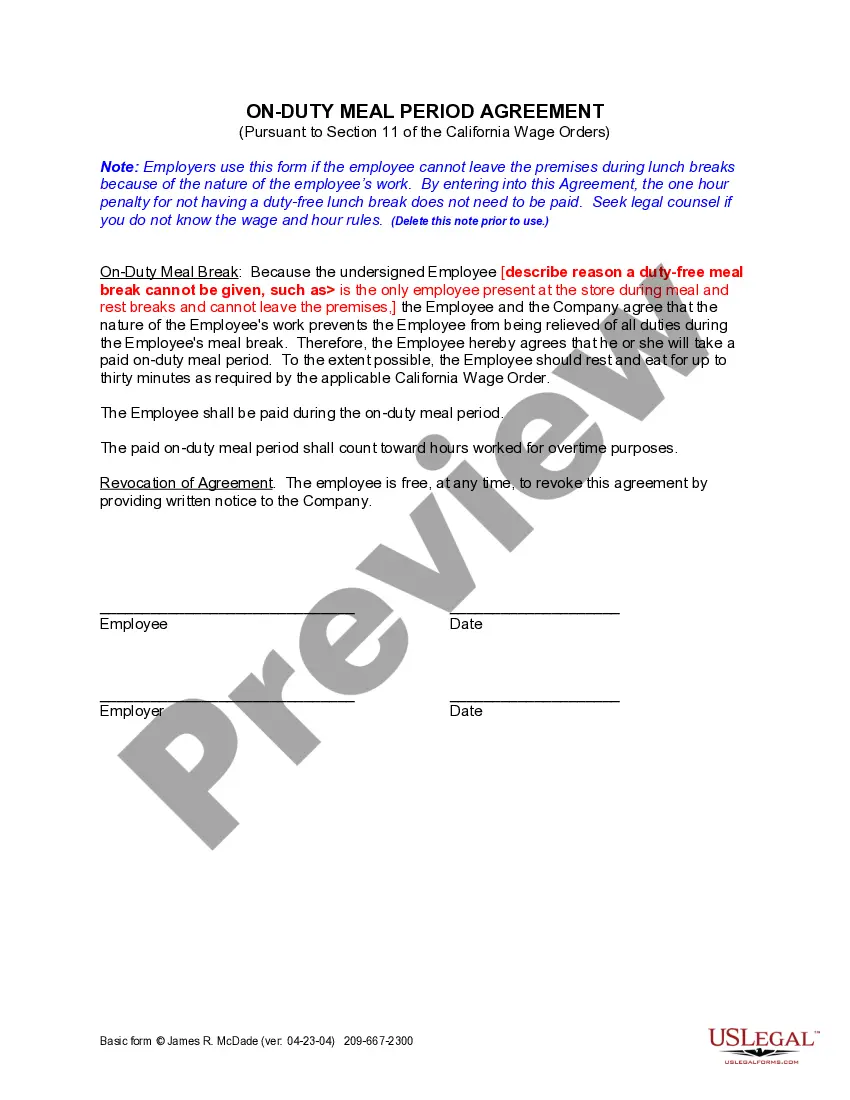
Employee Meal Break With Lunch
Description
Get your form ready online
Our built-in tools help you complete, sign, share, and store your documents in one place.
Make edits, fill in missing information, and update formatting in US Legal Forms—just like you would in MS Word.
Download a copy, print it, send it by email, or mail it via USPS—whatever works best for your next step.
Sign and collect signatures with our SignNow integration. Send to multiple recipients, set reminders, and more. Go Premium to unlock E-Sign.
If this form requires notarization, complete it online through a secure video call—no need to meet a notary in person or wait for an appointment.
We protect your documents and personal data by following strict security and privacy standards.

Make edits, fill in missing information, and update formatting in US Legal Forms—just like you would in MS Word.

Download a copy, print it, send it by email, or mail it via USPS—whatever works best for your next step.

Sign and collect signatures with our SignNow integration. Send to multiple recipients, set reminders, and more. Go Premium to unlock E-Sign.

If this form requires notarization, complete it online through a secure video call—no need to meet a notary in person or wait for an appointment.

We protect your documents and personal data by following strict security and privacy standards.
Looking for another form?



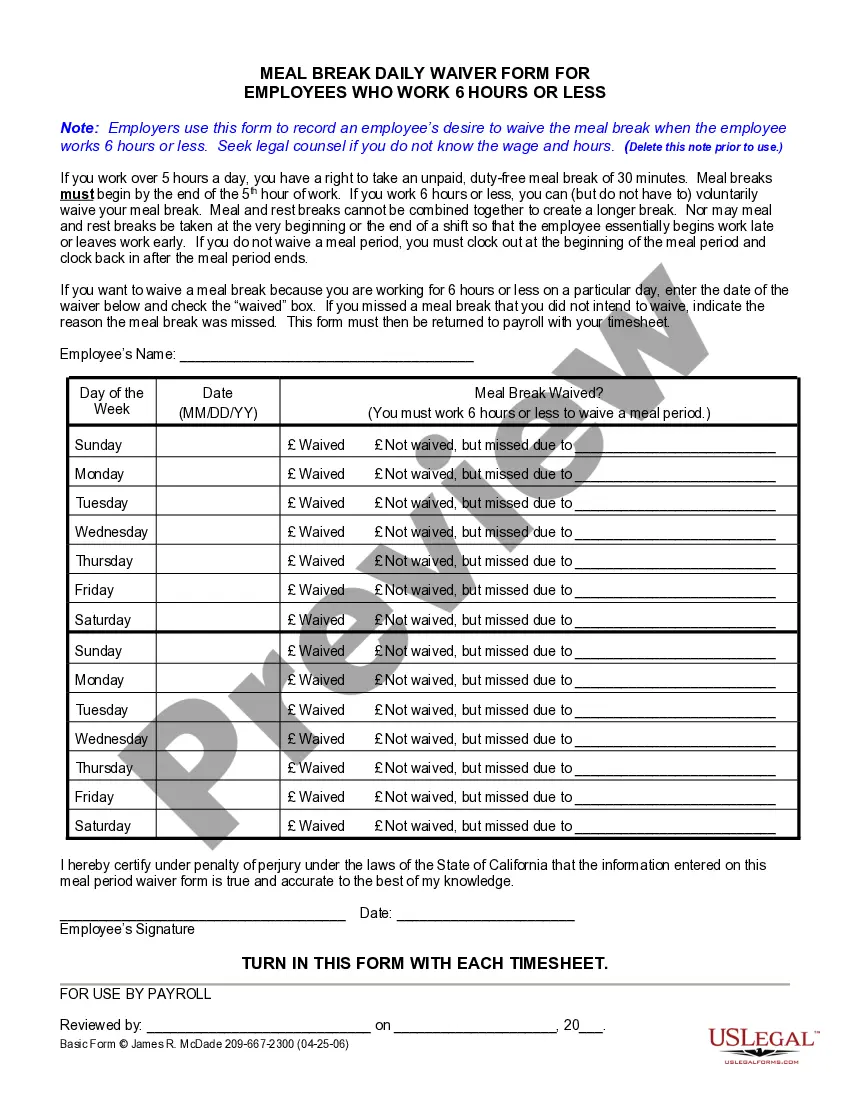
How to fill out California On Duty Meal Period Agreement?
Whether for corporate reasons or personal issues, everyone must confront legal matters at some time in their lives.
Filling out legal documents requires meticulous care, starting with choosing the correct template example.
Once it is saved, you can complete the form using editing software or print it and finalize it manually. With an extensive US Legal Forms collection available, there's no need to waste time searching for the correct template online. Use the library’s straightforward navigation to find the appropriate form for any circumstance.
- Acquire the template you require by utilizing the search bar or catalog browsing.
- Review the form’s details to confirm it corresponds with your situation, state, and locality.
- Click on the form’s preview to view it.
- If it is the incorrect document, return to the search tool to find the Employee Meal Break With Lunch template you require.
- Download the file when it satisfies your needs.
- If you already possess a US Legal Forms account, simply click Log in to access documents you have saved in My documents.
- In case you don’t have an account yet, you can obtain the form by clicking Buy now.
- Choose the suitable pricing option.
- Fill out the account registration form.
- Select your payment method: use a credit card or PayPal account.
- Choose the document format you desire and download the Employee Meal Break With Lunch.
Form popularity
FAQ
You can simply state, 'I am going for a break now.' This clearly communicates your intention to step away for a moment. It's a straightforward way to inform colleagues that you are taking your employee meal break with lunch.
The Occupational Safety and Health Administration (OSHA) has neither researched nor issued standards requiring that workers be permitted lunch and rest breaks in the course of their workday.
Under federal law, an employer can deduct time for lunch only if the employee has a lunch break of at least 30 minutes and has no work duties during that time.
The standard as to whether a meal break is appropriate to deduct from time worked is whether the employee was ?completely relieved of duty.? Thus, one who multitasks during the meal break (i.e., eats and works at the same time), is not completely relieved of duty and should be compensated for such time.
Unless an employee works in a retail establishment and meets the requirements of the Healthy Retail Employee Act, there is no law requiring an employer provide breaks, including lunch breaks, unless the employee is under the age of 18. Minors under 18 must receive a 30-minute break for every 5 hours of work.
It is practice throughout government that any workday of five hours or more include a 30-minute non-compensable lunch period. This may be extended to one hour if the workday is correspondingly extended.