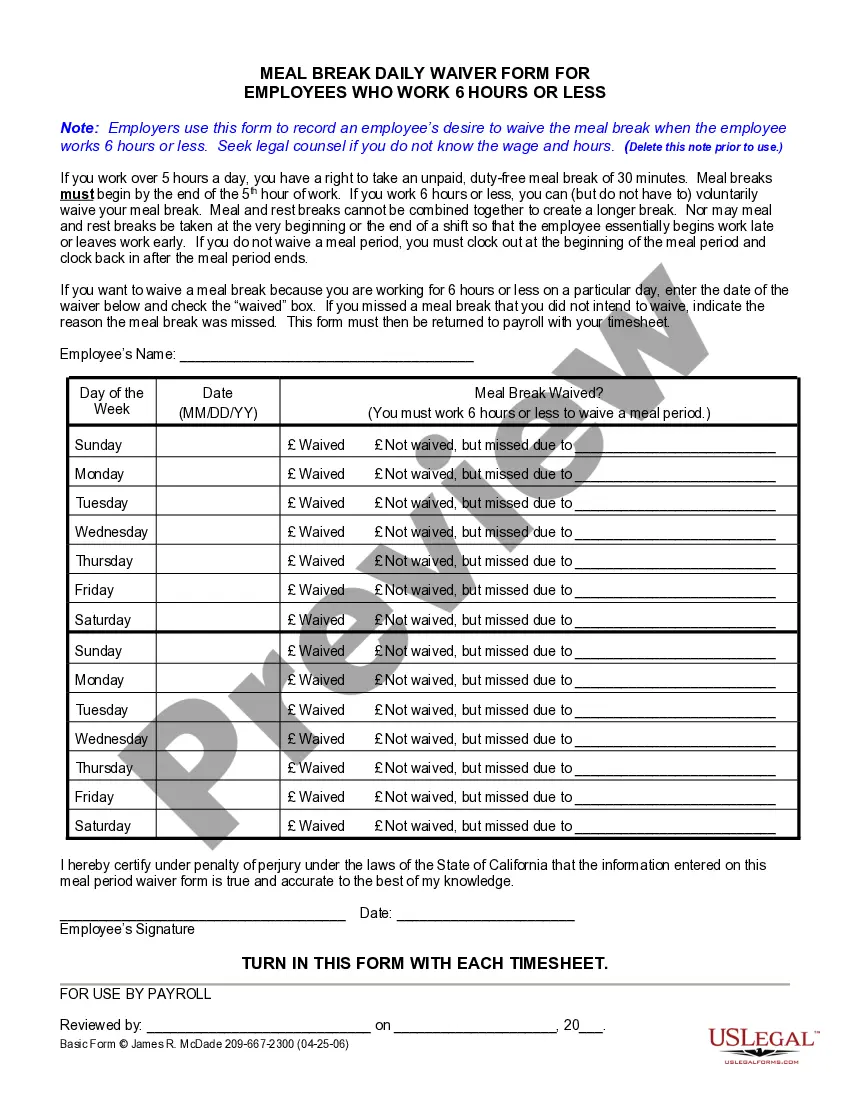
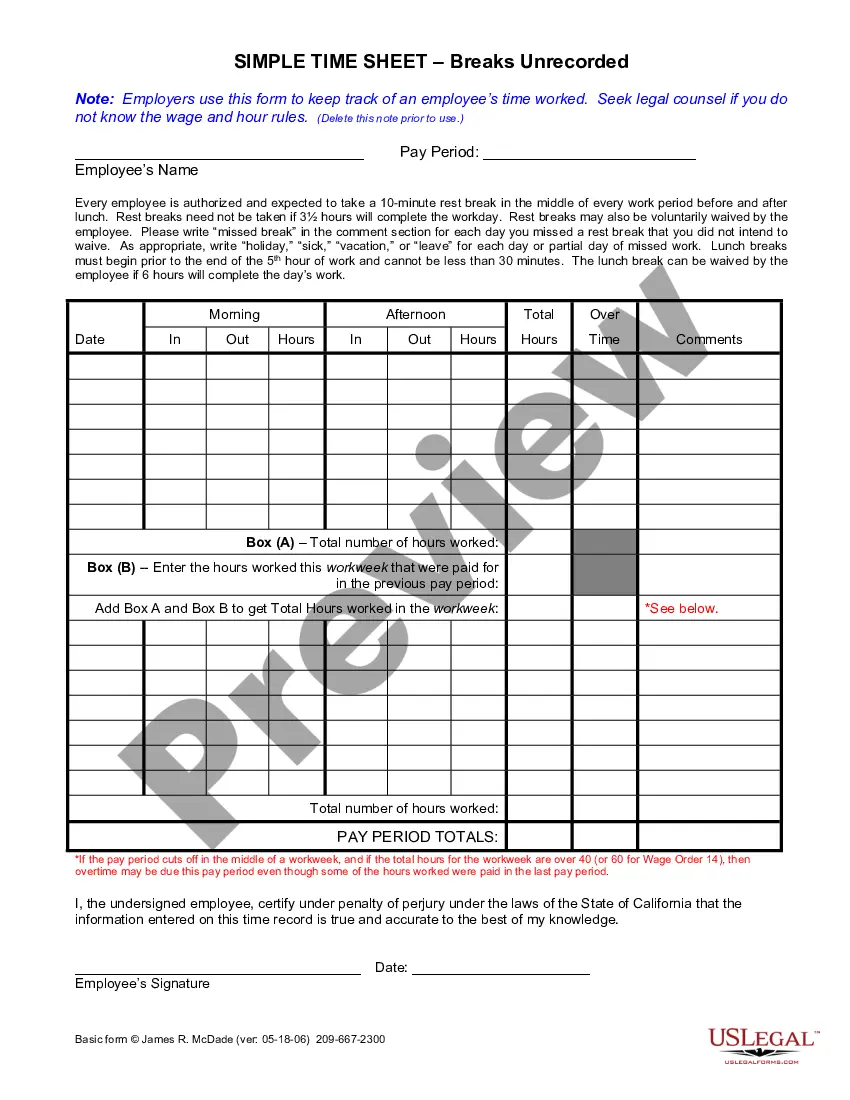
Staff Break Rules
Description
Get your form ready online
Our built-in tools help you complete, sign, share, and store your documents in one place.
Make edits, fill in missing information, and update formatting in US Legal Forms—just like you would in MS Word.
Download a copy, print it, send it by email, or mail it via USPS—whatever works best for your next step.
Sign and collect signatures with our SignNow integration. Send to multiple recipients, set reminders, and more. Go Premium to unlock E-Sign.
If this form requires notarization, complete it online through a secure video call—no need to meet a notary in person or wait for an appointment.
We protect your documents and personal data by following strict security and privacy standards.

Make edits, fill in missing information, and update formatting in US Legal Forms—just like you would in MS Word.

Download a copy, print it, send it by email, or mail it via USPS—whatever works best for your next step.

Sign and collect signatures with our SignNow integration. Send to multiple recipients, set reminders, and more. Go Premium to unlock E-Sign.

If this form requires notarization, complete it online through a secure video call—no need to meet a notary in person or wait for an appointment.

We protect your documents and personal data by following strict security and privacy standards.
Looking for another form?








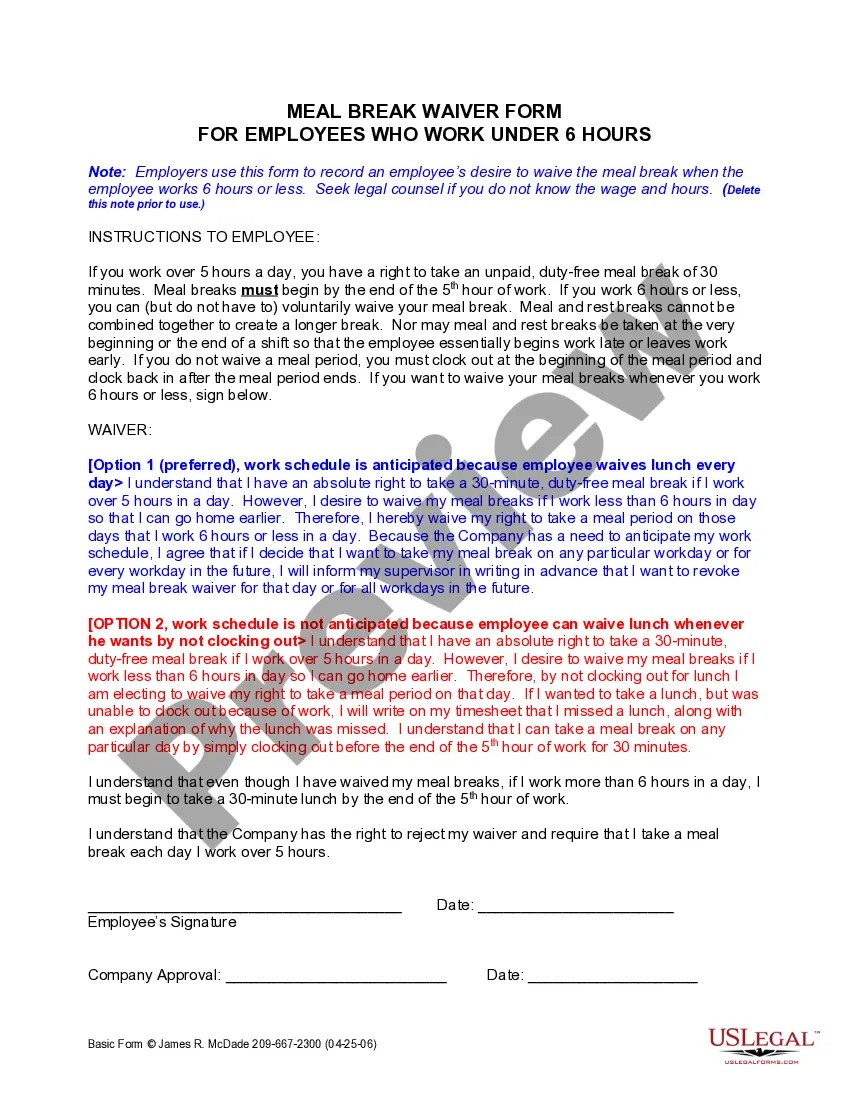
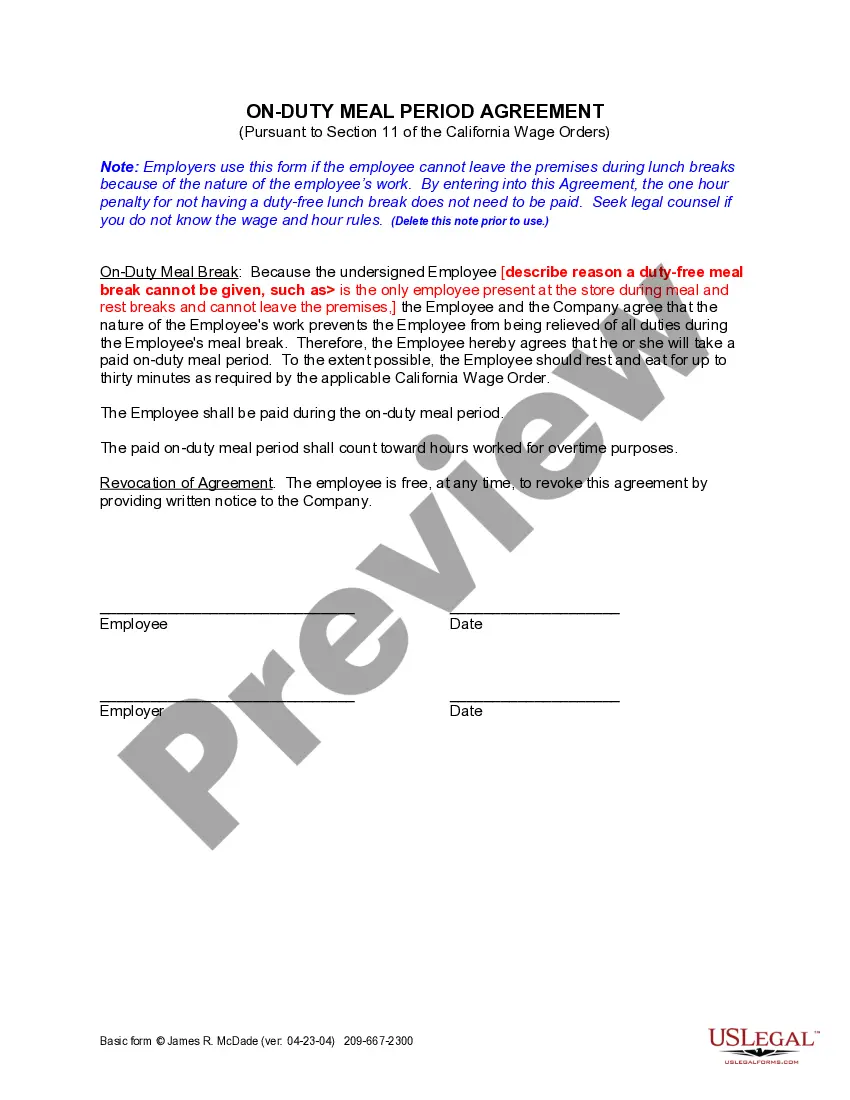
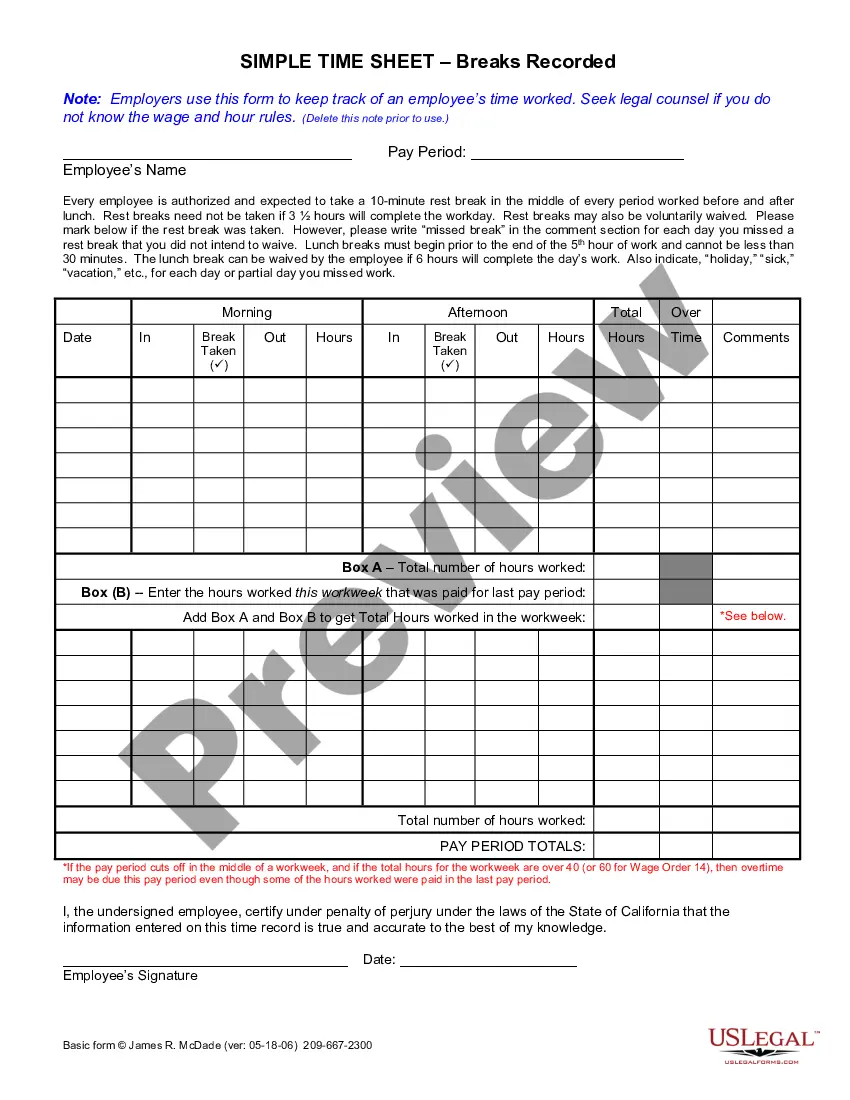
How to fill out California Meal Break Daily Waiver For 6 Hour Employees?
Obtaining legal document examples that adhere to federal and local regulations is essential, and the internet provides numerous alternatives to select from.
However, what’s the benefit of spending time looking for the appropriate Staff Break Rules template online if the US Legal Forms digital library already consolidates such documents in one location.
US Legal Forms is the largest online legal repository with over 85,000 fillable templates created by attorneys for any business and personal situation. They are simple to navigate with all files organized by state and intended use.
- Our experts keep up with legislative updates, so you can always be assured that your form is current and compliant when obtaining a Staff Break Rules from our site.
- Acquiring a Staff Break Rules is fast and straightforward for both existing and new users.
- If you already possess an account with an active subscription, Log In and retrieve the document sample you need in the correct format.
- If you are new to our site, adhere to the instructions below.
- Review the template using the Preview feature or via the text description to confirm it satisfies your requirements.
Form popularity
FAQ
THROUGH THE MAIL: Download and fill out the Criminal History Record Application (Criminal Background Check). Follow the instructions on the form, and mail the completed application and fee to our office. For more information, please call the Bureau of Criminal Identification at 801-965-4445.
MyCase is an online system available from the Utah State Courts. You can use MyCase to: See your case history (a record of what has happened in your case) See the papers that have been filed in your case.
Free public XChange access is available at most district courthouses and may be available in some justice court locations. Contact the district or justice court to verify public XChange access. Free public XChange access is also available at the Utah State Law Library.
You may obtain a login to PACER by registering with the PACER Service Center . The PACER Case Locator allows you to search for court records in all district, bankruptcy, and appellate courts.
The PACER Case Locator allows you to search for court records in all district, bankruptcy, and appellate courts.
Here you have two options: Public access terminals are available at the office of the clerk. Dockets and case documents can be printed from those terminals at a cost of $. 10 a page. Copies of documents can be made by clerk's office staff at a cost of $. 50 a page.
The courts began making most public records available online through a subscription to the XChange database in April 2011. See the Court Records web page for more information about where to find court records.