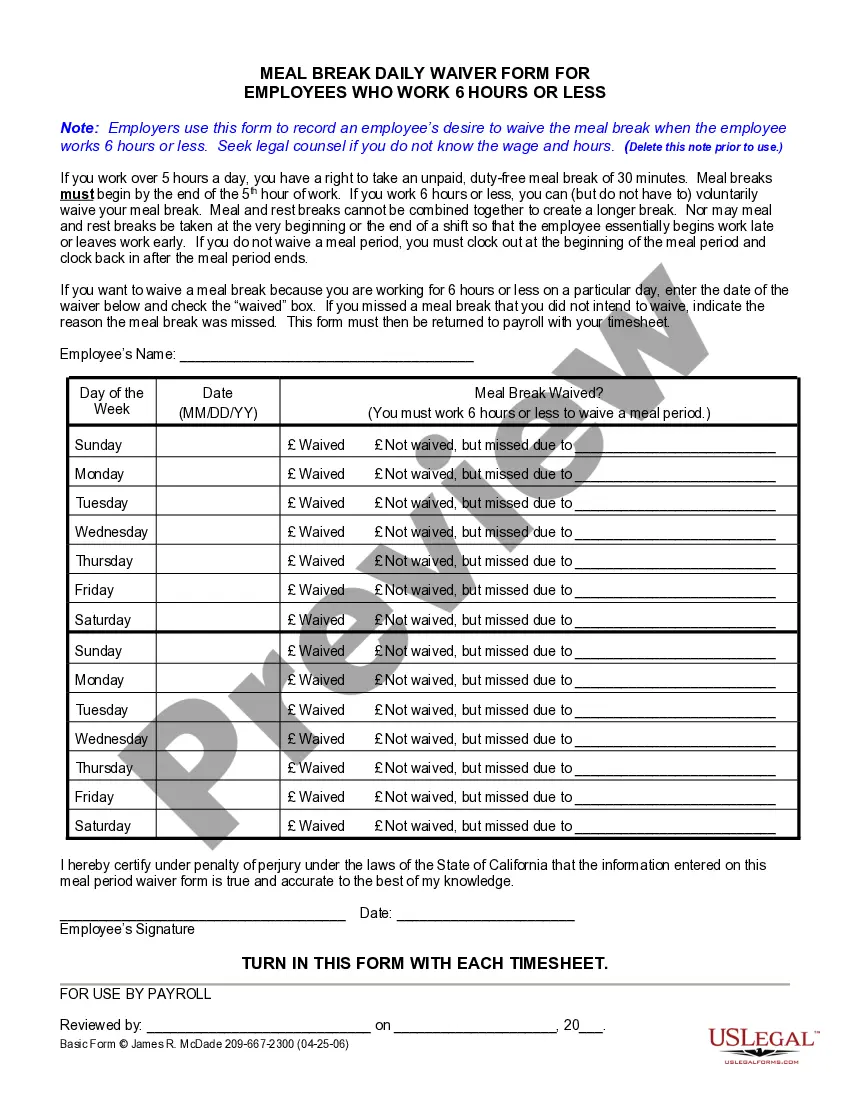
California Lunch Waiver Form Printable With Answers
Description
Get your form ready online
Our built-in tools help you complete, sign, share, and store your documents in one place.
Make edits, fill in missing information, and update formatting in US Legal Forms—just like you would in MS Word.
Download a copy, print it, send it by email, or mail it via USPS—whatever works best for your next step.
Sign and collect signatures with our SignNow integration. Send to multiple recipients, set reminders, and more. Go Premium to unlock E-Sign.
If this form requires notarization, complete it online through a secure video call—no need to meet a notary in person or wait for an appointment.
We protect your documents and personal data by following strict security and privacy standards.

Make edits, fill in missing information, and update formatting in US Legal Forms—just like you would in MS Word.

Download a copy, print it, send it by email, or mail it via USPS—whatever works best for your next step.

Sign and collect signatures with our SignNow integration. Send to multiple recipients, set reminders, and more. Go Premium to unlock E-Sign.

If this form requires notarization, complete it online through a secure video call—no need to meet a notary in person or wait for an appointment.

We protect your documents and personal data by following strict security and privacy standards.
Looking for another form?

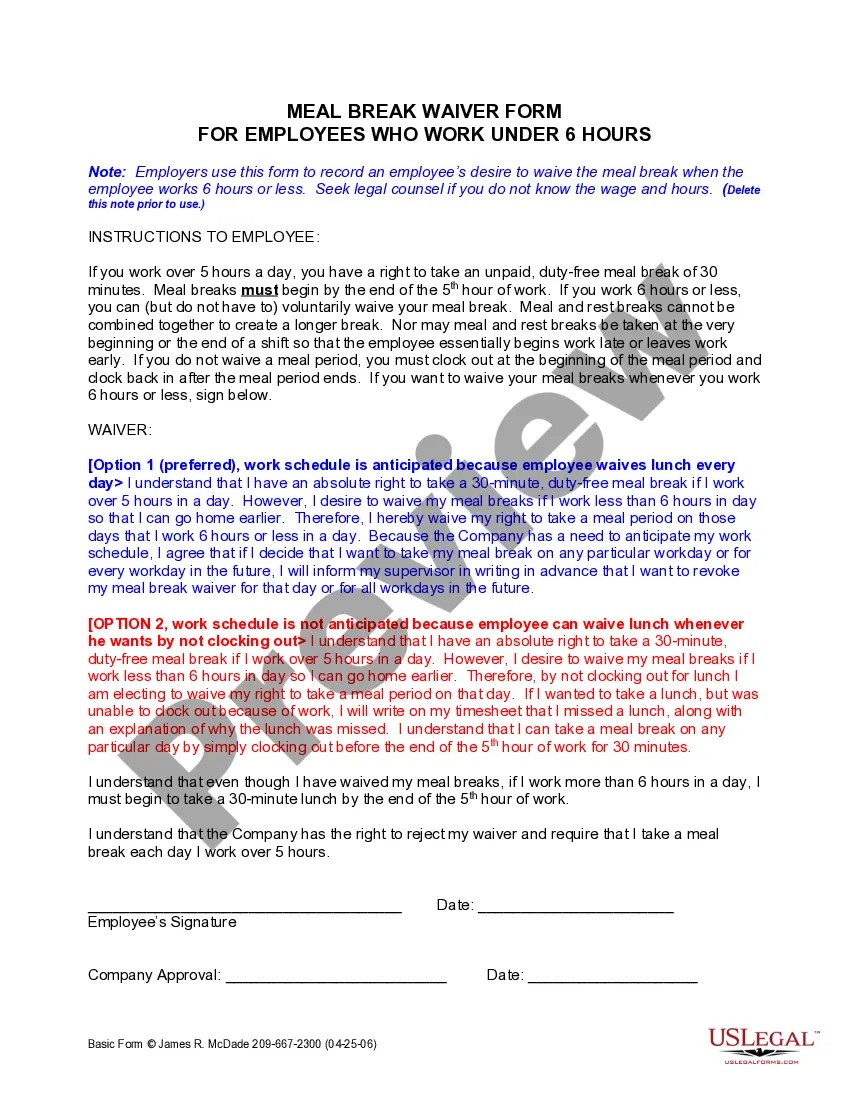
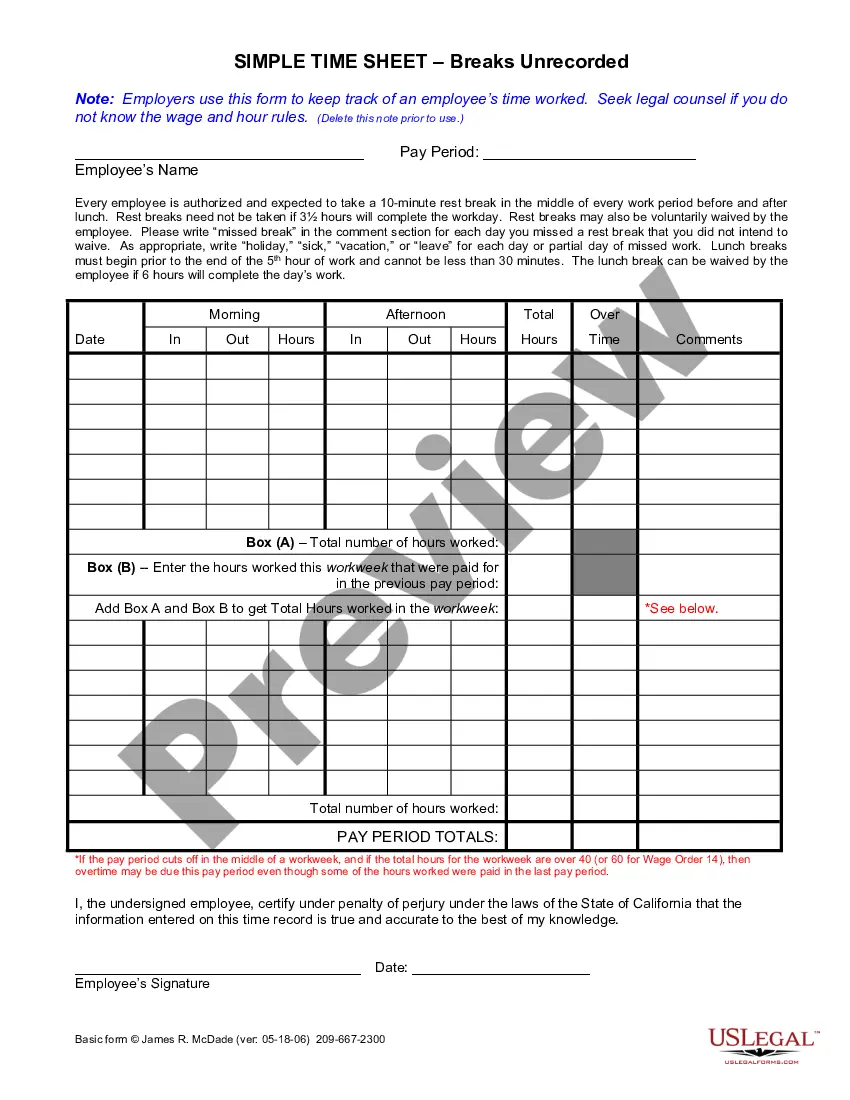
How to fill out California Meal Break Daily Waiver For 6 Hour Employees?
The California Lunch Waiver Document Printable With Responses you observe on this site is a reusable legal template prepared by expert attorneys in accordance with federal and state regulations.
For over 25 years, US Legal Forms has offered individuals, organizations, and legal practitioners more than 85,000 authenticated, state-specific forms for any commercial and personal scenario. It’s the fastest, simplest, and most trustworthy method to acquire the documentation you require, as the service ensures bank-level data protection and anti-malware safeguards.
Register for US Legal Forms to have verified legal templates for all of life’s circumstances readily available.
- Search for the document you require and evaluate it.
- Browse through the file you sought and preview it or examine the form description to ensure it fulfills your needs. If it doesn’t, utilize the search feature to find the correct one. Click Buy Now when you've identified the template you seek.
- Select and Log In.
- Choose the payment plan that fits you and sign up for an account. Use PayPal or a credit card to make an immediate payment. If you already have an account, Log In and verify your subscription to continue.
- Obtain the editable template.
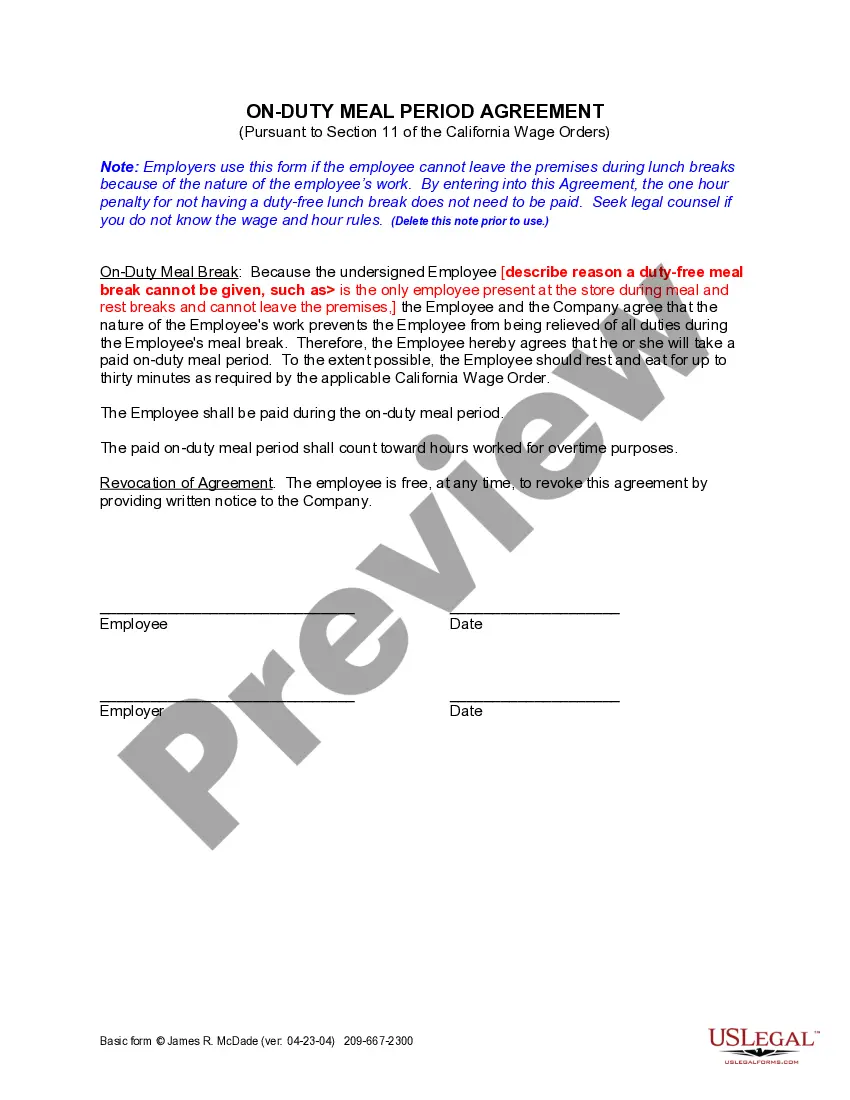
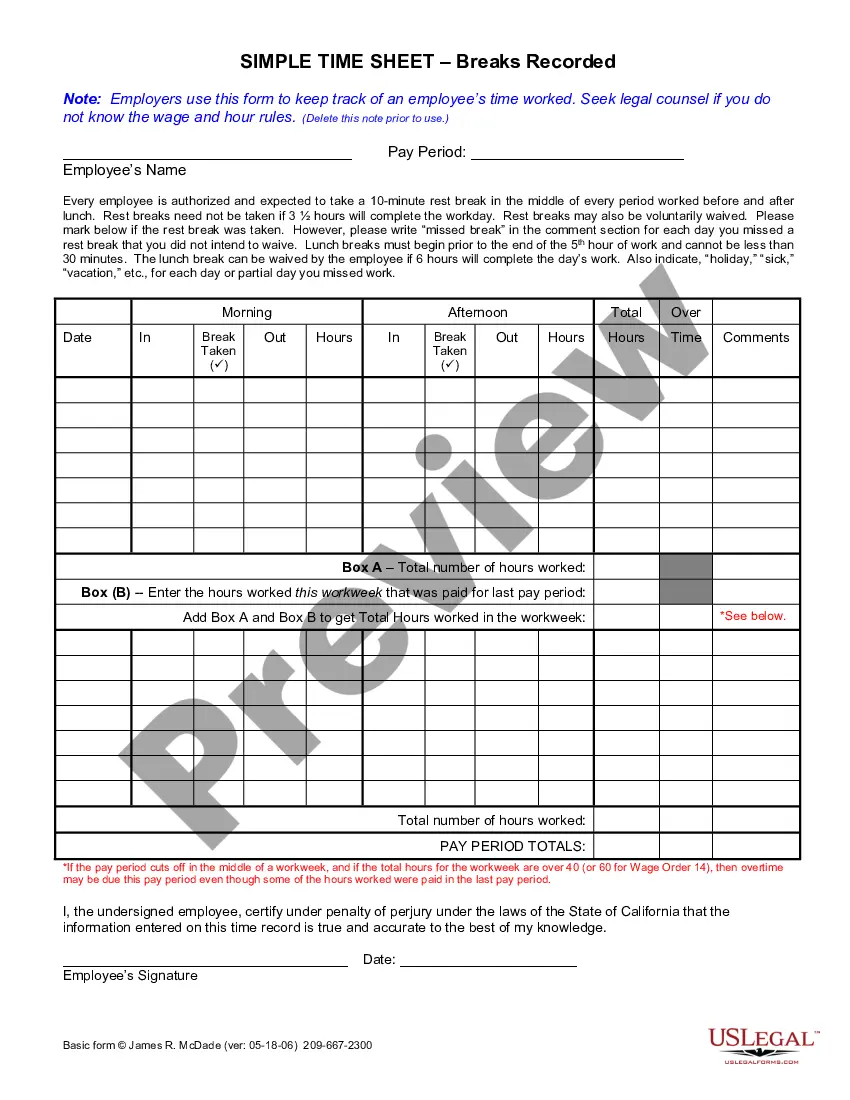
- Pick the format you want for your California Lunch Waiver Document Printable With Responses (PDF, DOCX, RTF) and download the example to your device.
- Complete and sign the document.
- Print the template to fill it out manually. Alternatively, utilize an online multifunctional PDF editor to quickly and accurately fill in and sign your form with a valid signature.
- Re-download your paperwork as needed.
- Access the same document again whenever necessary. Open the My documents tab in your profile to redownload any previously obtained forms.
Form popularity
FAQ
If you don't work more than six hours, you can also skip your meal break for any reason. You may legally waive your meal break if you work more than six hours. But you and your employer must agree to it beforehand, preferably in writing.
A meal period waiver is not required to be in writing by the California Labor Code or Wage Orders it's important to document such a waiver, because if a lawsuit does arise, you will want the waiver to be in writing.
I give my consent that I may waive my 30-minute unpaid meal break only when my work and/or scheduled shift will be completed in 6 hours or less in one workday. I understand that if my shift exceeds 6 hours, I am required to take an unpaid meal break of at least 30 minutes.
A meal period waiver is not required to be in writing by the California Labor Code or Wage Orders it's important to document such a waiver, because if a lawsuit does arise, you will want the waiver to be in writing.
Though not required, I always recommend that employers reduce this waiver to writing. And, equally important, the employer should document every day that the employee and employer agree to such a waiver.