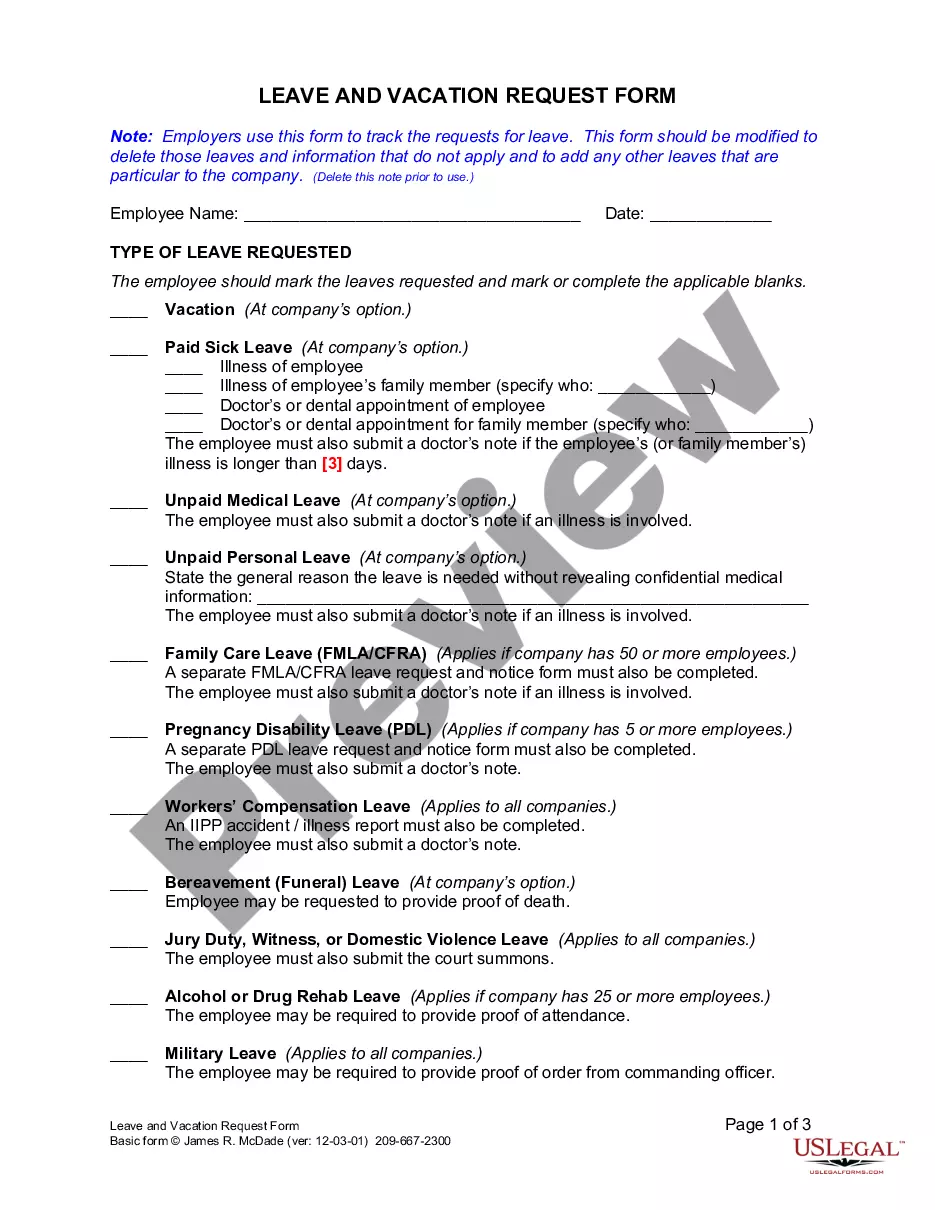
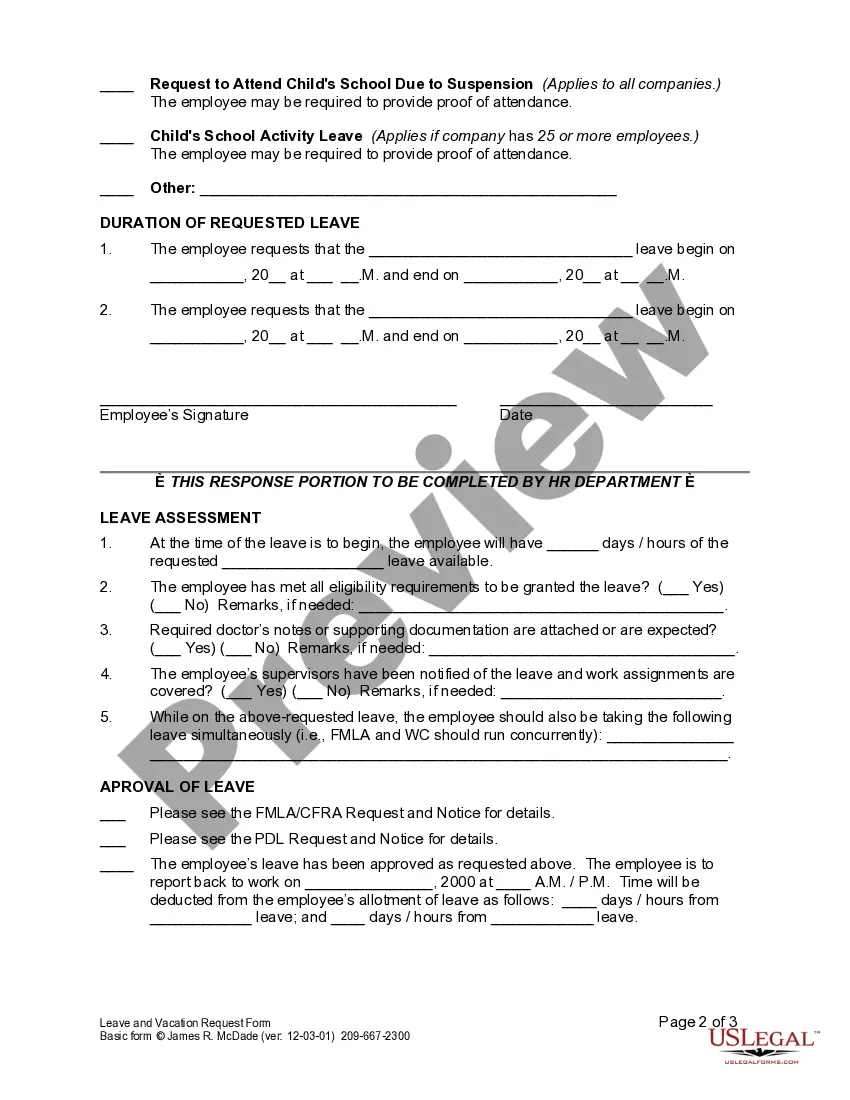
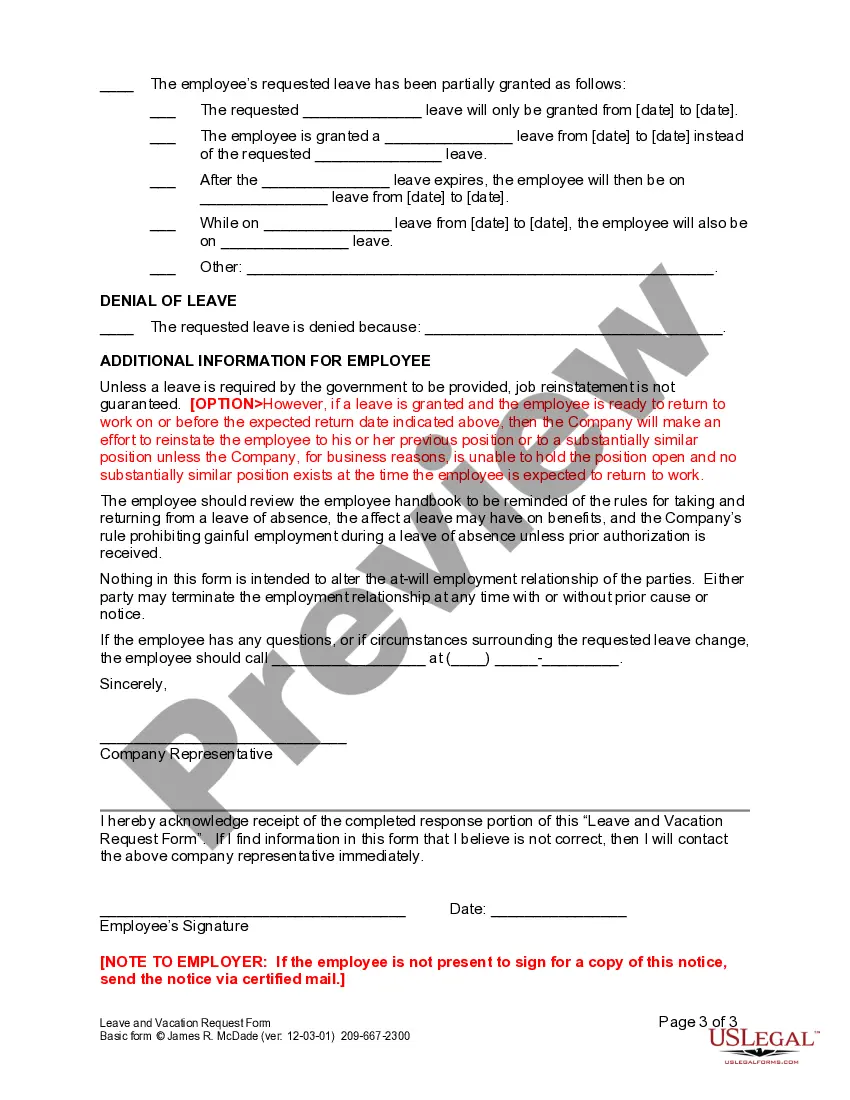
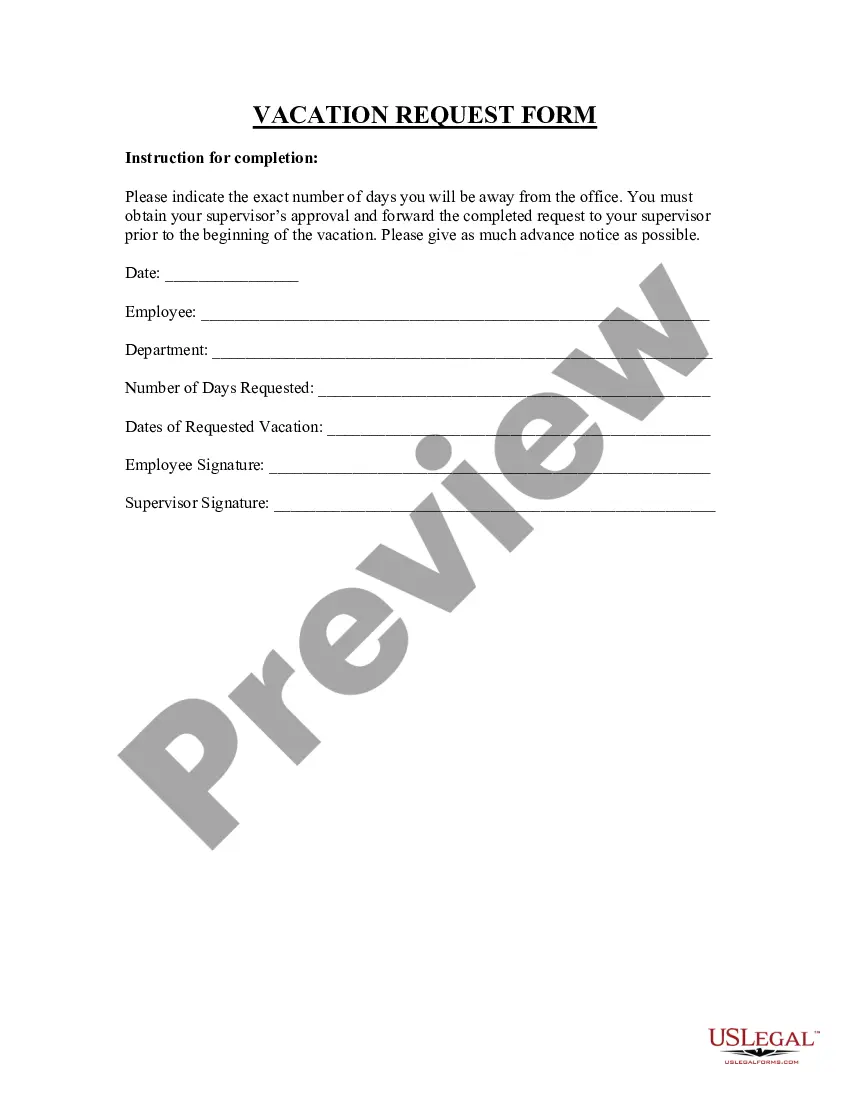
Annual Leave Request To Manager
Description


Get your form ready online
Our built-in tools help you complete, sign, share, and store your documents in one place.
Make edits, fill in missing information, and update formatting in US Legal Forms—just like you would in MS Word.
Download a copy, print it, send it by email, or mail it via USPS—whatever works best for your next step.
Sign and collect signatures with our SignNow integration. Send to multiple recipients, set reminders, and more. Go Premium to unlock E-Sign.
If this form requires notarization, complete it online through a secure video call—no need to meet a notary in person or wait for an appointment.
We protect your documents and personal data by following strict security and privacy standards.

Make edits, fill in missing information, and update formatting in US Legal Forms—just like you would in MS Word.

Download a copy, print it, send it by email, or mail it via USPS—whatever works best for your next step.

Sign and collect signatures with our SignNow integration. Send to multiple recipients, set reminders, and more. Go Premium to unlock E-Sign.

If this form requires notarization, complete it online through a secure video call—no need to meet a notary in person or wait for an appointment.

We protect your documents and personal data by following strict security and privacy standards.
Looking for another form?
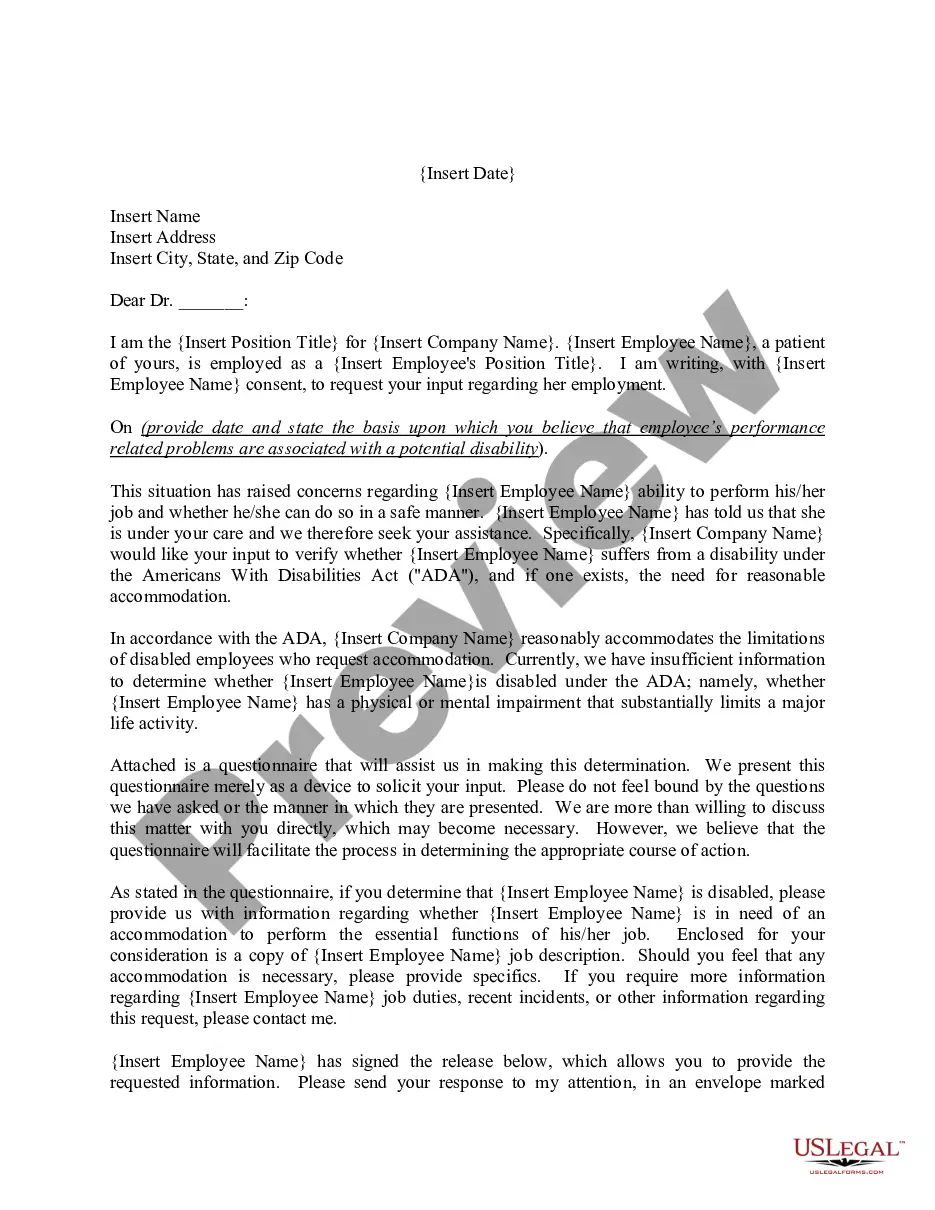
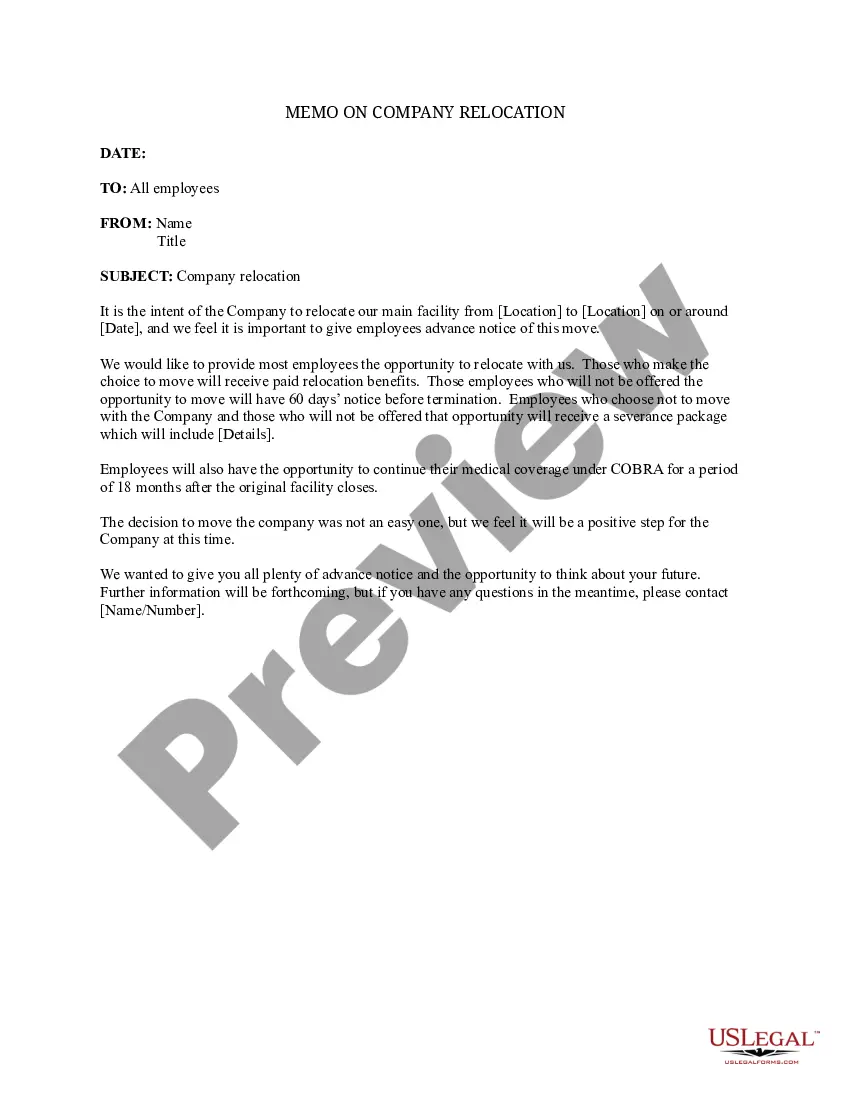
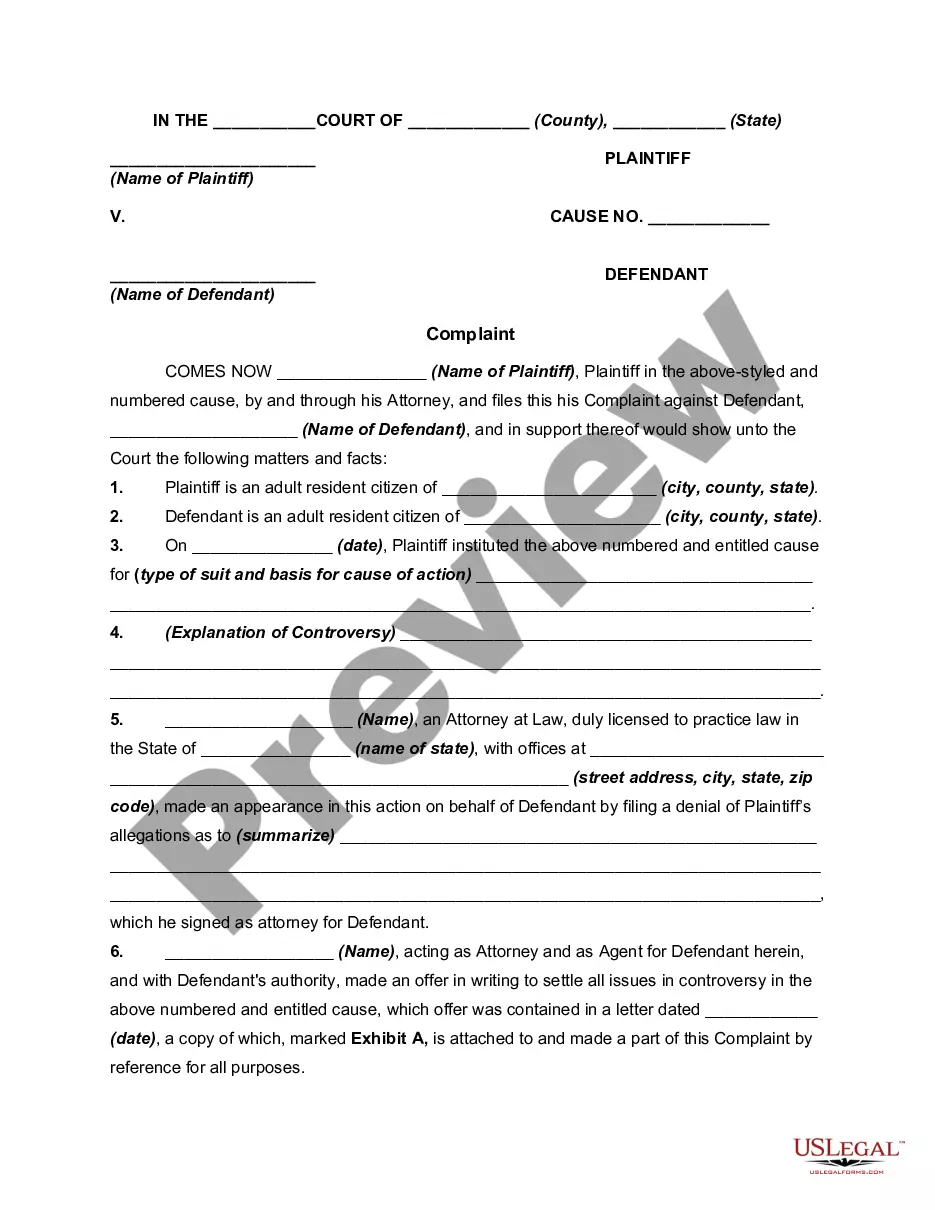
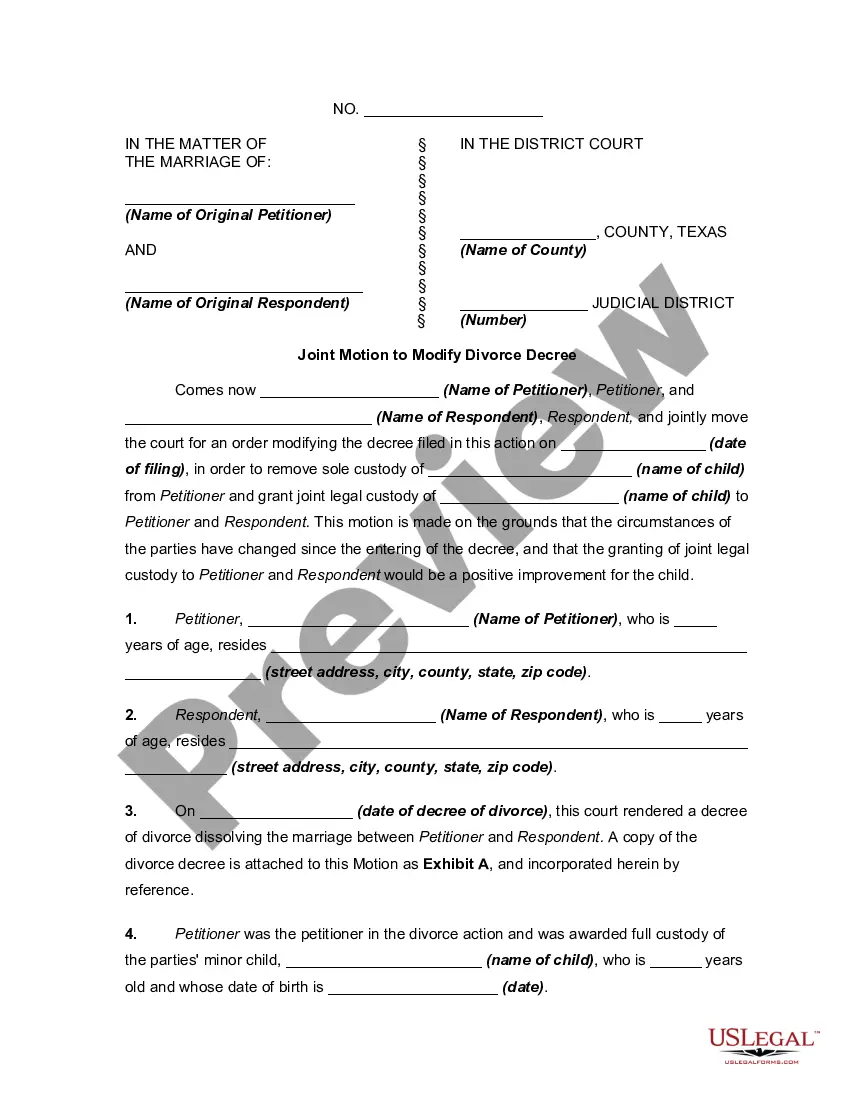


How to fill out California Leave And Vacation Request Form?
The Yearly Leave Application To Supervisor you see on this page is a reusable legal format crafted by expert attorneys in accordance with national and local laws.
For over 25 years, US Legal Forms has supplied individuals, organizations, and legal practitioners with more than 85,000 authenticated, state-specific documents for any commercial and personal scenario. It’s the fastest, most straightforward, and most reliable method to acquire the paperwork you require, as the service ensures the utmost level of data privacy and anti-malware safeguards.
Choose the format you prefer for your Yearly Leave Application To Supervisor (PDF, Word, RTF) and download the sample to your device.
- Search for the document you require and examine it.
- Browse through the file you sought and preview it or review the form description to verify it meets your needs. If it doesn’t, utilize the search bar to locate the appropriate one. Click Buy Now when you’ve found the template you need.
- Register and sign in.
- Select the payment plan that fits you and create an account. Use PayPal or a credit card to make a swift payment. If you already possess an account, Log In and check your subscription to continue.
- Acquire the editable template.
Form popularity
FAQ
How to ask for time off Know your company's policies. ... Decide on the type of time off you need. ... Request time off in writing. ... Discuss the request with your supervisor. ... Make arrangements for coverage. ... Communicate your absence. ... Provide a status update upon your return.
Here are some tips for writing an annual leave letter: Keep the letter short and concise. Include a leave application form if your company has one. Make sure the content is formal and not too personal. Use language that is professional and polite. Mention the specific dates that you will be absent.
Use the bot View your current leave balances. For example, send a message that says, "View leave balances." Start a leave request for you. ... The chat bot will populate a leave request for you. ... When you're done editing your leave request details, select Submit to submit it for approval.
Here are some basic steps to take when asking your manager for some time off work: Choose a formal greeting. ... Explain why you're writing. ... State the dates of your absence. ... Provide a reason, if necessary. ... Share additional details. ... Thank your supervisor for their consideration. ... Include a formal sign-off and a signature.
Step #1: Write a concise subject line. Step #2: State the reason for your email. Step #3: Include exact dates. Step #4: State the reason for your request (optional) Step #5: State the steps you're taking to prepare for your leave. Step #6: Express that you're open to questions. Step #7: Include a Thank you.