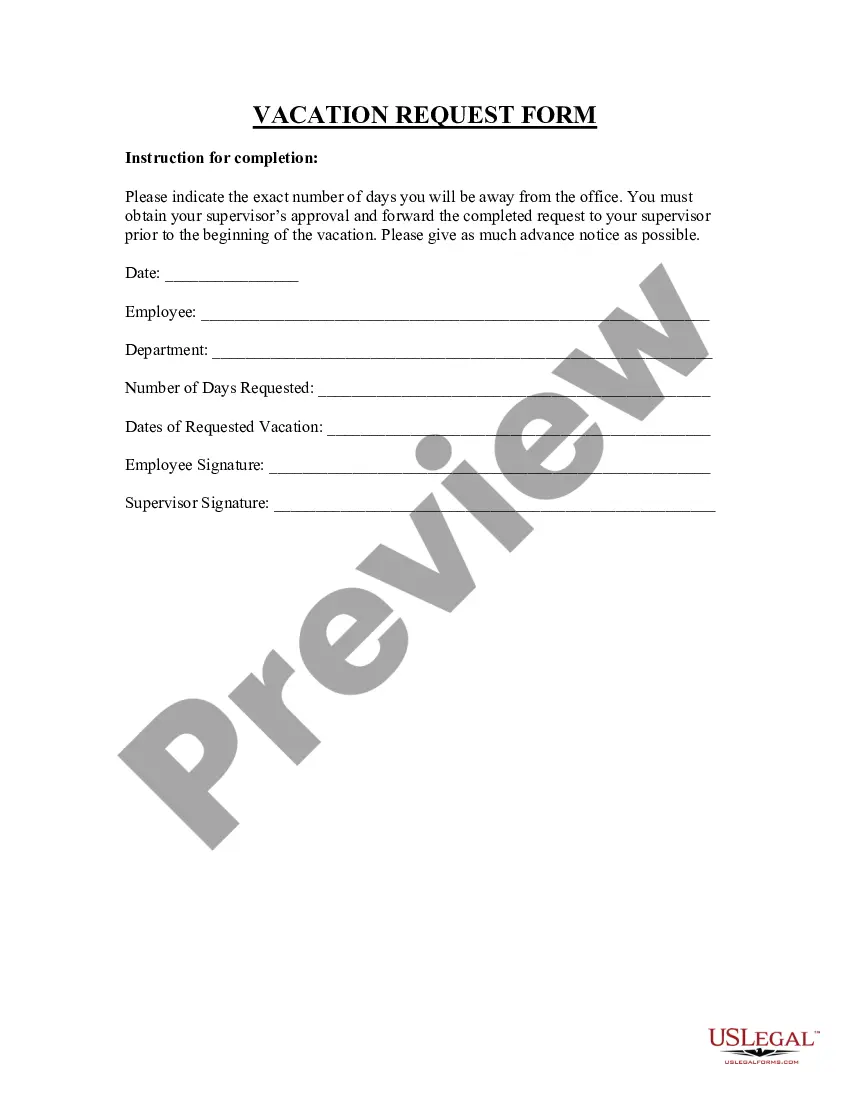
Leave Request Form Forest Service
Description


Get your form ready online
Our built-in tools help you complete, sign, share, and store your documents in one place.
Make edits, fill in missing information, and update formatting in US Legal Forms—just like you would in MS Word.
Download a copy, print it, send it by email, or mail it via USPS—whatever works best for your next step.
Sign and collect signatures with our SignNow integration. Send to multiple recipients, set reminders, and more. Go Premium to unlock E-Sign.
If this form requires notarization, complete it online through a secure video call—no need to meet a notary in person or wait for an appointment.
We protect your documents and personal data by following strict security and privacy standards.

Make edits, fill in missing information, and update formatting in US Legal Forms—just like you would in MS Word.

Download a copy, print it, send it by email, or mail it via USPS—whatever works best for your next step.

Sign and collect signatures with our SignNow integration. Send to multiple recipients, set reminders, and more. Go Premium to unlock E-Sign.

If this form requires notarization, complete it online through a secure video call—no need to meet a notary in person or wait for an appointment.

We protect your documents and personal data by following strict security and privacy standards.
Looking for another form?
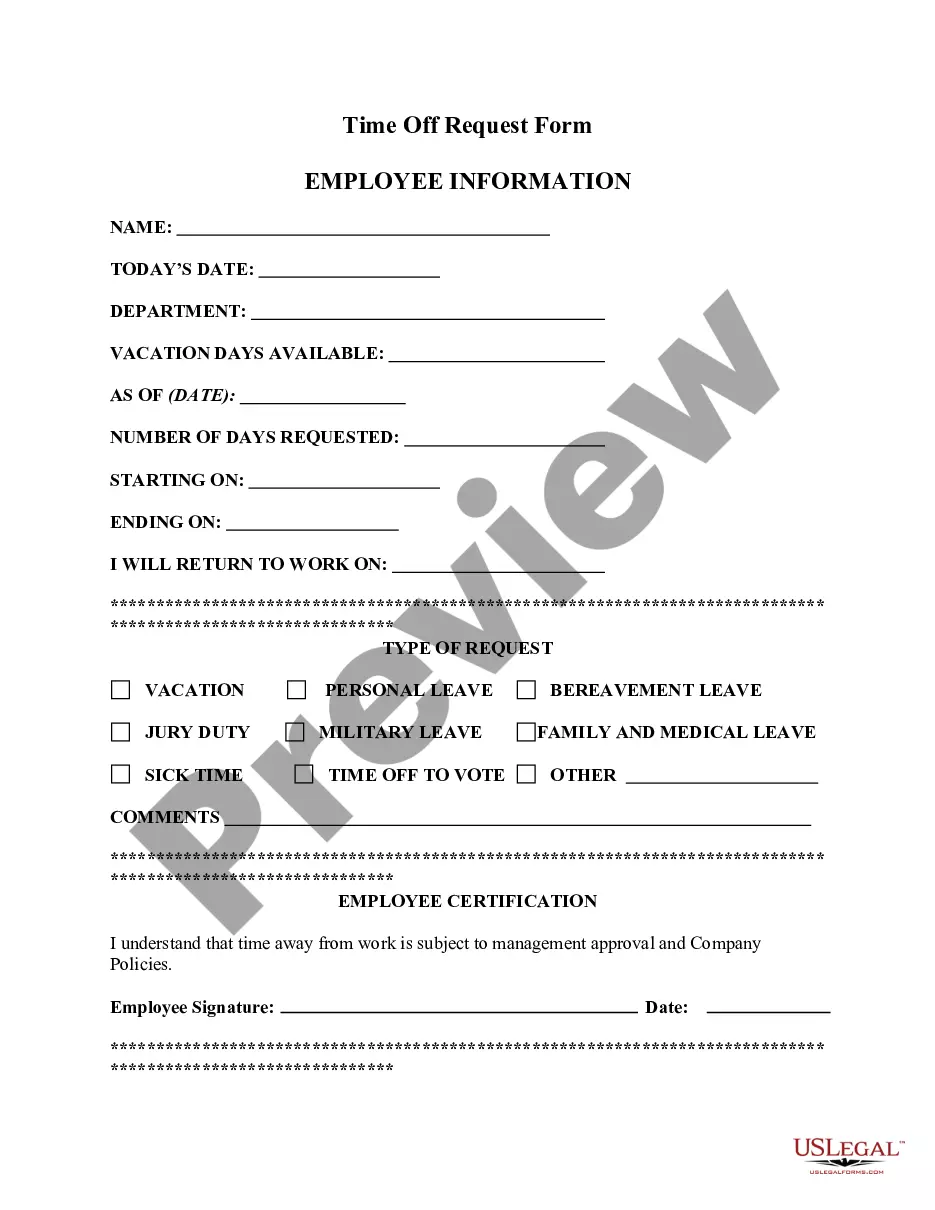
How to fill out Vacation Request Form?
Legal oversight can be perplexing, even for seasoned professionals.
When you seek a Leave Request Form for the Forest Service and lack the time to locate the appropriate and current version, the process can be overwhelming.
Tap into a repository of articles, guides, and resources highly pertinent to your situation and needs.
Conserve time and effort searching for the documents you require, and utilize US Legal Forms' sophisticated search and Review feature to find the Leave Request Form for the Forest Service and download it.
Transform your regular document management into a simple and user-friendly process today with the support of the US Legal Forms online catalogue, backed by 25 years of experience and credibility.
- If you hold a membership, Log In to your US Legal Forms account, search for the form, and download it.
- Check your My documents tab to view the documents you've saved and manage your folders as desired.
- If you are a new user of US Legal Forms, set up a free account to gain unrestricted access to all the library's advantages.
- Here are the steps to follow after accessing the form you need.
- Validate that this is the correct form by previewing it and examining its description.
- Access legal and business forms specific to your state or county.
- US Legal Forms caters to all requirements you may have, from personal to business documents, all in one place.
- Leverage advanced tools to fill out and manage your Leave Request Form for the Forest Service.
Form popularity
FAQ
To submit a leave request, complete the appropriate form with all necessary details and submit it to your supervisor or HR department. Depending on your organization, you may be able to submit electronically. The leave request form forest service provides a streamlined way to guide you through this submission process.
Filling out an employee time off request form requires you to enter your name, the dates you're requesting off, and the reason for your absence. It's essential to be clear and concise in your responses to avoid delays. Refer to the leave request form forest service to ensure you complete the process correctly.
The SF 71 form is a standard government form used to request leave for federal employees. It provides a structured way to communicate your leave intentions to your supervisor. When completing your leave request form forest service, it's helpful to know how the SF 71 integrates into the overall process.
A sample vacation request form typically includes fields for your name, department, dates of leave, and the reason for your request. By using a clear layout and simple language, you can make your submission easier to review. Utilize the leave request form forest service as a reference for best practices.
To fill out a travel request, start by providing your travel dates, destination, purpose of the trip, and estimated expenses. Make sure to reference the leave request form forest service for any specific fields that need attention. This process helps ensure clarity and quick approval.
Filling out a vacation request form typically involves entering your personal information, dates of requested leave, and a brief reason for the request. To ensure smooth processing, follow guidelines specific to the leave request form forest service to include all necessary details.
An example of a vacation request might include specifying the dates you wish to take off and providing a reason for your absence, such as a family trip or personal time. This request can be submitted through your leave request form forest service, which streamlines the approval process and keeps everything documented.
A valid reason for a leave of absence includes personal health issues, family emergencies, or situations requiring time off for personal matters. The forest service allows various types of leave, such as sick leave and annual leave, provided they meet the criteria outlined in service policies. It's vital to clearly state your reason when submitting your leave request form. Use resources like uslegalforms to understand more about valid leave reasons and to assist with your submission.
The 71 form refers to the SF 71, which is specifically used for leave of absence requests in federal employment. This standardized form helps streamline the leave application process, ensuring all necessary details are documented. Accurate completion of the 71 form facilitates a clear understanding between employees and the forest service regarding leave entitlements. You can access templates and guides on filling out the 71 form on uslegalforms.
An SF 71 is a government form used to request leave from federal positions, including those within the forest service. This form captures essential information like the type of leave requested and the time period it covers. By using the SF 71 correctly, employees ensure compliance with federal regulations. For a smoother process, you can find resources on how to complete this form on platforms like uslegalforms.