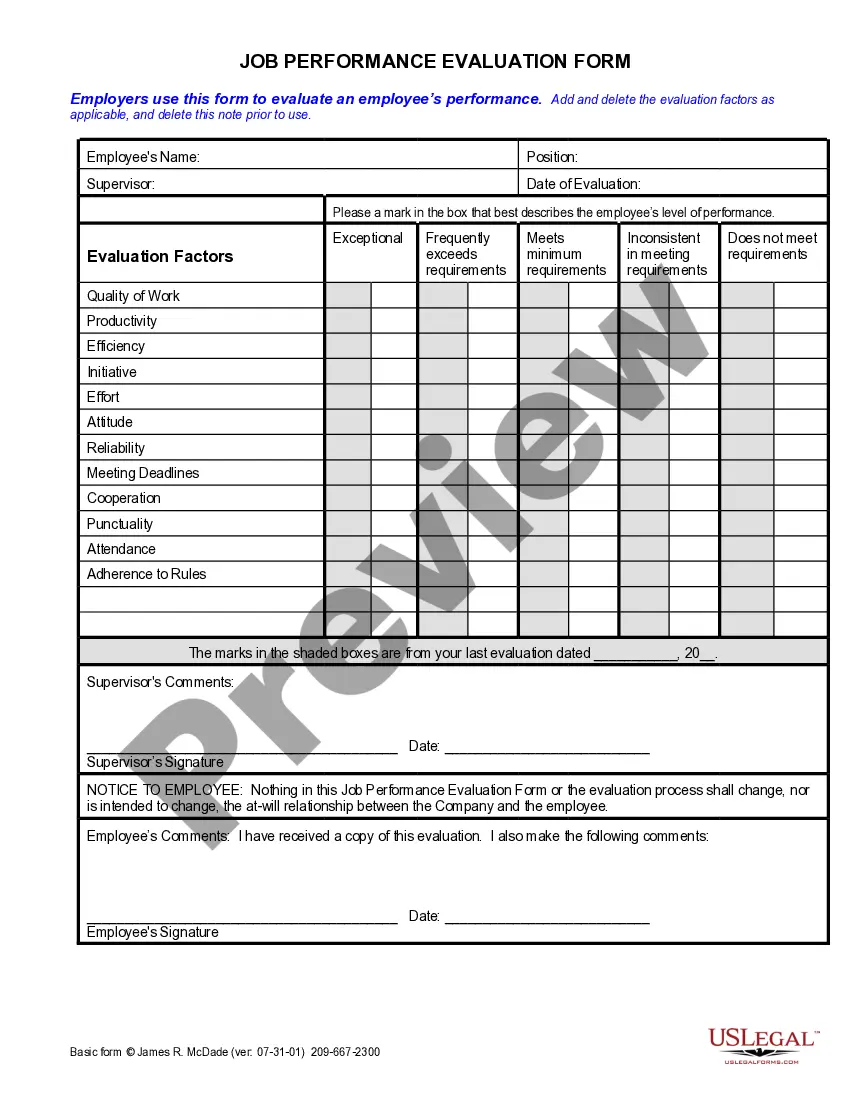
Employee Tracking Form With Excel Spreadsheet
Description
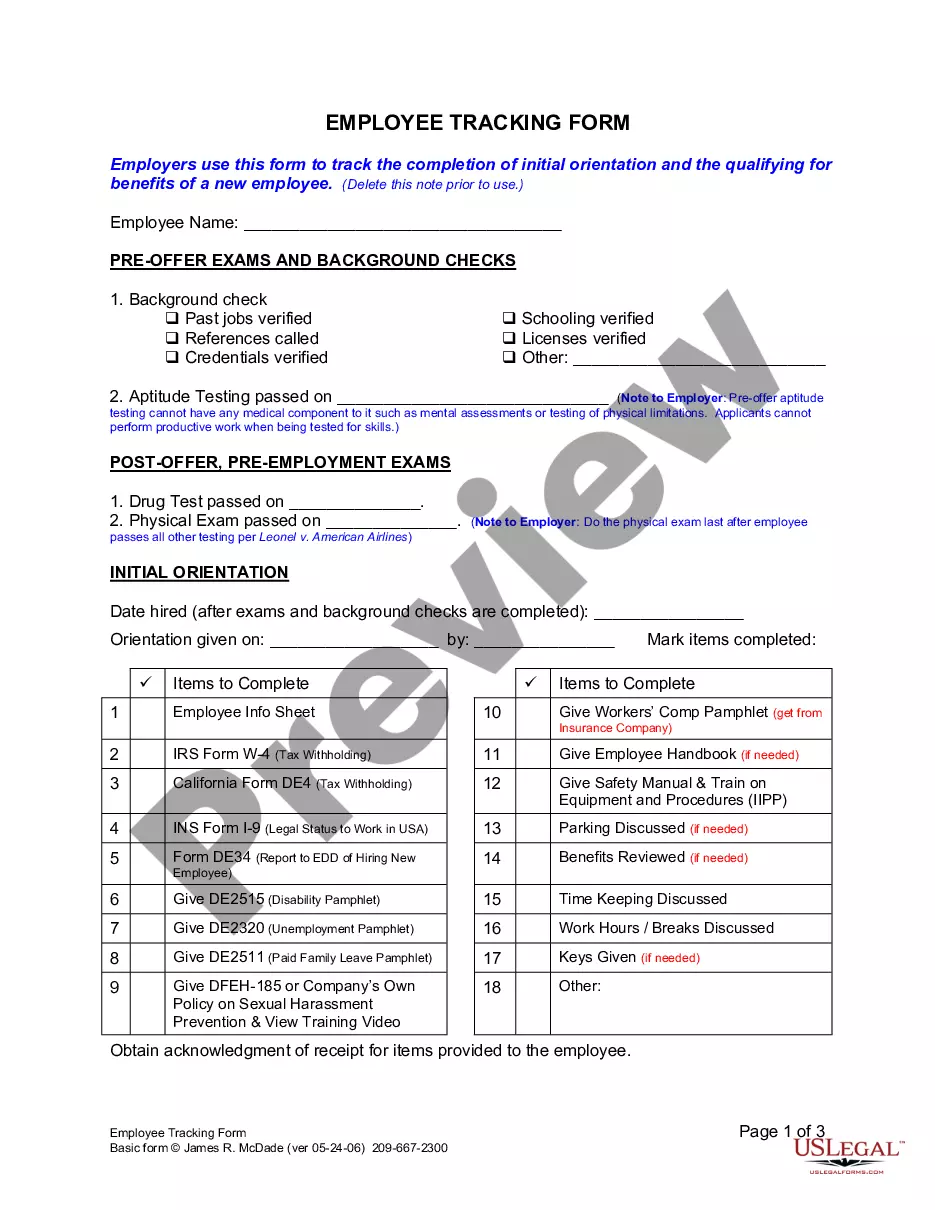
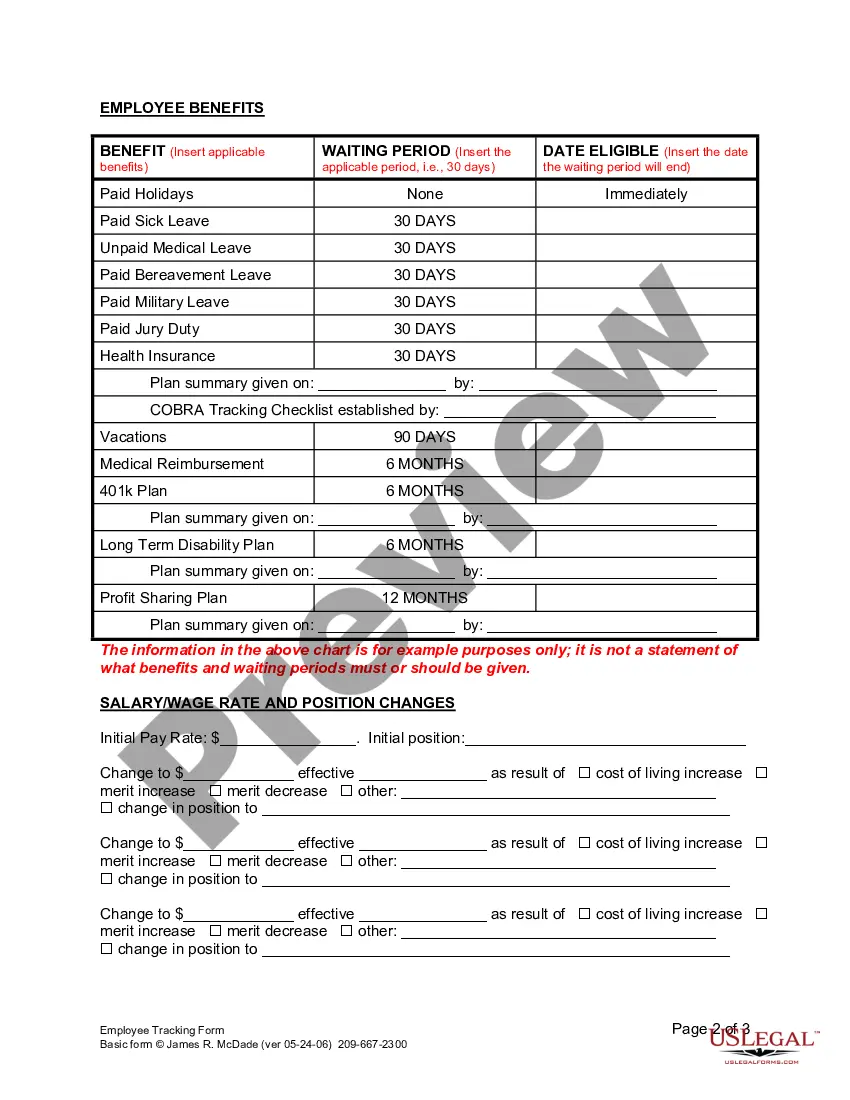


Get your form ready online
Our built-in tools help you complete, sign, share, and store your documents in one place.
Make edits, fill in missing information, and update formatting in US Legal Forms—just like you would in MS Word.
Download a copy, print it, send it by email, or mail it via USPS—whatever works best for your next step.
Sign and collect signatures with our SignNow integration. Send to multiple recipients, set reminders, and more. Go Premium to unlock E-Sign.
If this form requires notarization, complete it online through a secure video call—no need to meet a notary in person or wait for an appointment.
We protect your documents and personal data by following strict security and privacy standards.

Make edits, fill in missing information, and update formatting in US Legal Forms—just like you would in MS Word.

Download a copy, print it, send it by email, or mail it via USPS—whatever works best for your next step.

Sign and collect signatures with our SignNow integration. Send to multiple recipients, set reminders, and more. Go Premium to unlock E-Sign.

If this form requires notarization, complete it online through a secure video call—no need to meet a notary in person or wait for an appointment.

We protect your documents and personal data by following strict security and privacy standards.
Looking for another form?









How to fill out California Employee Tracking Form?
It’s widely known that you can’t instantly become a legal expert, nor can you swiftly learn how to prepare an Employee Tracking Form With Excel Spreadsheet without possessing a specific skill set.
Drafting legal documents is a lengthy endeavor that necessitates specialized education and expertise. So why not entrust the creation of the Employee Tracking Form With Excel Spreadsheet to the professionals.
With US Legal Forms, one of the most extensive legal template collections, you can discover everything from court documents to templates for internal communication. We understand how vital compliance with federal and local laws and regulations is.
Establish a complimentary account and choose a subscription plan to buy the form.
Click Buy now. Once the transaction is completed, you can download the Employee Tracking Form With Excel Spreadsheet, fill it out, print it, and submit or mail it to the appropriate individuals or organizations.
- That’s why, on our platform, all forms are tailored to specific locations and current.
- Start with our platform and acquire the form you need in just minutes.
- Locate the form you require using the search bar at the top of the page.
- View it (if this option is available) and read the accompanying description to see if the Employee Tracking Form With Excel Spreadsheet meets your needs.
- If you need a different form, begin your search anew.
Form popularity
FAQ
How to Make an Attendance Sheet in Excel with Formula? First, you need to add a serial number and a Student Name Column. For this, click on cell B5 and enter Serial No. Now, choose cell C5 and enter your Student Name. Add the name of the student and serial numbers.
Setting Up the Excel Attendance Tracker Start a new Excel spreadsheet and create columns for each date of the particular month. Create another column for employees to input their names in the left corner. Fill the columns matching weekends and public holidays with some color. Apply data validation.
Here are a few steps to create and track your task list. Add Headers to an Excel Spreadsheet. ... Fill in the Details for Each Task. ... Add a Filter to Your Task List. ... Sort Your Tasks. ... Export Tasks to Other Project Management Tools. ... Make it Pop. ... Make it Pop. ... Try Out a Template.
How to create a task tracker in Excel Set task due dates. ... Assign task owners. ... Include task budgets and costs. ... Tracking daily and monthly tasks in Excel. ... Adding rows/columns. ... Removing rows/columns. ... Adding a company logo. ... Assigning team members.
The first tip to track projects in Excel is to monitor the status of each step. You can do this using the drop-down menu. Here's how to do it: Highlight the cells, go to Data Validation > List. In the Source field, type in the options for the drop-down menu (Not started, In progress, Done), then select OK.