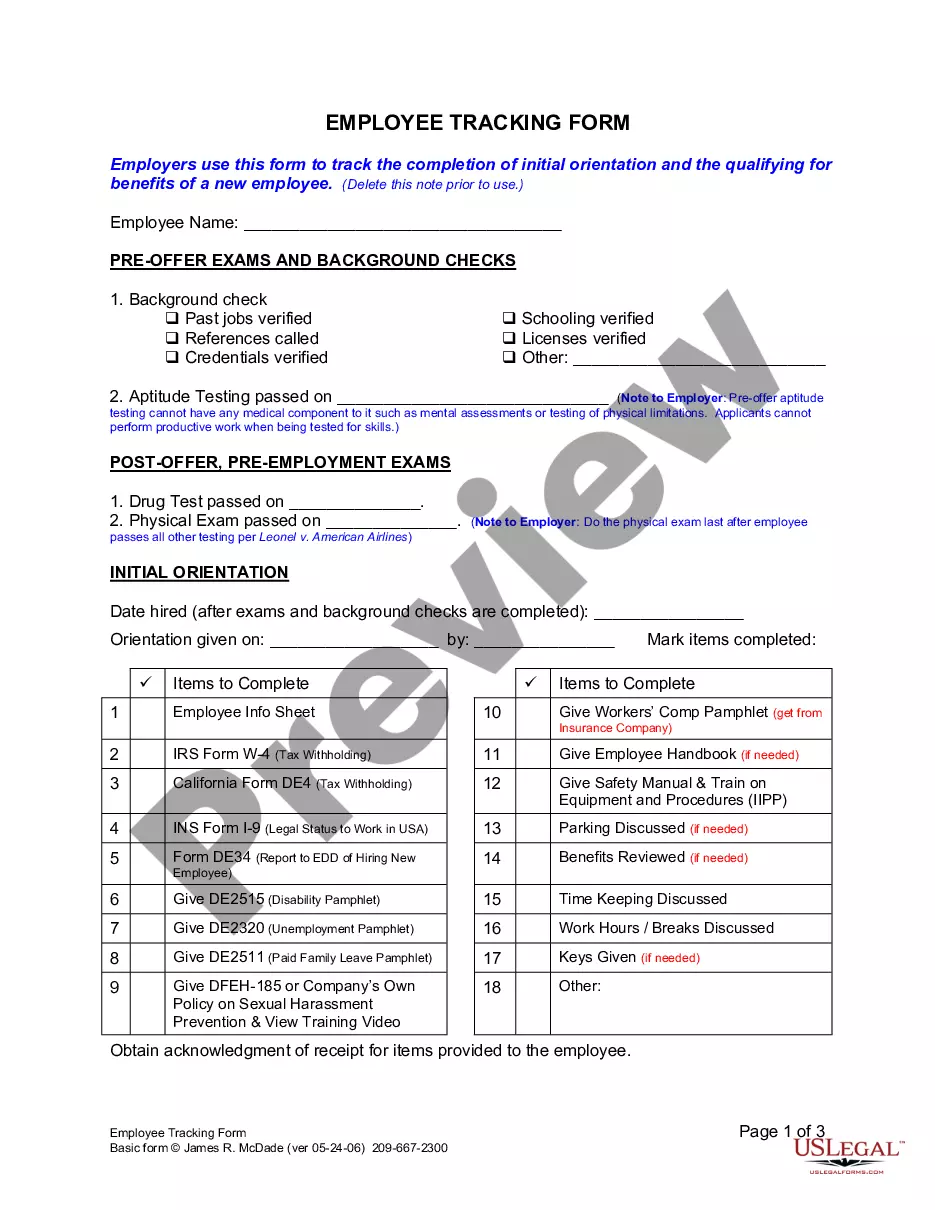
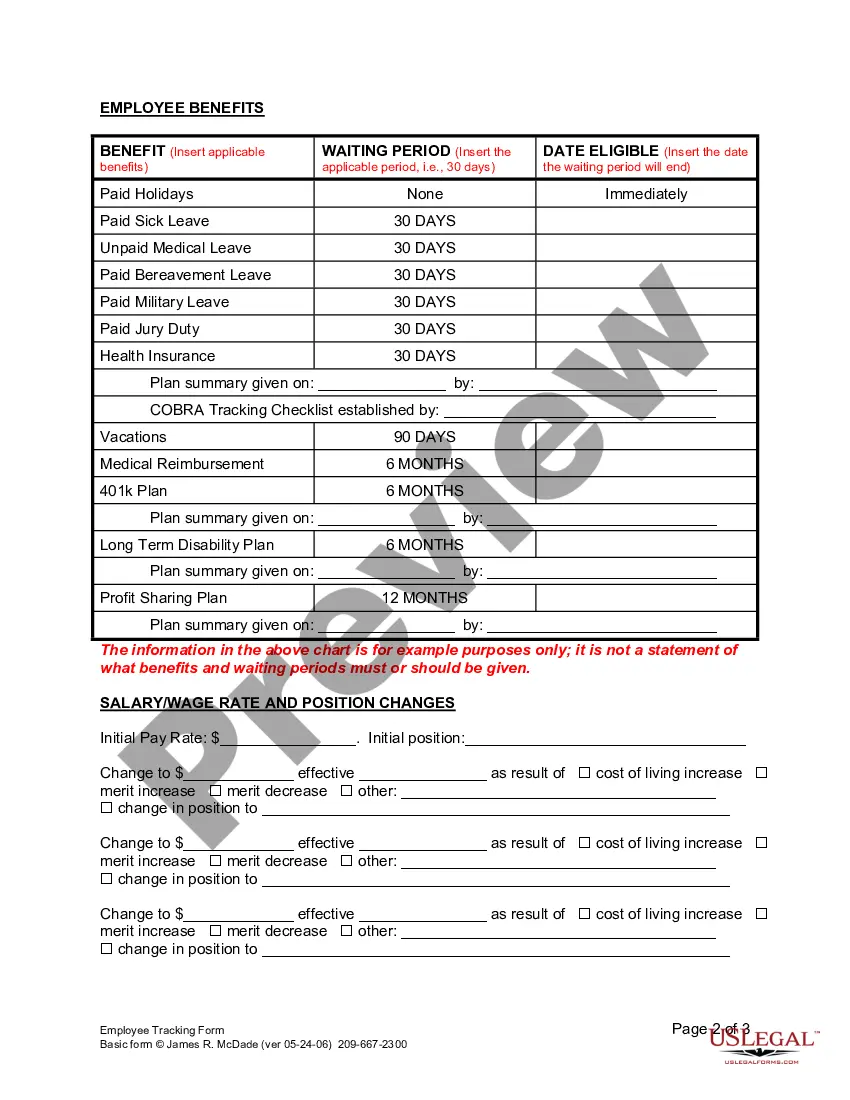
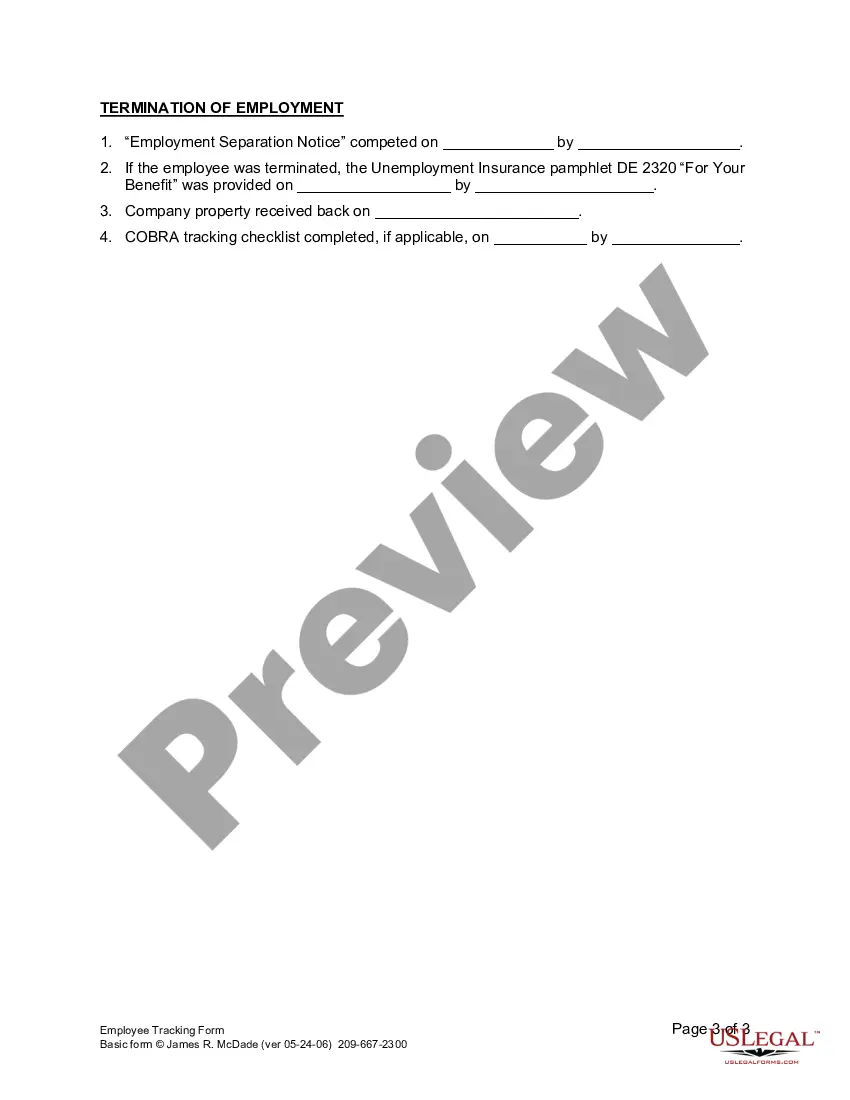
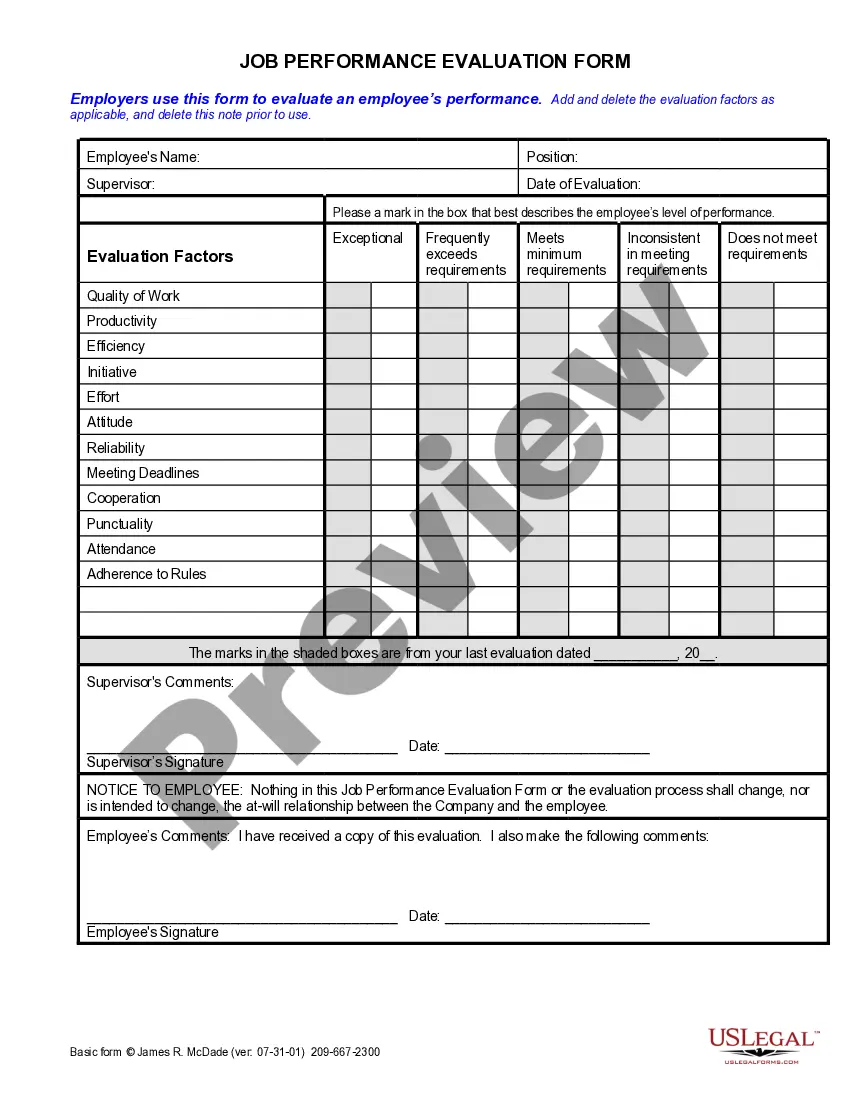
Employee Tracking Form For Work
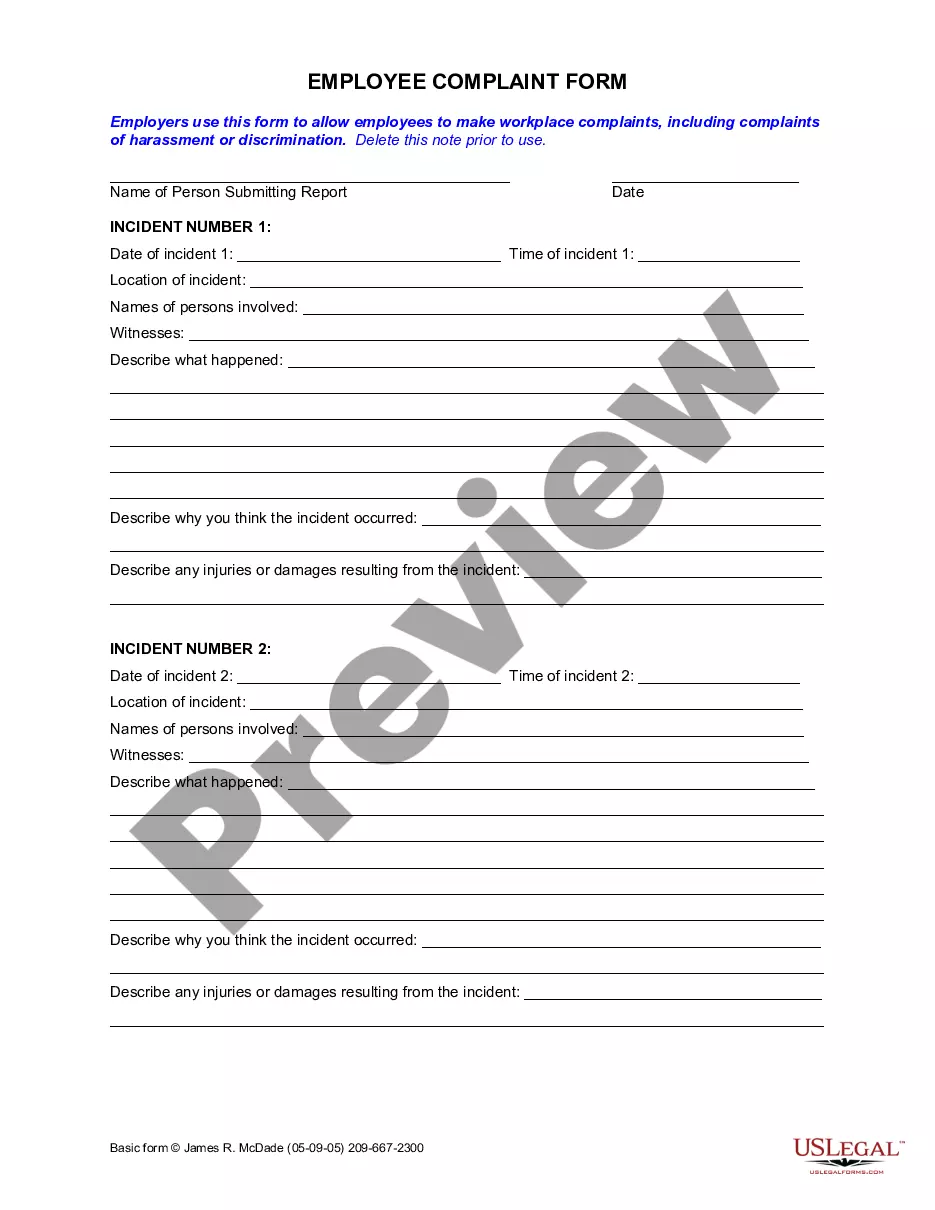
Description
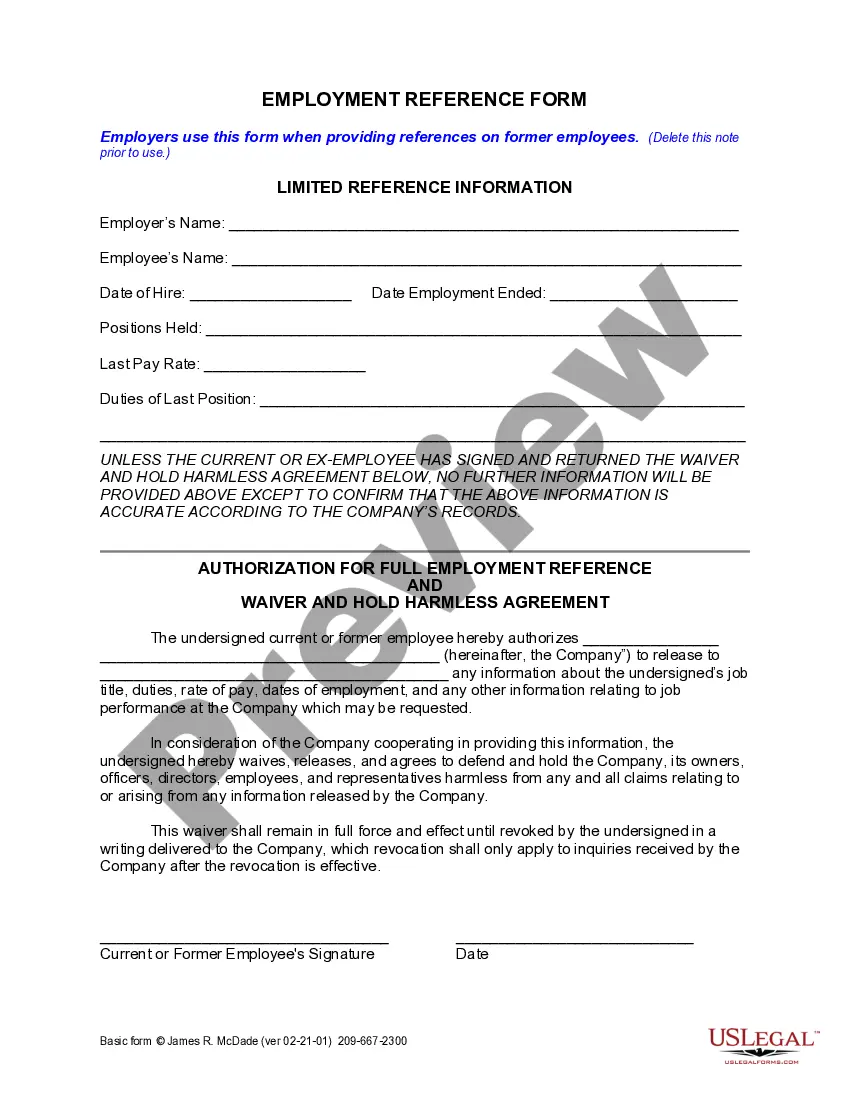

Get your form ready online
Our built-in tools help you complete, sign, share, and store your documents in one place.
Make edits, fill in missing information, and update formatting in US Legal Forms—just like you would in MS Word.
Download a copy, print it, send it by email, or mail it via USPS—whatever works best for your next step.
Sign and collect signatures with our SignNow integration. Send to multiple recipients, set reminders, and more. Go Premium to unlock E-Sign.
If this form requires notarization, complete it online through a secure video call—no need to meet a notary in person or wait for an appointment.
We protect your documents and personal data by following strict security and privacy standards.

Make edits, fill in missing information, and update formatting in US Legal Forms—just like you would in MS Word.

Download a copy, print it, send it by email, or mail it via USPS—whatever works best for your next step.

Sign and collect signatures with our SignNow integration. Send to multiple recipients, set reminders, and more. Go Premium to unlock E-Sign.

If this form requires notarization, complete it online through a secure video call—no need to meet a notary in person or wait for an appointment.

We protect your documents and personal data by following strict security and privacy standards.
Looking for another form?







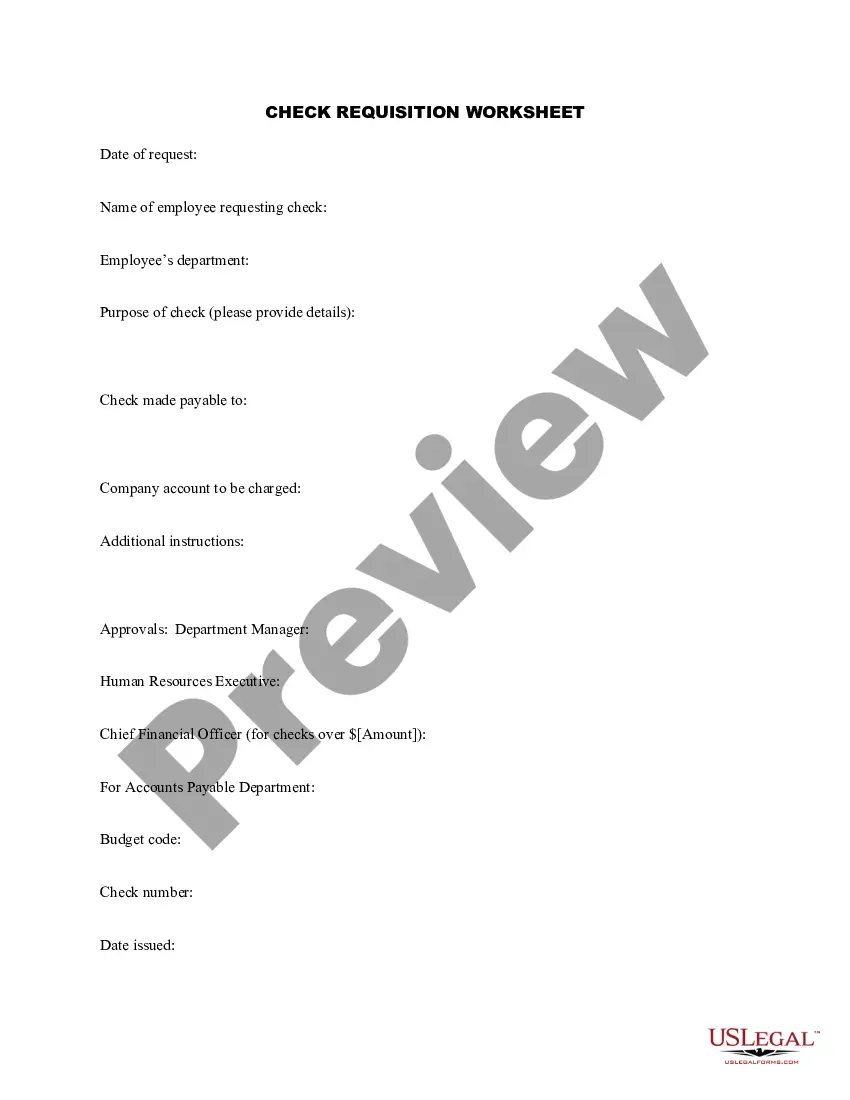
How to fill out California Employee Tracking Form?
Whether for professional reasons or personal matters, everyone must confront legal issues at some stage in their life.
Filling out legal paperwork demands meticulous focus, starting with choosing the appropriate form template. For example, if you select an incorrect version of the Employee Tracking Form For Work, it will be declined once submitted.
With an extensive US Legal Forms library available, you never have to waste time searching for the right template on the web. Utilize the library’s straightforward navigation to find the appropriate form for any situation.
- Locate the template you require using the search bar or catalog browsing.
- Examine the form’s description to confirm it fits your needs, state, and county.
- Click on the form’s preview to review it.
- If it is the wrong form, revert to the search feature to find the Employee Tracking Form For Work sample you need.
- Obtain the template when it aligns with your specifications.
- If you have a US Legal Forms account, simply click Log in to retrieve previously saved templates in My documents.
- If you do not have an account yet, you can download the form by clicking Buy now.
- Choose the appropriate pricing option.
- Fill out the profile registration form.
- Select your payment method: you may use a credit card or PayPal account.
- Choose the document format you prefer and download the Employee Tracking Form For Work.
- Once it is saved, you can fill out the form using editing software or print it and complete it by hand.
Form popularity
FAQ
Start by making a performance file for each employee. Whenever a worker completes a task successfully, or makes a mistake, be sure to write that down. In line with this rule, remember to provide your employee with honest feedback regularly.
A good performance appraisal will include specific goals for improvement, so it's vital to: clearly state the employee's strengths. demonstrate the employee's weaknesses. highlight areas for growth. give clear direction for future professional development.
To fill out a paper timesheet, you need to write down important information such as your name, days worked in a week, hours worked on each working day, type of project or work done on those days, and any other notes. You should have all of these details separated by columns or rows.
Contents Set out clear goals and expectations. Review work-in-progress on a regular basis. Help employees with self-monitoring tools. Use productivity score. Make use of charts. Arrange meetings.
Use the following steps to effectively write a performance review: Gather employee information. ... List employee responsibilities. ... Use objective language. ... Use action verbs. ... Compare performance ratings. ... Ask open-ended questions. ... Use a point system.