California Governmental Form For Power Of Attorney
Description

Get your form ready online
Our built-in tools help you complete, sign, share, and store your documents in one place.
Make edits, fill in missing information, and update formatting in US Legal Forms—just like you would in MS Word.
Download a copy, print it, send it by email, or mail it via USPS—whatever works best for your next step.
Sign and collect signatures with our SignNow integration. Send to multiple recipients, set reminders, and more. Go Premium to unlock E-Sign.
If this form requires notarization, complete it online through a secure video call—no need to meet a notary in person or wait for an appointment.
We protect your documents and personal data by following strict security and privacy standards.

Make edits, fill in missing information, and update formatting in US Legal Forms—just like you would in MS Word.

Download a copy, print it, send it by email, or mail it via USPS—whatever works best for your next step.

Sign and collect signatures with our SignNow integration. Send to multiple recipients, set reminders, and more. Go Premium to unlock E-Sign.

If this form requires notarization, complete it online through a secure video call—no need to meet a notary in person or wait for an appointment.

We protect your documents and personal data by following strict security and privacy standards.
Looking for another form?
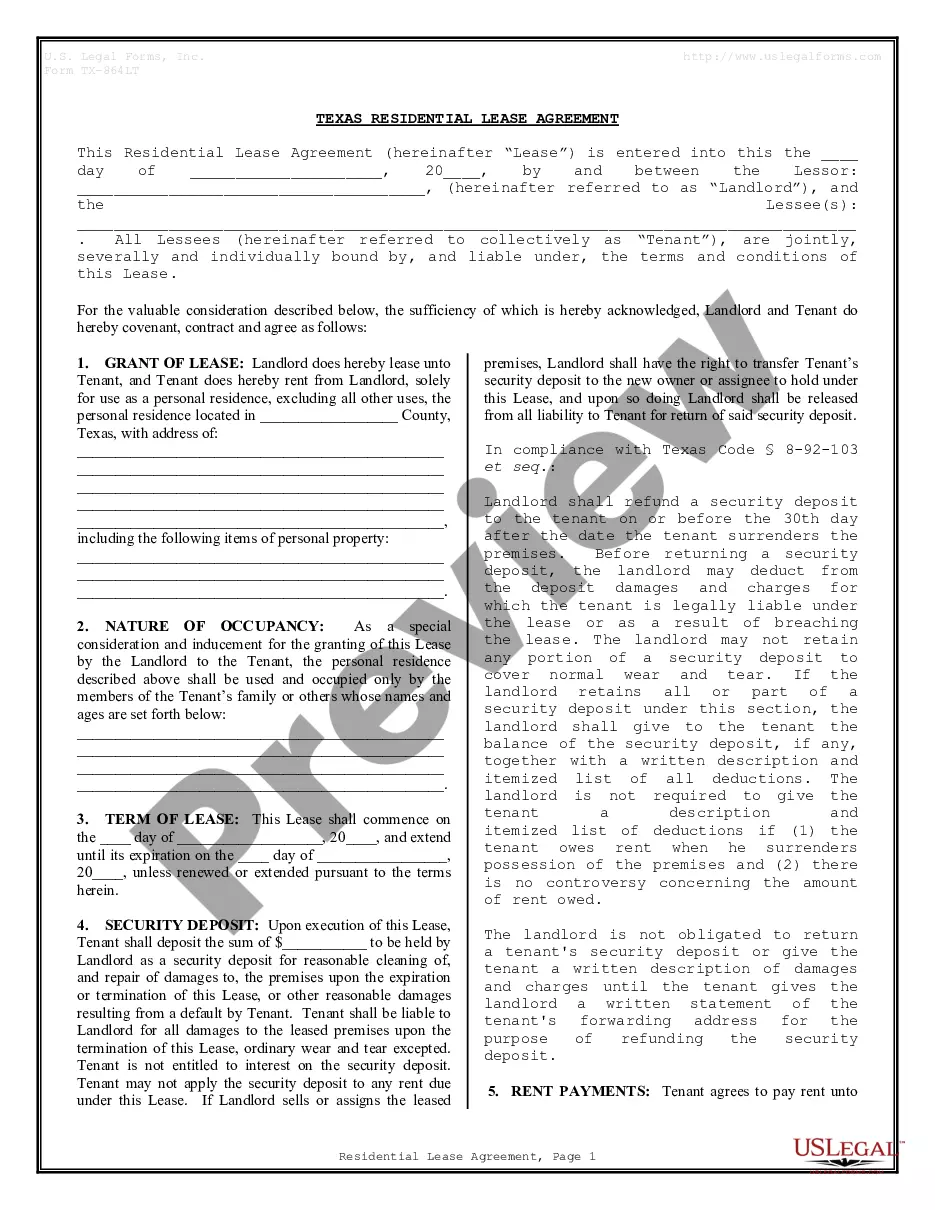
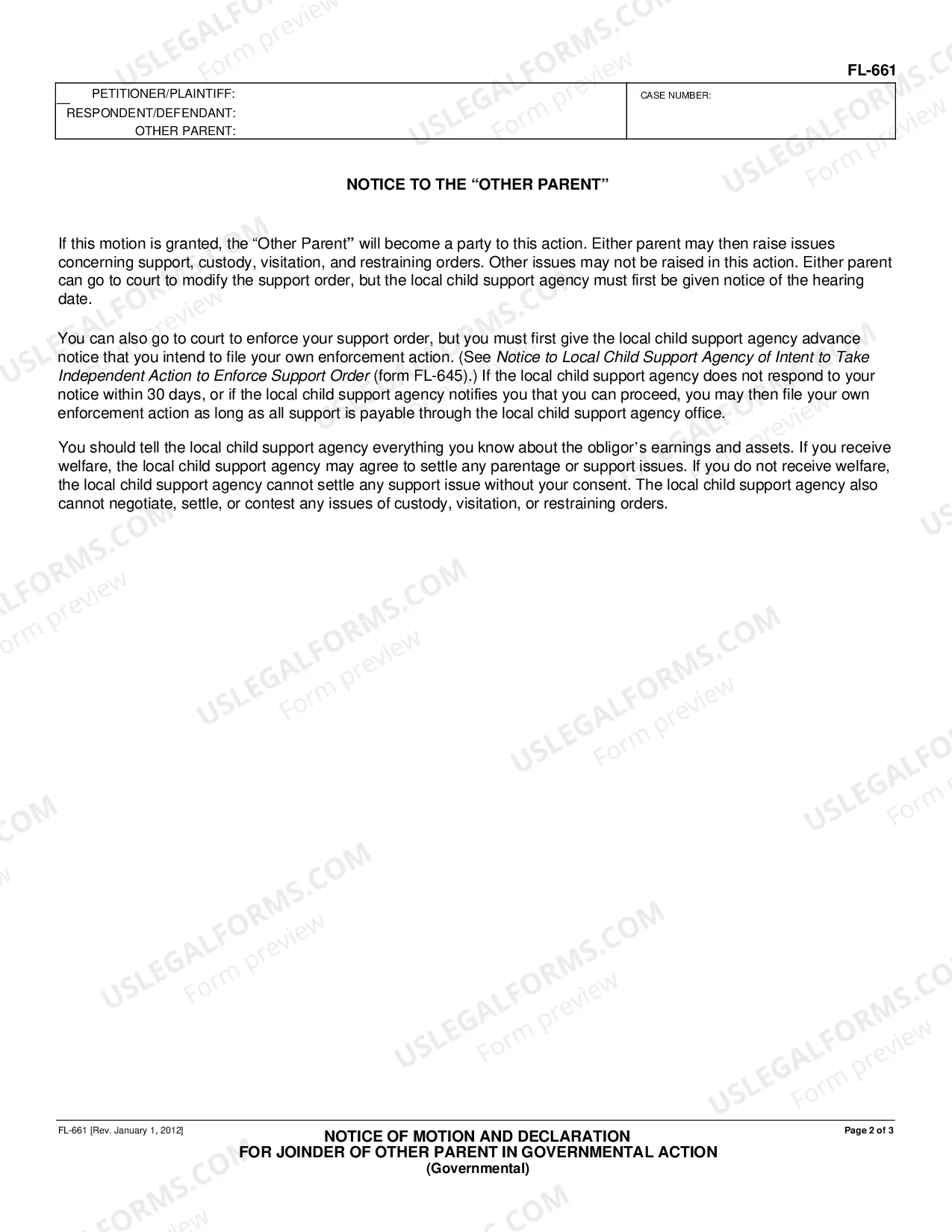
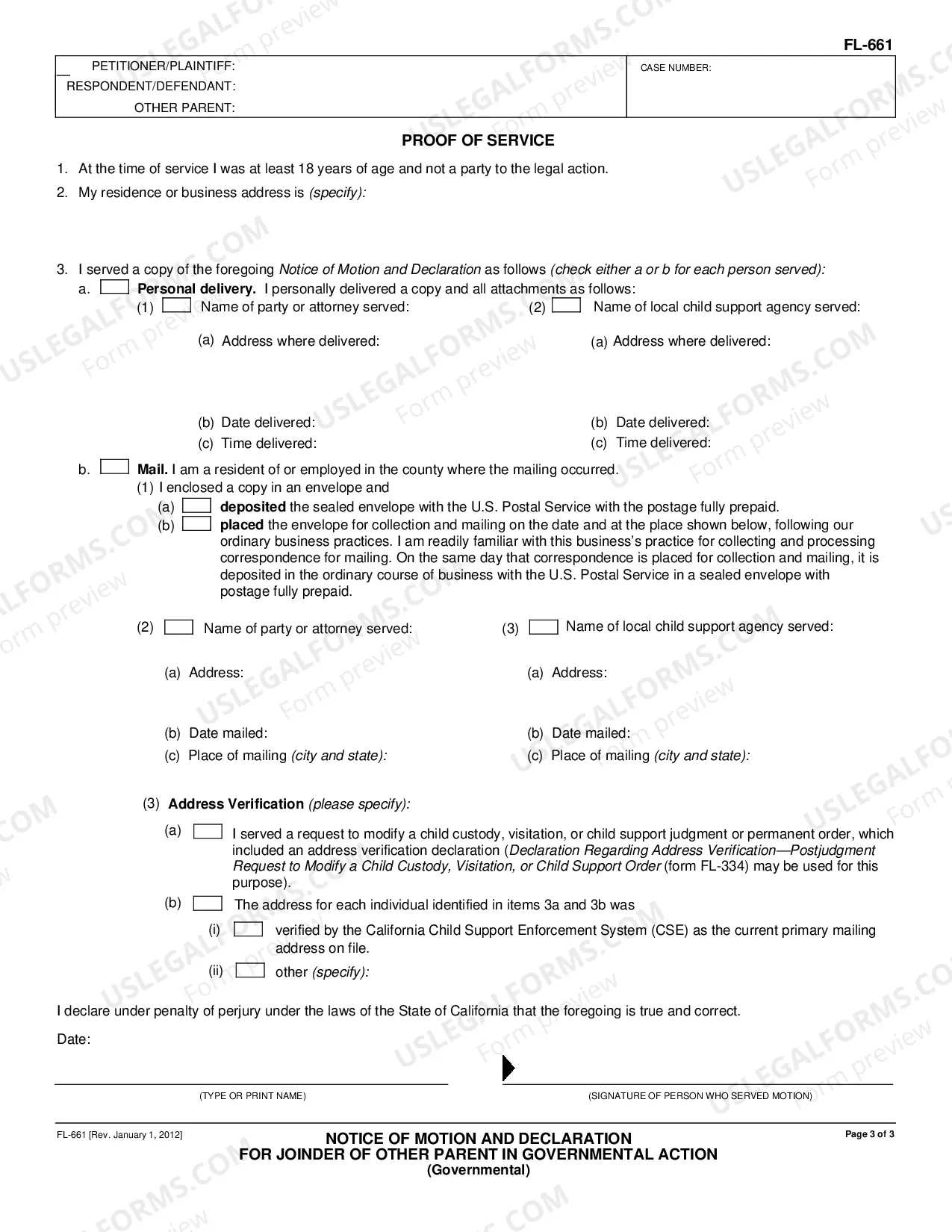
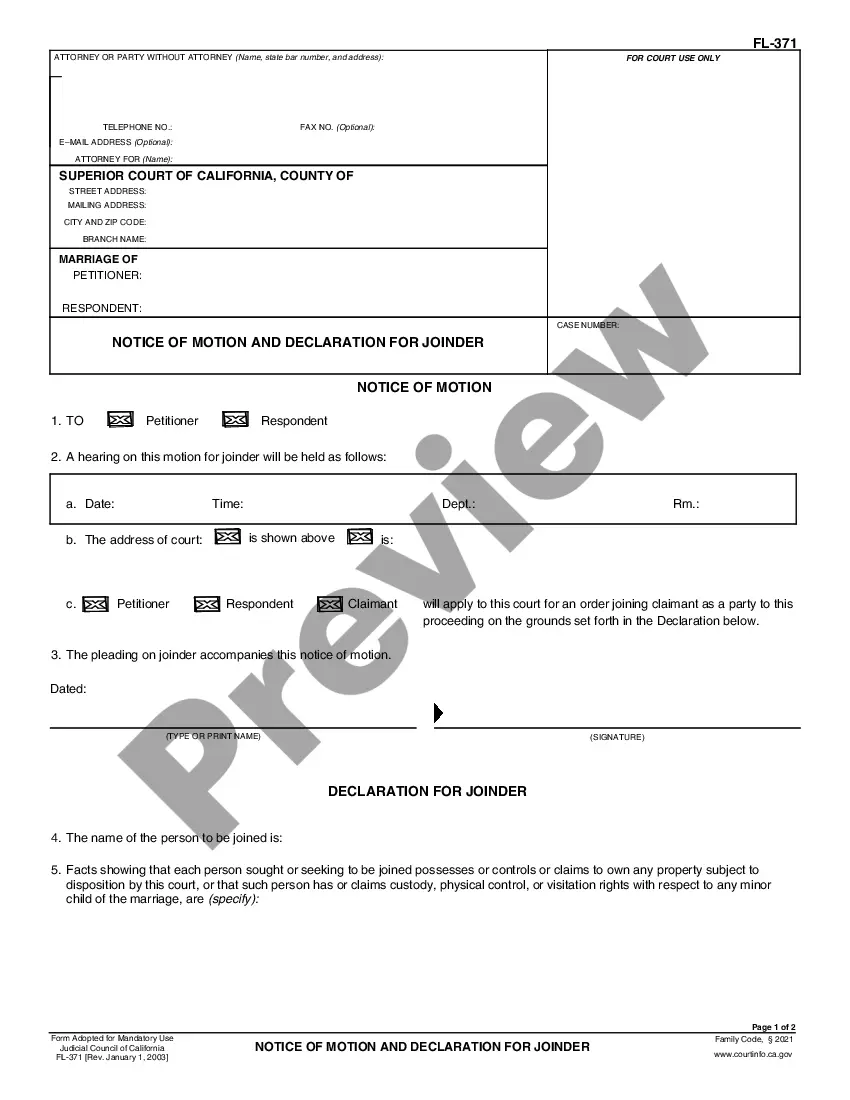
How to fill out California Notice Of Motion And Declaration For Joinder Of Other Parent In Governmental Action - Governmental?
Which service is the most reliable for obtaining the California Government Form For Power Of Attorney and other current versions of legal documents.
US Legal Forms is your solution! It boasts the largest compilation of legal templates for any purpose.
If you haven't created an account with our database yet, follow these steps to set one up: Compliance review of the form. It is essential to ensure the template meets your intended usage and complies with your state or county's regulations. Review the form details and utilize the Preview if it's available. Search for alternative forms. If there are discrepancies, use the search bar located in the header to find another document. Select Buy Now to choose the appropriate one. Account registration and subscription purchase. Choose the most suitable pricing option, Log In or create an account, and complete your payment through PayPal or credit card. Obtaining the document. Choose the file format you wish to save the California Governmental Form For Power Of Attorney (PDF or DOCX) and click Download to secure it. US Legal Forms is a fantastic resource for those needing to manage legal documentation. Premium users can enjoy even more benefits as they can fill out and sign previously downloaded documents electronically at any time using the built-in PDF editing feature. Discover it today!
- Each document is expertly crafted and validated for adherence to federal and regional regulations.
- They are organized by area and state of application, making it simple to locate the one you require.
- Experienced users of the site simply need to Log In, verify their subscription status, and click the Download button next to the California Governmental Form For Power Of Attorney to obtain it.
- Once downloaded, the template can be accessed for additional use in the My documents section of your account.
Form popularity
FAQ
If a U.S. person is granted an extension of time to file an income tax return, the due date for filing Form 3520 is the 15th day of the 10th month (October 15) following the end of the U.S. person's tax year. Send Form 3520 to the Internal Revenue Service Center, P.O. Box 409101, Ogden, UT 84409.
A taxpayer may submit and authorize a POA form electronically through their own MyFTB account, which does not require a wet signature.
Send Form 3520 to the Internal Revenue Service Center, P.O. Box 409101, Ogden, UT 84409. Form 3520 must have all required attachments to be considered complete. Note.
Steps To Complete Your Financial Power of AttorneyUnderstand How a POA Works in California.Choose your agent.Choose the powers you want your agent to have.Select witnesses.Fill out your form and make sure it complies with California law.Sign your financial power of attorney.
Use one of the following methods to file form FTB 3520-PIT:For faster processing, submit electronically. Go to ftb.ca.gov, log in to MyFTB, and select File a Power of Attorney.Mail form FTB 3520-PIT separately from the tax return(s) or other correspondence to the following address: