Amending A Living Trust In California Without A Lawyer

Description
Get your form ready online
Our built-in tools help you complete, sign, share, and store your documents in one place.
Make edits, fill in missing information, and update formatting in US Legal Forms—just like you would in MS Word.
Download a copy, print it, send it by email, or mail it via USPS—whatever works best for your next step.
Sign and collect signatures with our SignNow integration. Send to multiple recipients, set reminders, and more. Go Premium to unlock E-Sign.
If this form requires notarization, complete it online through a secure video call—no need to meet a notary in person or wait for an appointment.
We protect your documents and personal data by following strict security and privacy standards.
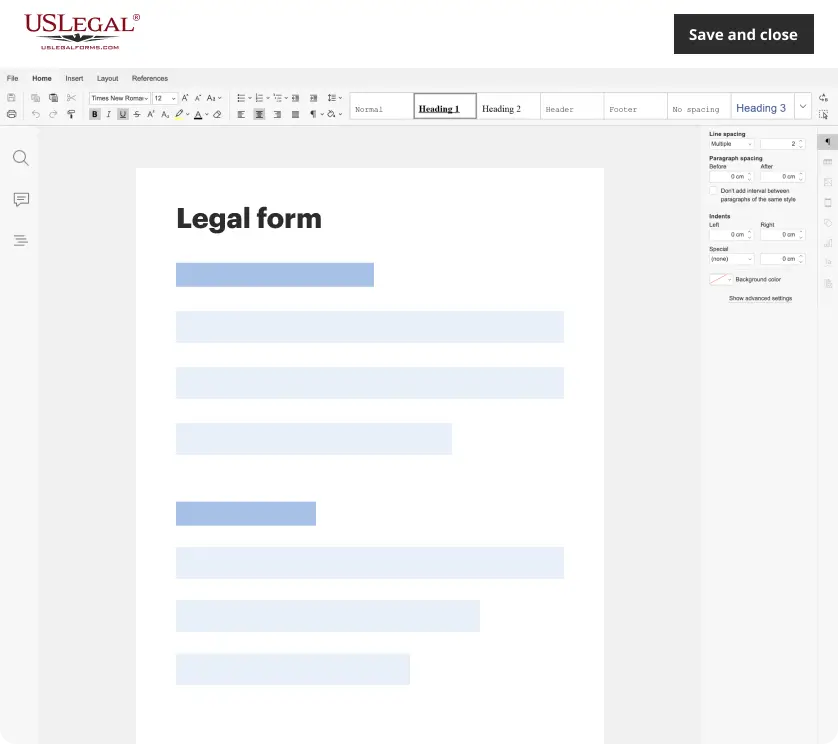
Make edits, fill in missing information, and update formatting in US Legal Forms—just like you would in MS Word.
Download a copy, print it, send it by email, or mail it via USPS—whatever works best for your next step.
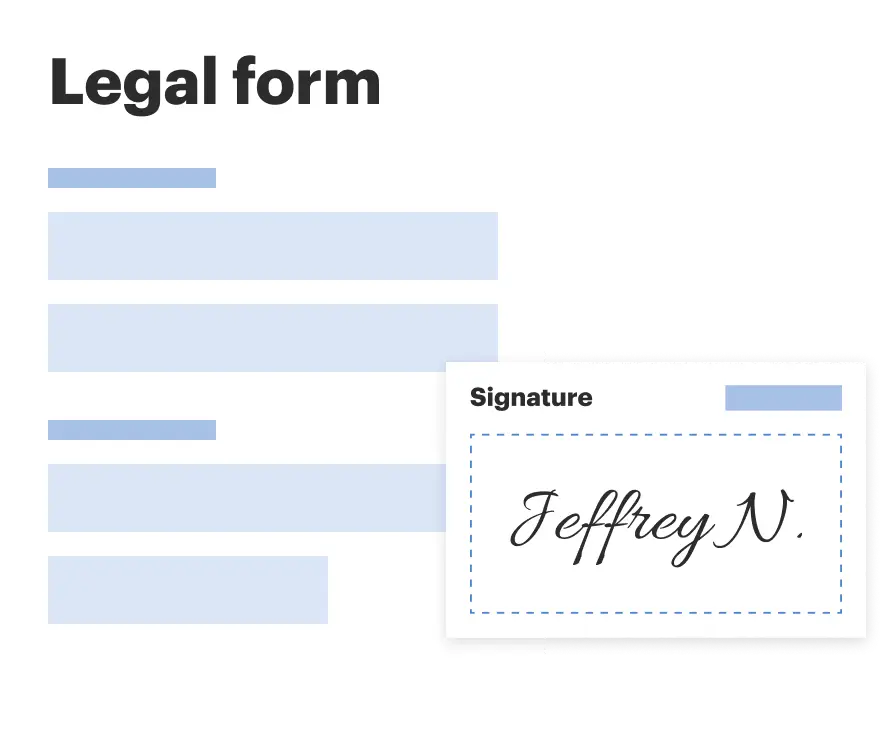
Sign and collect signatures with our SignNow integration. Send to multiple recipients, set reminders, and more. Go Premium to unlock E-Sign.

If this form requires notarization, complete it online through a secure video call—no need to meet a notary in person or wait for an appointment.
We protect your documents and personal data by following strict security and privacy standards.
Looking for another form?
How to fill out California Amendment To Living Trust?
Utilizing legal document examples that comply with both federal and local laws is essential, and the internet presents numerous alternatives to choose from.
However, why waste your time hunting for the correct Amending A Living Trust In California Without A Lawyer example online when the US Legal Forms digital library already curates such documents in one location.
US Legal Forms boasts the largest online legal collection with over 85,000 editable templates crafted by attorneys tailored for any professional and personal circumstance. They are easy to navigate, with all documents sorted by state and intended use. Our experts stay updated with legal modifications, ensuring you can always trust that your documentation is current and compliant when obtaining an Amending A Living Trust In California Without A Lawyer from our site.
Click Buy Now once you have found the appropriate form and select a subscription plan. Create an account or Log In and process your payment through PayPal or a credit card. Select the correct format for your Amending A Living Trust In California Without A Lawyer and download it. All templates you discover through US Legal Forms are reusable. To re-download and complete forms you have already obtained, access the My documents section in your profile. Take advantage of the most comprehensive and user-friendly legal document service!
- Acquiring an Amending A Living Trust In California Without A Lawyer is straightforward and swift for both existing and new users.
- If you already possess an account with a valid subscription, Log In and store the document example you need in your desired format.
- If you are a first-time visitor, follow the guidelines below.
- Examine the template using the Preview option or the text outline to ensure it satisfies your needs.
- If required, find another example using the search tool at the top of the page.
Form popularity
FAQ
Amending a Living Trust in California Nearly all trust documents can be amended. However, some are easier to amend than others. In the case of a revocable living trust, amendments usually take on the form of additional documents written after the original trust document has been signed and notarized.
How do you amend or revoke a living trust? Revoking or amending a revocable living trust can be done with or without an attorney. You can amend a living trust without having to go to court. If you created the document through an online service, you should be able to amend it through them for a small fee.
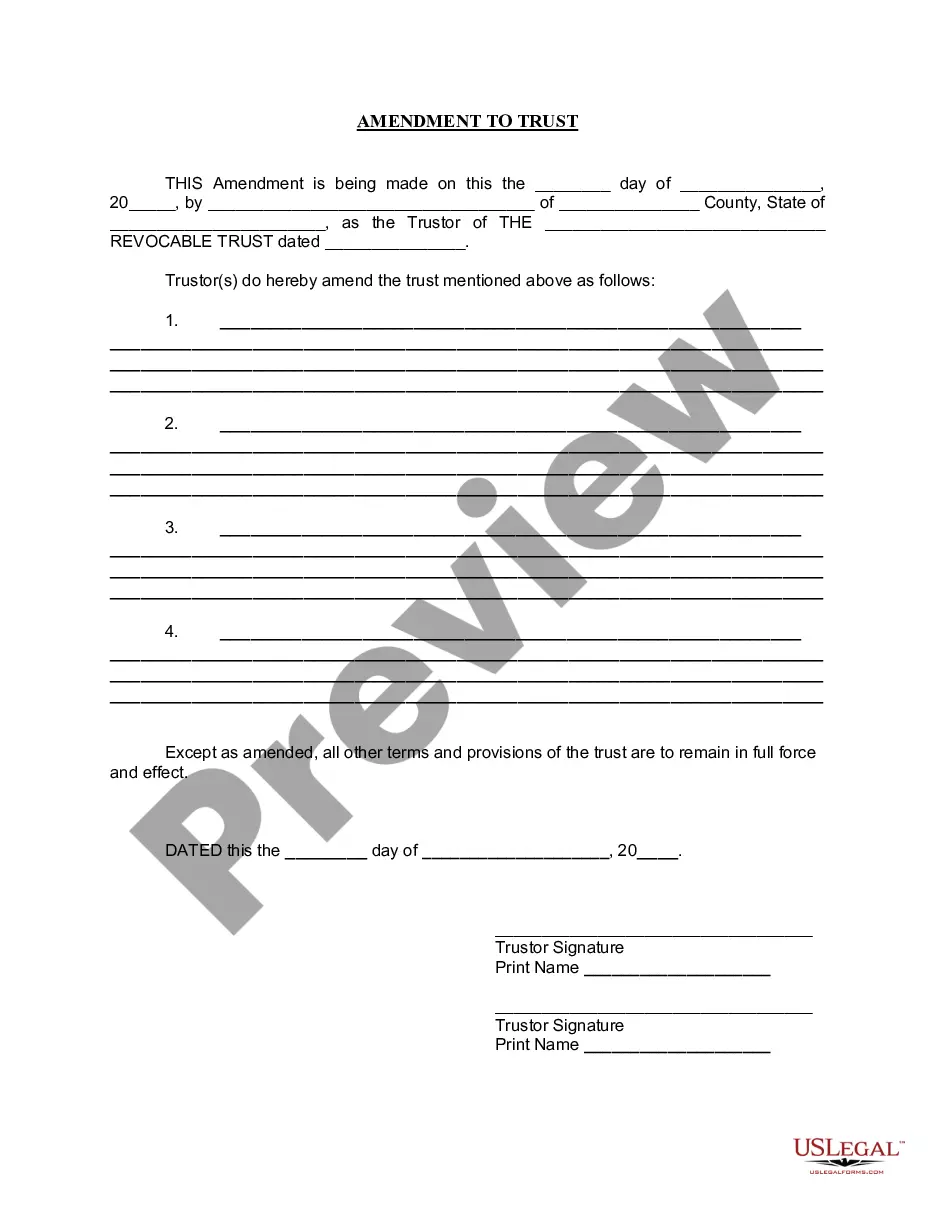
Fill out the form with the name of your trust. If this is the first change you've made to the trust, state that. If you have made other changes to the trust, you will need to list them by date. Indicate if this amendment overrides those previous changes or if you want them to remain in effect.
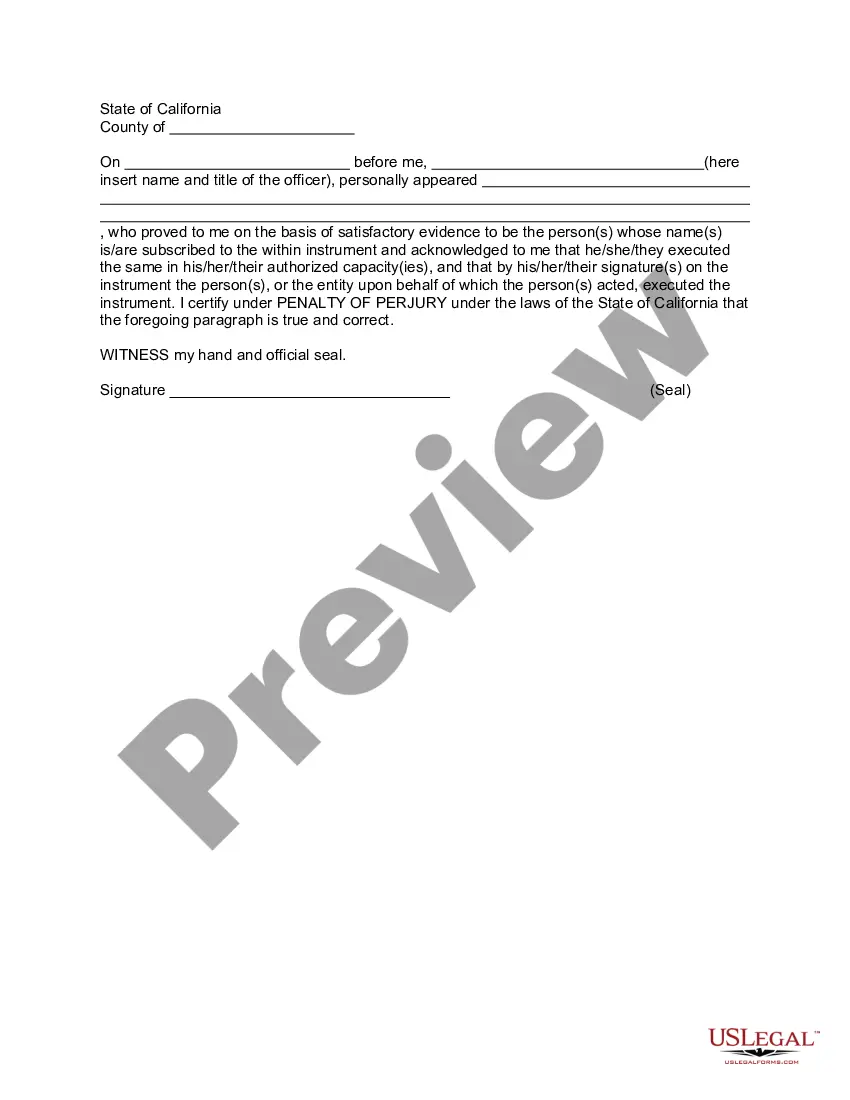
Amending a Living Trust in California These amendments do not need to be notarized to count, but they do need to be witnessed and signed, or at least created holographically (in the grantor's handwriting, with the grantor's signature).