California Living Trust Template With Calculator

Description
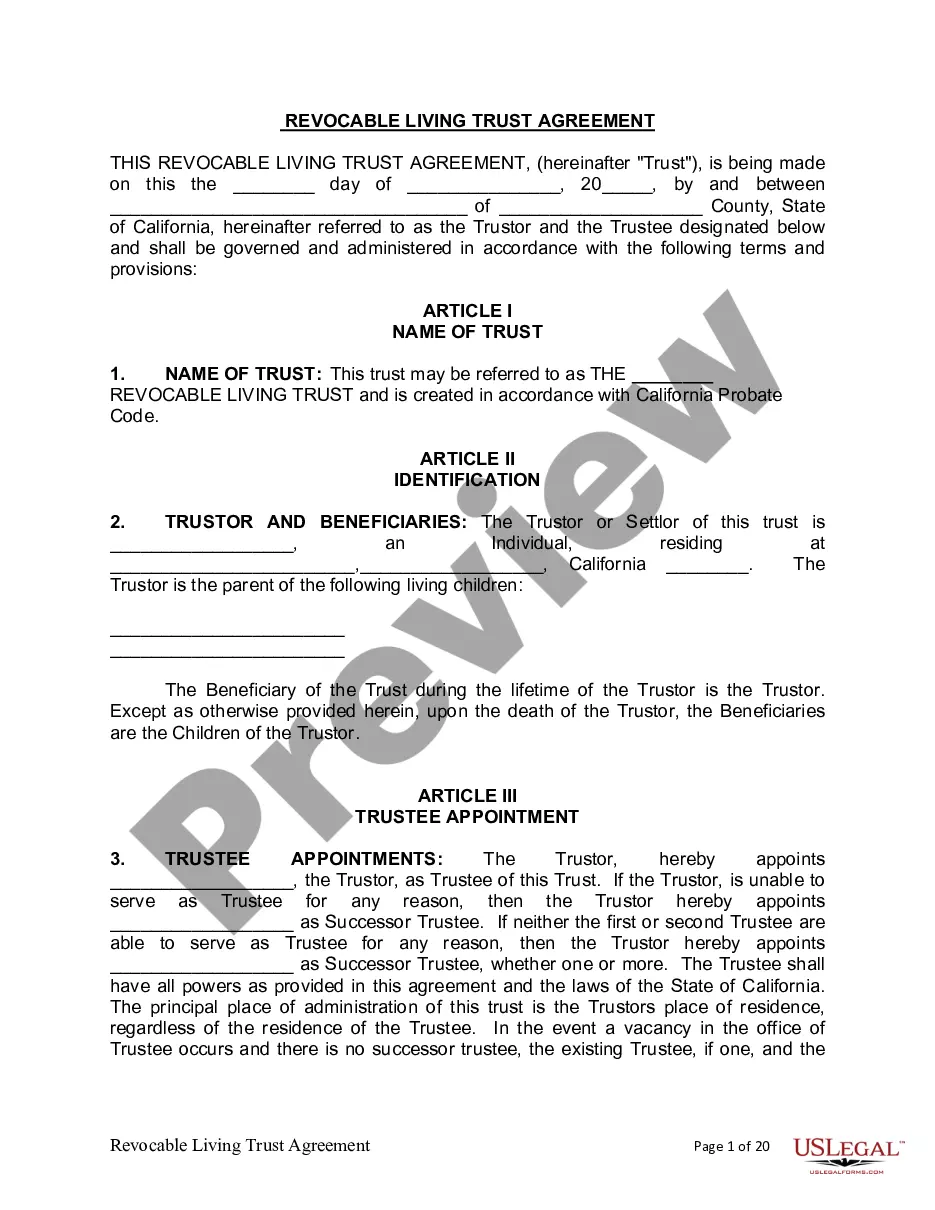
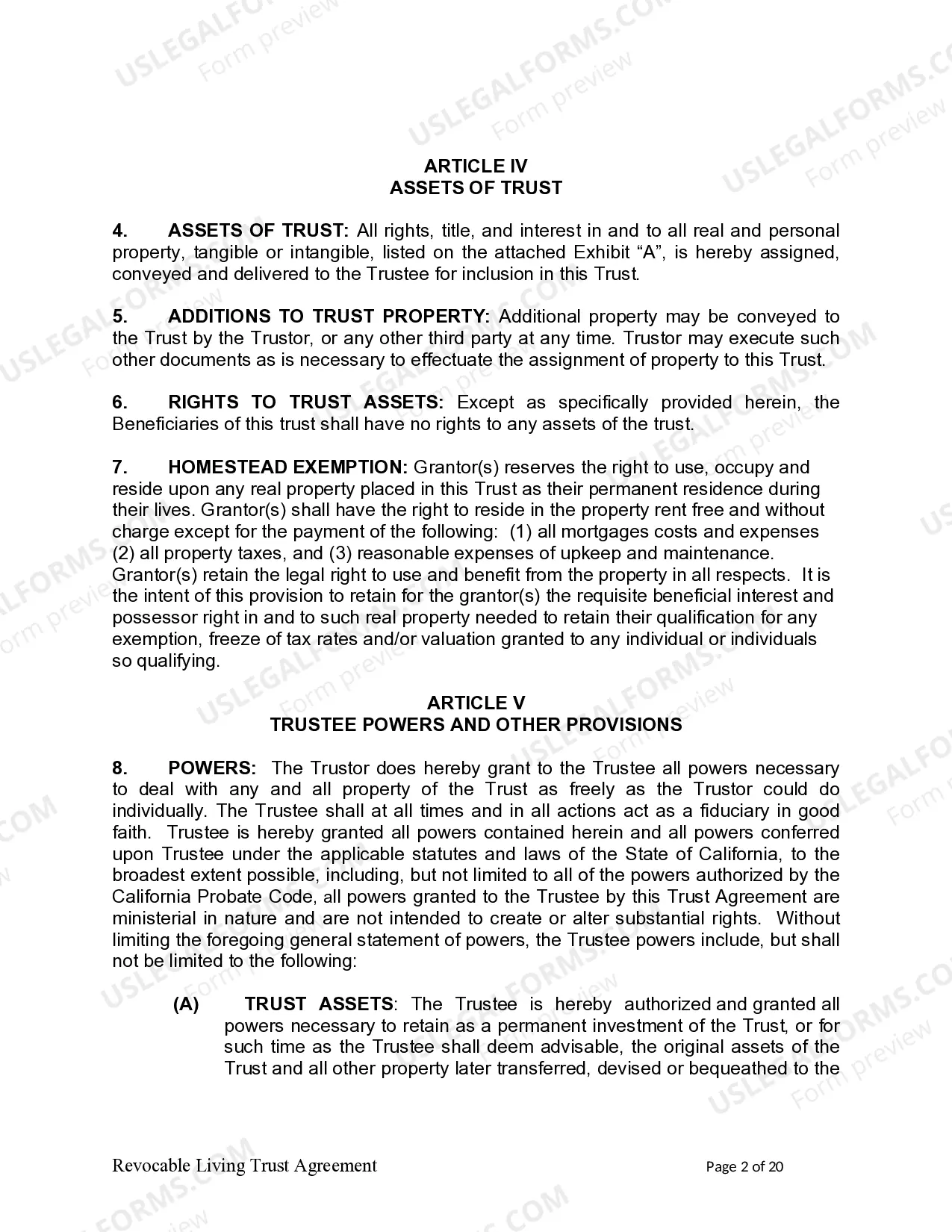
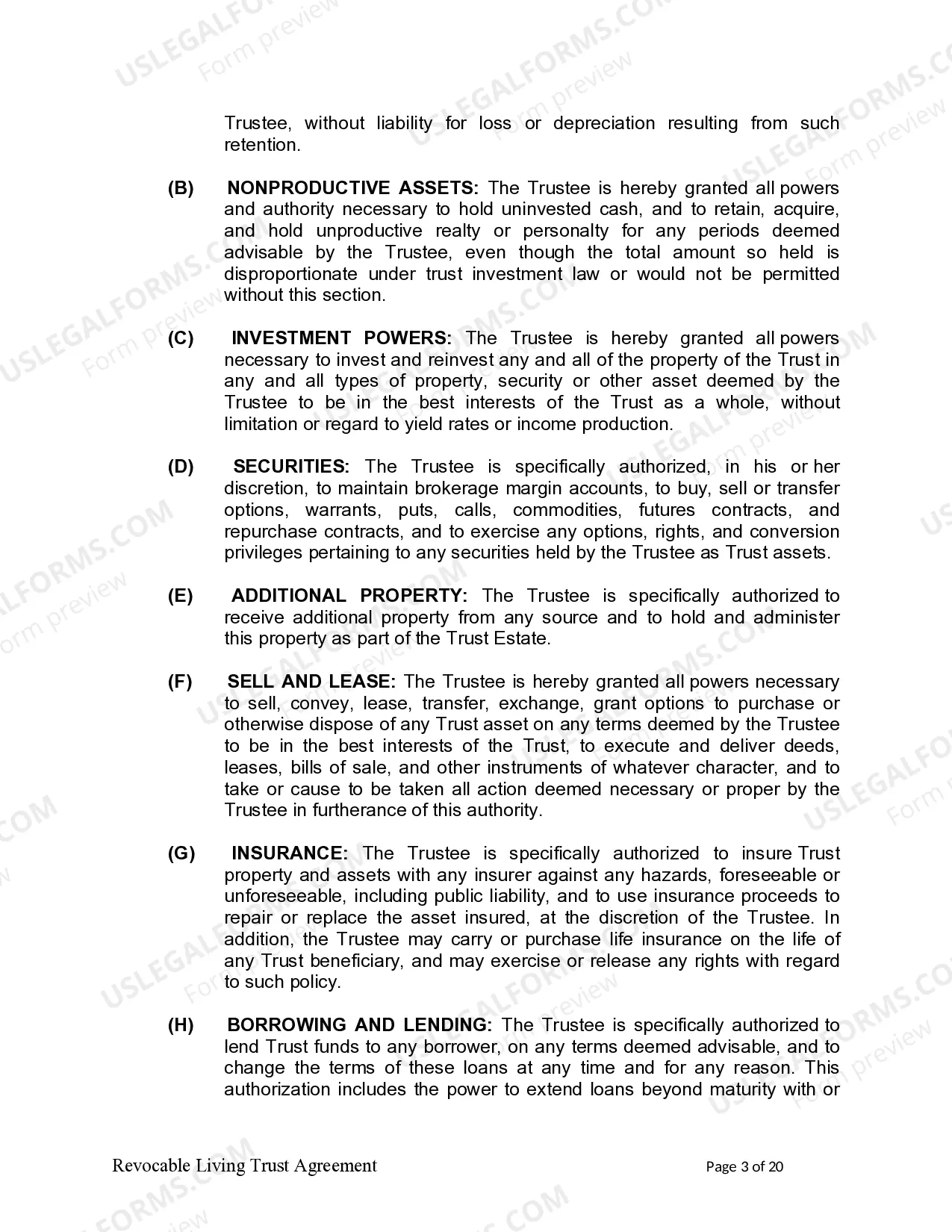
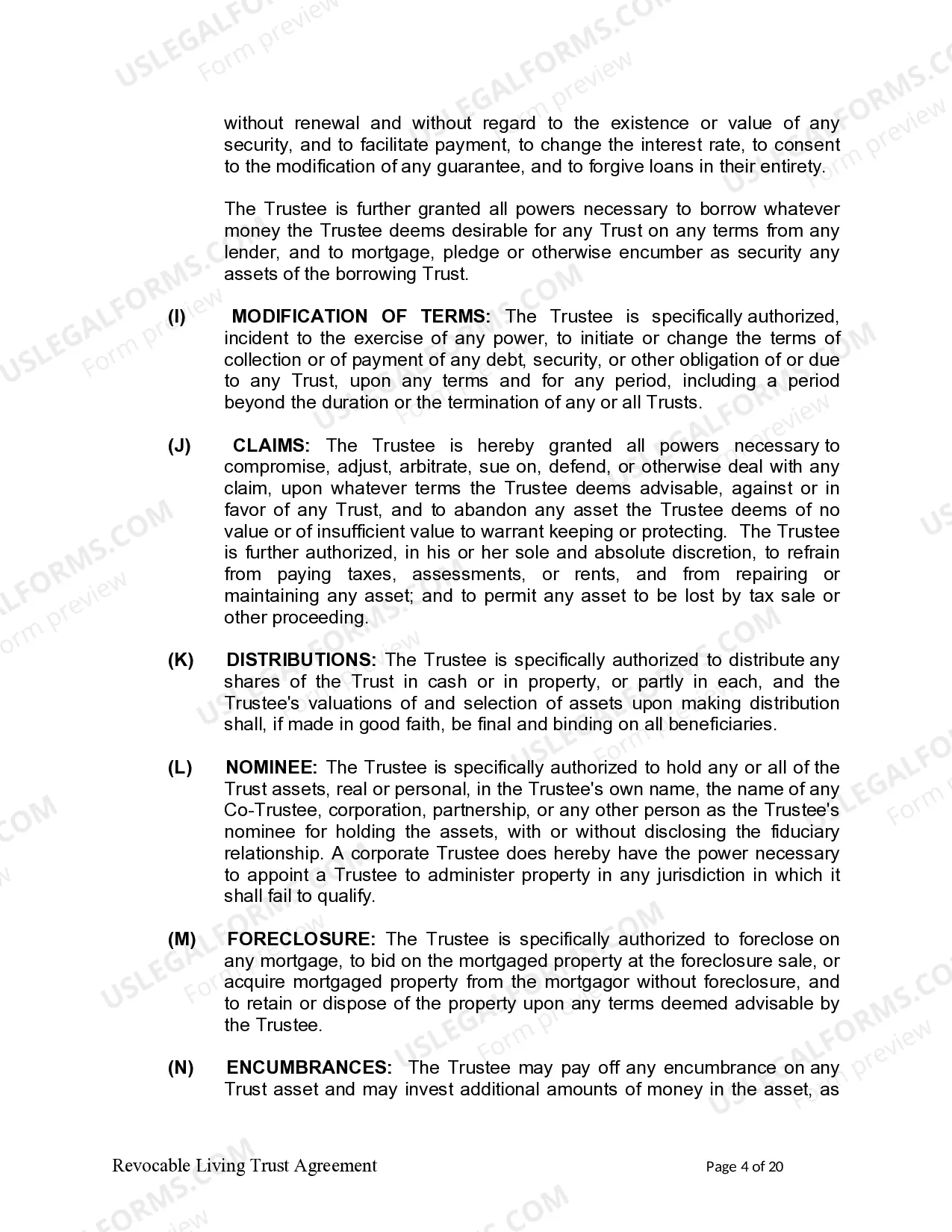
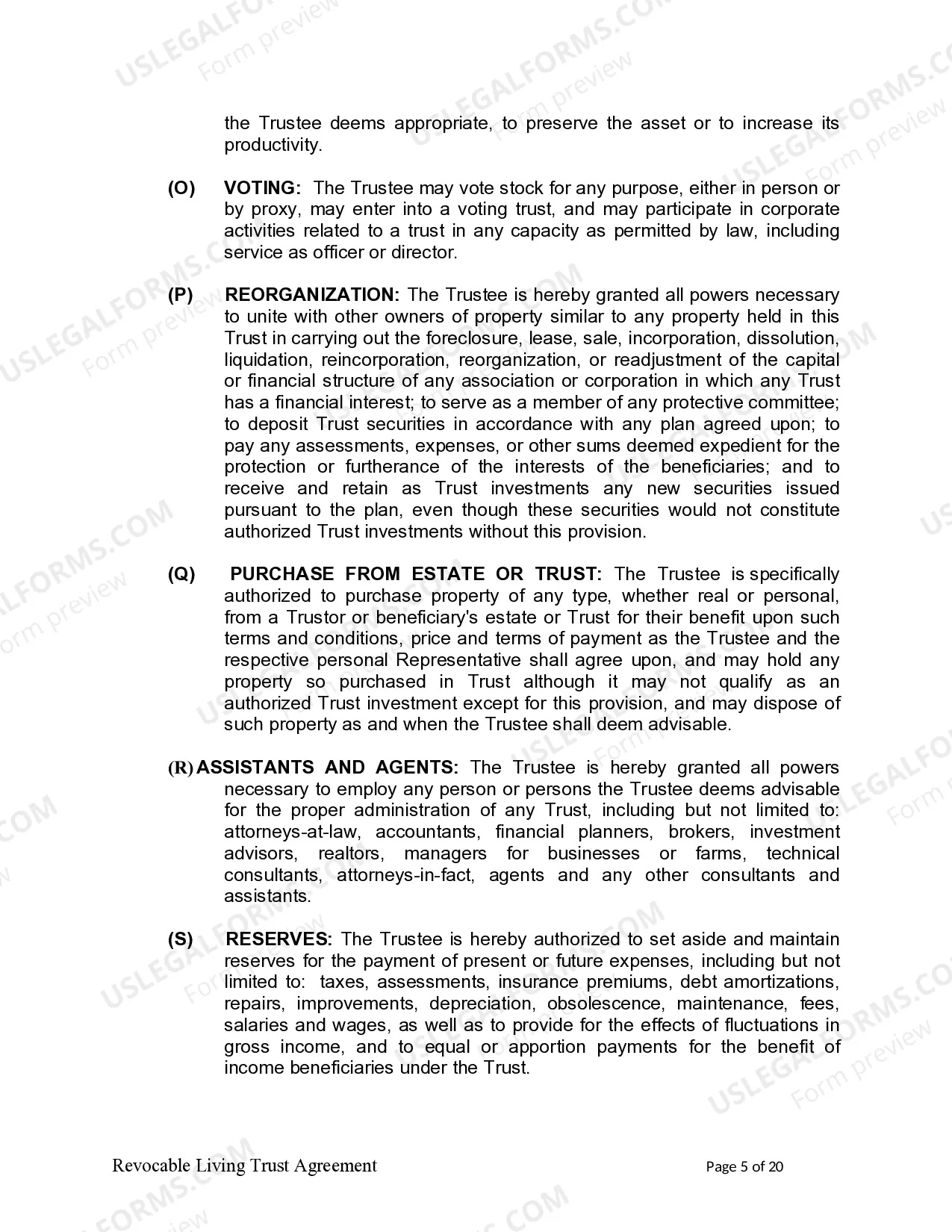
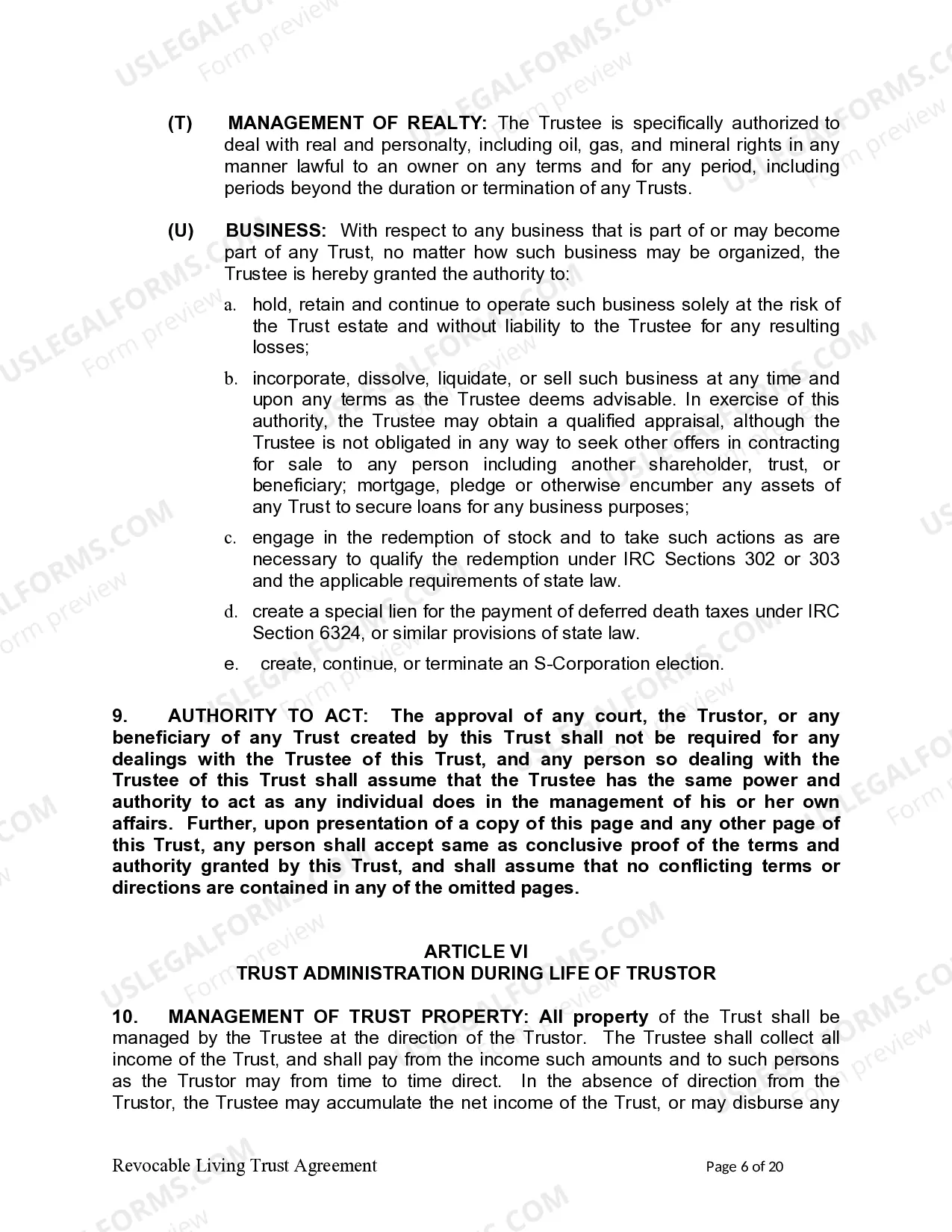
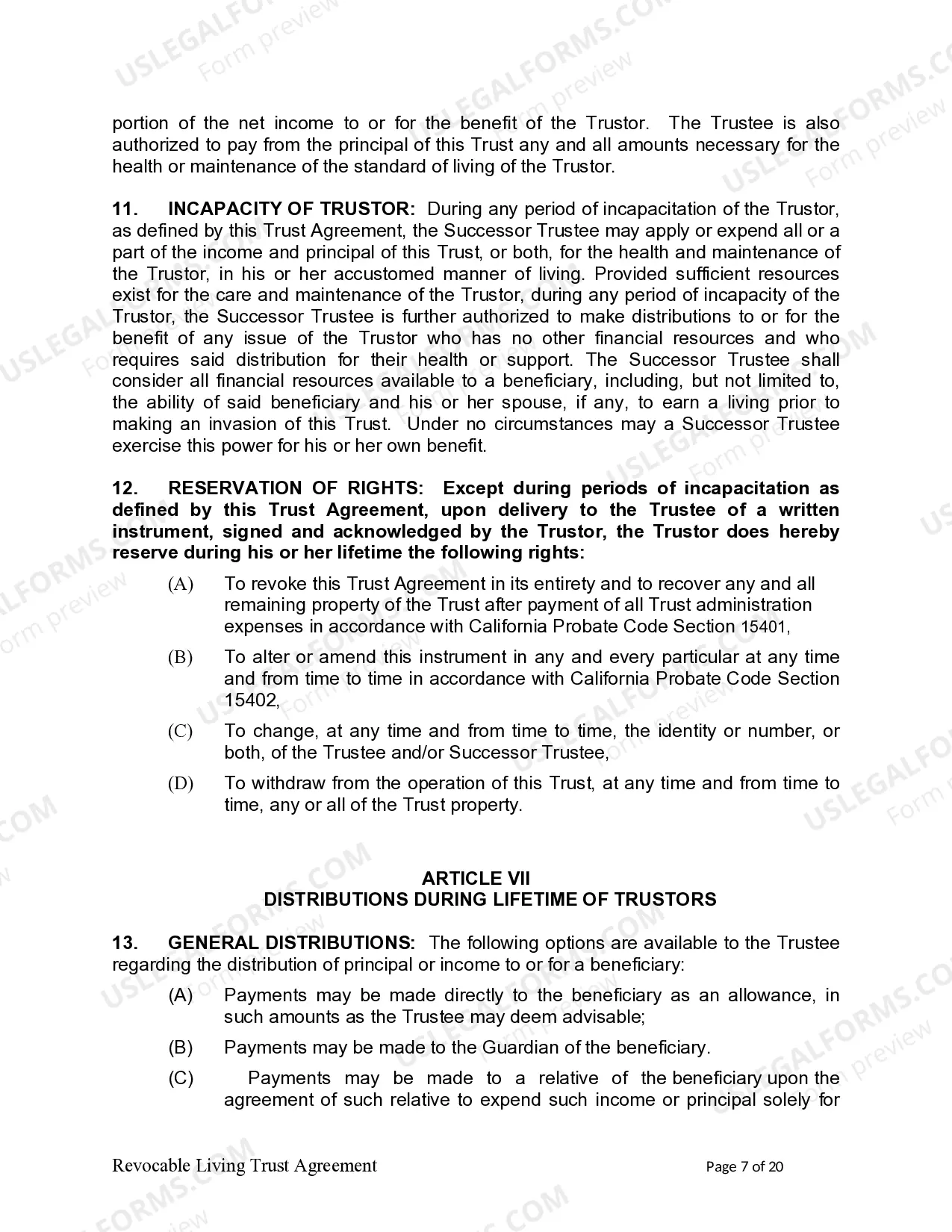
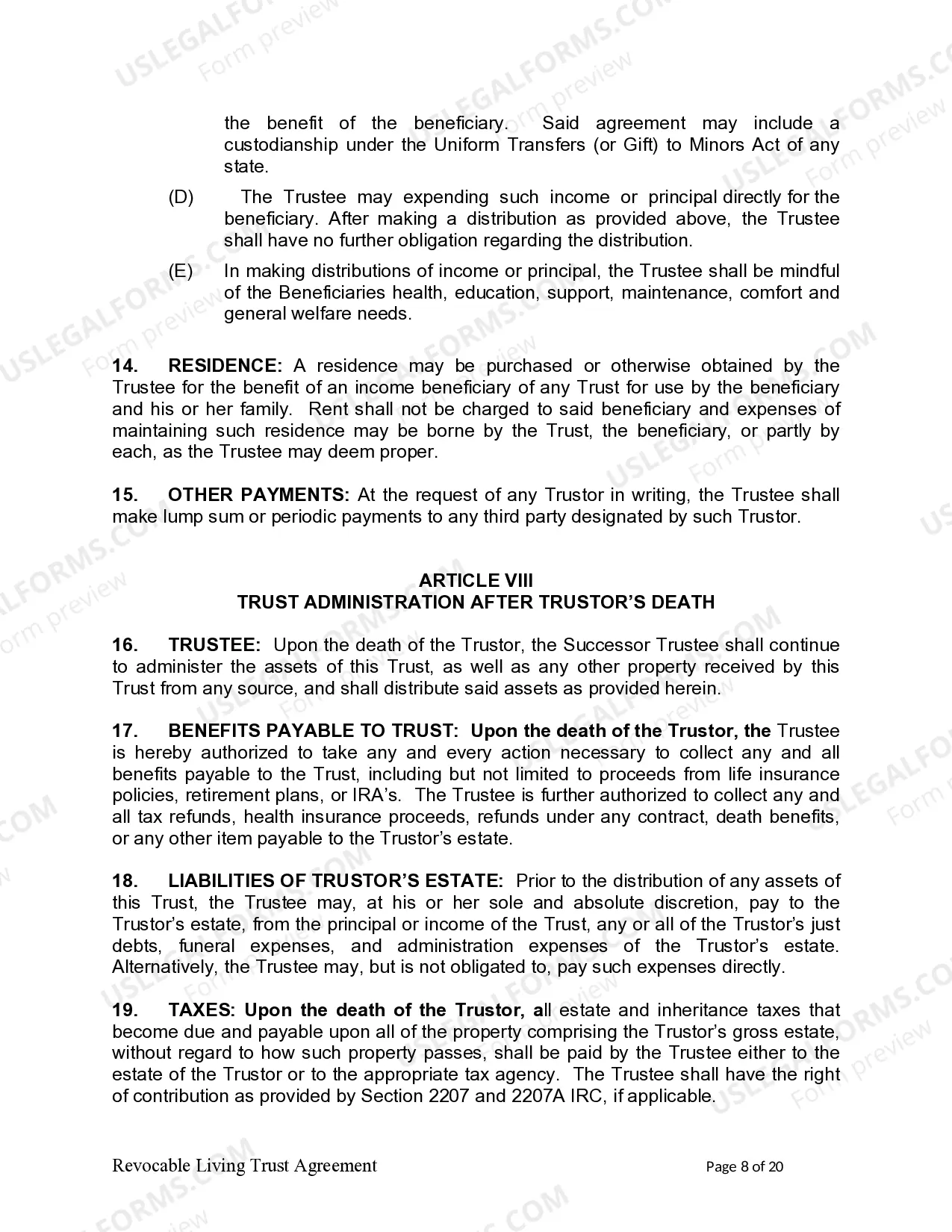


Get your form ready online
Our built-in tools help you complete, sign, share, and store your documents in one place.
Make edits, fill in missing information, and update formatting in US Legal Forms—just like you would in MS Word.
Download a copy, print it, send it by email, or mail it via USPS—whatever works best for your next step.
Sign and collect signatures with our SignNow integration. Send to multiple recipients, set reminders, and more. Go Premium to unlock E-Sign.
If this form requires notarization, complete it online through a secure video call—no need to meet a notary in person or wait for an appointment.
We protect your documents and personal data by following strict security and privacy standards.

Make edits, fill in missing information, and update formatting in US Legal Forms—just like you would in MS Word.

Download a copy, print it, send it by email, or mail it via USPS—whatever works best for your next step.

Sign and collect signatures with our SignNow integration. Send to multiple recipients, set reminders, and more. Go Premium to unlock E-Sign.

If this form requires notarization, complete it online through a secure video call—no need to meet a notary in person or wait for an appointment.

We protect your documents and personal data by following strict security and privacy standards.
Looking for another form?
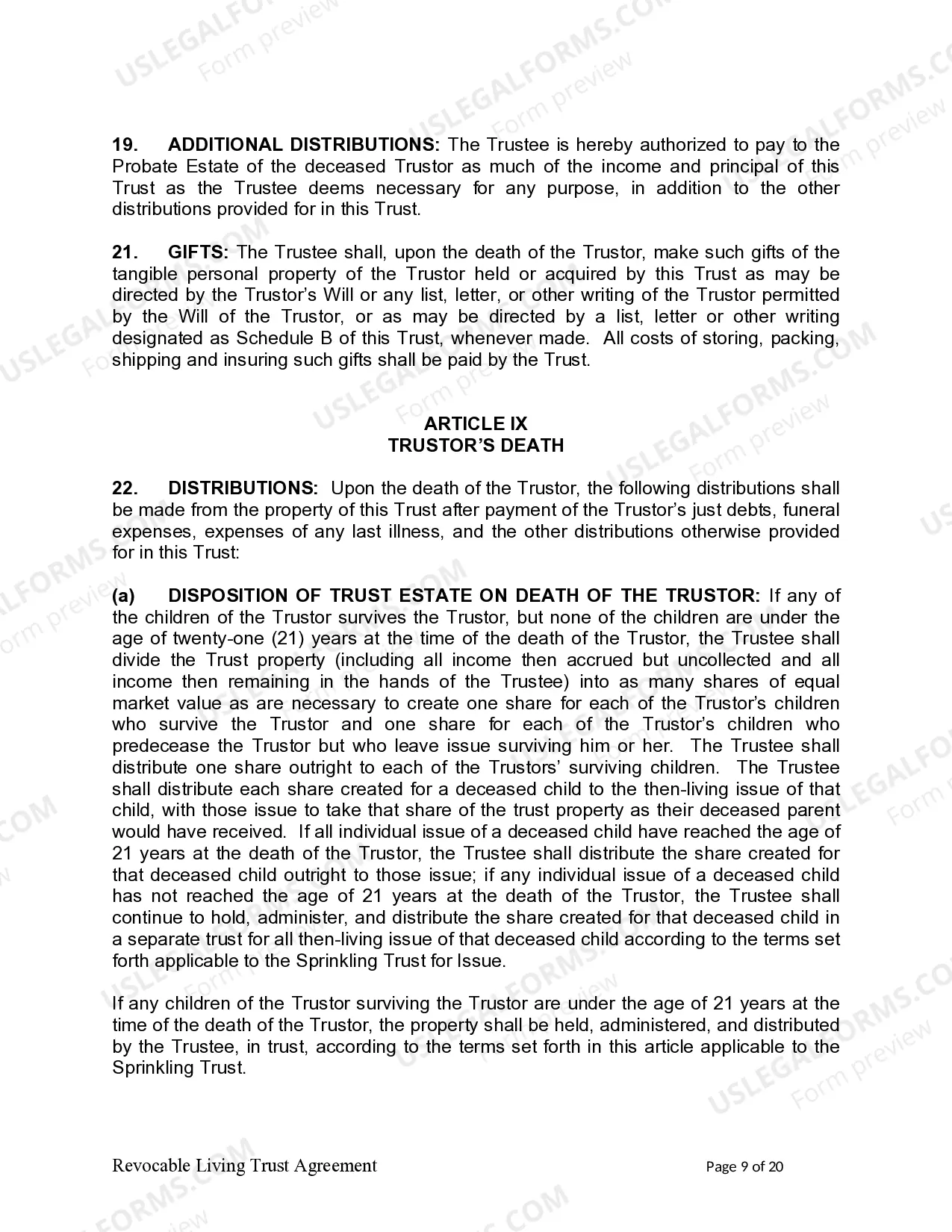
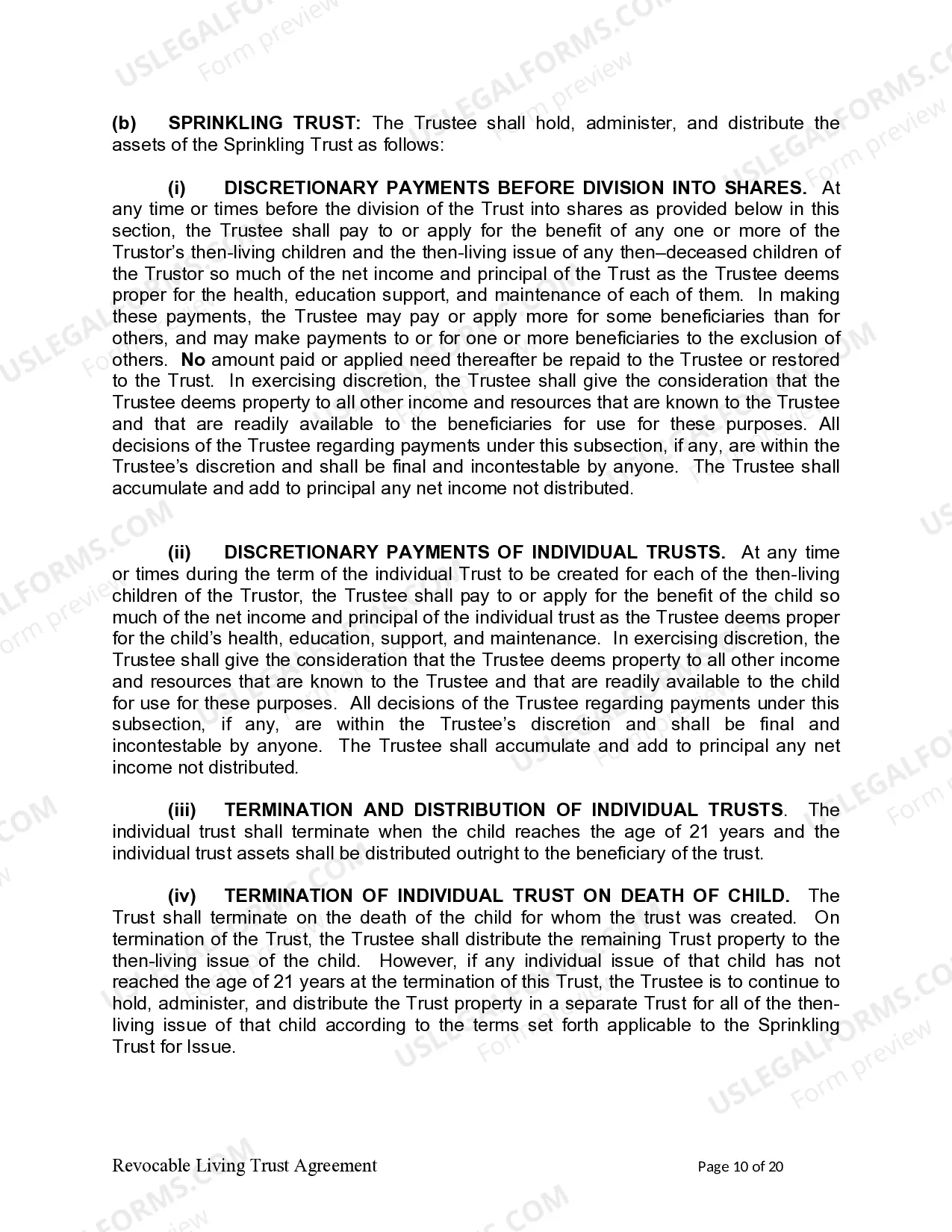
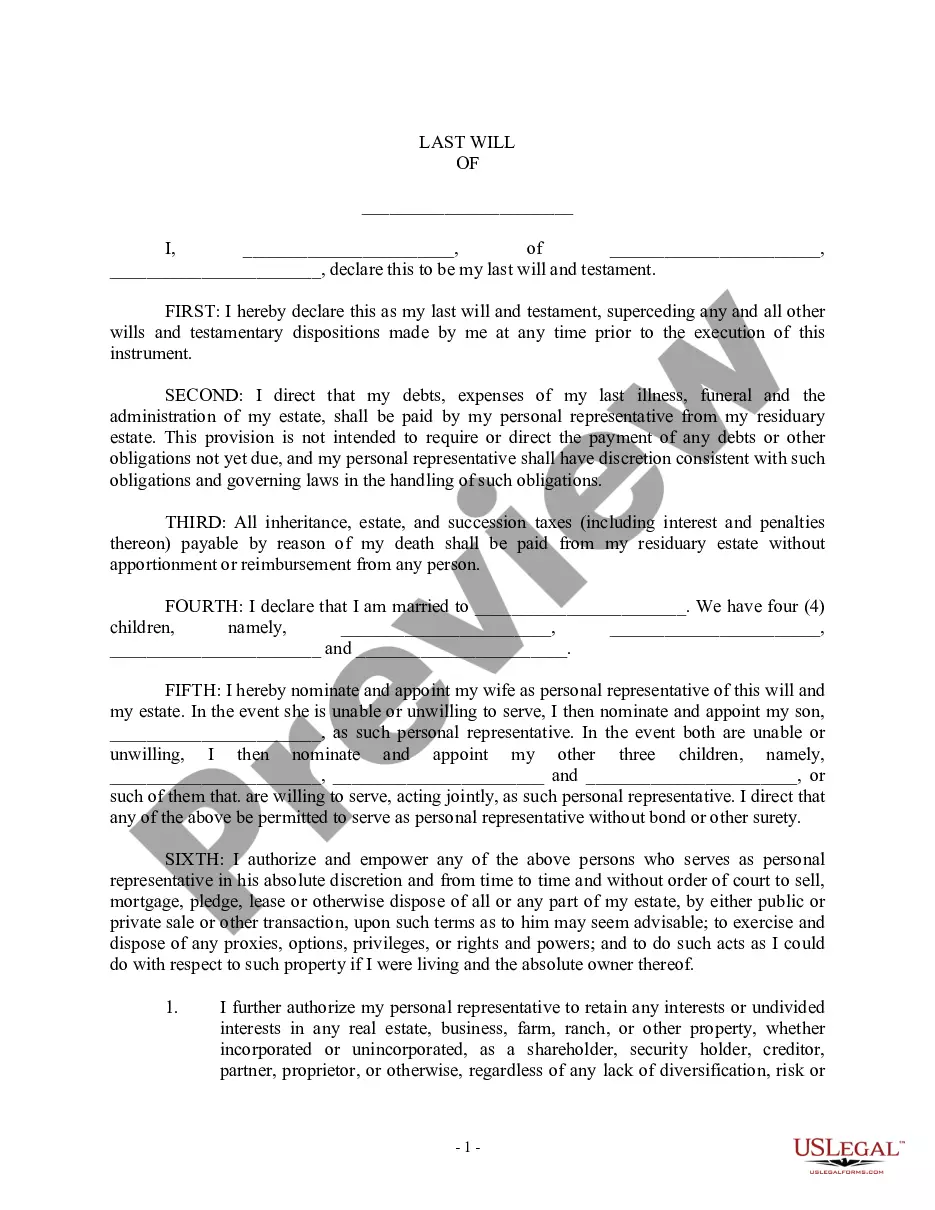
How to fill out California Living Trust For Individual, Who Is Single, Divorced Or Widow (or Widower) With Children?
Accessing legal document examples that adhere to federal and state guidelines is crucial, and the internet provides numerous alternatives to select from.
However, what’s the advantage of spending time searching for the suitable California Living Trust Template With Calculator sample online when the US Legal Forms digital library already consolidates such templates in one location.
US Legal Forms is the largest online legal repository with more than 85,000 editable templates prepared by lawyers for any commercial and personal situation.
All templates you find through US Legal Forms are reusable. To re-download and fill out previously acquired forms, access the My documents section in your account. Enjoy the most comprehensive and user-friendly legal document service!
- They are straightforward to navigate with all documents categorized by state and intended use.
- Our experts keep pace with legal alterations, so you can be confident your documents are current and compliant when acquiring a California Living Trust Template With Calculator from our site.
- Obtaining a California Living Trust Template With Calculator is quick and straightforward for both existing and new users.
- If you possess an account with an active subscription, Log In and store the document template you need in the appropriate format.
- If you are a newcomer to our website, follow the instructions below.
Form popularity
FAQ
Important points to include in a legal document. Party details. List the names, numbers, addresses (email or physical), and any other relevant information of all parties involved. ... Background information. ... Motion. ... Roles and responsibilities. ... Breaches or contingencies. ... Dates and signatures.
The basic elements required for the agreement to be a legally enforceable contract are: mutual assent, expressed by a valid offer and acceptance; adequate consideration; capacity; and legality.
They don't tend to value checking and correcting text. However, editing and proofreading are just as valuable and necessary to transform your text into good legal writing.
Currently it is possible for the user to generate document templates through Microsoft Word, by using a pre-defined list of Legal One tags. These tags are presented and managed by this add in, in which the user can use the available Legal One fields and save the changes in the document template.
How to Make a Legally Binding Document Their signature is proof they accepted the contract. The signature binds both parties to the terms. Getting the contract notarized proves each party signed the document (since no one can claim their signature was forged) The document has the notary's mark and seal.
A free legal template is truly only free at the point of 'sale'. Free legal templates are great, until there is a dispute and you are in trouble. Then they are less than great.
Simply put, yes, you can write your own legal contract. You just need to be sure to include key components such as an offer, an acceptance, an exchange of value, and the willingness of both parties to enter into a contract. Legally binding contracts can be done both in writing or orally.
There are no legal differences between typed and handwritten agreements when it comes to enforceability.