Guardian Documents With Google Drive
Description

Get your form ready online
Our built-in tools help you complete, sign, share, and store your documents in one place.
Make edits, fill in missing information, and update formatting in US Legal Forms—just like you would in MS Word.
Download a copy, print it, send it by email, or mail it via USPS—whatever works best for your next step.
Sign and collect signatures with our SignNow integration. Send to multiple recipients, set reminders, and more. Go Premium to unlock E-Sign.
If this form requires notarization, complete it online through a secure video call—no need to meet a notary in person or wait for an appointment.
We protect your documents and personal data by following strict security and privacy standards.

Make edits, fill in missing information, and update formatting in US Legal Forms—just like you would in MS Word.

Download a copy, print it, send it by email, or mail it via USPS—whatever works best for your next step.

Sign and collect signatures with our SignNow integration. Send to multiple recipients, set reminders, and more. Go Premium to unlock E-Sign.

If this form requires notarization, complete it online through a secure video call—no need to meet a notary in person or wait for an appointment.

We protect your documents and personal data by following strict security and privacy standards.
Looking for another form?








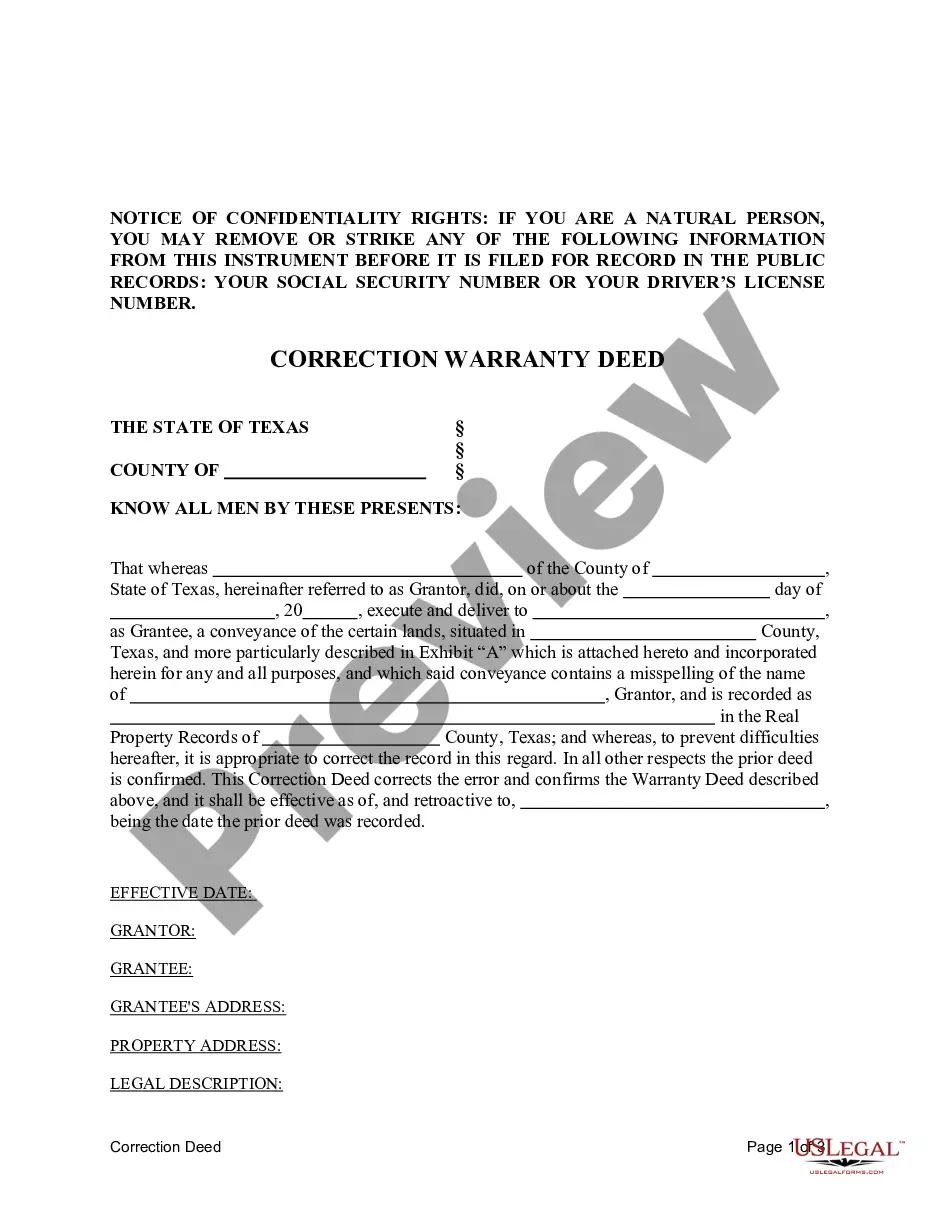

How to fill out California Standby Temporary Guardian Legal Documents Package?
Utilizing legal templates that comply with federal and local regulations is crucial, and the internet provides a multitude of choices to select from.
However, what’s the benefit of spending time searching for the suitable Guardian Documents With Google Drive example online if the US Legal Forms digital library already has such templates gathered in one location.
US Legal Forms is the largest online legal repository with over 85,000 fillable templates created by attorneys for any business and personal scenario.
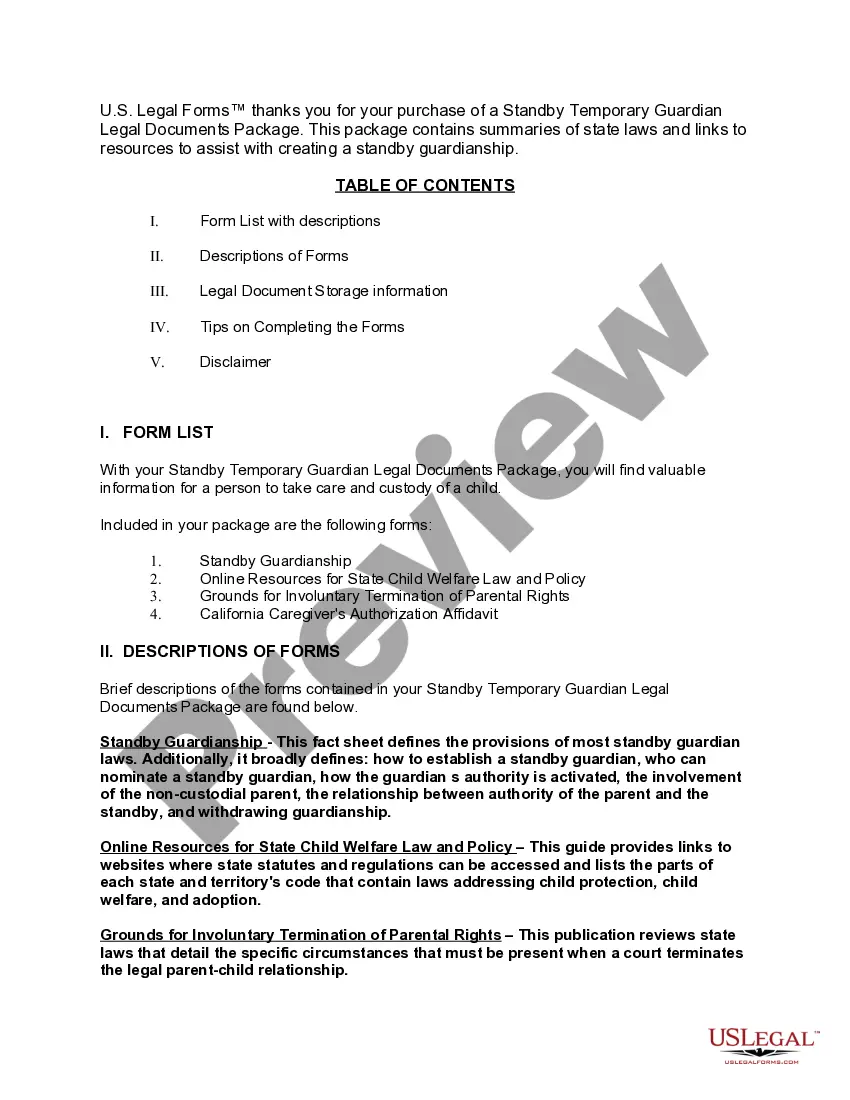
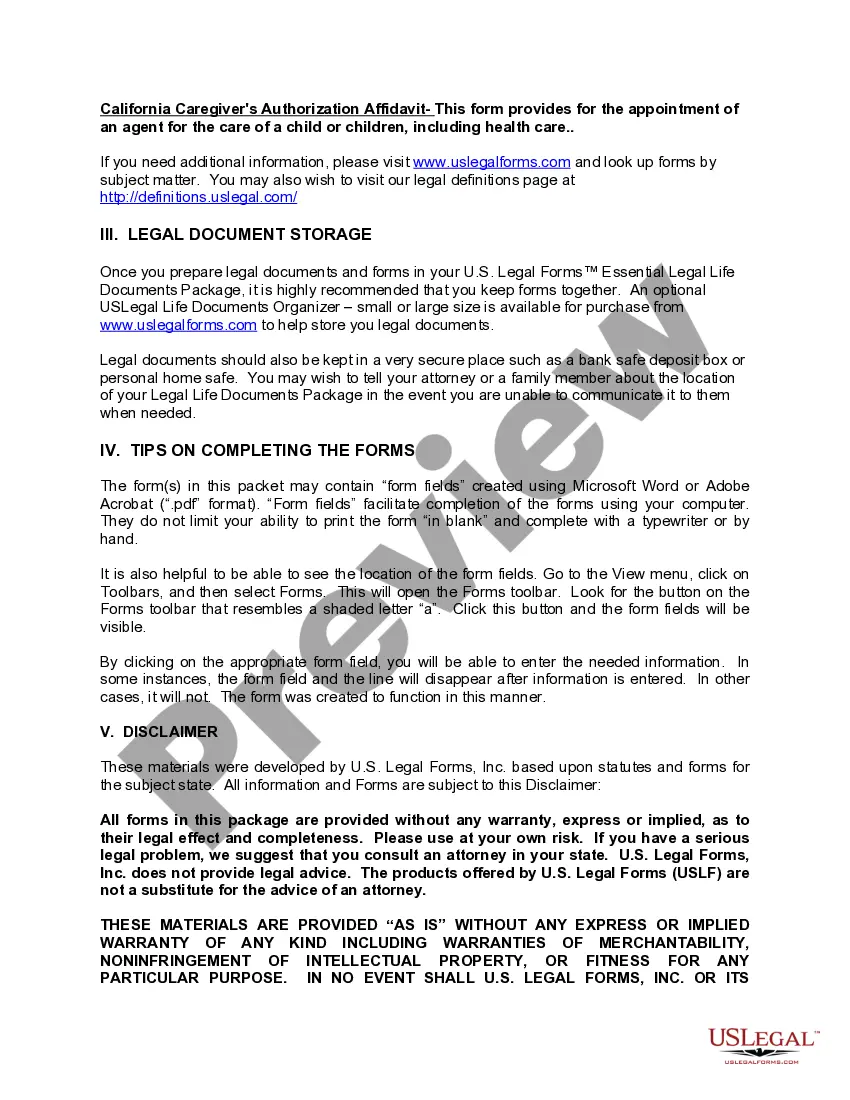
Review the template using the Preview feature or through the text description to ensure it meets your requirements.
- They are straightforward to navigate with all documents organized by state and intended usage.
- Our specialists stay informed about legislative updates, ensuring that your form is always current and compliant when obtaining a Guardian Documents With Google Drive from our site.
- Acquiring a Guardian Documents With Google Drive is swift and simple for both existing and new users.
- If you already possess an account with an active subscription, Log In and save the document template you need in the correct format.
- If you are new to our site, adhere to the steps below.
Form popularity
FAQ
Google Guardian works by allowing parents and guardians to receive critical updates about their child's academic activities. By linking your account through an invitation, you gain access to email summaries that keep you informed about assignments and participation. This feature enhances your ability to engage with your child's education and manage Guardian documents with Google Drive seamlessly.
Setting up Google Guardian involves accepting an invitation from your child's teacher to become a guardian. Once you accept, your account will be linked, and you can customize your email preferences for updates. This setup ensures you receive important notifications, allowing you to manage Guardian documents with Google Drive effectively.
To receive Guardian summaries on Google Classroom, you need to accept the Guardian invitation sent by your child's teacher. Once you are connected, you will automatically start receiving weekly summaries via email. These summaries include information on assignments and class activities, helping you keep track of Guardian documents with Google Drive and support your child's education.
To add a parent as a guardian on your Google Account, go to your account settings and locate the section for family sharing. From there, you can invite the parent by entering their email address. Once they accept the invitation, they will have access to relevant information, including Guardian documents with Google Drive, to help support your child's learning.
To view your Guardian email, check the inbox of the email account linked to your Google Classroom. If you are a guardian, you should receive regular updates and summaries from the teacher. Ensure that your email settings allow messages from Google Classroom to avoid missing important information related to Guardian documents with Google Drive.
The Guardian feature in Google Classroom allows parents and guardians to receive updates about assignments and class activities. When you opt in, you will receive email summaries that include missing work, upcoming assignments, and announcements. This function helps you stay connected and enables you to support your child effectively, especially when managing Guardian documents with Google Drive.
To become a guardian on your child's Google Classroom, you need to be invited by the teacher. Once you receive the invitation, follow the link provided in the email. By accepting, you gain access to important updates and can manage Guardian documents with Google Drive to stay informed about your child's progress.
To create a file folder in Google Drive, click on the '+ New' button, then select 'Folder' from the dropdown menu. You can name your folder to reflect its contents, such as 'Guardian Documents.' Organizing your files in folders helps keep your Guardian documents with Google Drive structured and user-friendly.
Uploading a file to Google Drive means transferring a file from your device to the cloud storage platform, making it accessible from any device with internet access. This process allows you to save and share your Guardian documents with Google Drive easily. Once uploaded, you can organize, edit, and collaborate on these files seamlessly.
Filing in Google Drive involves organizing your documents for easy retrieval. You can create folders, upload files, and use the search bar to find specific documents quickly. By effectively managing your Guardian documents with Google Drive, you ensure that you can access important information whenever you need it.