Commercial Application Form For Passport Renewal
Description
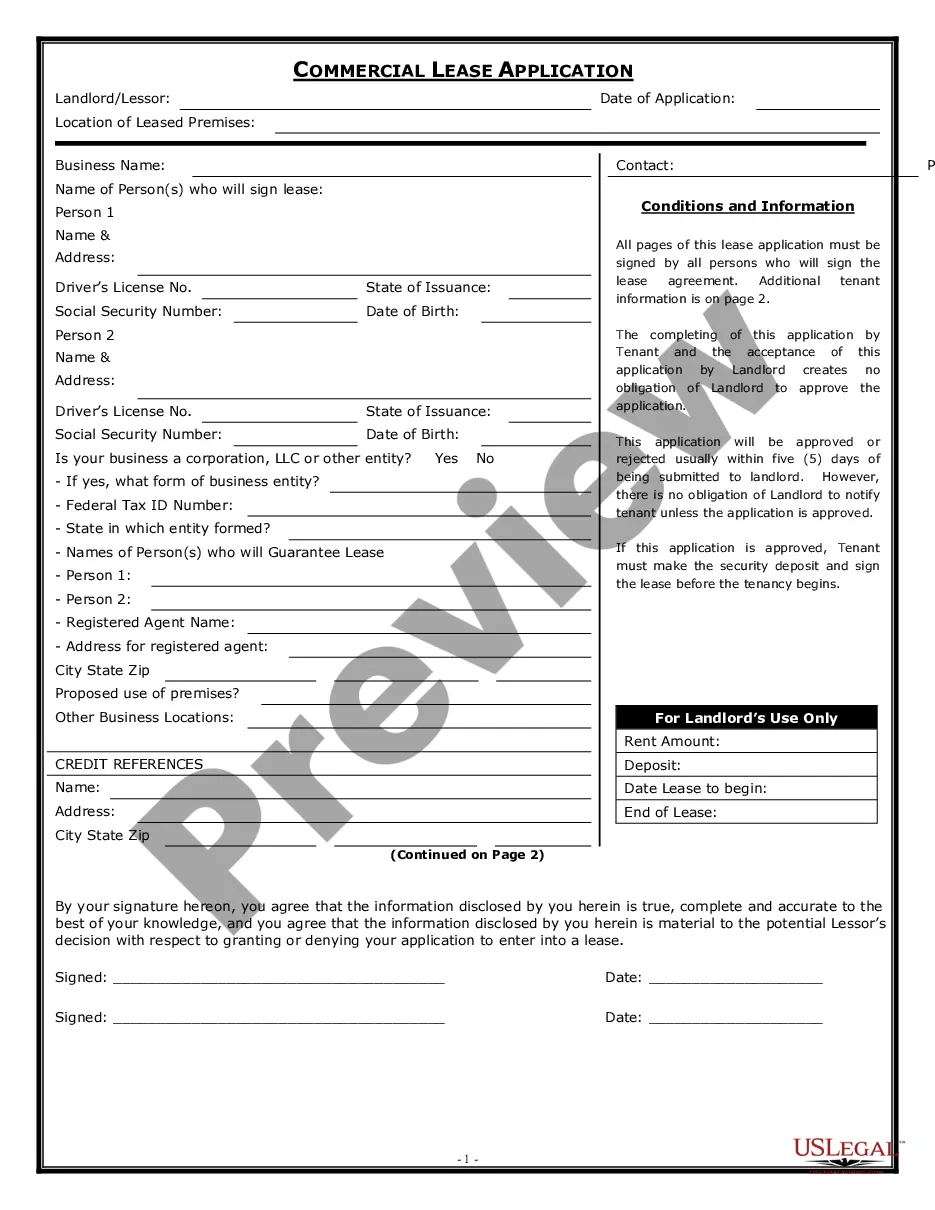
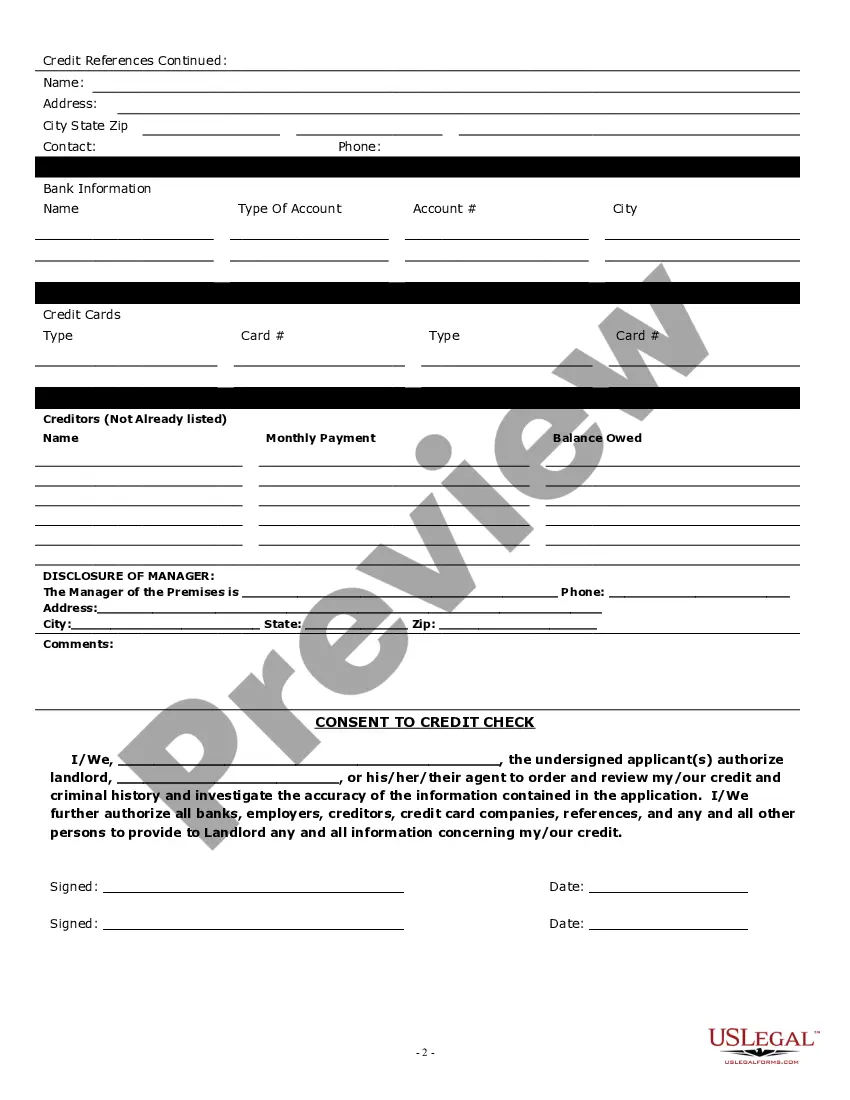

Get your form ready online
Our built-in tools help you complete, sign, share, and store your documents in one place.
Make edits, fill in missing information, and update formatting in US Legal Forms—just like you would in MS Word.
Download a copy, print it, send it by email, or mail it via USPS—whatever works best for your next step.
Sign and collect signatures with our SignNow integration. Send to multiple recipients, set reminders, and more. Go Premium to unlock E-Sign.
If this form requires notarization, complete it online through a secure video call—no need to meet a notary in person or wait for an appointment.
We protect your documents and personal data by following strict security and privacy standards.

Make edits, fill in missing information, and update formatting in US Legal Forms—just like you would in MS Word.

Download a copy, print it, send it by email, or mail it via USPS—whatever works best for your next step.

Sign and collect signatures with our SignNow integration. Send to multiple recipients, set reminders, and more. Go Premium to unlock E-Sign.

If this form requires notarization, complete it online through a secure video call—no need to meet a notary in person or wait for an appointment.

We protect your documents and personal data by following strict security and privacy standards.
Looking for another form?










How to fill out California Commercial Rental Lease Application?
Regardless of whether for commercial reasons or personal issues, everyone must confront legal circumstances at some point in their lives.
Completing legal documentation demands meticulous focus, beginning with selecting the correct form template. For instance, if you choose an incorrect version of the Commercial Application Form For Passport Renewal, it will be rejected upon submission.
Once it is saved, you can fill out the form using editing software or print it and fill it out by hand. With a vast US Legal Forms catalog available, you don’t have to waste time hunting for the right template online. Utilize the library’s user-friendly navigation to obtain the correct template for any situation.
- Obtain the template you require by using the search box or catalog navigation.
- Review the form’s details to confirm it suits your situation, state, and county.
- Click on the form’s preview to inspect it.
- If it is the incorrect form, return to the search feature to find the Commercial Application Form For Passport Renewal template you require.
- Acquire the template if it fulfills your requirements.
- If you already possess a US Legal Forms account, click Log in to retrieve previously saved documents in My documents.
- If you do not yet have an account, you can acquire the form by clicking Buy now.
- Select the suitable pricing choice.
- Complete the account registration form.
- Choose your payment method: utilize a credit card or PayPal account.
- Select the document format you desire and download the Commercial Application Form For Passport Renewal.
Form popularity
FAQ
Login to the Passport Seva Online Portal with the registered Login Id. Click "Apply for Fresh Passport/Re-issue of Passport" link. Fill in the required details in the form and submit. Click the "Pay and Schedule Appointment" link on the "View Saved/Submitted Applications" screen to schedule an appointment.
Follow the steps mentioned below to fill the passport renewal application : Step 1 : After creating an account, log in to the portal using your log in credentials. Step 2 : Click on the 'Apply for Fresh Passport/Re-issue of Passport' link and click on 'Click here to fill the application form'.
Step 1: Log in to the Passport Seva website. Step 2: Choose the "Apply for Fresh Passport/Re-issue of Passport" option. Step 3: Fill out the form with information such as your address and local contact information for police verification. Step 4: Check all the details and click "Validate".
How to Fill Out the DS-82: Application for a Passport Renewal - YouTube YouTube Start of suggested clip End of suggested clip Information. It can be in color or black and white either works just. Fine. So you'll want to makeMoreInformation. It can be in color or black and white either works just. Fine. So you'll want to make sure that. You select the documents that you're applying.
Employment Type: PSU, Government, Statutory Body, Retired Government Servant, Self Employed, Private, Homemaker, Not Employed, Retired-Private Service, Student, Others, Owners, Partners & Directors of companies which are members of CII, FICCI & ASSOCHAM.