California Dissolution Paper Withholding
Description
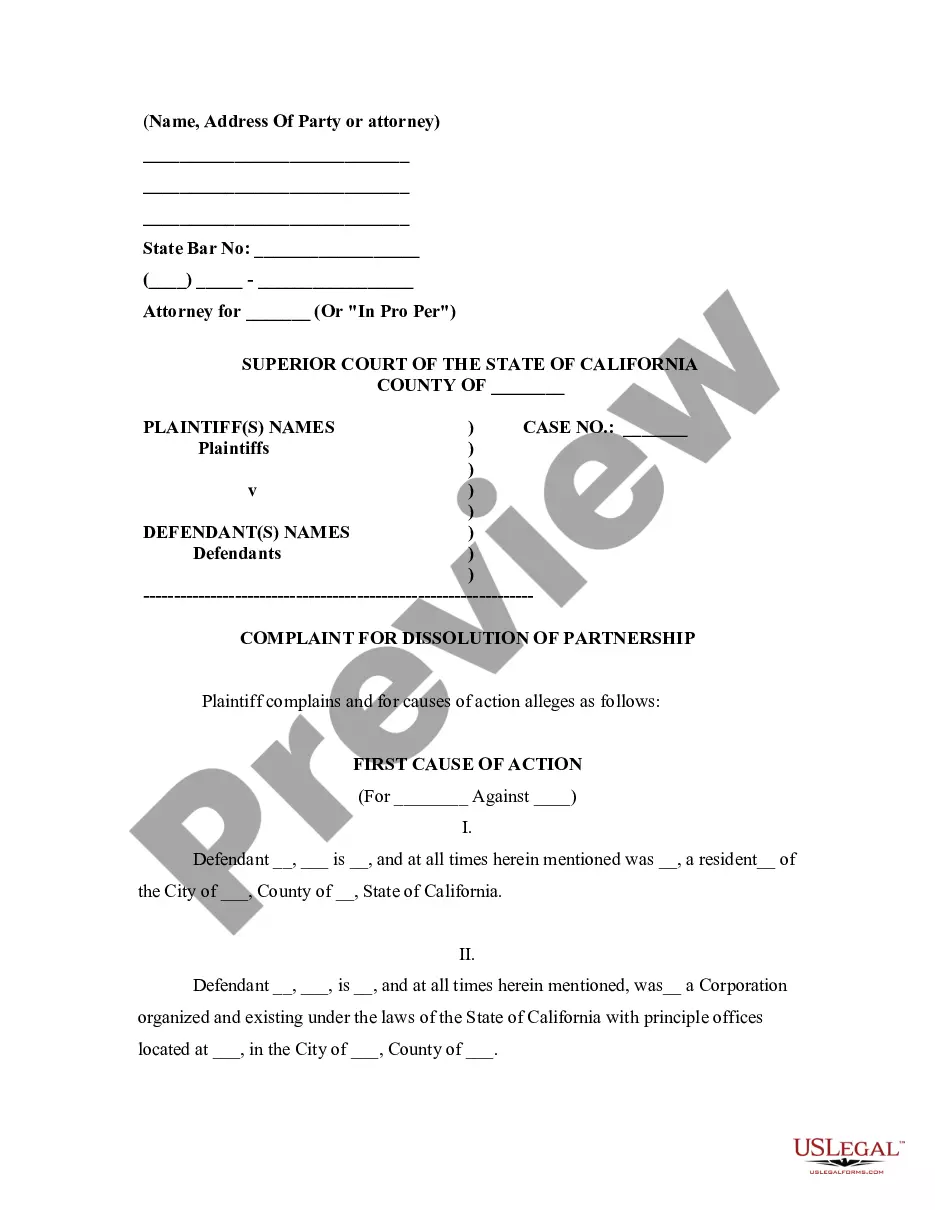
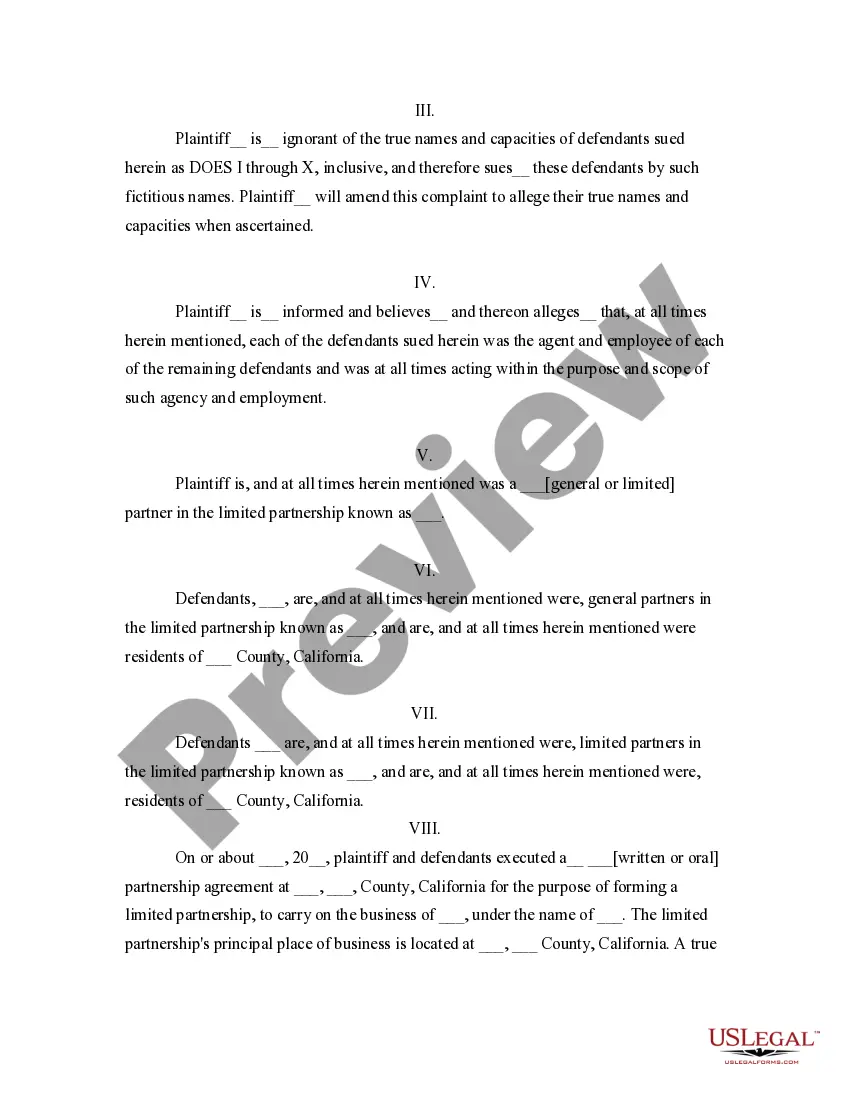
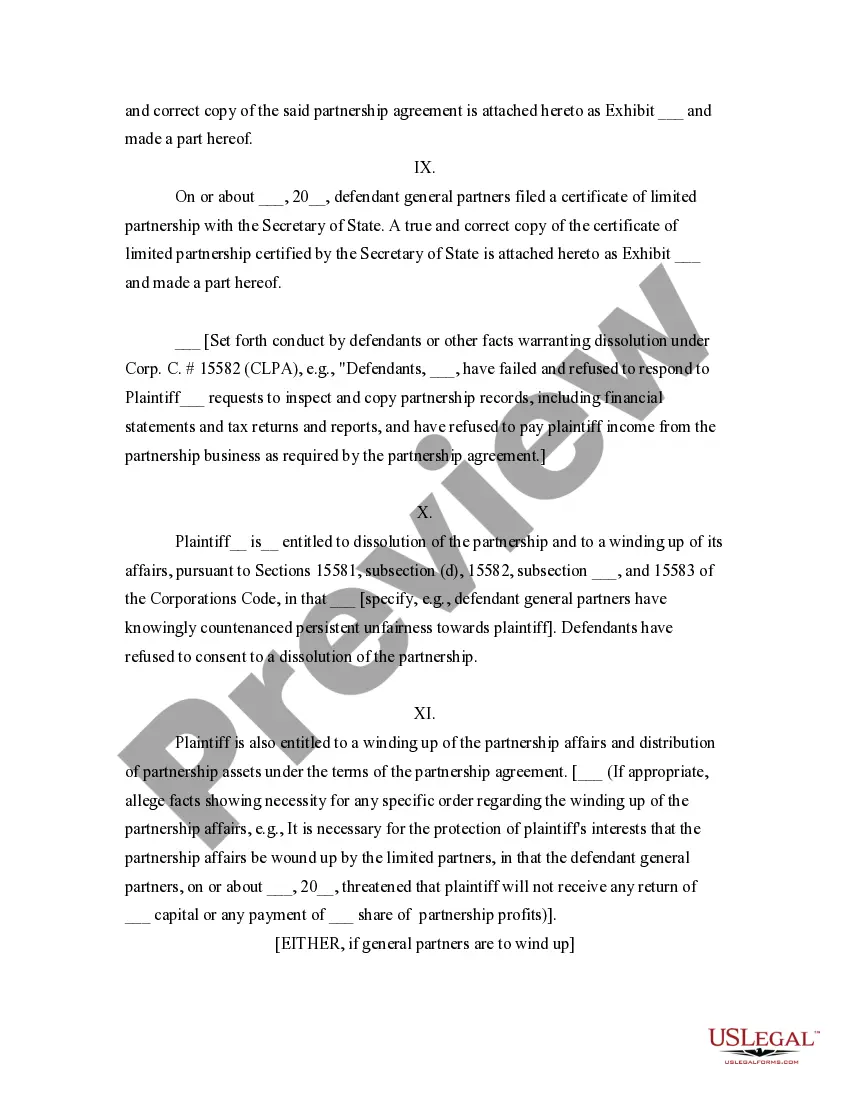
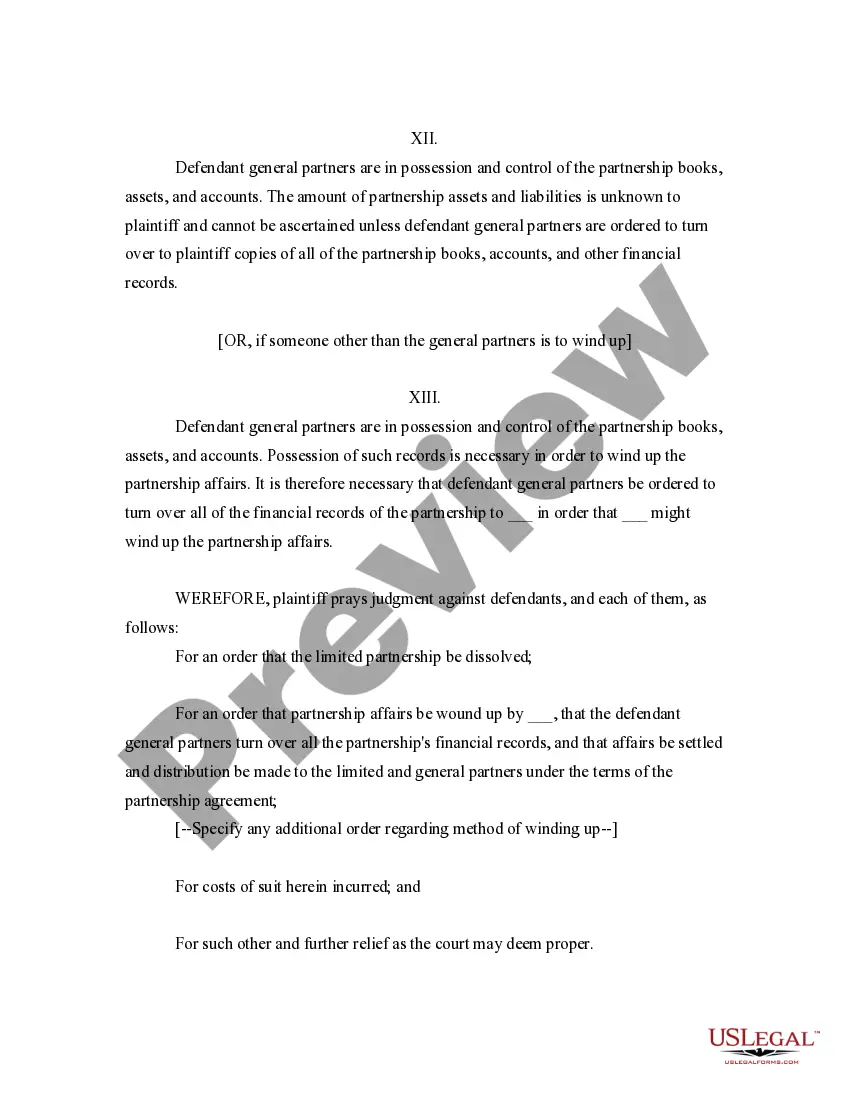

Get your form ready online
Our built-in tools help you complete, sign, share, and store your documents in one place.
Make edits, fill in missing information, and update formatting in US Legal Forms—just like you would in MS Word.
Download a copy, print it, send it by email, or mail it via USPS—whatever works best for your next step.
Sign and collect signatures with our SignNow integration. Send to multiple recipients, set reminders, and more. Go Premium to unlock E-Sign.
If this form requires notarization, complete it online through a secure video call—no need to meet a notary in person or wait for an appointment.
We protect your documents and personal data by following strict security and privacy standards.

Make edits, fill in missing information, and update formatting in US Legal Forms—just like you would in MS Word.

Download a copy, print it, send it by email, or mail it via USPS—whatever works best for your next step.

Sign and collect signatures with our SignNow integration. Send to multiple recipients, set reminders, and more. Go Premium to unlock E-Sign.

If this form requires notarization, complete it online through a secure video call—no need to meet a notary in person or wait for an appointment.

We protect your documents and personal data by following strict security and privacy standards.
Looking for another form?





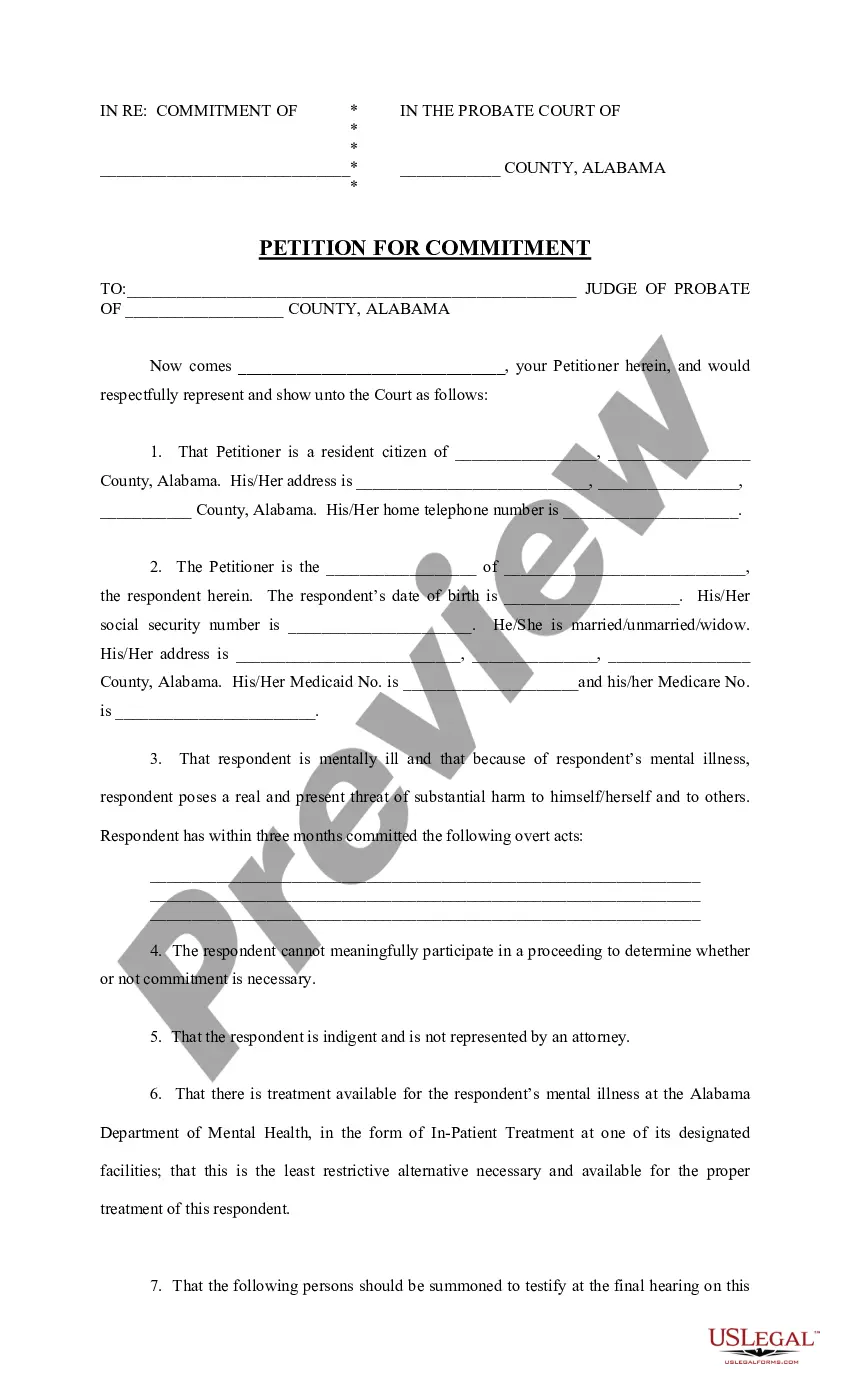




How to fill out California Complaint For Dissolution Of Limited Partnership?
Getting a go-to place to access the most current and appropriate legal templates is half the struggle of dealing with bureaucracy. Discovering the right legal papers demands accuracy and attention to detail, which explains why it is crucial to take samples of California Dissolution Paper Withholding only from reputable sources, like US Legal Forms. A wrong template will waste your time and hold off the situation you are in. With US Legal Forms, you have little to be concerned about. You may access and check all the details regarding the document’s use and relevance for the situation and in your state or county.
Take the following steps to complete your California Dissolution Paper Withholding:
- Utilize the catalog navigation or search field to find your sample.
- View the form’s information to see if it fits the requirements of your state and area.
- View the form preview, if available, to ensure the template is definitely the one you are interested in.
- Resume the search and find the proper document if the California Dissolution Paper Withholding does not fit your needs.
- If you are positive about the form’s relevance, download it.
- If you are a registered user, click Log in to authenticate and gain access to your selected templates in My Forms.
- If you do not have a profile yet, click Buy now to obtain the template.
- Pick the pricing plan that suits your preferences.
- Proceed to the registration to finalize your purchase.
- Finalize your purchase by choosing a transaction method (credit card or PayPal).
- Pick the file format for downloading California Dissolution Paper Withholding.
- Once you have the form on your device, you may modify it with the editor or print it and finish it manually.
Get rid of the inconvenience that comes with your legal documentation. Check out the extensive US Legal Forms catalog where you can find legal templates, examine their relevance to your situation, and download them on the spot.
Form popularity
FAQ
Understanding the steps involved in a California legal separation will help you know what to expect. Step 1: Meet The Residency Requirements. ... Step 2: Seek The Help Of An Attorney. ... Step 3: File The Petition. ... Step 4: Serve Your Spouse. ... Step 5: Negotiate The Terms. ... Step 6: Finalize The Agreement. ... Step 7: Attend The Final Hearing.
You need these two forms: FL-800, Joint Petition for Summary Dissolution, certifies you and your spouse have agreed to end your marriage. FL-825, Judgment of Dissolution and Notice of Entry of Judgment, is what the court will use to file your divorce. Fill out the top portion of the form only.
Summary Dissolution Married & together less than 5 years (count marriage date to separation date) No children of this marriage. You don't own too much (nor owe too much) No land or buildings. Value of property (minus cars) is $40,000 for community property.
You will need to pay a fee ($435-$450) to the clerk when you file your forms. If you can't afford the fee, you can ask the clerk for a fee waiver. You qualify for a fee waiver if: You receive public benefits.
Requirements for a Summary Dissolution in California you both must agree to end the marriage or partnership because of "irreconcilable differences" you do not have any minor children. neither of you is pregnant. you have been married or registered as a domestic partnership for less than five years.