Tenant Microsoft 365
Description


Get your form ready online
Our built-in tools help you complete, sign, share, and store your documents in one place.
Make edits, fill in missing information, and update formatting in US Legal Forms—just like you would in MS Word.
Download a copy, print it, send it by email, or mail it via USPS—whatever works best for your next step.
Sign and collect signatures with our SignNow integration. Send to multiple recipients, set reminders, and more. Go Premium to unlock E-Sign.
If this form requires notarization, complete it online through a secure video call—no need to meet a notary in person or wait for an appointment.
We protect your documents and personal data by following strict security and privacy standards.

Make edits, fill in missing information, and update formatting in US Legal Forms—just like you would in MS Word.

Download a copy, print it, send it by email, or mail it via USPS—whatever works best for your next step.

Sign and collect signatures with our SignNow integration. Send to multiple recipients, set reminders, and more. Go Premium to unlock E-Sign.

If this form requires notarization, complete it online through a secure video call—no need to meet a notary in person or wait for an appointment.

We protect your documents and personal data by following strict security and privacy standards.
Looking for another form?







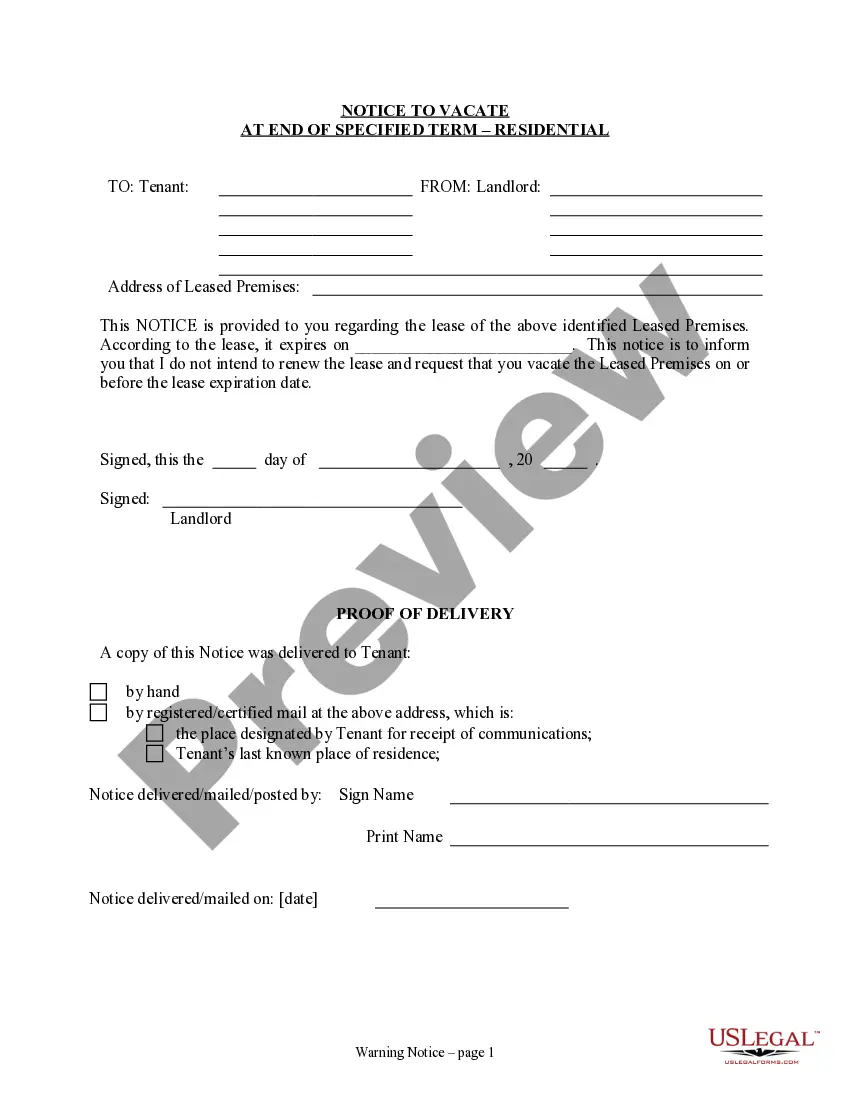
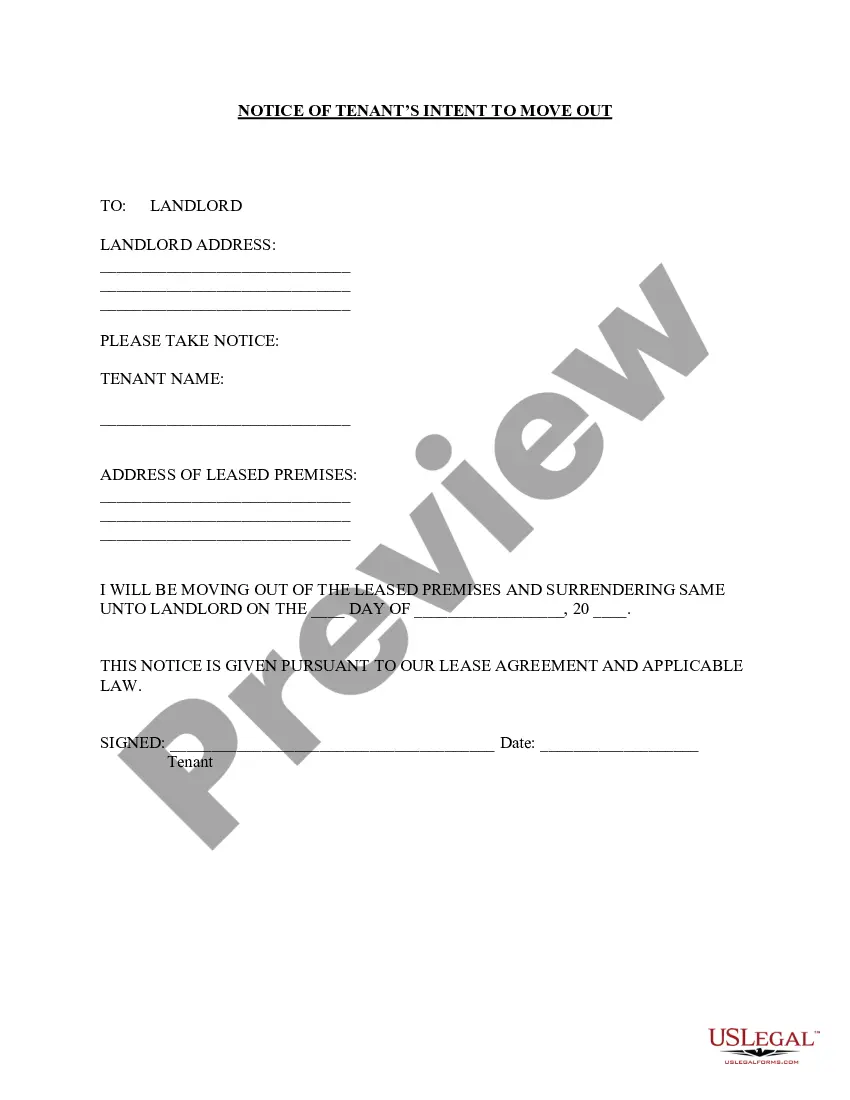
How to fill out California Notice Of Intent Not To Renew At End Of Specified Term From Landlord To Tenant For Residential Property?
- If you're already a US Legal Forms user, log in to your account and download your desired form template by clicking the Download button. Ensure your subscription is active; otherwise, renew according to your payment plan.
- For first-time users, begin by checking the Preview mode and form description to confirm you’ve selected the right document that aligns with your needs and complies with local jurisdiction requirements.
- If necessary, utilize the Search tab to explore additional templates. If you notice any discrepancies, find a more suitable form.
- Proceed by hitting the Buy Now button to select your preferred subscription plan. You'll need to create an account to access the library's resources.
- Finalize your purchase by entering your credit card information or choosing your PayPal account to complete the subscription payment.
- Download your completed form and save it to your device. You can access it any time through the My Forms section in your profile.
In conclusion, US Legal Forms provides an extensive collection of legal documents that are easy to fill and edit, making legal processes seamless for users. Fast access to premium expert assistance ensures that all forms are completed correctly and are legally sound.
Start simplifying your legal documentation today with US Legal Forms and unlock the many benefits of a well-structured legal form library.
Form popularity
FAQ
A tenant in Microsoft 365 refers to your unique instance of the Microsoft cloud services that is reserved for your organization. It encompasses everything from user accounts to data storage and application services, ensuring that users can collaborate and work effectively within a secure environment. Clearly understanding your tenant helps in maximizing the benefits of your Microsoft 365 subscription.
Microsoft uses the term tenant to describe a dedicated environment that hosts all your organization's data and user accounts in Microsoft 365. This concept ensures that each organization's resources remain separate and secure from others. By understanding the notion of a tenant, you can make informed decisions about how to manage your organization's Microsoft 365 resources.
While a domain is an address used to navigate to your organization’s online presence, a tenant encompasses that domain along with all the user accounts and data within Microsoft 365. The tenant acts as a management layer over multiple domains, providing a cohesive platform for your organization’s digital activities. Recognizing these differences is essential for efficient administration and usage of Microsoft 365.
Tenants in Microsoft 365 are centralized data repositories that store organizational data, applications, and user accounts. Each tenant operates independently, ensuring that user information and resources remain secure from other organizations. This architecture is crucial for managing information effectively and helps in maintaining compliance with various regulations.
Office 365 can operate in a multi-tenant architecture, meaning each organization's data is securely separated, although they share the same infrastructure. Thus, users from different tenants do not have access to each other's data. Understanding this helps organizations appreciate the security measures Microsoft has implemented within their tenant in Microsoft 365.
To find your Microsoft 365 tenant, you can log in to the Microsoft 365 admin center using your credentials. Once logged in, you’ll see your tenant information displayed, including the tenant ID, which identifies your organization’s instance. This information is essential for managing your resources and ensuring that your Microsoft 365 tenant operates smoothly.
A tenant in Microsoft 365 is a dedicated environment that houses your data and users, while a subscription is a contractual agreement that grants you access to Microsoft 365 services. Multiple subscriptions can exist within a single tenant, giving you flexibility in managing services. This distinction allows organizations to tailor their Microsoft 365 experience based on their specific needs while securing their tenant from other tenants.
A domain represents an address for your website or email, while a tenant in Microsoft 365 refers to a dedicated instance of the service that holds your organization’s data and user accounts. Simply put, your domain is like your organization’s name on the internet, whereas a tenant is like a secure container for your Microsoft 365 resources. Understanding this distinction helps you navigate your Microsoft 365 experience effectively.
To get your tenant ID, sign in to the Microsoft 365 admin center and navigate to Azure Active Directory. Under 'Overview', you will see the tenant ID listed. This information is essential for developers and administrators to effectively manage your Tenant Microsoft 365 environment.
You can find your tenant ID in the Azure Active Directory section of the Microsoft 365 admin center. Once there, go to 'Properties', and your tenant ID will be displayed prominently. This ID is an important identifier for your Tenant Microsoft 365 setup and integrations.