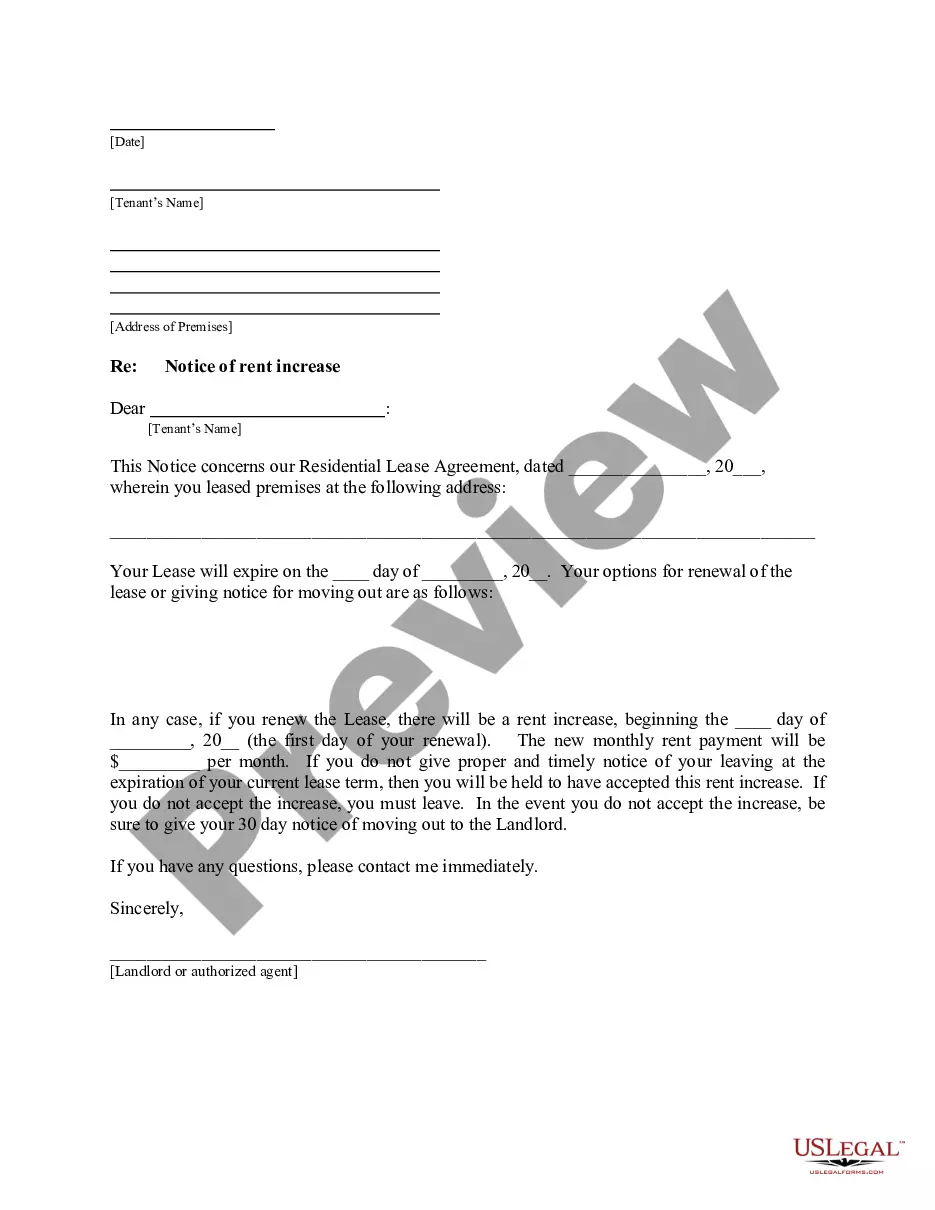
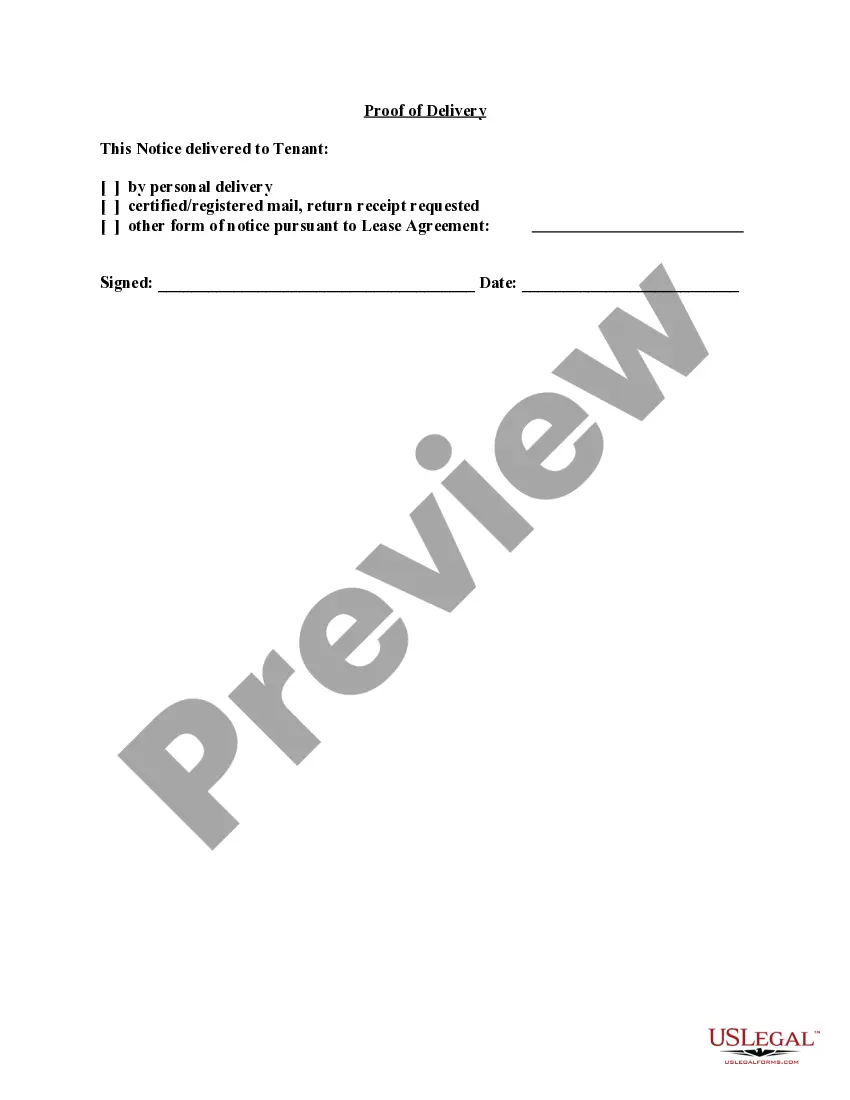
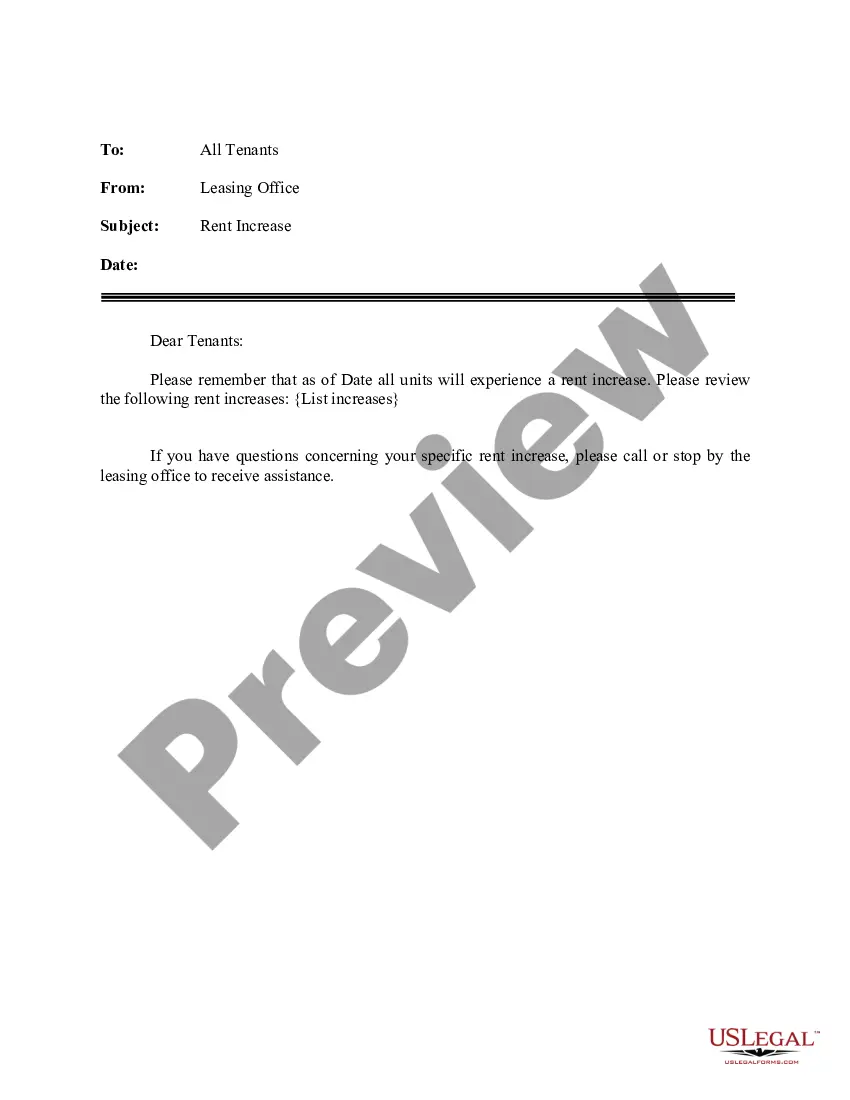
Letter Increase Rent Rental For Month To Month Tenant
Description
Get your form ready online
Our built-in tools help you complete, sign, share, and store your documents in one place.
Make edits, fill in missing information, and update formatting in US Legal Forms—just like you would in MS Word.
Download a copy, print it, send it by email, or mail it via USPS—whatever works best for your next step.
Sign and collect signatures with our SignNow integration. Send to multiple recipients, set reminders, and more. Go Premium to unlock E-Sign.
If this form requires notarization, complete it online through a secure video call—no need to meet a notary in person or wait for an appointment.
We protect your documents and personal data by following strict security and privacy standards.
Make edits, fill in missing information, and update formatting in US Legal Forms—just like you would in MS Word.
Download a copy, print it, send it by email, or mail it via USPS—whatever works best for your next step.
Sign and collect signatures with our SignNow integration. Send to multiple recipients, set reminders, and more. Go Premium to unlock E-Sign.
If this form requires notarization, complete it online through a secure video call—no need to meet a notary in person or wait for an appointment.
We protect your documents and personal data by following strict security and privacy standards.
Looking for another form?

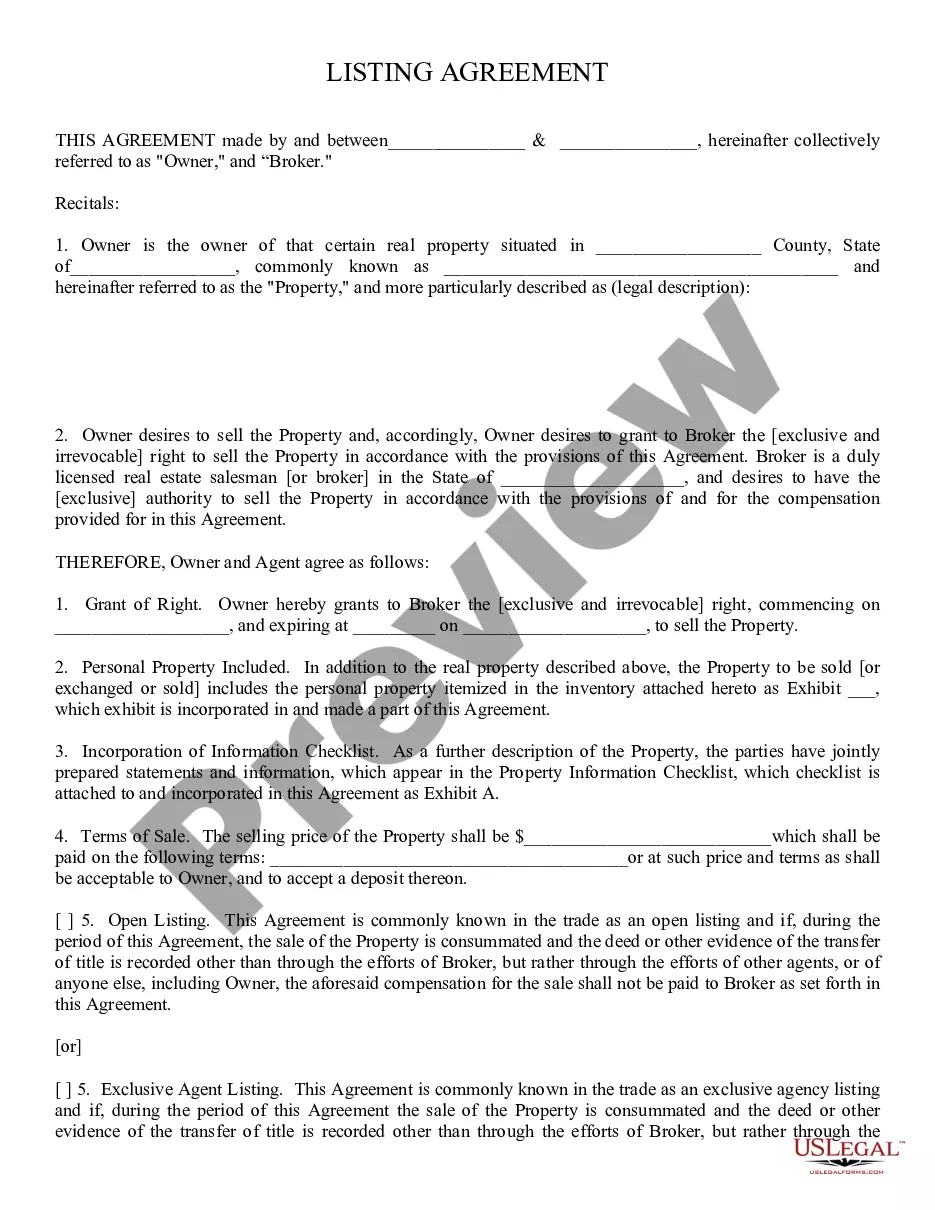
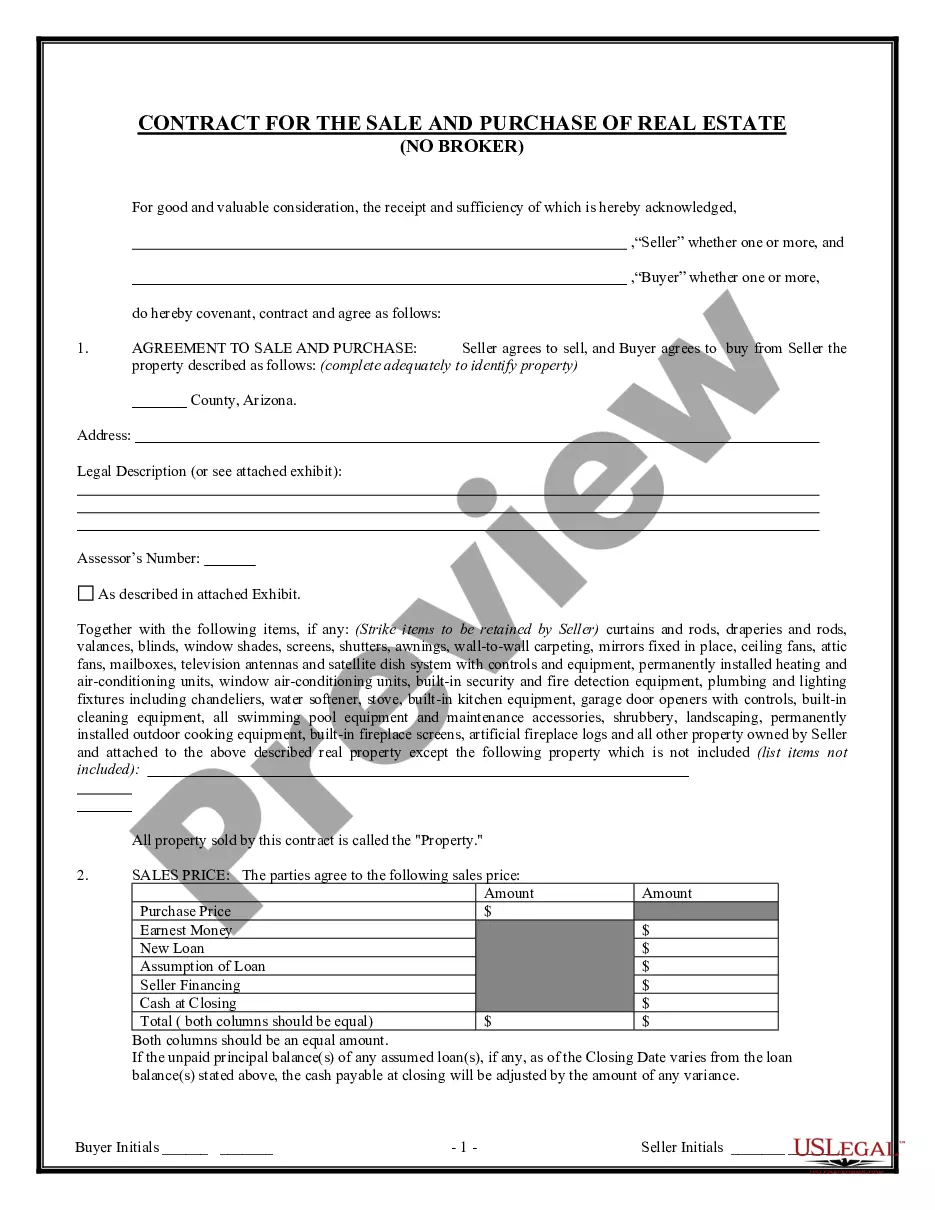
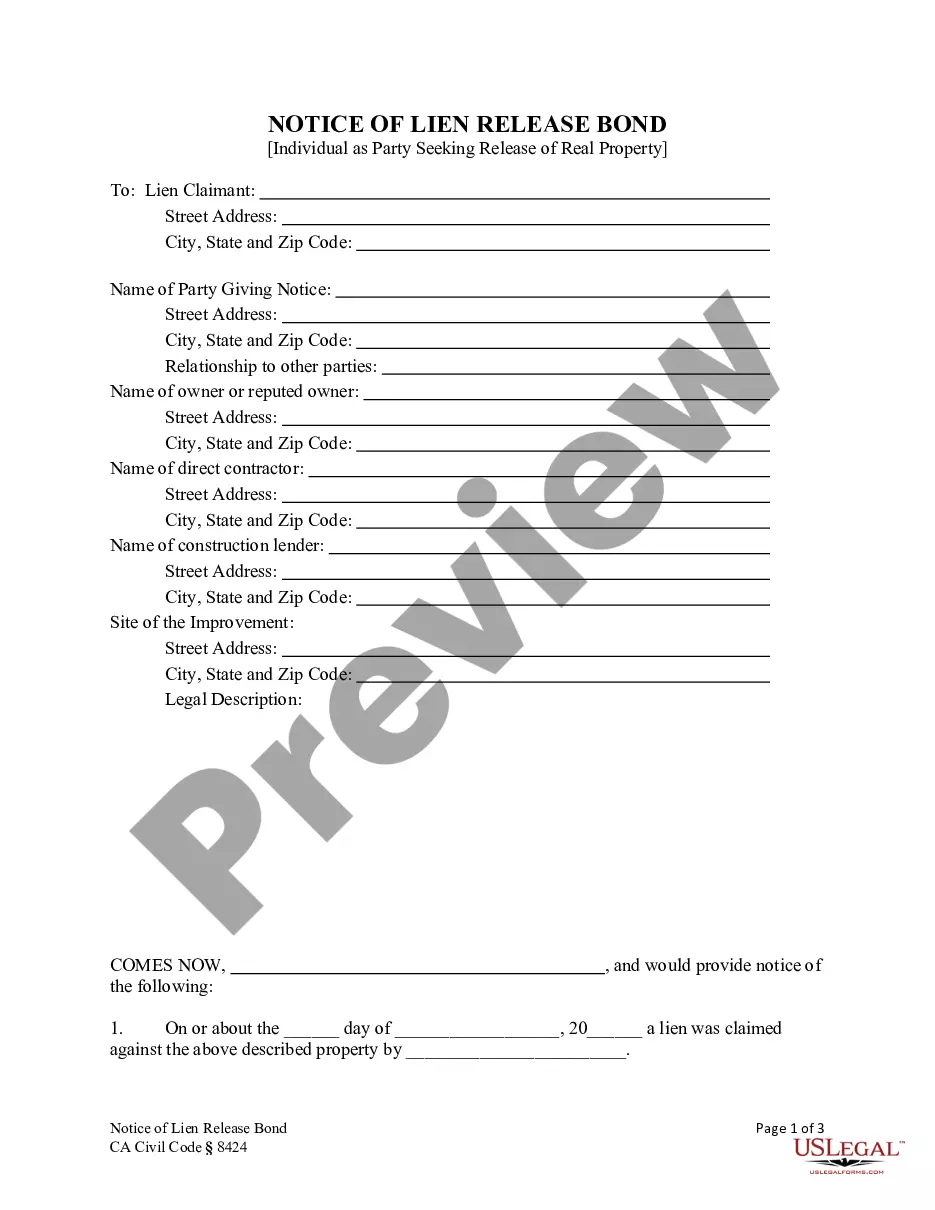
How to fill out California Letter From Landlord To Tenant About Intent To Increase Rent And Effective Date Of Rental Increase?
Whether for corporate reasons or individual matters, everyone must confront legal circumstances at some stage in their life.
Filling out legal documents necessitates meticulous care, beginning with selecting the correct form template.
Complete the account registration form. Choose your payment method: you can use a credit card or PayPal account. Select the document format you prefer and download the Letter Increase Rent Rental For Month To Month Tenant. After it is downloaded, you can fill out the form using editing software or print it and complete it manually. With an extensive US Legal Forms catalog available, you never have to waste time searching for the correct sample online. Take advantage of the library’s simple navigation to secure the right template for any occasion.
- For example, if you choose an incorrect version of a Letter Increase Rent Rental For Month To Month Tenant, it will be rejected upon submission.
- Thus, it is vital to obtain a trustworthy source of legal documents like US Legal Forms.
- If you are looking for a Letter Increase Rent Rental For Month To Month Tenant template, follow these straightforward steps.
- Obtain the sample you require by utilizing the search box or catalog browsing.
- Review the form’s description to confirm it aligns with your situation, state, and county.
- Click on the form’s preview to view it.
- If it is not the correct document, return to the search function to find the Letter Increase Rent Rental For Month To Month Tenant sample you require.
- Download the file when it meets your specifications.
- If you already possess a US Legal Forms account, simply click Log in to access previously stored files in My documents.
- If you do not yet have an account, you can obtain the form by clicking Buy now.
- Select the suitable pricing option.
Form popularity
FAQ
Quit Claim Deed for Real Estate Located in South Carolina The grantor must sign the quitclaim deed in the presence of two credible witnesses. The quitclaim deed must also be subscribed by the two witnesses. The address of the grantee is needed in order to record this type of real estate document.
South Carolina deeds must meet the following signature requirements: Current Owner's Signature. A South Carolina deed must include the original signature of the current owner (the grantor). ... Notarization. ... Witnesses. ... Auditor's Endorsement.
Transfer tax The state and its counties charge real estate transfer taxes through a deed recording fee of $1.85 per $500 of the property sales price. It's standard practice for the seller to pay those taxes, also called deed stamps or tax stamps.
May I prepare my own deed? A. Yes you may, but our office always recommends that you hire an attorney. Our office is strictly for recording, we do not prepare documents and do not answer questions in the preparation of legal documents.
NOTE: The recording pre-requisites are fairly simple: in order to be recorded, an instrument must be signed by the grantor, mortgagor, vendor, lessor or maker in the presence of two witnesses and taken before a notary. (See Section 8.3 for exceptions/additional requirements.)
To obtain a copy of a plat or deed, contact the local Registers of Deeds office or Clerk of Court. Below is a list of counties with corresponding links to their Registers of Deeds office or Clerk of Court.
Please note: South Carolina is an Attorney State when it comes to Deed preparation. Any preparation by an individual is considered an unauthorized practice of law.