Arizona Trust Form Az Withdrawal
Description




Get your form ready online
Our built-in tools help you complete, sign, share, and store your documents in one place.
Make edits, fill in missing information, and update formatting in US Legal Forms—just like you would in MS Word.
Download a copy, print it, send it by email, or mail it via USPS—whatever works best for your next step.
Sign and collect signatures with our SignNow integration. Send to multiple recipients, set reminders, and more. Go Premium to unlock E-Sign.
If this form requires notarization, complete it online through a secure video call—no need to meet a notary in person or wait for an appointment.
We protect your documents and personal data by following strict security and privacy standards.

Make edits, fill in missing information, and update formatting in US Legal Forms—just like you would in MS Word.

Download a copy, print it, send it by email, or mail it via USPS—whatever works best for your next step.

Sign and collect signatures with our SignNow integration. Send to multiple recipients, set reminders, and more. Go Premium to unlock E-Sign.

If this form requires notarization, complete it online through a secure video call—no need to meet a notary in person or wait for an appointment.

We protect your documents and personal data by following strict security and privacy standards.
Looking for another form?
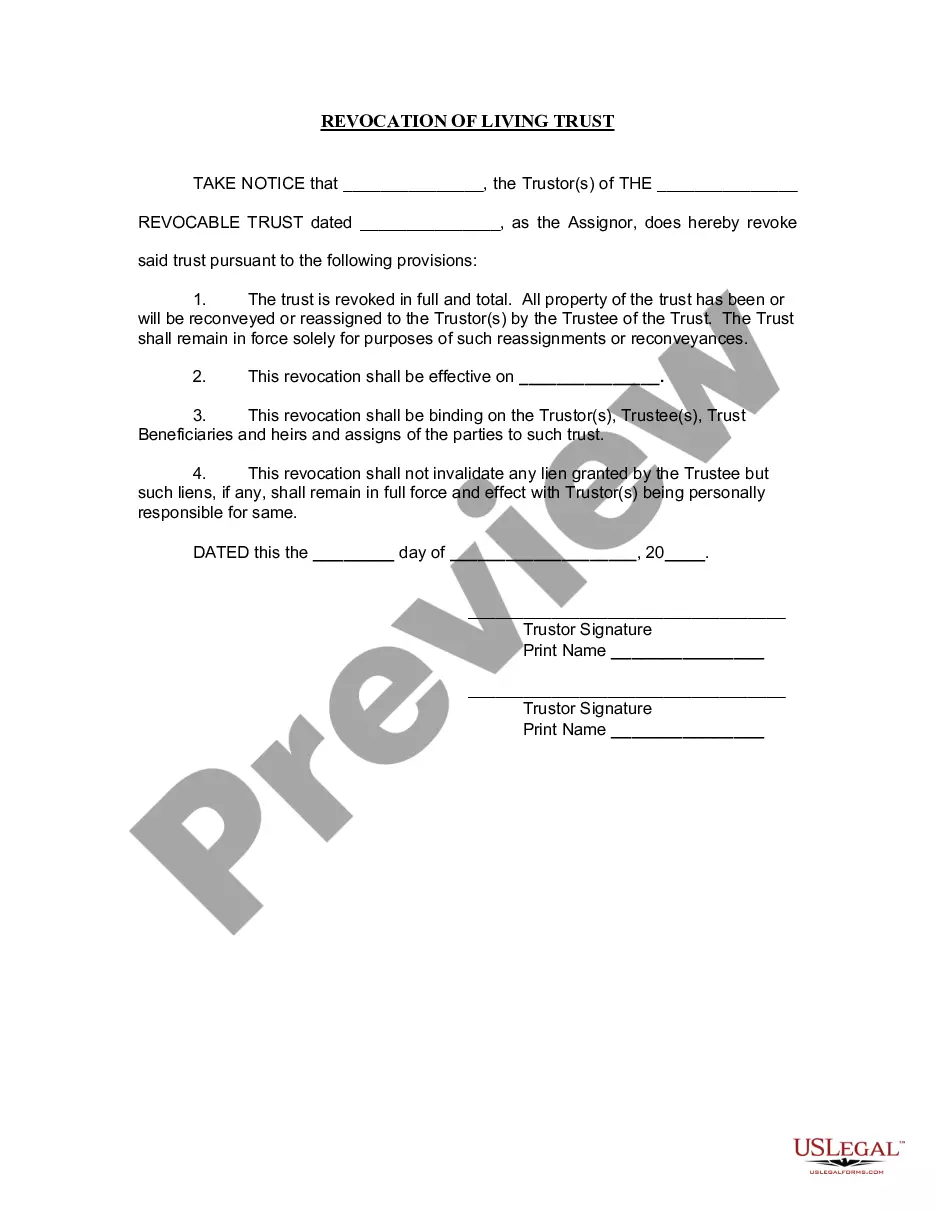
How to fill out Arizona Revocation Of Living Trust?
Regardless of whether it’s for corporate reasons or personal issues, everyone must deal with legal matters at some stage in their existence.
Filling out legal paperwork demands meticulous focus, beginning with choosing the right form template. For example, if you select an incorrect version of the Arizona Trust Form Az Withdrawal, it will be turned down upon submission.
With an extensive US Legal Forms collection available, you don’t have to waste time looking for the right sample on the internet. Utilize the library’s straightforward navigation to find the suitable template for any occasion.
- Obtain the sample you require by using the search bar or navigating the catalog.
- Review the details of the form to confirm it aligns with your needs, jurisdiction, and locality.
- Click on the form’s preview to analyze it.
- If it is not the correct form, return to the search feature to find the Arizona Trust Form Az Withdrawal template you require.
- Download the document if it matches your specifications.
- If you possess a US Legal Forms account, simply click Log in to access previously saved documents in My documents.
- If you don't have an account yet, you can acquire the form by clicking Buy now.
- Select the appropriate pricing option.
- Complete the account registration form.
- Choose your payment method: either a credit card or PayPal account.
- Select the file format you prefer and download the Arizona Trust Form Az Withdrawal.
- Once saved, you can fill out the form using editing software or print it and complete it by hand.
Form popularity
FAQ
An irrevocable trust can be dissolved if all the beneficiaries agree and the court determines that the continuance is not necessary to achieve any material purpose of the trust. Court approval is required; the beneficiaries cannot decide to dissolve the trust without court involvement.
To dissolve your LLC in Arizona, you submit the completed Form LL: 0020 Articles of Termination to the Arizona Corporation Commission (ACC) by mail, fax, or in person. Arizona has a cover sheet that should be included with filings. The Articles of Termination and coversheet are available online (see link below).
The two most common ways to terminate and/or modify an irrevocable trust is to 1) argue that there has been a change of circumstances not anticipated by the settlors at the time they created the trust (for example changes in tax law, and 2) argue that all beneficiaries consent to the proposed termination and or ...
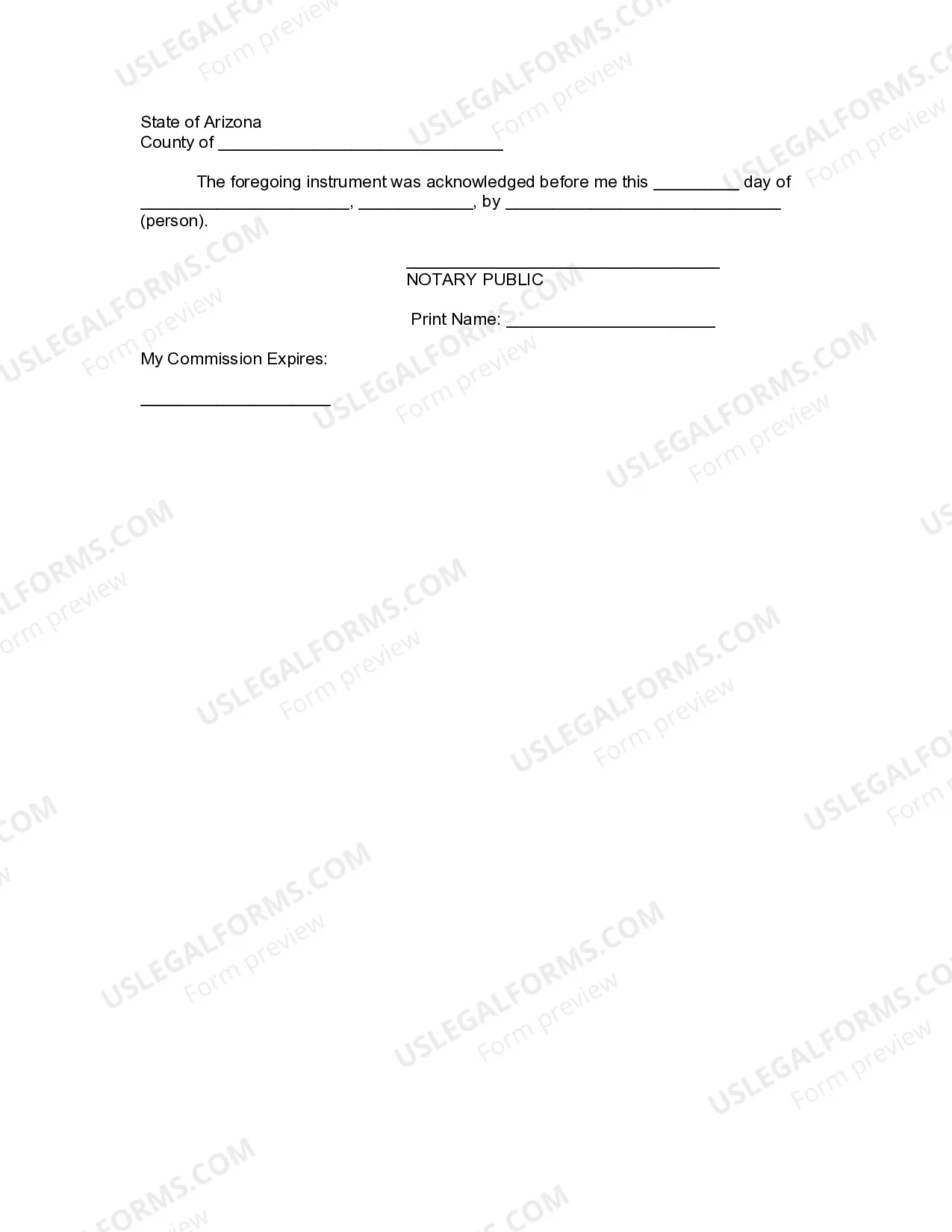
Complete a Written Revocation. This document should be signed before a notary public, and copies of the revocation should be delivered to the trustees and to anyone else aware of the trust (Ex. Trustees, financial institutions, beneficiaries, etc.).
The fiduciary, or fiduciaries, must file a return for an estate or trust if: 1. The estate or trust has any Arizona taxable income for the tax year. 2.