Arizona Motion To Intervene
Description
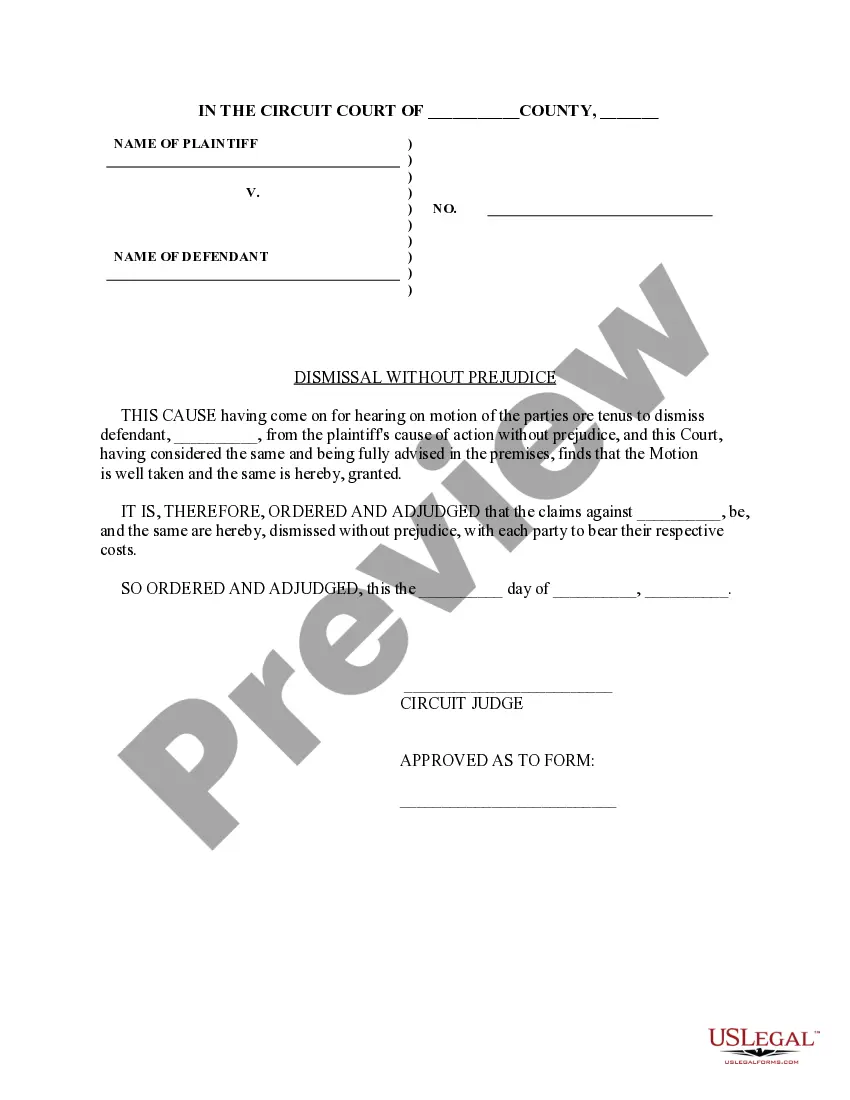
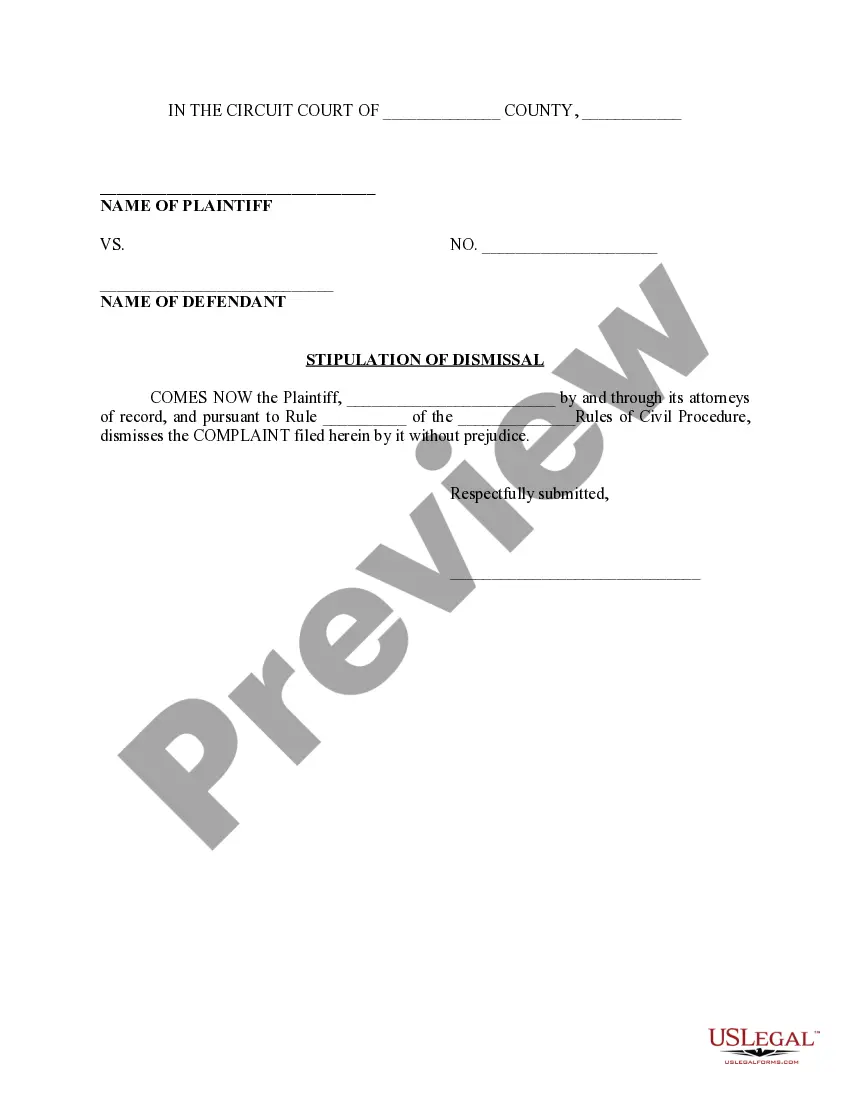
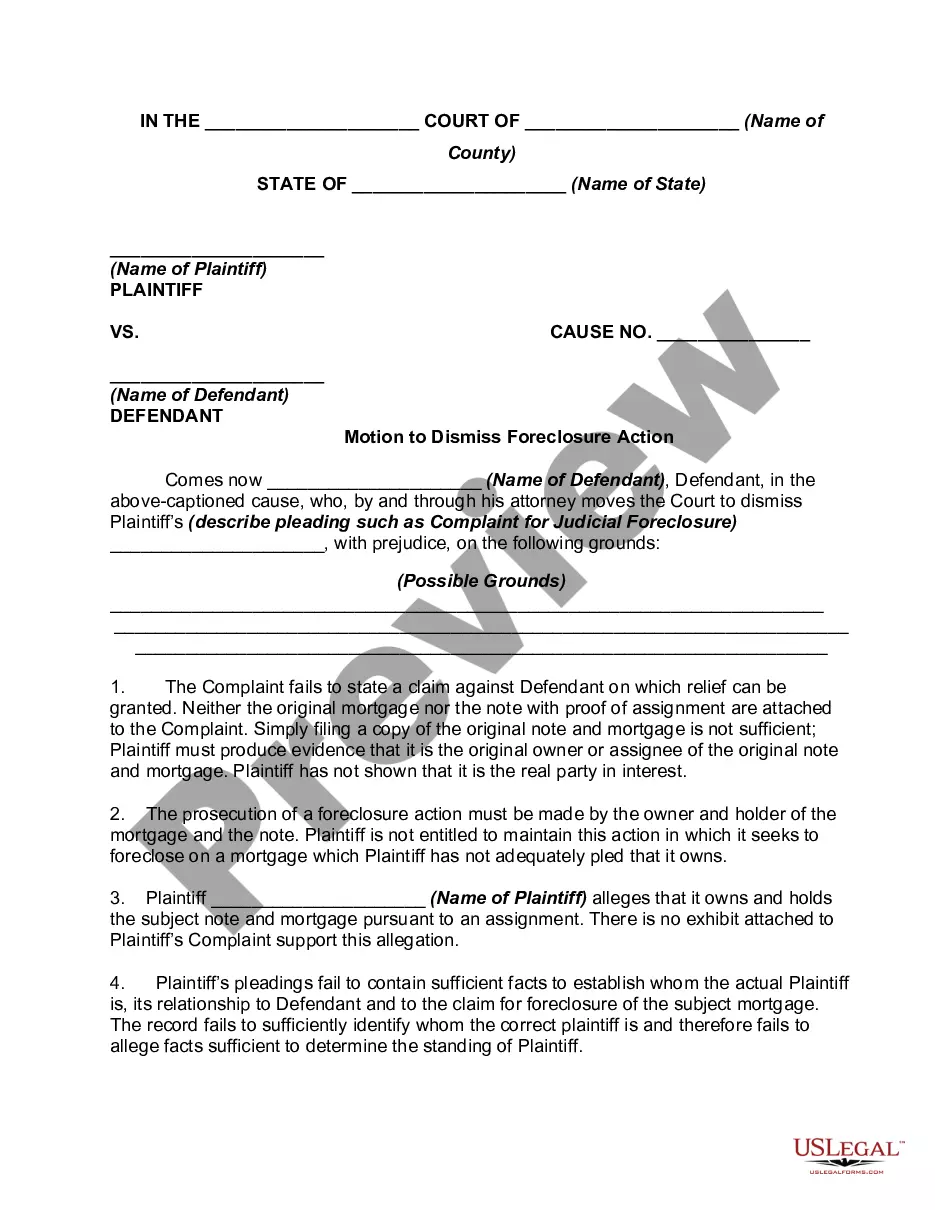
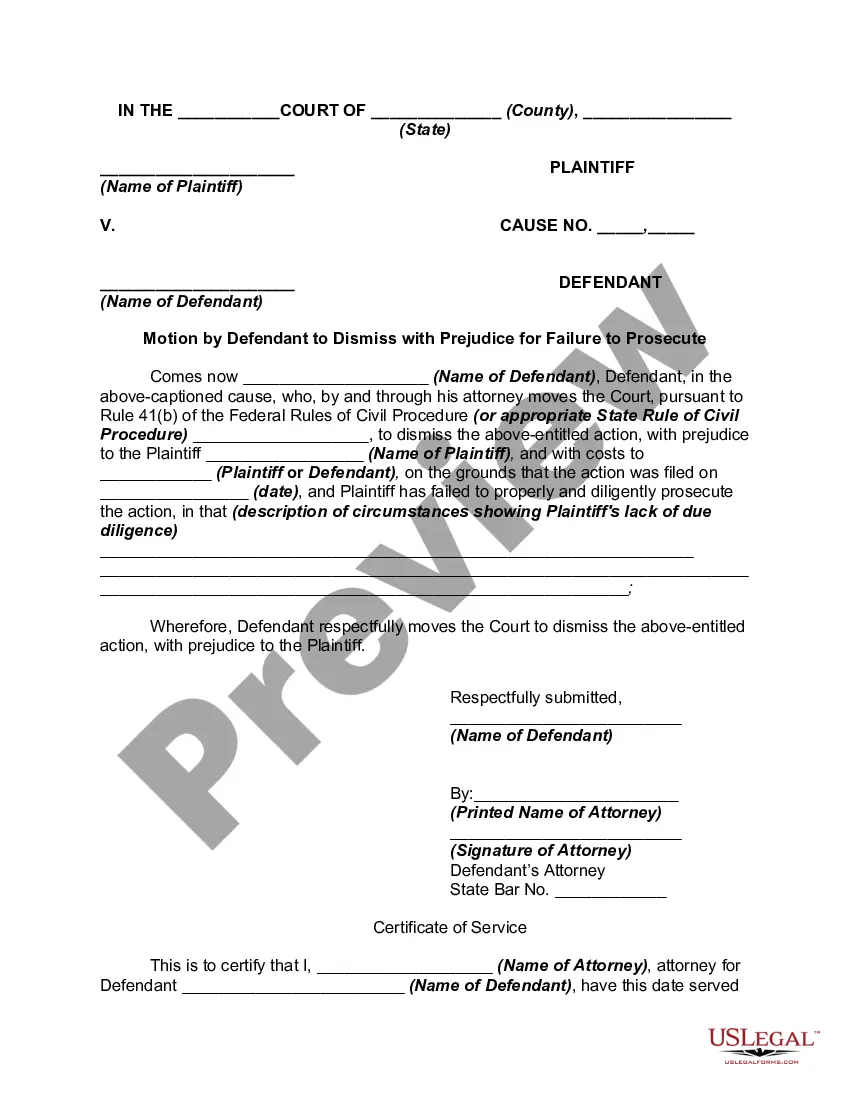
Get your form ready online
Our built-in tools help you complete, sign, share, and store your documents in one place.
Make edits, fill in missing information, and update formatting in US Legal Forms—just like you would in MS Word.
Download a copy, print it, send it by email, or mail it via USPS—whatever works best for your next step.
Sign and collect signatures with our SignNow integration. Send to multiple recipients, set reminders, and more. Go Premium to unlock E-Sign.
If this form requires notarization, complete it online through a secure video call—no need to meet a notary in person or wait for an appointment.
We protect your documents and personal data by following strict security and privacy standards.

Make edits, fill in missing information, and update formatting in US Legal Forms—just like you would in MS Word.

Download a copy, print it, send it by email, or mail it via USPS—whatever works best for your next step.

Sign and collect signatures with our SignNow integration. Send to multiple recipients, set reminders, and more. Go Premium to unlock E-Sign.

If this form requires notarization, complete it online through a secure video call—no need to meet a notary in person or wait for an appointment.

We protect your documents and personal data by following strict security and privacy standards.
Looking for another form?
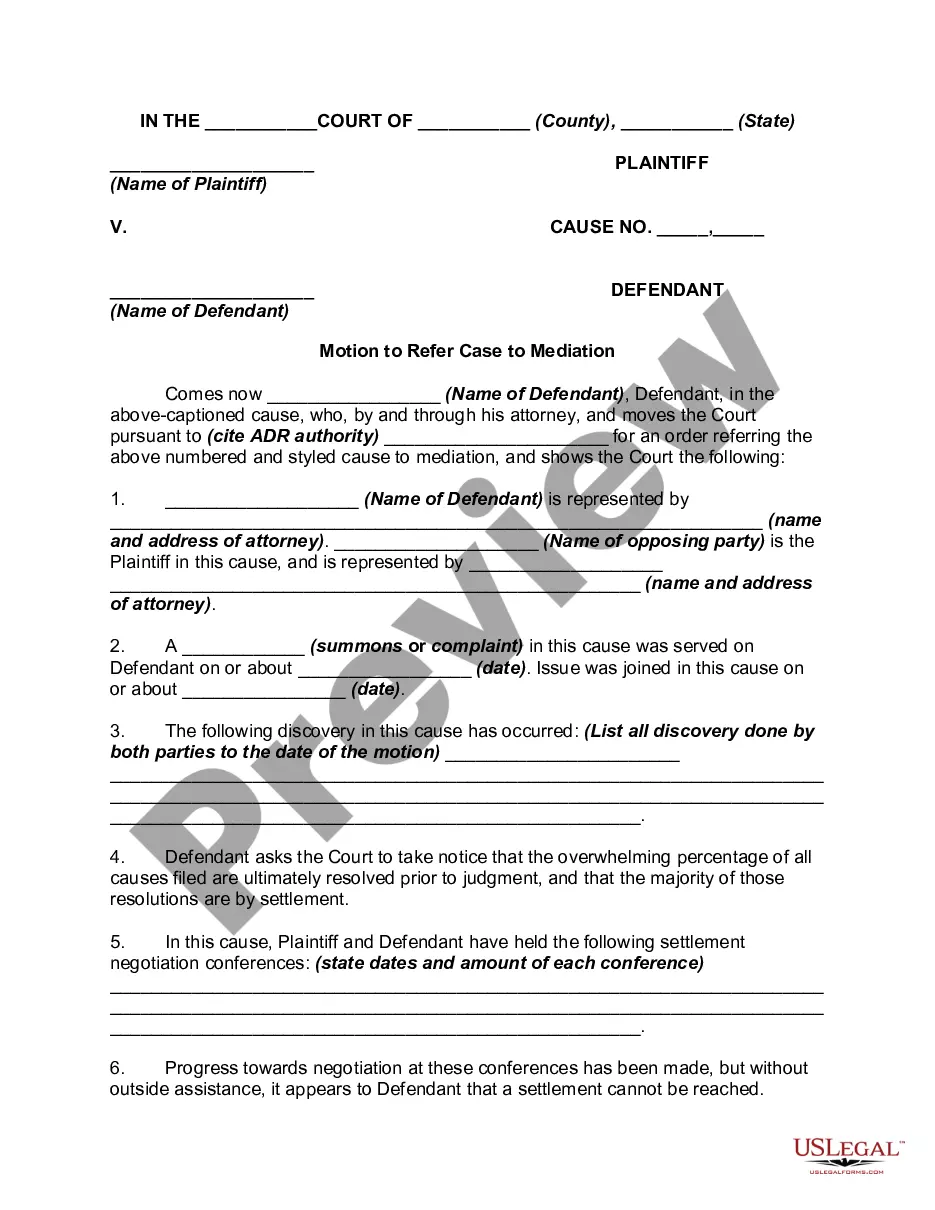

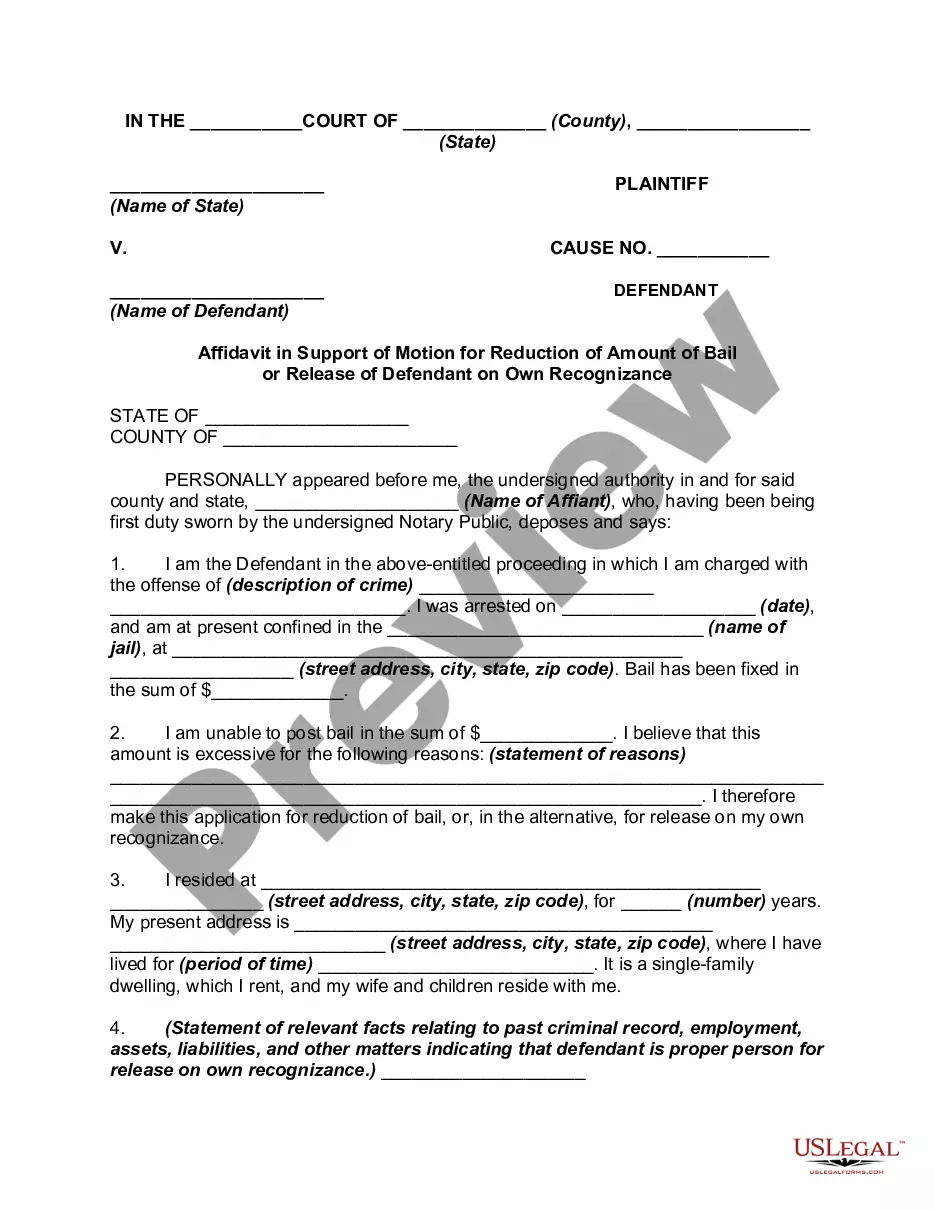
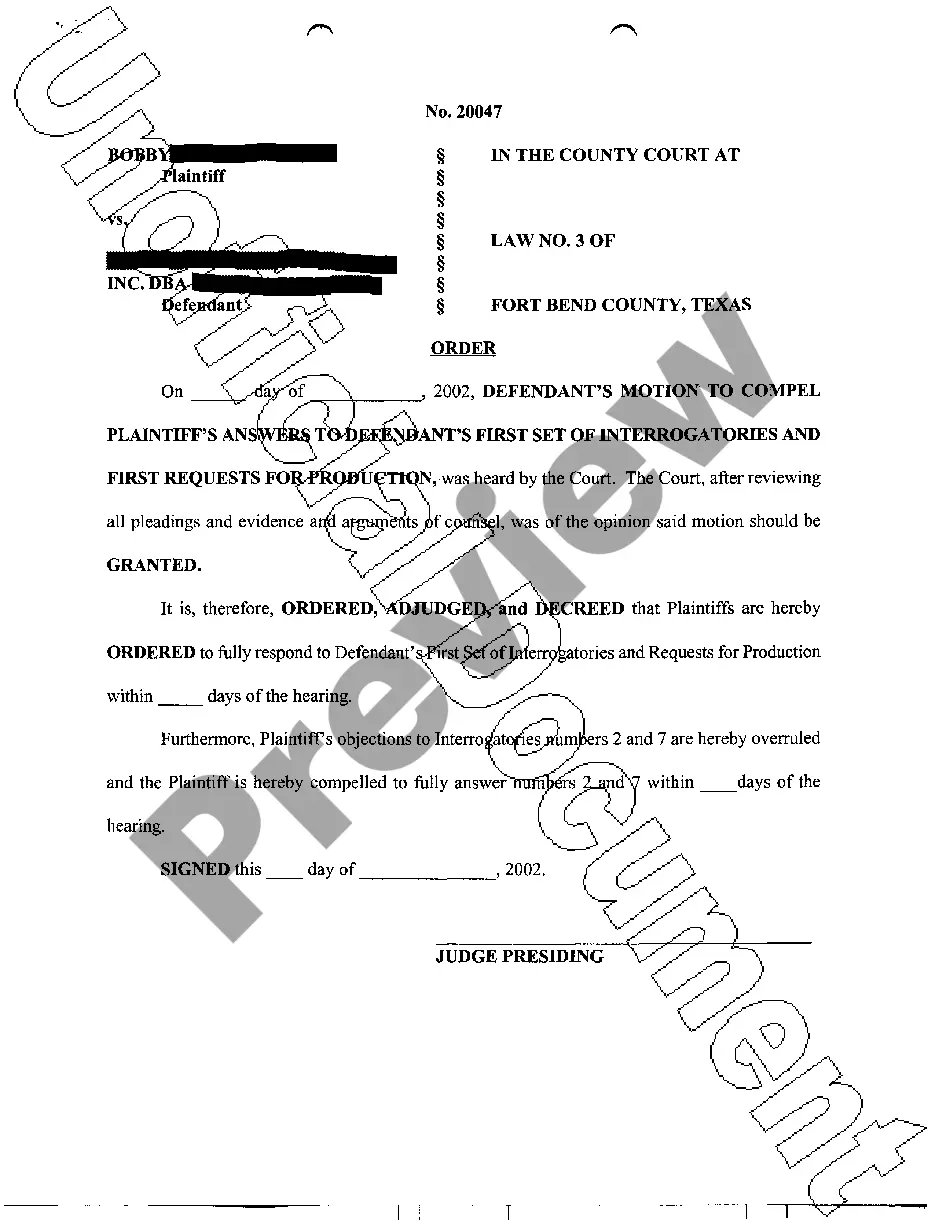
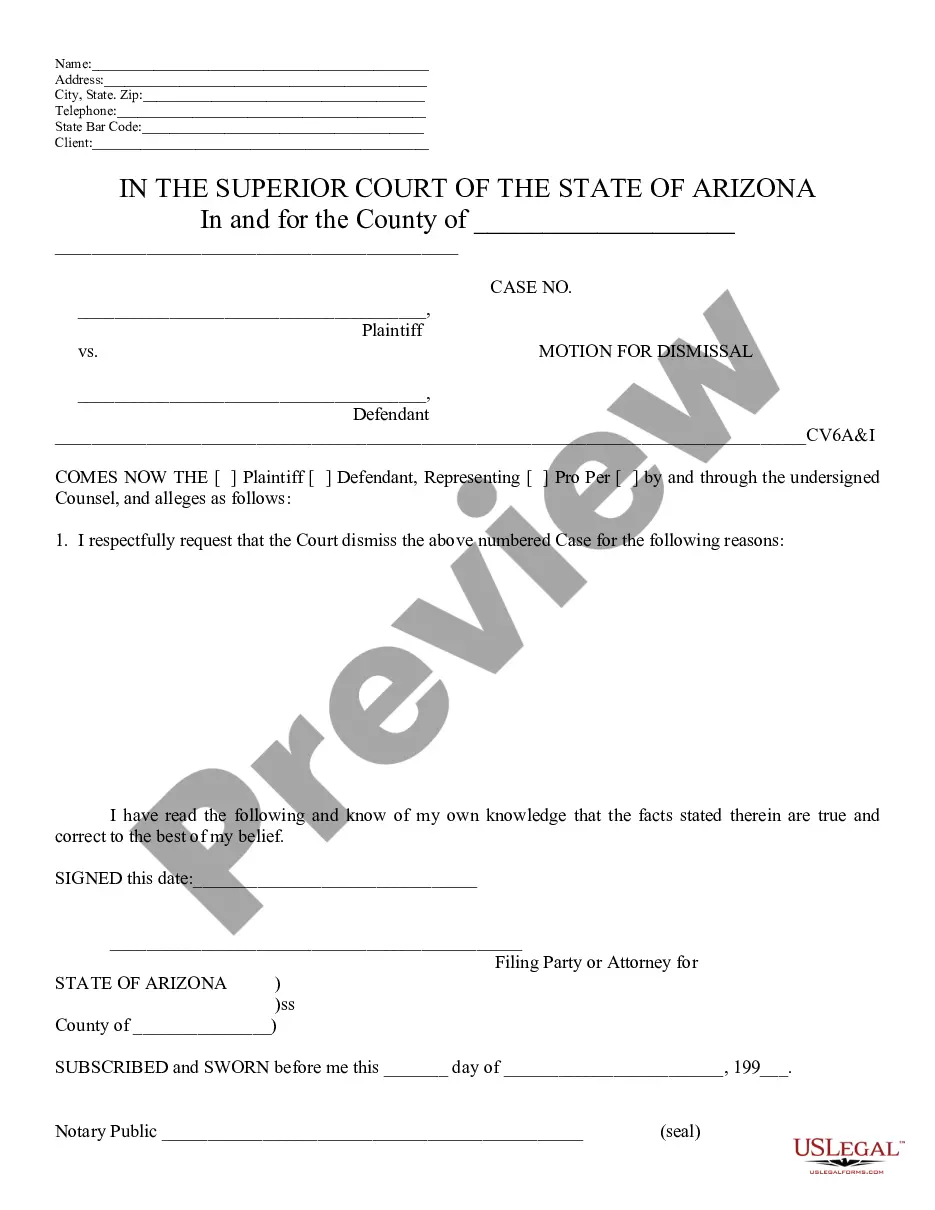
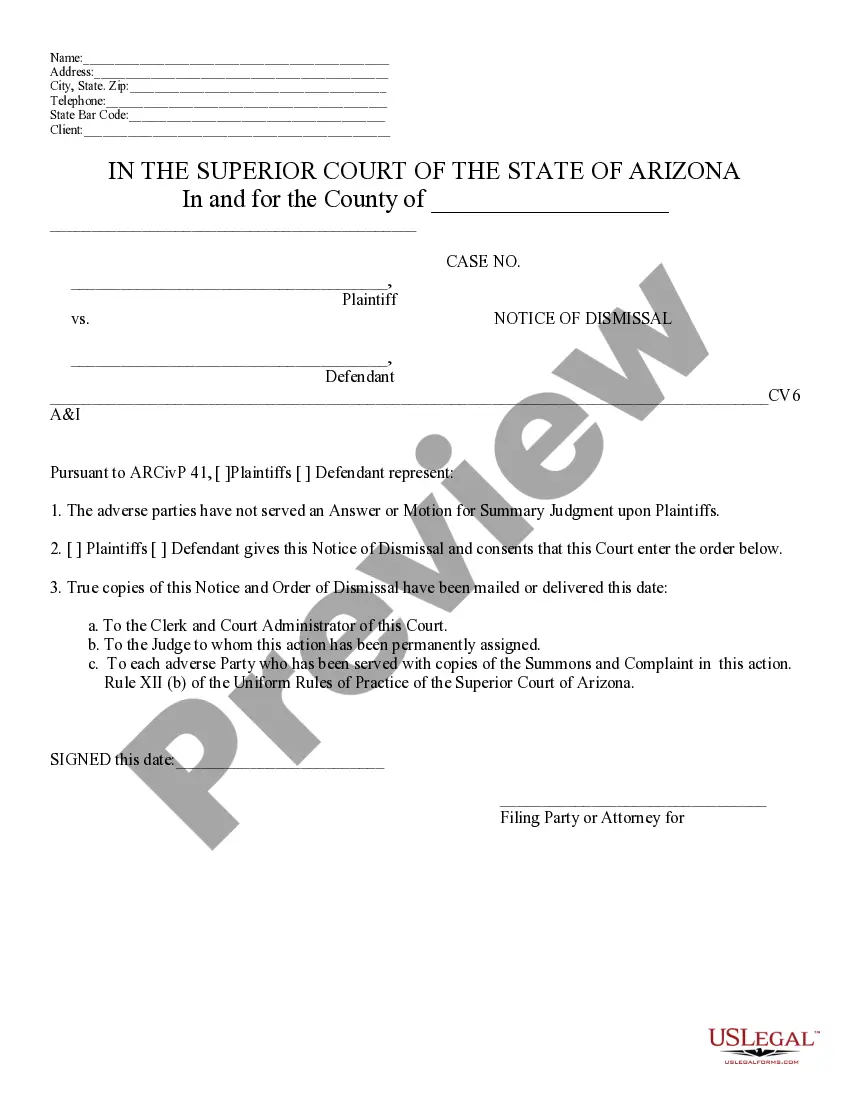
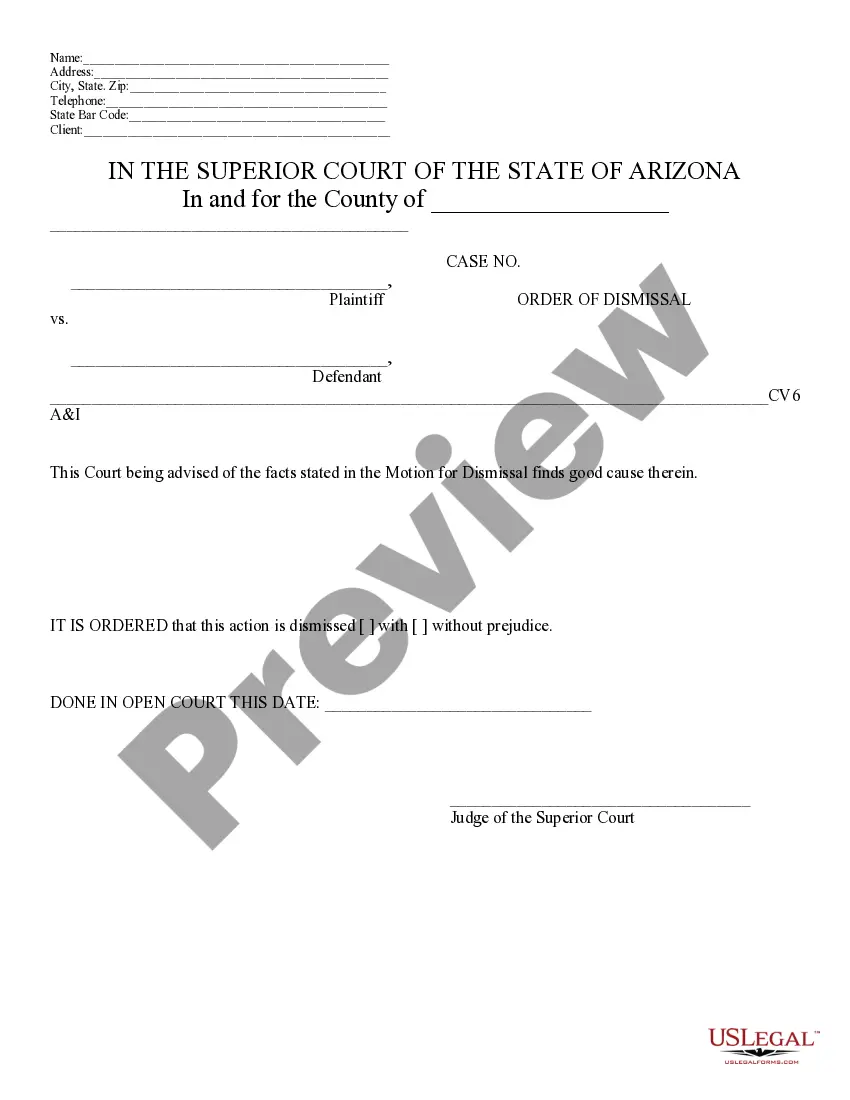
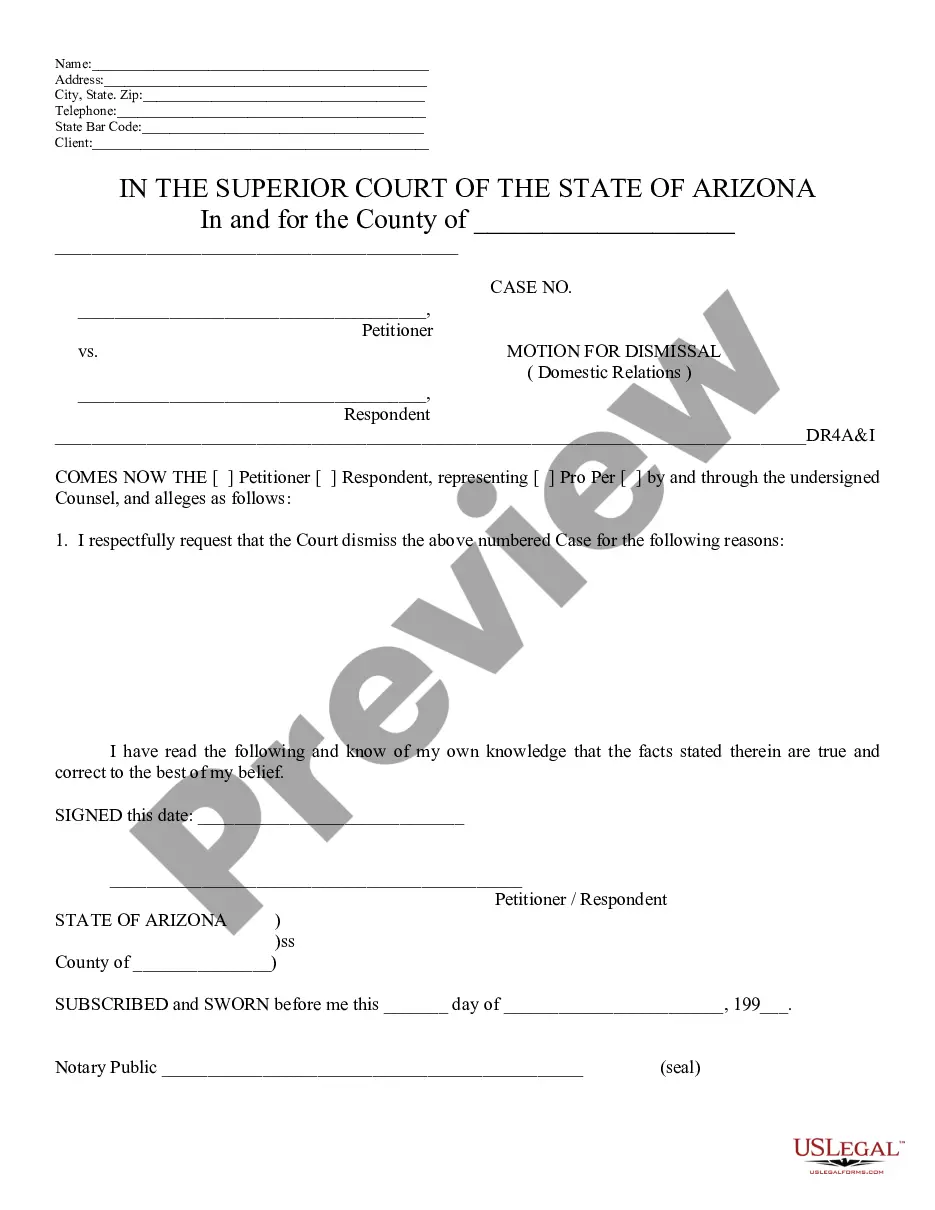
How to fill out Arizona Motion For Dismissal?
Locating a reliable source for the latest and pertinent legal templates is a significant part of dealing with bureaucracy.
Acquiring the appropriate legal documents necessitates specificity and meticulousness, which is why it is essential to obtain samples of Arizona Motion To Intervene solely from trusted providers, such as US Legal Forms. An incorrect template can squander your time and hinder the situation you are facing. With US Legal Forms, you can have peace of mind.
Eliminate the hassle associated with your legal paperwork. Explore the extensive US Legal Forms library where you can discover legal templates, evaluate their applicability to your situation, and download them instantly.
- Utilize the library navigation or search bar to find your template.
- Access the form's details to ensure it meets the standards of your state and county.
- View the form preview, if available, to confirm that it is the document you require.
- Go back to the search and identify the correct file if the Arizona Motion To Intervene does not satisfy your needs.
- If you are confident about the form's relevance, download it.
- When you are a verified user, click Log in to validate and reach your selected templates in My documents.
- If you have yet to create an account, click Buy now to purchase the template.
- Select the payment plan that aligns with your needs.
- Proceed to registration to complete your order.
- Finish your transaction by choosing a payment method (credit card or PayPal).
- Select the file format for downloading Arizona Motion To Intervene.
- Once you possess the form on your device, you can modify it with the editor or print it out and complete it by hand.
Form popularity
FAQ
Rule 22 in Arizona pertains to the procedures for intervention in legal proceedings. It outlines the steps an individual or entity must follow to file a motion to intervene effectively. This rule ensures that stakeholders can secure their interests and participate actively in cases. For more detailed guidance on filing under Rule 22, the uslegalforms platform provides valuable resources to help you understand your rights and responsibilities.
An intervenor, or a party that joins a lawsuit, has specific rights once granted permission by the court. These rights typically include the ability to present evidence, make arguments, and participate fully in the proceedings. Moreover, by filing an Arizona motion to intervene, you ensure that your viewpoint is considered as the case unfolds. Understanding these rights can help you navigate the legal system more effectively.
Intervention in court refers to the process by which a non-party to a lawsuit can become involved. This occurs when the non-party demonstrates a significant interest in the outcome of the case. By filing an Arizona motion to intervene, you seek legal recognition of your stake in the proceedings. This is crucial for ensuring that your interests are adequately represented and considered by the court.
Rule 56 refers specifically to the procedure for summary judgment in Arizona civil cases. It permits a party to move for judgment, arguing that there is no genuine issue of material fact. Utilizing Rule 56 effectively can streamline legal proceedings, making it easier to address matters like an Arizona motion to intervene. Awareness of this rule can empower you in legal situations.
Requirements Complaint for Divorces and Annulments (Up to 4 Defendants)$ 291.00Legal Separations$ 259.00Dissolutions$ 271.00Domestic Violence (Civil Protection Order)No DepositCounter Claims and Cross Claims$ 151.005 more rows
Common Pleas Court Domestic Relations Filing Costs DISSOLUTIONPetition for Dissolution (with Children)$400.00Petition for Dissolution (without Children)$300.00
How much is the filing fee for a dissolution or a divorce? The filing fee for a dissolution with children is $350. The filing fee for a dissolution without children is $250.
The filing fee for a divorce is $350. You will be responsible for following up and checking on service through the Clerk of Courts website, under Courtview. Compliance with Local Rules of Court is required of all litigants. The Local Rules are available on the Domestic Relations Court website.
Steps to Filing for Divorce in Canton, OH In order to file for divorce in Ohio, you must meet state and county residency requirements. You must file in the appropriate court of common pleas. And you must establish a valid reason (legal cause) for the divorce.