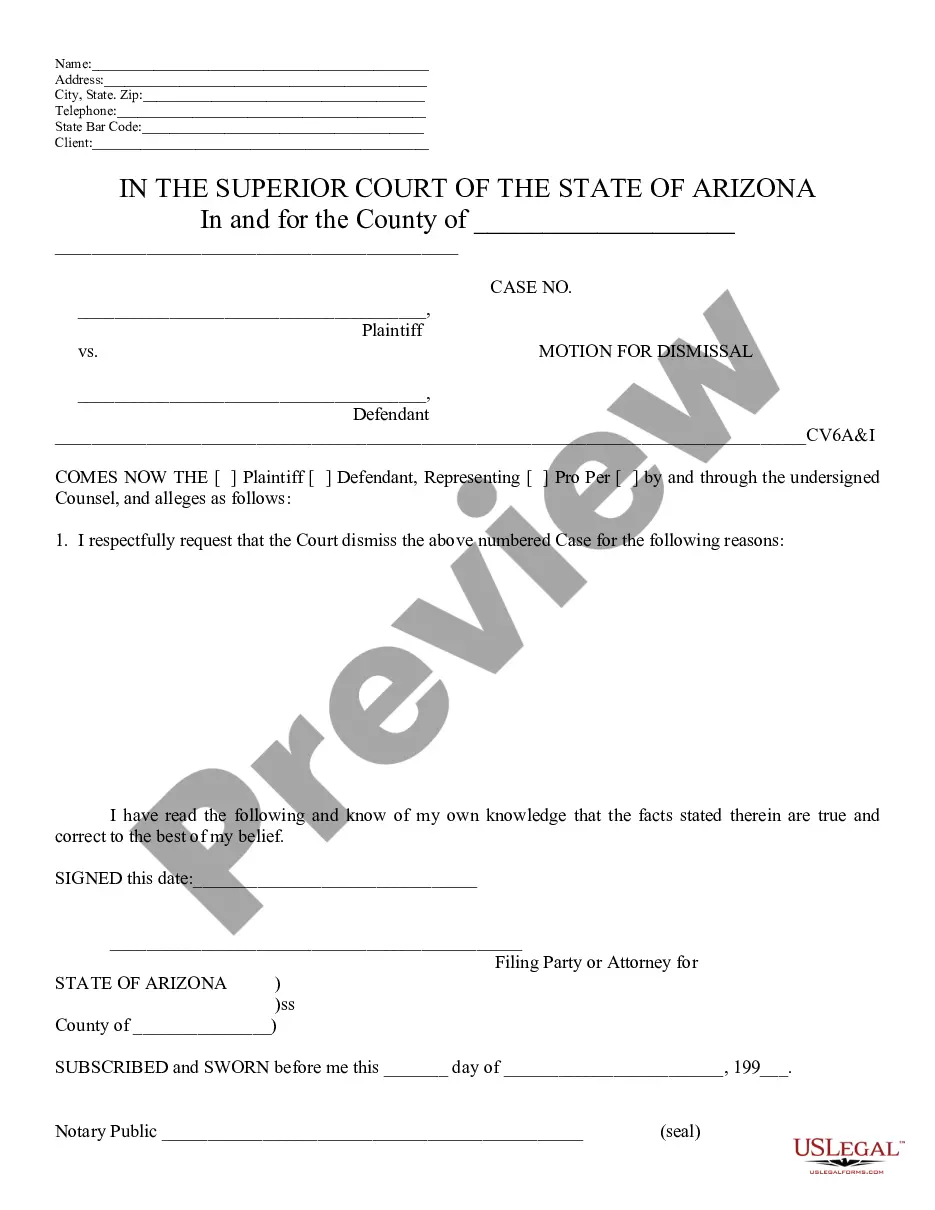
Arizona Motion Az Forum
Description
Get your form ready online
Our built-in tools help you complete, sign, share, and store your documents in one place.
Make edits, fill in missing information, and update formatting in US Legal Forms—just like you would in MS Word.
Download a copy, print it, send it by email, or mail it via USPS—whatever works best for your next step.
Sign and collect signatures with our SignNow integration. Send to multiple recipients, set reminders, and more. Go Premium to unlock E-Sign.
If this form requires notarization, complete it online through a secure video call—no need to meet a notary in person or wait for an appointment.
We protect your documents and personal data by following strict security and privacy standards.

Make edits, fill in missing information, and update formatting in US Legal Forms—just like you would in MS Word.

Download a copy, print it, send it by email, or mail it via USPS—whatever works best for your next step.

Sign and collect signatures with our SignNow integration. Send to multiple recipients, set reminders, and more. Go Premium to unlock E-Sign.

If this form requires notarization, complete it online through a secure video call—no need to meet a notary in person or wait for an appointment.

We protect your documents and personal data by following strict security and privacy standards.
Looking for another form?




How to fill out Arizona Motion For Dismissal?
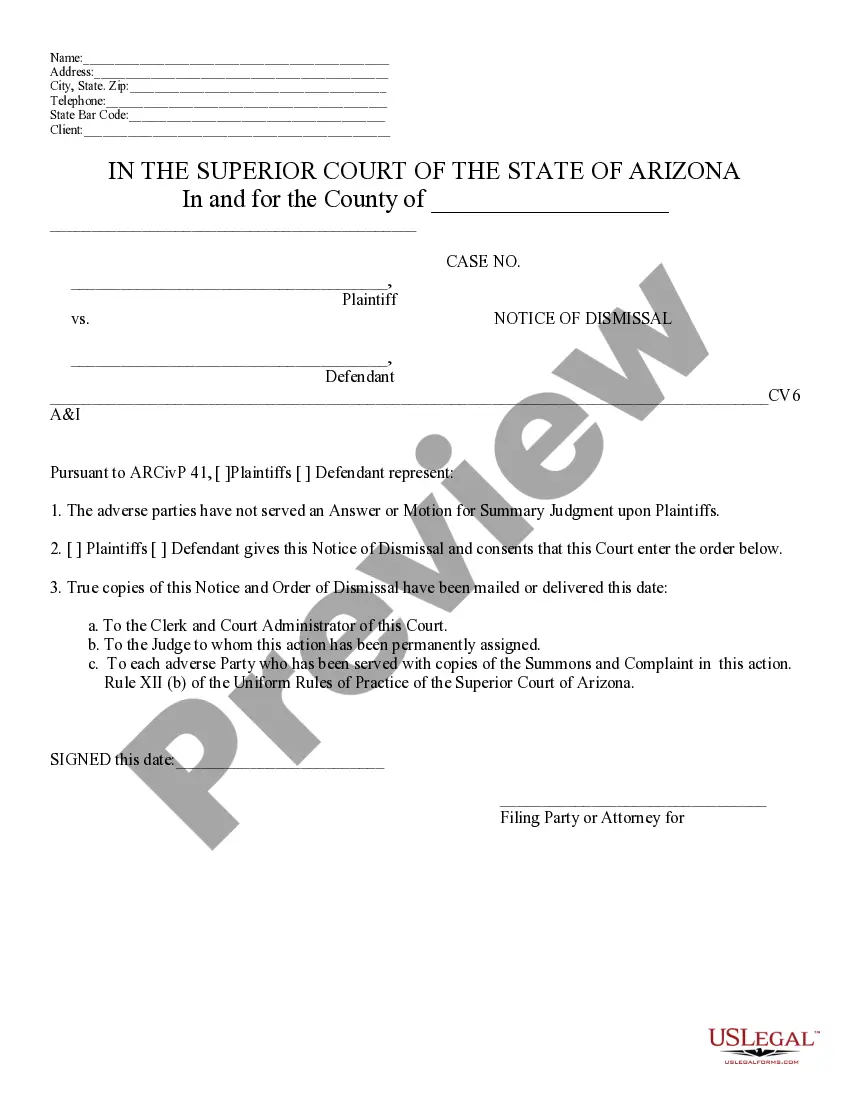
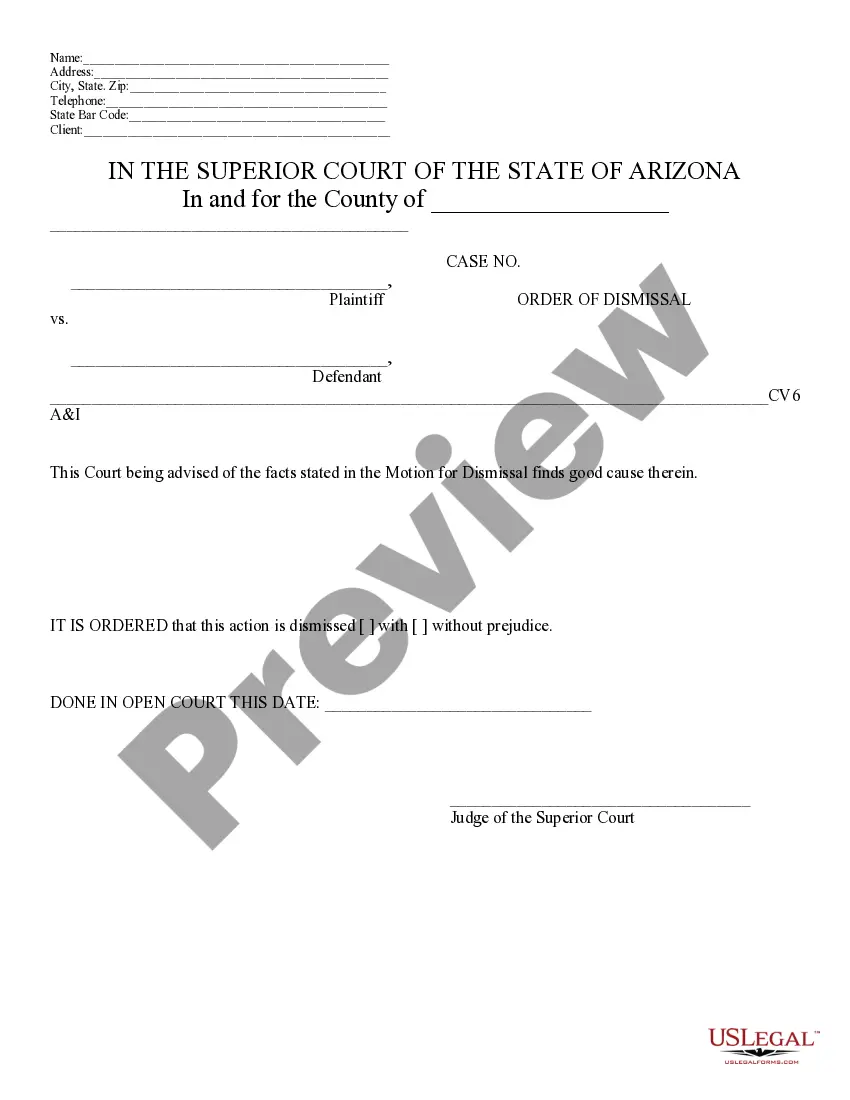
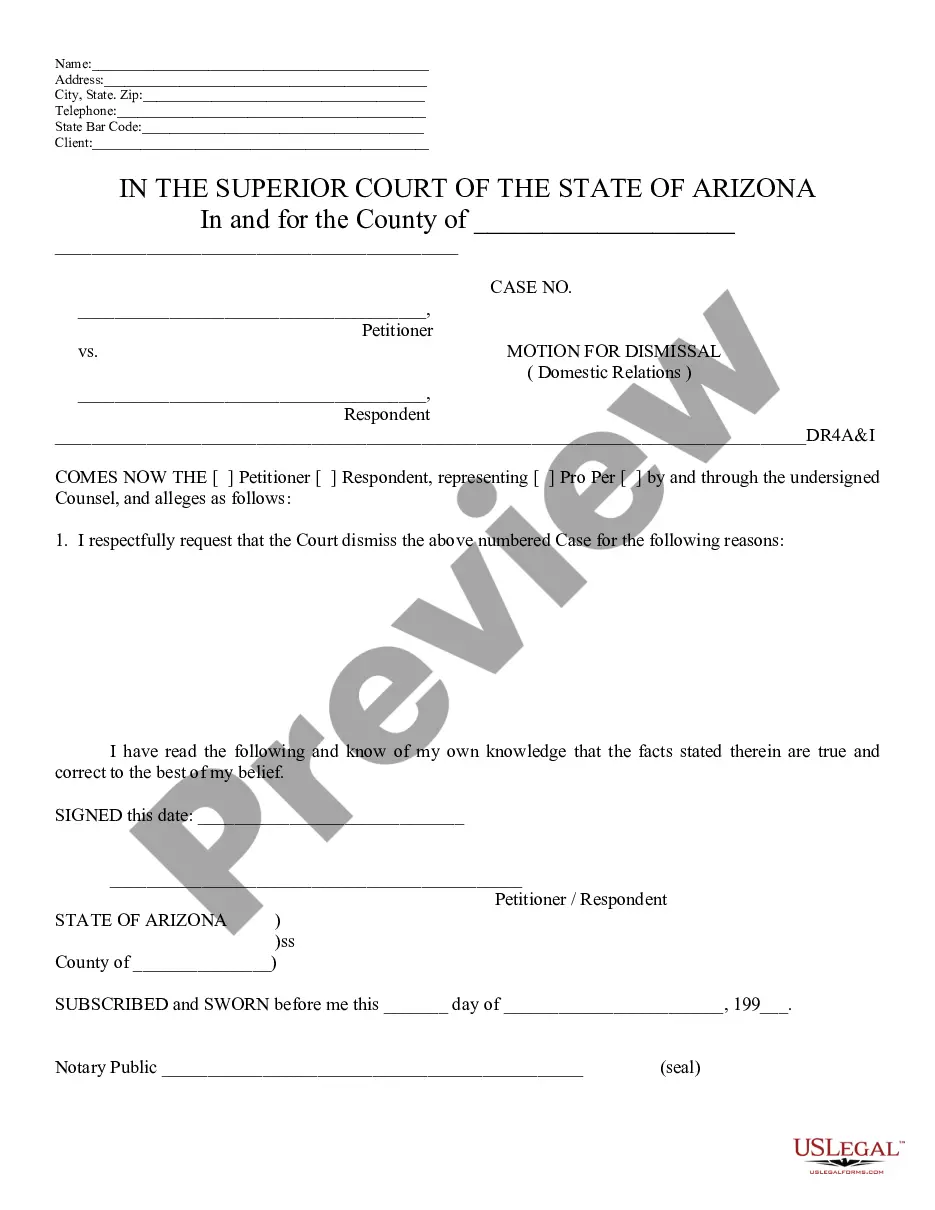
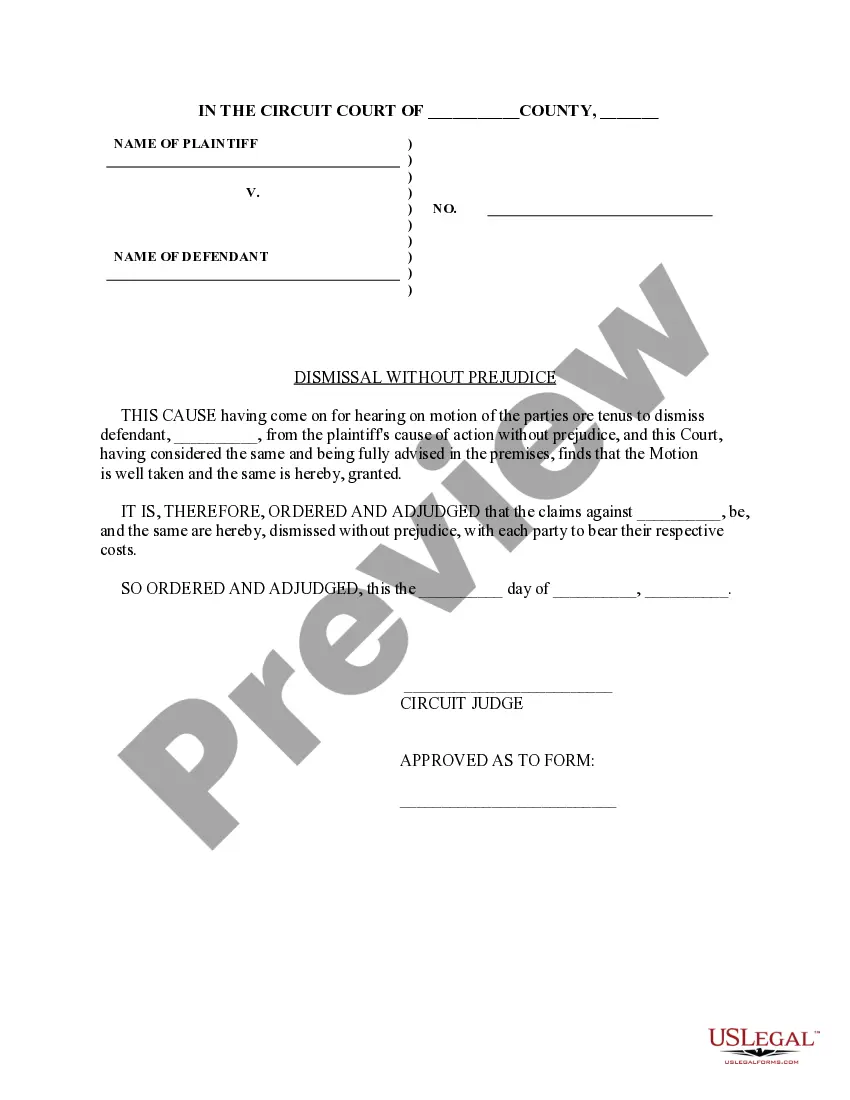
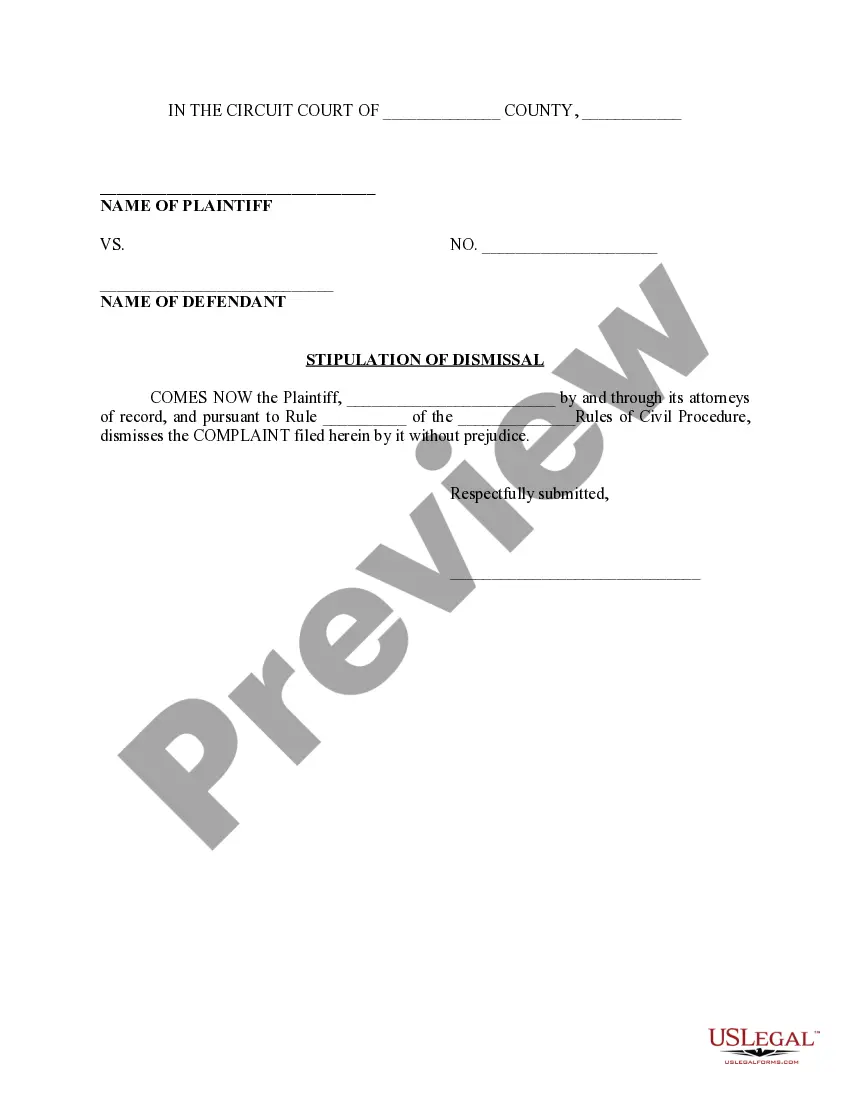
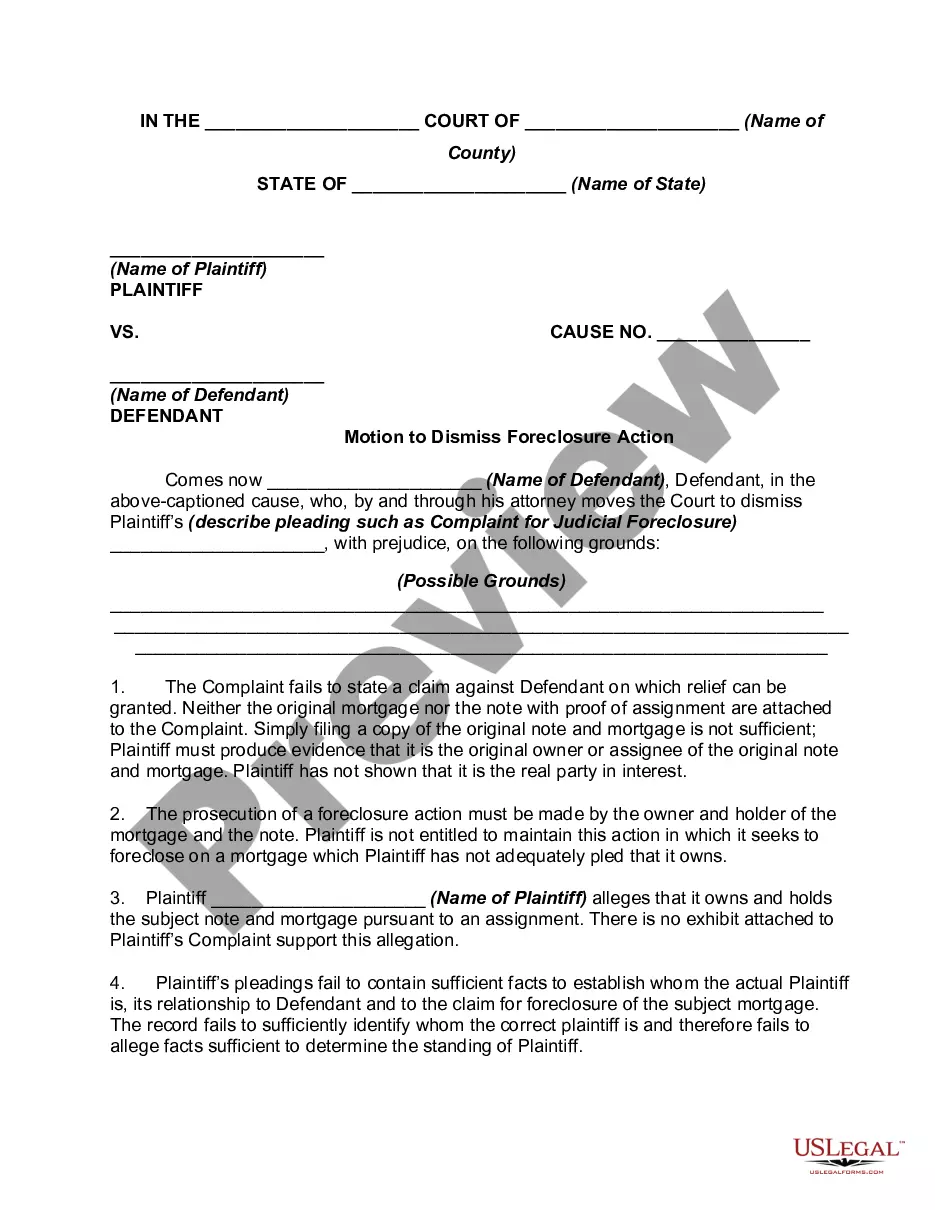
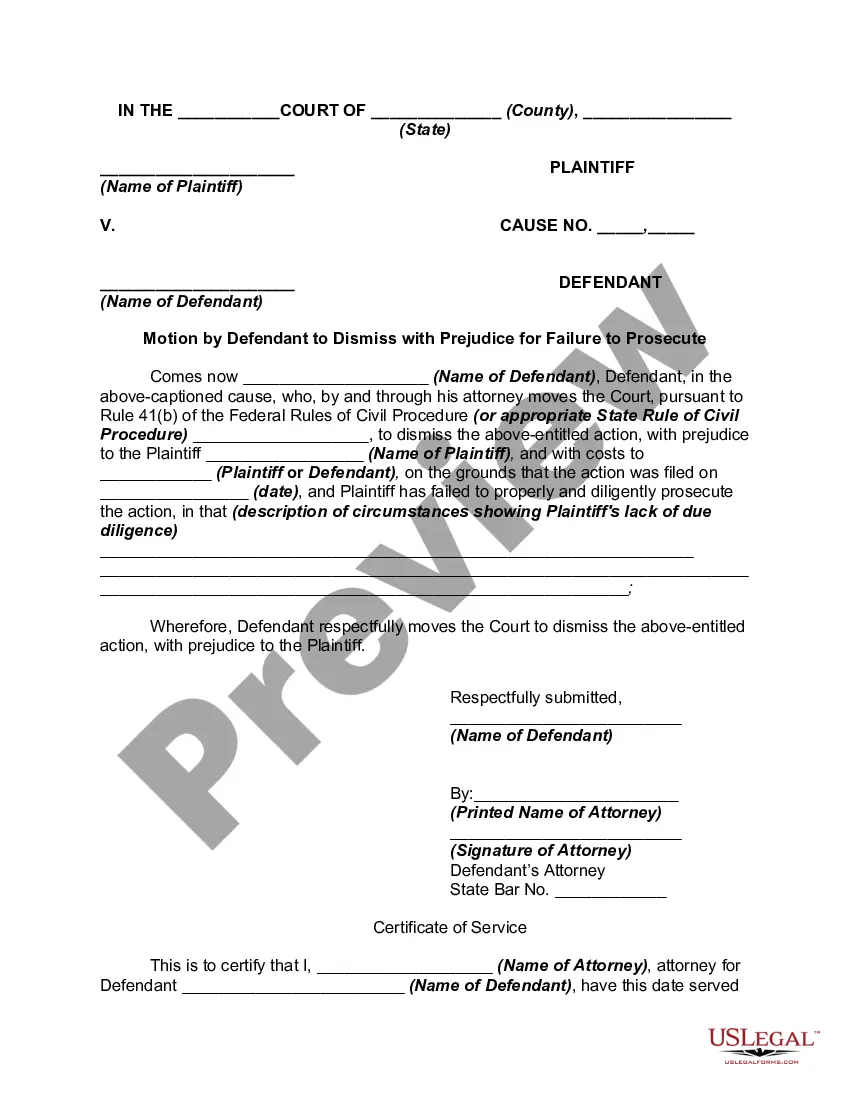
The Arizona Motion Az Forum presented on this page is a versatile legal template crafted by expert attorneys in alignment with federal and state regulations.
For over 25 years, US Legal Forms has assisted individuals, businesses, and lawyers with more than 85,000 authenticated, state-specific documents for various business and personal situations. It is the fastest, simplest, and most dependable method to acquire the documentation you require, as the service ensures the utmost level of data protection and anti-malware safeguards.
Choose the format you desire for your Arizona Motion Az Forum (PDF, Word, RTF) and store the sample on your device. Print the template to complete it by hand. Alternatively, use an online multifunctional PDF editor to quickly and accurately fill out and sign your form with an eSignature. Utilize the same document again whenever necessary. Access the My documents tab in your profile to redownload any previously purchased documents. Enroll in US Legal Forms to have validated legal templates for all of life’s situations at your fingertips.
- Examine the document you require and review it.
- Browse through the file you searched and preview it or read the form description to confirm it meets your requirements. If it doesn’t, use the search feature to find the correct one. Click Buy Now when you have located the template you need.
- Select and Log In.
- Pick the pricing plan that best suits you and create an account. Use PayPal or a credit card for a swift payment process. If you already possess an account, Log In and verify your subscription to continue.
- Obtain the editable template.
Form popularity
FAQ
In Arizona, a Rule 11 hearing is a court proceeding where the judge determines whether the criminal defendant is mentally competent enough to stand trial. Defendants are incompetent if they are unable to understand the court proceedings or cannot assist in their own defense.
In civil cases, Rule 7.1 of Arizona Rules of Civil Procedure states that the opposing party shall file any answering memorandum within ten (10) days after the motion was filed and served.
The defendant must file a written answer within 20 days of service and mail it to the plaintiff. The defendant will be required to pay a filing fee when filing an answer. If the defendant cannot afford the filing fee, the defendant can ask the clerk for a fee waiver/deferral application.
During a trial in Arizona, a defense attorney may ask for a Rule 11 evaluation of his or her client. Under Rule 11, the defendant has the right to a full mental examination and hearing when reasonable grounds exist for it. A Rule 11 hearing may be held when a defendant is suspected of being mentally incompetent.
After the close of evidence on either side, and on motion or on its own, the court must enter a judgment of acquittal on any offense charged in an indictment, information, or complaint if there is no substantial evidence to support a conviction.