Use-az1
Description
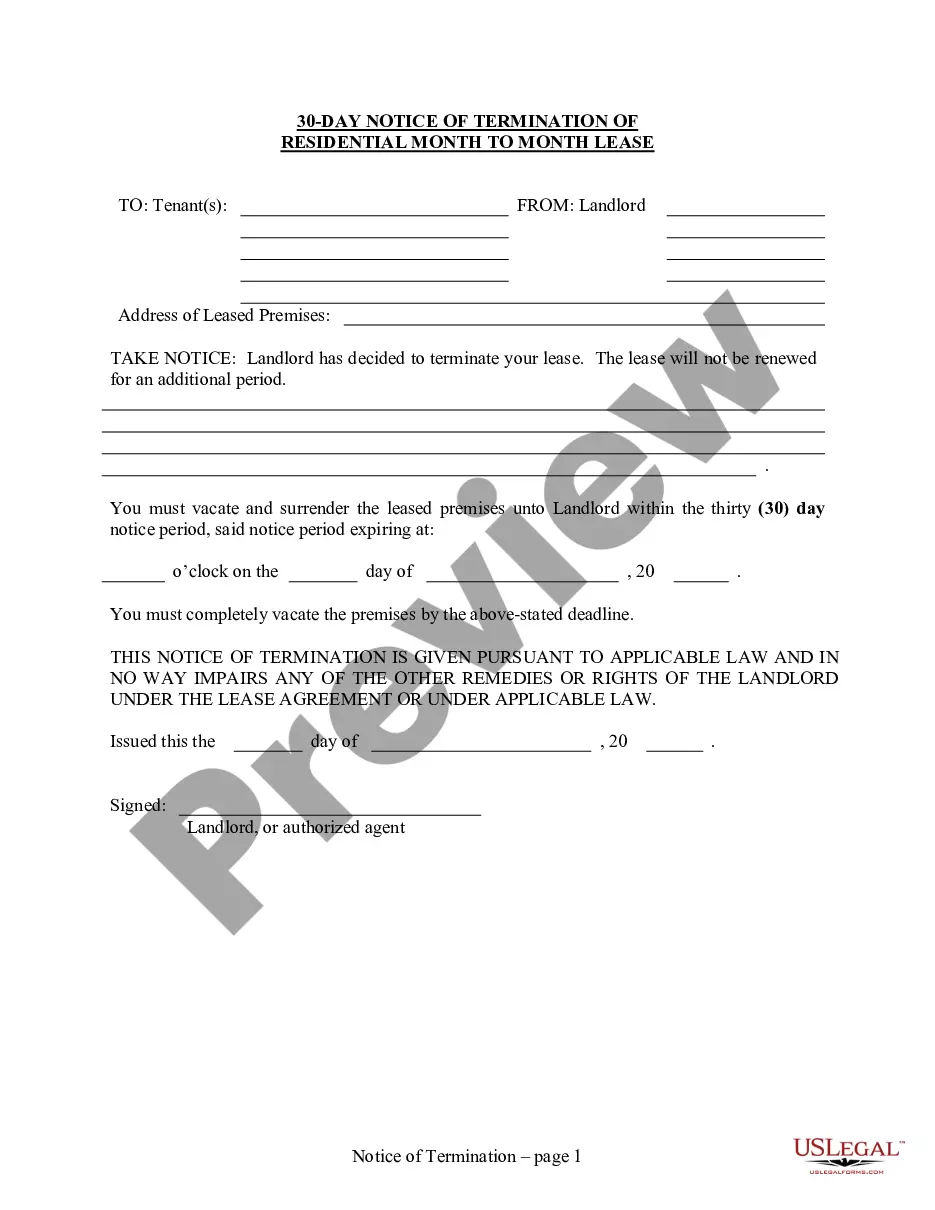
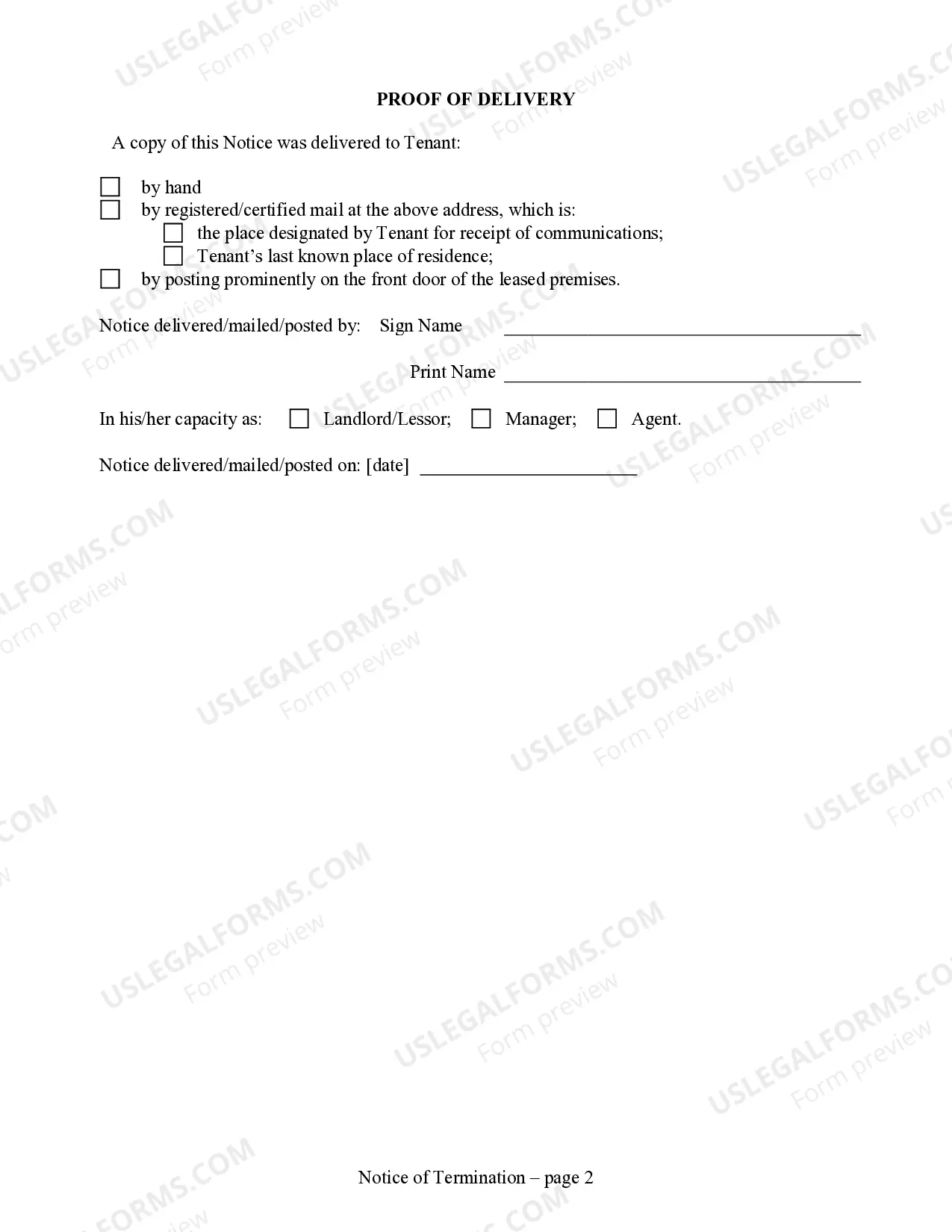
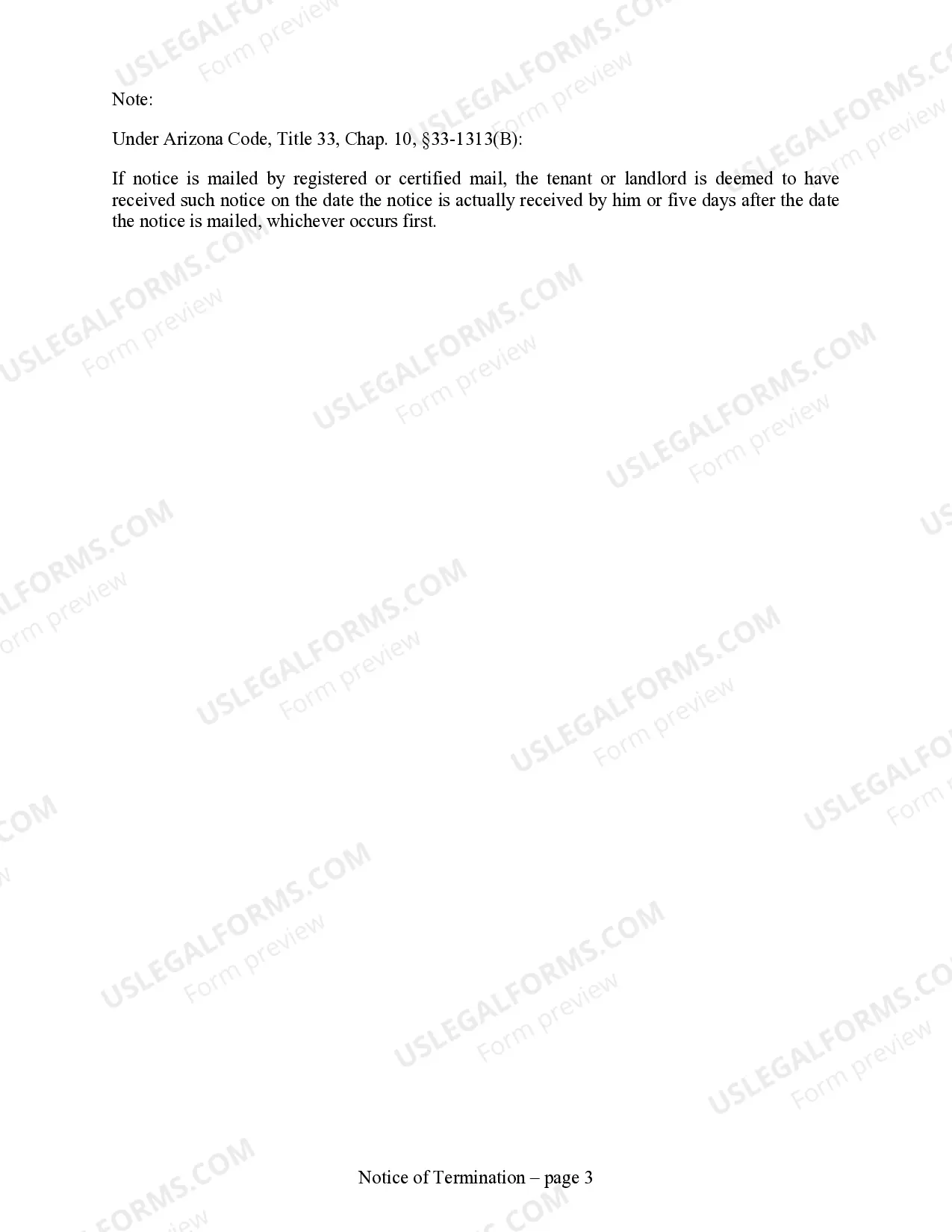

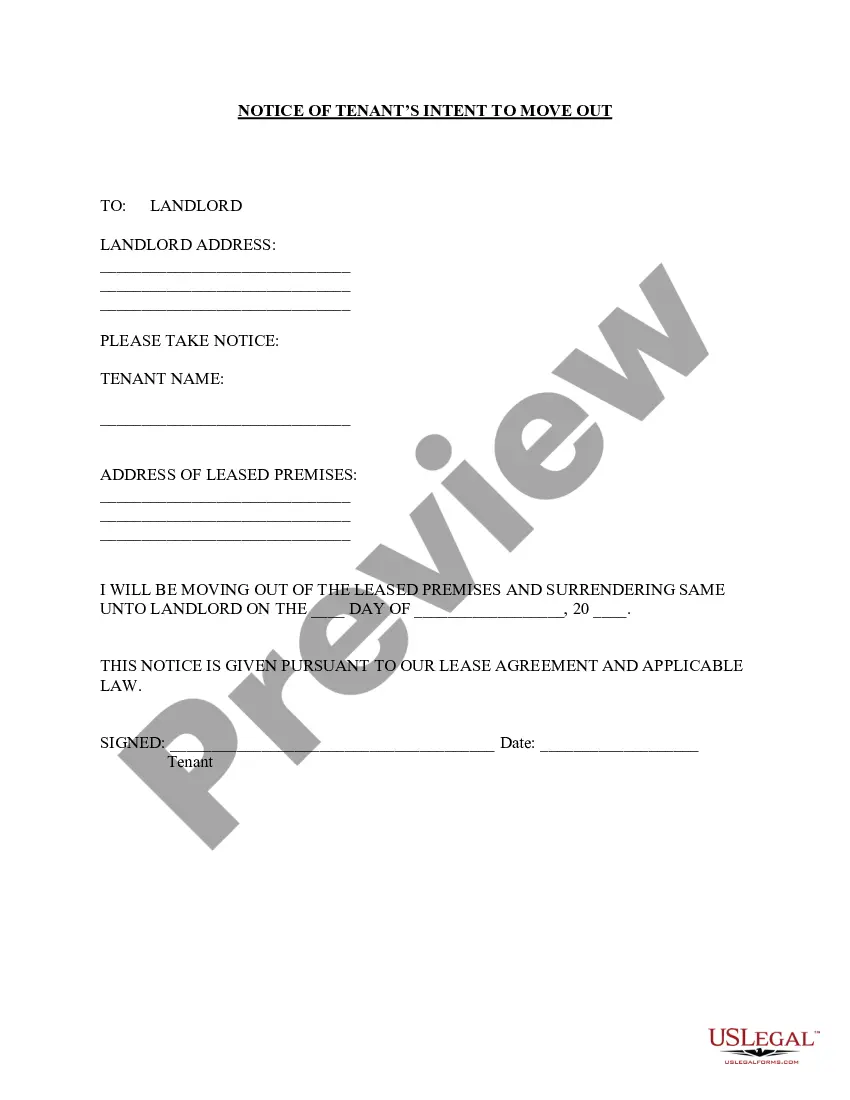

Get your form ready online
Our built-in tools help you complete, sign, share, and store your documents in one place.
Make edits, fill in missing information, and update formatting in US Legal Forms—just like you would in MS Word.
Download a copy, print it, send it by email, or mail it via USPS—whatever works best for your next step.
Sign and collect signatures with our SignNow integration. Send to multiple recipients, set reminders, and more. Go Premium to unlock E-Sign.
If this form requires notarization, complete it online through a secure video call—no need to meet a notary in person or wait for an appointment.
We protect your documents and personal data by following strict security and privacy standards.

Make edits, fill in missing information, and update formatting in US Legal Forms—just like you would in MS Word.

Download a copy, print it, send it by email, or mail it via USPS—whatever works best for your next step.

Sign and collect signatures with our SignNow integration. Send to multiple recipients, set reminders, and more. Go Premium to unlock E-Sign.

If this form requires notarization, complete it online through a secure video call—no need to meet a notary in person or wait for an appointment.

We protect your documents and personal data by following strict security and privacy standards.
Looking for another form?

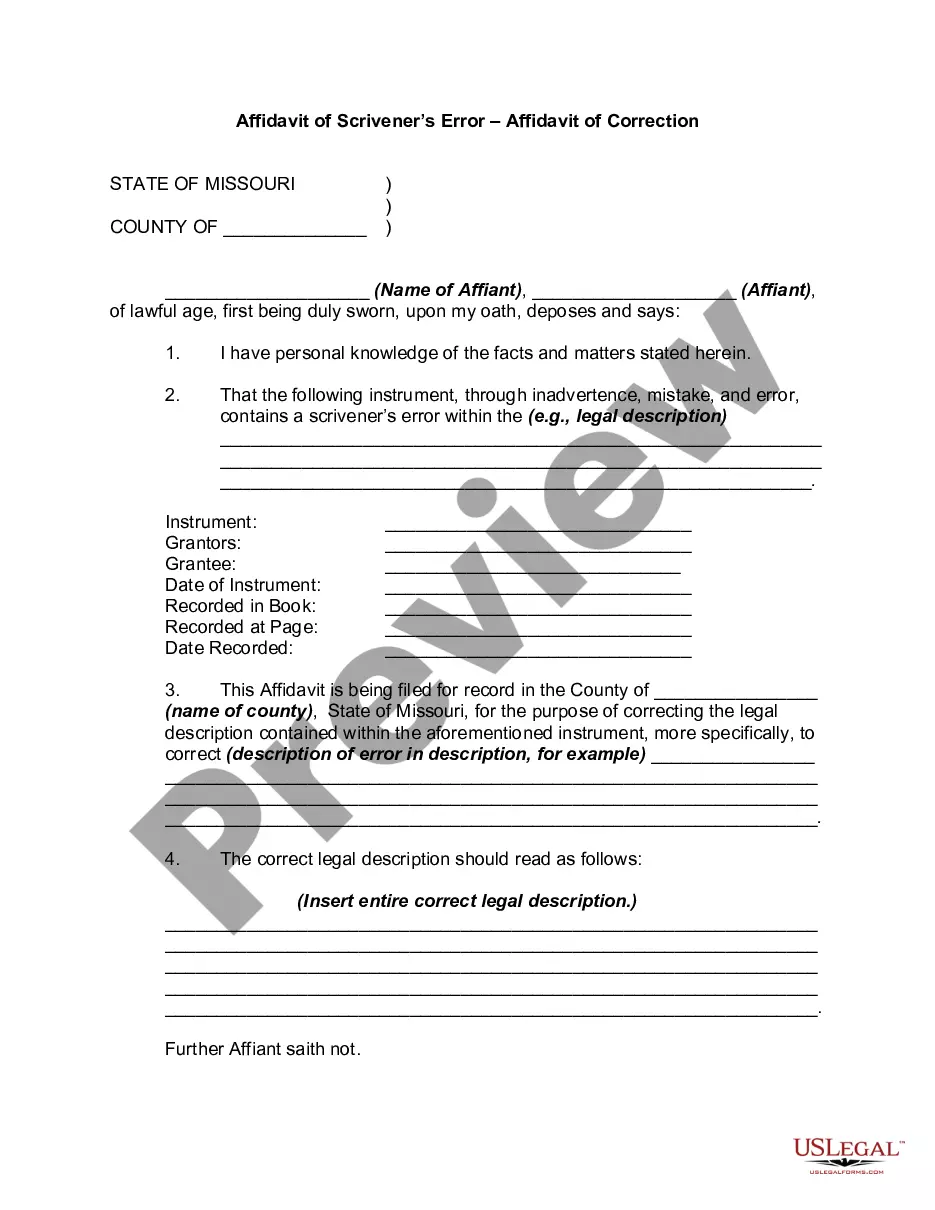

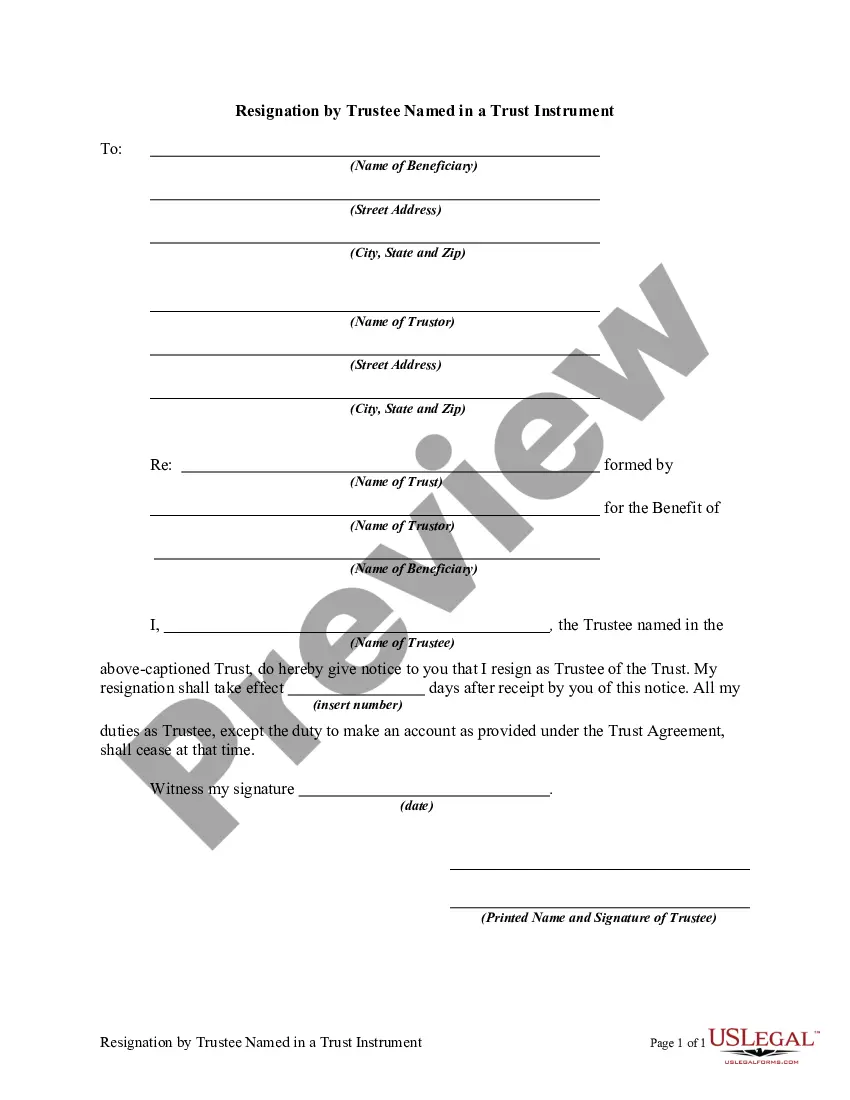
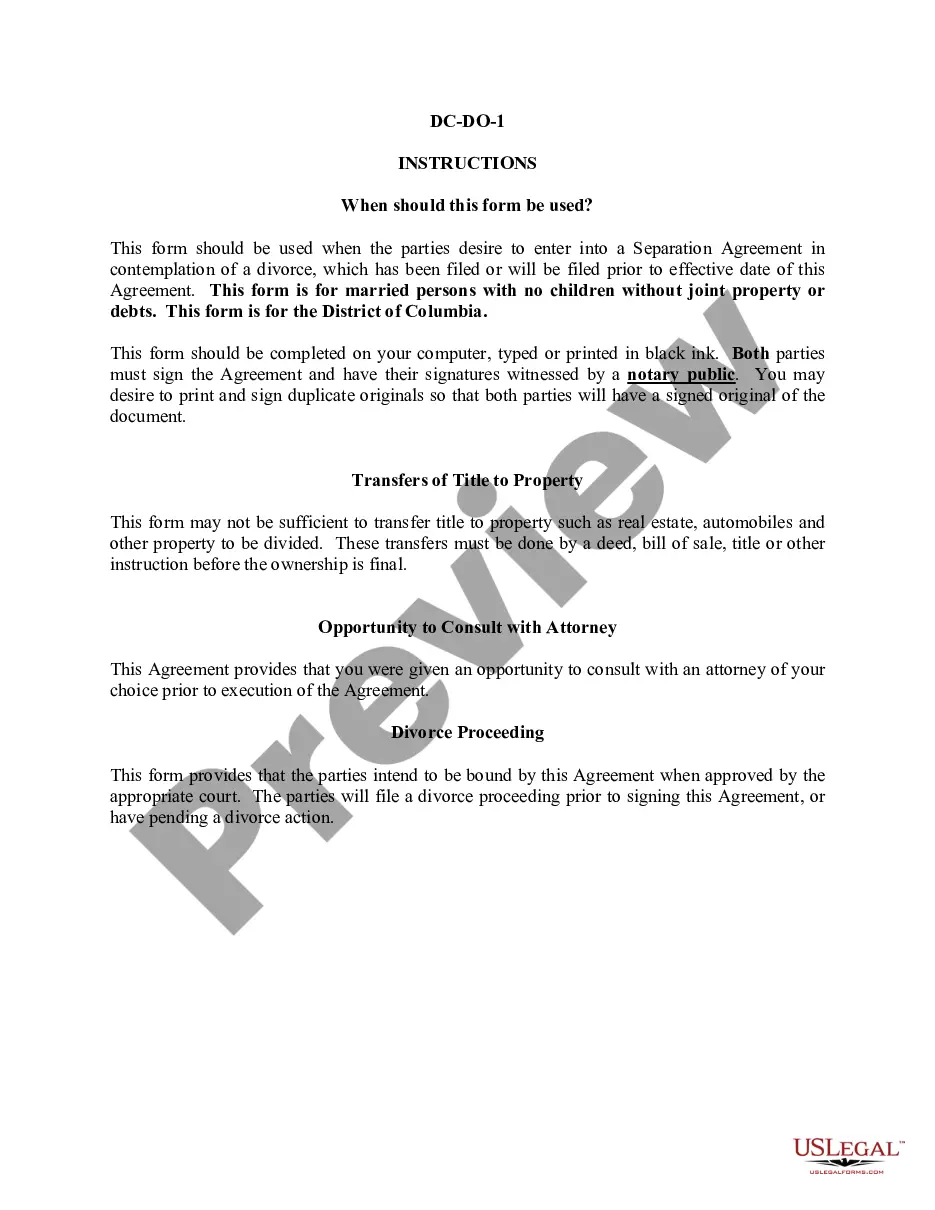
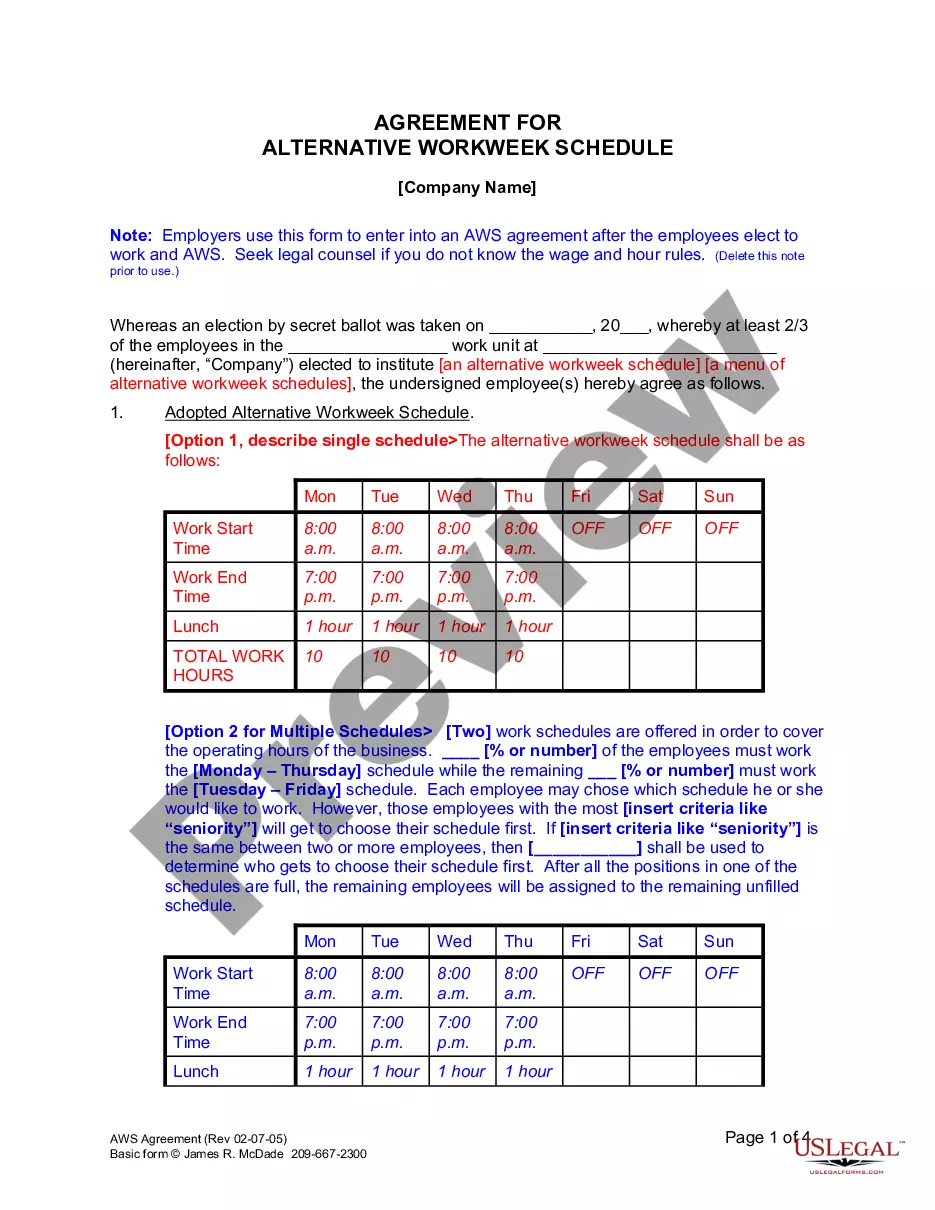
How to fill out Arizona 30 Day Notice To Terminate Month To Month Lease - Residential From Landlord To Tenant?
- If you are an existing user, log in to access your account and download the desired form template by clicking the Download button. Verify that your subscription is active; renew if necessary.
- If you’re a new user, start by browsing the Preview mode and form descriptions to select a form that fits your needs and complies with local laws.
- Search for alternative templates if needed using the Search tab to ensure you find the correct document.
- Click on the Buy Now button after selecting your form and choose the subscription plan that suits you. Create an account to unlock full access to the library.
- Complete your purchase by entering your credit card information or using your PayPal account for the subscription fee.
- Download your selected form, save it on your device, and access it anytime through the My Forms section of your profile.
In conclusion, US Legal Forms' extensive library and user-friendly interface make obtaining legal documents effortless. Whether you are renewing your subscription or using the service for the first time, following these steps will ensure a smooth experience.
Start your legal journey today with US Legal Forms and make the most of our comprehensive resources!
Form popularity
FAQ
Yes, you can file your Arizona taxes online, which offers convenience and speed. Use the Arizona Department of Revenue’s e-file system, where you can submit your tax forms electronically. Many popular tax software programs available also facilitate online filing. For an easy filing experience, consider uslegalforms, which provides resources and solutions tailored for online tax submissions.
You should mail your Arizona state tax forms to the address specified for your form type on the Arizona Department of Revenue website. Ensure that you choose the right address based on whether you are including payment or not. Using the correct mailing address can prevent delays in processing your tax forms. For additional support, check out uslegalforms for mailing instructions and tips.
The Arizona tax form you use depends on your specific situation, such as your income type and filing status. For individuals, the most common forms include the 140 or 140A. If you're unsure which form to choose, consider using uslegalforms, where you can find detailed information and assistance in selecting the right form.
Filing your Arizona transaction privilege tax online is straightforward through the Arizona Department of Revenue's website. You will need to create an account or log in, fill out your tax forms, and submit them digitally. This method streamlines the process and may offer immediate confirmation of your filing. To enhance your experience, you can utilize uslegalforms for guidance and forms specifically designed for this tax.
Filing a notice of claim in Arizona requires you to prepare your claim according to Arizona law guidelines. You typically need to submit your notice to the appropriate government entity within a specified period. Once submitted, keep a record of your claim for follow-up purposes. For a smoother experience, you can use uslegalforms to access templates and instructions tailored for Arizona claims.
To file your Arizona A1 QRT, you can do so electronically using the Arizona Department of Revenue's website. Alternatively, you can submit your form by mail to the appropriate tax office. Ensure that you double-check your submission for accuracy to avoid delays. Consider using uslegalforms to simplify the filing process and find the correct forms you need.
AZ1 and AZ2 refer to specific Availability Zones within a region in AWS. They represent isolated locations designed to provide high availability and fault tolerance. Understanding the differences between AZ1 and AZ2 can help you plan your deployments and effectively use az1 for optimizing your resources.
To add an Availability Zone to your VPC, go to the VPC Dashboard in the AWS Management Console. Choose 'Subnets,' and then select 'Create Subnet.' From there, you can specify the Availability Zone you want, allowing you to expand your use of Use-az1 effectively.
You can check AZ mapping in AWS by accessing the EC2 Dashboard in the AWS Management Console. Look for the 'Networking & Security' section and select 'Availability Zones'. This will show you the mapping of your resources, helping you make the most of Use-az1.
To get the Availability Zone ID, simply access the AWS Management Console and select the EC2 service. Click on 'Availability Zones' in the left menu. Here, you will see a list of all AZs and their IDs, enabling you to effectively leverage Use-az1 for your infrastructure.