Arizona Beneficiary Az Withholding
Description
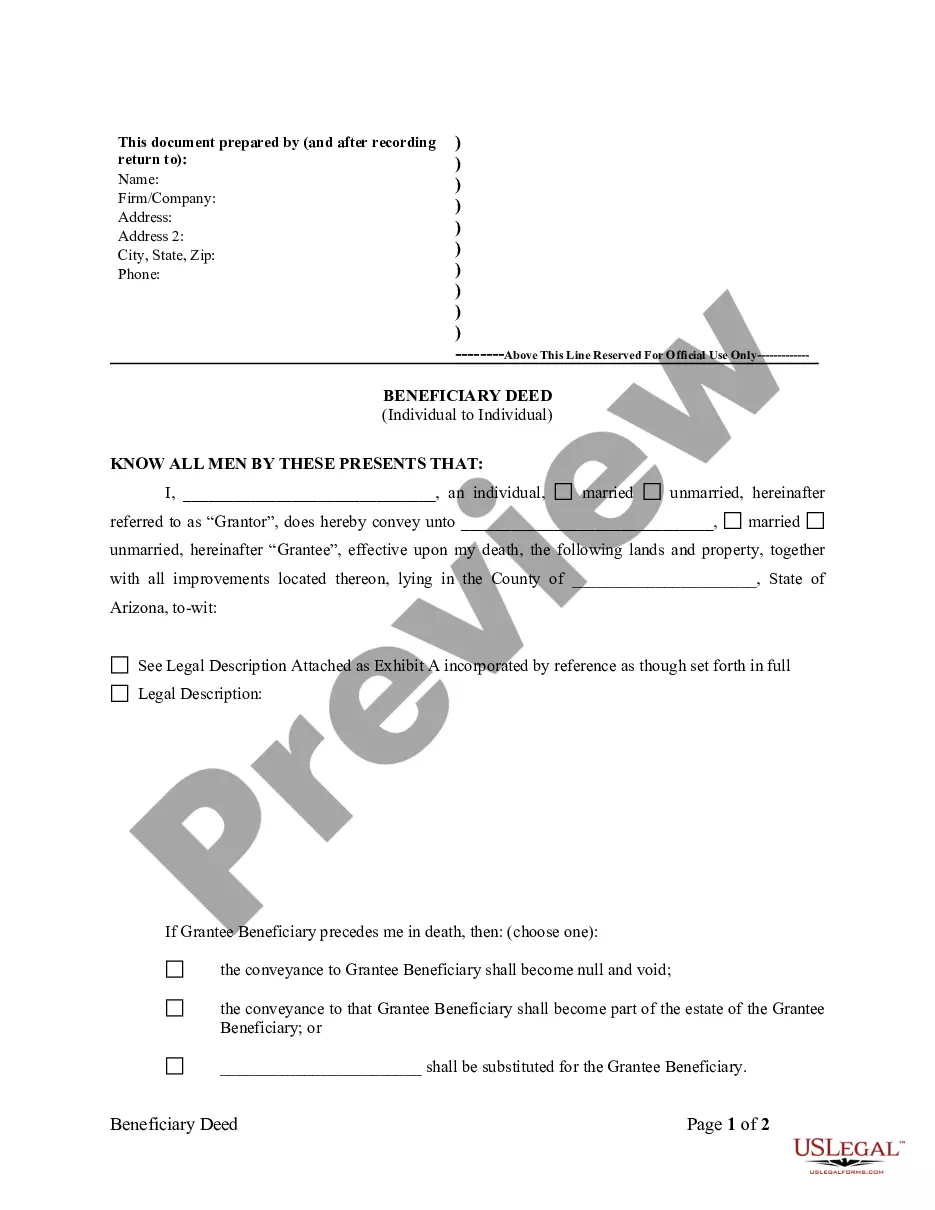
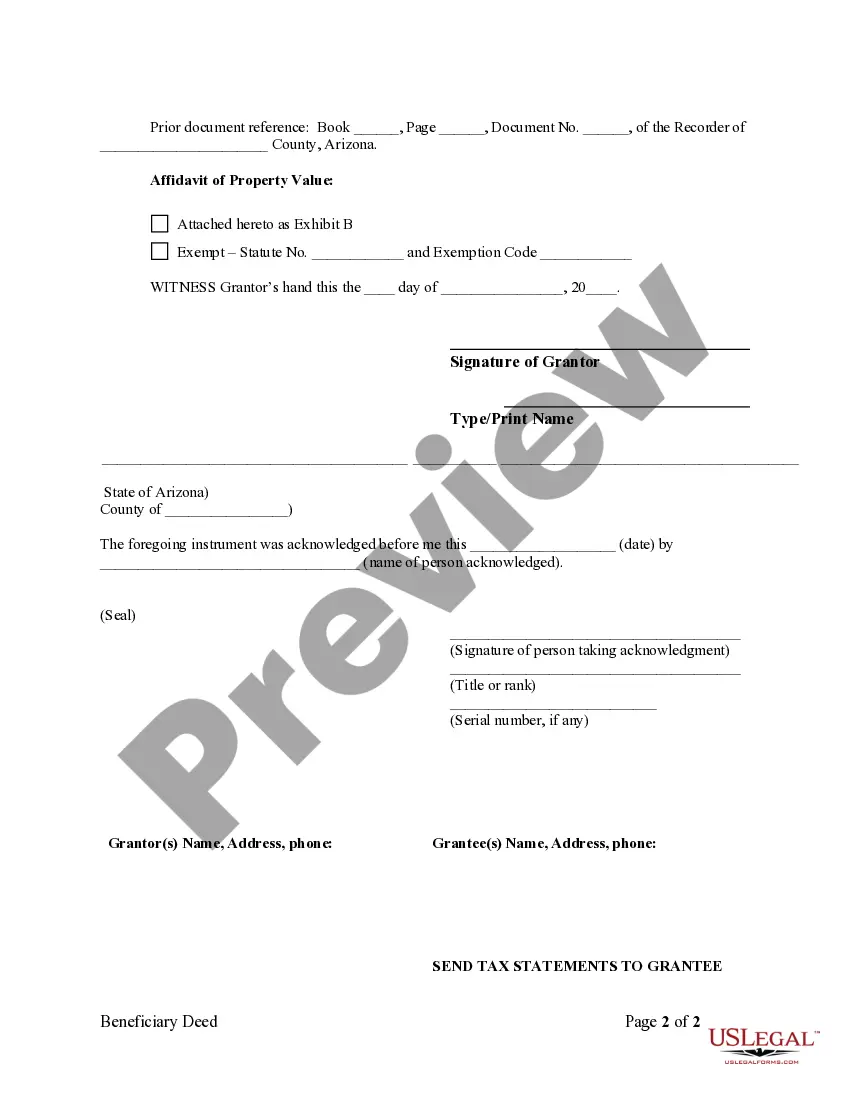

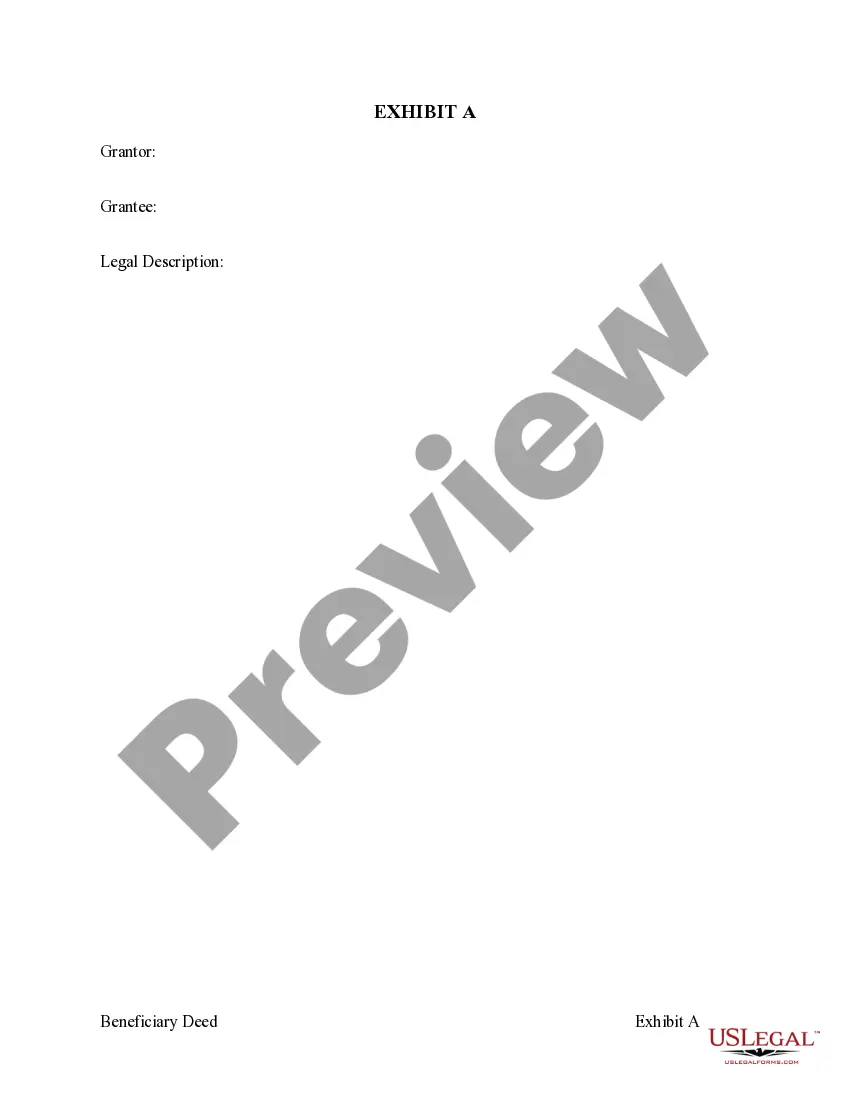
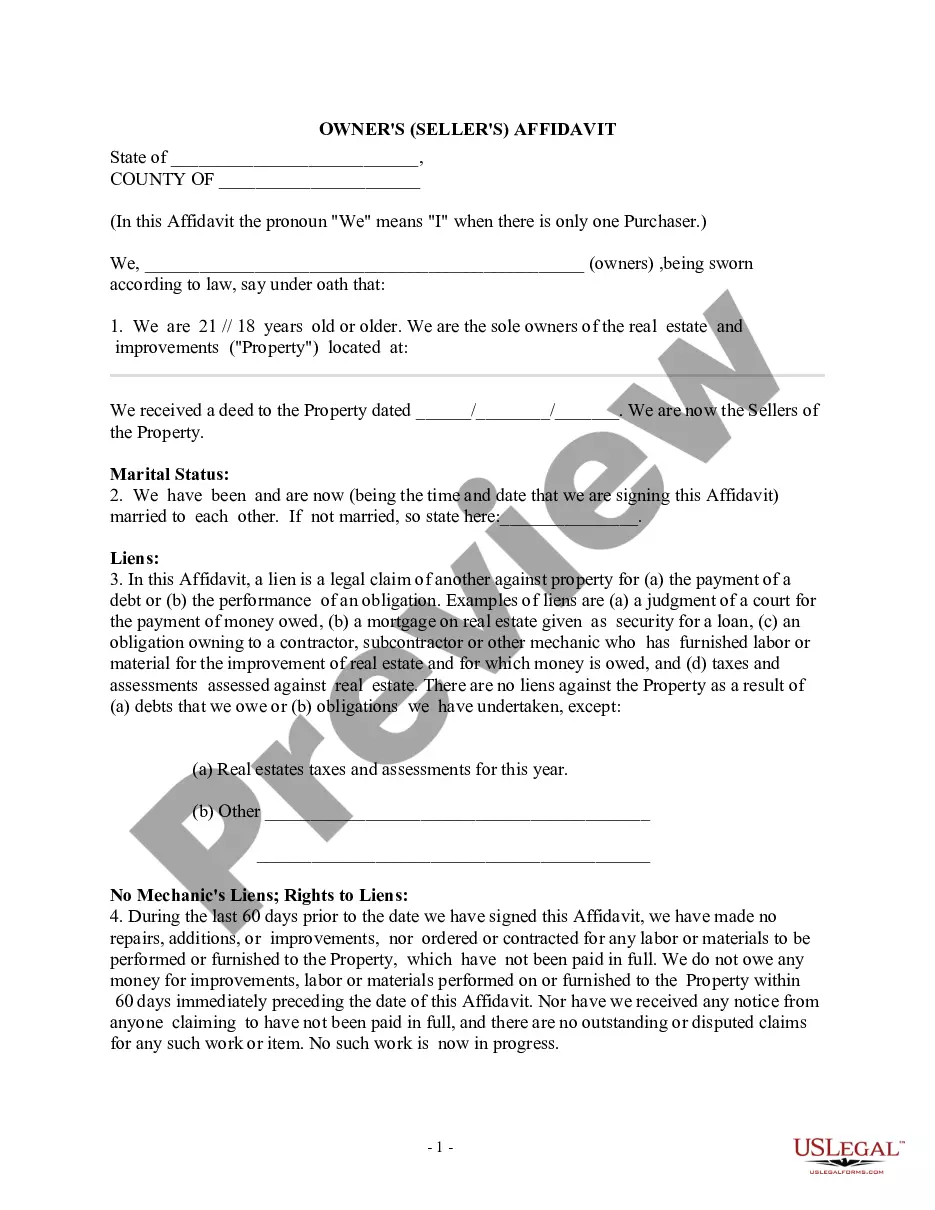
Get your form ready online
Our built-in tools help you complete, sign, share, and store your documents in one place.
Make edits, fill in missing information, and update formatting in US Legal Forms—just like you would in MS Word.
Download a copy, print it, send it by email, or mail it via USPS—whatever works best for your next step.
Sign and collect signatures with our SignNow integration. Send to multiple recipients, set reminders, and more. Go Premium to unlock E-Sign.
If this form requires notarization, complete it online through a secure video call—no need to meet a notary in person or wait for an appointment.
We protect your documents and personal data by following strict security and privacy standards.

Make edits, fill in missing information, and update formatting in US Legal Forms—just like you would in MS Word.

Download a copy, print it, send it by email, or mail it via USPS—whatever works best for your next step.

Sign and collect signatures with our SignNow integration. Send to multiple recipients, set reminders, and more. Go Premium to unlock E-Sign.

If this form requires notarization, complete it online through a secure video call—no need to meet a notary in person or wait for an appointment.

We protect your documents and personal data by following strict security and privacy standards.
Looking for another form?


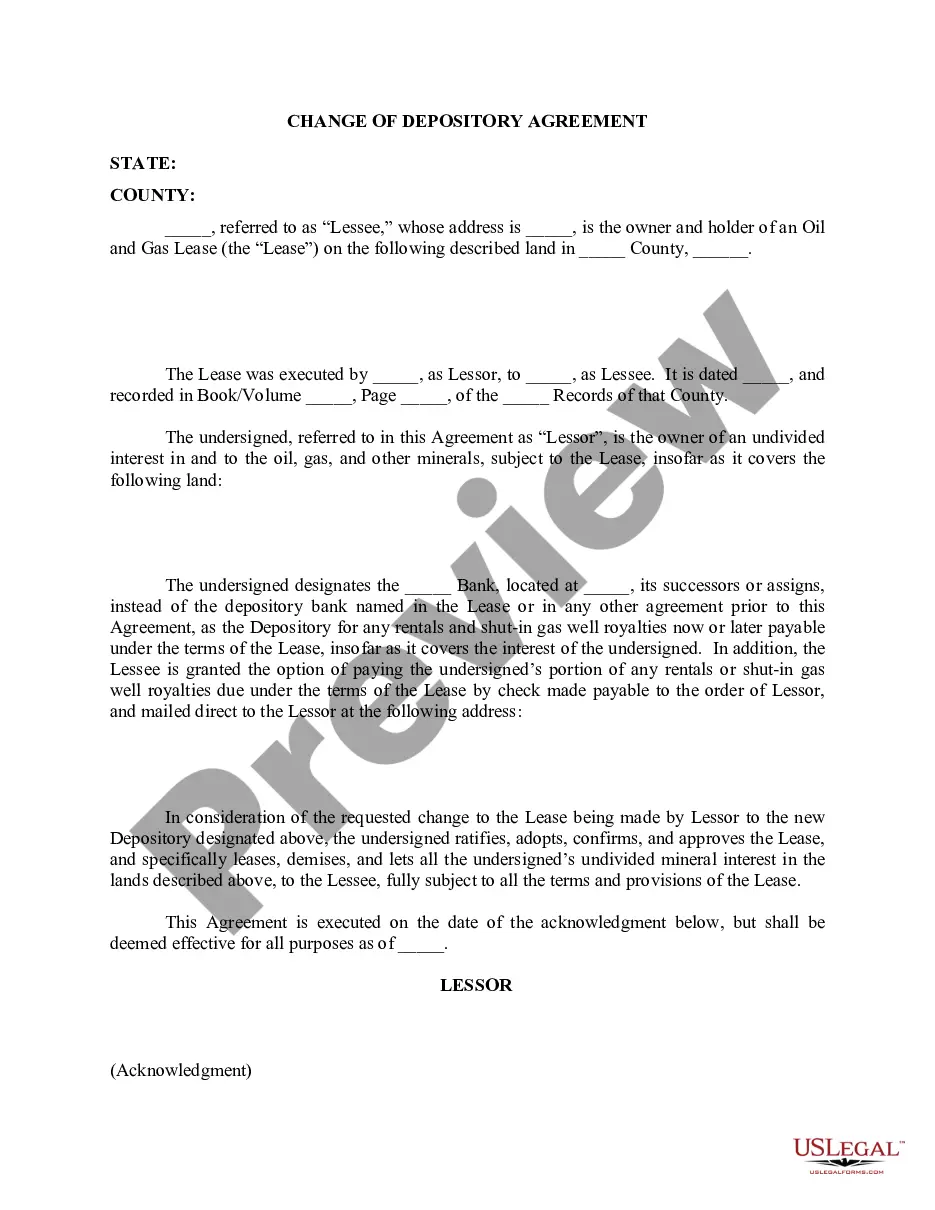

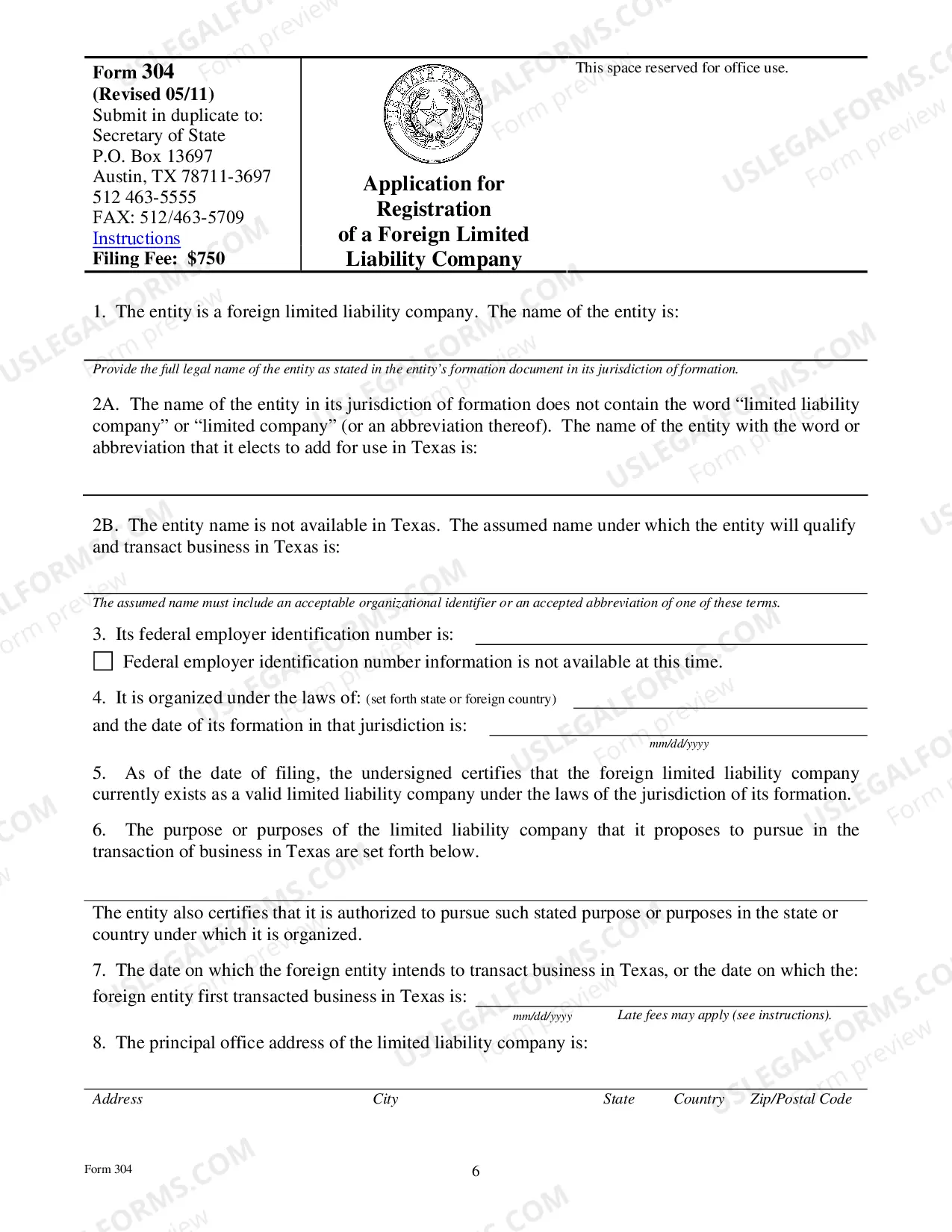
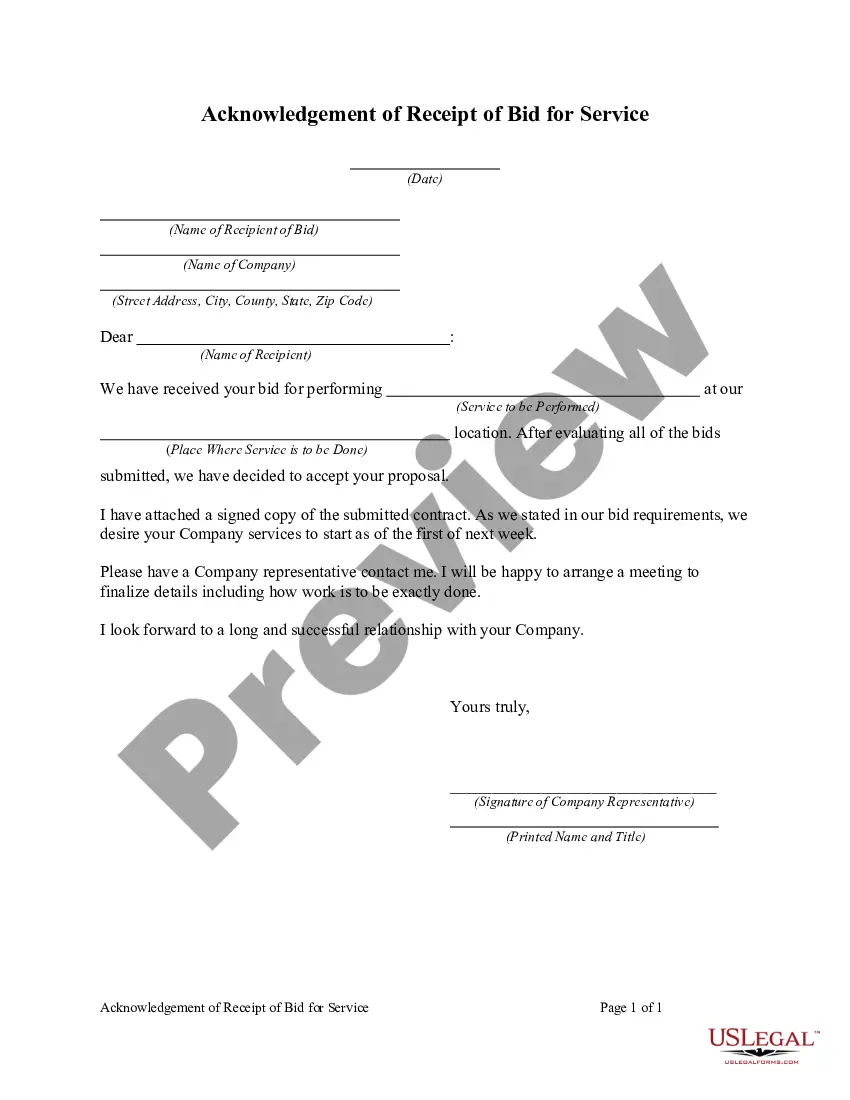
How to fill out Arizona Beneficiary Deed For Individual To Individual?
Legal management can be exasperating, even for seasoned professionals.
When you are looking for an Arizona Beneficiary Az Withholding and don’t have the time to dedicate to finding the correct and current version, the process can be overwhelming.
US Legal Forms accommodates any needs you might have, ranging from personal to business documents, all consolidated in one location.
Utilize cutting-edge tools to complete and manage your Arizona Beneficiary Az Withholding.
Here are the steps to follow after obtaining the form you need: Validate it is the correct form by previewing it and reviewing its details, ensure that the template is authorized in your state or county, click Buy Now when you're ready, select a subscription plan, choose the file format you prefer, and Download, complete, eSign, print, and send your document. Enjoy the US Legal Forms online library, backed by 25 years of expertise and trustworthiness. Streamline your daily document management into a seamless and user-friendly experience today.
- Access a collection of articles, guides, and materials related to your situation and needs.
- Save time and energy searching for the forms you require, and use US Legal Forms’ sophisticated search and Preview tool to locate Arizona Beneficiary Az Withholding and download it.
- If you have a membership, Log In to your US Legal Forms account, search for the form, and download it.
- Check your My documents tab to see the documents you have previously saved and organize your folders as needed.
- If it’s your first experience with US Legal Forms, create an account and gain unlimited access to all the advantages of the library.
- A comprehensive online form repository can be a transformative solution for anyone aiming to handle these matters effectively.
- US Legal Forms is a frontrunner in online legal documents, offering over 85,000 state-specific legal forms accessible at any moment.
- With US Legal Forms, you can access legal and business forms tailored to specific states or counties.
Form popularity
FAQ
Registration must be done by completing the Arizona Joint Tax Application, (Arizona Form JT-1), available once enrolled for an user account on AZTaxes.gov or here.
If you as the new employee fails to complete Arizona Form A-4 within 5 days of hire, the employer must withhold Arizona income tax at the rate of 2.0% until you elects a different withholding rate. To elect an Arizona withholding percentage, an employee must complete Arizona Form A-4, and submit it to their employer.
Your Arizona Withholding Account Number is the same number as your nine digit (XX-X) Federal Employment Identification Number (EIN). This number will auto-populate in the Withholding Account Number field when you enter your EIN during Square Payroll sign up.
If you have an Arizona tax liability when you file your return or if at any time during the current year conditions change so that you expect to have a tax liability, you should promptly file a new Form A-4 and choose a withholding percentage that applies to you.
The new default Arizona withholding rate is 2.0%. What if the employee wants their Arizona taxes to be overwithheld? Employees will still have the option of selecting a higher Arizona withholding rate than their wages might dictate and there is still a line to add an additional amount of Arizona withholding.