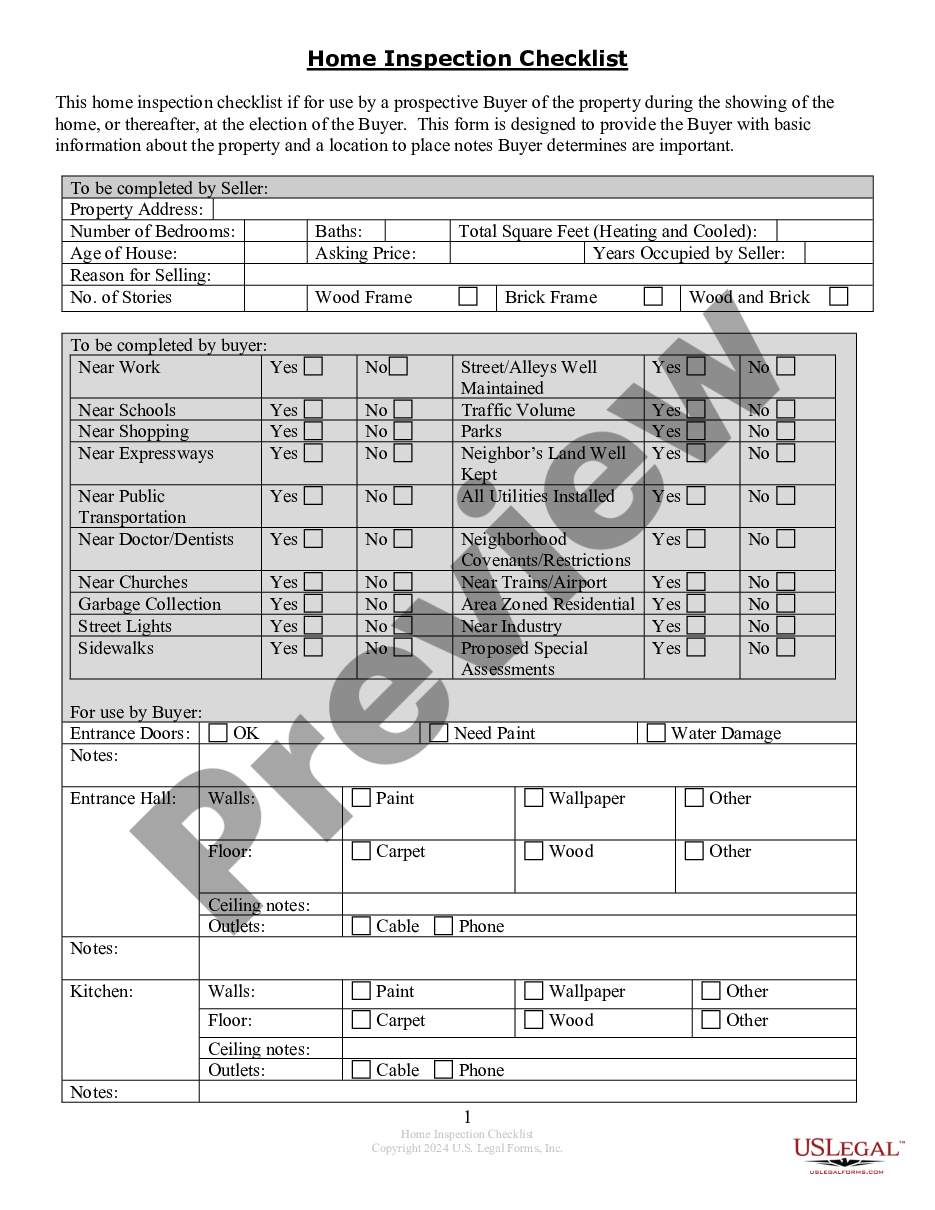
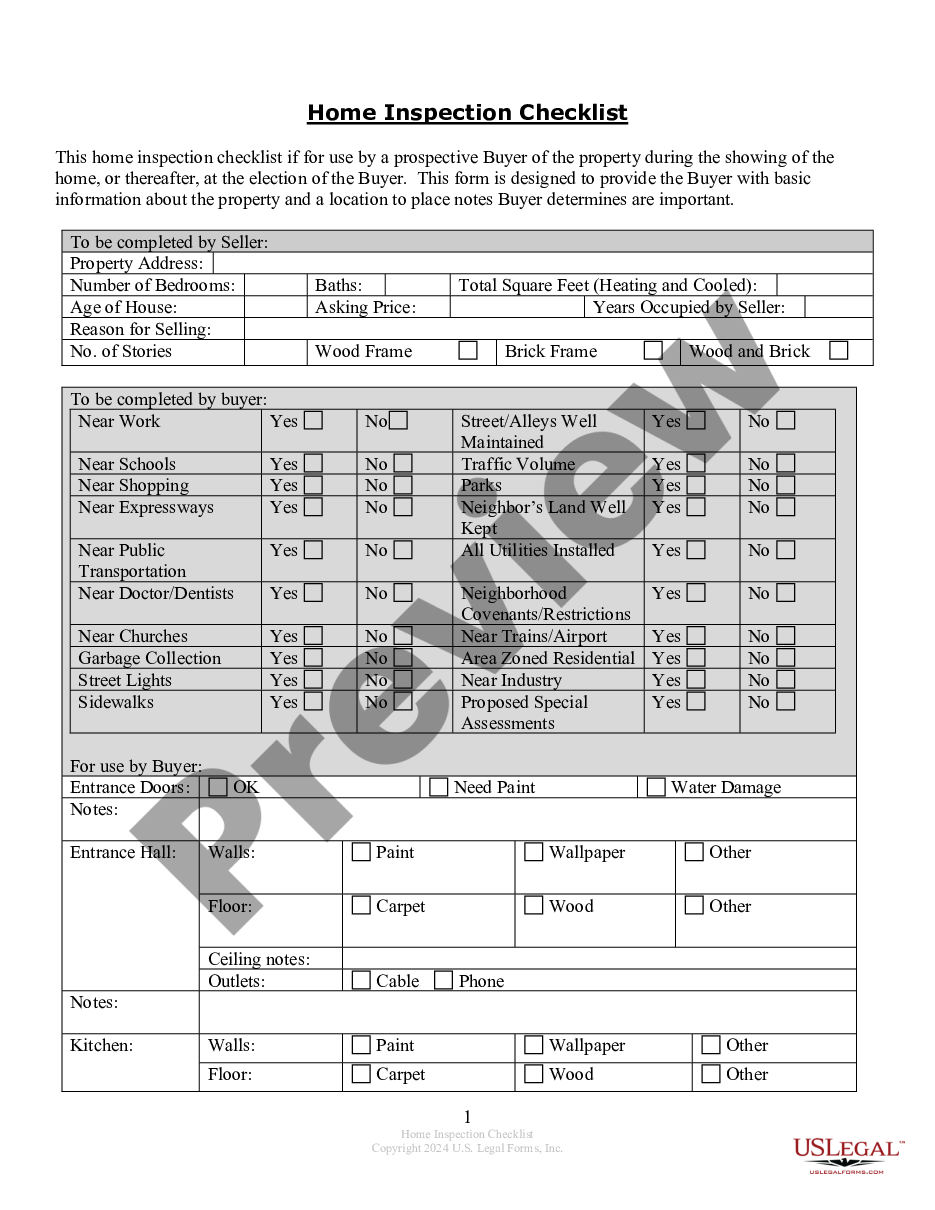
Contractor Legal Forms For Independent
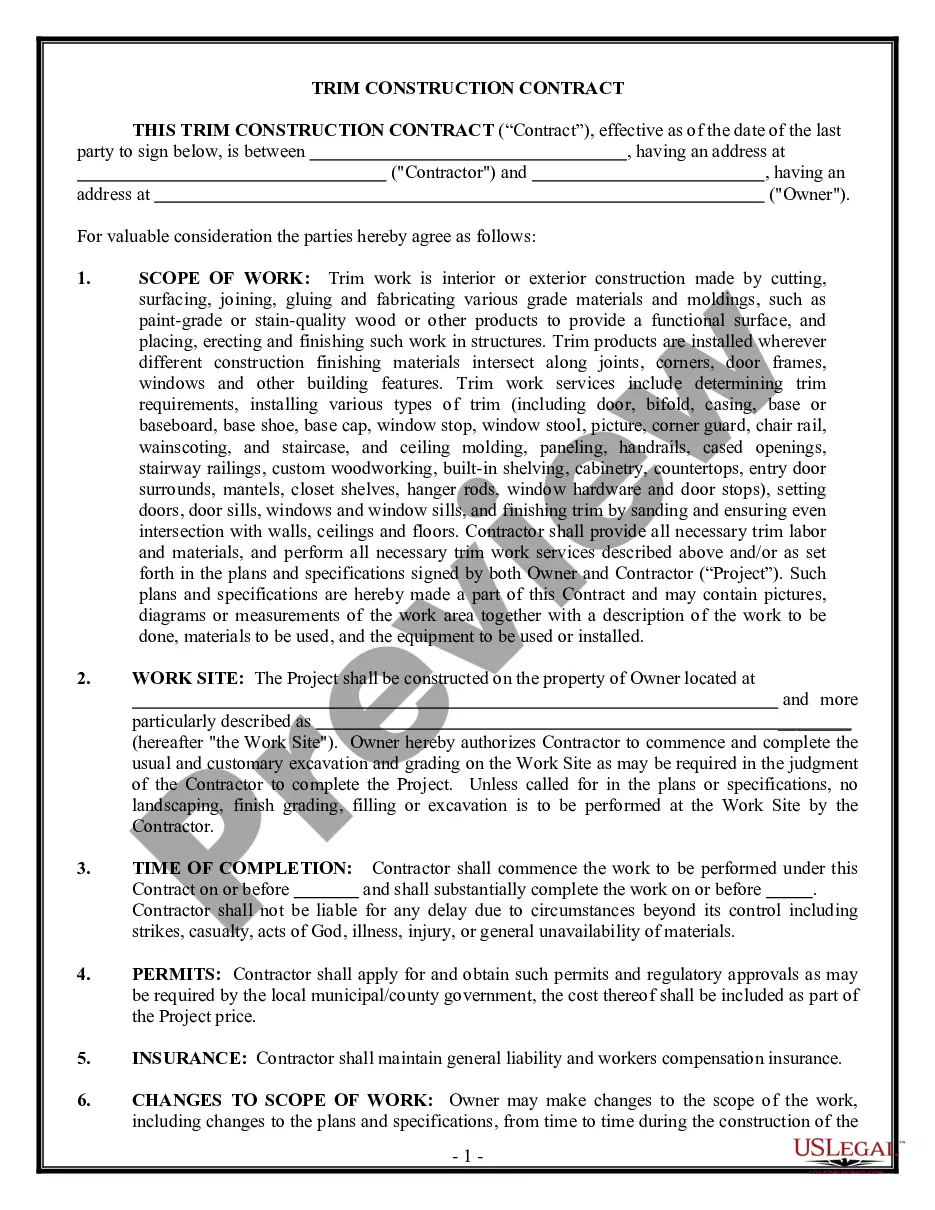
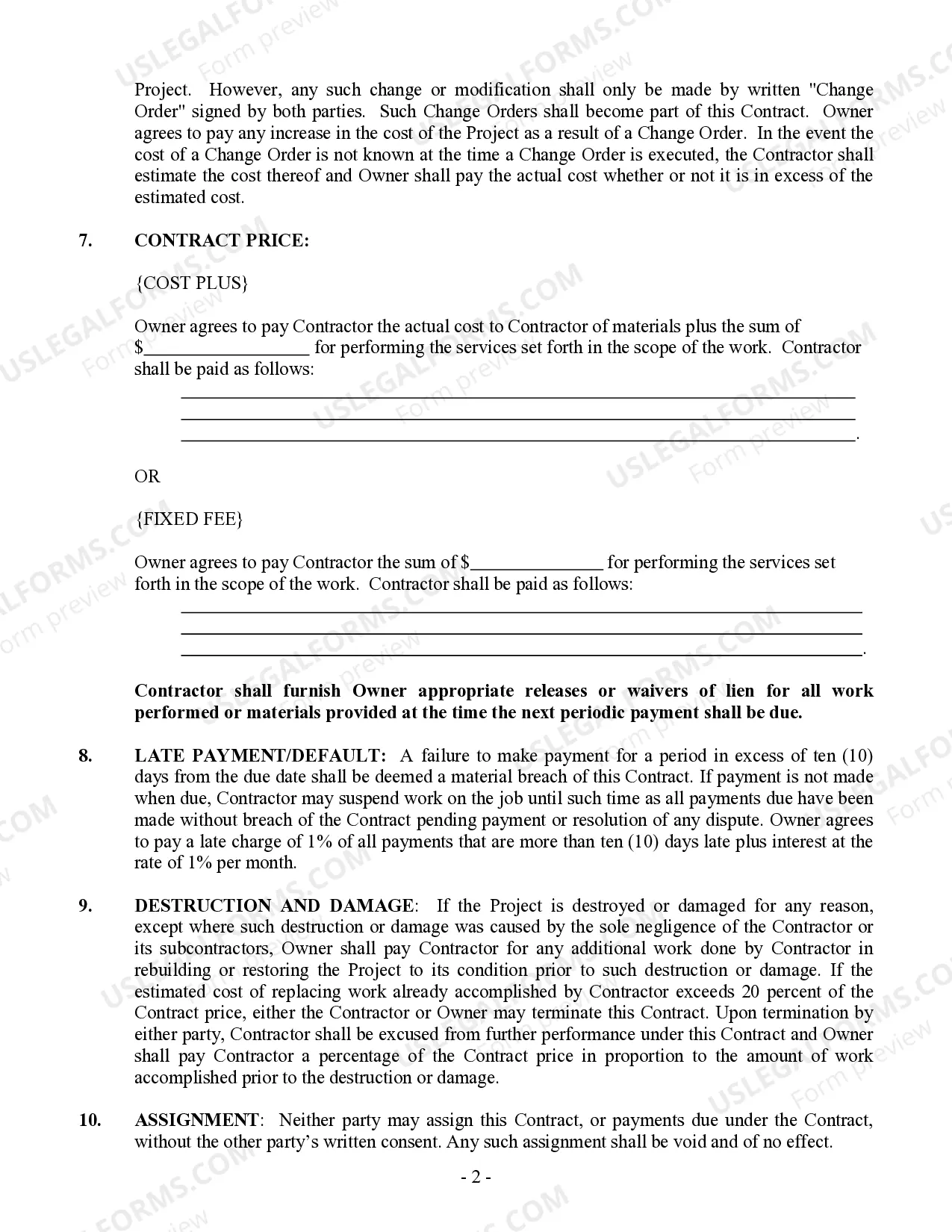
Description
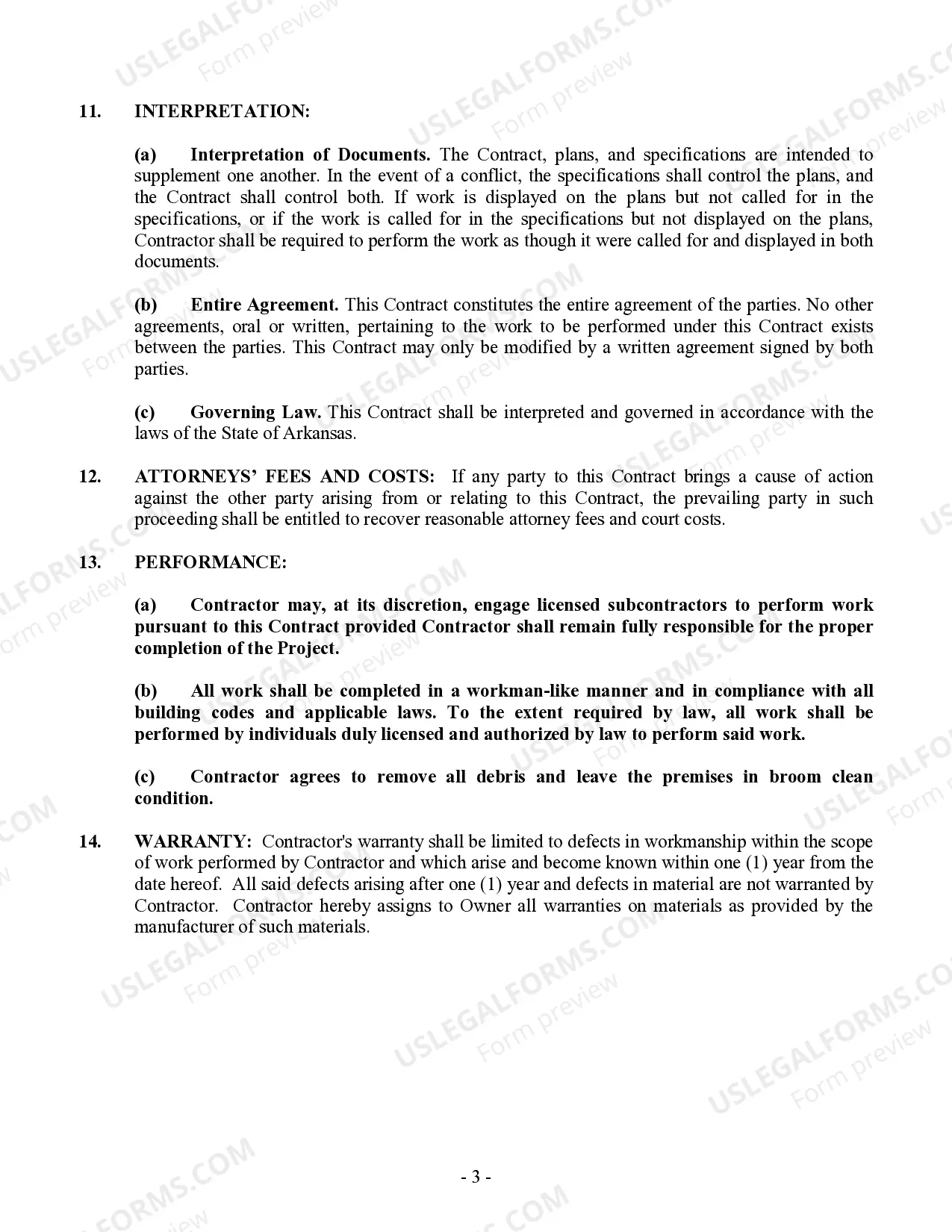
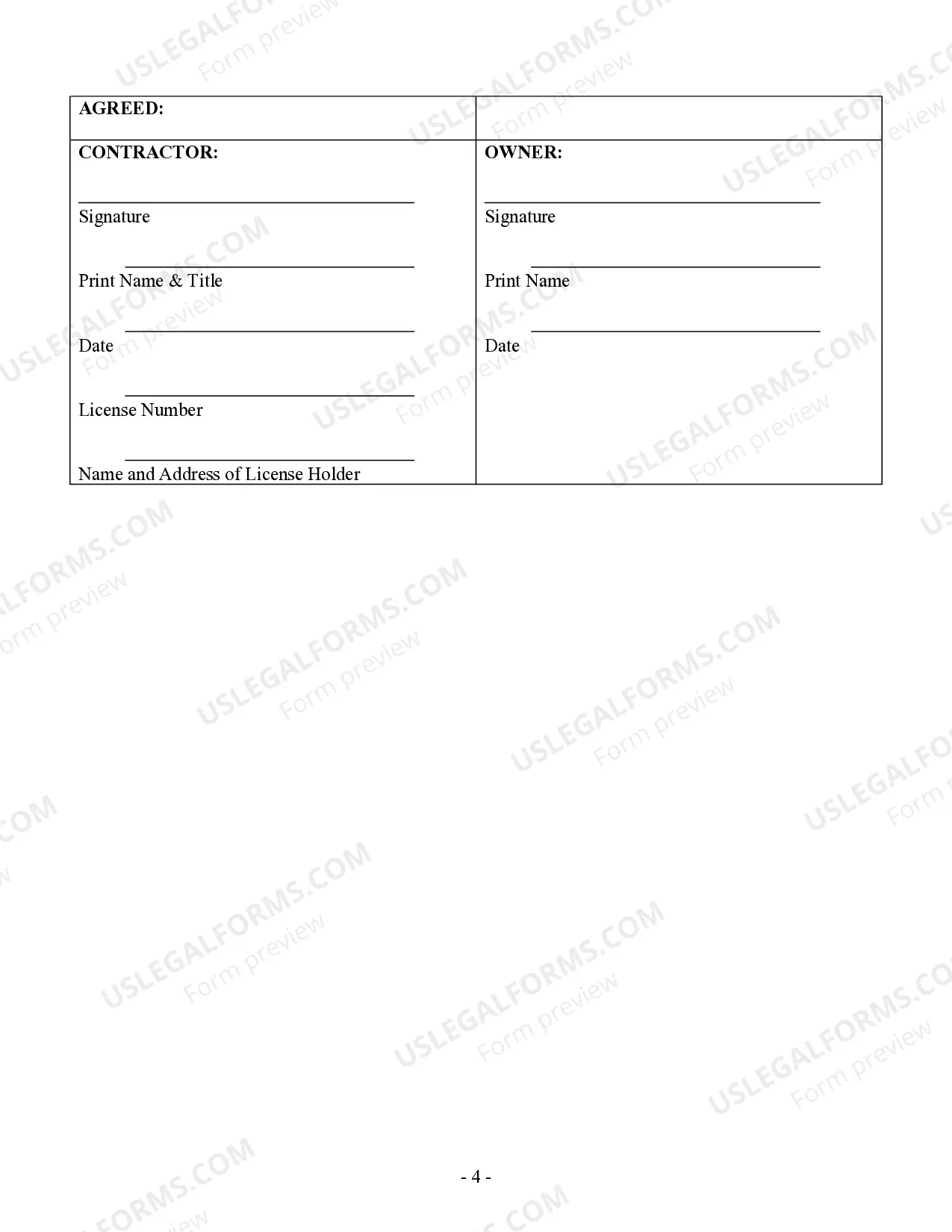
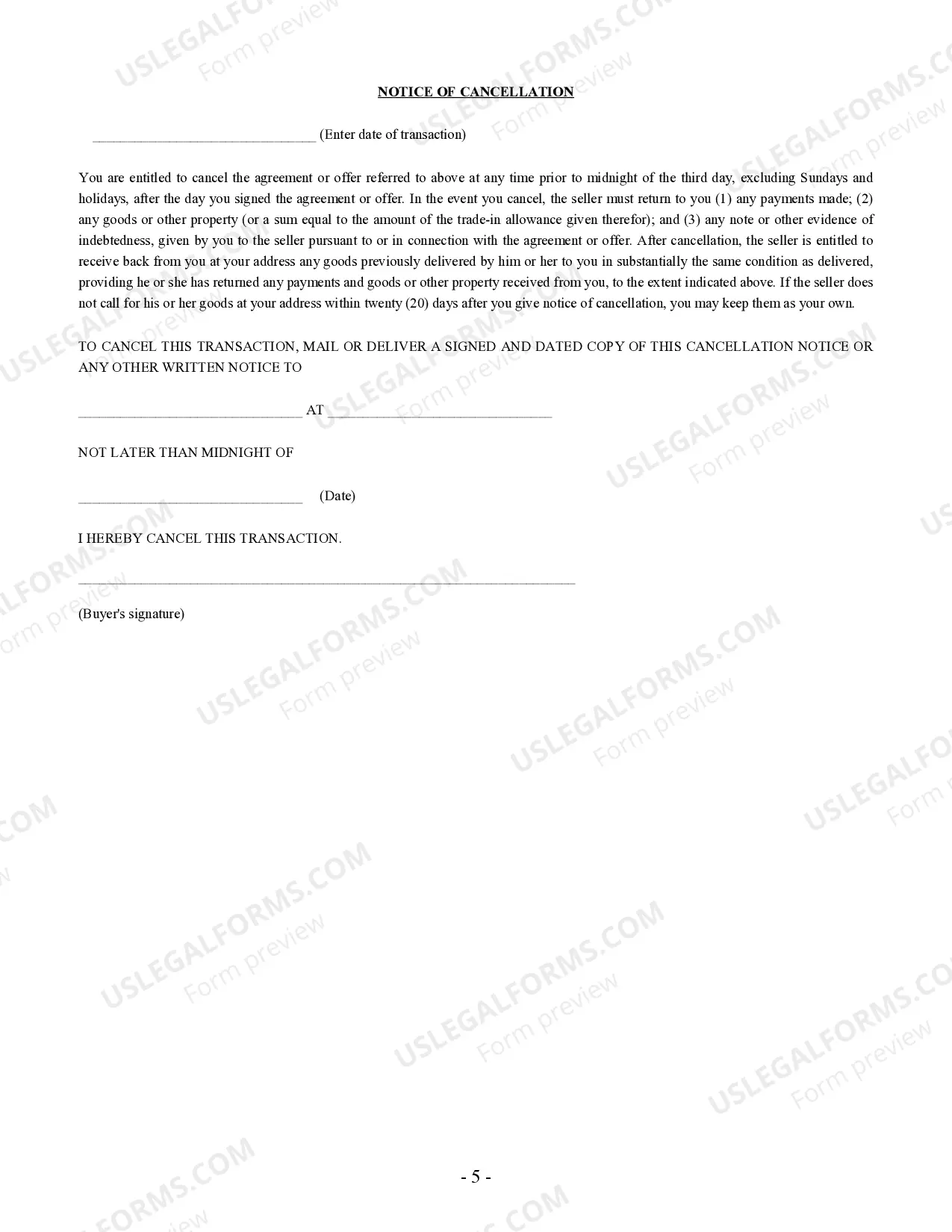
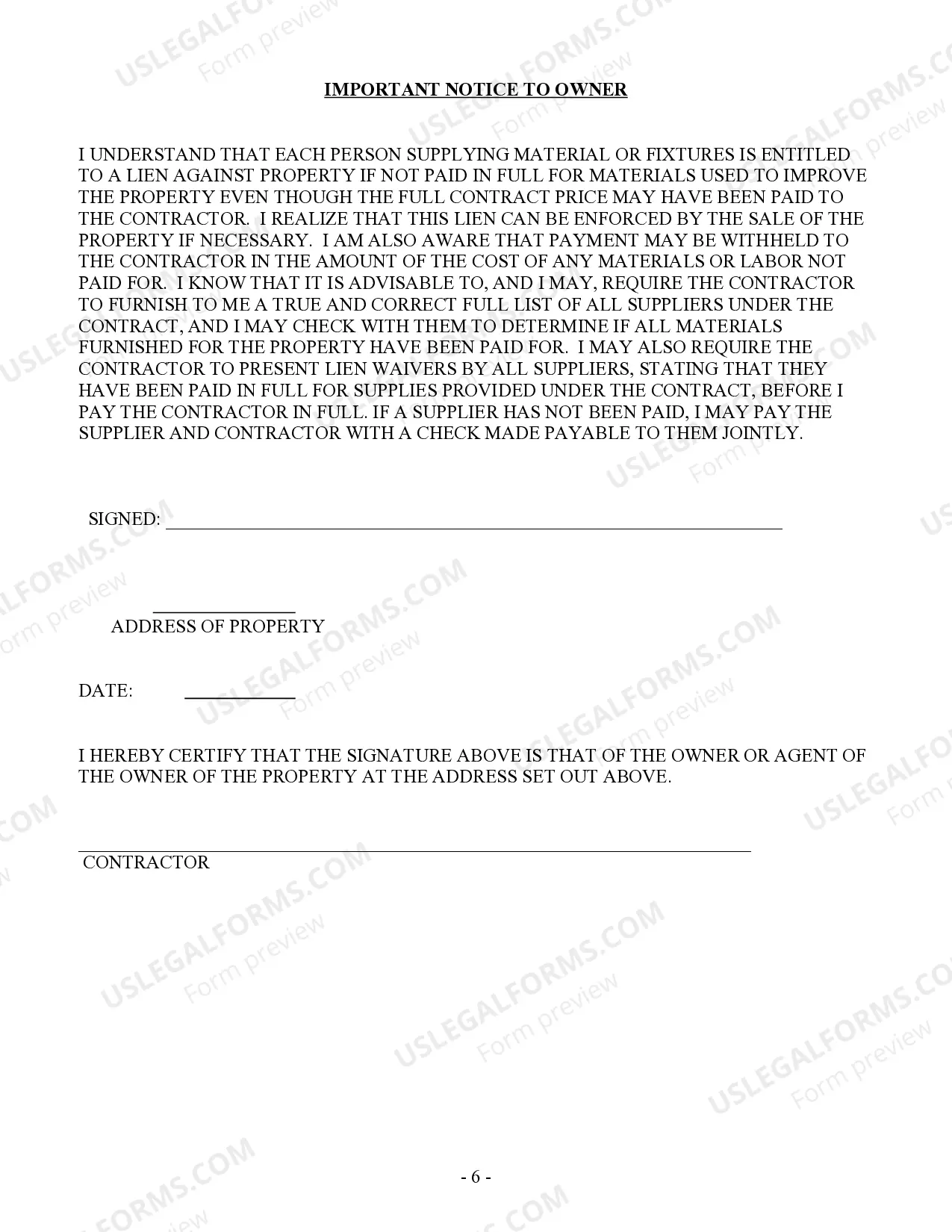

Get your form ready online
Our built-in tools help you complete, sign, share, and store your documents in one place.
Make edits, fill in missing information, and update formatting in US Legal Forms—just like you would in MS Word.
Download a copy, print it, send it by email, or mail it via USPS—whatever works best for your next step.
Sign and collect signatures with our SignNow integration. Send to multiple recipients, set reminders, and more. Go Premium to unlock E-Sign.
If this form requires notarization, complete it online through a secure video call—no need to meet a notary in person or wait for an appointment.
We protect your documents and personal data by following strict security and privacy standards.

Make edits, fill in missing information, and update formatting in US Legal Forms—just like you would in MS Word.

Download a copy, print it, send it by email, or mail it via USPS—whatever works best for your next step.

Sign and collect signatures with our SignNow integration. Send to multiple recipients, set reminders, and more. Go Premium to unlock E-Sign.

If this form requires notarization, complete it online through a secure video call—no need to meet a notary in person or wait for an appointment.

We protect your documents and personal data by following strict security and privacy standards.
Looking for another form?








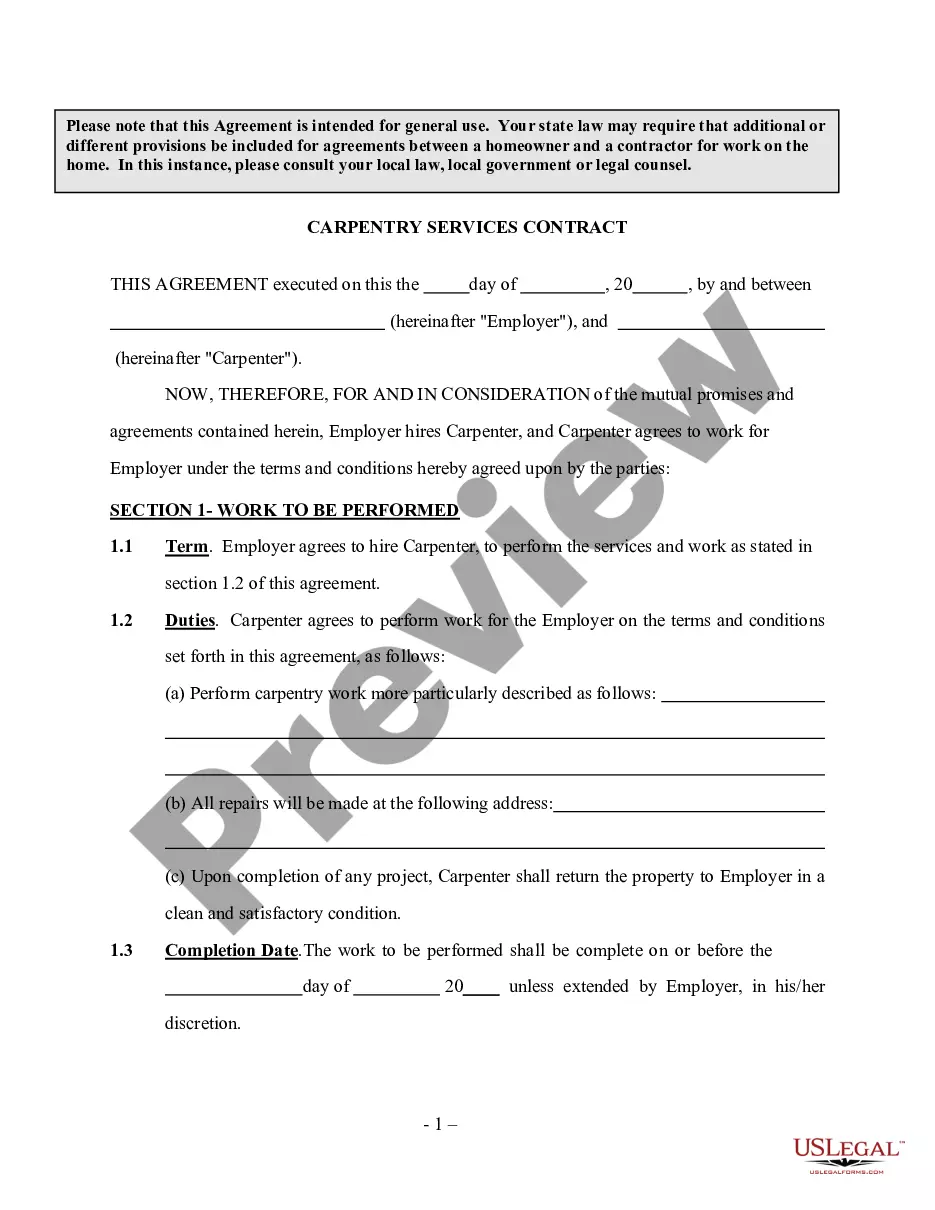
How to fill out Arkansas Trim Carpenter Contract For Contractor?
There's no longer a requirement to spend extensive time searching for legal documents to meet your local state requirements.
US Legal Forms has gathered all of them in one location and made them easy to access.
Our platform provides over 85k templates for any business and personal legal situations compiled by state and category of use. All forms are expertly written and verified for accuracy, so you can trust in acquiring an up-to-date Contractor Legal Forms For Independent.
Print your form to complete it by hand, or upload the sample if you prefer to use an online editor. Organizing official documents under federal and state regulations is quick and straightforward with our library. Try US Legal Forms now to maintain your documentation in order!
- If you're acquainted with our platform and already possess an account, ensure your subscription is current before obtaining any templates.
- Log In to your account, select the document, and click Download.
- You can also revisit all saved documents at any time by accessing the My documents tab in your profile.
- If you've never utilized our platform before, the process will involve a few additional steps.
- Here's how new users can find the Contractor Legal Forms For Independent in our inventory.
- Examine the page content thoroughly to confirm it contains the sample you need.
- To assist, employ the form description and preview options if available.
- If the current template doesn't meet your needs, use the Search bar above to look for another template.
- When you discover the appropriate one, click Buy Now next to the template title.
- Choose your preferred pricing plan and either create an account or Log In.
- Process your payment with a card or through PayPal to continue.
- Select the file format for your Contractor Legal Forms For Independent and download it to your device.
Form popularity
FAQ
You will need to fill out a W-9 form if you: Classify yourself as an independent contractor or freelancer. Are not a full-time employee of the business. Will be paid more than $600 for work provided to the business.
9 Form InstructionsLine 1 Name.Line 2 Business name.Line 3 Federal tax classification.Line 4 Exemptions.Lines 5 & 6 Address, city, state, and ZIP code.Line 7 Account number(s)Part I Taxpayer Identification Number (TIN)Part II Certification.
As of the 2020 tax year, the IRS Form 1099-NEC is the independent contractor tax form used by businesses to report payments to a contract worker in the previous tax year. This tax form for independent contractors is filed with the IRS and is also provided to the contractor for reporting income.
Four ways to verify your income as an independent contractorIncome-verification letter. The most reliable method for proving earnings for independent contractors is a letter from a current or former employer describing your working arrangement.Contracts and agreements.Invoices.Bank statements and Pay stubs.
A: To file the Form 1099-MISC, you'll need a Form W-9 and a Tax Identification Number (TIN) for each independent contractor. The contractor provides you the Form W-9. You should have every contractor fill out this document before services are provided. This will ensure you have the information you need to file.