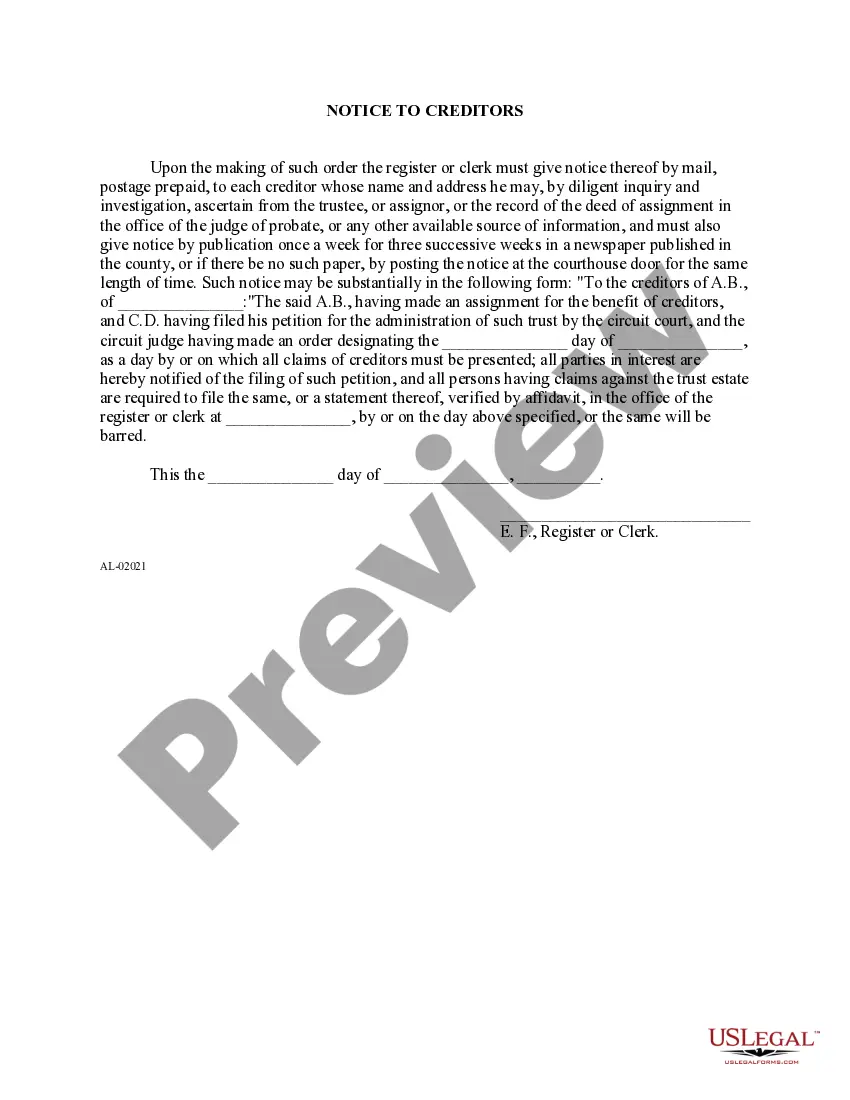
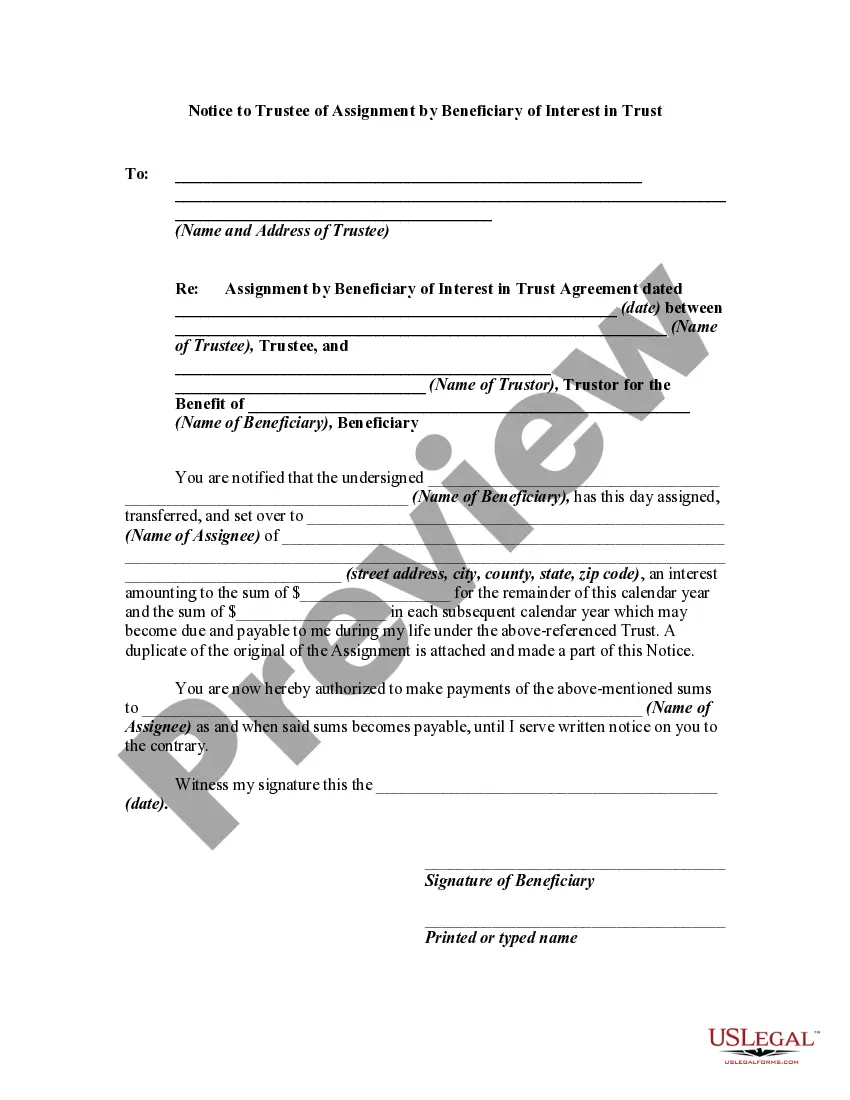
Notice To Creditors Ontario
Description
Get your form ready online
Our built-in tools help you complete, sign, share, and store your documents in one place.
Make edits, fill in missing information, and update formatting in US Legal Forms—just like you would in MS Word.
Download a copy, print it, send it by email, or mail it via USPS—whatever works best for your next step.
Sign and collect signatures with our SignNow integration. Send to multiple recipients, set reminders, and more. Go Premium to unlock E-Sign.
If this form requires notarization, complete it online through a secure video call—no need to meet a notary in person or wait for an appointment.
We protect your documents and personal data by following strict security and privacy standards.

Make edits, fill in missing information, and update formatting in US Legal Forms—just like you would in MS Word.

Download a copy, print it, send it by email, or mail it via USPS—whatever works best for your next step.

Sign and collect signatures with our SignNow integration. Send to multiple recipients, set reminders, and more. Go Premium to unlock E-Sign.

If this form requires notarization, complete it online through a secure video call—no need to meet a notary in person or wait for an appointment.

We protect your documents and personal data by following strict security and privacy standards.
Looking for another form?


How to fill out Alabama Notice To Creditors In Connection With Assignment For Benefit Creditors?
Whether for commercial reasons or for personal matters, everyone must handle legal circumstances at some time in their lives.
Completing legal paperwork requires meticulous care, starting with selecting the correct form example.
With an extensive US Legal Forms catalog available, you do not have to waste time searching for the correct sample online. Take advantage of the library’s user-friendly navigation to find the suitable form for any occasion.
- Locate the sample you require using the search box or catalog browsing.
- Examine the form’s details to ensure it suits your circumstances, state, and county.
- Select the form’s preview to inspect it.
- If it is the incorrect document, return to the search function to find the Notice To Creditors Ontario sample you need.
- Download the document when it aligns with your needs.
- If you have a US Legal Forms account, simply click Log in to access saved documents in My documents.
- If you do not yet have an account, you can acquire the form by clicking Buy now.
- Choose the suitable pricing option.
- Complete the account registration form.
- Select your preferred payment method: use a credit card or PayPal account.
- Choose the document format you desire and download the Notice To Creditors Ontario.
- After it is downloaded, you can fill out the form using editing software or print it and complete it manually.
Form popularity
FAQ
The Court requires a civil cover sheet (available from the Clerk's Office) and a complaint that includes an original signature and your address. You must also either pay the filing fee or request the Court to allow you to file the case without paying the filing fee.
Certificate of Service: A form filed with a court's clerk's office stating that the opposing party in a lawsuit received copies of papers filed in the case.
There is no remote public access to documents filed before July 1, 2023. This includes certain judgments that used to be available to the public via Case.net. Access to these judgments was removed to protect any confidential information they may have contained.
Accessing Case.net Users can access the Case.net web page by typing in the address field of their browser or by clicking the Case.net link available on the Missouri Judiciary home page, .
Only courts that have implemented the case management software as part of the Missouri Court Automation Program and only cases that have been deemed public under the Missouri Revised Statutes can be accessed through Case.net.
Public Access to Records The State of Missouri Judiciary offers a website called Case.net to provide free public access to case information. Case information available on Case.net comes from the information entered by judicial staff in the court's computer database.
Satisfaction of Judgment: Once a defendant has paid-off a judgment, this form is used by the person receiving the money or property to let the court know that the judgment has been paid. Do not use this form to satisfy a judgment that contains an ongoing obligation, i.e. child support or maintenance.
Either the case was dismissed, or the Judge increased the security level of the case on casenet. Certain cases, such as paternity cases, orders of protection, and juvenile cases, cannot be viewed by the general public.