Employment Agreement For Hourly Employee
Description
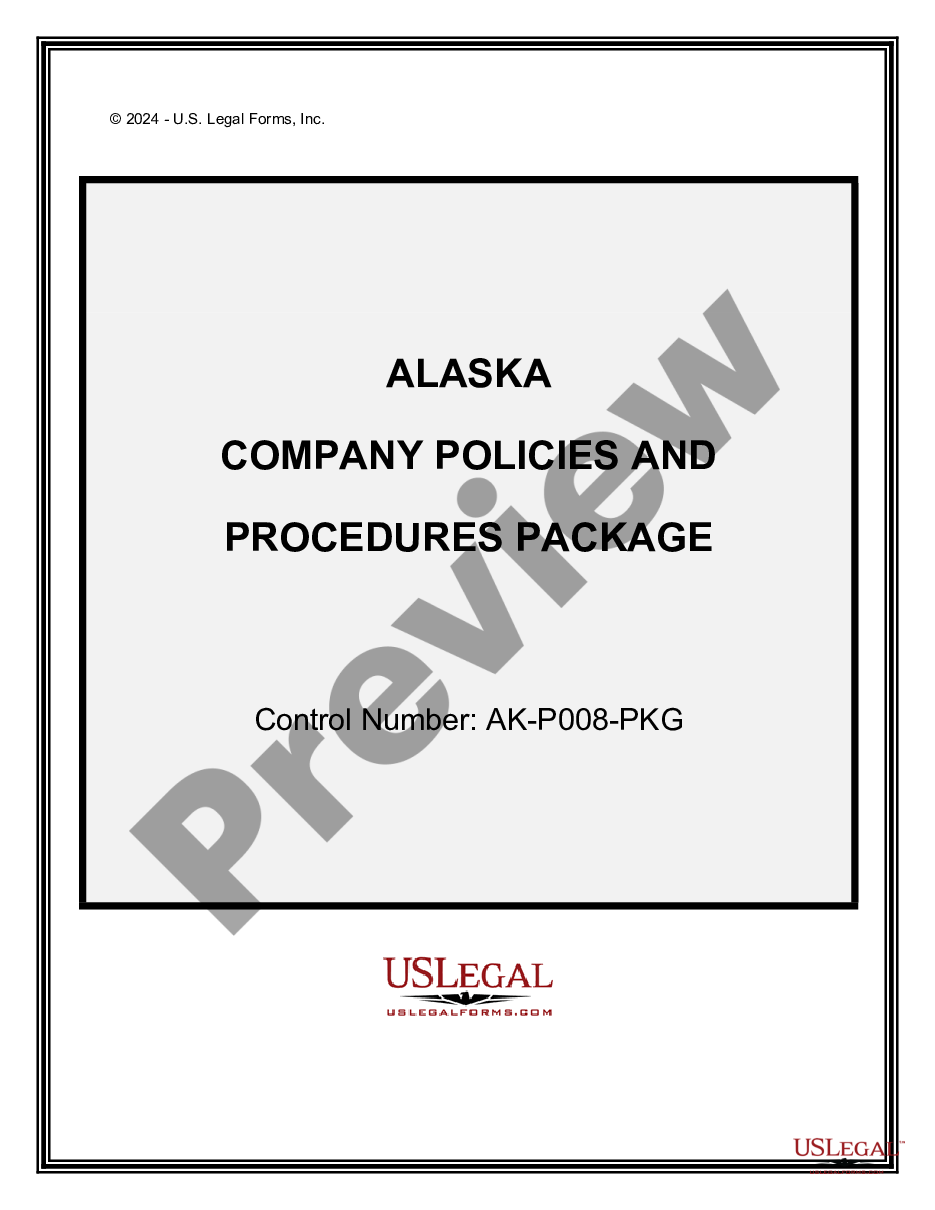
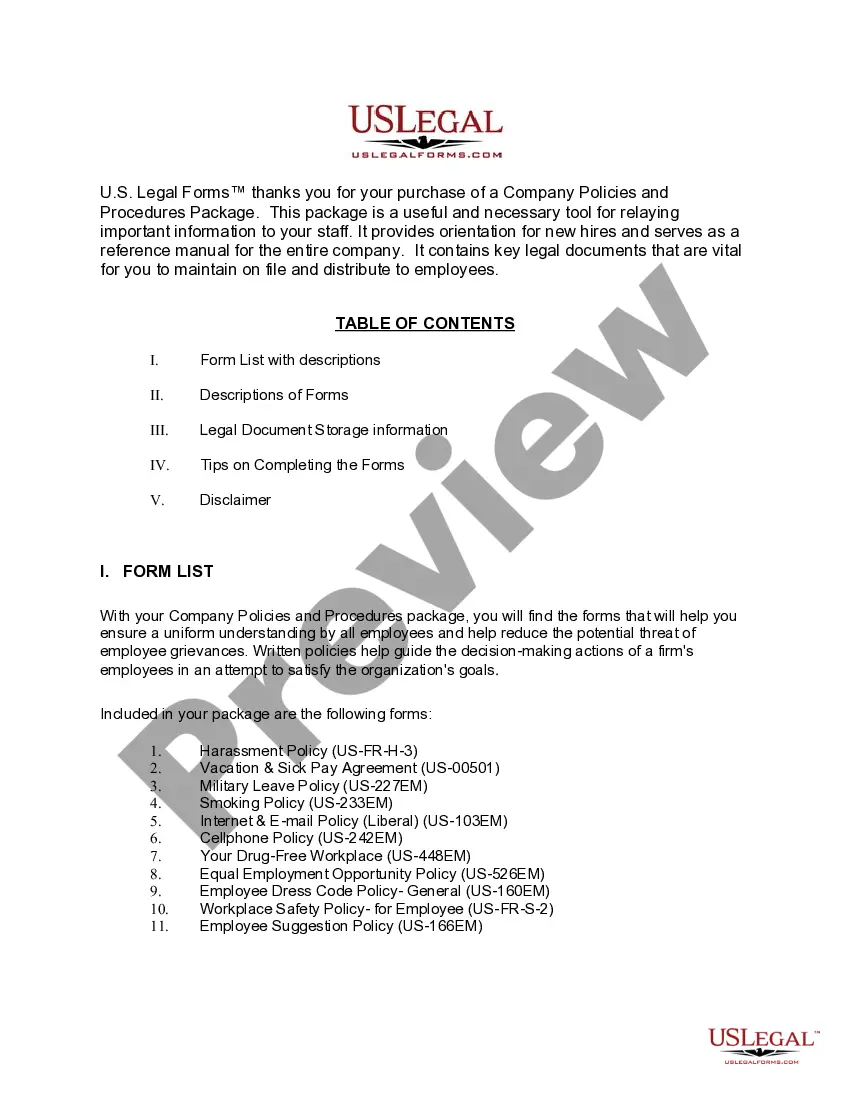
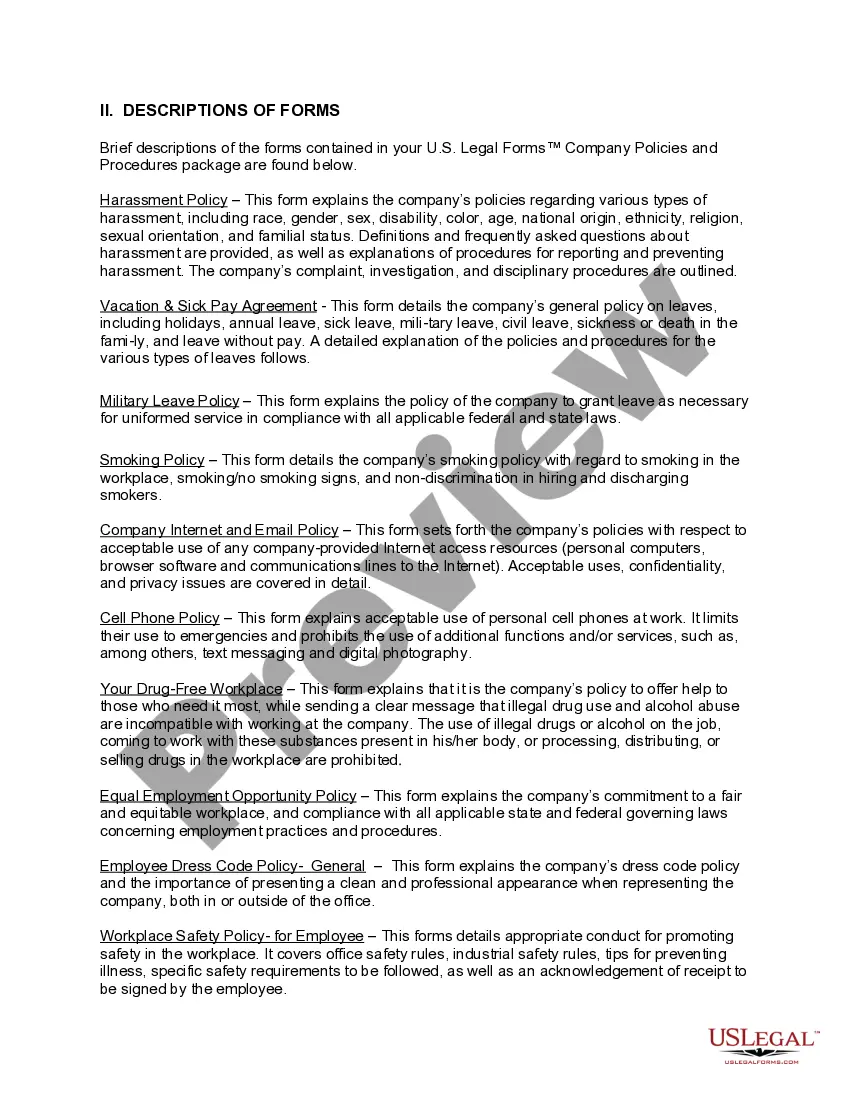
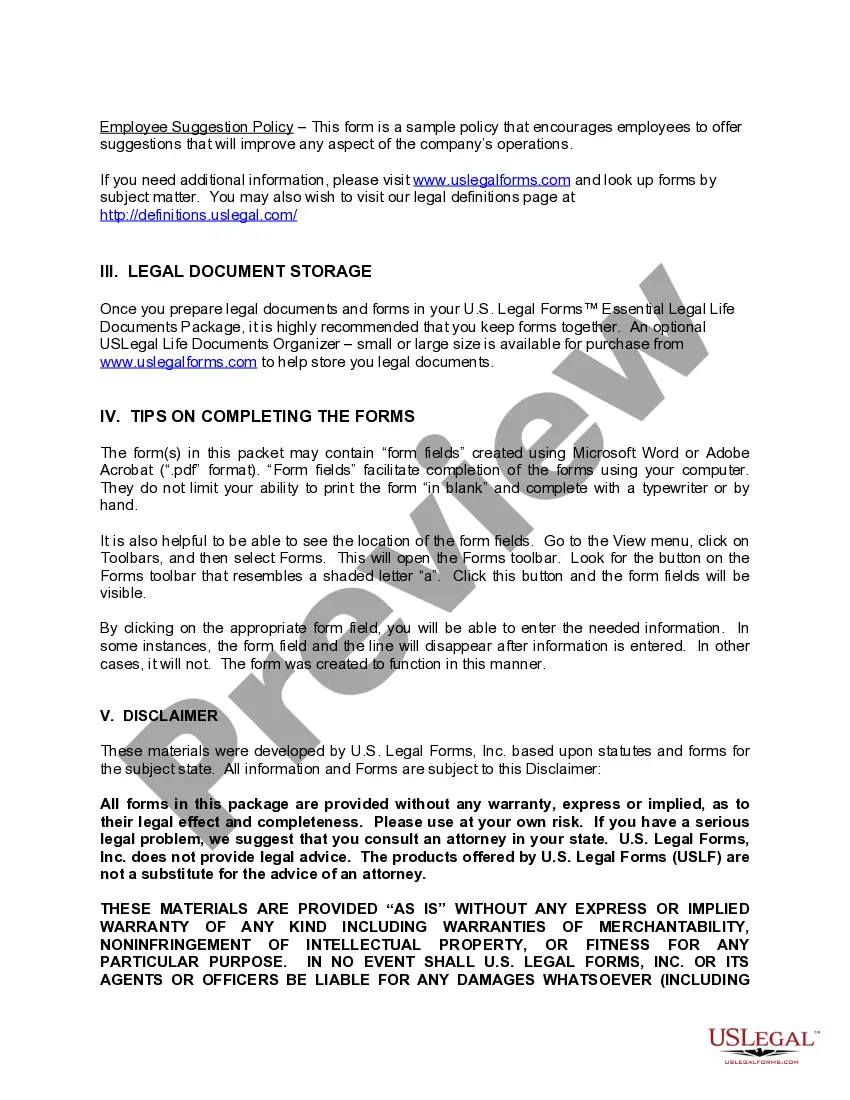
Get your form ready online
Our built-in tools help you complete, sign, share, and store your documents in one place.
Make edits, fill in missing information, and update formatting in US Legal Forms—just like you would in MS Word.
Download a copy, print it, send it by email, or mail it via USPS—whatever works best for your next step.
Sign and collect signatures with our SignNow integration. Send to multiple recipients, set reminders, and more. Go Premium to unlock E-Sign.
If this form requires notarization, complete it online through a secure video call—no need to meet a notary in person or wait for an appointment.
We protect your documents and personal data by following strict security and privacy standards.

Make edits, fill in missing information, and update formatting in US Legal Forms—just like you would in MS Word.

Download a copy, print it, send it by email, or mail it via USPS—whatever works best for your next step.

Sign and collect signatures with our SignNow integration. Send to multiple recipients, set reminders, and more. Go Premium to unlock E-Sign.

If this form requires notarization, complete it online through a secure video call—no need to meet a notary in person or wait for an appointment.

We protect your documents and personal data by following strict security and privacy standards.
Looking for another form?
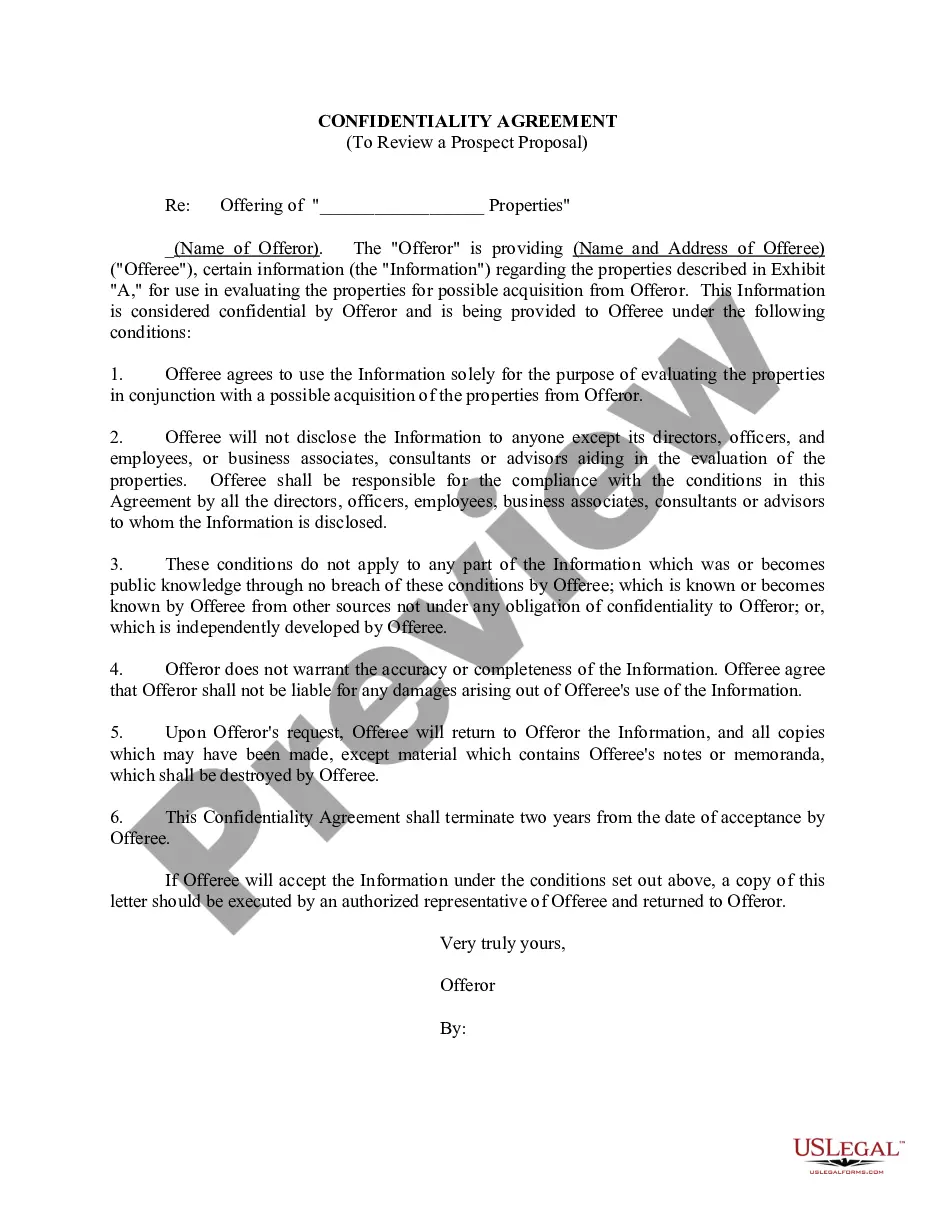





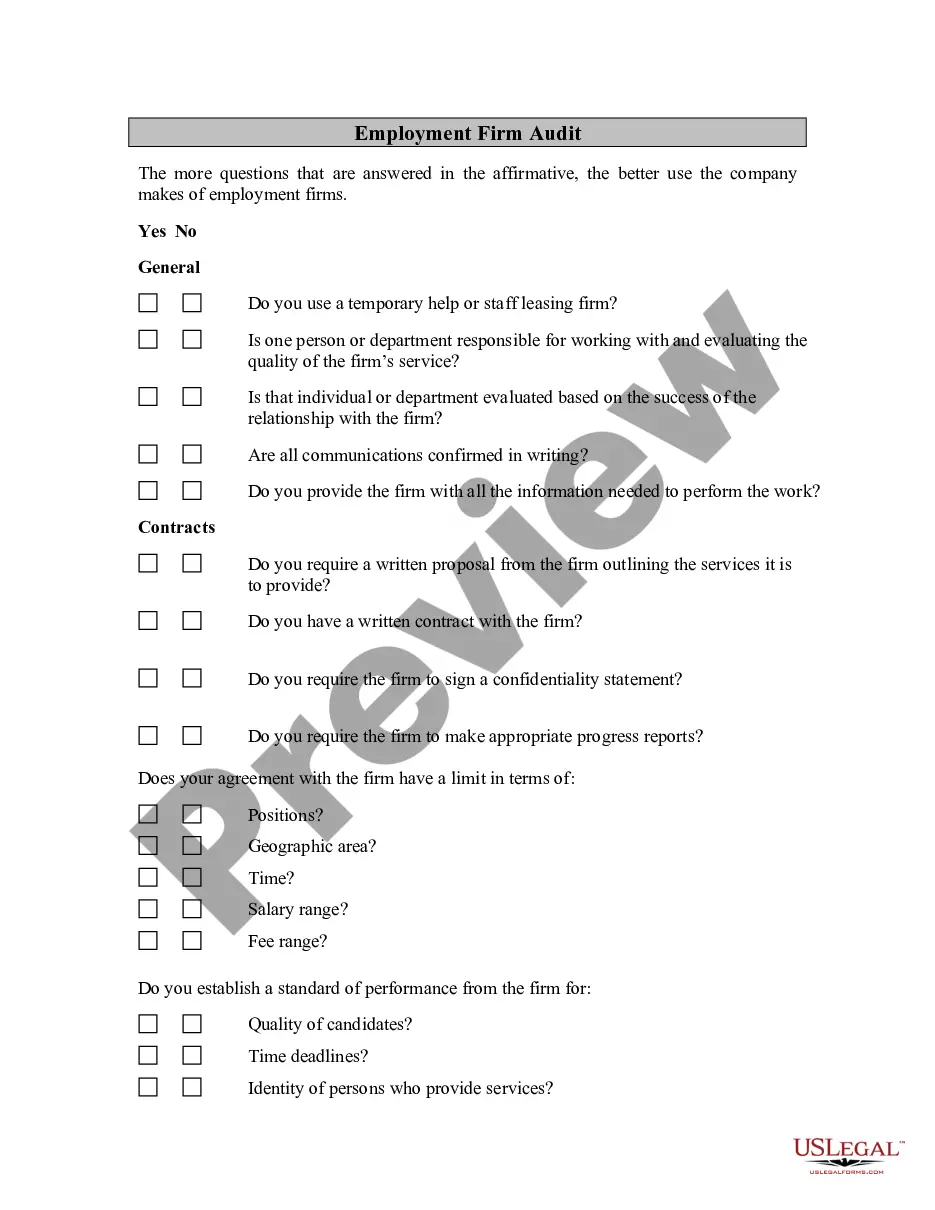
How to fill out Alaska Company Employment Policies And Procedures Package?
How to obtain professional legal documents adhering to your state regulations and create the Employment Agreement For Hourly Employee without consulting an attorney.
Numerous online services provide templates for various legal situations and formalities. However, it can take time to determine which of the available samples meet both your needs and legal specifications.
US Legal Forms is a trustworthy platform that assists you in locating formal documents crafted in accordance with the latest state law updates while saving costs on legal support.
If you do not have an account with US Legal Forms, please follow the guide below: Review the webpage you’ve opened and verify if the form meets your requirements. Utilize the form description and preview options if accessible. Search for another template by providing your state in the header if needed. Click the Buy Now button once you discover the appropriate document. Choose the ideal pricing plan, then Log In or create an account. Choose a payment method (via credit card or PayPal). Select the file format for your Employment Agreement For Hourly Employee and click Download. The acquired documents remain yours: you can always retrieve them in the My documents section of your profile. Join our library and create legal documents on your own like a seasoned legal expert!
- US Legal Forms is not just a standard web directory.
- It’s a repository of over 85k validated templates for a variety of business and personal situations.
- All documents are categorized by industry and state to streamline your search process.
- Furthermore, it incorporates robust tools for PDF editing and e-signature, allowing users with a Premium subscription to efficiently complete their documentation online.
- Securing the necessary paperwork requires minimal effort and time.
- If you already possess an account, Log In and check that your subscription is active.
- Download the Employment Agreement For Hourly Employee using the corresponding button next to the file name.
Form popularity
FAQ
Writing the ContractInclude information about the exchange of consideration, and write clearly as to which party delivers and what the other agrees in exchange. Use short sentences and provide a numbered heading for each paragraph. This makes it easier to reference information.
The simple answer is YES. You can write your own contracts. There is no requirement that they must be written by a lawyer. There is no requirement that they have to be a certain form or font.
A temporary contract should include parts, such as:Information About the Parties. In the first part of the document, the parties involved should designate their names and addresses.Subject.Salary.Compensation.Employment Time Period.Rights and Responsibilities of the Parties.Contact Information.Signatures.
7 things you need to include in an employment contractLegal disclaimer.Job information.Compensation and benefits.Time off, sick days and vacation policy.Employee classification.The schedule and employment period.Confidentiality, privacy and responsibility.Termination, severance and survival.More items...?
Write the contract in six stepsStart with a contract template.Open with the basic information.Describe in detail what you have agreed to.Include a description of how the contract will be ended.Write into the contract which laws apply and how disputes will be resolved.Include space for signatures.