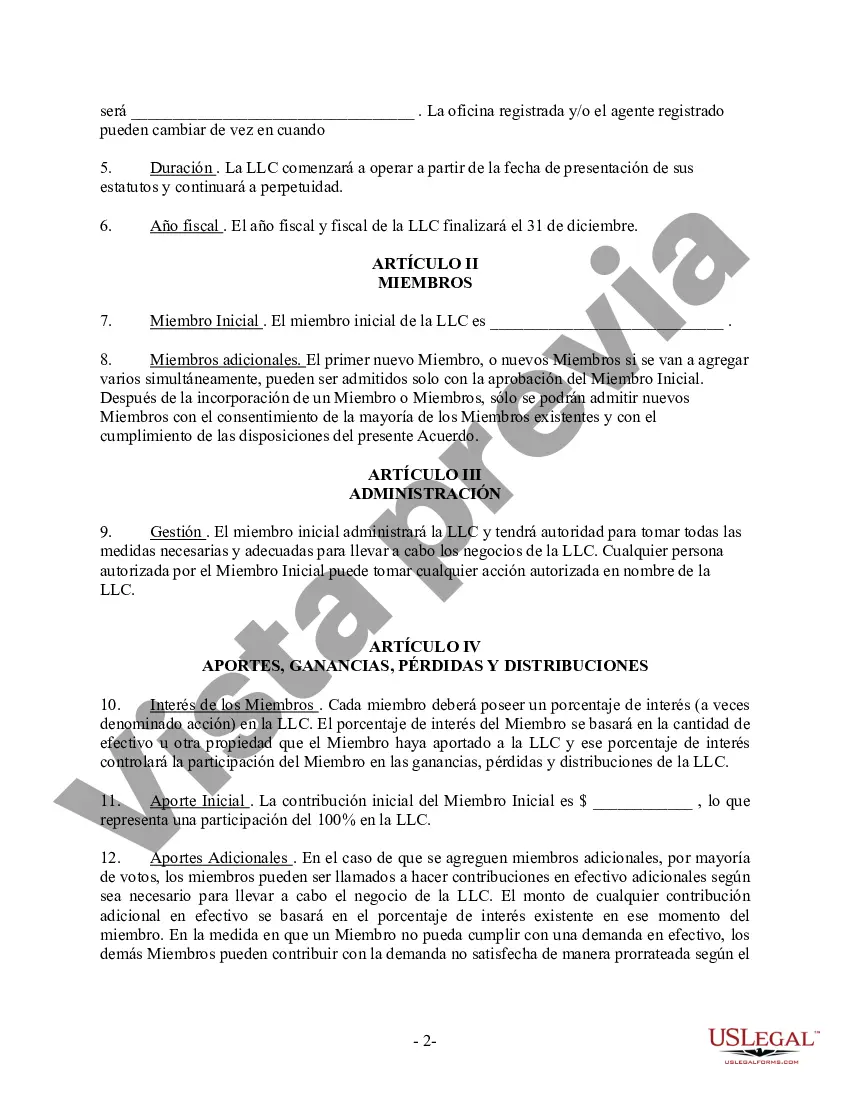
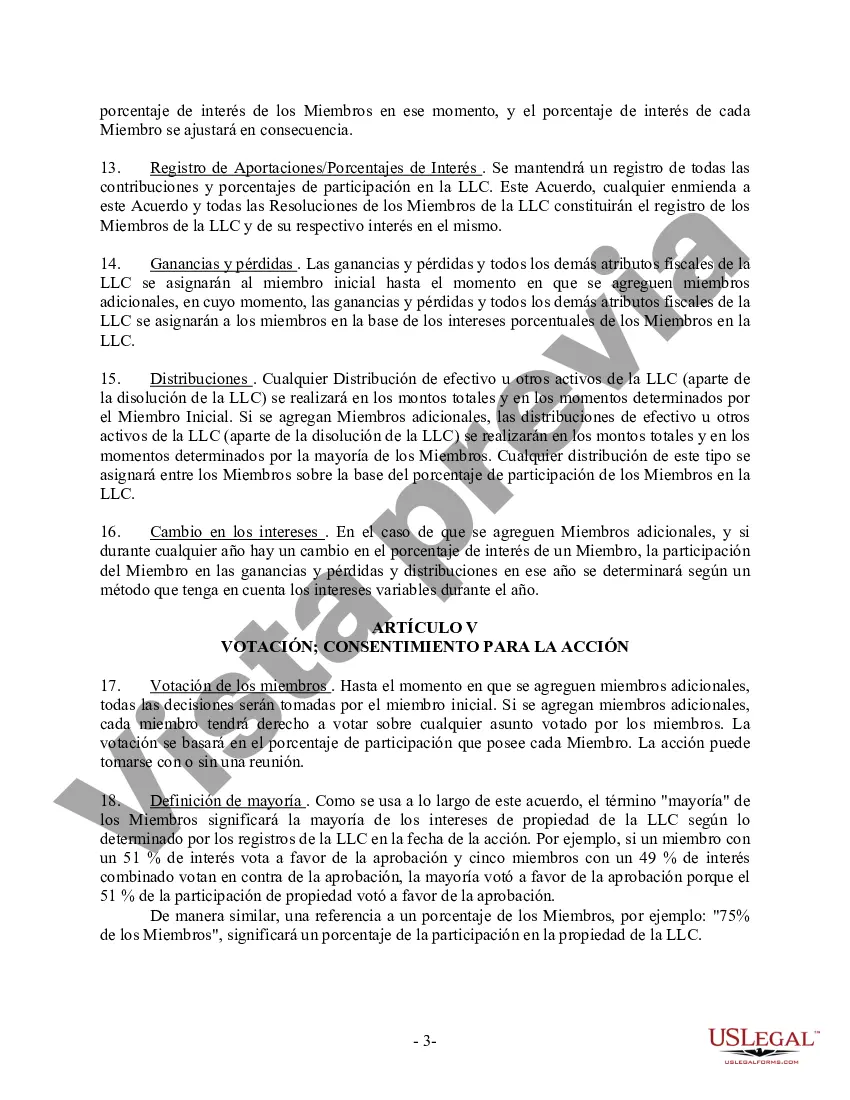
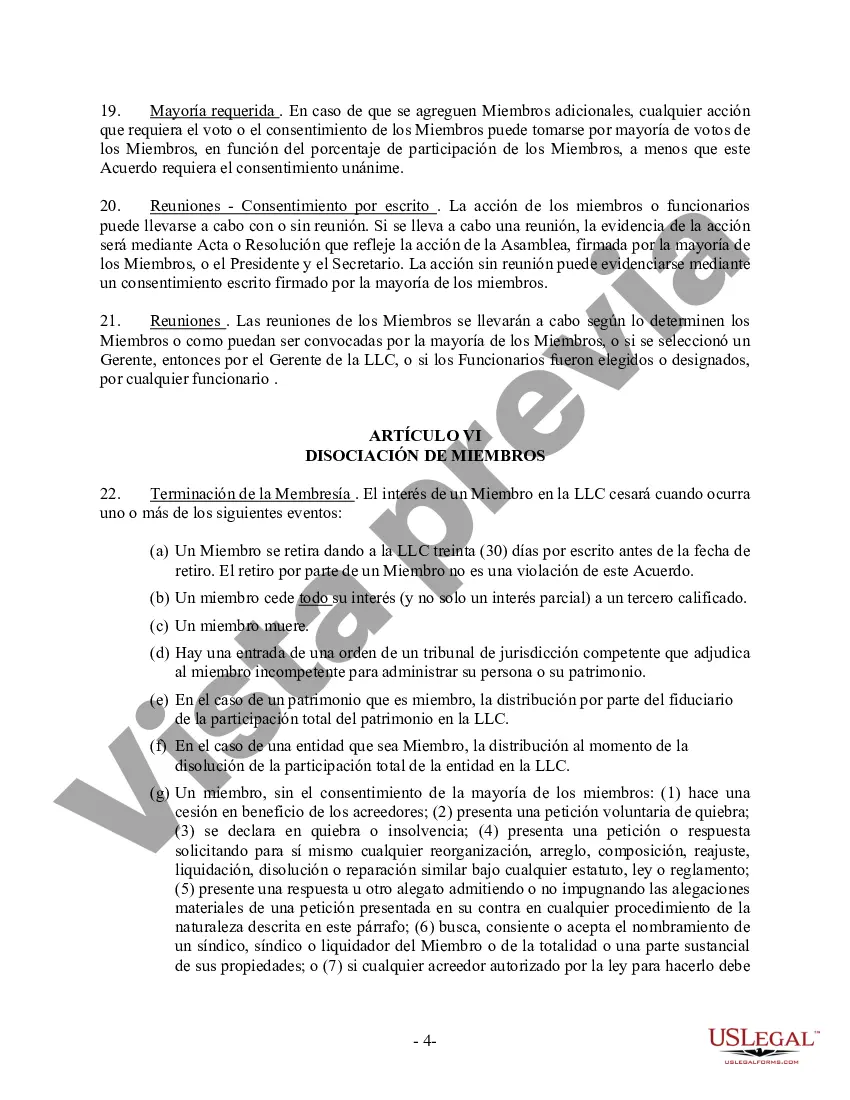
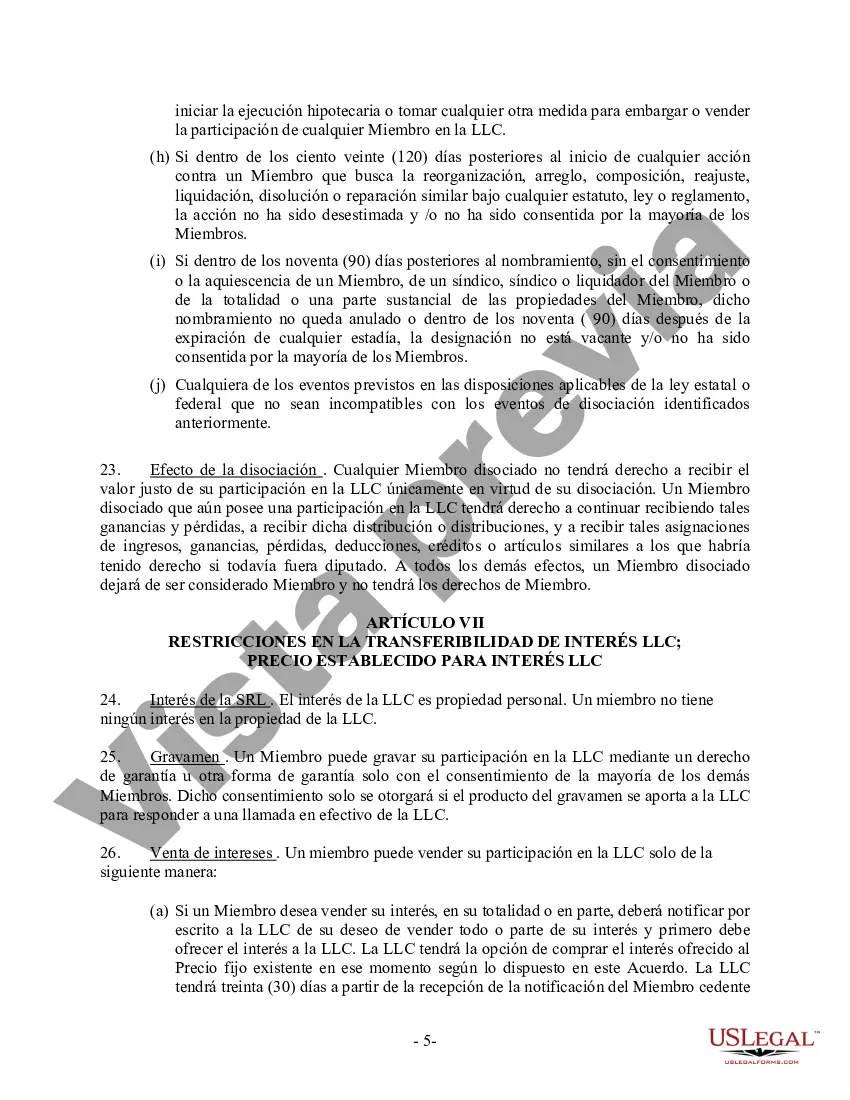
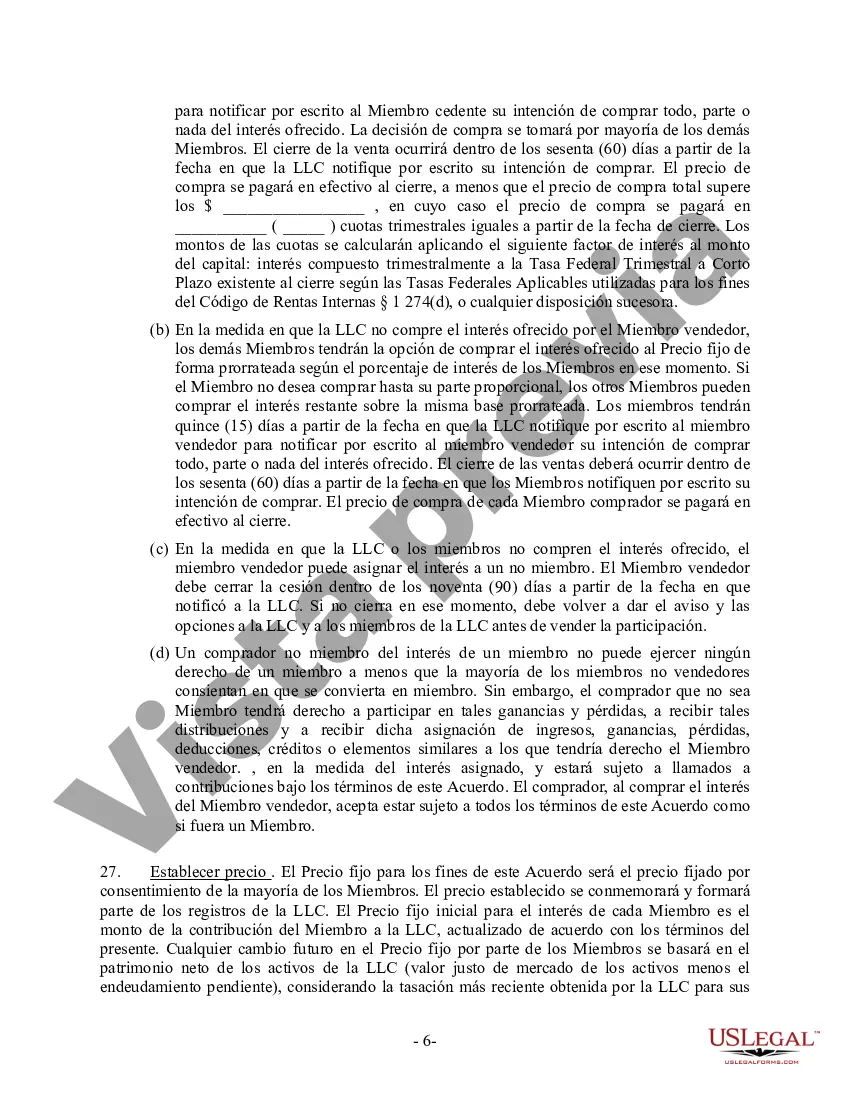
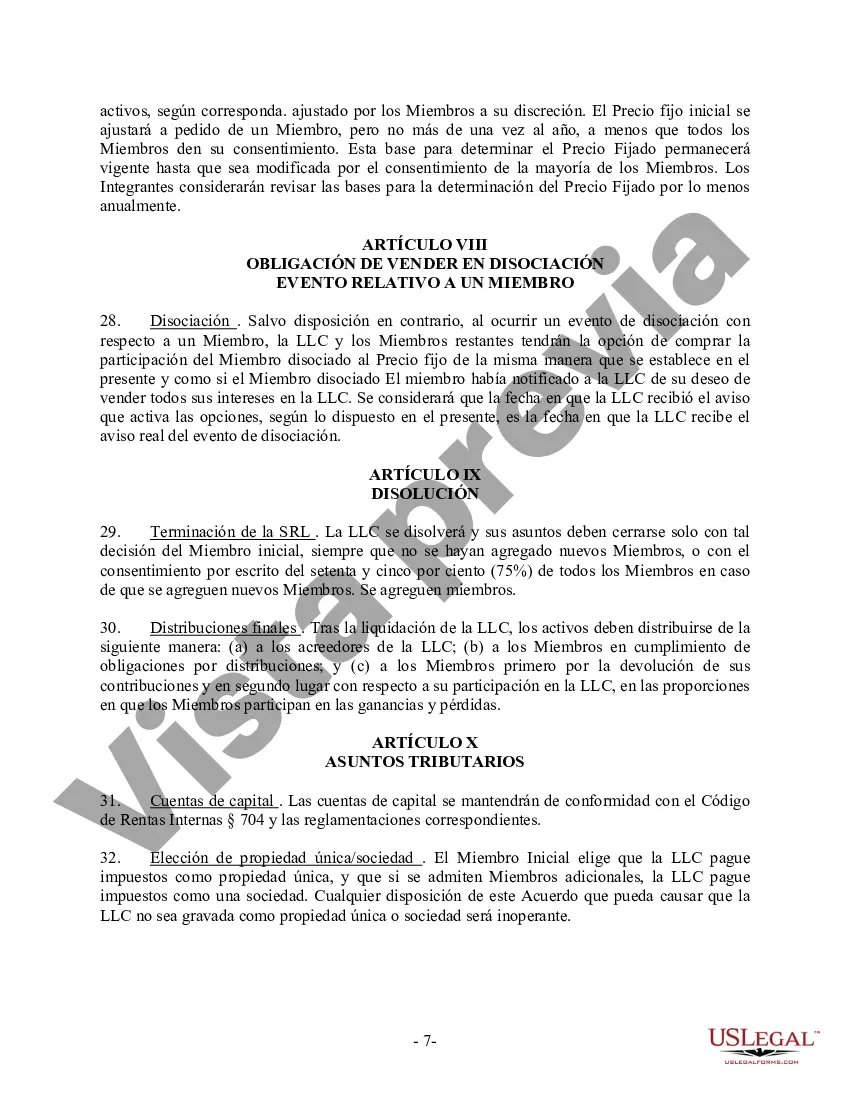
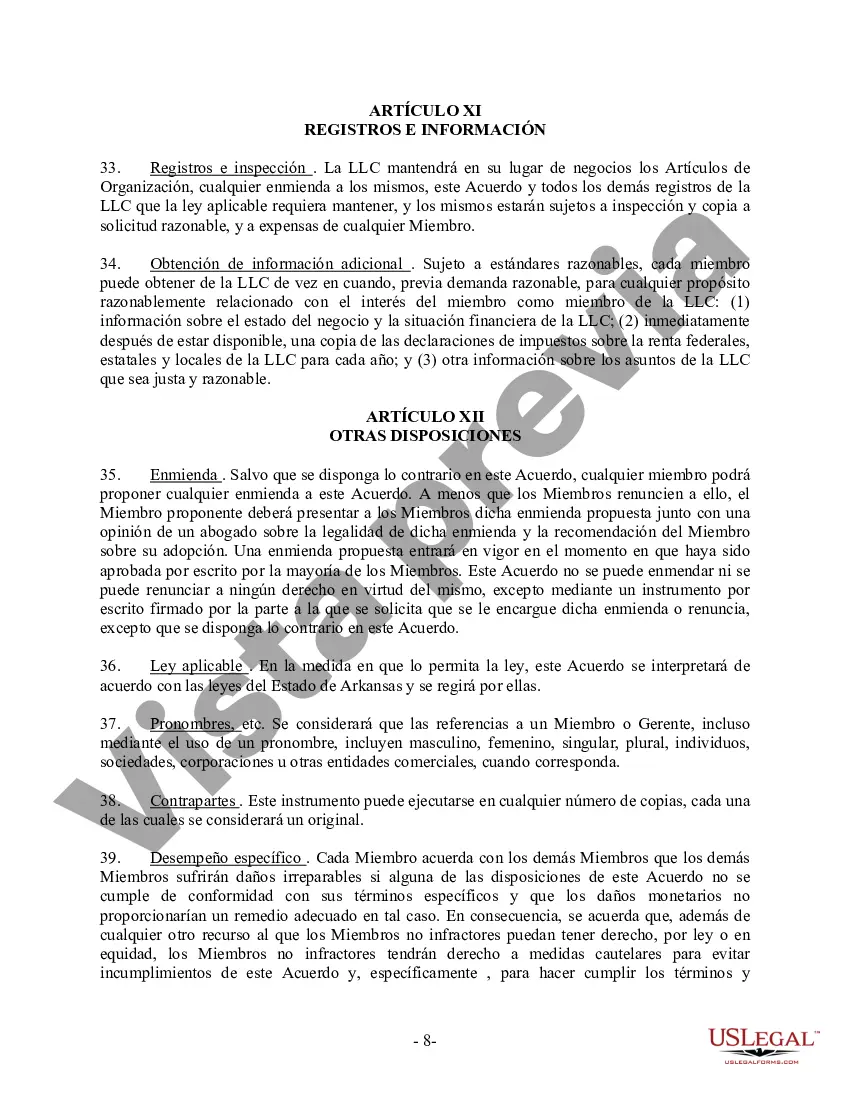
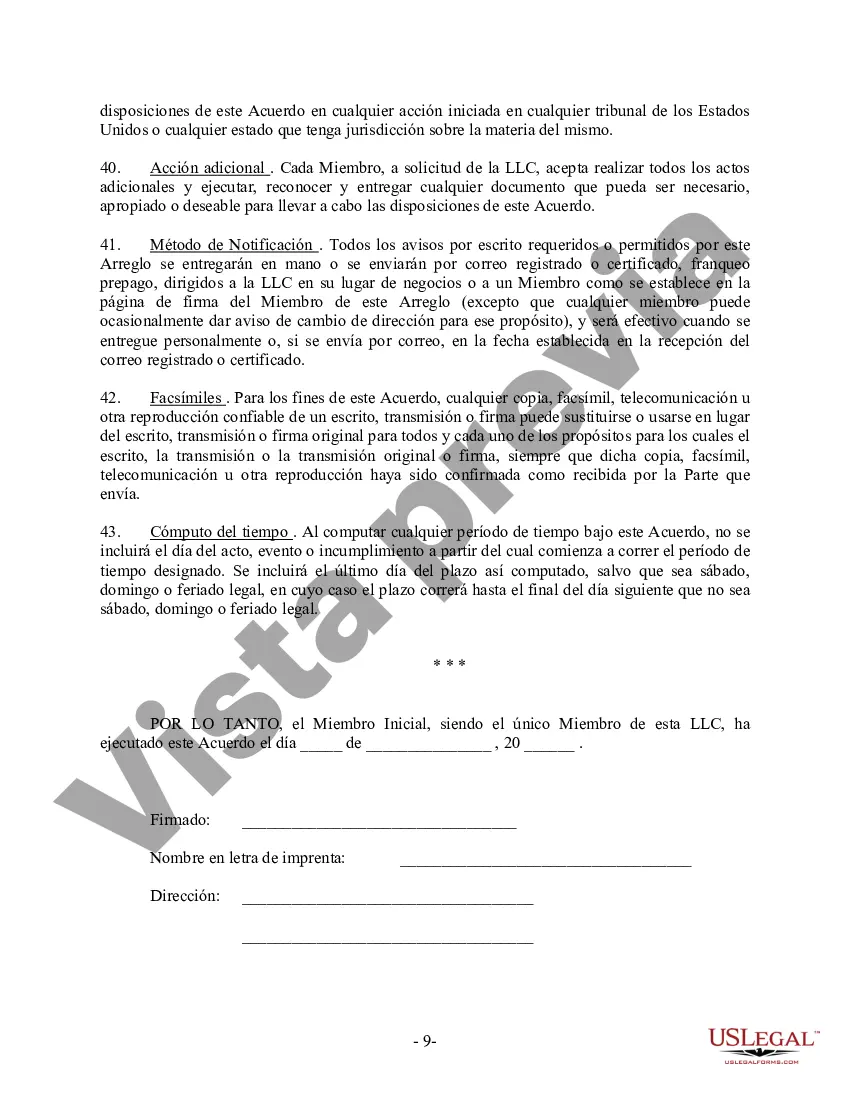
Little Rock Arkansas Acuerdo Operativo LLC de Sociedad de Responsabilidad Limitada de Miembro Único - Arkansas Single Member Limited Liability Company LLC Operating Agreement
Description

Get your form ready online
Our built-in tools help you complete, sign, share, and store your documents in one place.
Make edits, fill in missing information, and update formatting in US Legal Forms—just like you would in MS Word.
Download a copy, print it, send it by email, or mail it via USPS—whatever works best for your next step.
Sign and collect signatures with our SignNow integration. Send to multiple recipients, set reminders, and more. Go Premium to unlock E-Sign.
If this form requires notarization, complete it online through a secure video call—no need to meet a notary in person or wait for an appointment.
We protect your documents and personal data by following strict security and privacy standards.
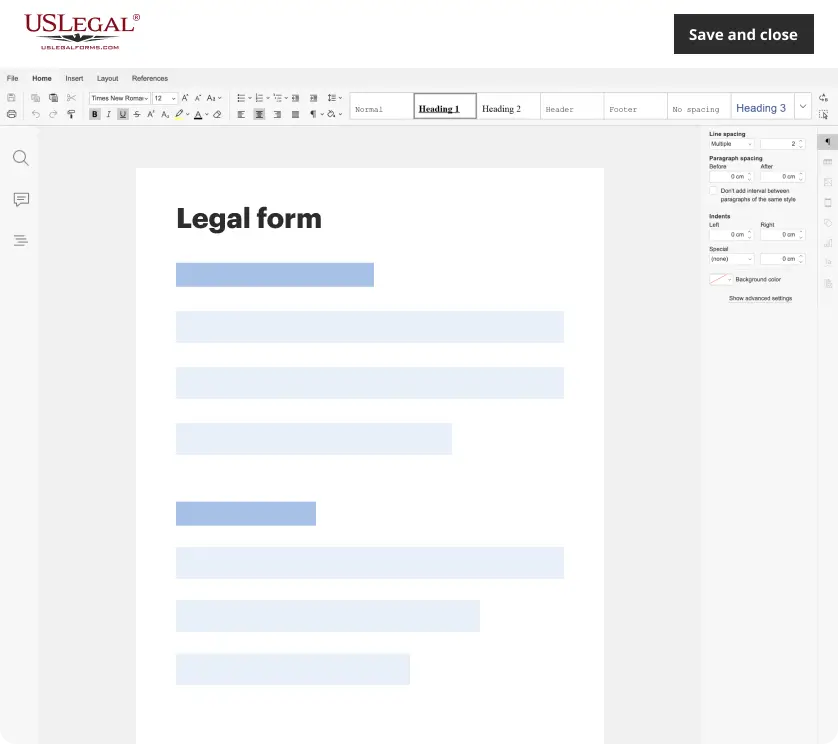
Make edits, fill in missing information, and update formatting in US Legal Forms—just like you would in MS Word.
Download a copy, print it, send it by email, or mail it via USPS—whatever works best for your next step.
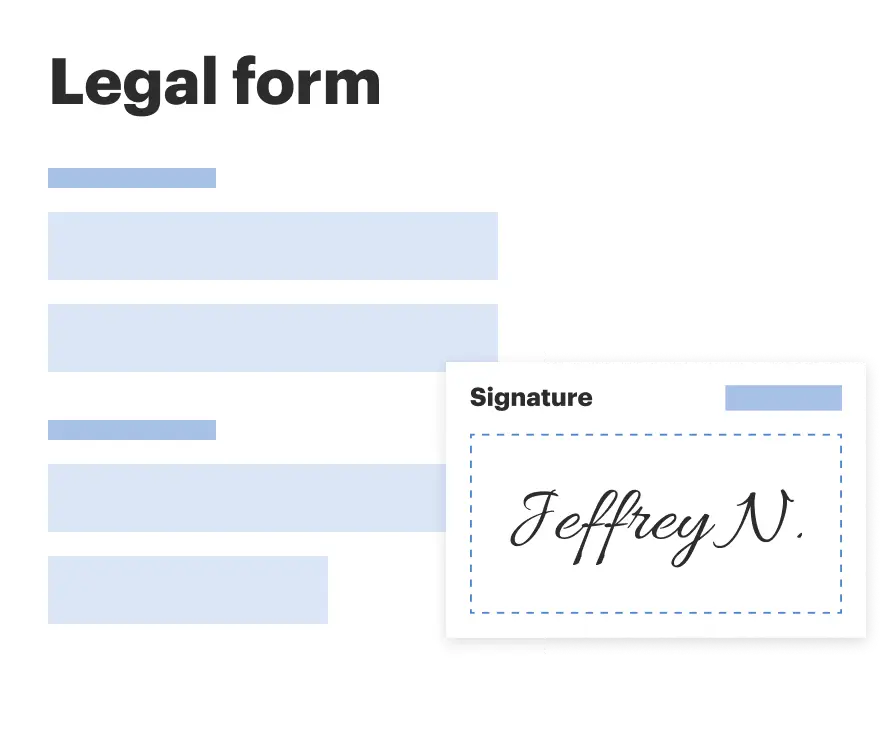
Sign and collect signatures with our SignNow integration. Send to multiple recipients, set reminders, and more. Go Premium to unlock E-Sign.

If this form requires notarization, complete it online through a secure video call—no need to meet a notary in person or wait for an appointment.
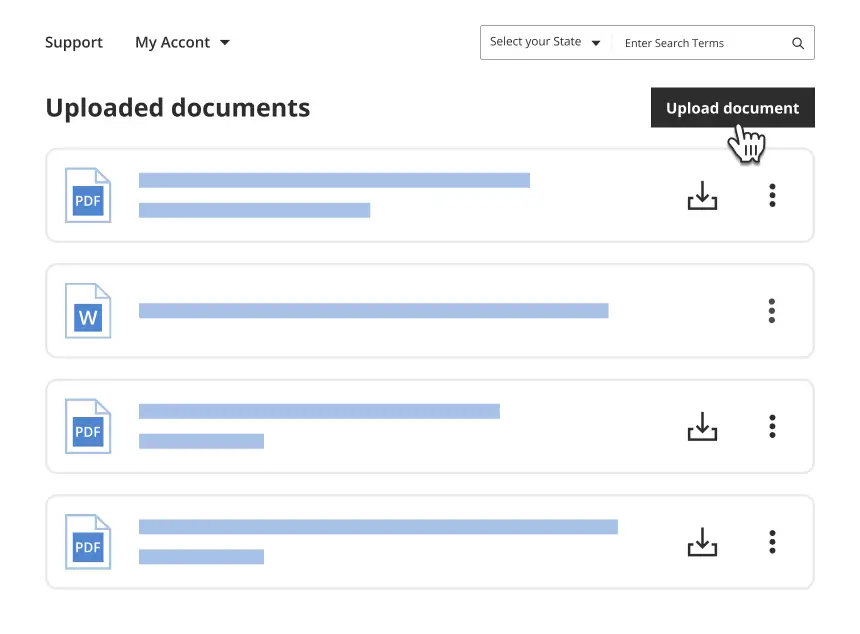
We protect your documents and personal data by following strict security and privacy standards.
Looking for another form?

How to fill out Arkansas Acuerdo Operativo LLC De Sociedad De Responsabilidad Limitada De Miembro Único?
Regardless of the social or professional rank, completing legal documents is an unfortunate requirement in the current professional landscape.
Frequently, it is nearly impossible for an individual lacking any legal background to create these types of documents from scratch, primarily due to the intricate terminology and legal subtleties they involve.
This is where US Legal Forms proves to be beneficial.
Verify that the template you have located is tailored to your region since the laws of one state or county do not apply to another state or county.
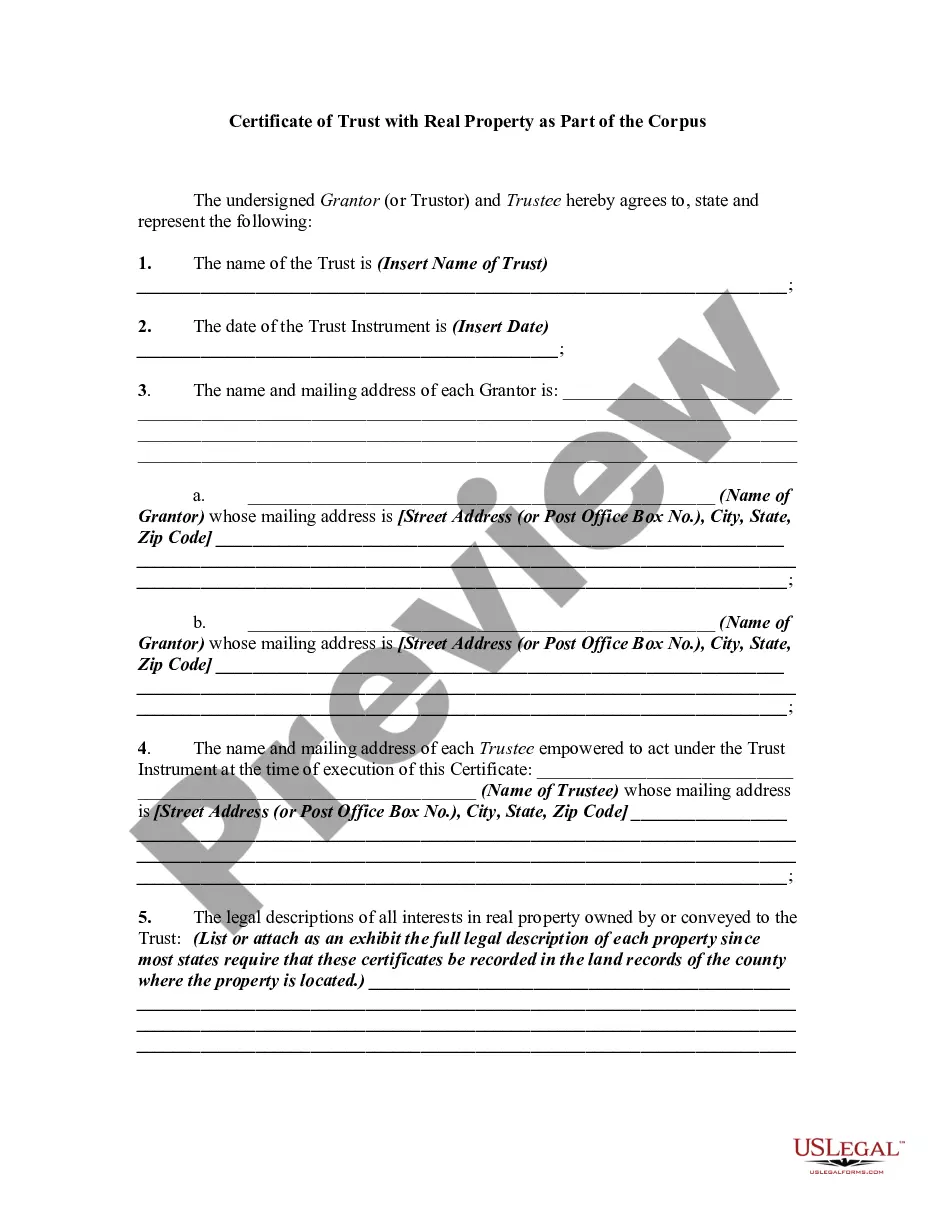
Review the document and peruse a brief overview (if available) of situations for which the paper can be utilized.
- Our platform offers an extensive library of over 85,000 ready-to-use state-specific documents suitable for nearly any legal circumstance.
- US Legal Forms also acts as a valuable resource for associates or legal advisors looking to save time with our DIY forms.
- Regardless of whether you require the Little Rock Arkansas Single Member Limited Liability Company LLC Operating Agreement or any other document essential for your state or county, with US Legal Forms, everything is right at your fingertips.
- Here’s how to acquire the Little Rock Arkansas Single Member Limited Liability Company LLC Operating Agreement in minutes using our dependable platform.
- If you are currently an existing customer, feel free to Log In to your account to download the necessary form.
- However, if you are not acquainted with our platform, be sure to follow these steps before obtaining the Little Rock Arkansas Single Member Limited Liability Company LLC Operating Agreement.