Campus Resident Technology Services Liability Release, Waiver and Indemnity Agreement
What this document covers
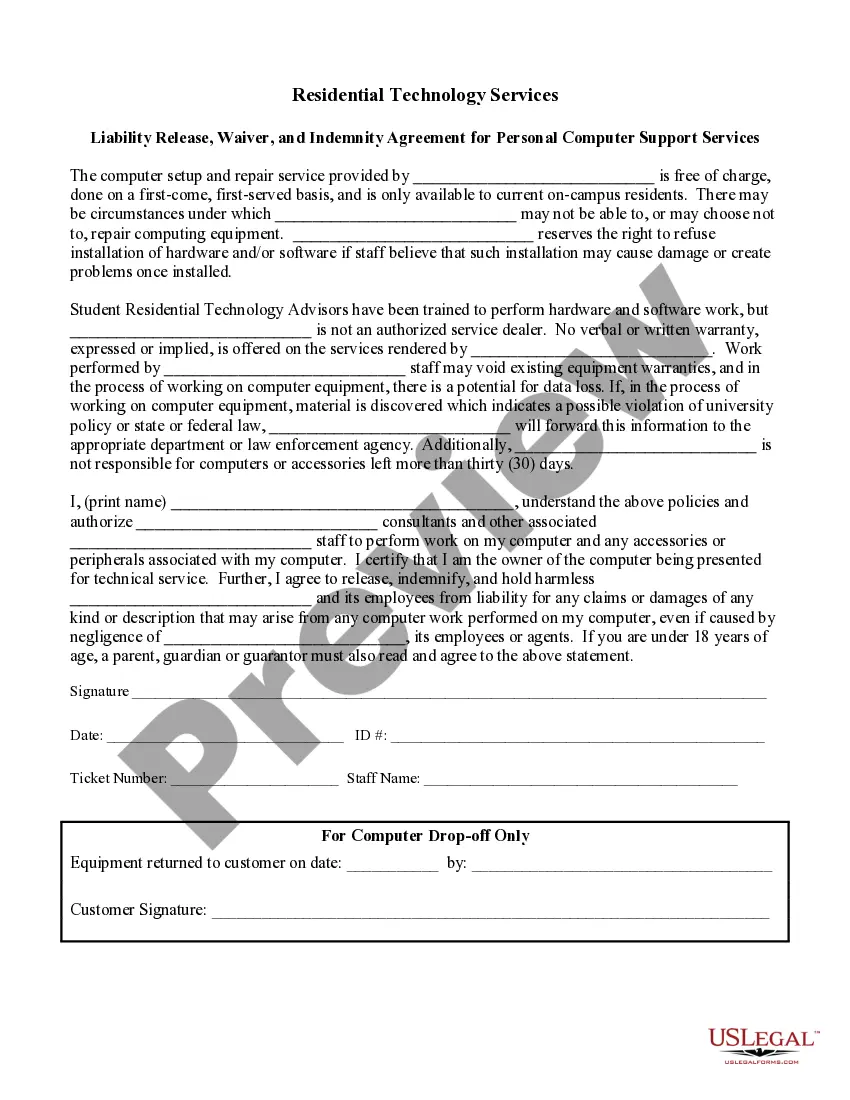
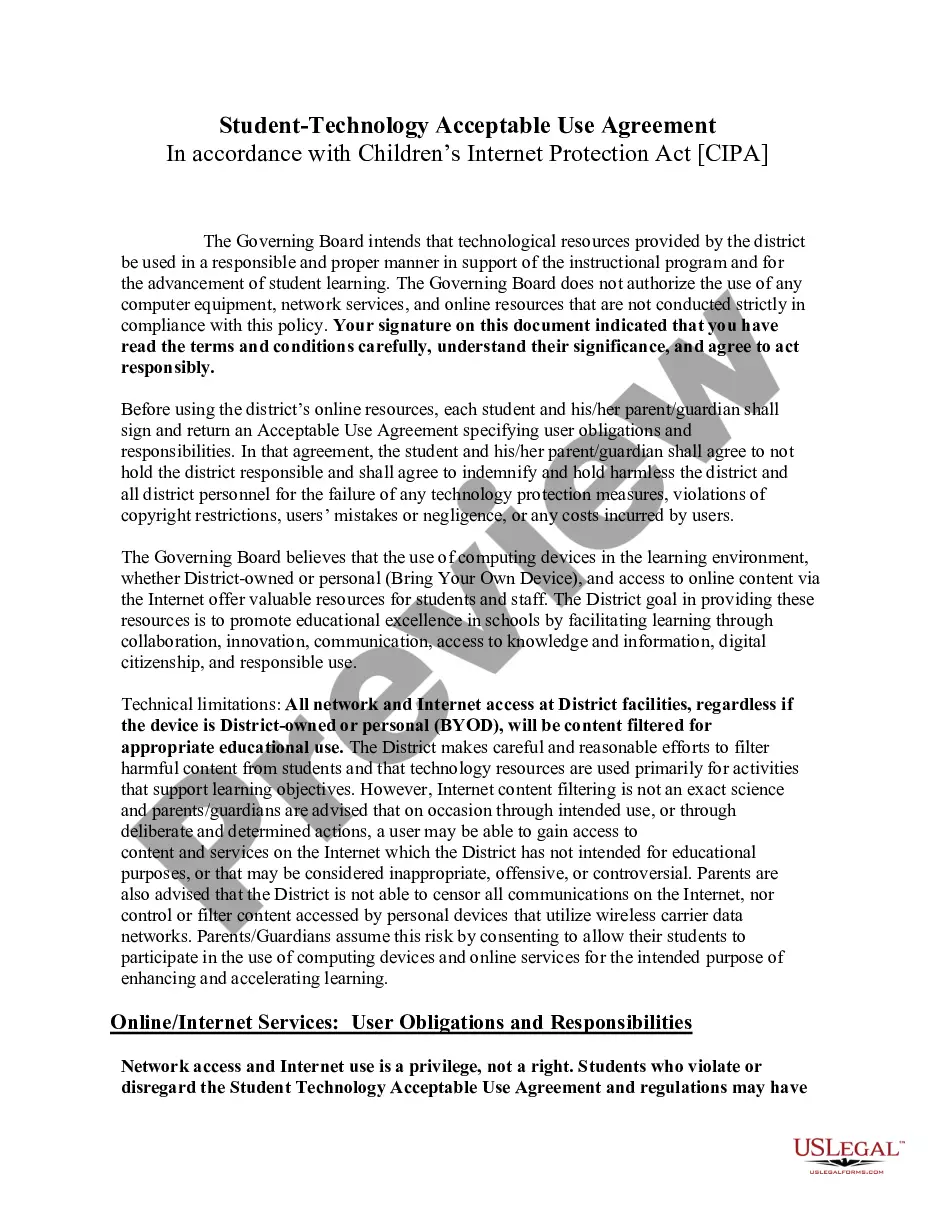
The Campus Resident Technology Services Liability Release, Waiver and Indemnity Agreement is designed for students at colleges or universities who utilize technology services provided by their institution. This form releases the school and its personnel from liability for any claims or damages arising from the setup and repair of personal computer equipment. It differs from other standard liability waivers by focusing specifically on the technology services offered to resident students.
Key parts of this document
- Identification of the institution providing technology services.
- Details on the scope of services, including potential risks and limitations.
- A declaration from the student authorizing staff to work on their computers.
- A release of liability protecting the institution and its employees.
- Specifics around equipment left for service and data loss risks.
- Signatures of the student and staff, along with identification details.
Common use cases
This form should be used when a resident student at a college or university requests computer setup or repair services provided by the institution. It ensures that the student acknowledges the risks involved and agrees to release the school from liability. This is especially critical when technological work may void warranties or lead to data loss.
Who this form is for
- Current on-campus students who require technology services for their personal computers.
- Institutions providing technology support to their resident students.
- Parents or guardians of students under 18 who wish to authorize technology repair services.
How to complete this form
- Print your name in the designated field to confirm your identity.
- Read and understand the terms outlined in the waiver about the risks involved.
- Authorize the technology services staff to work on your computer by signing the form.
- Enter the date of your signature and provide your student ID number.
- Complete the ticket details if you are dropping off your equipment for services.
Is notarization required?
This form does not typically require notarization unless specified by local law. Ensure you have the necessary signatures to validate the document before it is submitted for services.
Get your form ready online
Our built-in tools help you complete, sign, share, and store your documents in one place.
Make edits, fill in missing information, and update formatting in US Legal Forms—just like you would in MS Word.
Download a copy, print it, send it by email, or mail it via USPS—whatever works best for your next step.
Sign and collect signatures with our SignNow integration. Send to multiple recipients, set reminders, and more. Go Premium to unlock E-Sign.
If this form requires notarization, complete it online through a secure video call—no need to meet a notary in person or wait for an appointment.
We protect your documents and personal data by following strict security and privacy standards.

Make edits, fill in missing information, and update formatting in US Legal Forms—just like you would in MS Word.

Download a copy, print it, send it by email, or mail it via USPS—whatever works best for your next step.

Sign and collect signatures with our SignNow integration. Send to multiple recipients, set reminders, and more. Go Premium to unlock E-Sign.

If this form requires notarization, complete it online through a secure video call—no need to meet a notary in person or wait for an appointment.

We protect your documents and personal data by following strict security and privacy standards.
Common mistakes to avoid
- Failing to read the liability waiver thoroughly before signing.
- Not including the correct student ID number which may delay service.
- Omitting the date when signing the document.
- Assuming that verbally authorizing work is sufficient; written authorization is required.
Benefits of completing this form online
- Instant access to a legally sound document designed by legal professionals.
- Ability to download and complete the form at your convenience.
- Options for easy storage and retrieval of important legal documents.
- Clear guidance on what information is needed, reducing confusion during the process.
Legal use & context
- This waiver protects the institution from liability claims related to the computer services provided.
- It clarifies the extent of the services offered and the potential risks involved.
- By signing the form, students acknowledge the conditions under which they receive assistance.
Quick recap
- The form ensures students understand the risks associated with technology services.
- It legally releases the institution from liability for any damages resulting from computer repairs.
- Students must provide their consent and acknowledgment in writing.
Looking for another form?




Form popularity
FAQ
Examples of waivers include the waiving of parental rights, waiving liability, tangible goods waivers, and waivers for grounds of inadmissibility. Waivers are common when finalizing lawsuits, as one party does not want the other pursuing them after a settlement is transferred.
A release of liability, also known as a liability waiver or a hold harmless agreement, is a contract in which one party agrees not to hold another party liable for damages or injury. These contracts are common in fields that involve some risk to property, finances, or health.
In a legal sense, an indemnity clause is simply something that's part of a liability waiver. It helps clarify that the person signing the clause (the indemnifier) is agreeing to remove liability from the business so they can participate in the related activity, event, or service.
A waiver of liability must be clear, unambiguous, and explicit in expressing the parties' intent.
Components of a waiver Get help. Writing a waiver should not be complicated.Use the correct structure. Waivers should be written in a certain structure.Proper formatting.Include a subject line.Include a caution!Talk about the activity risks.Do not forget an assumption of risk.Hold harmless.
10 Things to Include in a Liability Waiver Business Information. Detailed Description of the Activity. Inherent Risks of the Activity. Acknowledgement and Voluntary Assumption of Risk. Choice of Law Provision Section. Release Clause. Indemnification Clause. Forum Selection or Venue Clause.
How to Write a Release of Liability Form Fill in the information of both parties, including each person's name and address. Include the details of the event.Add if there is a payment required by the releasee.Write a section for signatures, which will contain the names and dates of both parties.
A liability waiver needs to clearly state what about the experience or activity is dangerous. Explicitly stating the risks involved means your participants can make an informed decision about whether or not they want to participate.