End User License Agreement for Mobile Applications
What this document covers
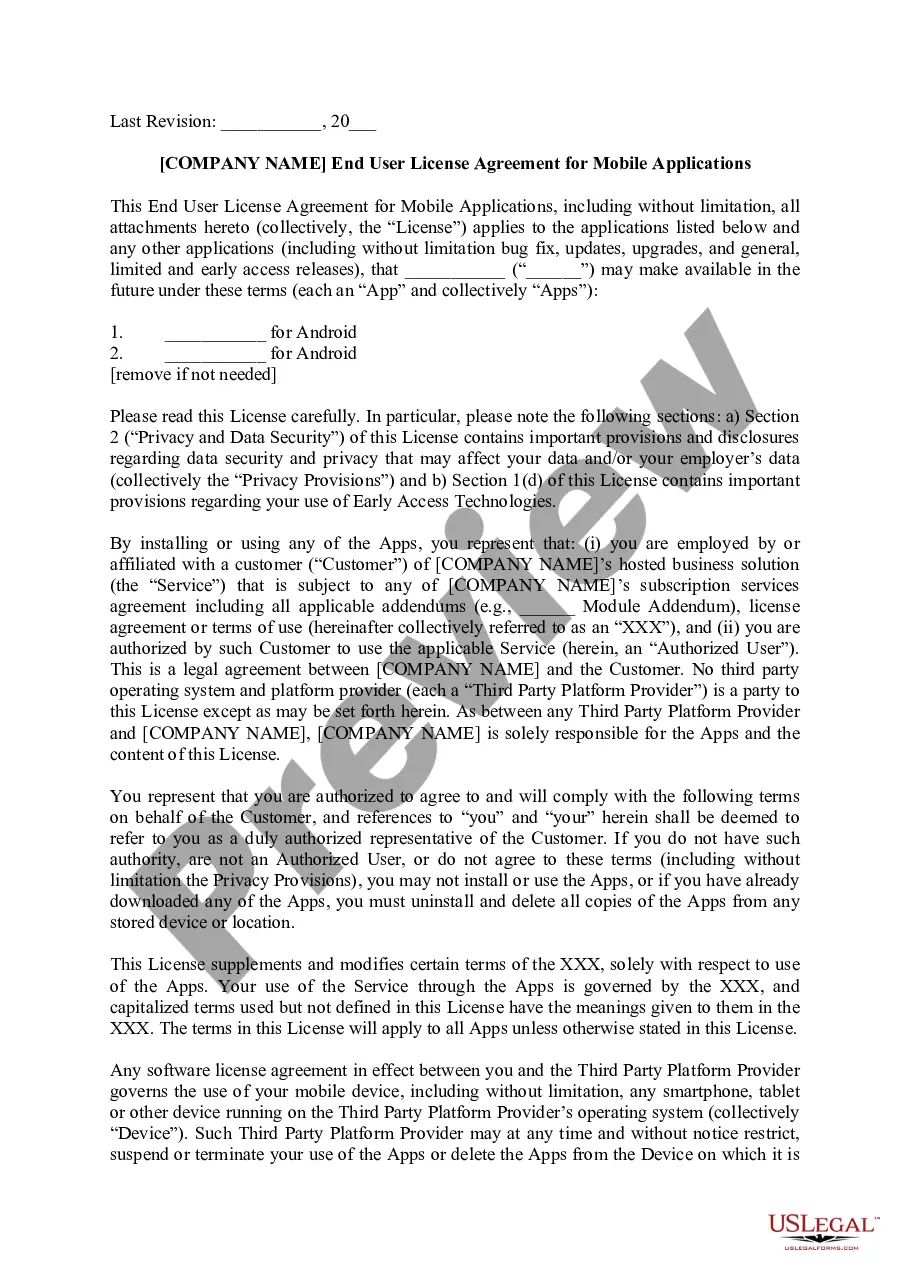
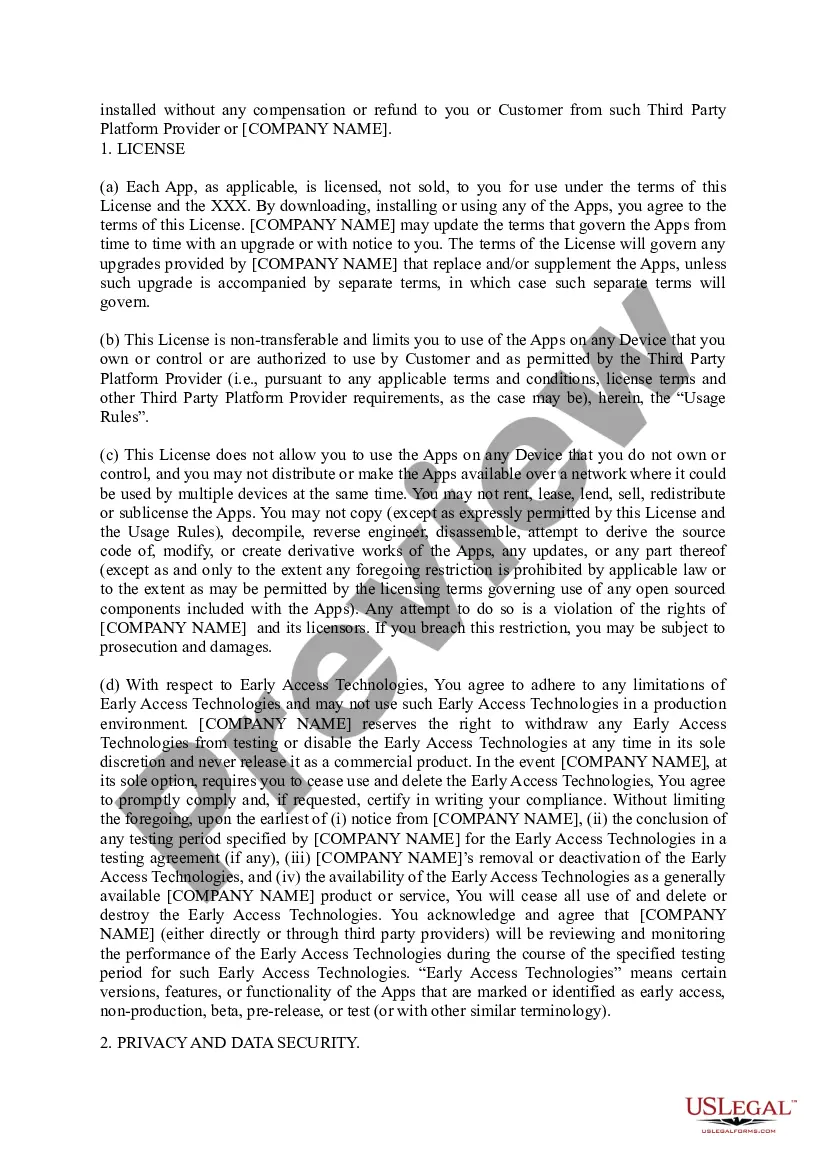
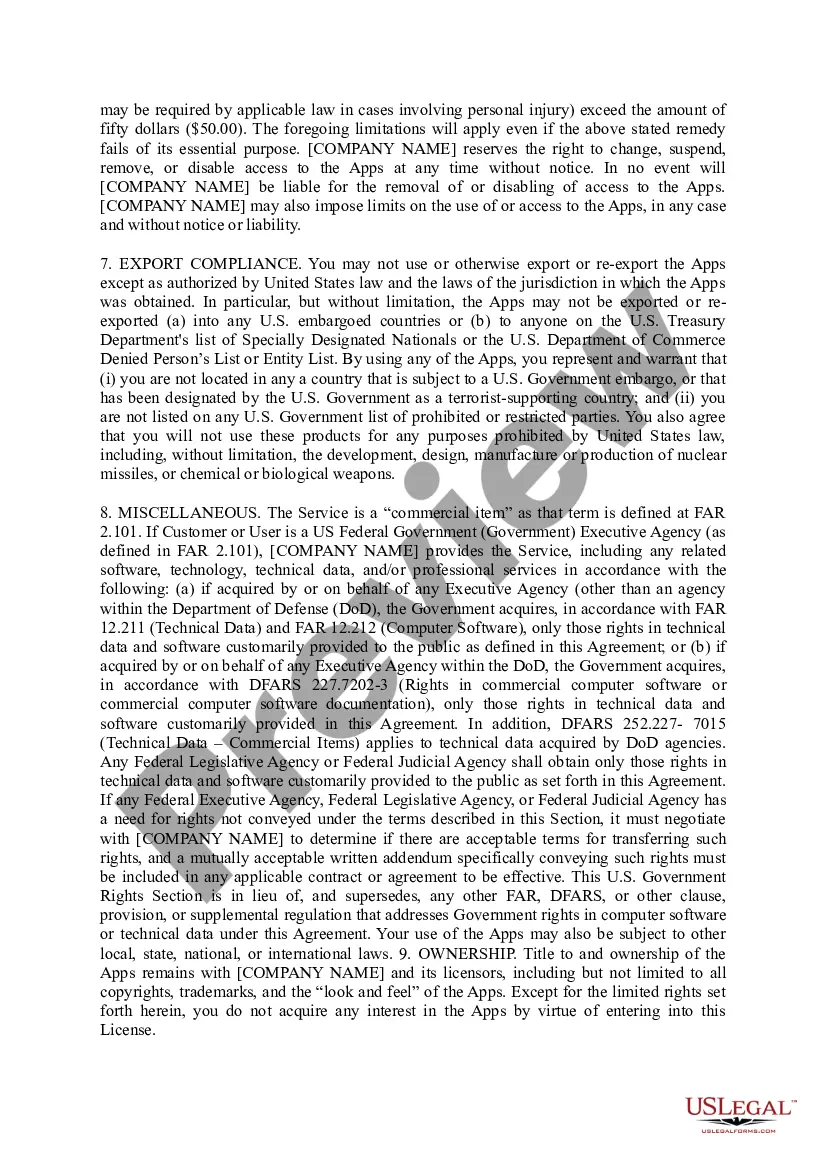
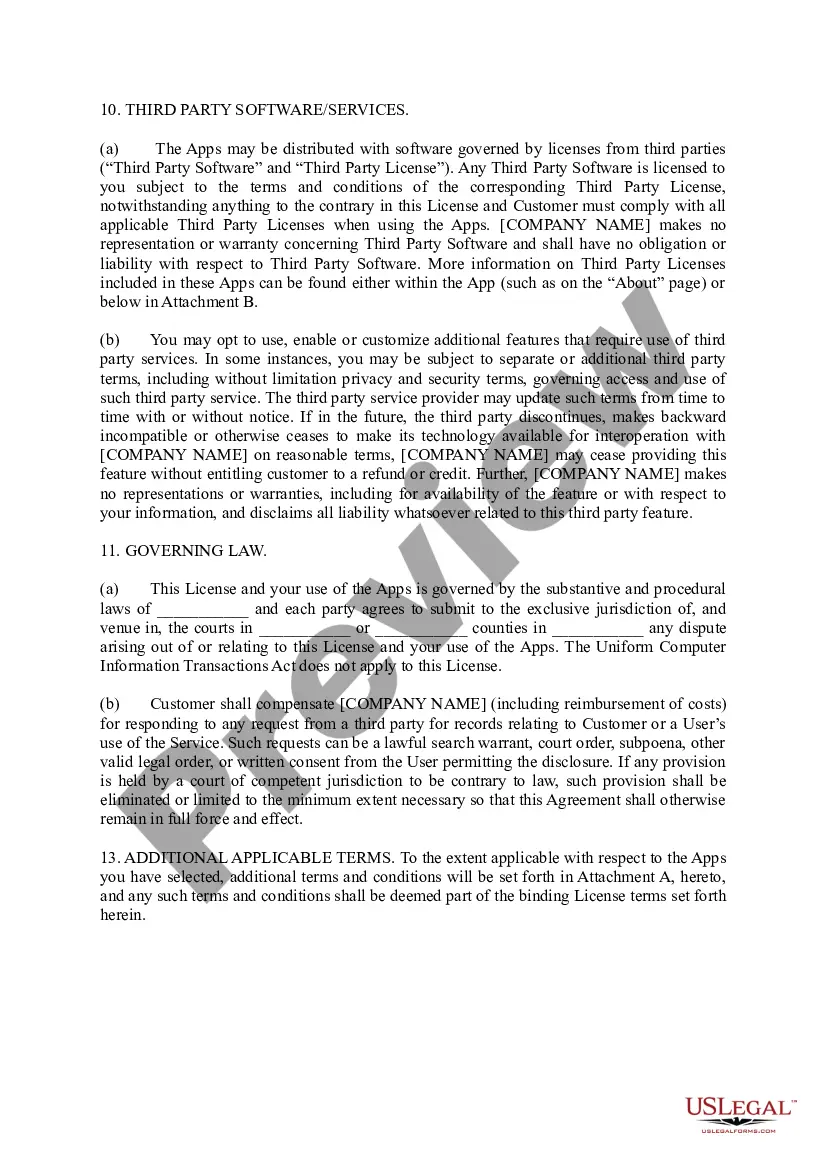
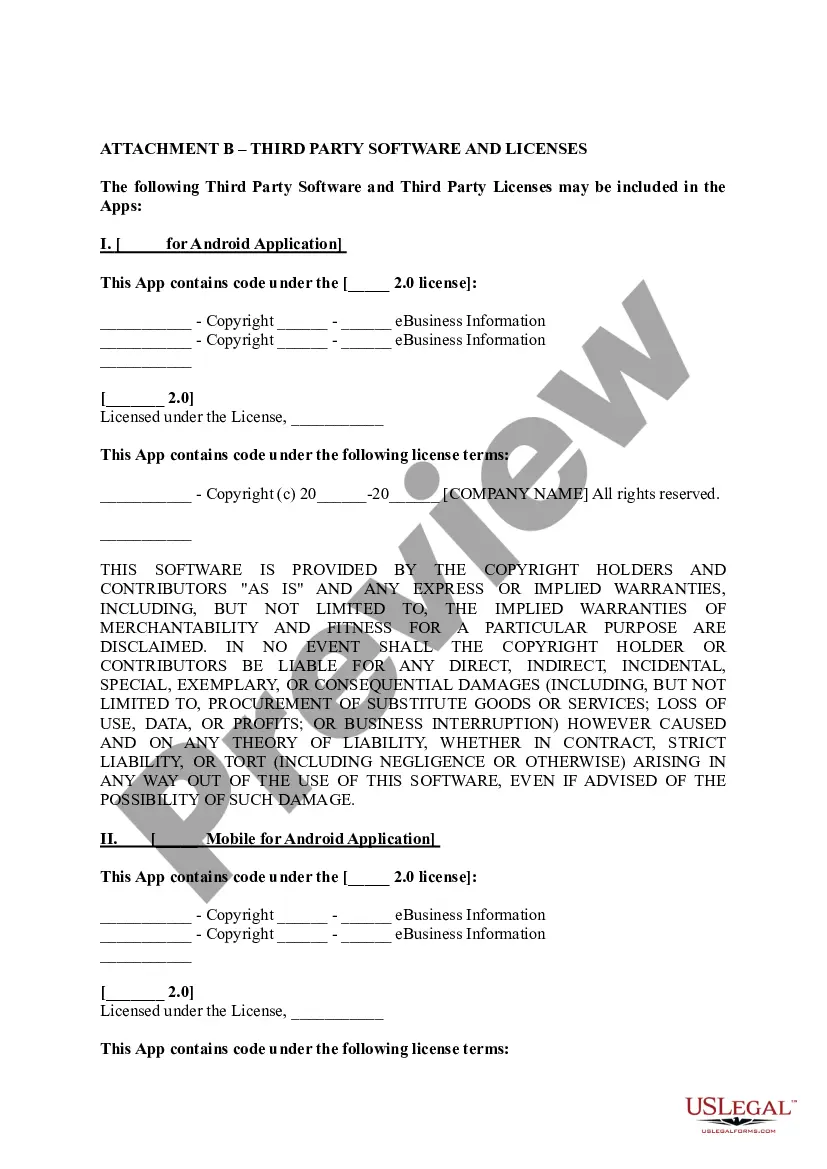
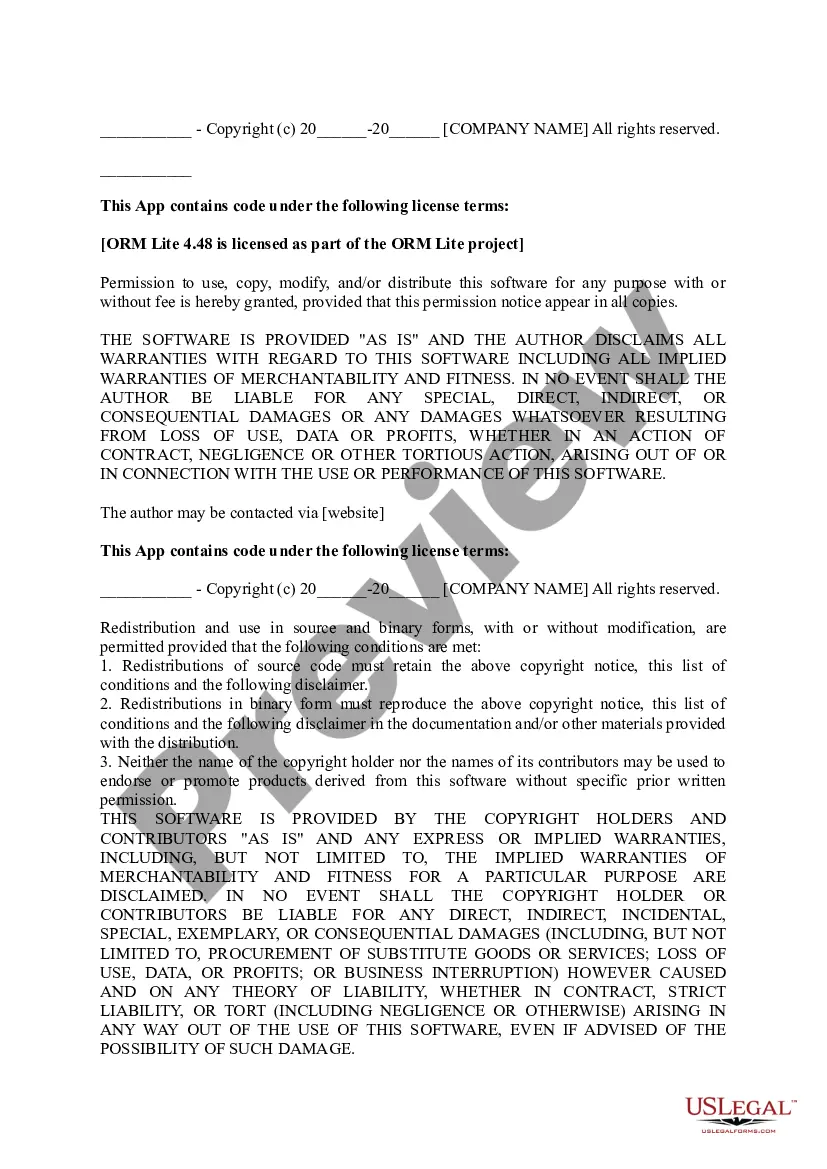
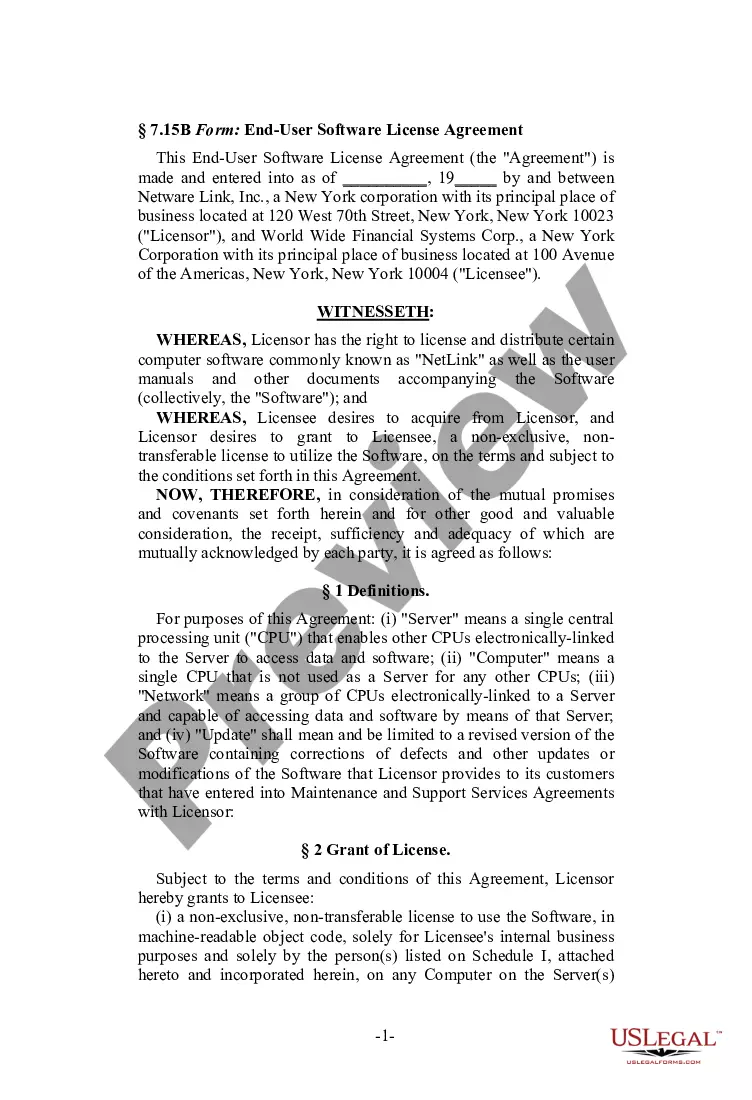
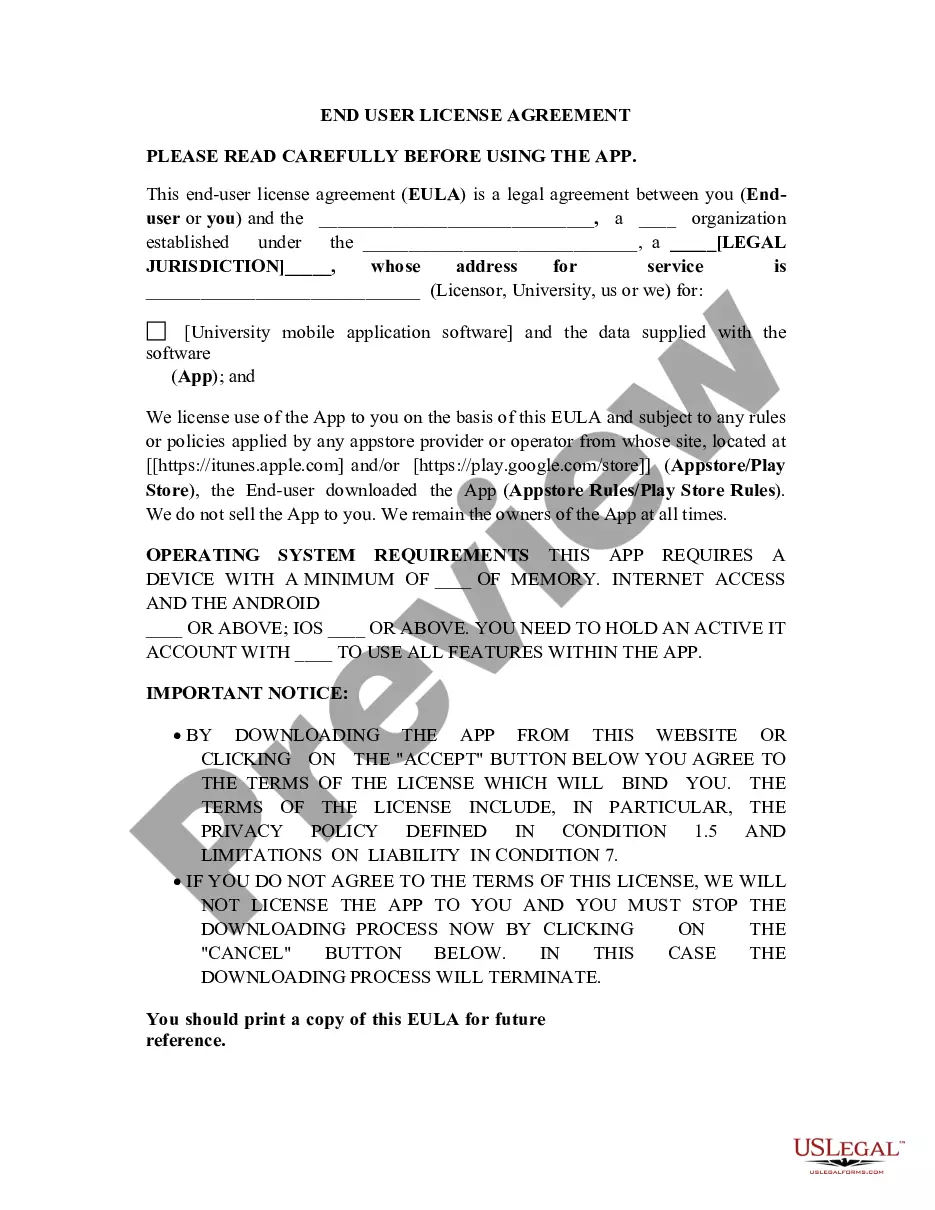
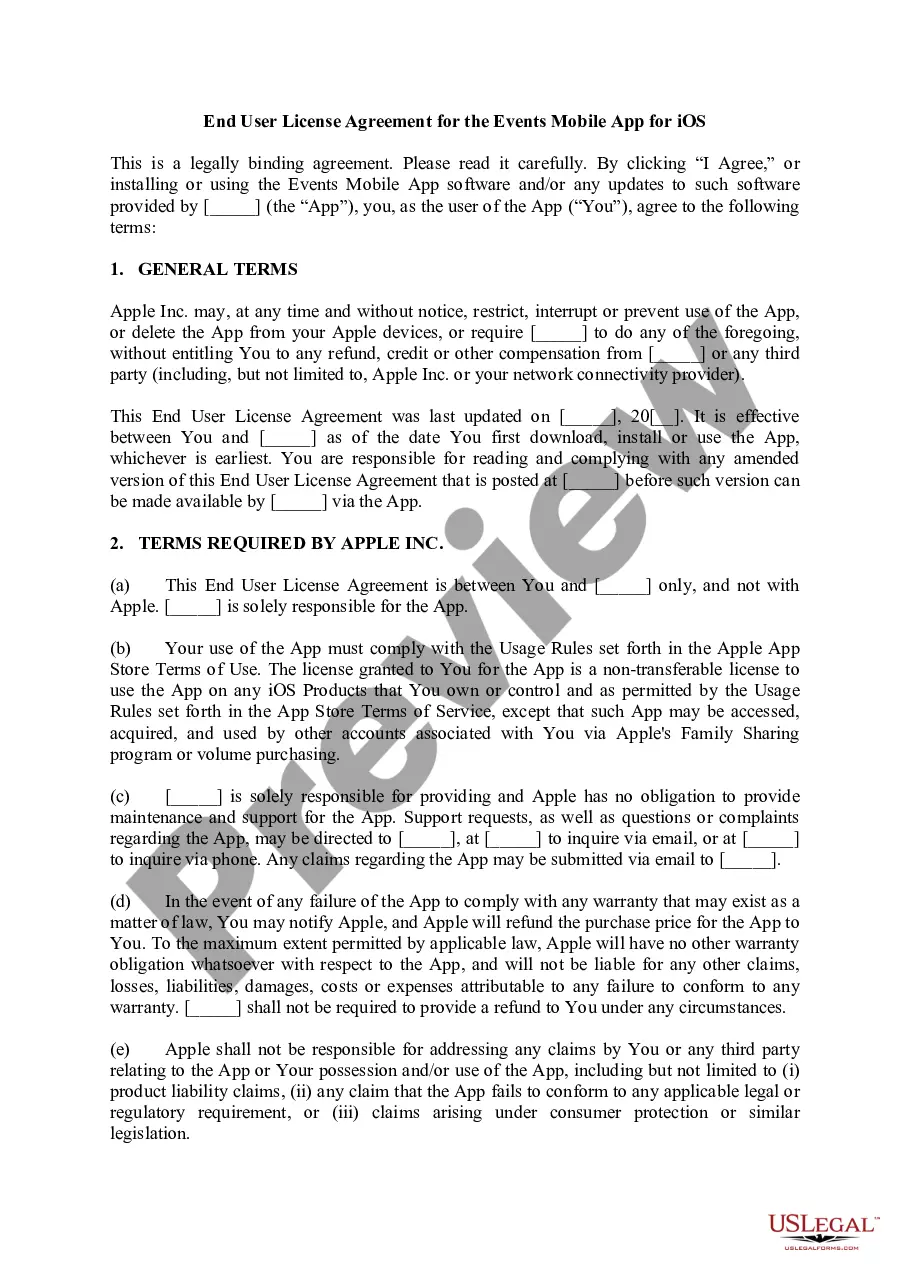
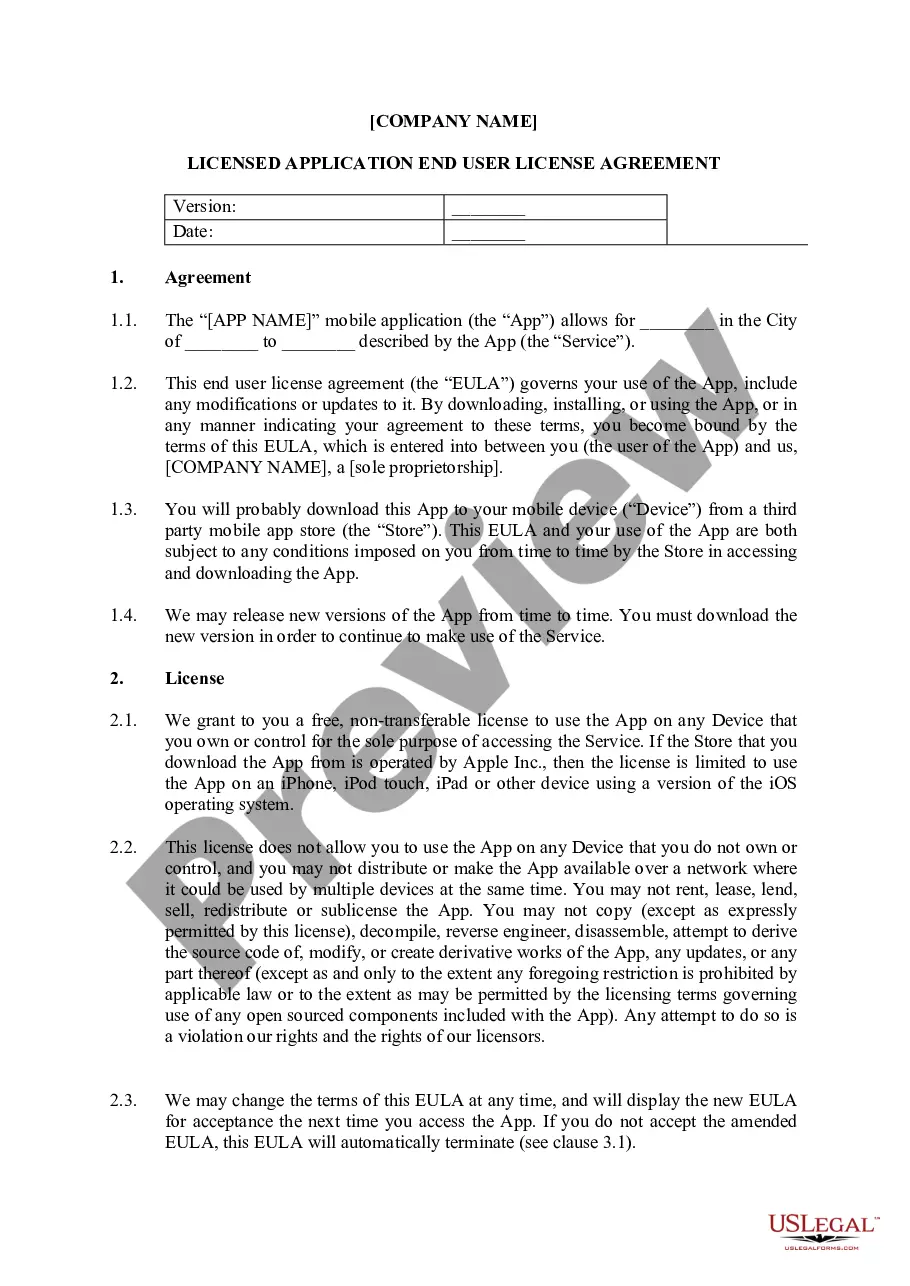
The End User License Agreement (EULA) for mobile applications is a legal contract between the software developer and the end user. This document sets out the specific rights and restrictions on how the software can be used. Unlike other agreements, an EULA focuses specifically on software usage and licensing terms. It outlines what users can expect in terms of warranty, usage limitations, and copyright, helping to ensure both user understanding and compliance.
Key parts of this document
- Definitions of terms related to the software and its usage.
- Grant of license detailing the scope of software use.
- Limitations on use specifying what actions are prohibited.
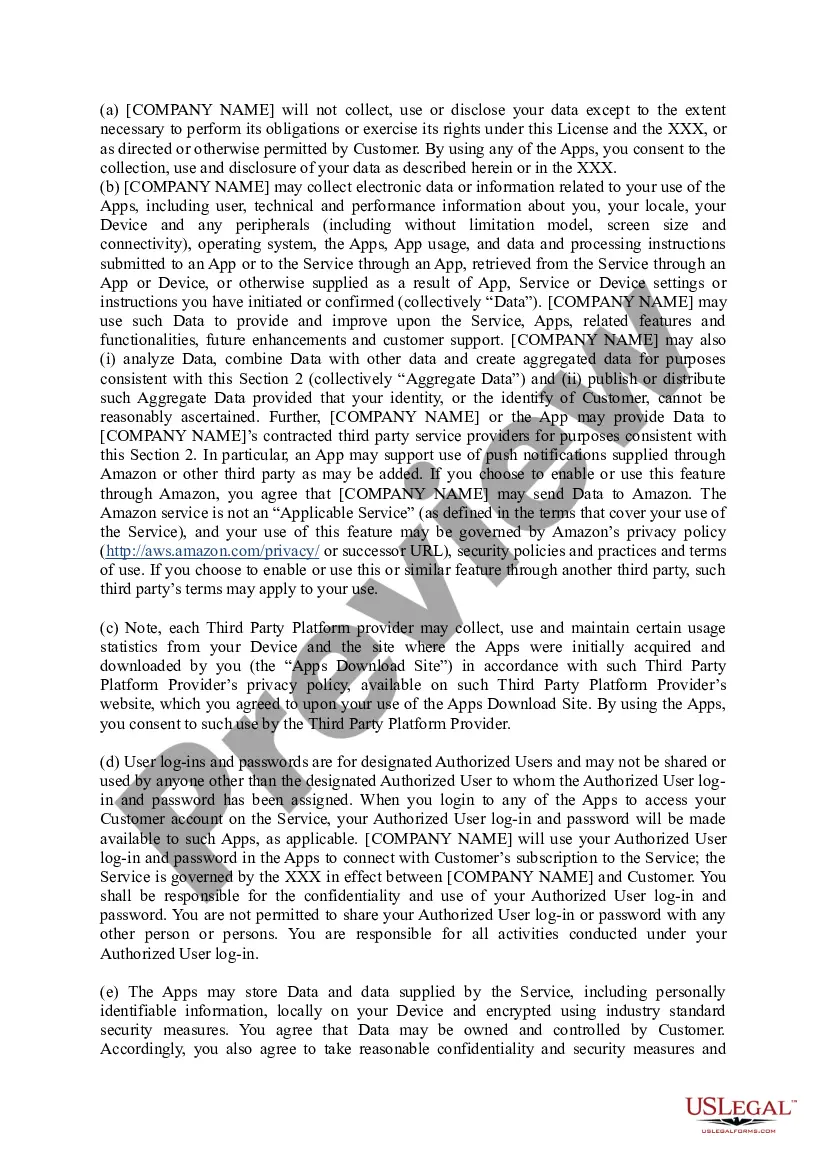
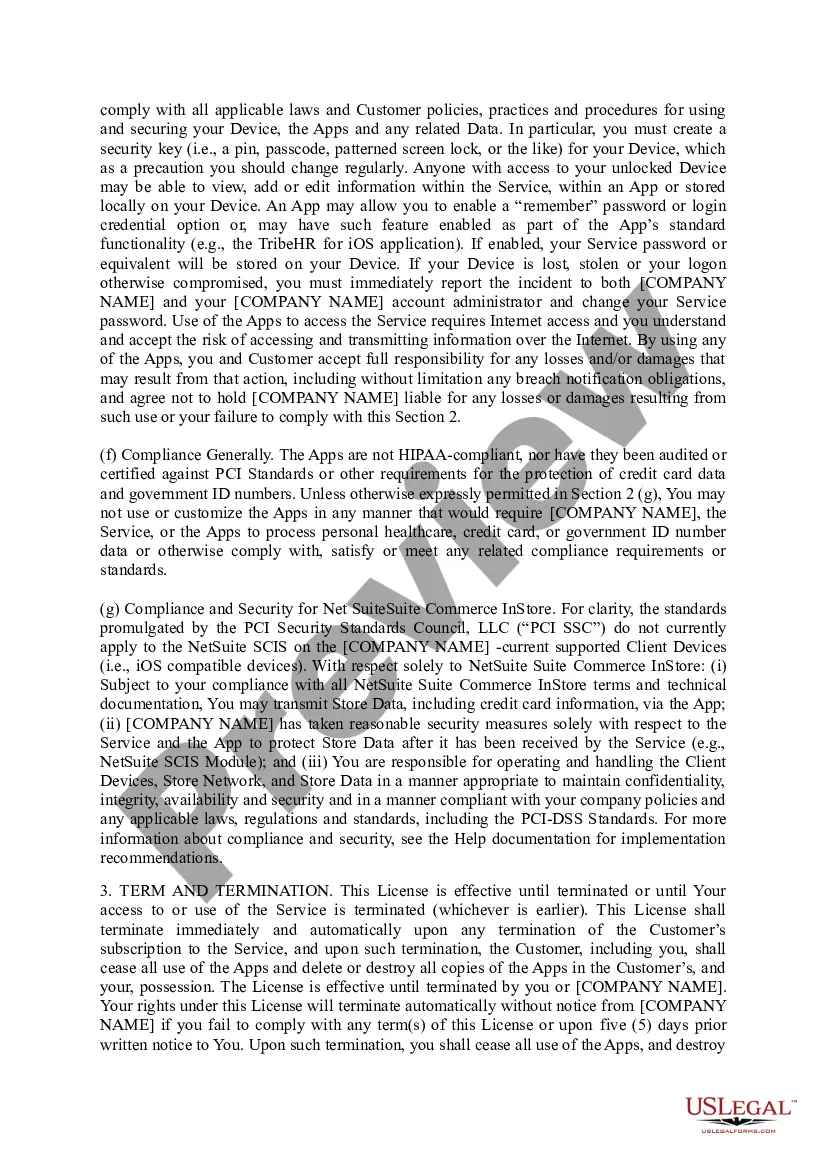
- Privacy and data security provisions outlining data handling practices.
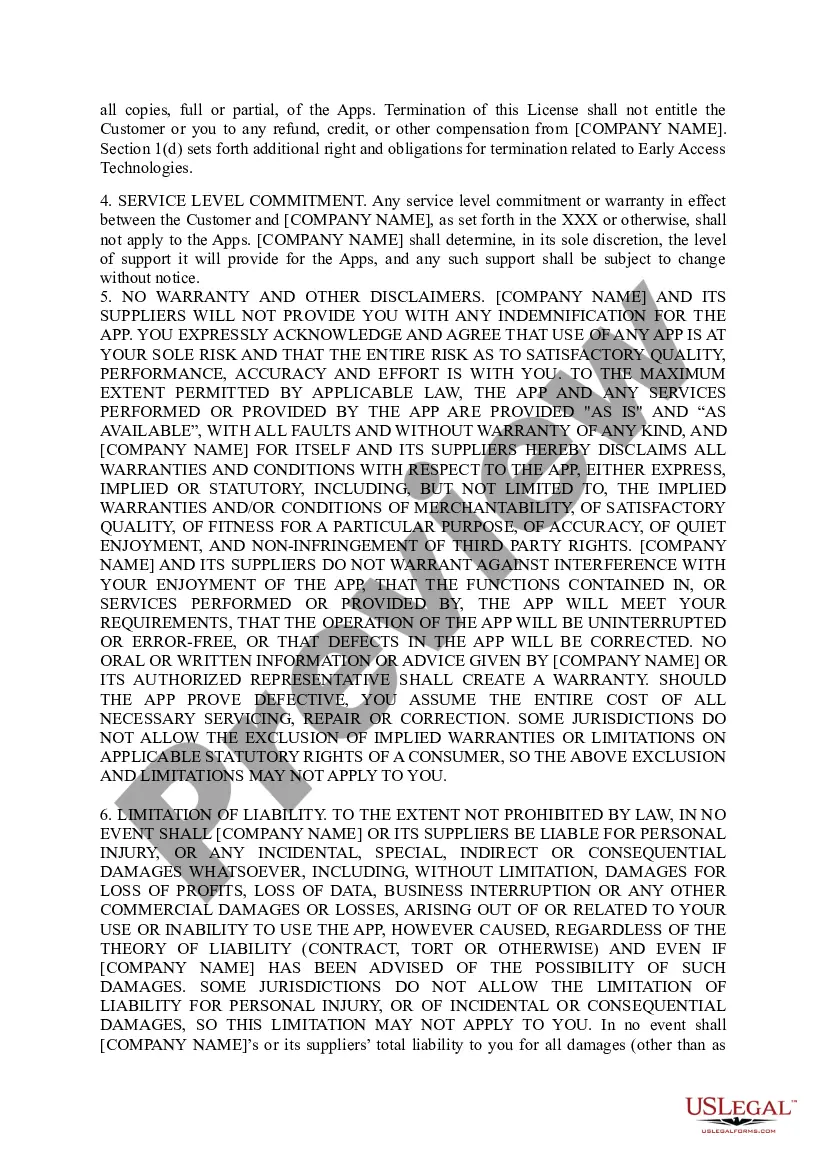
- Termination clauses indicating when the agreement ends and the implications for the user.

When to use this form
This form is essential when a software developer or vendor allows users to download and use a mobile application. It is used to legally define the terms under which the user can access and utilize the application, ensuring both parties understand their rights and obligations. If you are distributing a mobile app, this agreement protects your intellectual property while informing users about their legal boundaries.
Who should use this form
- Software developers releasing mobile applications.
- Vendor companies providing apps as part of their services.
- Authorized users who need to access software on behalf of a customer or employer.
Steps to complete this form
- Identify the parties involved by entering the company name and the authorized users.
- Read and understand the privacy provisions and data security terms.
- Specify any limitations on the use of the software as outlined in the agreement.
- Fill in the names of the apps covered under the agreement.
- Ensure all users acknowledge and accept the terms before installation or use of the app.
Notarization guidance
This form does not typically require notarization unless specified by local law. Ensure you review your local regulations to determine if any additional steps are necessary for validity.
Get your form ready online
Our built-in tools help you complete, sign, share, and store your documents in one place.
Make edits, fill in missing information, and update formatting in US Legal Forms—just like you would in MS Word.
Download a copy, print it, send it by email, or mail it via USPS—whatever works best for your next step.
Sign and collect signatures with our SignNow integration. Send to multiple recipients, set reminders, and more. Go Premium to unlock E-Sign.
If this form requires notarization, complete it online through a secure video call—no need to meet a notary in person or wait for an appointment.
We protect your documents and personal data by following strict security and privacy standards.

Make edits, fill in missing information, and update formatting in US Legal Forms—just like you would in MS Word.

Download a copy, print it, send it by email, or mail it via USPS—whatever works best for your next step.

Sign and collect signatures with our SignNow integration. Send to multiple recipients, set reminders, and more. Go Premium to unlock E-Sign.

If this form requires notarization, complete it online through a secure video call—no need to meet a notary in person or wait for an appointment.

We protect your documents and personal data by following strict security and privacy standards.
Common mistakes to avoid
- Failing to read the entire agreement before signing or accepting.
- Not specifying all applications that fall under the license.
- Ignoring limitations and restrictions on software usage.
- Providing unauthorized access to users who are not listed as authorized users in the agreement.
Benefits of completing this form online
- Convenient access to legally vetted templates created by licensed attorneys.
- Easily customizable options to fit your specific application needs.
- Rapid downloads allowing for quick implementation into your software distribution process.
- Confidence in adherence to legal requirements and standards.