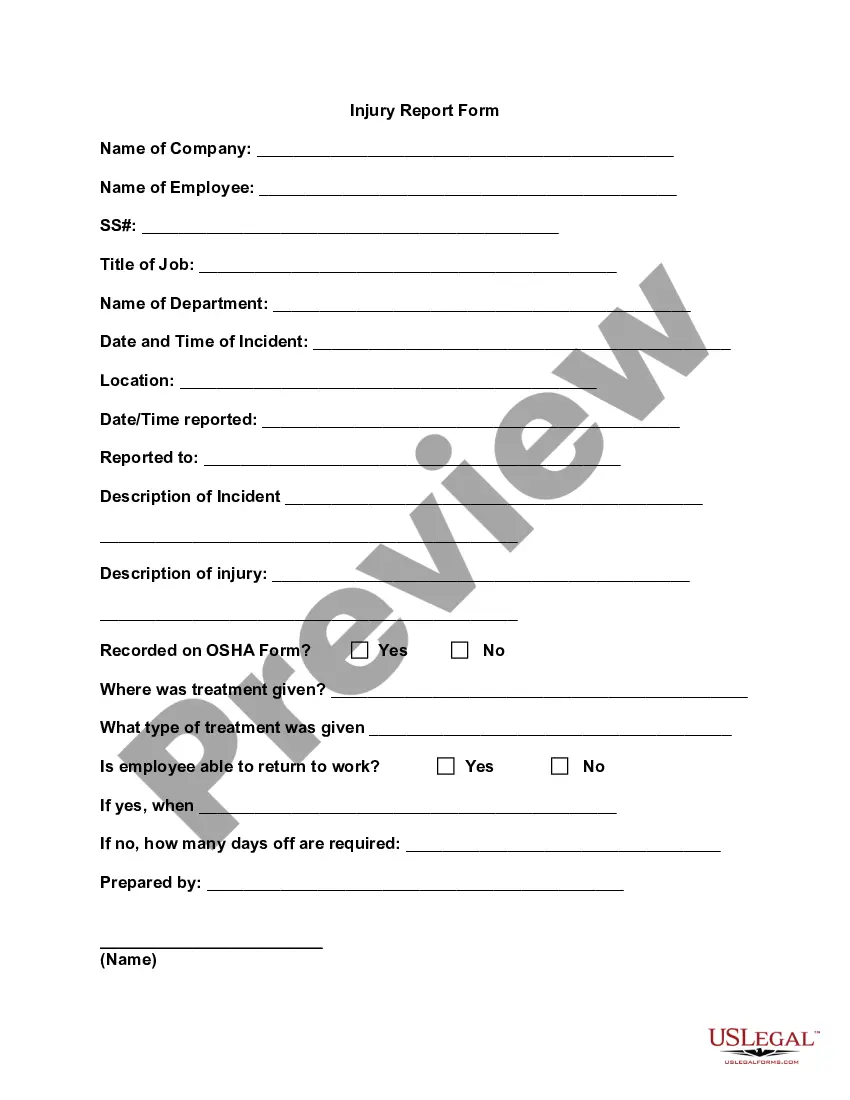
Injury Report Form
What is this form?
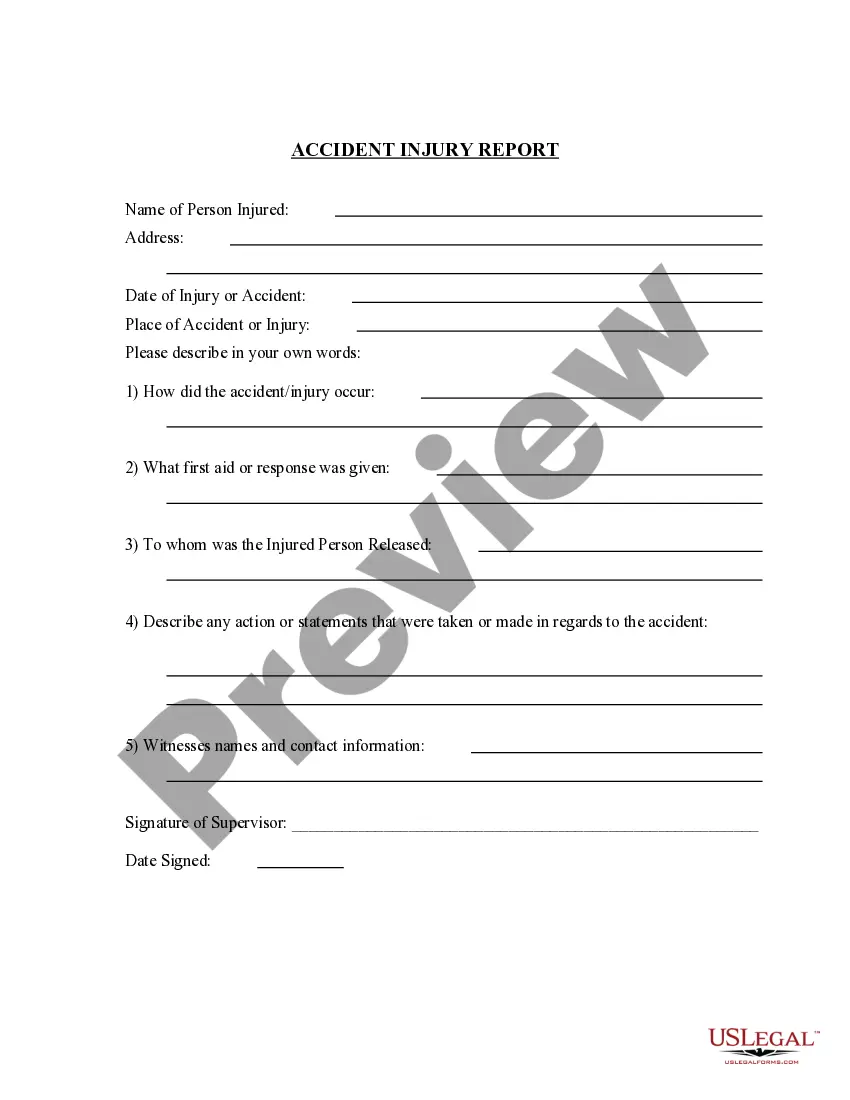
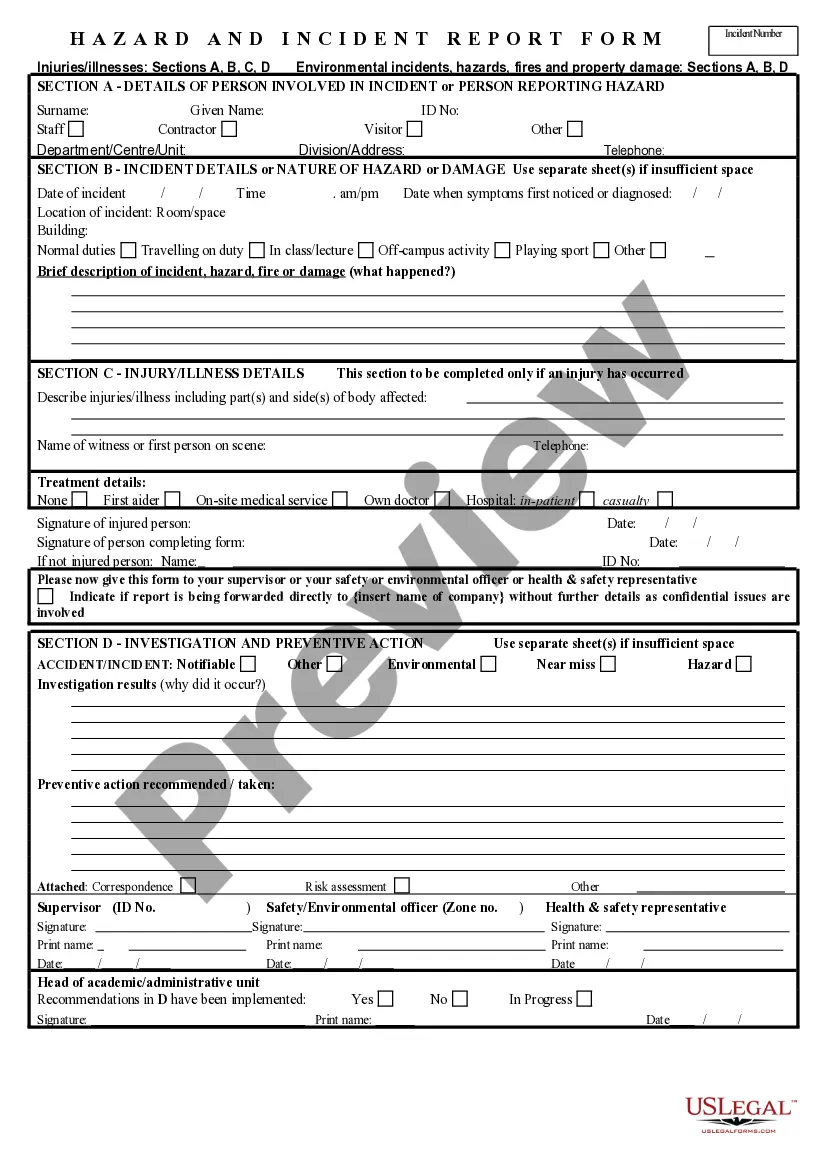
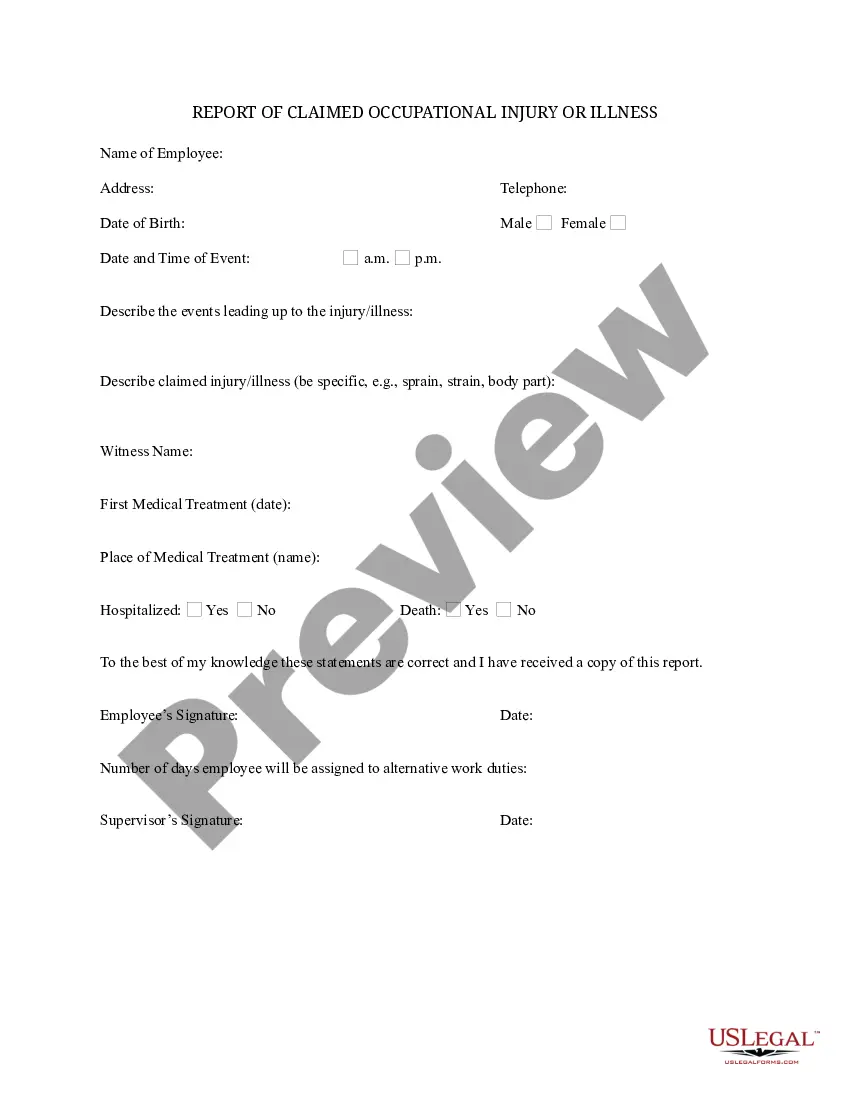
The Injury Report Form is a document used by employers to report and document workplace injuries. This form captures essential details about the incident, including the nature of the injury, the circumstances under which it occurred, and any treatment provided. Unlike general accident reports, this form specifically focuses on injuries sustained by employees while on duty, making it crucial for complying with workplace safety regulations and for submitting claims to insurance providers.
Key components of this form
- Name of Company
- Name of Employee
- Social Security Number
- Job Title and Department
- Date and Time of Incident
- Location of Incident
- Description of Incident
- Description of Injury
- Recorded on OSHA Form
- Treatment Information
- Employeeâs Ability to Return to Work
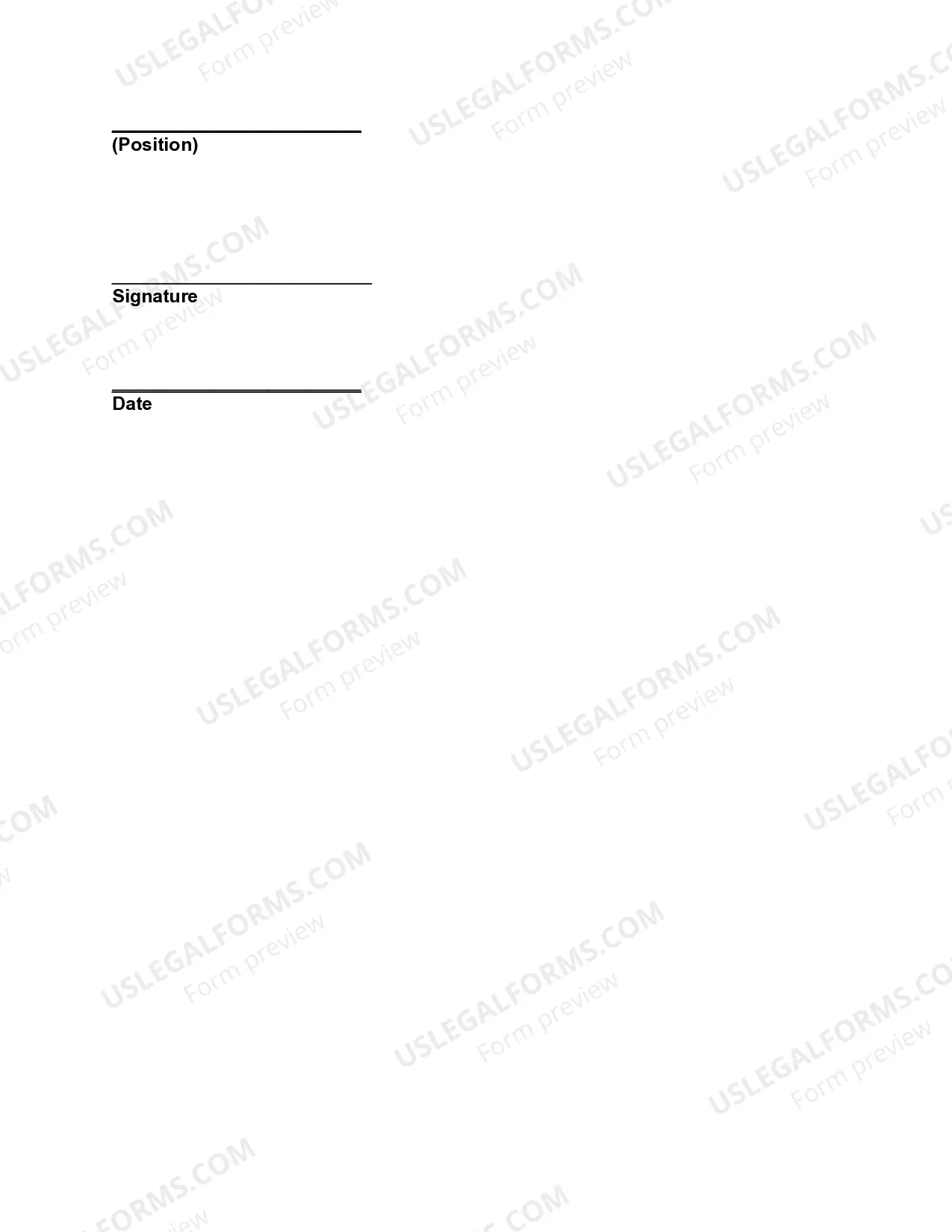
- Prepared By, Signature, and Date

Situations where this form applies
This form should be used whenever an employee is injured on the job. It serves as an official record for incidents that may require medical attention, insurance claims, or regulatory reporting. Employers should complete this form immediately after the incident occurs to ensure all details are accurately captured while the event is still fresh in everyoneâs mind.
Who can use this document
This form is intended for:
- Employers or managers responsible for workplace safety
- HR personnel who handle employee documentation
- Employees who observe or are involved in a workplace injury
How to complete this form
- Enter the name of the company and the employee involved in the incident.
- Provide the employee's job title and department.
- Document the date, time, and location of the injury.
- Detail the description of the incident and the injury sustained.
- Indicate if the incident was recorded on an OSHA form and describe the treatment given.
- Note the employee's ability to return to work and sign the form with the preparer's details and date.
Is notarization required?
This form does not typically require notarization unless specified by local law. Always verify if your jurisdiction has additional requirements for workplace injury documentation.
Get your form ready online
Our built-in tools help you complete, sign, share, and store your documents in one place.
Make edits, fill in missing information, and update formatting in US Legal Forms—just like you would in MS Word.
Download a copy, print it, send it by email, or mail it via USPS—whatever works best for your next step.
Sign and collect signatures with our SignNow integration. Send to multiple recipients, set reminders, and more. Go Premium to unlock E-Sign.
If this form requires notarization, complete it online through a secure video call—no need to meet a notary in person or wait for an appointment.
We protect your documents and personal data by following strict security and privacy standards.

Make edits, fill in missing information, and update formatting in US Legal Forms—just like you would in MS Word.

Download a copy, print it, send it by email, or mail it via USPS—whatever works best for your next step.

Sign and collect signatures with our SignNow integration. Send to multiple recipients, set reminders, and more. Go Premium to unlock E-Sign.

If this form requires notarization, complete it online through a secure video call—no need to meet a notary in person or wait for an appointment.

We protect your documents and personal data by following strict security and privacy standards.
Common mistakes
- Failing to capture all necessary details about the incident.
- Leaving out the description of the injury or treatment details.
- Not signing the form or including the preparer's information.
- Submitting the form too late, which can impact insurance claims.
Why complete this form online
- Easy access and convenience for immediate documentation.
- Ability to edit and save the form as needed.
- Reliability in having a professionally drafted form compliant with legal standards.