Sample Letter for Trustee's Acknowledgment
What this document covers
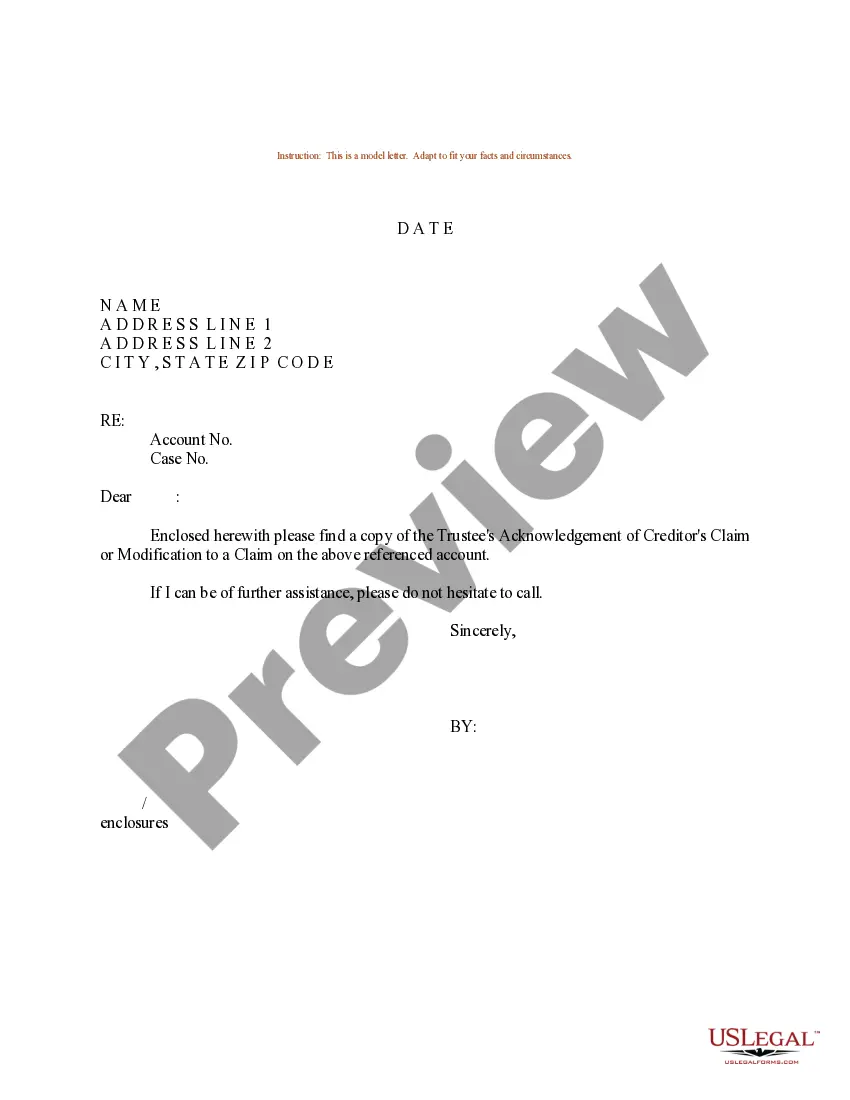
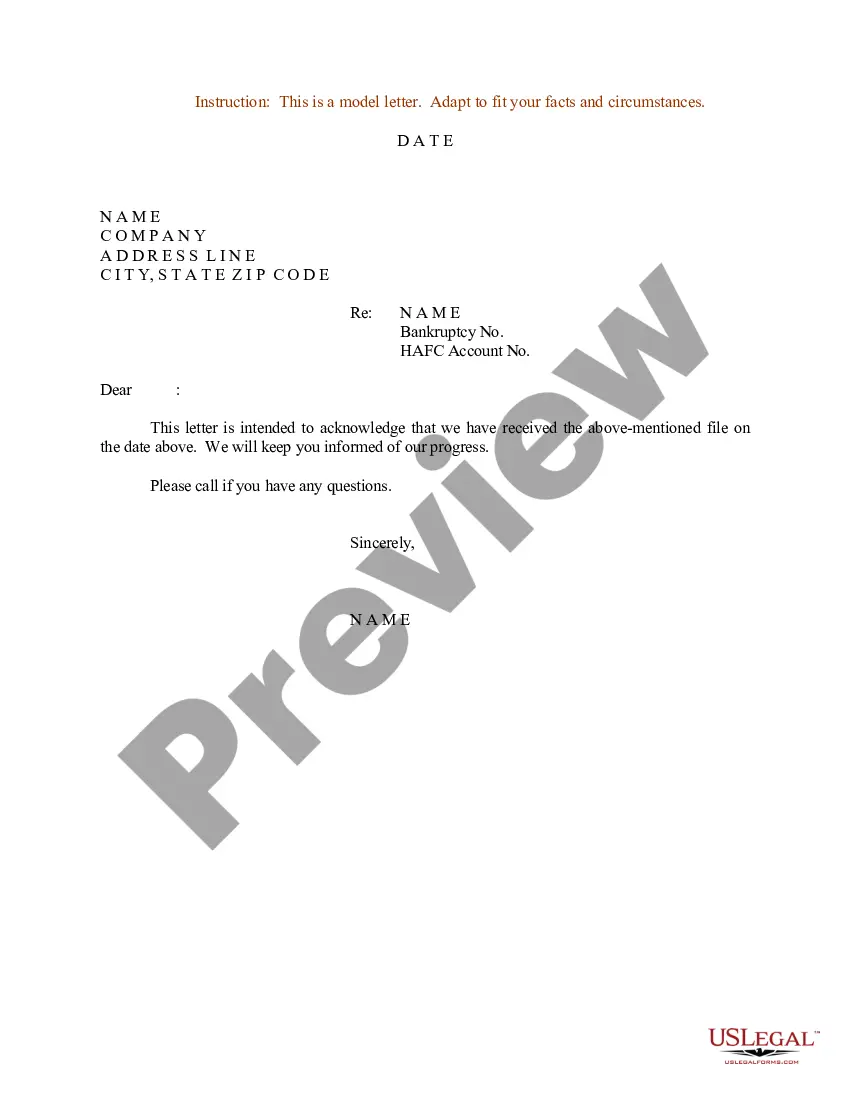
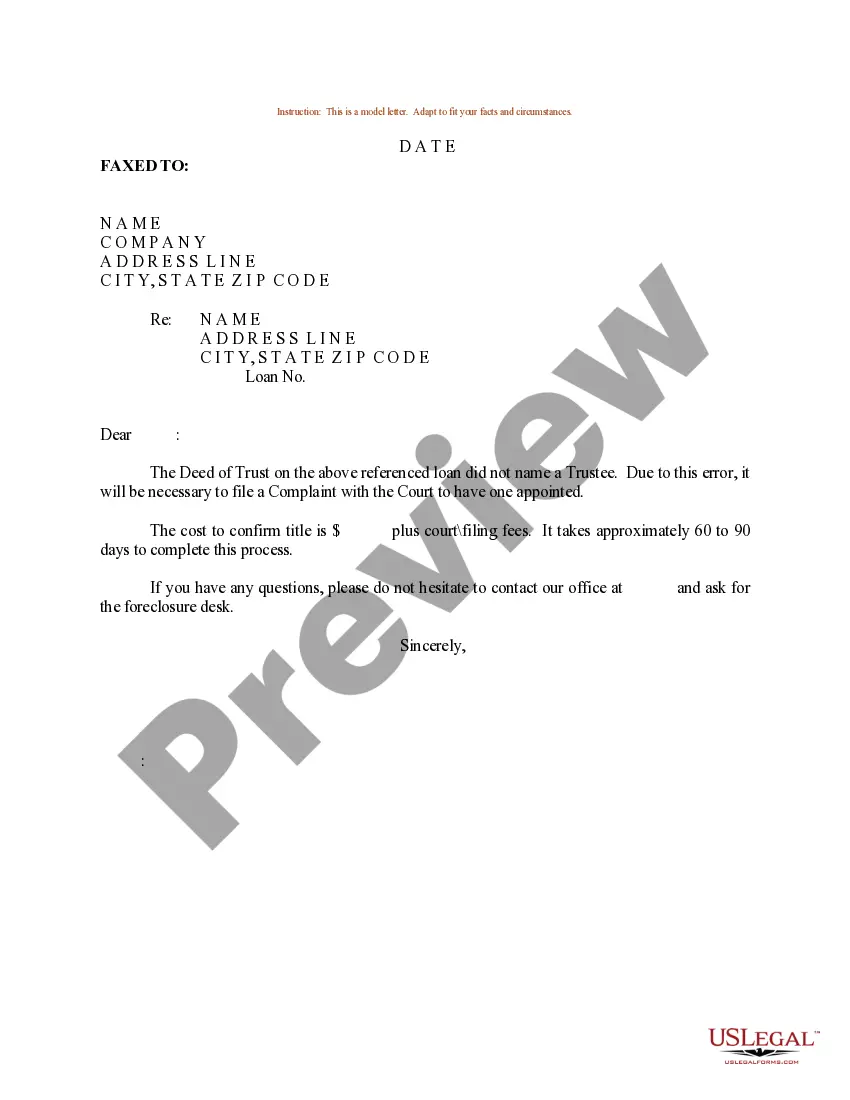
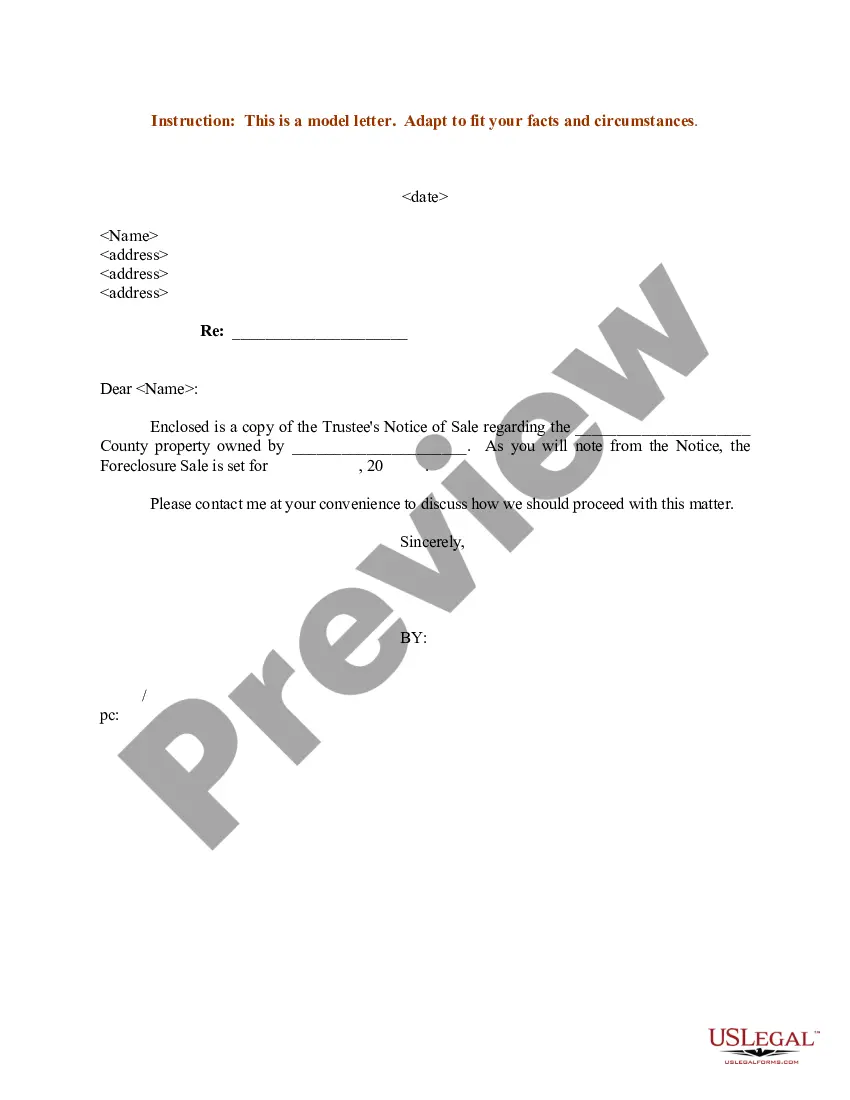
The Sample Letter for Trustee's Acknowledgment is a formal document that facilitates communication between a trustee and beneficiaries or other stakeholders. This letter serves to acknowledge various actions or communications regarding the trust, ensuring transparency and clarity about the trustee's responsibilities and decisions. It differs from other trust-related forms by specifically functioning as a notification tool rather than as a legal instrument transferring rights or obligations.
Main sections of this form
- Date: Specifies when the letter is written.
- Trustee's Name and Address: Includes the contact details of the trustee.
- Subject Line: Clearly states the intention of the letter.
- Body: Contains the content of the acknowledgment, outlines the actions taken, or communication made.
When to use this form
This form is useful in several scenarios, including when a trustee needs to formally acknowledge receipt of requests from beneficiaries, update parties on trust activities, or confirm actions taken in accordance with the trust document. It is an essential communication tool to help maintain trust transparency and accountability.
Intended users of this form
This form is intended for:
- Trustees managing a trust looking to provide formal notifications.
- Beneficiaries who wish to understand the status of the trust.
- Legal representatives who require documentation of trustee communications.
How to complete this form
- Identify the date of writing the letter.
- Input the full name and address of the trustee.
- Craft a subject line that summarises the content of the acknowledgment.
- Draft the body of the letter, detailing the acknowledgment and any pertinent actions.
- Review the letter for completeness and accuracy before sending.
Notarization requirements for this form
Notarization is not commonly needed for this form. However, certain documents or local rules may make it necessary. Our notarization service, powered by Notarize, allows you to finalize it securely online anytime, day or night.
Get your form ready online
Our built-in tools help you complete, sign, share, and store your documents in one place.
Make edits, fill in missing information, and update formatting in US Legal Forms—just like you would in MS Word.
Download a copy, print it, send it by email, or mail it via USPS—whatever works best for your next step.
Sign and collect signatures with our SignNow integration. Send to multiple recipients, set reminders, and more. Go Premium to unlock E-Sign.
If this form requires notarization, complete it online through a secure video call—no need to meet a notary in person or wait for an appointment.
We protect your documents and personal data by following strict security and privacy standards.

Make edits, fill in missing information, and update formatting in US Legal Forms—just like you would in MS Word.

Download a copy, print it, send it by email, or mail it via USPS—whatever works best for your next step.

Sign and collect signatures with our SignNow integration. Send to multiple recipients, set reminders, and more. Go Premium to unlock E-Sign.

If this form requires notarization, complete it online through a secure video call—no need to meet a notary in person or wait for an appointment.

We protect your documents and personal data by following strict security and privacy standards.
Typical mistakes to avoid
- Failing to include the date of the letter.
- Not specifying the subject matter clearly.
- Omitting the trustee's full contact information.
- Sending the letter without a clear acknowledgment of the actions discussed.
Benefits of completing this form online
- Convenience: Easily fill out and download from any device.
- Editability: Modify the letter to meet specific needs without hassle.
- Reliability: Forms drafted by licensed attorneys ensure legal compliance.
Looking for another form?
Form popularity
FAQ
The Sample Letter for Trustee's Acknowledgment is a formal notification from a trustee to beneficiaries or stakeholders. It documents acknowledgments of requests, trust actions, or communications and clarifies the trustee’s duties. It does not transfer rights. It typically includes the date, the trustee’s name and address, a subject line, and a body detailing the acknowledgment.
Fill out this form's main sections: the Date, the Trustee’s Name and Address, a clear Subject Line, and a Body that outlines the acknowledgment and any actions taken. Keep the tone formal and concise to inform beneficiaries or others about trust-related updates or confirmations.
A trustee letter is formal correspondence from a trustee to beneficiaries or other stakeholders. The Sample Letter for Trustee's Acknowledgment is a type of trustee letter used to acknowledge requests or actions, serving as a transparent notification rather than a legal instrument that transfers rights or obligations.
The first step is to fill in the Date to mark when the acknowledgment is sent, followed by the Trustee’s Name and Address. Then add a clear Subject Line and compose the Body to describe the acknowledged action or communication and any related trust activities.
A trustee acceptance letter confirms a person’s appointment as trustee or acceptance of duties. The Sample Letter for Trustee's Acknowledgment is not an acceptance letter; it is used to acknowledge requests or actions and communicate trust updates, with sections for date, trustee contact details, subject, and body.
This form functions as a notification tool to acknowledge requests or actions in a trust, rather than to confirm appointment. It focuses on transparency and communication and includes date, trustee’s name and address, subject line, and a body that outlines the acknowledgment.