Task Management Team
What this document covers
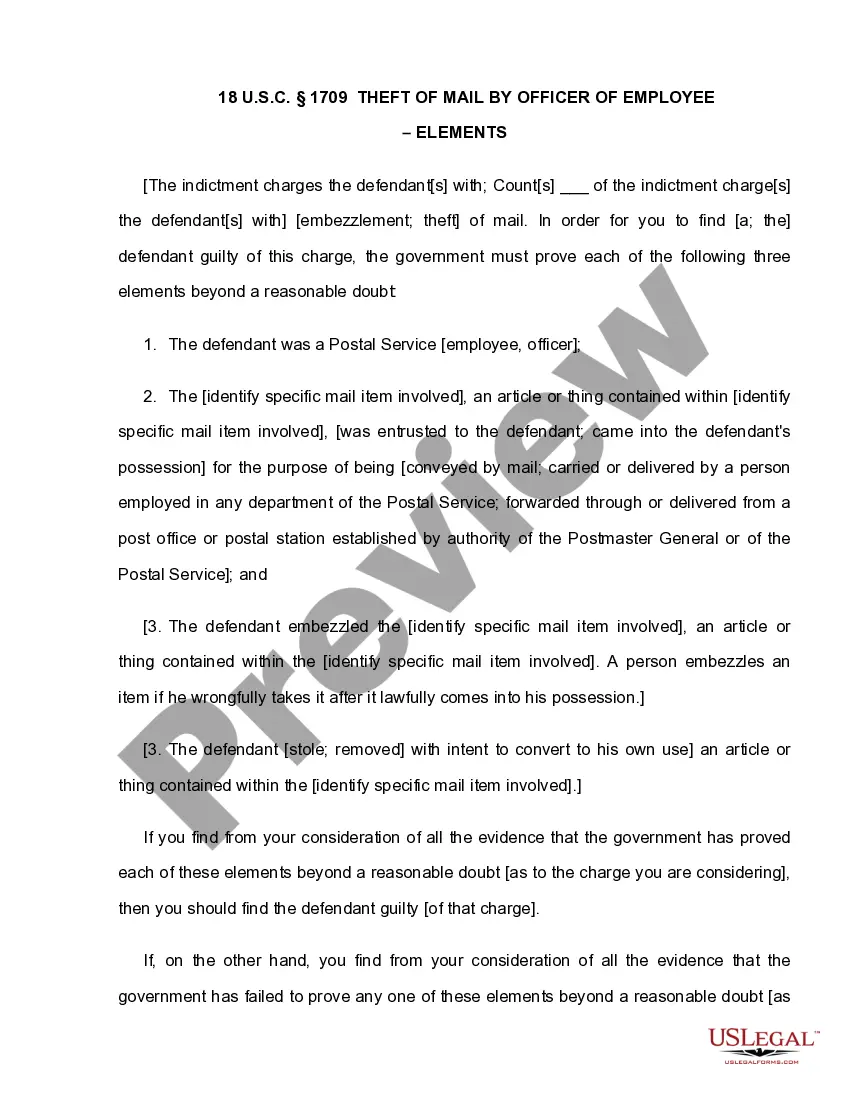
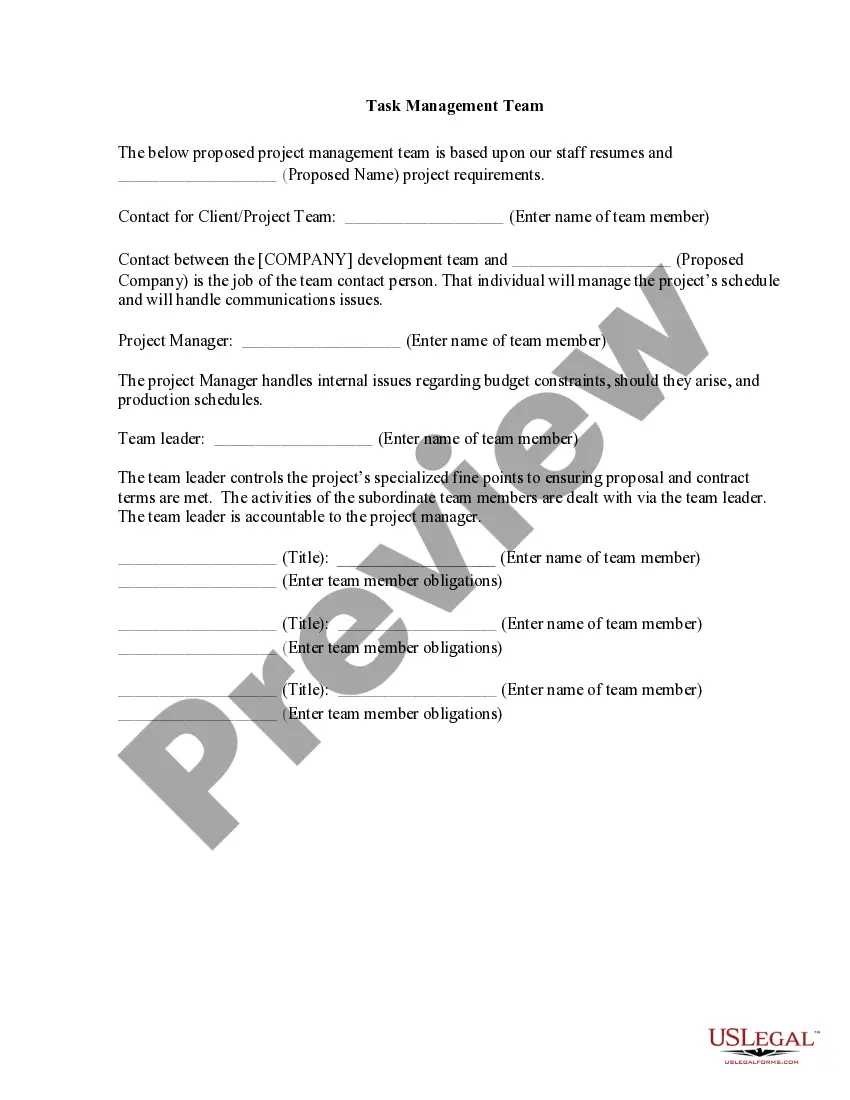
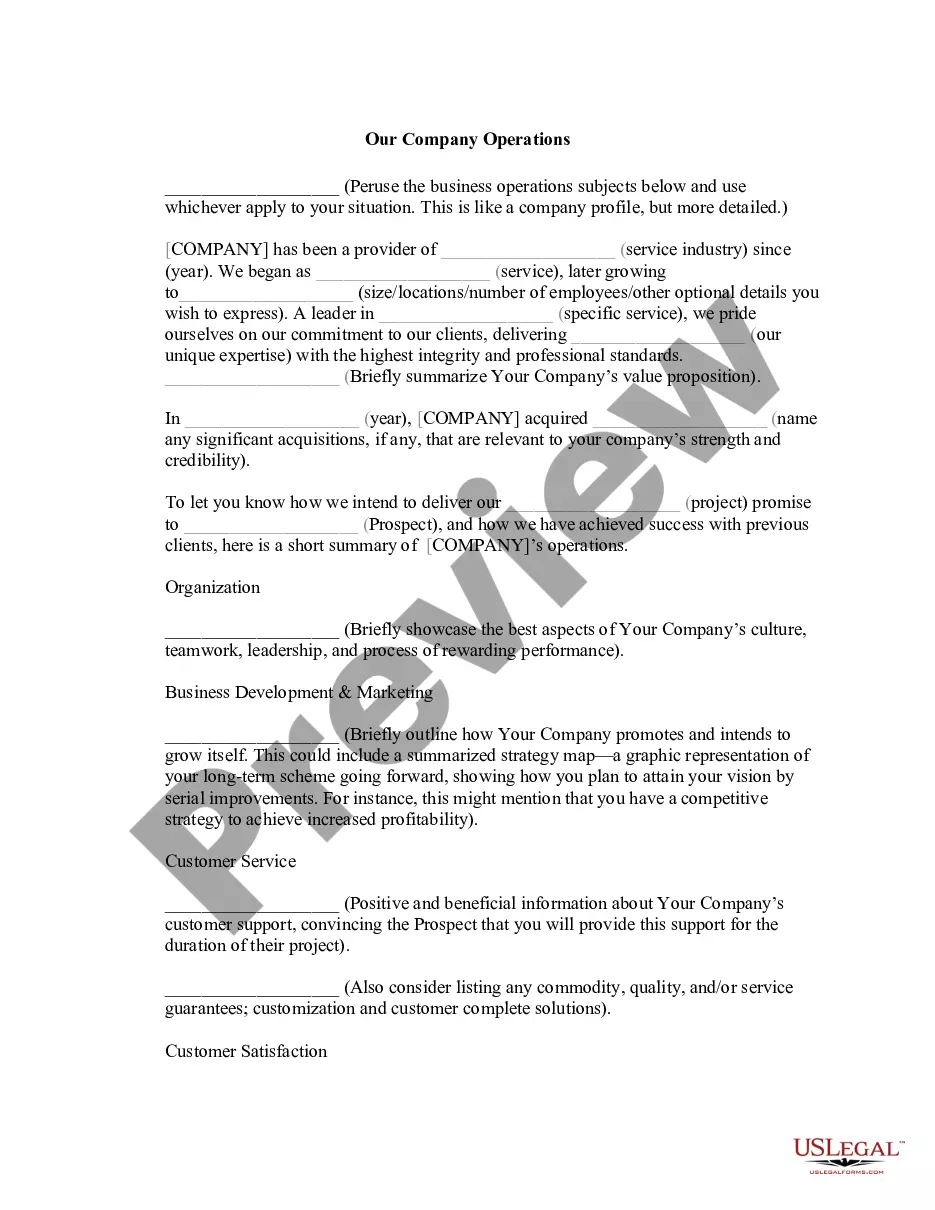
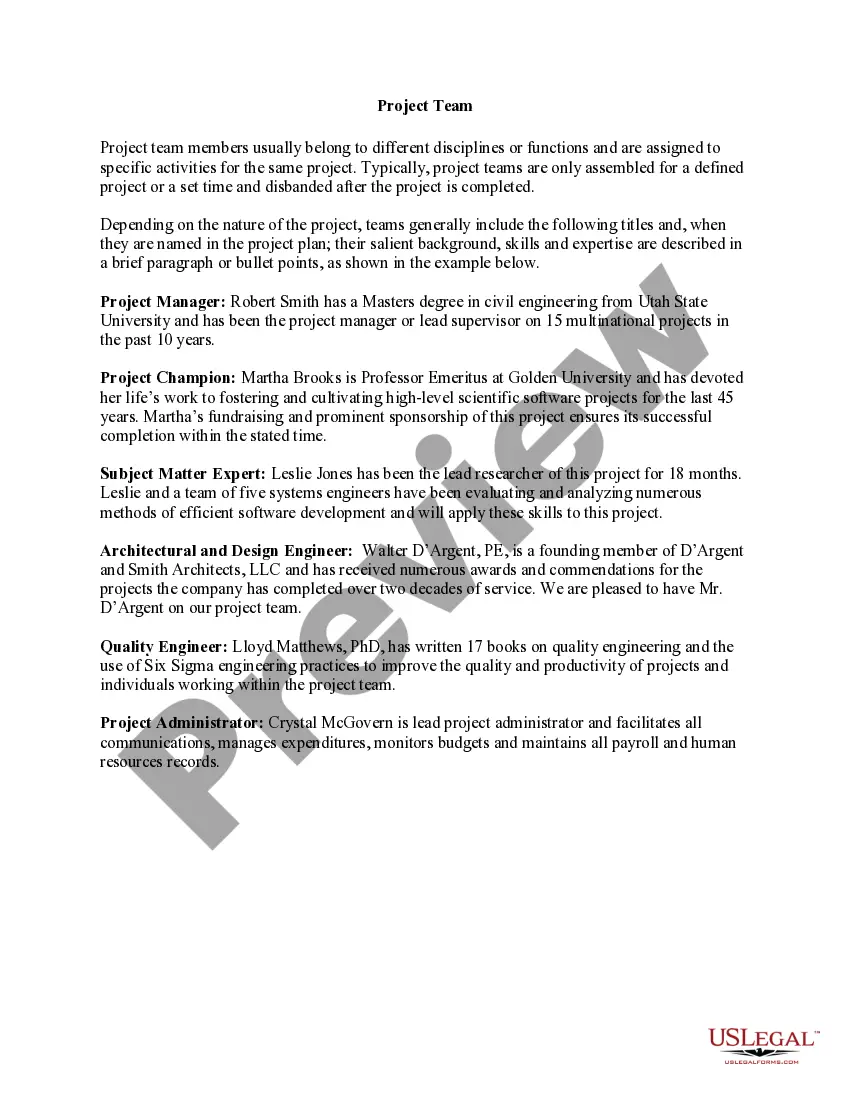
The Task Management Team form is a template designed to outline the roles and responsibilities of team members within a project management context. It helps establish communication channels and define the hierarchy within a project, ensuring that all parties understand their obligations and points of contact. This form is particularly useful for organizations initiating new projects to manage tasks efficiently and maintain clarity throughout the project's lifecycle.
Main sections of this form
- Proposed project management team outline, including roles and responsibilities.
- Contact information for team members and the main client/project contact.
- Specific roles such as Project Manager and Team Leader, detailing their duties.
- Fields for naming the proposed company and entering team member obligations.
Common use cases
This form is ideal when you need to establish a clear structure for a project team. It is useful during the early stages of a project to ensure all team members and stakeholders are aware of their roles and responsibilities. Organizations may also use it to streamline communication and set expectations, especially when collaborating with external clients or vendors.
Who should use this form
- Project managers who need to define team structures.
- Team leaders responsible for overseeing project progress.
- Companies initiating new projects requiring clarity in team roles.
- Any organization wanting to formalize communication lines among team members.
Steps to complete this form
- Identify and list the proposed project management team members.
- Enter the contact information for the main client/project team member.
- Specify the Project Manager and their responsibilities.
- Designate the Team Leader and describe their role in the project.
- Fill in any additional team members and their obligations as required.
Does this document require notarization?
In most cases, this form does not require notarization. However, some jurisdictions or signing circumstances might. US Legal Forms offers online notarization powered by Notarize, accessible 24/7 for a quick, remote process.
Get your form ready online
Our built-in tools help you complete, sign, share, and store your documents in one place.
Make edits, fill in missing information, and update formatting in US Legal Forms—just like you would in MS Word.
Download a copy, print it, send it by email, or mail it via USPS—whatever works best for your next step.
Sign and collect signatures with our SignNow integration. Send to multiple recipients, set reminders, and more. Go Premium to unlock E-Sign.
If this form requires notarization, complete it online through a secure video call—no need to meet a notary in person or wait for an appointment.
We protect your documents and personal data by following strict security and privacy standards.

Make edits, fill in missing information, and update formatting in US Legal Forms—just like you would in MS Word.

Download a copy, print it, send it by email, or mail it via USPS—whatever works best for your next step.

Sign and collect signatures with our SignNow integration. Send to multiple recipients, set reminders, and more. Go Premium to unlock E-Sign.

If this form requires notarization, complete it online through a secure video call—no need to meet a notary in person or wait for an appointment.

We protect your documents and personal data by following strict security and privacy standards.
Common mistakes
- Failing to clearly define roles, which can lead to confusion.
- Not including all required team members in the list.
- Leaving out crucial project details that can affect communication.
Why complete this form online
- Convenience of downloading and editing the form to suit specific project needs.
- Reliability in providing a comprehensive template drafted by licensed attorneys.
- Efficiency in organizing team responsibilities and expectations upfront.
Looking for another form?

Form popularity
FAQ
Task management is the process of monitoring your project's tasks through their various stages from start to finish. This involves actively making decisions for your tasks to accommodate changes that can occur real-time, with your end goal being the successful completion of your tasks.
Team task management is the process of creating a detailed plan and schedule of tasks for a project and outlining how your team will complete them.
Task management is the process of monitoring your project's tasks through their various stages from start to finish. This involves actively making decisions for your tasks to accommodate changes that can occur real-time, with your end goal being the successful completion of your tasks.
Task management is the process of managing a task through its lifecycle. It involves planning, testing, tracking, and reporting. Task management can help either individual achieve goals, or groups of individuals collaborate and share knowledge for the accomplishment of collective goals.
Prioritization. A task board lets you organize your tasks by priority so you can ensure that the most important things are completed first.Manual Task Management Tools. Manual task management tools are one of the more basic forms of a task management system.Electronic Task Management Tools.Online Task Management Tools.
How to Manage Tasks: 12 Powerful and Proven Tips Create a complete list of tasks.Break big projects down into achievable tasks.Prioritize your task list.Automate tasks where and when possible.Use a kanban or other visualization tool.Tackle the least appealing (or scariest) task first.Focus on one task at a time. How to Manage Tasks: 12 Powerful and Proven Tactics Pipefy pipefy.com ? blog ? how-to-manage-tasks pipefy.com ? blog ? how-to-manage-tasks
Key Features of Right Task Management Software 2) Collaboration. Enhancing team productivity is the main benefit of collaboration features of any task management software.3) Deadline Tracking.4) Resource Management.5) Time Tracking.
What is Task Management? Break down projects into tasks. Allocate tasks to teams and individuals ing to their skillsets. Constantly identify the most important activities that the employees should be doing at any given moment. Prioritize tasks ingly. Organize tasks efficiently.