A criminal history background information check is the review of any and all records containing any information collected and stored in the criminal record repository of the Federal Bureau of Investigation, the state Department of Public Safety, or any other repository of criminal history records, involving a pending arrest or conviction by a criminal justice agency, including, but not limited to, child abuse crime information, conviction record information, fingerprint cards, correctional induction and release information, identifiable descriptions and notations of convictions; provided, however, dissemination of such information is not forbidden by order of any court of competent jurisdiction or by federal law. Criminal history background information generally does not include any analytical records or investigative reports that contain criminal intelligence information or criminal investigation information.
Para su conveniencia, debajo del texto en español le brindamos la versión completa de este formulario en inglés.
For your convenience, the complete English version of this form is attached below the Spanish version.
Consentimiento del Inquilino para Verificación de Antecedentes y Referencias - South Carolina Tenant Consent to Background and Reference Check
Description
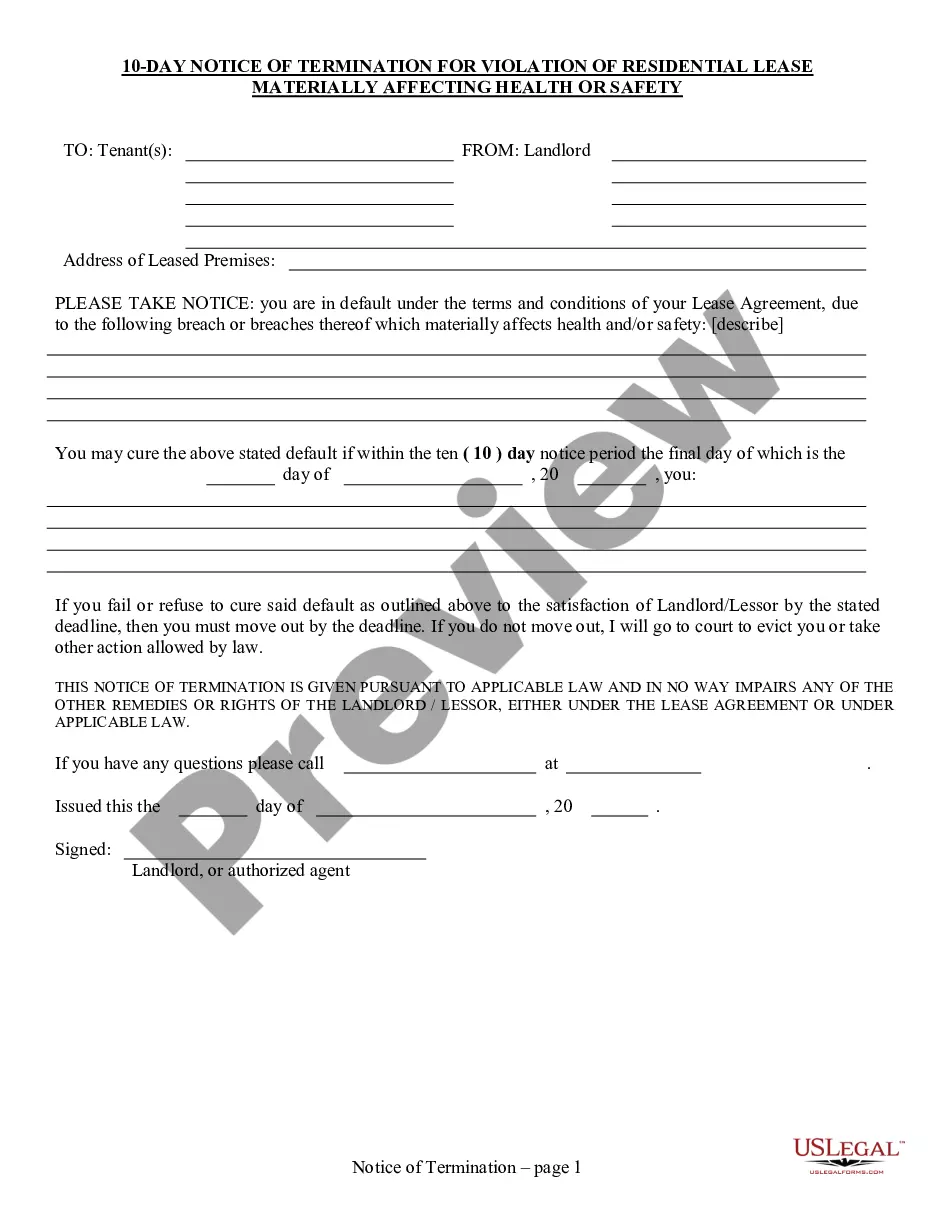
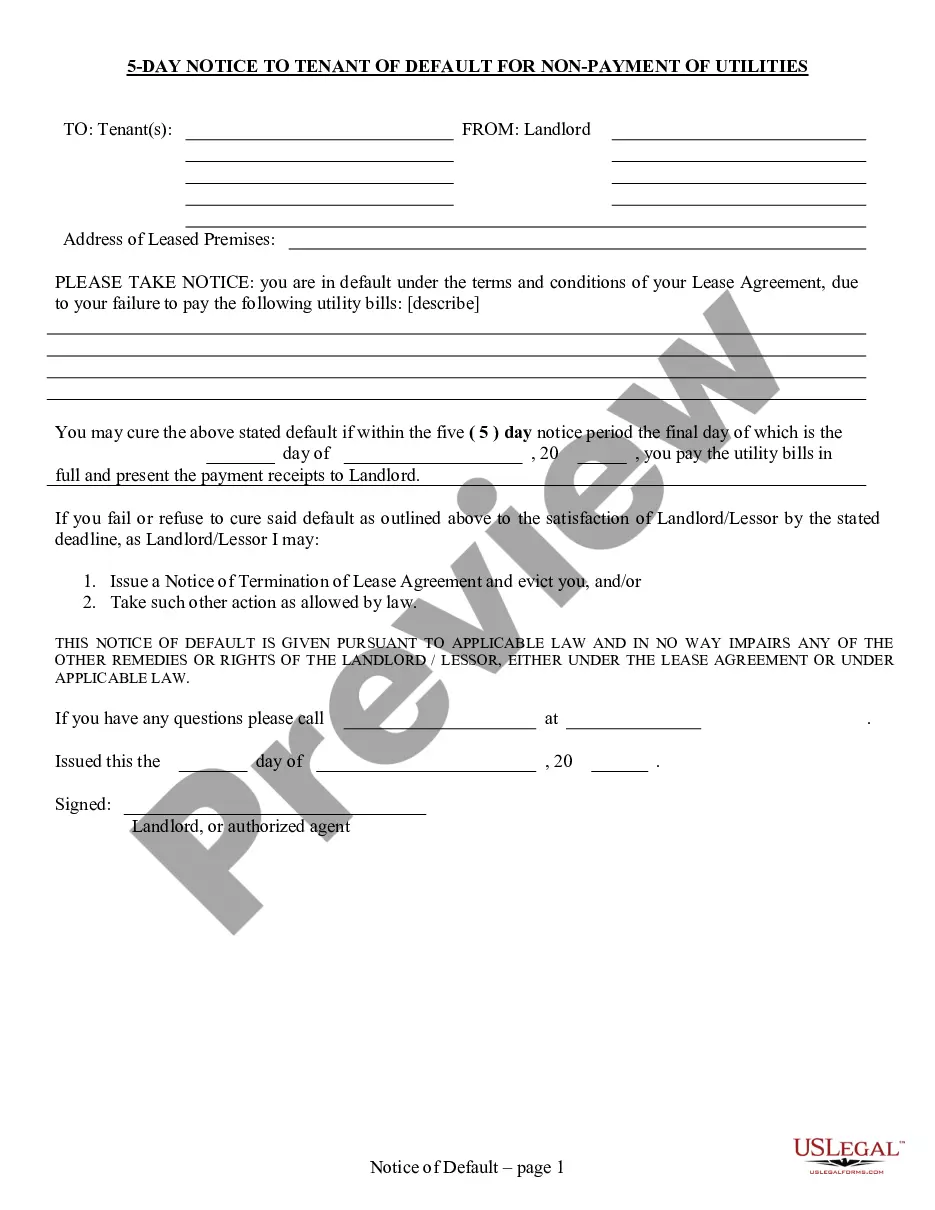
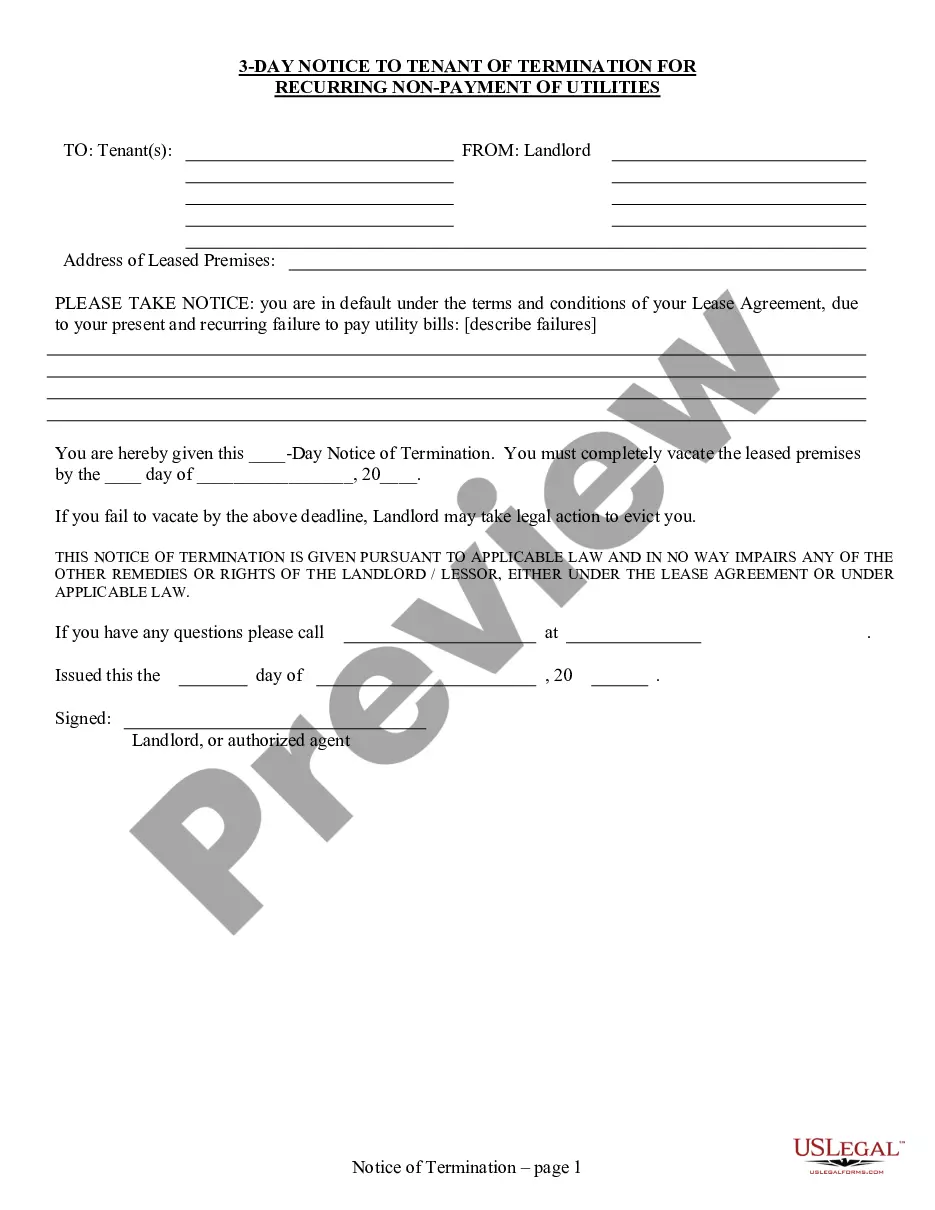
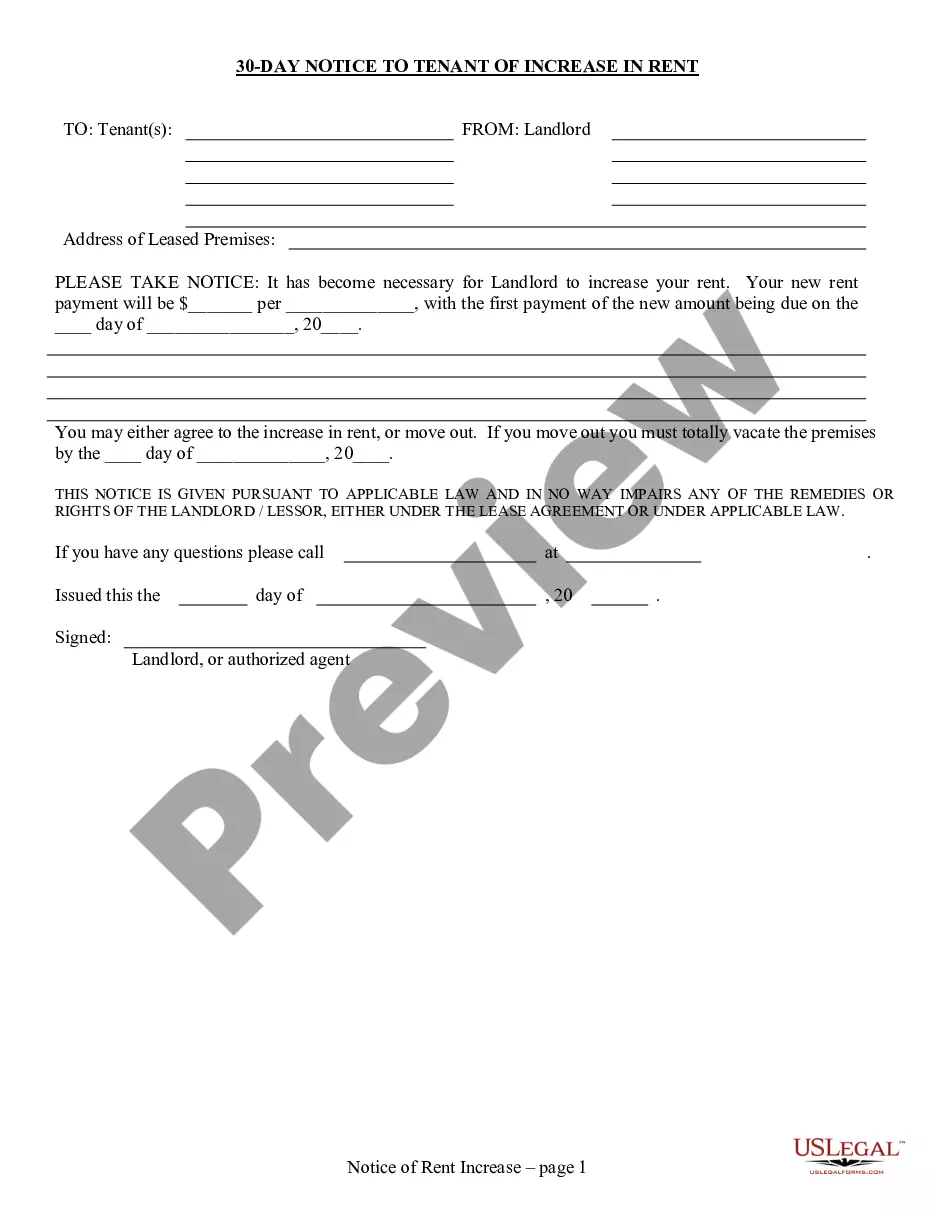
Get your form ready online
Our built-in tools help you complete, sign, share, and store your documents in one place.
Make edits, fill in missing information, and update formatting in US Legal Forms—just like you would in MS Word.
Download a copy, print it, send it by email, or mail it via USPS—whatever works best for your next step.
Sign and collect signatures with our SignNow integration. Send to multiple recipients, set reminders, and more. Go Premium to unlock E-Sign.
If this form requires notarization, complete it online through a secure video call—no need to meet a notary in person or wait for an appointment.
We protect your documents and personal data by following strict security and privacy standards.

Make edits, fill in missing information, and update formatting in US Legal Forms—just like you would in MS Word.

Download a copy, print it, send it by email, or mail it via USPS—whatever works best for your next step.

Sign and collect signatures with our SignNow integration. Send to multiple recipients, set reminders, and more. Go Premium to unlock E-Sign.

If this form requires notarization, complete it online through a secure video call—no need to meet a notary in person or wait for an appointment.

We protect your documents and personal data by following strict security and privacy standards.
Looking for another form?

How to fill out South Carolina Consentimiento Del Inquilino Para Verificación De Antecedentes Y Referencias?
The work with documents isn't the most simple task, especially for those who almost never deal with legal papers. That's why we recommend utilizing correct South Carolina Tenant Consent to Background and Reference Check templates created by professional attorneys. It gives you the ability to eliminate problems when in court or dealing with formal institutions. Find the files you need on our site for top-quality forms and correct information.
If you’re a user having a US Legal Forms subscription, simply log in your account. Once you’re in, the Download button will automatically appear on the template webpage. Soon after downloading the sample, it will be saved in the My Forms menu.
Customers with no an active subscription can easily get an account. Use this short step-by-step help guide to get the South Carolina Tenant Consent to Background and Reference Check:
- Make sure that the document you found is eligible for use in the state it’s required in.
- Confirm the document. Use the Preview feature or read its description (if available).
- Buy Now if this template is what you need or use the Search field to get a different one.
- Choose a convenient subscription and create your account.
- Utilize your PayPal or credit card to pay for the service.
- Download your file in a wanted format.
Right after finishing these easy actions, you can fill out the sample in a preferred editor. Recheck completed details and consider requesting a legal representative to review your South Carolina Tenant Consent to Background and Reference Check for correctness. With US Legal Forms, everything becomes much easier. Give it a try now!
