New Hampshire Acknowledgment for Partnership
Description
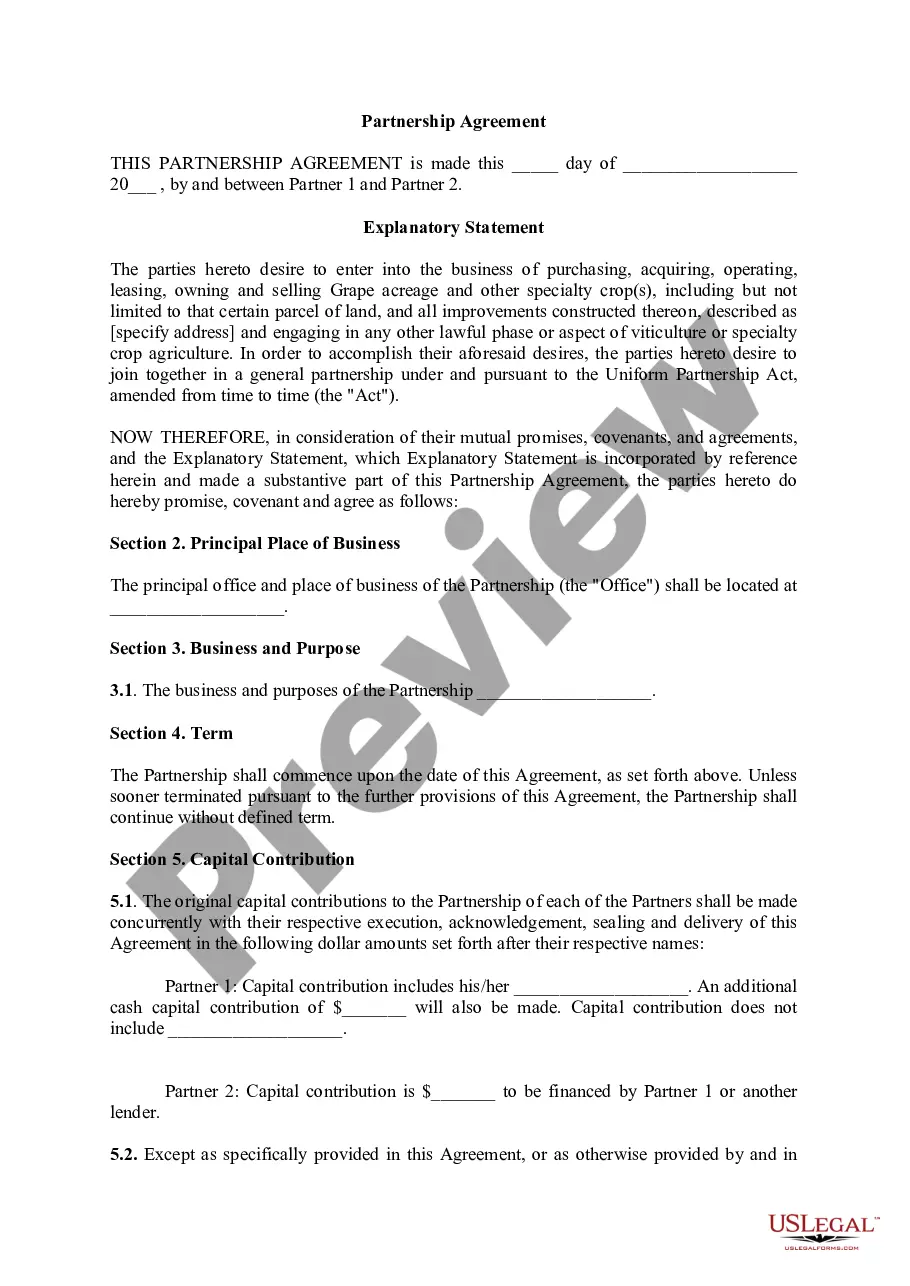
Get your form ready online
Our built-in tools help you complete, sign, share, and store your documents in one place.
Make edits, fill in missing information, and update formatting in US Legal Forms—just like you would in MS Word.
Download a copy, print it, send it by email, or mail it via USPS—whatever works best for your next step.
Sign and collect signatures with our SignNow integration. Send to multiple recipients, set reminders, and more. Go Premium to unlock E-Sign.
If this form requires notarization, complete it online through a secure video call—no need to meet a notary in person or wait for an appointment.
We protect your documents and personal data by following strict security and privacy standards.
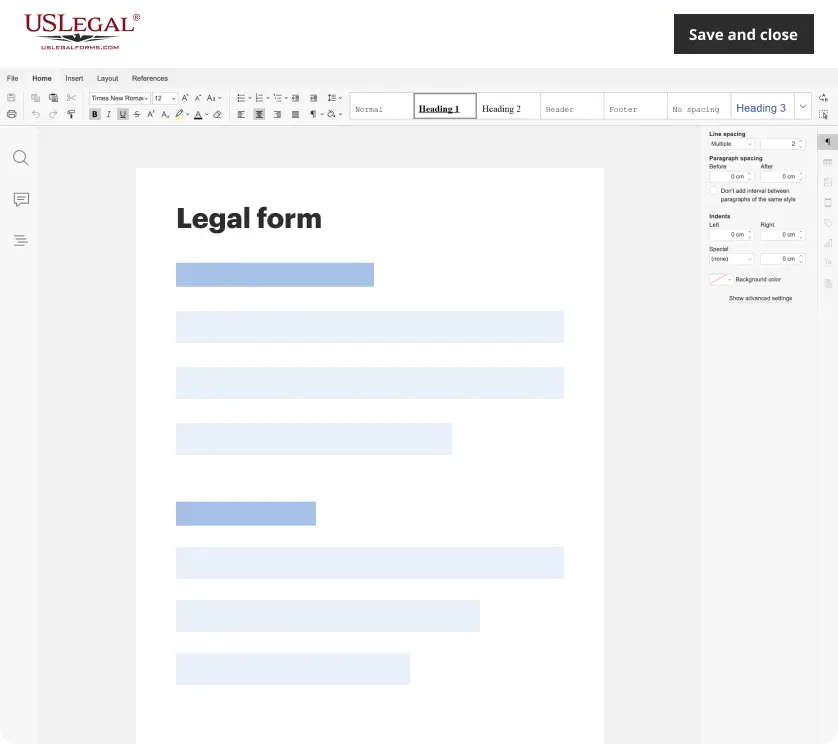
Make edits, fill in missing information, and update formatting in US Legal Forms—just like you would in MS Word.
Download a copy, print it, send it by email, or mail it via USPS—whatever works best for your next step.
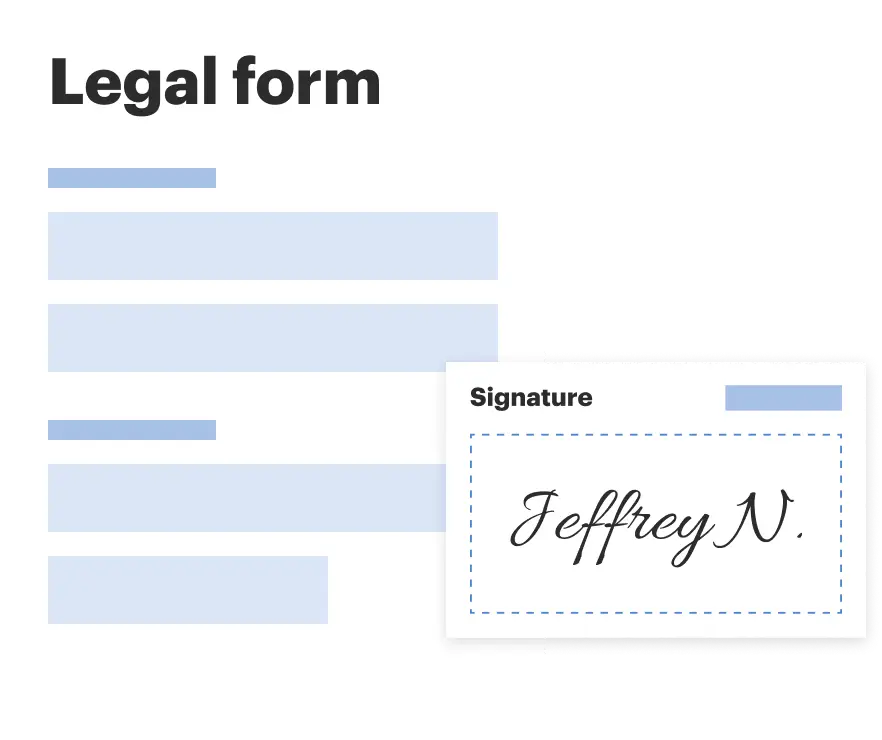
Sign and collect signatures with our SignNow integration. Send to multiple recipients, set reminders, and more. Go Premium to unlock E-Sign.
If this form requires notarization, complete it online through a secure video call—no need to meet a notary in person or wait for an appointment.
We protect your documents and personal data by following strict security and privacy standards.
Looking for another form?
How to fill out New Hampshire Acknowledgment For Partnership?
US Legal Forms is a special system to find any legal or tax template for completing, including New Hampshire Acknowledgment for Partnership. If you’re sick and tired of wasting time searching for perfect samples and paying money on papers preparation/lawyer fees, then US Legal Forms is precisely what you’re seeking.
To experience all of the service’s benefits, you don't have to install any software but just select a subscription plan and create your account. If you have one, just log in and find a suitable template, save it, and fill it out. Saved files are saved in the My Forms folder.
If you don't have a subscription but need to have New Hampshire Acknowledgment for Partnership, have a look at the instructions below:
- make sure that the form you’re looking at applies in the state you want it in.
- Preview the example and read its description.
- Click Buy Now to get to the sign up webpage.
- Select a pricing plan and carry on signing up by providing some info.
- Pick a payment method to complete the registration.
- Download the file by selecting your preferred format (.docx or .pdf)
Now, fill out the file online or print out it. If you are unsure about your New Hampshire Acknowledgment for Partnership sample, contact a lawyer to analyze it before you decide to send or file it. Get started without hassles!
Form popularity
FAQ
Step 1: Require Personal Appearance. Step 2: Check Over The Document. Step 3: Carefully Identify The Signer. Step 4: Record Your Journal Entry. Step 5: Complete The Notarial Certificate. A Last Note: Never Give Advice.
Unlike jurats, an acknowledgment does not need to be signed in the presence of a notary. However, the affiant does need to swear or affirm that they signed under their own free will.
Require Personal Appearance. Review The Document. Screen The Signer And Verify The Facts. Record The Notarization. Complete The Notarization.
The Individual Acknowledgment certificate is used when an individual is signing and acknowledging on his or her own behalf.
Yes, you may notarize a signature on a document that includes handwritten paragraphs. A document can be typed or handwritten. If the notarial certificate under the signature is not included, be sure to attach a loose certificate chosen by your customer.
The purpose of an acknowledgment is for a signer, whose identity has been verified, to declare to a Notary or notarial officer that he or she has willingly signed a document.The signer may either sign the document before appearing before you, or in your presence.
A notary public who has a direct or indirect financial (or other beneficial) interest in a document may not notarize such a document. The better practice is not to notarize for a spouse or family member in order to preserve the integrity of the notarization and to prevent a challenge to the notarization.