Minnesota Acknowledgment for Attesting
Overview of this form
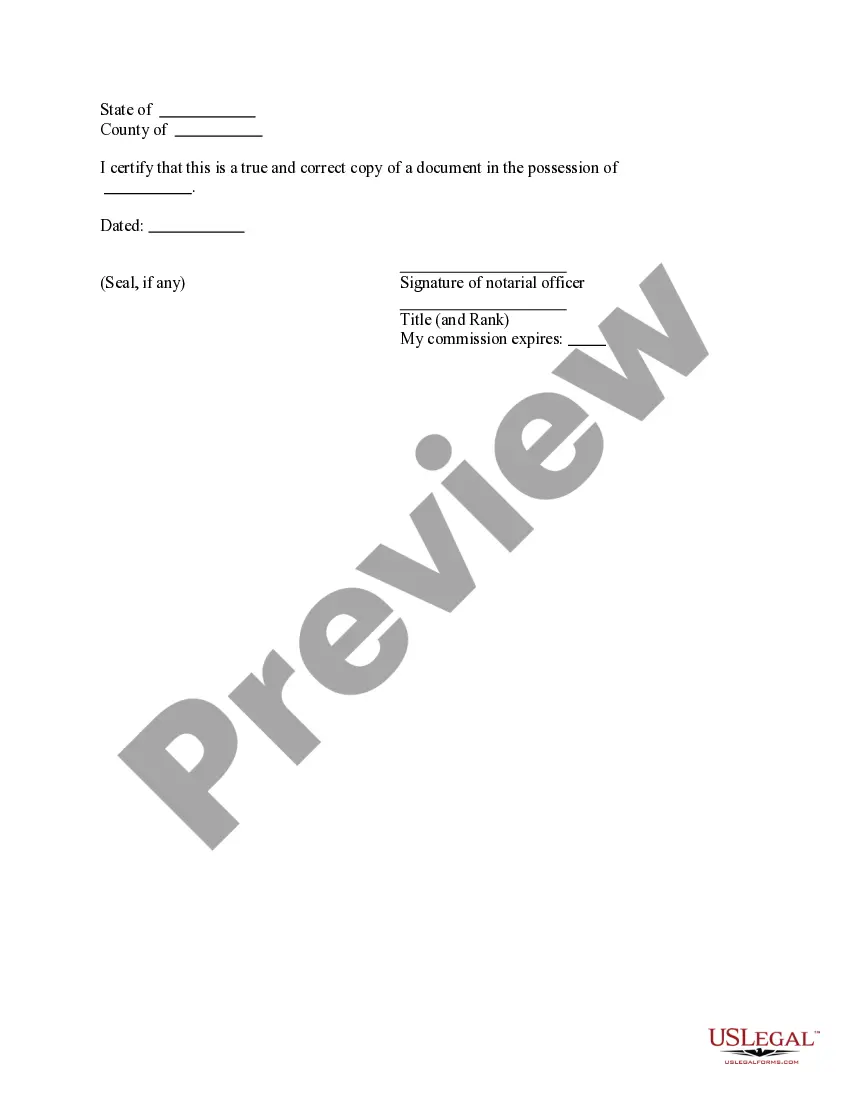
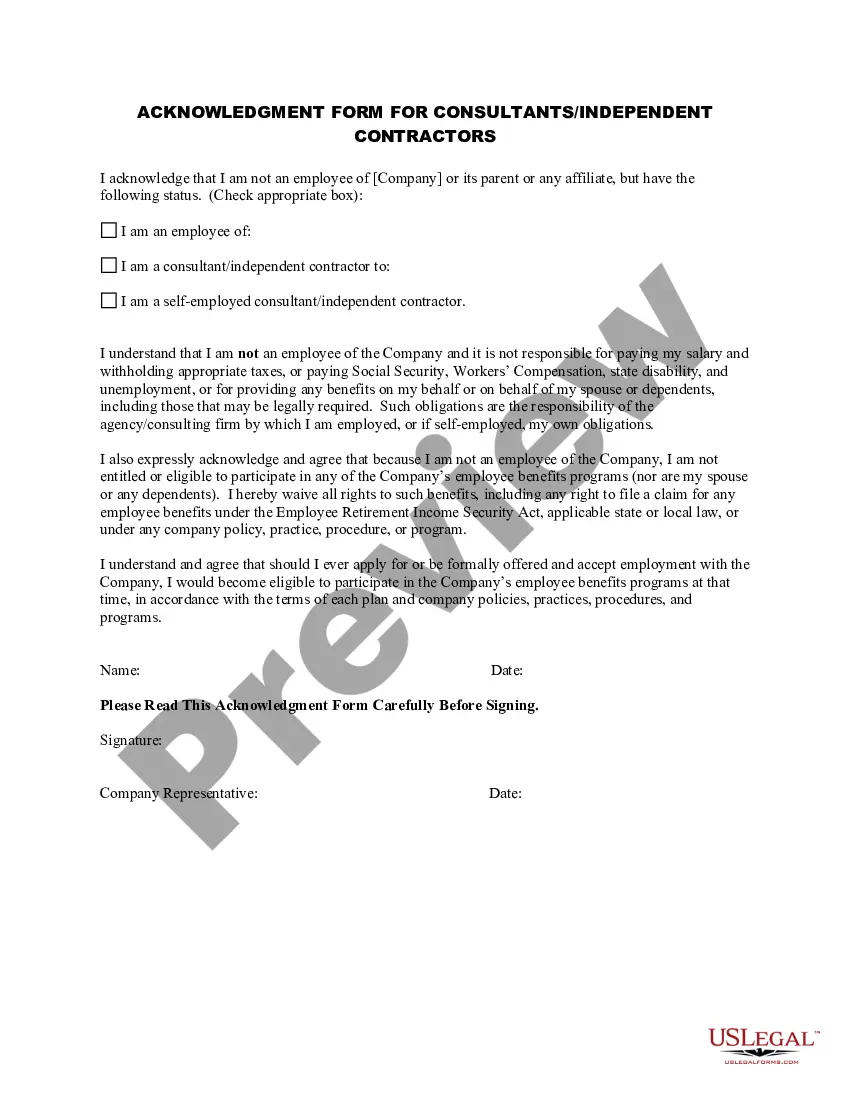
The Acknowledgment for Attesting is a legal document used to certify that a particular document is a true and correct copy of an original. This form is often used in legal settings, such as when submitting important documents to courts or other authorities. Unlike other forms designed simply for signatures, this acknowledgment specifically verifies the authenticity of a document through the presence of a notarial officer's signature and seal, ensuring its legal validity.
What’s included in this form
- Certification statement confirming the document's authenticity.
- Space for the date of signing.
- Signature line for the notarial officer.
- Title and rank of the notarial officer.
- Commission expiration date for the notarial officer.

When to use this document
This form is typically used when you need to attest that a copy of a document is true and correct. It is often required when submitting documents to courts, governmental agencies, or financial institutions where authenticity is in question. Scenarios include legal proceedings, property transactions, or any instance requiring formal verification of documents.
Who can use this document
- Individuals seeking to submit legal documents in court or to a governmental body.
- Business owners needing to authenticate copies of contracts or agreements.
- Attorneys assisting clients with legal matters requiring document verification.
- Notarial officers performing their duties to certify documents.
How to prepare this document
- Identify the document you are attesting.
- Fill in the certification statement with accurate information about the document.
- Enter the date of signing the form.
- Have the notarial officer sign and provide their title and rank.
- Include the expiration date of the notary's commission.
Notarization guidance
This form needs to be notarized to ensure legal validity. US Legal Forms provides secure online notarization powered by Notarize, allowing you to complete the process through a verified video call, available anytime.
Get your form ready online
Our built-in tools help you complete, sign, share, and store your documents in one place.
Make edits, fill in missing information, and update formatting in US Legal Forms—just like you would in MS Word.
Download a copy, print it, send it by email, or mail it via USPS—whatever works best for your next step.
Sign and collect signatures with our SignNow integration. Send to multiple recipients, set reminders, and more. Go Premium to unlock E-Sign.
If this form requires notarization, complete it online through a secure video call—no need to meet a notary in person or wait for an appointment.
We protect your documents and personal data by following strict security and privacy standards.

Make edits, fill in missing information, and update formatting in US Legal Forms—just like you would in MS Word.

Download a copy, print it, send it by email, or mail it via USPS—whatever works best for your next step.

Sign and collect signatures with our SignNow integration. Send to multiple recipients, set reminders, and more. Go Premium to unlock E-Sign.

If this form requires notarization, complete it online through a secure video call—no need to meet a notary in person or wait for an appointment.

We protect your documents and personal data by following strict security and privacy standards.
Common mistakes to avoid
- Failing to accurately complete the certification statement.
- Not having the notary sign or date the document properly.
- Using outdated information for the notary's commission expiration.
- Submitting a copy of the document without the acknowledgment form.
Why use this form online
- Convenient access to legal forms anytime you need them.
- Edit and customize the form quickly and easily.
- Reliable templates drafted by licensed attorneys to ensure compliance.
Looking for another form?
Form popularity
FAQ
Filling out a notarization form requires you to enter the details of the signer, the date of notarization, and any relevant information about the document being notarized. Ensure that you confirm the identity of the signer before completing the form. The Minnesota Acknowledgment for Attesting form from uslegalforms can assist you in filling it out accurately and efficiently.
An example of an acknowledgment for a notary includes a statement like, 'On this day, date, before me, notary's name, personally appeared signer's name, who acknowledged that he/she/they signed the document.' This format ensures clarity and compliance. For reliable examples, check out the Minnesota Acknowledgment for Attesting section on uslegalforms.
To fill out an acknowledgment, start by gathering the necessary information about the signer and the document. Write down the signer's name, the date of the acknowledgment, and a statement confirming their appearance before you. For the best results, use the Minnesota Acknowledgment for Attesting form available on uslegalforms, which guides you through each step.
An example of an Acknowledgement of a notary includes a statement where the notary confirms the signer's identity and that they willingly signed the document. It typically includes the notary's seal, signature, and date. Using the Minnesota Acknowledgment for Attesting template from uslegalforms can help you create a professional and legally compliant acknowledgment.
Good acknowledgment examples feature clear language and correctly formatted details, including the name of the signer, the date, and the notary's information. They should confirm that the signer appeared before the notary and acknowledged the signing of the document. You can find reliable examples and templates for Minnesota Acknowledgment for Attesting on uslegalforms, making it easy to create your own.
Filling out an acknowledgment form involves entering the signer's details, the date, and the notary's information. Begin by confirming the identity of the signer, then complete the form with the required statements. Utilizing the Minnesota Acknowledgment for Attesting form from uslegalforms can streamline this task and ensure accuracy.
To create a valid acknowledgment certificate, you need to include the signer's name, the date of signing, and a statement confirming that the signer personally appeared before you. Additionally, you should include your name, title, and seal as a notary. Using the Minnesota Acknowledgment for Attesting template can simplify this process, ensuring you meet all legal requirements.