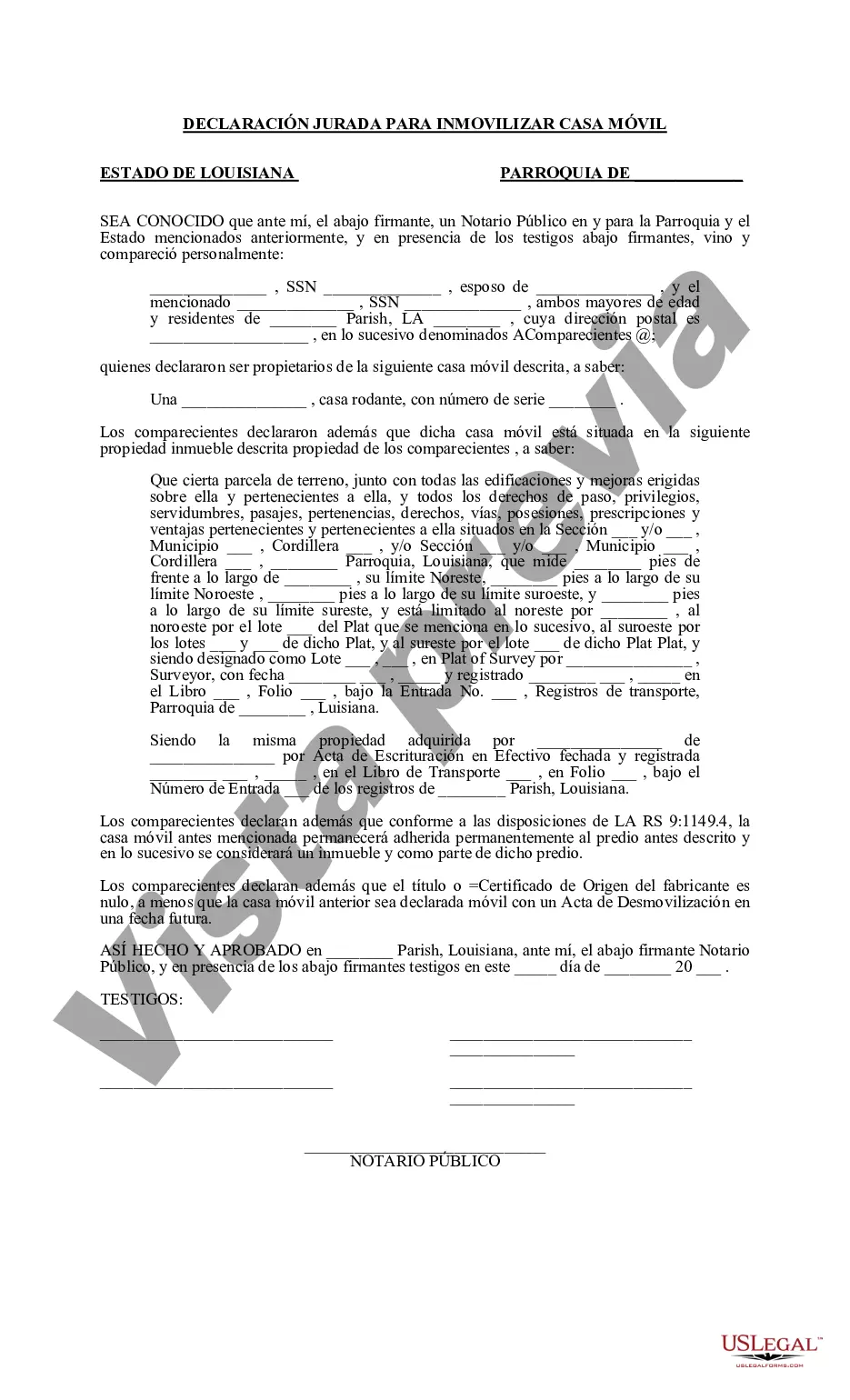
Declaración Jurada para Inmovilizar Casa Móvil - Louisiana Affidavit to Immobilize Mobile Home
Description
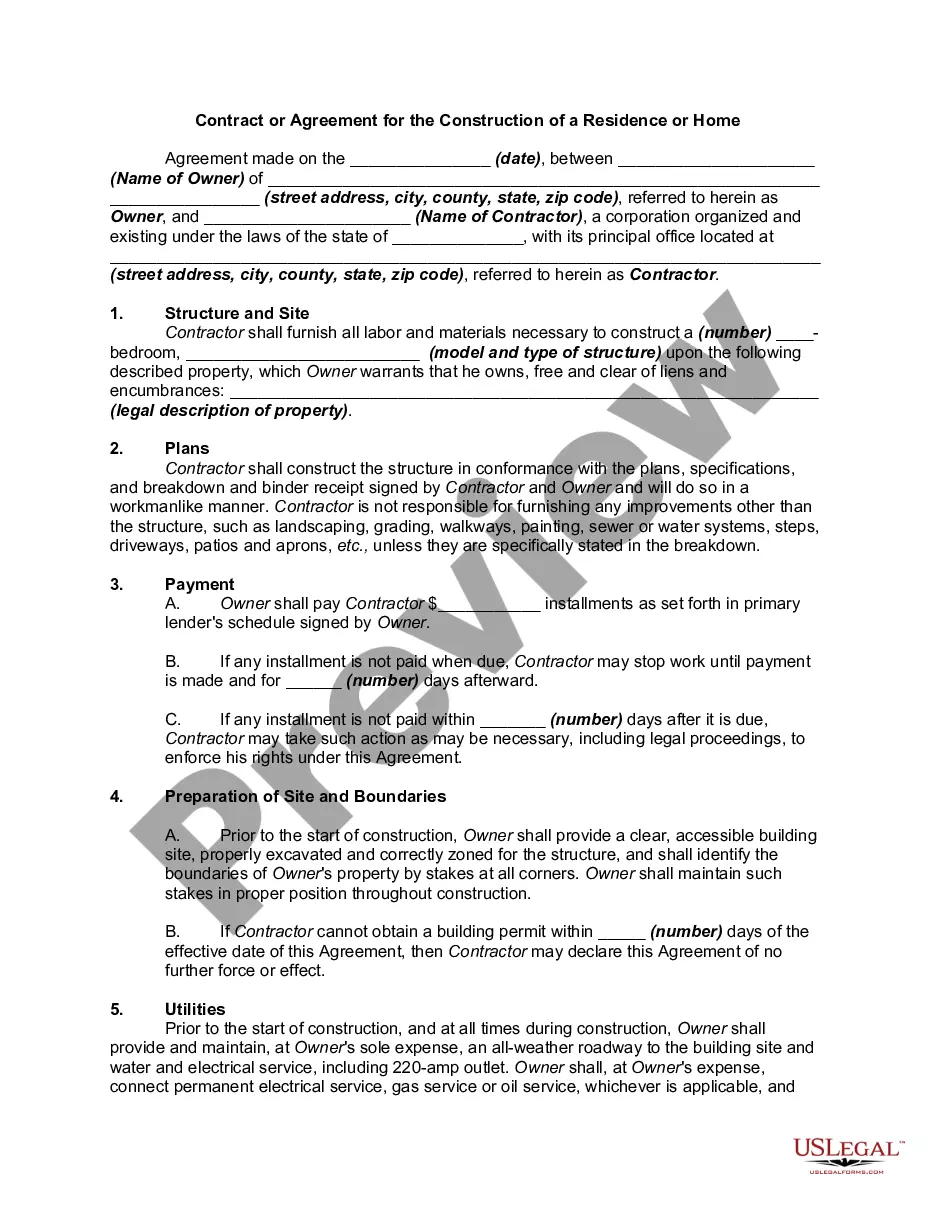
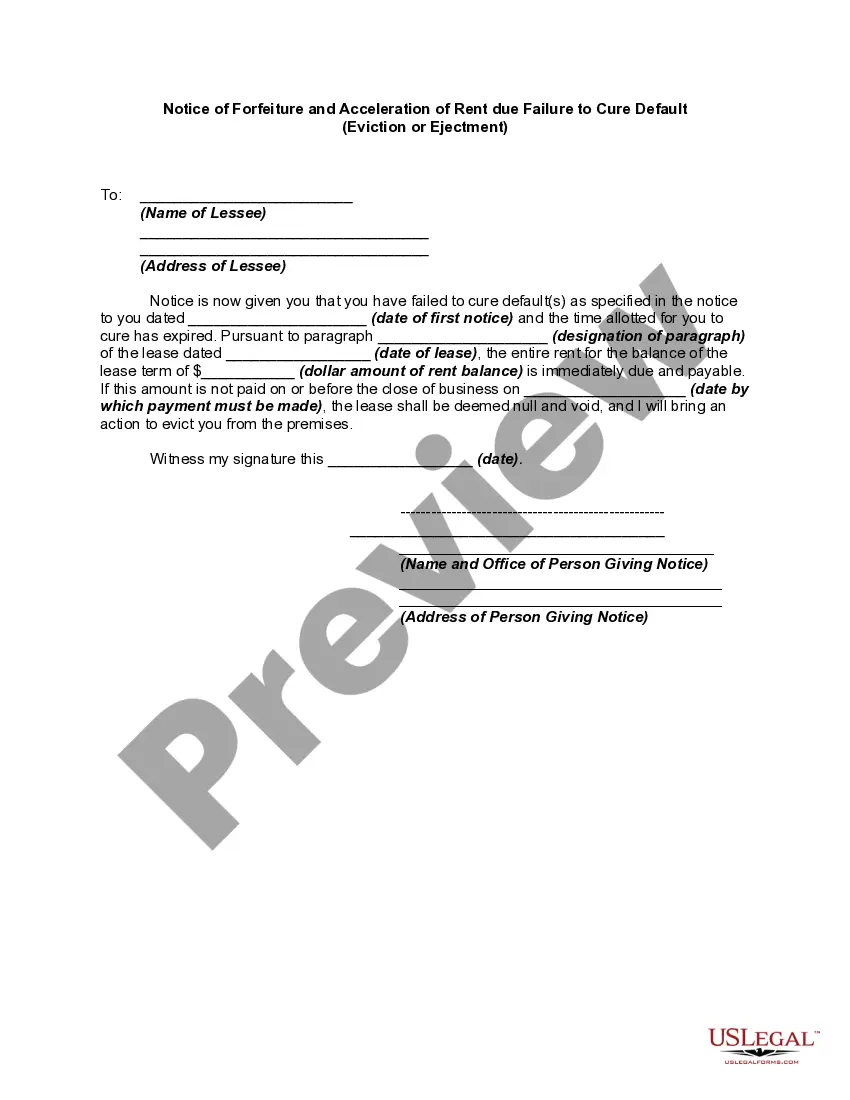
Get your form ready online
Our built-in tools help you complete, sign, share, and store your documents in one place.
Make edits, fill in missing information, and update formatting in US Legal Forms—just like you would in MS Word.
Download a copy, print it, send it by email, or mail it via USPS—whatever works best for your next step.
Sign and collect signatures with our SignNow integration. Send to multiple recipients, set reminders, and more. Go Premium to unlock E-Sign.
If this form requires notarization, complete it online through a secure video call—no need to meet a notary in person or wait for an appointment.
We protect your documents and personal data by following strict security and privacy standards.

Make edits, fill in missing information, and update formatting in US Legal Forms—just like you would in MS Word.

Download a copy, print it, send it by email, or mail it via USPS—whatever works best for your next step.

Sign and collect signatures with our SignNow integration. Send to multiple recipients, set reminders, and more. Go Premium to unlock E-Sign.

If this form requires notarization, complete it online through a secure video call—no need to meet a notary in person or wait for an appointment.

We protect your documents and personal data by following strict security and privacy standards.
Looking for another form?
How to fill out Louisiana Declaración Jurada Para Inmovilizar Casa Móvil?
Searching for a Louisiana Affidavit to Immobilize Mobile Home example and completing it can be a significant hurdle.
To conserve time, money, and effort, utilize US Legal Forms to locate the appropriate template specifically designed for your state in just a few clicks.
Our attorneys prepare every document, so you only need to complete them. It's truly that straightforward.
Choose your plan on the pricing page and create your account. Decide whether you want to pay by credit card or via PayPal. Save the document in your desired format. You can print the Louisiana Affidavit to Immobilize Mobile Home template or fill it out using any online editor. There's no need to stress about making errors because your template can be utilized and submitted, and printed as many times as you wish. Explore US Legal Forms and gain access to over 85,000 state-specific legal and tax documents.
- Log into your account and navigate back to the form's page to save the sample.
- All your downloaded samples are stored in My documents and accessible at any time for future use.
- If you haven't registered yet, you need to sign up.
- Review our detailed instructions on how to obtain your Louisiana Affidavit to Immobilize Mobile Home template in a matter of minutes.
- To retrieve an authorized sample, verify its relevance to your state.
- Examine the sample using the Preview feature (if available).
- If there’s a description, read it to understand the details.
- Click Buy Now if you located what you're seeking.
Form popularity
FAQ
¿QuA© informaciA³n incluye una declaraciA³n jurada simple?Nombre. La declaraciA³n jurada simple incluye el nombre de pila de la persona que estA¡ haciendo la declaraciA³n.Apellidos.RUT.Domicilio, estado civil y ocupaciA³n.Hecho que se estA¡ corroborando.Firma de la persona y fecha de declaraciA³n.
DECLARO BAJO JURAMENTO: Que con cedula de identidad personal NAº , en su condiciA³n de mi convive conmigo y depende econA³micamente de mi persona.
MODELO: ¿CAMO ESCRIBIR UNA DECLARACIAN JURADA DE DOMICILIO?Encabezado o TAtulo: Incluye el nombre del declarante o el tema del documento.DeclaraciA³n de hechos: El primer pA¡rrafo debe mostrar los datos personales o detalles del declarante.Cuerpo: Esta parte se conoce como la escritura de declaraciA³n jurada.More items...a¢Sept 16, 2019
Antes de iniciar, debes saber: Cuando ingreses, busca tu nacionalidad e ingresa tu numero de documento (carnet de extranjerAa, DNI o pasaporte) y fecha de nacimiento. El sistema validarA¡ tus datos personales y te mostrarA¡ un formulario que debes llenar con informaciA³n de tu viaje y tu estado de salud.
MODELO: ¿CAMO ESCRIBIR UNA DECLARACIAN JURADA DE DOMICILIO?Encabezado o TAtulo: Incluye el nombre del declarante o el tema del documento.DeclaraciA³n de hechos: El primer pA¡rrafo debe mostrar los datos personales o detalles del declarante.Cuerpo: Esta parte se conoce como la escritura de declaraciA³n jurada.More items...a¢
Declaracion juradael nombre completo de la persona que realiza la declaraciA³n o juramento;su documento de identidad;su domicilio;el organismo al que se dirige o a peticiA³n del cual se redacta la declaraciA³n jurada;el motivo por el cual se realiza (ej.la declaraciA³n en sA misma; y.More items...
DECLARO BAJO JURAMENTO: Que con cedula de identidad personal NAº , en su condiciA³n de mi convive conmigo y depende econA³micamente de mi persona.