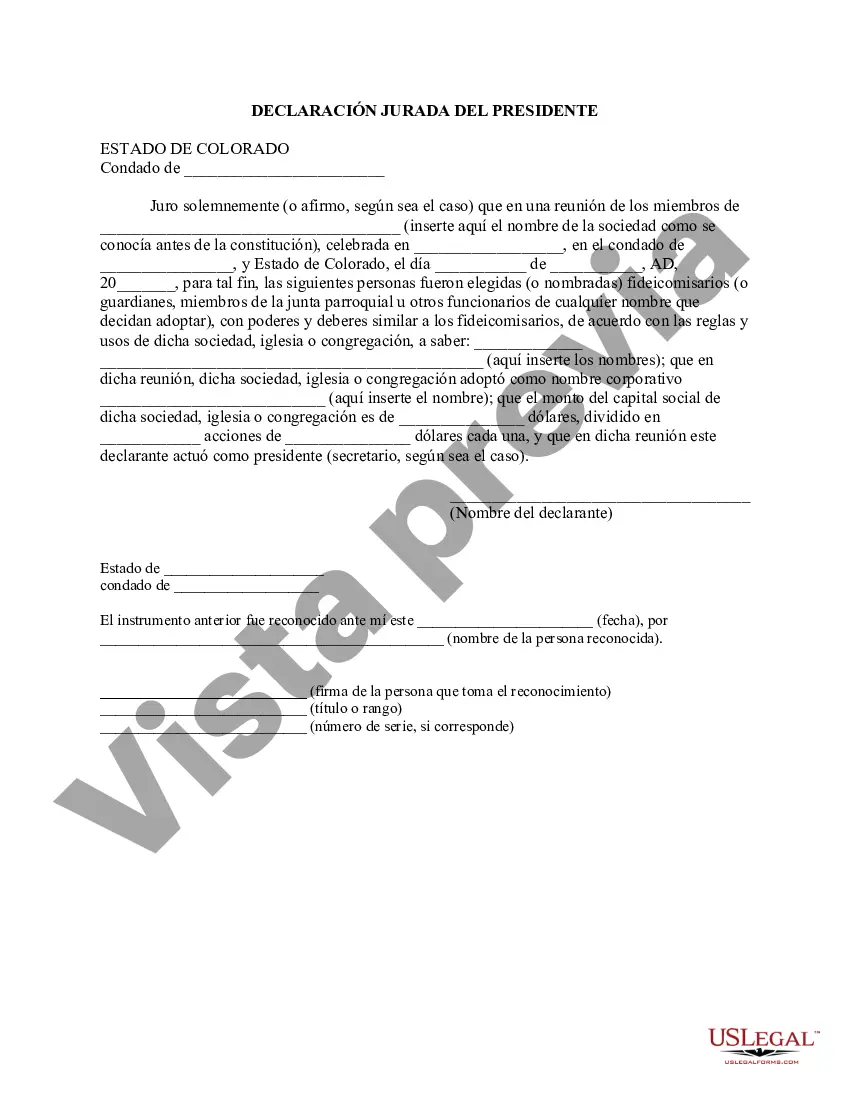
An affidavit is a written, sworn statement by an individual witnessed and signed by a Notary Public or other official person. The 'affiant' swears to the truth of the written statement. This form, a sample 7-51-102 - Affidavit of Chairman of Church as to Appointment of Trustees, can be used as an affidavit on the named topic. Adapt the model language to fit your own circumstances and sign in the presence of a Notary. Available for download now in standard format(s). USLF control no. CO-02061
Para su conveniencia, debajo del texto en español le brindamos la versión completa de este formulario en inglés. For your convenience, the complete English version of this form is attached below the Spanish version.7-51-102 - Declaración Jurada del Presidente de la Iglesia sobre el Nombramiento de Fideicomisarios - Colorado 7-51-102 - Affidavit of Chairman of Church as to Appointment of Trustees
State:
Colorado
Control #:
CO-02061
Format:
Word
56 downloads
Description
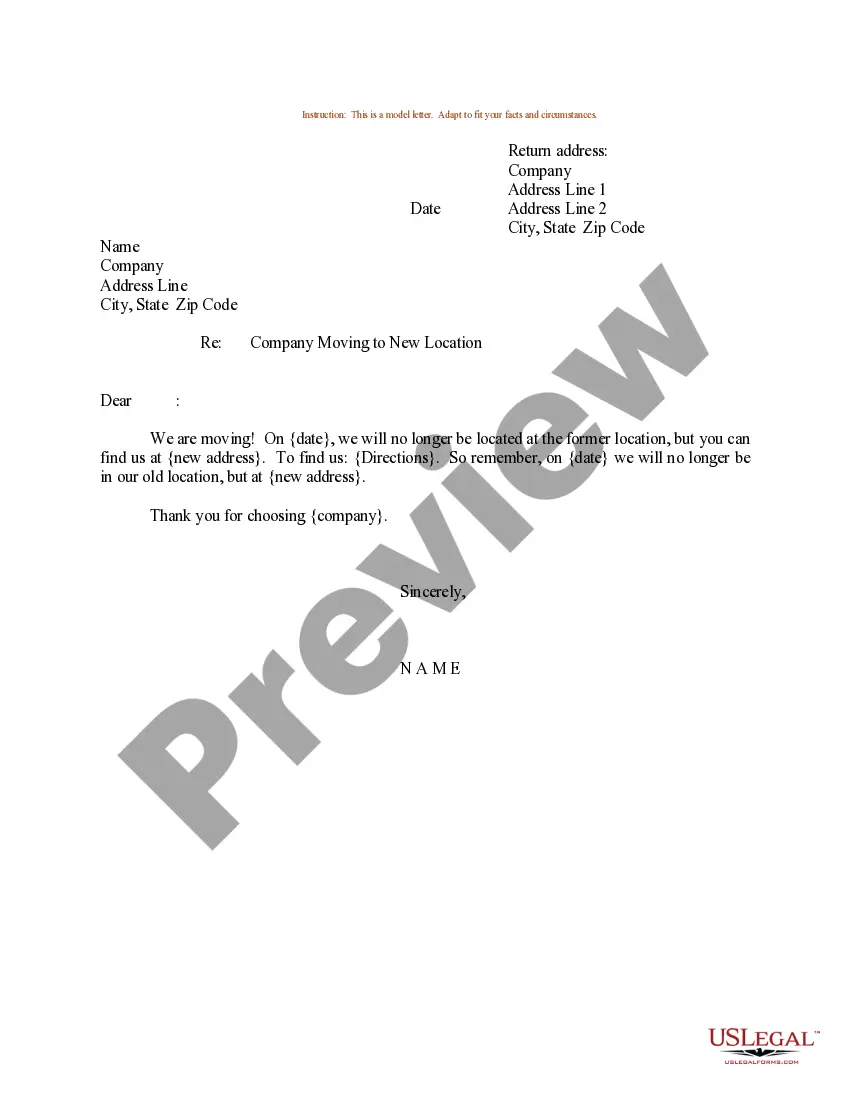
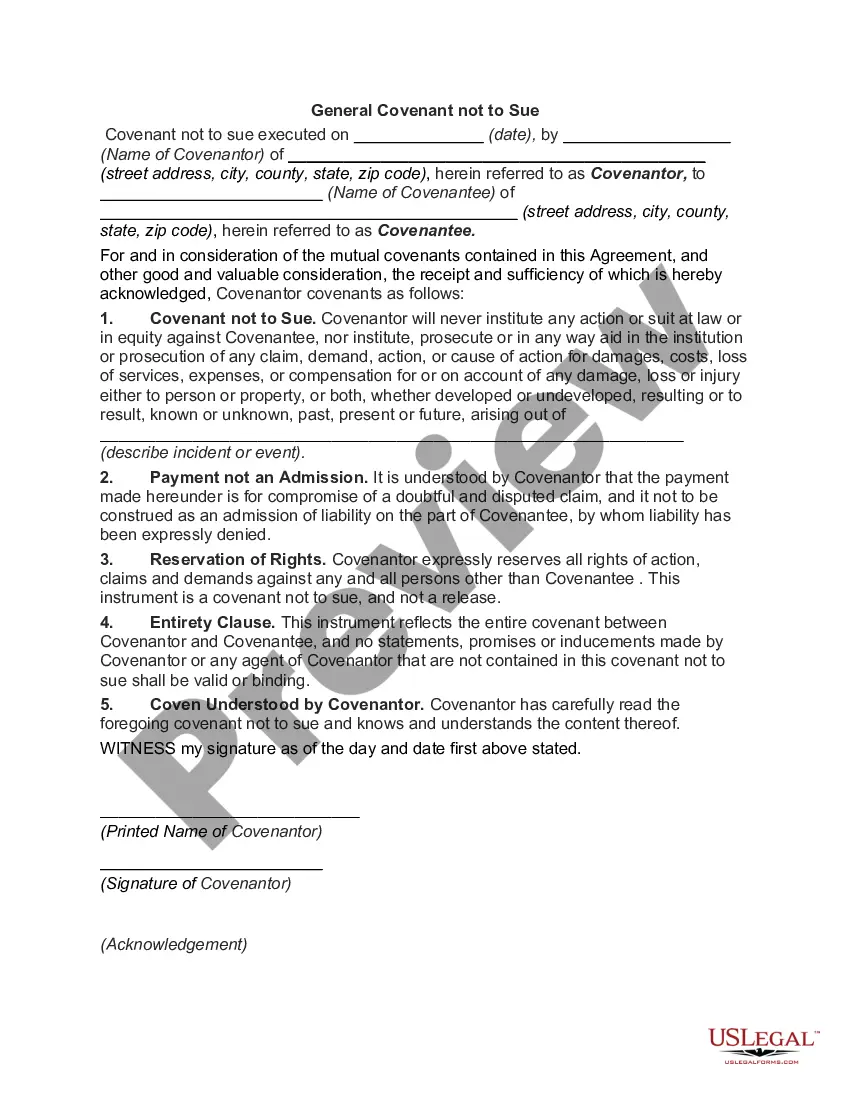
Get your form ready online
Our built-in tools help you complete, sign, share, and store your documents in one place.
Built-in online Word editor
Make edits, fill in missing information, and update formatting in US Legal Forms—just like you would in MS Word.
Export easily
Download a copy, print it, send it by email, or mail it via USPS—whatever works best for your next step.
E-sign your document
Sign and collect signatures with our SignNow integration. Send to multiple recipients, set reminders, and more. Go Premium to unlock E-Sign.
Notarize online 24/7
If this form requires notarization, complete it online through a secure video call—no need to meet a notary in person or wait for an appointment.
Store your document securely
We protect your documents and personal data by following strict security and privacy standards.
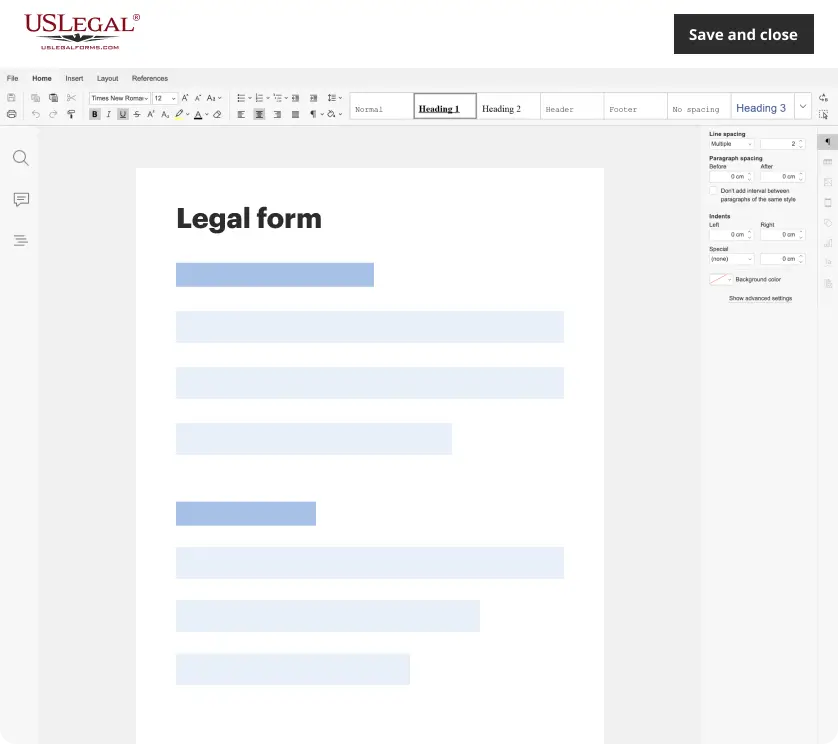
Make edits, fill in missing information, and update formatting in US Legal Forms—just like you would in MS Word.
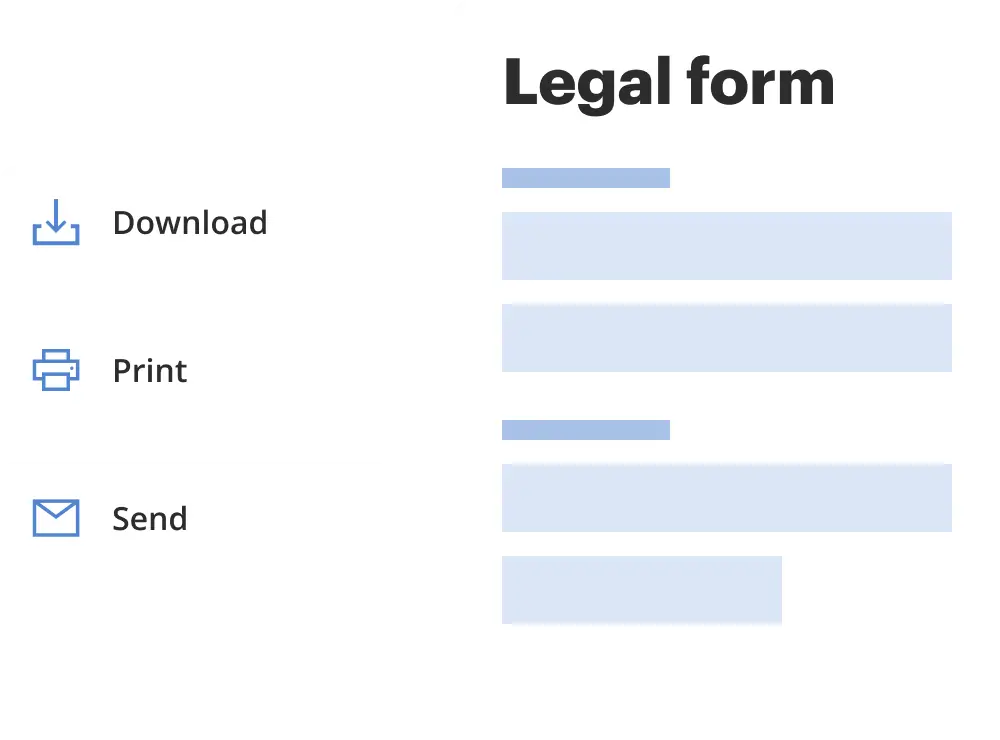
Download a copy, print it, send it by email, or mail it via USPS—whatever works best for your next step.
Sign and collect signatures with our SignNow integration. Send to multiple recipients, set reminders, and more. Go Premium to unlock E-Sign.
If this form requires notarization, complete it online through a secure video call—no need to meet a notary in person or wait for an appointment.
We protect your documents and personal data by following strict security and privacy standards.
Looking for another form?
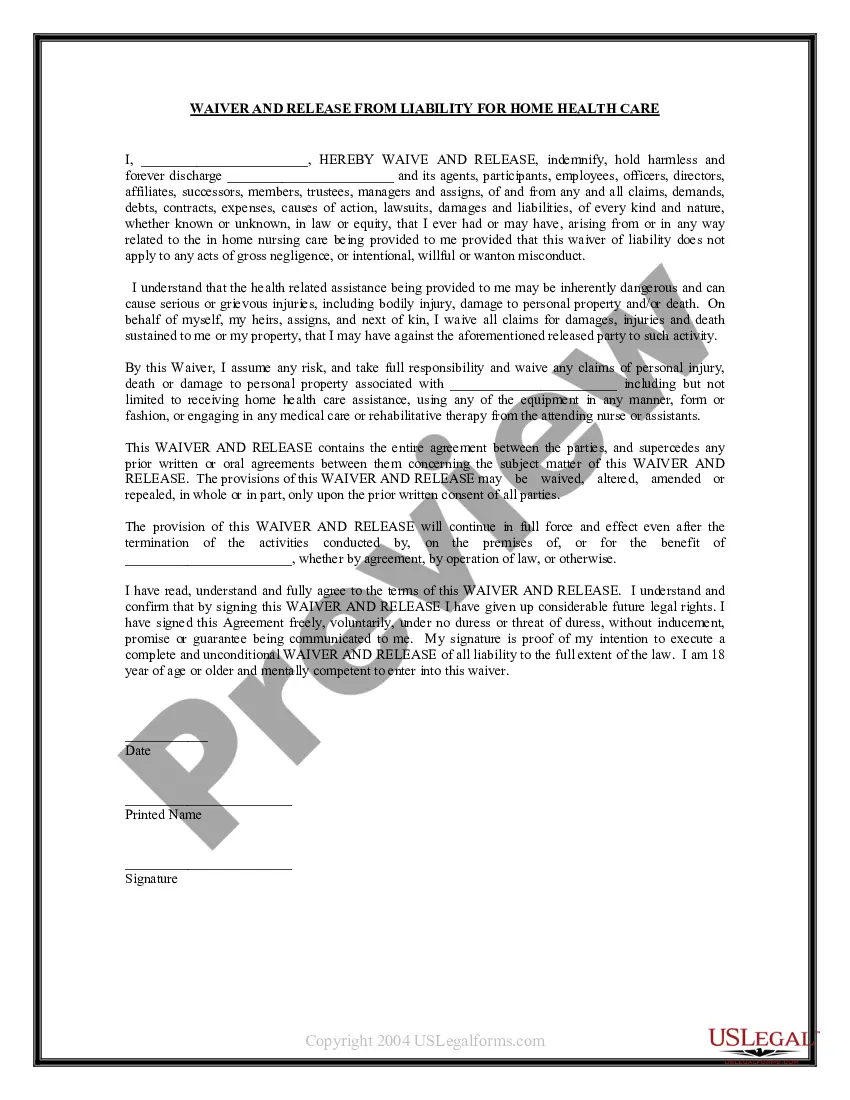
How to fill out Colorado 7-51-102 - Declaración Jurada Del Presidente De La Iglesia Sobre El Nombramiento De Fideicomisarios?
If you're seeking authentic Colorado 7-51-102 - Affidavit of Chairman of Church regarding Trustee Appointments copies, US Legal Forms is precisely what you require; locate documents crafted and verified by state-licensed attorneys.
Utilizing US Legal Forms not only shields you from hassles related to legal documentation; but also, you save time, effort, and money! Downloading, printing, and submitting a professional document is notably less expensive than hiring a lawyer to handle it for you.
And there you have it. In just a few simple clicks, you will obtain an editable Colorado 7-51-102 - Affidavit of Chairman of Church as to Appointment of Trustees. Once your account is established, all subsequent transactions will be even easier. If you have a subscription to US Legal Forms, simply Log In to your account and click the Download button present on the form’s page. Then, whenever you need to access this template again, you’ll always be able to locate it in the My documents section. Don’t waste your time searching through multiple platforms for forms. Order professional copies from a single trusted source!
- To begin, complete your registration process by entering your email and creating a password.
- Follow the instructions below to set up your account and acquire the Colorado 7-51-102 - Affidavit of Chairman of Church regarding Trustee Appointments template to address your concerns.
- Use the Preview tool or review the document details (if available) to confirm that the template is the correct one for your needs.
- Check its relevance in your residing state.
- Click Buy Now to place your order.
- Choose your preferred pricing plan.
- Create your account and pay with your credit card or PayPal.
- Select a convenient file format and save the document.
Form popularity
FAQ
La declaracion jurada se debe llenar 48 horas antes del embarque....Para completar efectivamente el documento se deberA¡n brindar los siguientes datos:PaAs emisor del documento de viaje.NAºmero de pasaporte o cA©dula.GA©nero.Fecha del pasaporte o cA©dula.Email del pasajero.6 Aug 2021
DECLARACION JURADA: Completar la DeclaraciA³n Jurada ElectrA³nica dentro de las 48 horas previas al ingreso al paAs. La misma se encuentra disponible en el siguiente enlace: https://ddjj.migraciones.gob.ar/app/home.php. No es necesaria la impresiA³n, se puede tener en el celular.
Antes de iniciar, debes saber: Cuando ingreses, busca tu nacionalidad e ingresa tu numero de documento (carnet de extranjerAa, DNI o pasaporte) y fecha de nacimiento. El sistema validarA¡ tus datos personales y te mostrarA¡ un formulario que debes llenar con informaciA³n de tu viaje y tu estado de salud.
Todas aquellas personas que vayan a ingresar a la Argentina deberan completar una DeclaraciA³n Jurada ElectrA³nica para el Ingreso al Territorio Nacional, que estA¡ disponible en el sitio www.migraciones.gov.ar o ingresando directamente aquA.
¿QuA© informaciA³n incluye una declaraciA³n jurada simple?Nombre de la persona.Apellidos de la persona.RUT de la persona.Hecho que estA¡ corroborando con el documento.Firma de la persona.Firma del notario.Mar 2, 2021
DECLARO BAJO JURAMENTO: Que _______________________________________________________________con cedula de identidad personal NAº ________________________, en su condiciA³n de mi _____________________ convive conmigo y depende econA³micamente de mi persona.
El administrador de la entidad por la cual usted realizara su declaraciA³n jurada, realizarA¡ el registro en el sistema correspondiente. DeberA¡ ingresar al sistema con su usuario y clave de acceso, llenar la declaraciA³n jurada y seleccionar la opciA³n firma digital A³ firma manuscrita al momento de enviar.
La declaracion jurada para viajar se llena de manera individual e incluye, en la mayorAa de los casos, los siguientes datos: nombre completo del pasajero, nAºmero de vuelo y aerolAnea, fecha de salida, firma del pasajero, nAºmero de pasaporte y datos de contacto como nAºmero de telA©fono, mail, direcciA³n, etcA©tera.
Una declaracion jurada debe cumplir con los siguientes requisitos: Contener el nombre y direcciA³n fAsica de la persona que lo solicita. Contener la firma del declarante, testigos y notario. Su contenido debe estar limitado a lo que el declarante sabe ser cierto por su observaciA³n directa o experiencia.