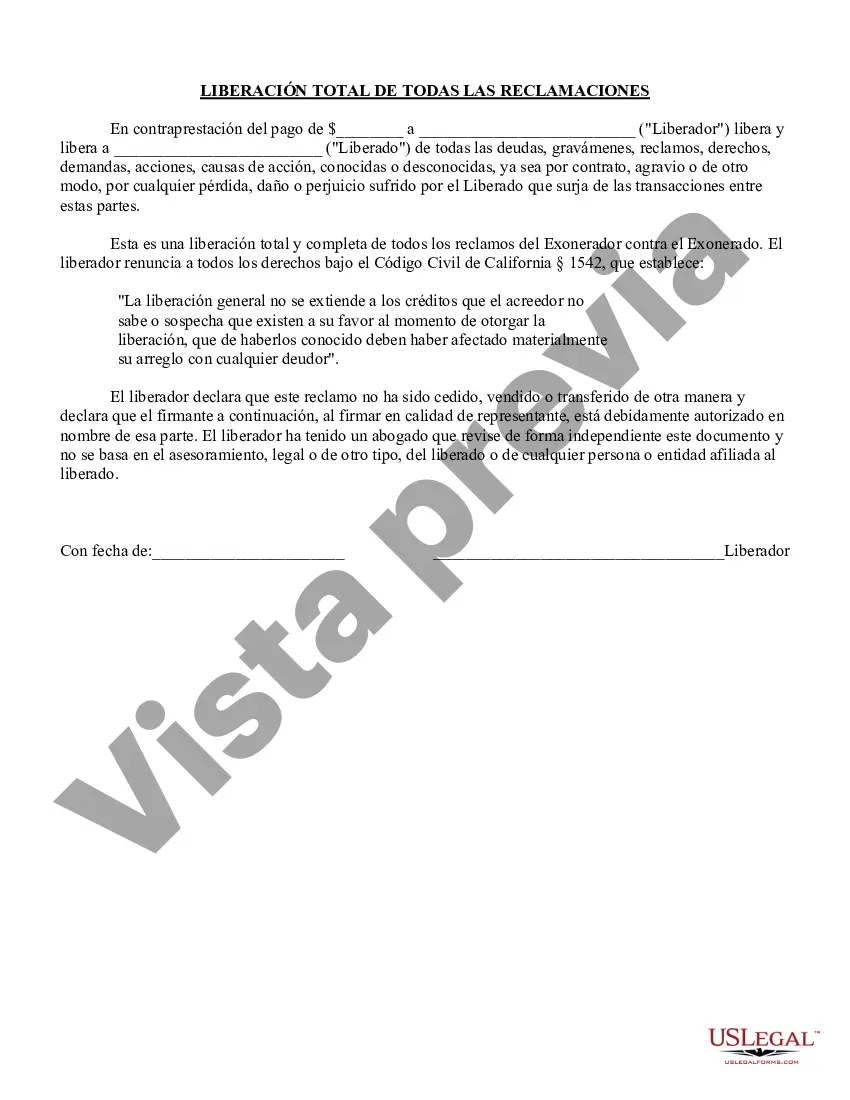
Liberación Unilateral - Liberación con renuncia del Código Civil de California Sección 1542. - Unilateral Release - Release with waiver of California Civil Code Sect. 1542.
Description
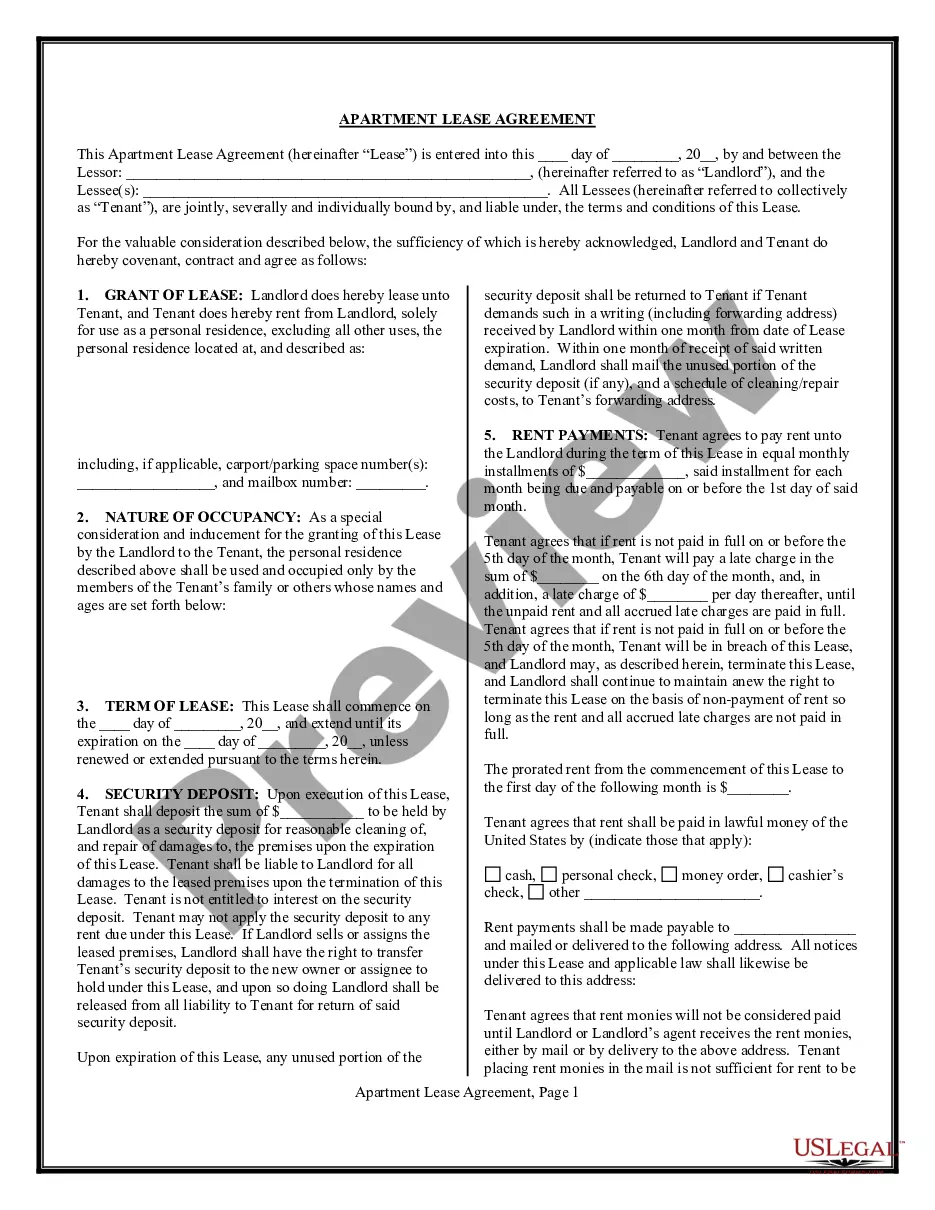
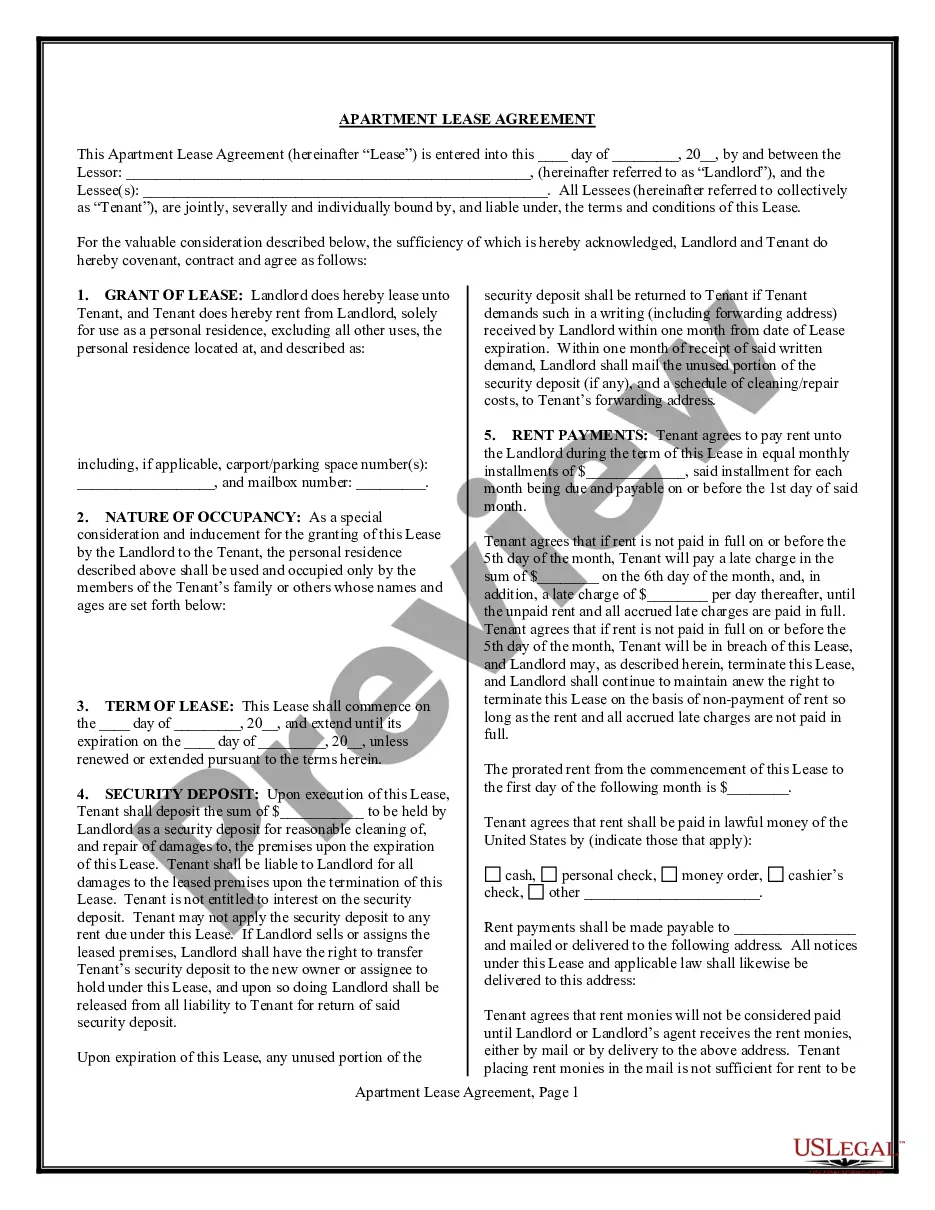
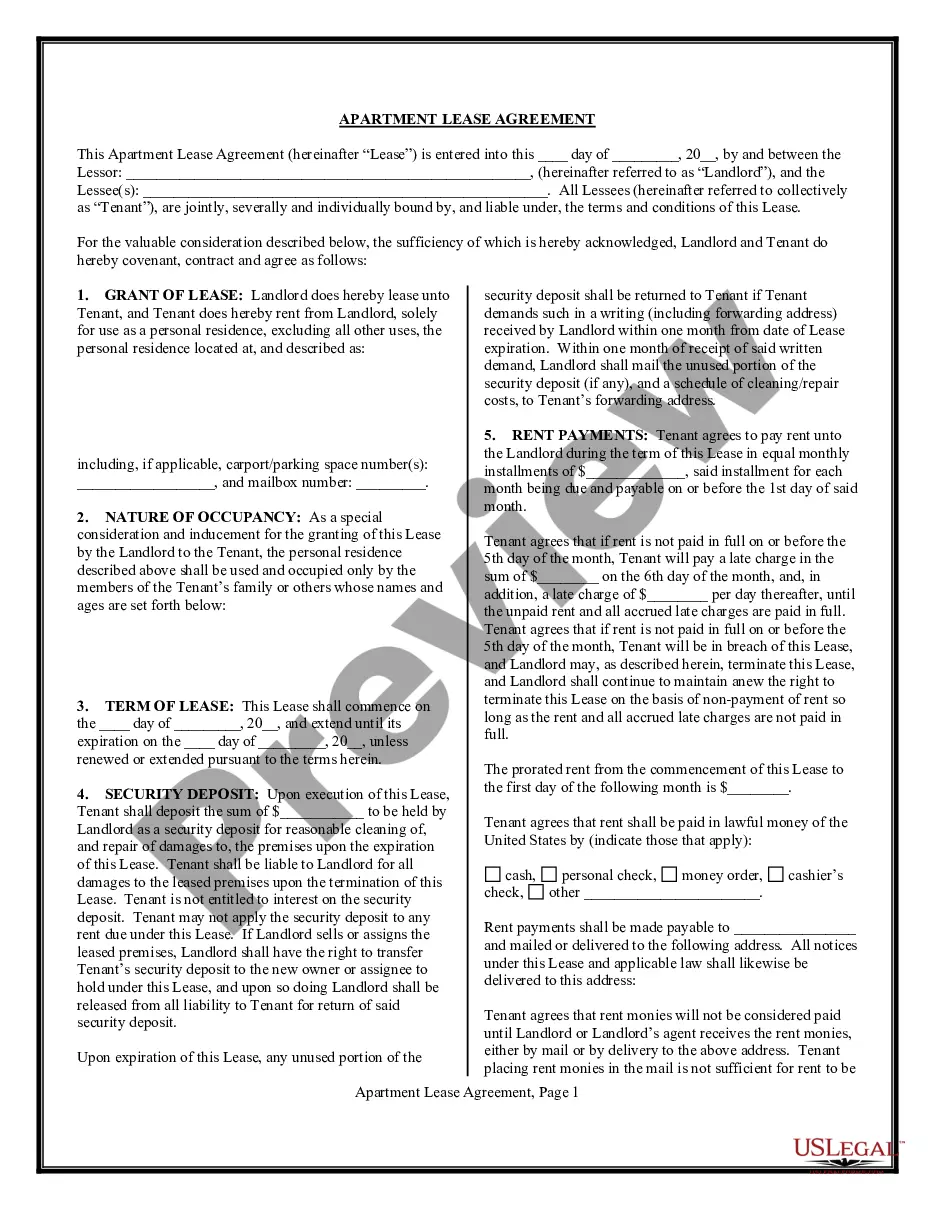
Get your form ready online
Our built-in tools help you complete, sign, share, and store your documents in one place.
Make edits, fill in missing information, and update formatting in US Legal Forms—just like you would in MS Word.
Download a copy, print it, send it by email, or mail it via USPS—whatever works best for your next step.
Sign and collect signatures with our SignNow integration. Send to multiple recipients, set reminders, and more. Go Premium to unlock E-Sign.
If this form requires notarization, complete it online through a secure video call—no need to meet a notary in person or wait for an appointment.
We protect your documents and personal data by following strict security and privacy standards.

Make edits, fill in missing information, and update formatting in US Legal Forms—just like you would in MS Word.

Download a copy, print it, send it by email, or mail it via USPS—whatever works best for your next step.

Sign and collect signatures with our SignNow integration. Send to multiple recipients, set reminders, and more. Go Premium to unlock E-Sign.

If this form requires notarization, complete it online through a secure video call—no need to meet a notary in person or wait for an appointment.

We protect your documents and personal data by following strict security and privacy standards.
Looking for another form?
How to fill out Liberación Unilateral - Liberación Con Renuncia De La Sección Del Código Civil De California. 1542.?
If you are looking for suitable Unilateral Release - Release with waiver of California Civil Code Sect. 1542. examples, US Legal Forms is what you require; find documents created and verified by state-licensed attorneys.
Using US Legal Forms not only eliminates concerns regarding legal documents; moreover, you save time, effort, and money! Downloading, printing, and completing a professional document is much more affordable than hiring a lawyer to do it for you.
And that’s it. In just a few straightforward steps, you have an editable Unilateral Release - Release with waiver of California Civil Code Sect. 1542. After setting up your account, all subsequent requests will be even simpler. Once you have a US Legal Forms subscription, just Log In to your account and click the Download button you see on the form’s page. Then, whenever you wish to use this blank again, you'll always be able to locate it in the My documents section. Don’t waste your time and effort comparing countless forms on various web platforms. Purchase accurate copies from a single trusted source!
- To begin, complete your registration process by providing your email and creating a secure password.
- Follow the steps below to create an account and locate the Unilateral Release - Release with waiver of California Civil Code Sect. 1542. template to handle your situation.
- Utilize the Preview option or review the document details (if available) to confirm that the sample is what you need.
- Verify its relevance in the state you reside.
- Click Buy Now to place an order.
- Choose a preferred pricing plan.
- Create your account and pay using your credit card or PayPal.
- Select an appropriate file format and save the form.